Tennessee Amendment to Living Trust
About this form
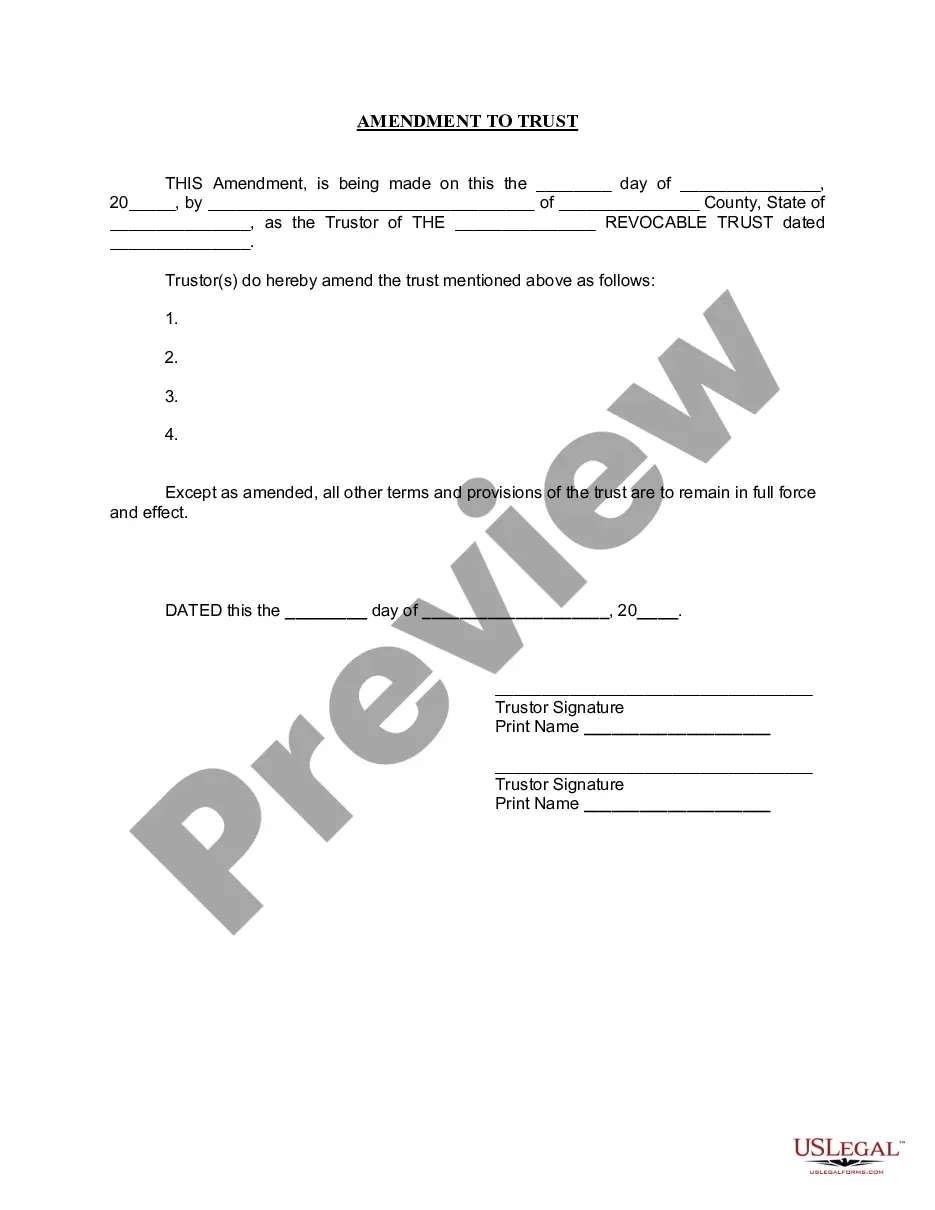
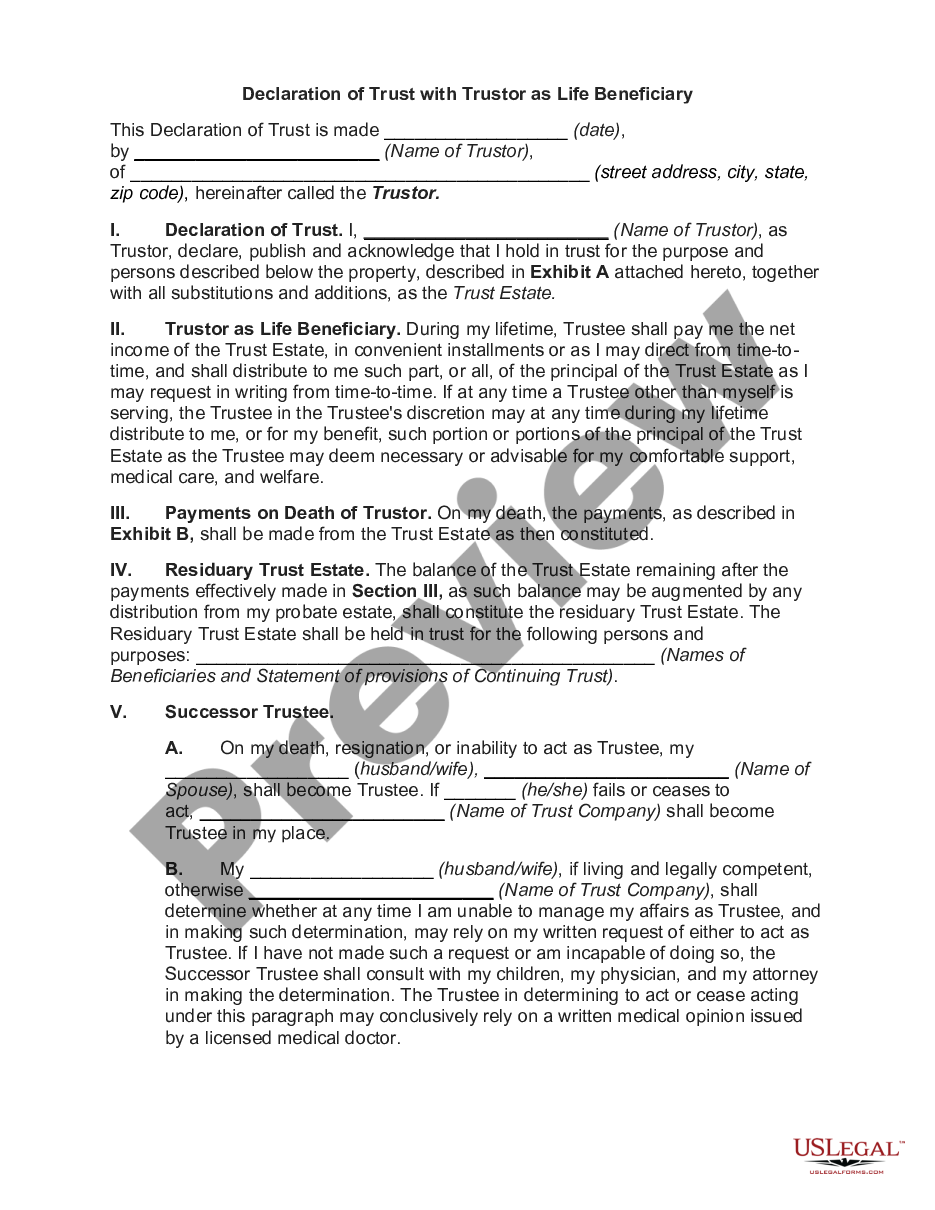
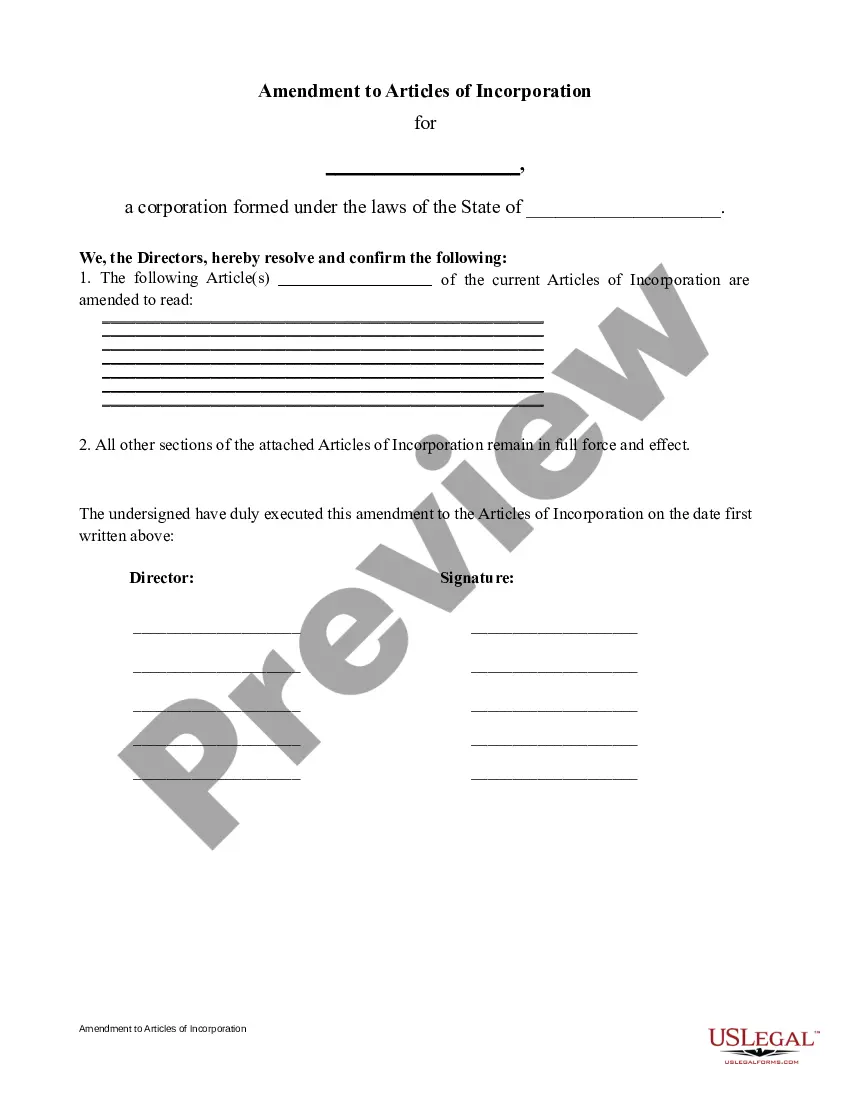
The Amendment to Living Trust is a legal document used to modify certain terms of an existing living trust without changing its fundamental purpose or structure. A living trust is established during a person's lifetime to manage their assets and property for estate planning. By using this form, the Trustor can update specific provisions while ensuring all other parts of the trust remain in effect.
Key parts of this document
- Date of amendment.
- Name and county of the Trustor.
- Description of the specific amendments to the trust.
- Signature lines for the Trustor(s).
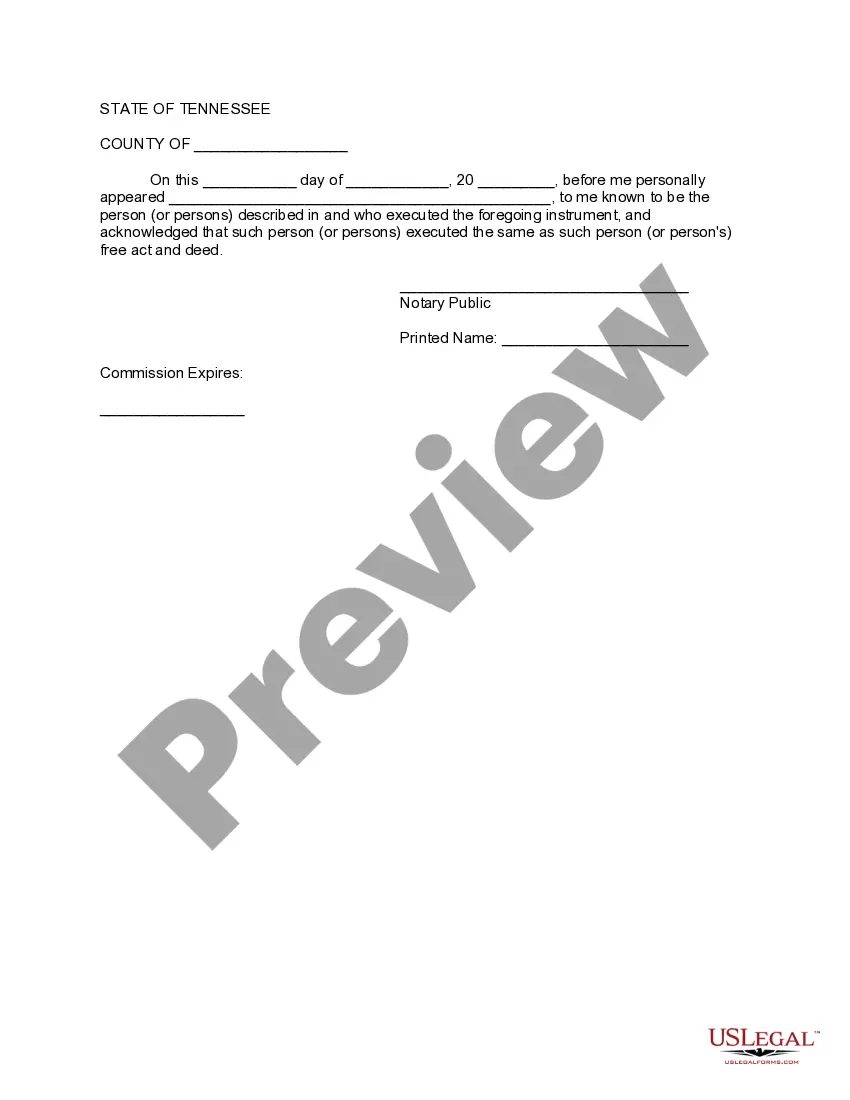
- Notary acknowledgment section.


When this form is needed
This form should be used when a Trustor wishes to change or update specific terms of a living trust. Common scenarios include adding or removing beneficiaries, changing asset allocations, or updating trustee information. It is applicable whenever there is a need for modifications, helping maintain the trust's relevance to the current circumstances of the Trustor.
Who this form is for
- Individuals who have established a living trust and need to make modifications.
- Trustors who wish to update the beneficiaries or assets of their trust.
- Anyone responsible for managing the terms of a living trust.
How to complete this form
- Enter the date of the amendment.
- Fill in the name and county of the Trustor.
- Specify the amendments being made to the trust.
- Sign the document in the presence of a notary public.
- Ensure the notary public completes their acknowledgment section.
Is notarization required?
Yes, this form must be notarized to be legally valid. Notarization verifies the identity of the Trustor and confirms that the signing was done willingly. US Legal Forms offers integrated online notarization services, providing a convenient and secure way to get your documents notarized via video call.
Get your form ready online
Our built-in tools help you complete, sign, share, and store your documents in one place.
Make edits, fill in missing information, and update formatting in US Legal Forms—just like you would in MS Word.
Download a copy, print it, send it by email, or mail it via USPS—whatever works best for your next step.
Sign and collect signatures with our SignNow integration. Send to multiple recipients, set reminders, and more. Go Premium to unlock E-Sign.
If this form requires notarization, complete it online through a secure video call—no need to meet a notary in person or wait for an appointment.
We protect your documents and personal data by following strict security and privacy standards.

Make edits, fill in missing information, and update formatting in US Legal Forms—just like you would in MS Word.

Download a copy, print it, send it by email, or mail it via USPS—whatever works best for your next step.

Sign and collect signatures with our SignNow integration. Send to multiple recipients, set reminders, and more. Go Premium to unlock E-Sign.

If this form requires notarization, complete it online through a secure video call—no need to meet a notary in person or wait for an appointment.

We protect your documents and personal data by following strict security and privacy standards.
Mistakes to watch out for
- Failing to specify the exact amendments clearly.
- Not obtaining a notary's signature on the form.
- Leaving out the necessary dates and trust details.
Benefits of completing this form online
- Convenient access to legal templates anytime, anywhere.
- Easy to customize according to individual needs.
- Reliable forms drafted by licensed attorneys.
Looking for another form?


Form popularity
FAQ
The Tennessee Amendment to Living Trust is a written document used to modify specific terms of an existing living trust without altering its overall purpose or structure. Use it when you need to add or remove beneficiaries, adjust asset allocations, or update trustee information while keeping the rest of the trust intact.
To use this form, fill in the date of amendment, the name and county of the Trustor, and provide a clear description of the changes being made. Then sign the amendment and complete the Notary acknowledgment section to finalize the modification.
Yes. As the Trustor, you can amend the Tennessee Amendment to Living Trust to modify specific terms without changing the trust’s fundamental purpose. The form requires a dated description of the changes, signatures from the Trustor(s), and a Notary acknowledgment.
Not every trust amendment must be notarized by law, but this form includes a Notary acknowledgment section. Notarization can help establish authenticity and may be requested by financial institutions or trustees, so it is commonly recommended when finalizing a Tennessee Amendment to Living Trust.
This Tennessee Amendment to Living Trust is designed to be downloaded and completed to modify an existing living trust. It requires the amendment date, the Trustor’s name and county, a description of the changes, signatures, and a Notary acknowledgment. Keep the amendment with the original trust documents.
An amendment modifies specific terms of an existing living trust, leaving the rest of the trust as is. A restatement recreates the entire trust in a new document with updated terms. This form is used for targeted changes without rewriting the whole trust.