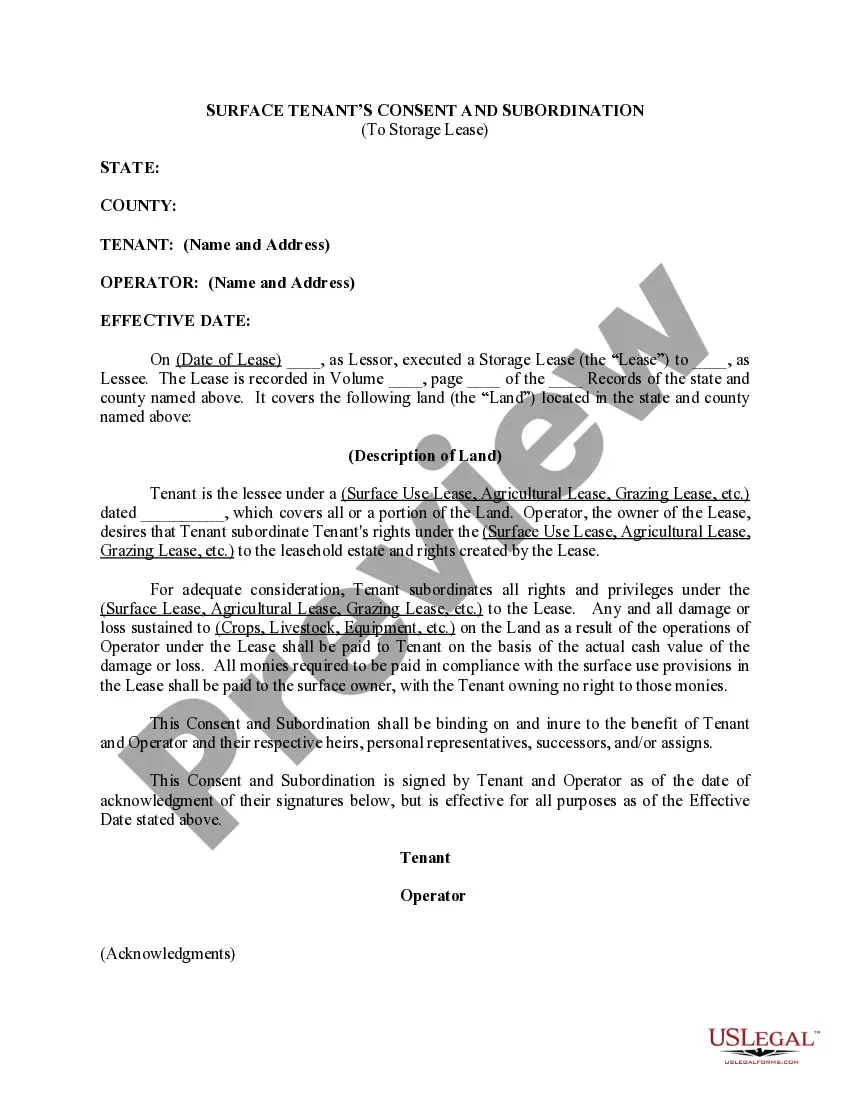
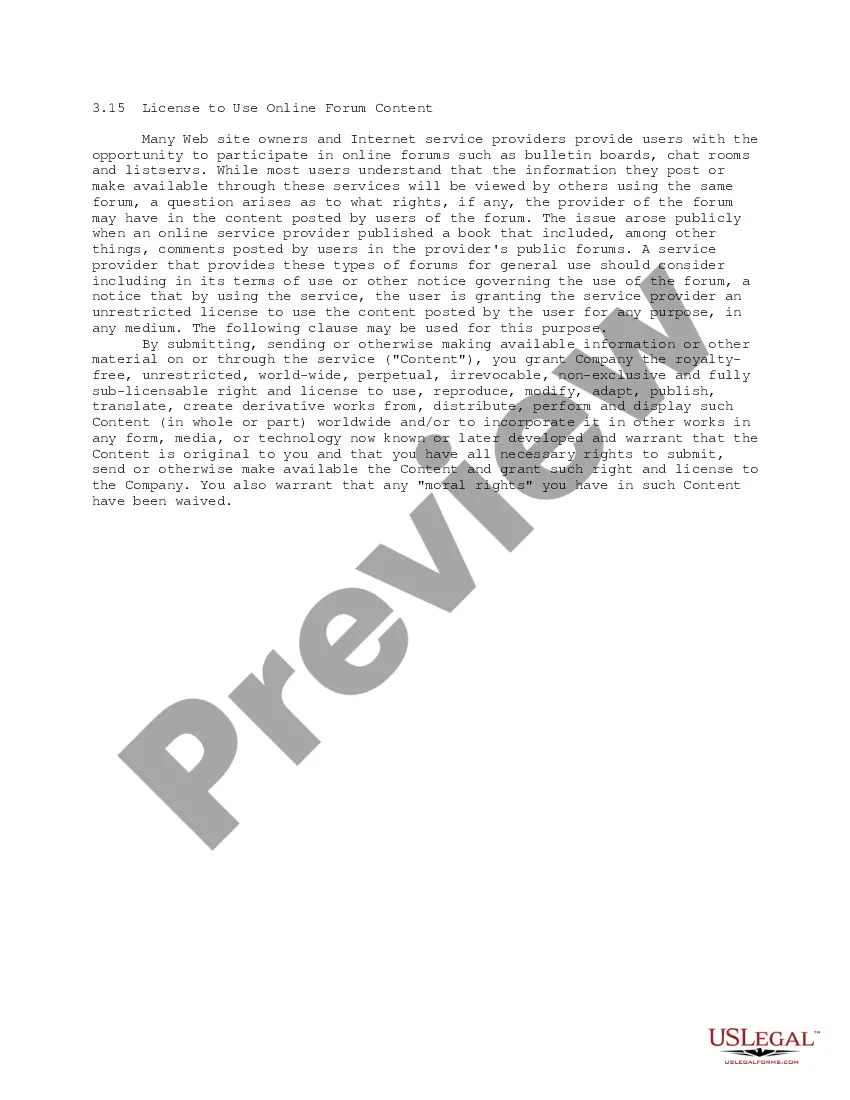
This form contains a License to Use Online Forum Content, which is placed by a provider of an online forum within its terms of service agreement with forum users in order to grant the provider an unrestricted license to use the content posted by the user for any purpose and in any medium.
South Dakota License to Use Online Forum Content
Category:
State:
Multi-State
Control #:
US-IP0315
Format:
Word;
PDF;
Rich Text
Instant download
Description
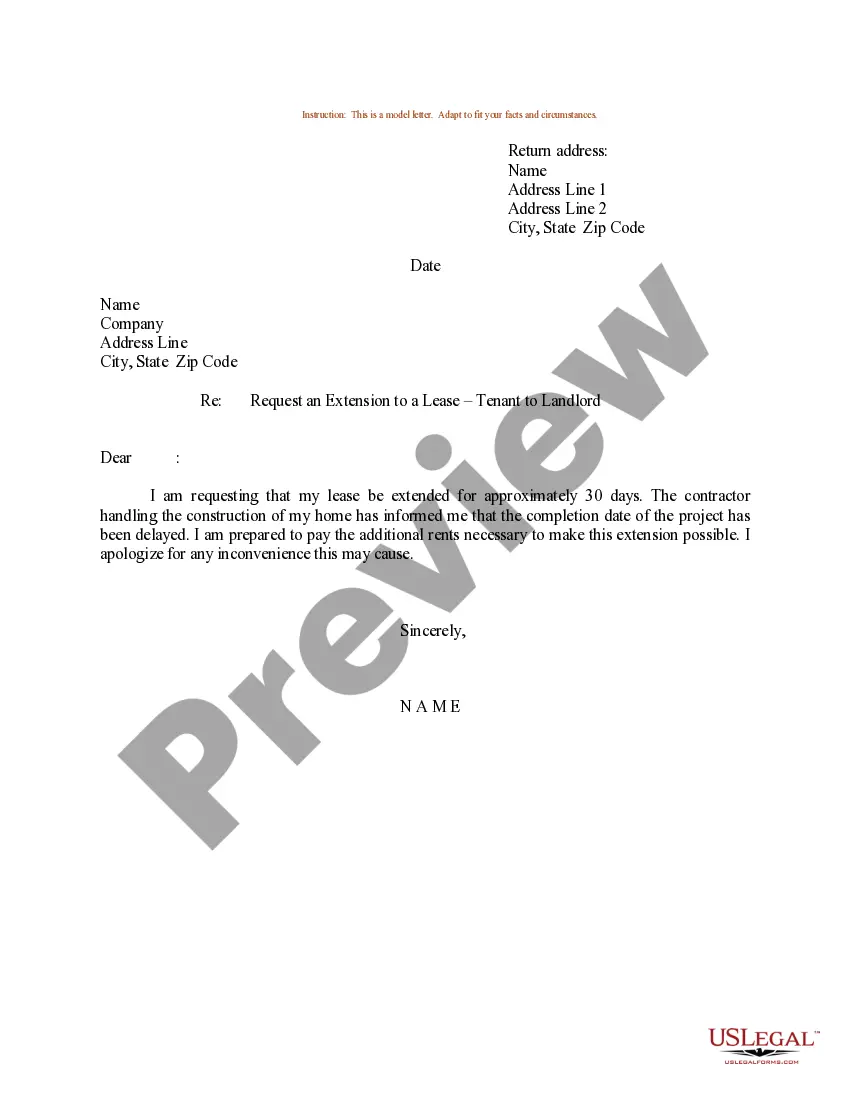
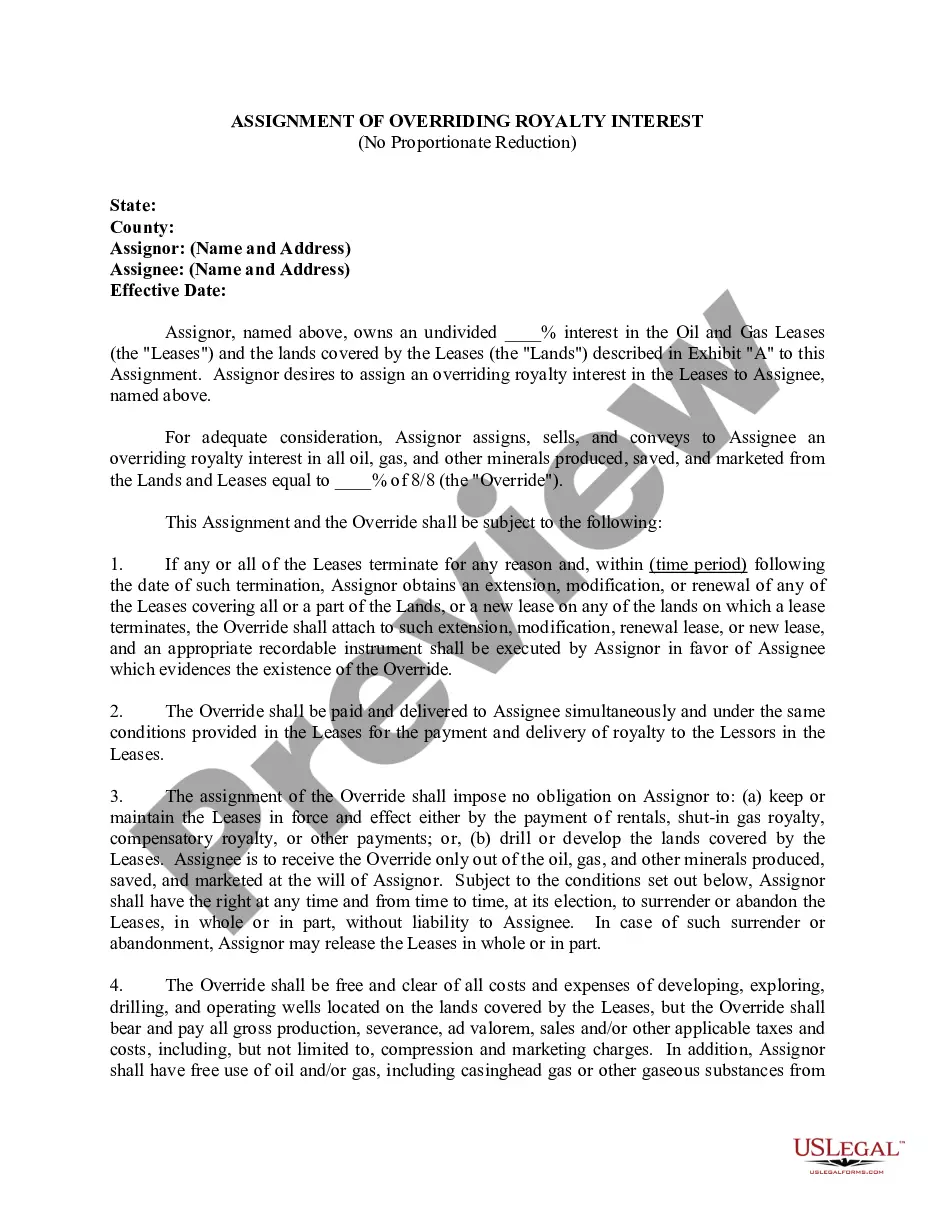
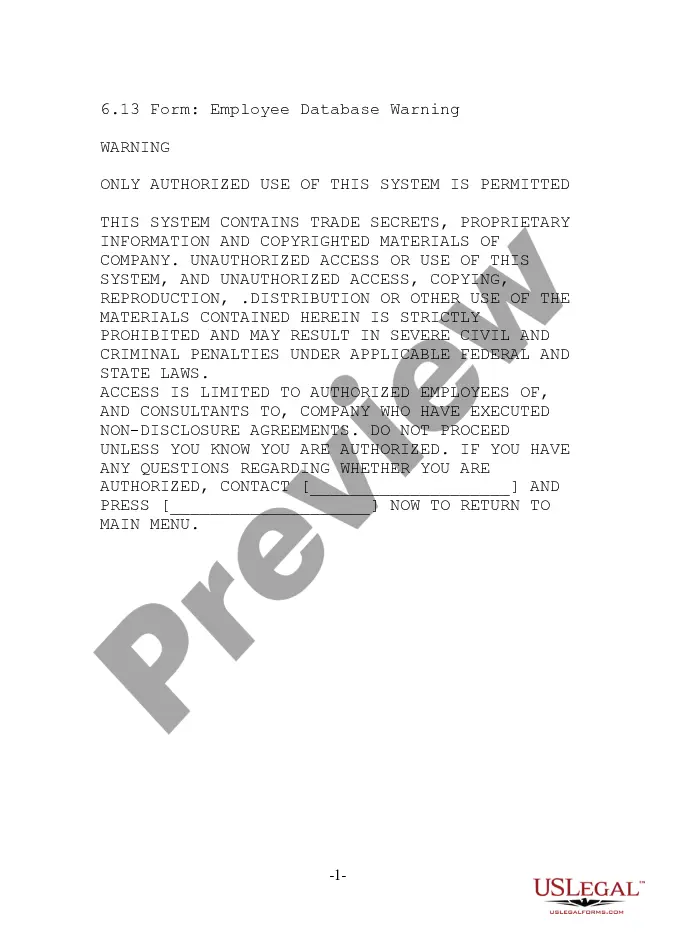
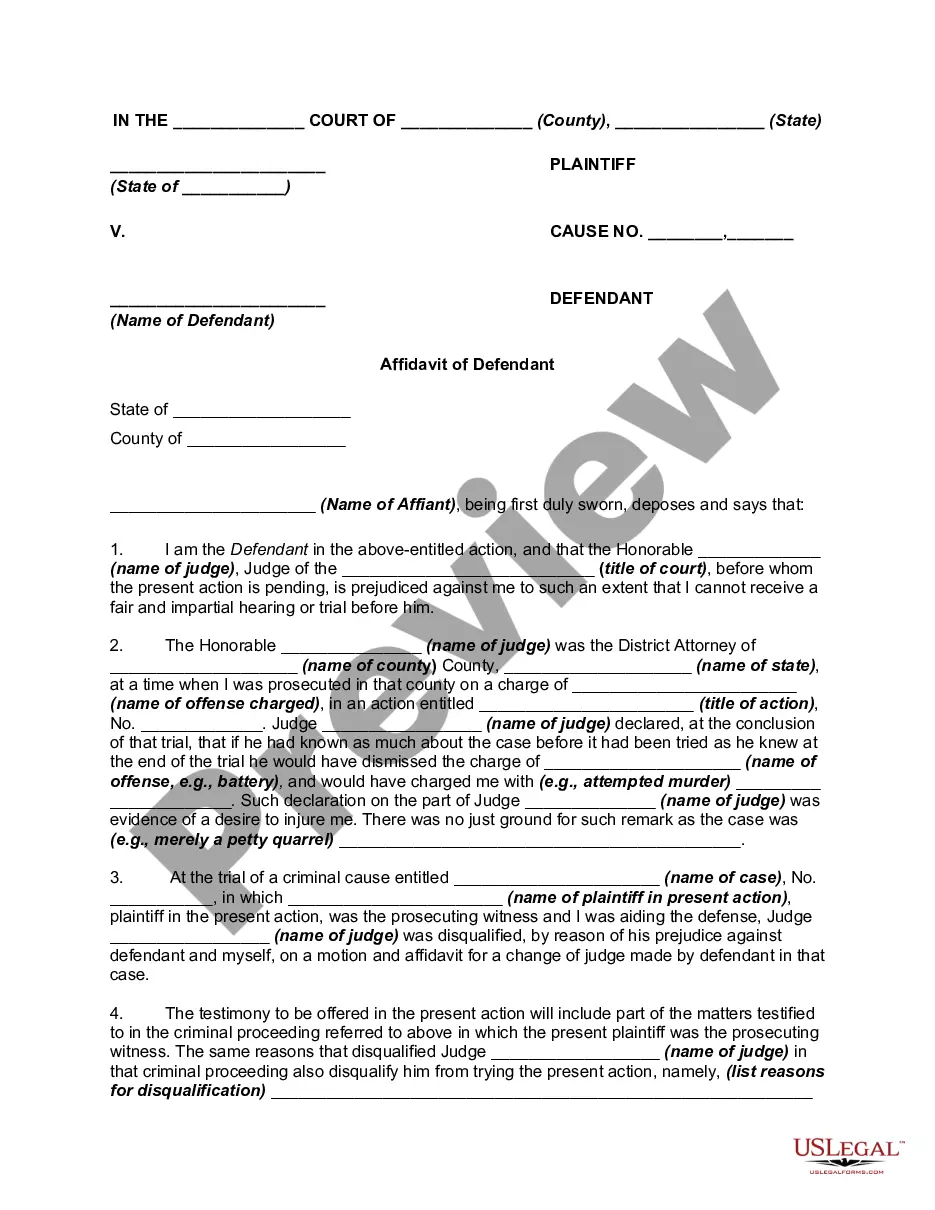
How to fill out License To Use Online Forum Content?
US Legal Forms - one of the most notable collections of legal templates in the United States - offers a vast selection of legal document designs you can purchase or create.
By utilizing the website, you can access thousands of forms for business and personal purposes, organized by categories, states, or keywords. You can find the most recent versions of forms like the South Dakota License to Use Online Forum Content in moments.
If you already have an account, Log In and obtain the South Dakota License to Use Online Forum Content from your US Legal Forms library. The Download button will appear on every form you view. You can access all previously downloaded forms in the My documents section of your account.
Process the payment. Use your credit card or PayPal account to finalize the transaction.
Select the format and download the form onto your device. Make modifications. Complete, edit, print, and sign the downloaded South Dakota License to Use Online Forum Content. Every template you added to your account has no expiration date and belongs to you indefinitely. Therefore, if you wish to download or print another copy, simply go to the My documents section and click on the form you desire.
- To use US Legal Forms for the first time, here are straightforward steps to get you started.
- Ensure you have selected the correct form for your city/state. Click the Preview button to review the form's content.
- Examine the form description to confirm you have chosen the right one.
- If the form does not meet your needs, use the Search field at the top of the screen to locate one that does.
- Once you are satisfied with the form, confirm your selection by clicking the Download Now button.
- Then, choose your preferred pricing plan and provide your details to register for an account.
Form popularity
FAQ
To copyright your content, you must first create an original work that is fixed in a tangible medium. You can register your copyright with the U.S. Copyright Office, which provides legal protection and enables you to enforce your rights. This step is crucial for ensuring your content is protected against unauthorized use. If you want to ensure your South Dakota License to Use Online Forum Content is secure, consider using USLegalForms to guide you through the copyright process.
Licensing your content involves drafting a clear agreement that specifies how others may use your work. You should include details such as duration, payment, and any restrictions on usage. By doing this, you protect your intellectual property while allowing others to benefit from your content. If you are looking for a South Dakota License to Use Online Forum Content, USLegalForms can help you create a comprehensive licensing document.
To license content effectively, you first need to determine the type of content you want to use and the rights you require. Begin by identifying the creator of the content, as they will provide the necessary permissions. Once you have this information, you can create a licensing agreement that clearly outlines the terms. For those seeking a South Dakota License to Use Online Forum Content, consider using platforms like USLegalForms to simplify the process.
To transfer your driver's license to South Dakota, you must visit a local Department of Public Safety office. Bring your current driver's license, proof of identity, and residency documents. It's also wise to consider how a South Dakota License to Use Online Forum Content can play a role in your online activities after your move. Use USLegalForms to find specific requirements and ensure a smooth transition.
Becoming a South Dakota resident involves establishing a physical presence in the state and demonstrating your intent to stay. You can do this by obtaining a local address, registering to vote, and getting a South Dakota license. For those looking to engage with online communities, understanding the South Dakota License to Use Online Forum Content can enhance your activities. USLegalForms offers guidance on residency requirements to help you navigate this process.
To obtain a South Dakota license, you need to complete an application form and submit it along with the required fees. Make sure you provide necessary identification documents, such as proof of identity and residency. Additionally, if you plan to use online forum content, consider how a South Dakota License to Use Online Forum Content can benefit your online presence. You can also explore resources on USLegalForms to streamline the process.
Instruction Permits are available to South Dakota 14-year-olds who have passed vision and knowledge tests. This test must be held for a minimum of 180 days, or 90 days if the individual successfully completed an approved driver education course.
Once you got a permit, you can start driving, observing the following restrictions: No driving alone. You must have a supervisor who holds a valid South Dakota drivers license, is at least 18 years of age and has not less than a year of driving experience seated in the front seat next to you. Curfew.
To determine if a South Dakota driver license or identification card is REAL ID-compliant, look for a white star within a gold circle in the upper right hand corner. The presence of this icon will indicate that the credential is REAL ID-compliant.
It Authorizes you to Drive a Particular Type of Vehicle The level of your driving license is what legally authorizes you to drive a particular type of vehicle. And this is the reason you have to acquire the required driving license to drive a particular type of car.