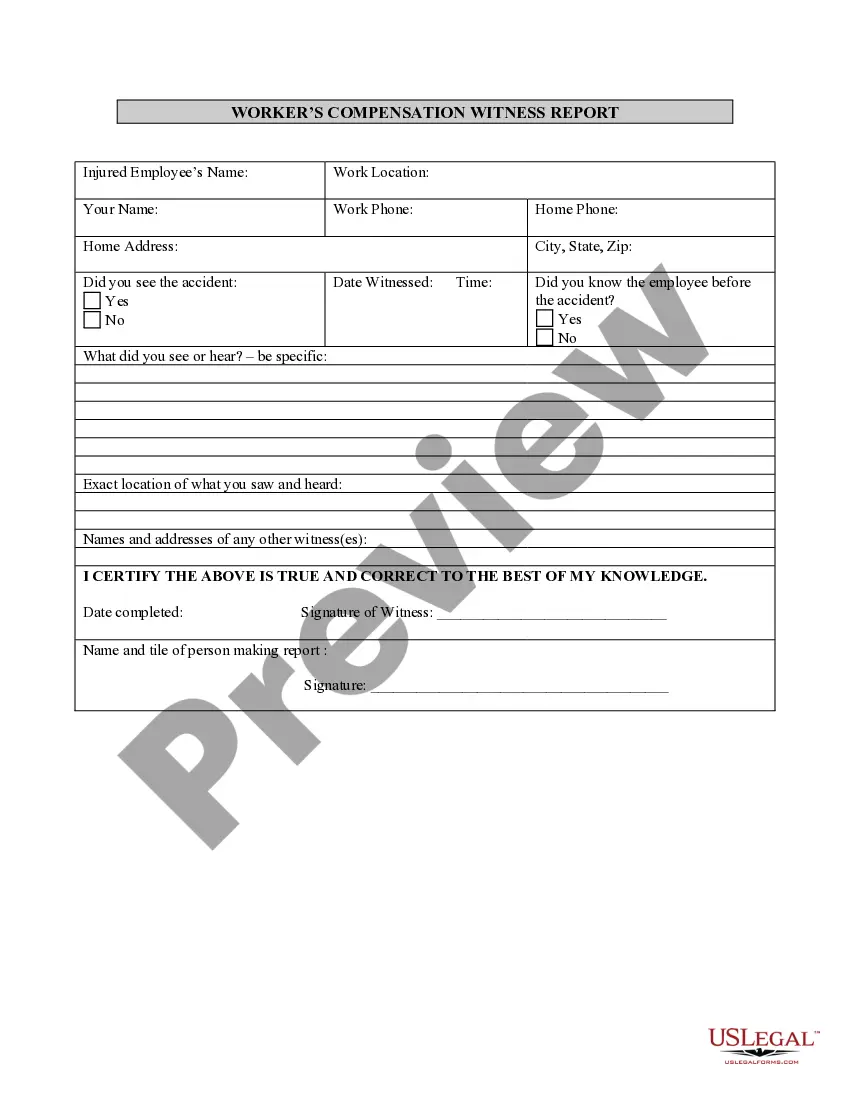
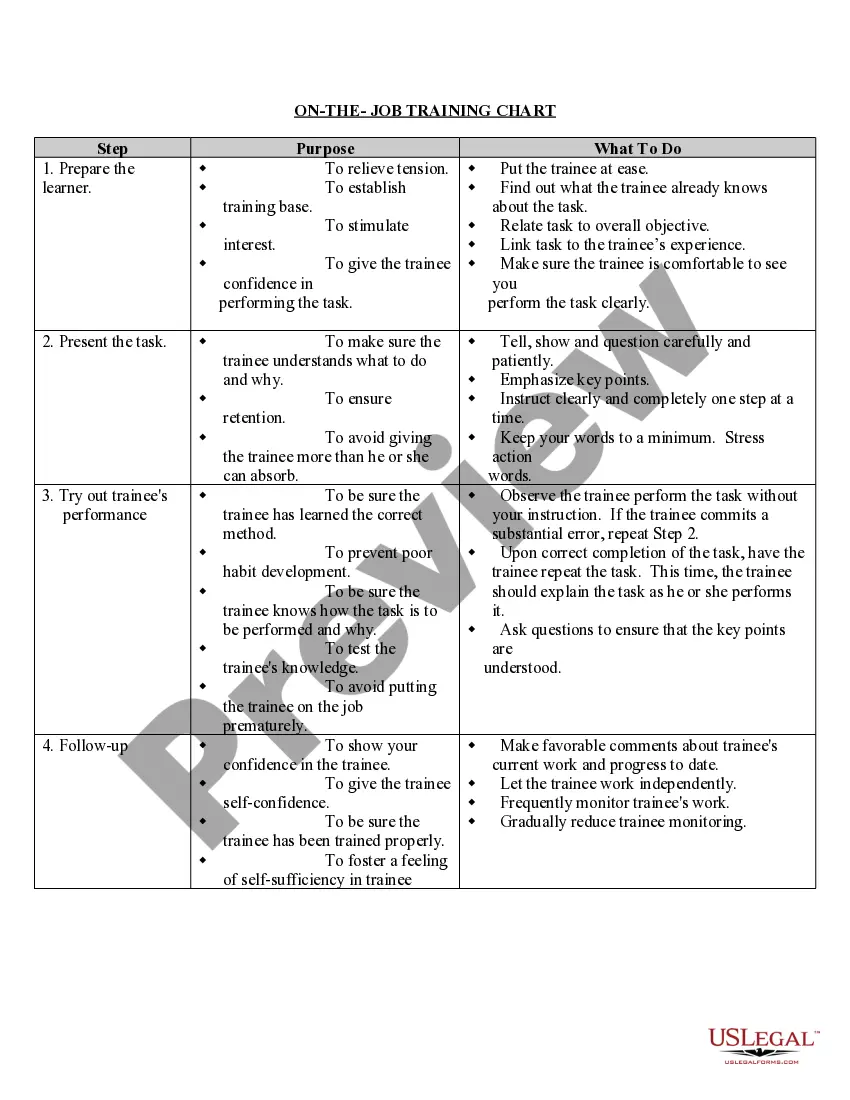
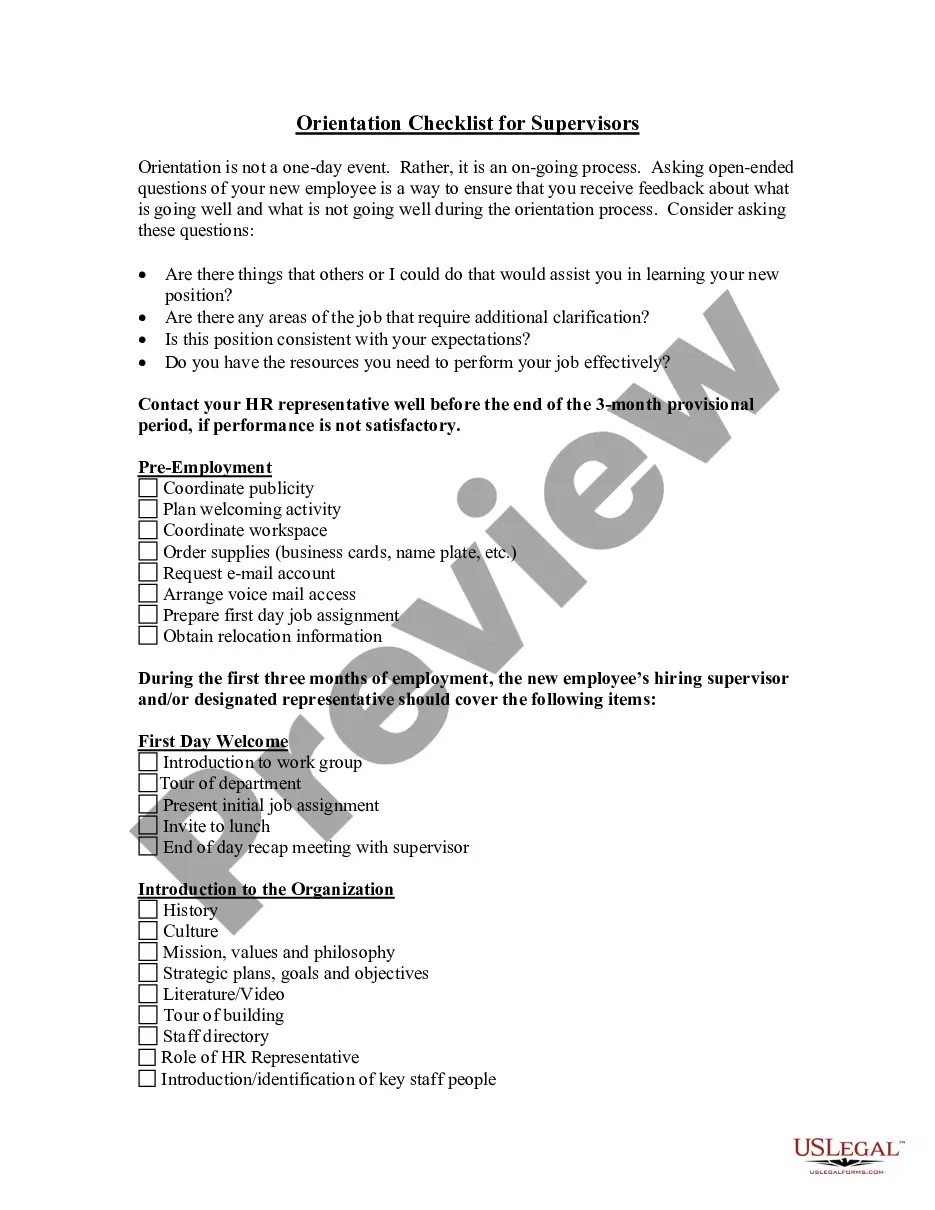
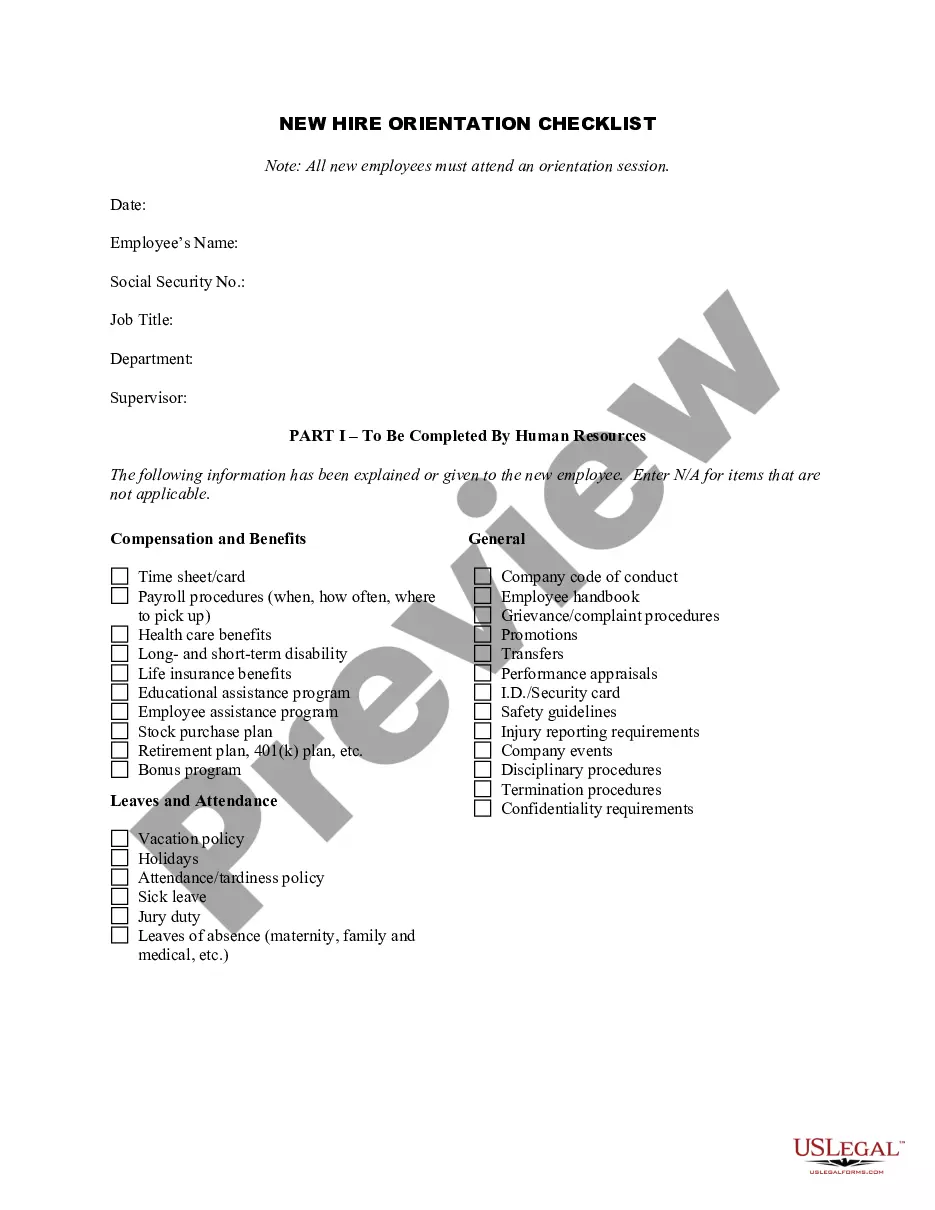
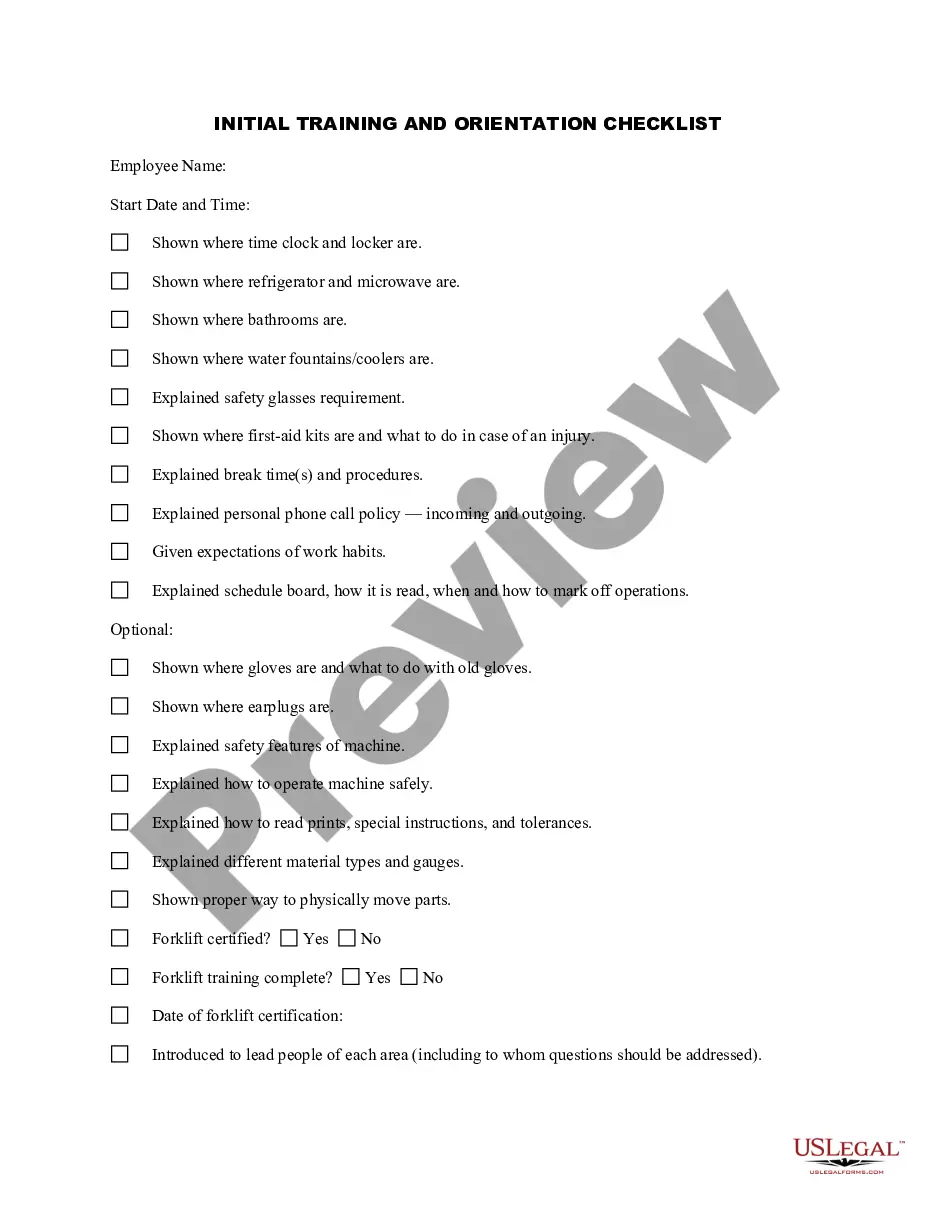
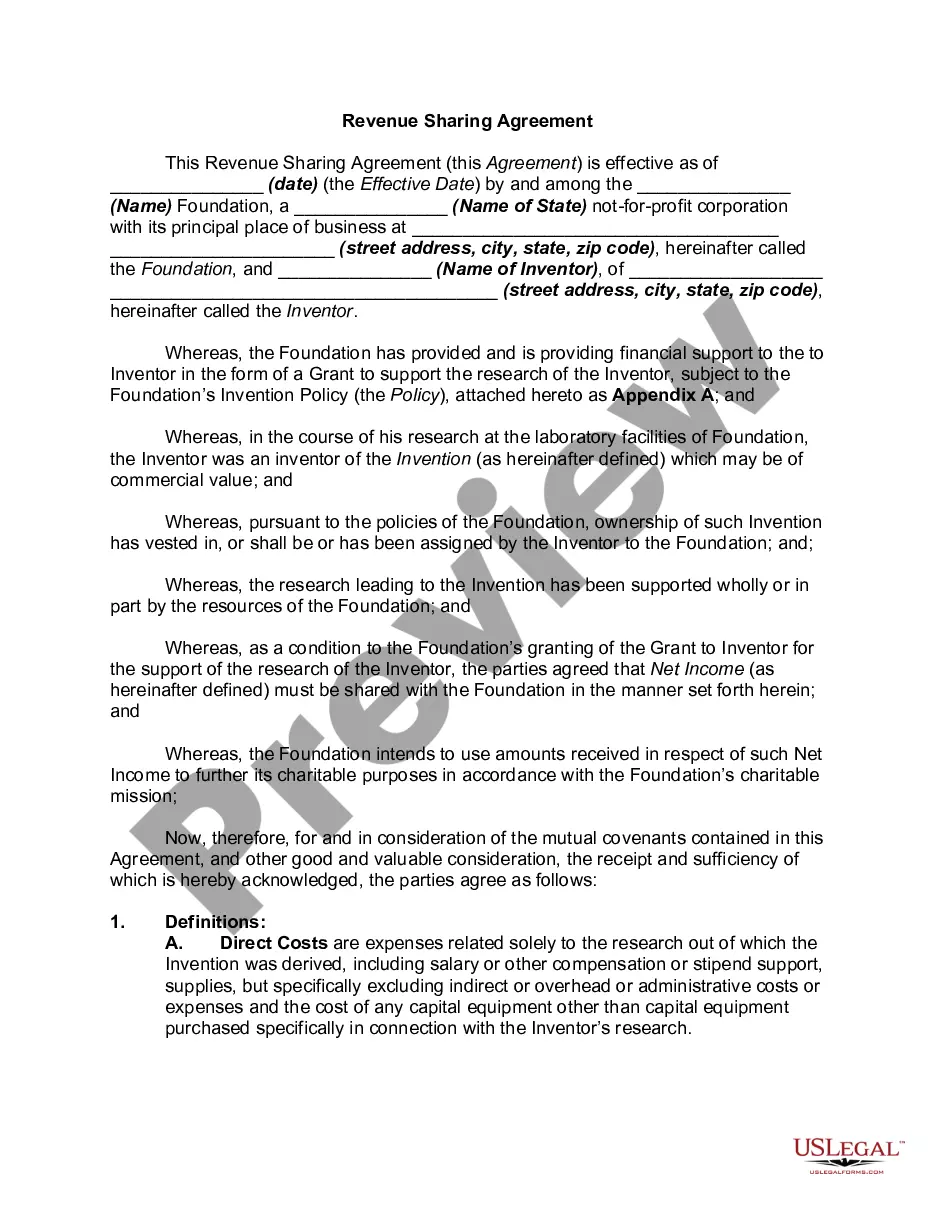
South Dakota On-the-Job Training Chart
Description
Get your form ready online
Our built-in tools help you complete, sign, share, and store your documents in one place.
Make edits, fill in missing information, and update formatting in US Legal Forms—just like you would in MS Word.
Download a copy, print it, send it by email, or mail it via USPS—whatever works best for your next step.
Sign and collect signatures with our SignNow integration. Send to multiple recipients, set reminders, and more. Go Premium to unlock E-Sign.
If this form requires notarization, complete it online through a secure video call—no need to meet a notary in person or wait for an appointment.
We protect your documents and personal data by following strict security and privacy standards.

Make edits, fill in missing information, and update formatting in US Legal Forms—just like you would in MS Word.

Download a copy, print it, send it by email, or mail it via USPS—whatever works best for your next step.

Sign and collect signatures with our SignNow integration. Send to multiple recipients, set reminders, and more. Go Premium to unlock E-Sign.

If this form requires notarization, complete it online through a secure video call—no need to meet a notary in person or wait for an appointment.

We protect your documents and personal data by following strict security and privacy standards.
Looking for another form?







How to fill out On-the-Job Training Chart?
If you require to total, acquire, or generate legal document templates, utilize US Legal Forms, the top selection of legal forms, which are accessible online.
Take advantage of the website's user-friendly and convenient search to locate the documents you need.
An assortment of templates for business and individual purposes are organized by categories and jurisdictions, or keywords.
Step 4. Once you have located the form you require, click on the Purchase now button. Choose the pricing plan you prefer and enter your credentials to register for an account.
Step 5. Process the payment. You can use your credit card or PayPal account to complete the transaction.
- Utilize US Legal Forms to find the South Dakota On-the-Job Training Chart in just a few clicks.
- If you are already a US Legal Forms customer, Log In to your account and then click the Download button to find the South Dakota On-the-Job Training Chart.
- You can also access forms you previously saved in the My documents section of your account.
- If you are using US Legal Forms for the first time, follow the instructions below.
- Step 1. Ensure you have selected the form for the correct city/state.
- Step 2. Use the Review option to examine the form's details. Don't forget to read the description.
- Step 3. If you are unfavorable about the form, use the Lookup field at the top of the screen to find additional versions of the legal form template.
Form popularity
FAQ
On-the-job training uses the existing workplace tools, machines, documents, equipment, and knowledge to teach an employee how to effectively do their job. Consequently, no stand-ins exist that will require an employee to make the training transfer to the workplace.
On-the-job training allows employees to gain experience working in situations very similar to those they'll encounter on a daily basis. Employees will use the same tools and equipment they need for their job while being guided by an experienced trainer.
On-the-job training refers to training that employees receive while working....We have compiled a list of on-the-job training examples for you.Self-instruction training. Self-instruction training is as the name suggests.Orientation.Co-worker training.Shadowing.Internship.Job rotation.Practice Simulations.Delegation.More items...?
Technically, off-the-job training is a form of supplementary learning that usually takes place away from the actual workplace but counts as a part of an employee's working hours.
These tips and best practices will help you bring on-the-job training into your workplace.Identify potential trainers.Structure training process.Automate the learning process.Allow trainees to practice their skills.Check-in during and after training.Get feedback and improve.
On the Job Training Methods 3 Main Forms: Coaching and Counselling, Understudy & Position Rotation (With Advantages and Disadvantages) In this method, training is mostly imparted on the job.
On-the-job training examples you may see in the workplace include the following:Orientation. Orientation is a type of training most commonly used for new employees.Self-instruction.Internship.Shadowing.Co-worker.Delegation.Practice simulation.Refreshers.More items...?29-Sept-2021
On-the-Job Training Methods 6 Most Popular Training Methods: Job Instruction, Coaching, Mentoring, Job Rotation, Apprenticeship, and Committee Assignments.
On-the-job training, also known as hands-on training, involves gaining the necessary skills to excel by completing the duties associated with the role. This training method allows you to maximize time as new employees typically begin working immediately following their hire.
1. Assess Your Employees & the Skills Needed for the JobKnow what you want over the long-term.Know what each specific job requires.Identify necessary tools and systems.Decide how often the training will occur.Use an outline.Look for improvement in employee work.