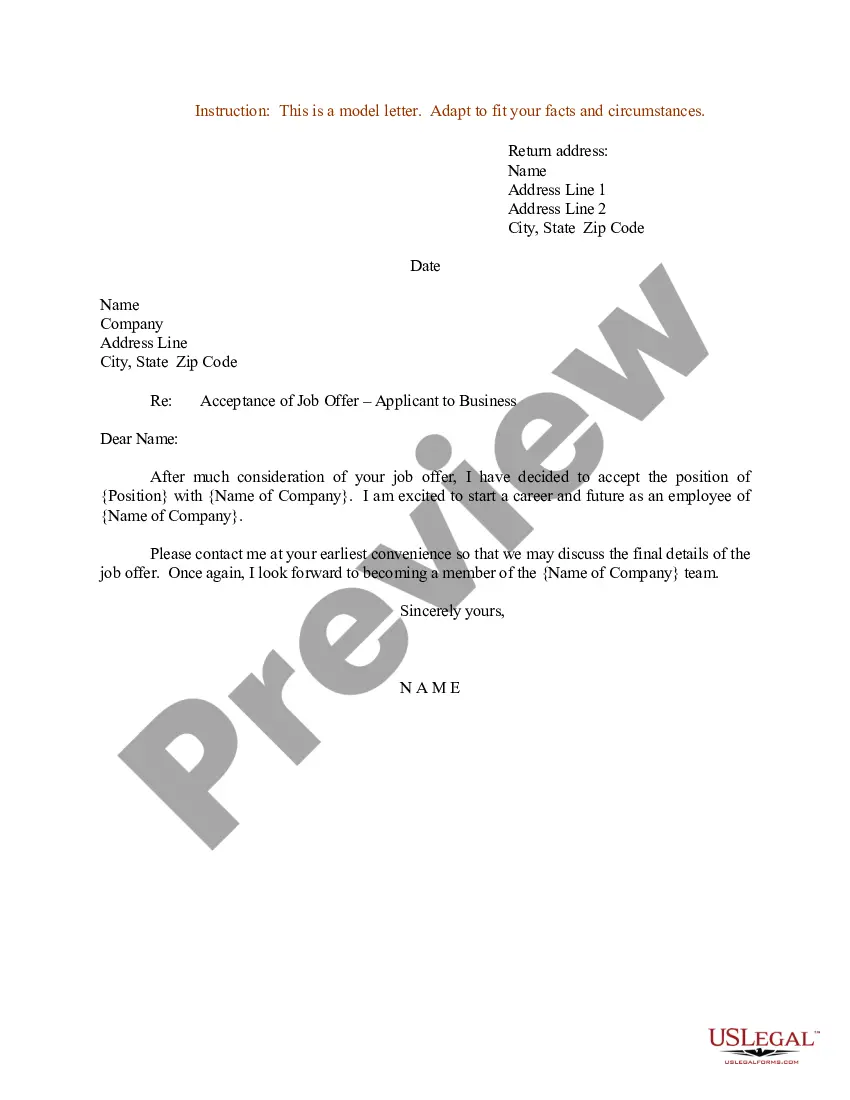
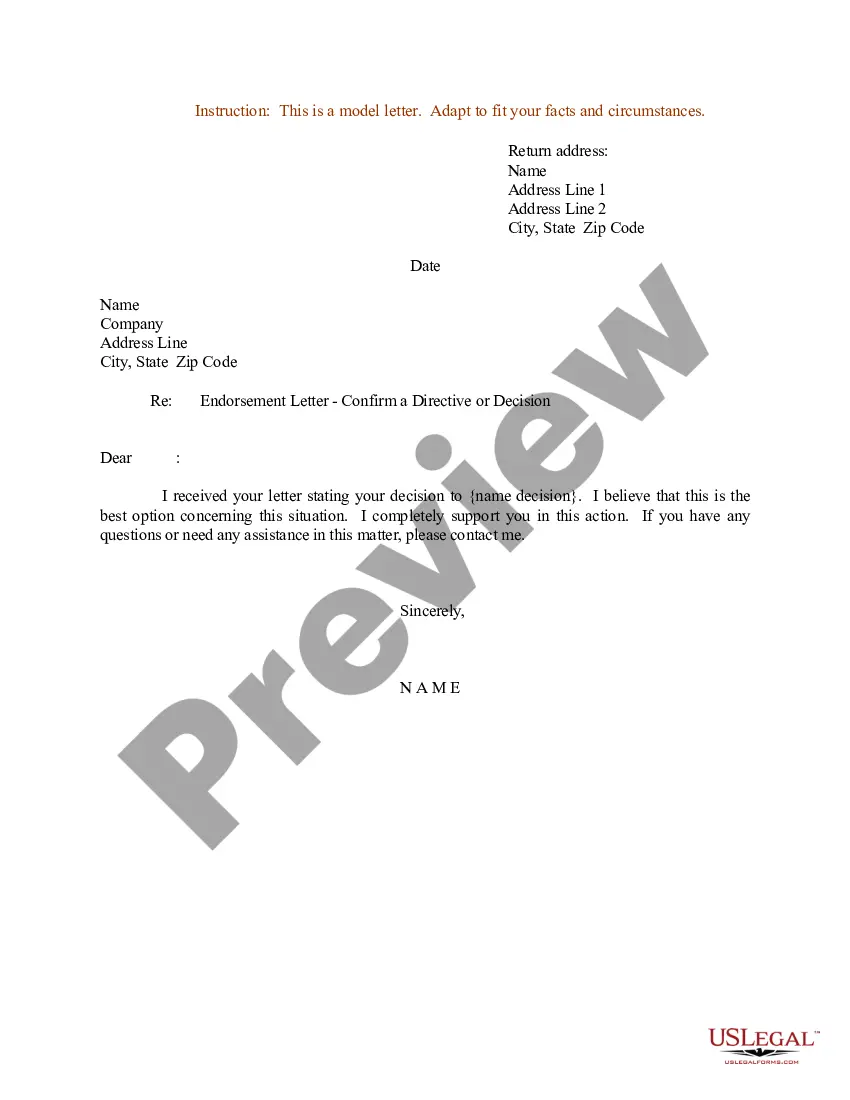
South Dakota Sample Letter for Confirmation of a Directive - Decision
Description
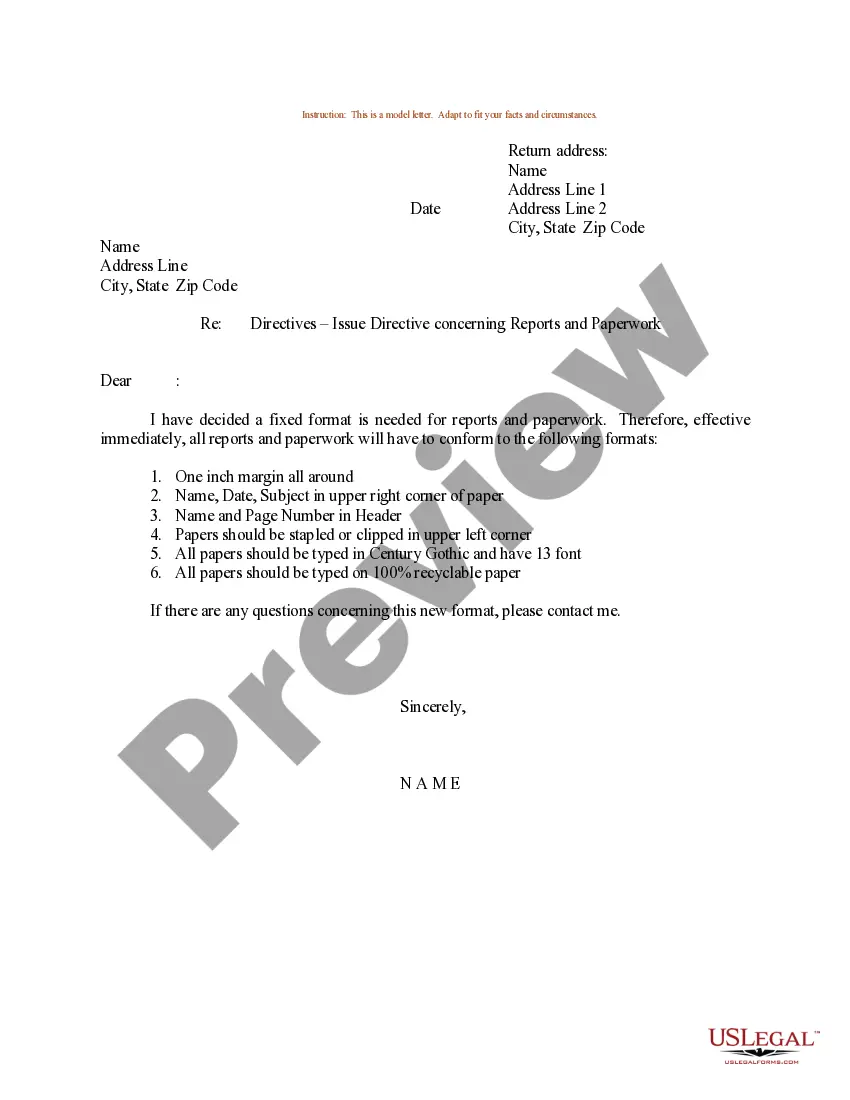
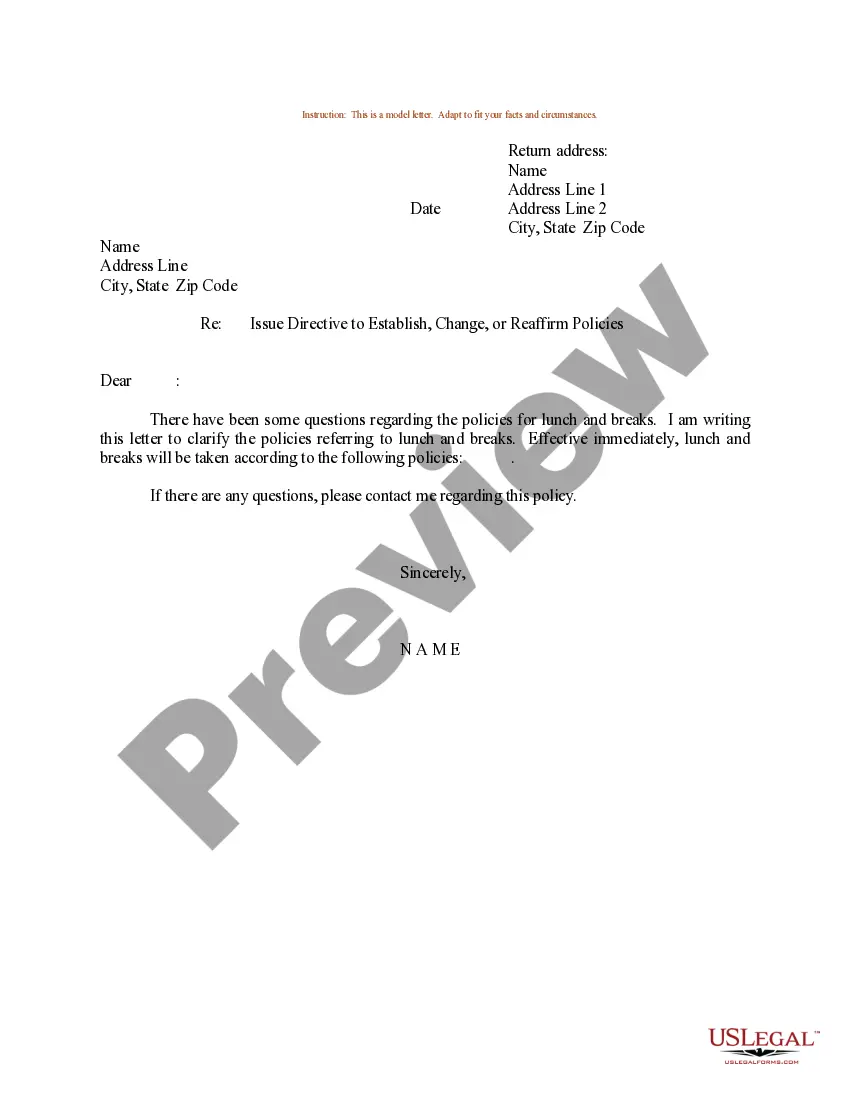
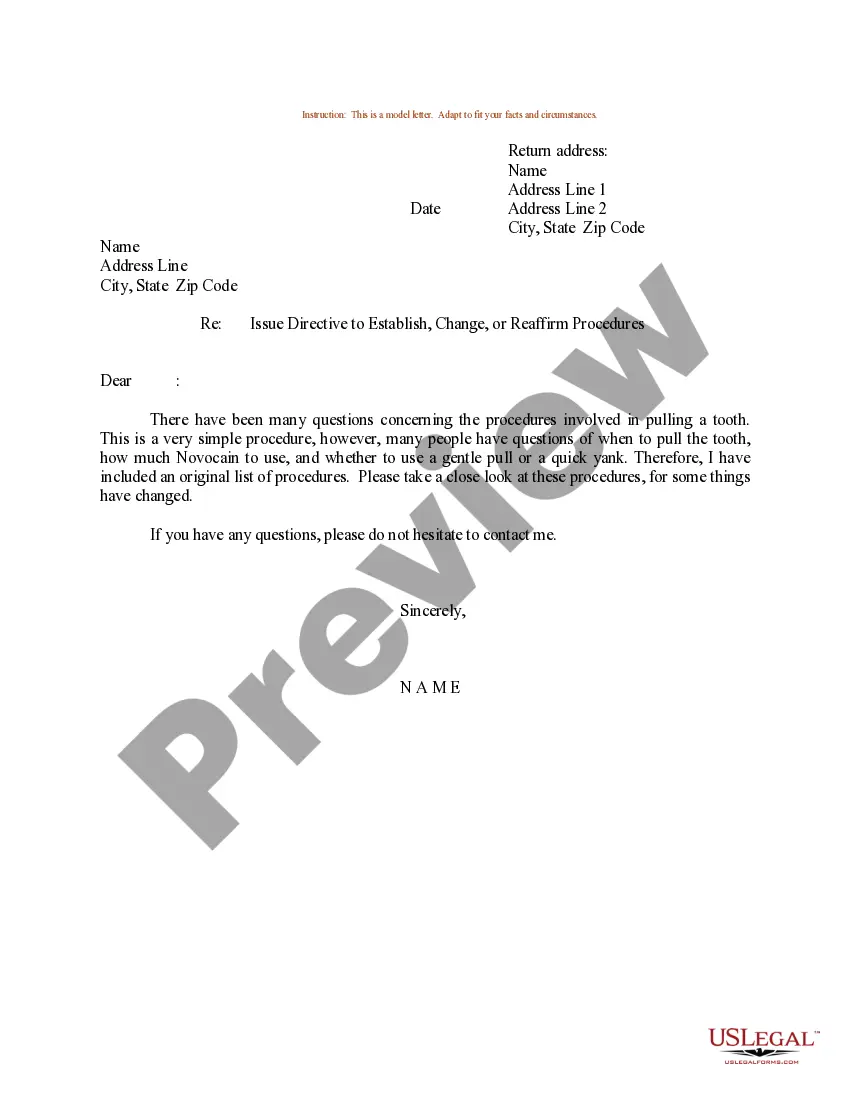
Get your form ready online
Our built-in tools help you complete, sign, share, and store your documents in one place.
Make edits, fill in missing information, and update formatting in US Legal Forms—just like you would in MS Word.
Download a copy, print it, send it by email, or mail it via USPS—whatever works best for your next step.
Sign and collect signatures with our SignNow integration. Send to multiple recipients, set reminders, and more. Go Premium to unlock E-Sign.
If this form requires notarization, complete it online through a secure video call—no need to meet a notary in person or wait for an appointment.
We protect your documents and personal data by following strict security and privacy standards.

Make edits, fill in missing information, and update formatting in US Legal Forms—just like you would in MS Word.

Download a copy, print it, send it by email, or mail it via USPS—whatever works best for your next step.

Sign and collect signatures with our SignNow integration. Send to multiple recipients, set reminders, and more. Go Premium to unlock E-Sign.

If this form requires notarization, complete it online through a secure video call—no need to meet a notary in person or wait for an appointment.

We protect your documents and personal data by following strict security and privacy standards.
Looking for another form?
How to fill out Sample Letter For Confirmation Of A Directive - Decision?
You can invest several hours online seeking the legal document template that fulfills the state and federal requirements you need.
US Legal Forms offers a vast array of legal forms that are reviewed by professionals.
You can download or print the South Dakota Sample Letter for Confirmation of a Directive - Decision from our services.
If available, utilize the Review button to preview the document template simultaneously. If you wish to obtain another version of the form, utilize the Search area to find the template that meets your needs and specifications.
- If you already possess a US Legal Forms account, you can Log In and click on the Download button.
- Next, you can complete, modify, print, or sign the South Dakota Sample Letter for Confirmation of a Directive - Decision.
- Each legal document template you acquire is yours indefinitely.
- To get an additional copy of any purchased form, navigate to the My documents tab and click on the corresponding button.
- If you are using the US Legal Forms site for the first time, follow the simple instructions provided below.
- First, ensure that you have selected the appropriate document template for the state/region of your choice.
- Review the form description to confirm that you have chosen the correct form.
Form popularity
FAQ
How to Write a Directive Letter. Clearly state your request or indicate what needs to be done and give as much detail as necessary for the task, project, or other assignment to be accomplished. If a problem needs to be resolved, clearly indicate what the problem is and, if desired, how you would like it to be solved.
Step 1: Identify the decision. You realize that you need to make a decision.Step 2: Gather relevant information.Step 3: Identify the alternatives.7 STEPS TO EFFECTIVE.Step 4: Weigh the evidence.Step 5: Choose among alternatives.Step 6: Take action.Step 7: Review your decision & its consequences.
1. Use respectful words such as "please" when giving orders to your employees. Although they are obliged to follow your instructions, you will establish goodwill that will make your job as manager easier. Employees are more likely to respect a manager who shows them respect as well.
Make sure to include a salutation, your introduction, and the reason you're writing. Describe how the issue you're writing about affects you, and what action you want your audience to take. Write the date, name, and address of the recipient. Sign your name and write your address.
It should be clear and precise, without any doubts. You must also make sure to mention all the requirements in the letter precisely. The letter must have an order of request containing all the essential details of the project or the task, including the period for completing the assignment.
Refer to the issue in question. Clearly state the nature of the decision(s) made and/or the directive(s) issued. Close with an expression of confidence or anticipation. Add any final instructions.
It should be constructive, polite, and helpful in tone. It should show evidence that you actually read their manuscript and got the general picture of what they were trying to say or accomV plish. It should show respect for the manuscript and authors, and should avoid unV explained summary opinions or value judgments.
How to write a confirmation letterStart with a header.Begin with an explanation.Include relevant information about the confirmation.Explain the attached documents.Add a supportive statement.Proofread the letter.Informal confirmation letter template.Formal confirmation letter template.More items...?