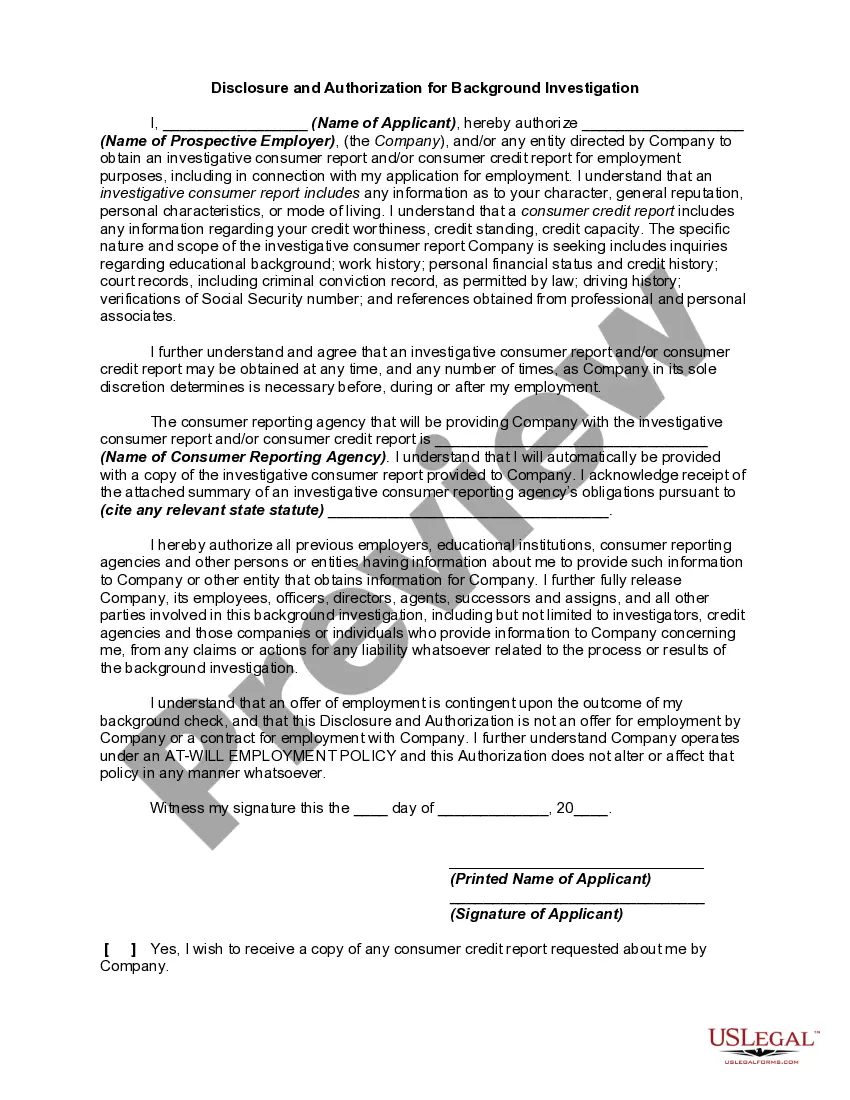
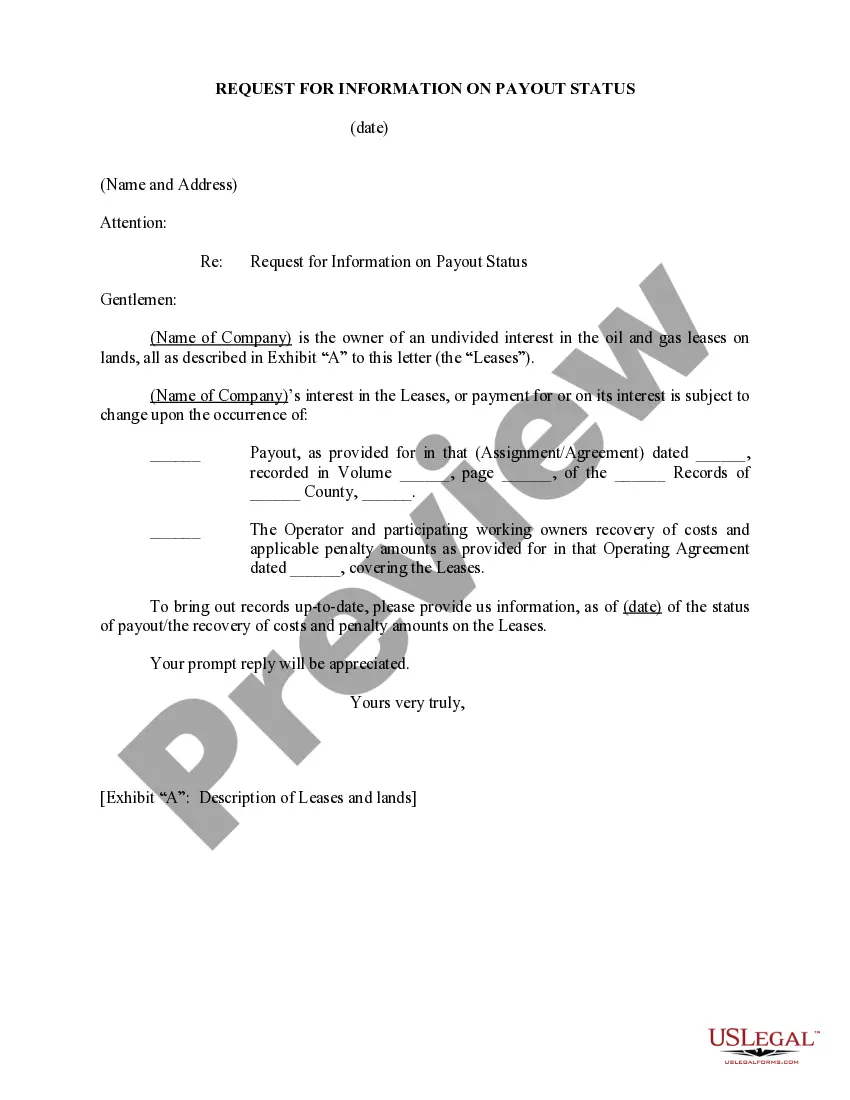
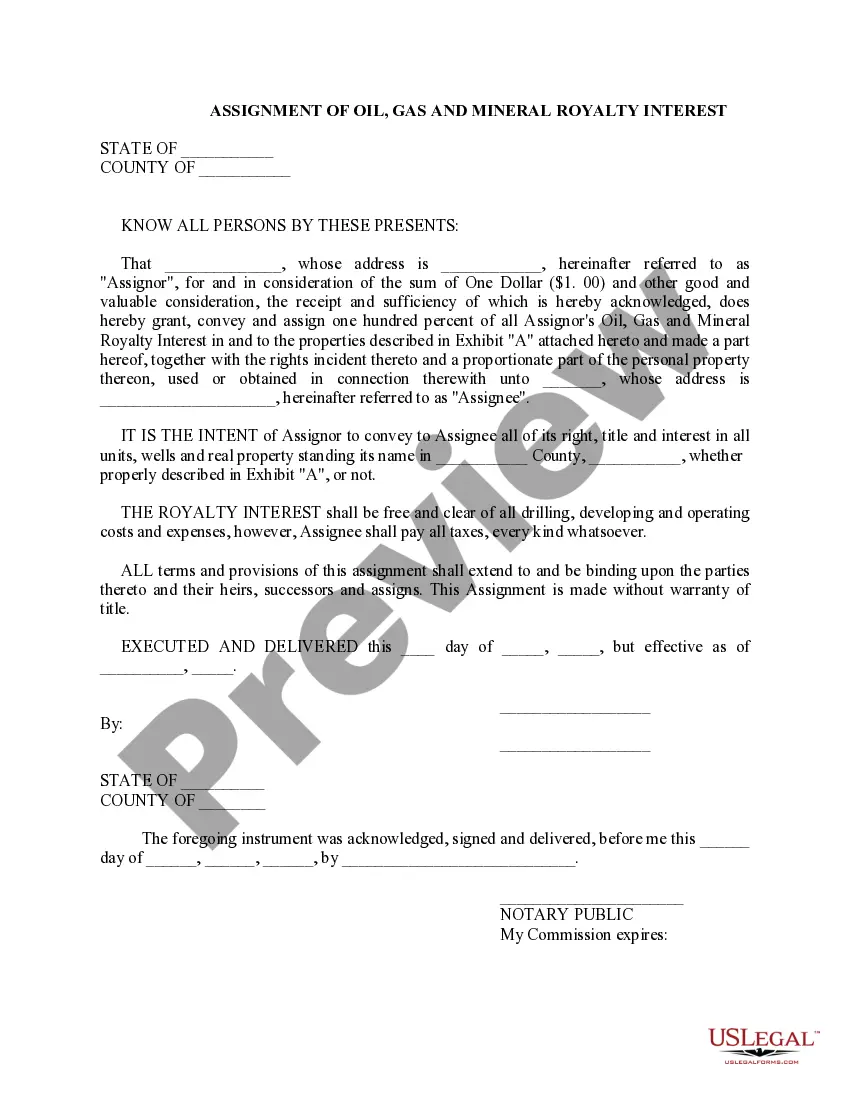
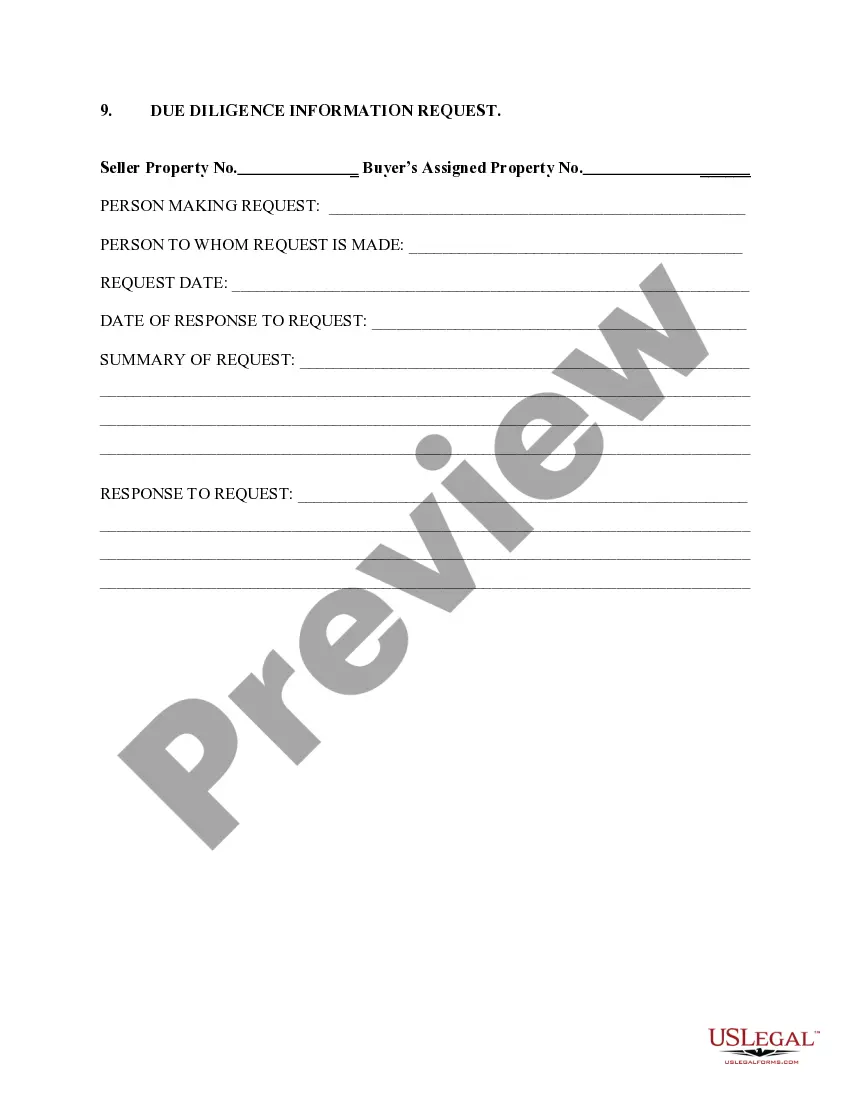
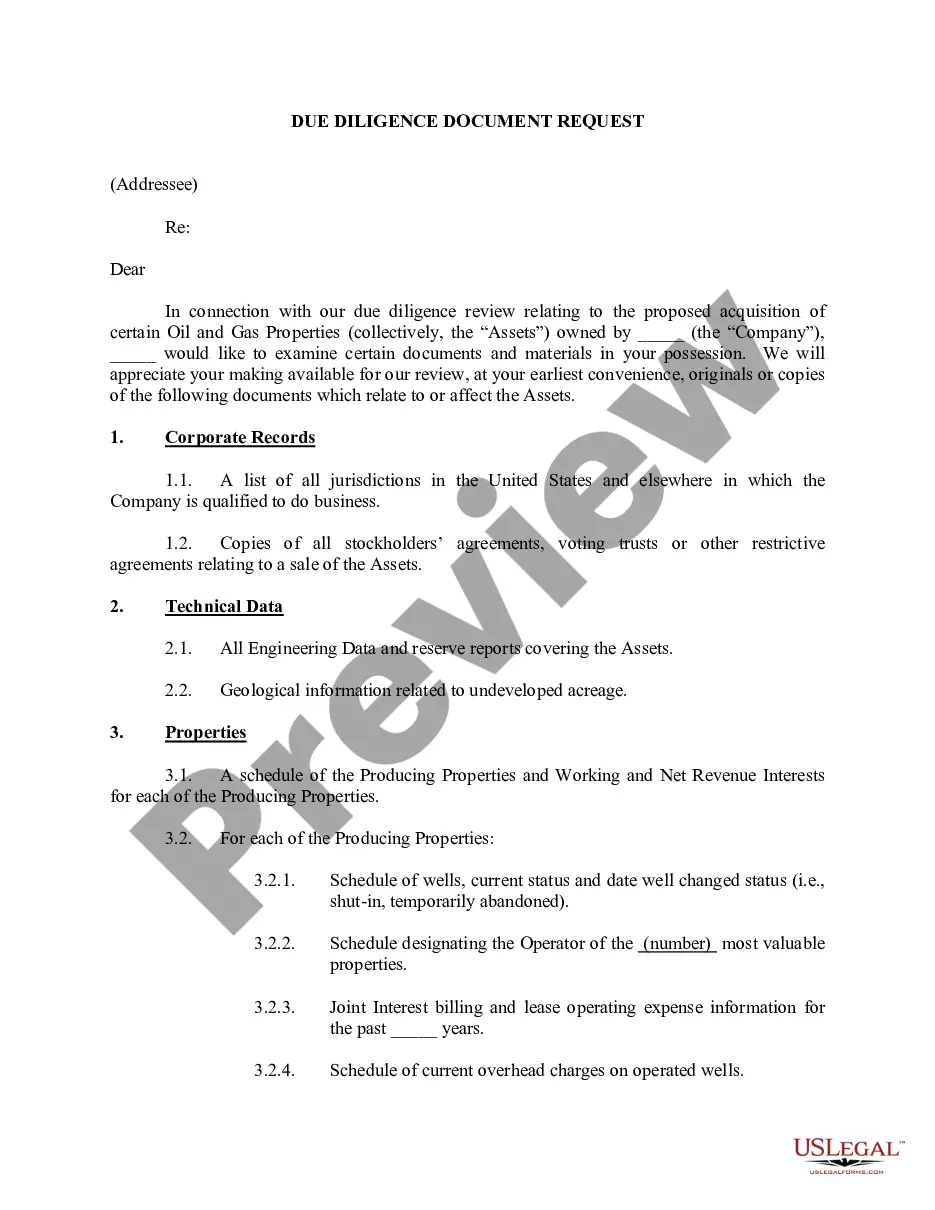
South Carolina Request For Information on Payout Status
Description
Get your form ready online
Our built-in tools help you complete, sign, share, and store your documents in one place.
Make edits, fill in missing information, and update formatting in US Legal Forms—just like you would in MS Word.
Download a copy, print it, send it by email, or mail it via USPS—whatever works best for your next step.
Sign and collect signatures with our SignNow integration. Send to multiple recipients, set reminders, and more. Go Premium to unlock E-Sign.
If this form requires notarization, complete it online through a secure video call—no need to meet a notary in person or wait for an appointment.
We protect your documents and personal data by following strict security and privacy standards.

Make edits, fill in missing information, and update formatting in US Legal Forms—just like you would in MS Word.

Download a copy, print it, send it by email, or mail it via USPS—whatever works best for your next step.

Sign and collect signatures with our SignNow integration. Send to multiple recipients, set reminders, and more. Go Premium to unlock E-Sign.

If this form requires notarization, complete it online through a secure video call—no need to meet a notary in person or wait for an appointment.

We protect your documents and personal data by following strict security and privacy standards.
Looking for another form?









How to fill out Request For Information On Payout Status?
US Legal Forms - among the largest libraries of legal forms in the USA - gives an array of legal papers themes you are able to download or print. While using website, you will get a large number of forms for organization and personal purposes, sorted by categories, states, or search phrases.You can get the most up-to-date models of forms like the South Carolina Request For Information on Payout Status within minutes.
If you have a monthly subscription, log in and download South Carolina Request For Information on Payout Status from the US Legal Forms collection. The Obtain key will appear on every single type you perspective. You have access to all previously acquired forms within the My Forms tab of your own bank account.
In order to use US Legal Forms initially, allow me to share easy instructions to get you started:
- Make sure you have picked the proper type for your city/area. Go through the Preview key to review the form`s content material. See the type explanation to actually have chosen the right type.
- When the type does not satisfy your needs, make use of the Look for discipline towards the top of the display screen to discover the one who does.
- If you are happy with the form, verify your option by visiting the Get now key. Then, select the prices program you like and give your qualifications to sign up for an bank account.
- Approach the financial transaction. Use your charge card or PayPal bank account to perform the financial transaction.
- Find the file format and download the form in your gadget.
- Make adjustments. Load, modify and print and sign the acquired South Carolina Request For Information on Payout Status.
Every template you included with your account does not have an expiry date and it is your own eternally. So, if you would like download or print another duplicate, just proceed to the My Forms segment and then click on the type you will need.
Gain access to the South Carolina Request For Information on Payout Status with US Legal Forms, probably the most substantial collection of legal papers themes. Use a large number of professional and status-certain themes that satisfy your company or personal demands and needs.
Form popularity
FAQ
How to Check Income Tax Refund Status through E-Filing Website? Step 1: Visit the official e-Filing portal. Step 2: Log in with your User ID/PAN/Aadhar. Step 3: Enter the 'Captcha code' displayed on the screen. Step 4: Navigate to the 'My Account' section. Step 5: Click on the 'Refund/Demand Status' option.
South Carolina Tax Rebate The rebate amount can be up to $800 and will be based on your 2021 South Carolina income tax liability, minus credits.
To check the status of your South Carolina state refund online, go to . You will be prompted to enter your Social Security number or ITIN and your exact refund amount, then click ?Search.?
Rebates have been issued? In June 2022, SC state lawmakers approved a state tax rebate for elig?ible taxpayers who filed a 2021 state Individual Income Tax return. Rebates were issued by December 31, 2022 for the first round of rebates - and again in March 2023. Have a question about the rebate?
Once you receive your check in the mail, you must deposit the check into your bank account or cash it using a check-cashing service. Refunds from most error-free return?s will be processed in 6-8 weeks. Follow the timeline below to see the ?average time each step in the process takes.
South Carolina's rebate payments sent out late last year fall in this concluded and can be excluded from income for federal tax purposes unless the recipient received a tax benefit in the year the taxes were deducted.