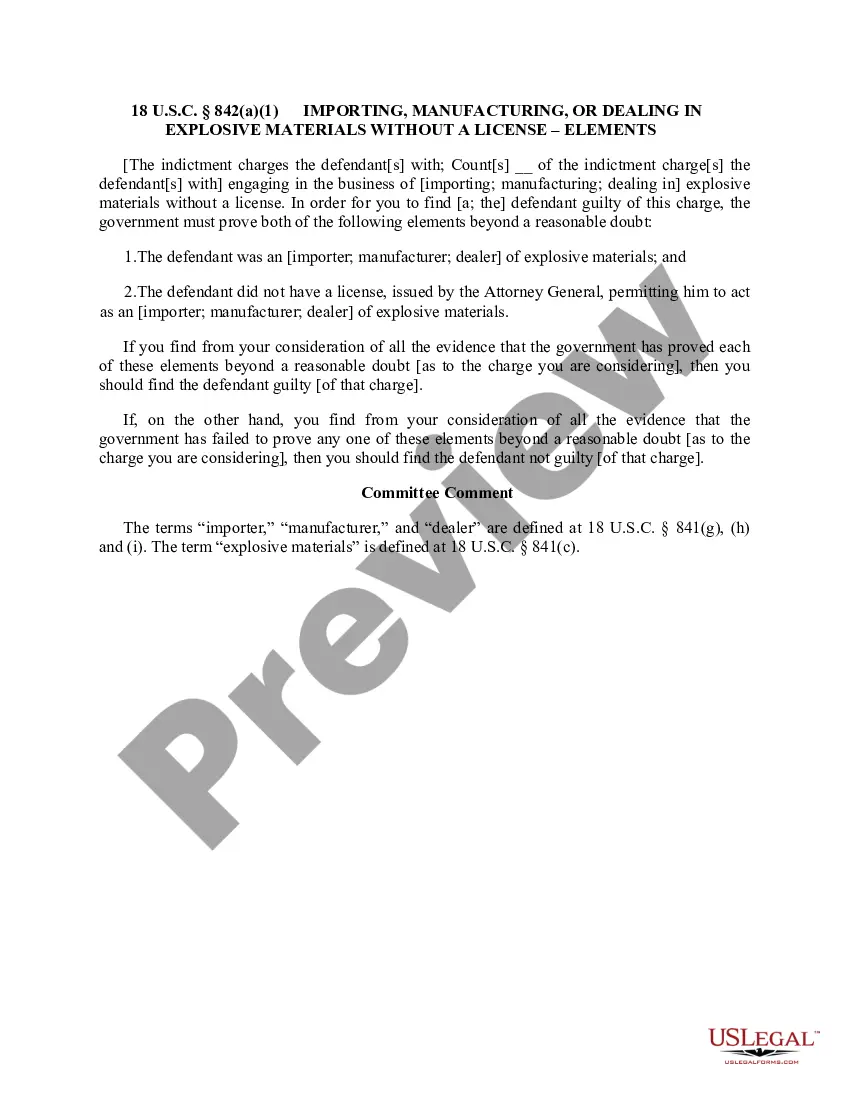
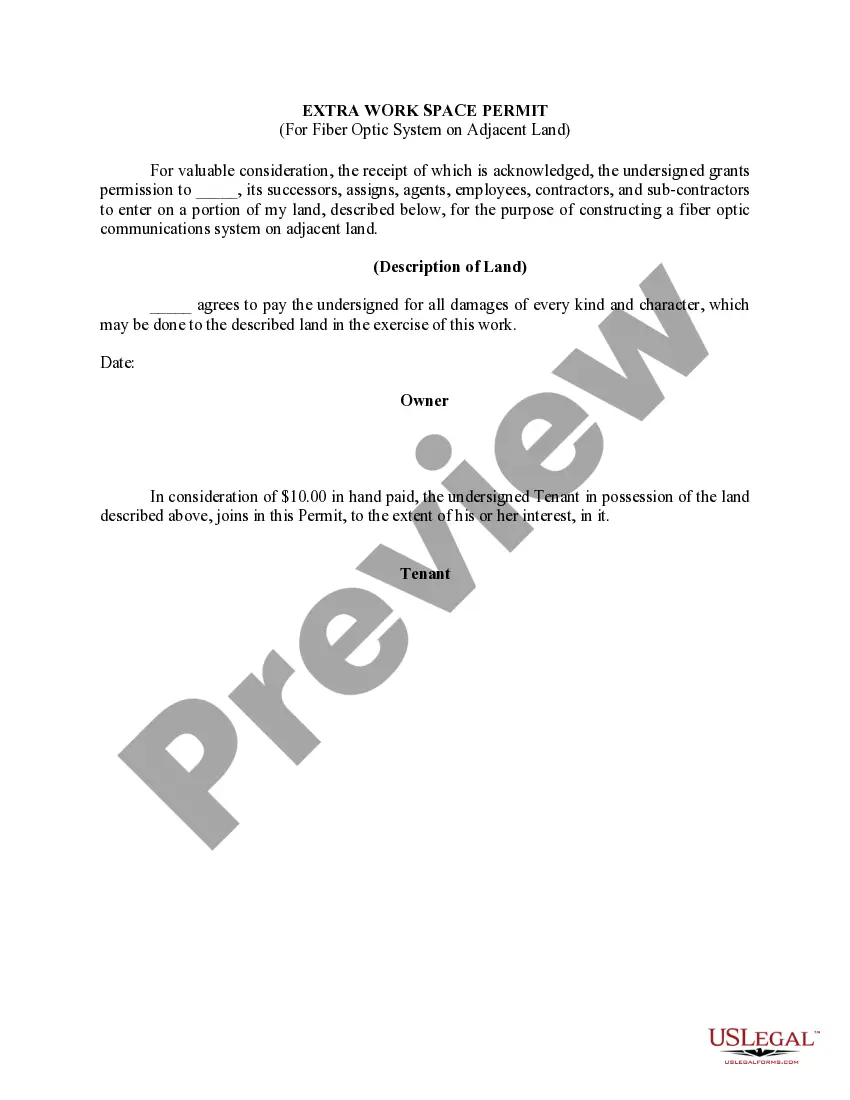
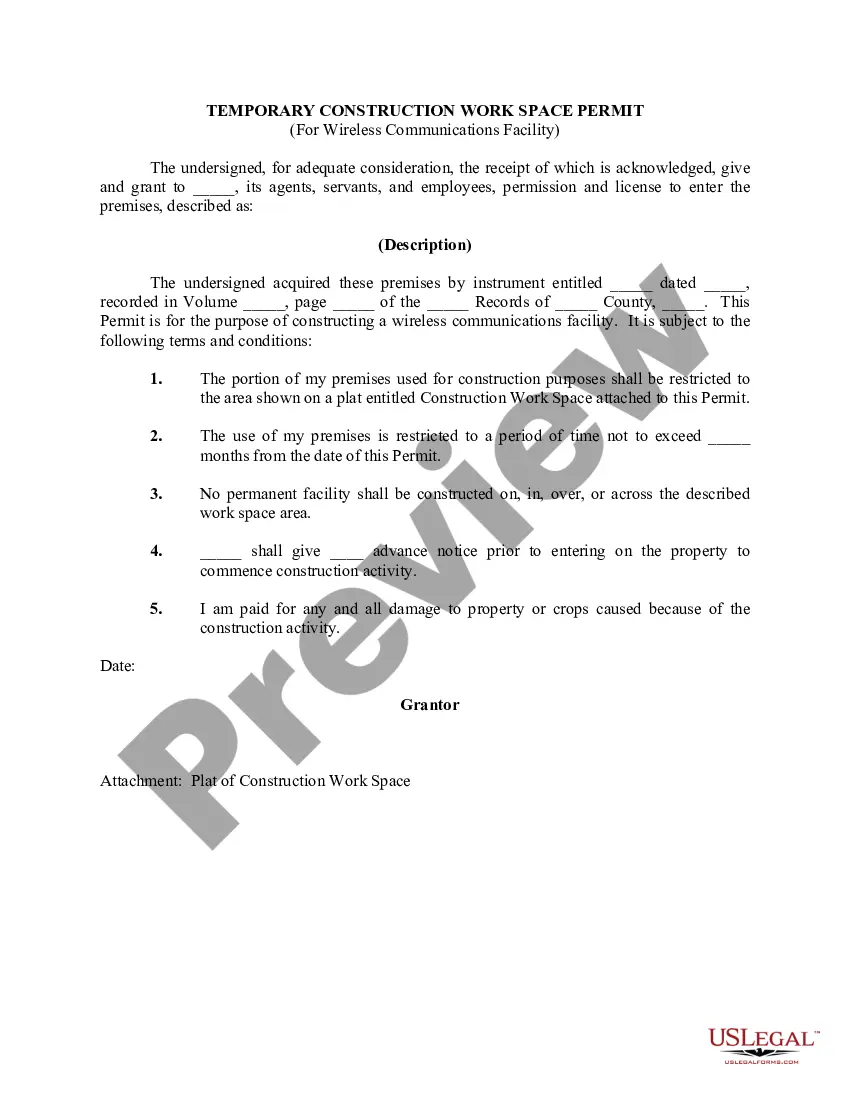
South Carolina Extra Work Space Permit (For Fiber Optic System on Adjacent Land)
Description


Get your form ready online
Our built-in tools help you complete, sign, share, and store your documents in one place.
Make edits, fill in missing information, and update formatting in US Legal Forms—just like you would in MS Word.
Download a copy, print it, send it by email, or mail it via USPS—whatever works best for your next step.
Sign and collect signatures with our SignNow integration. Send to multiple recipients, set reminders, and more. Go Premium to unlock E-Sign.
If this form requires notarization, complete it online through a secure video call—no need to meet a notary in person or wait for an appointment.
We protect your documents and personal data by following strict security and privacy standards.

Make edits, fill in missing information, and update formatting in US Legal Forms—just like you would in MS Word.

Download a copy, print it, send it by email, or mail it via USPS—whatever works best for your next step.

Sign and collect signatures with our SignNow integration. Send to multiple recipients, set reminders, and more. Go Premium to unlock E-Sign.

If this form requires notarization, complete it online through a secure video call—no need to meet a notary in person or wait for an appointment.

We protect your documents and personal data by following strict security and privacy standards.
Looking for another form?

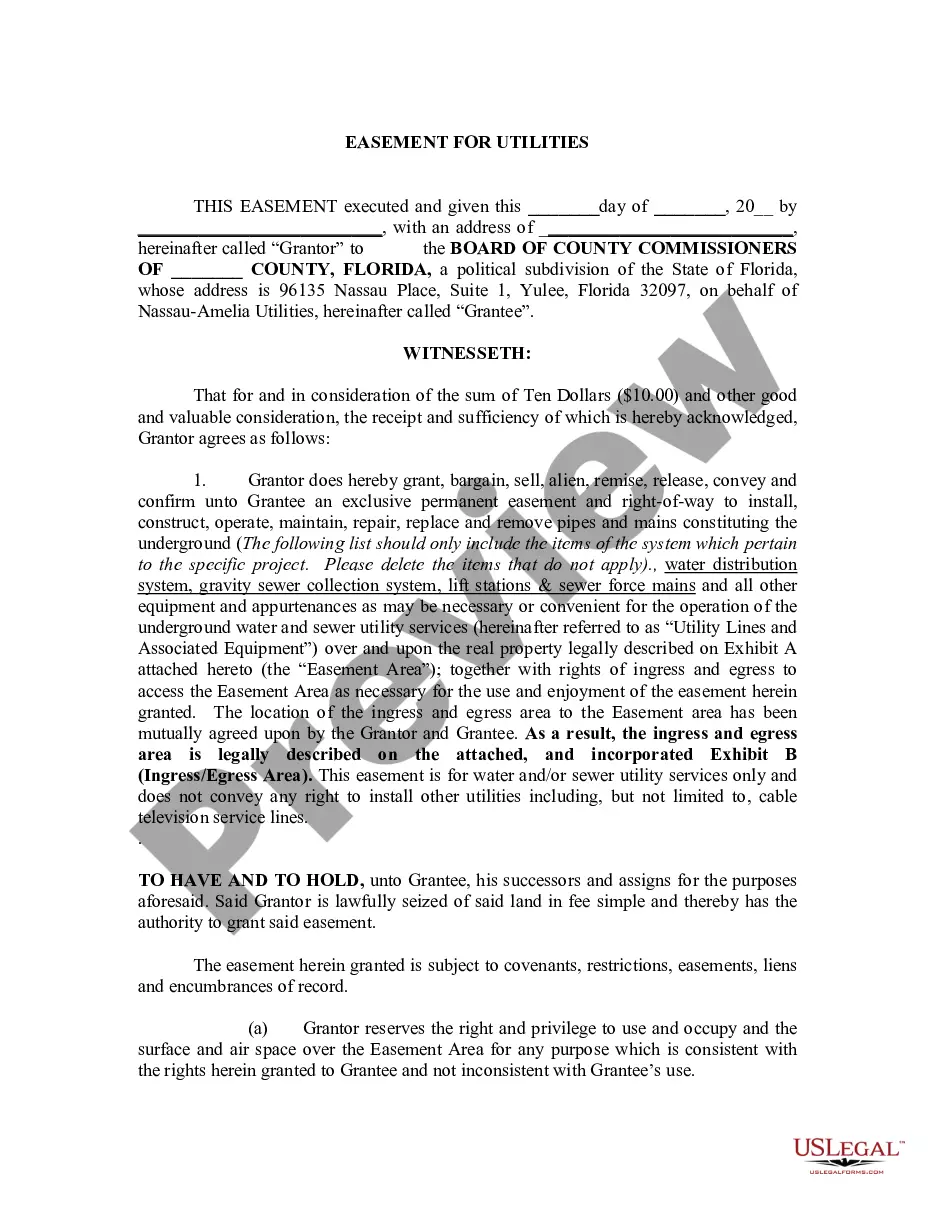



How to fill out Extra Work Space Permit (For Fiber Optic System On Adjacent Land)?
Finding the right authorized papers format can be a have difficulties. Of course, there are plenty of templates available on the net, but how can you find the authorized develop you will need? Take advantage of the US Legal Forms internet site. The assistance provides thousands of templates, including the South Carolina Extra Work Space Permit (For Fiber Optic System on Adjacent Land), that you can use for company and personal needs. Each of the types are checked by professionals and meet federal and state requirements.
If you are presently listed, log in to your account and click on the Acquire key to obtain the South Carolina Extra Work Space Permit (For Fiber Optic System on Adjacent Land). Utilize your account to check from the authorized types you might have ordered formerly. Go to the My Forms tab of the account and obtain yet another backup of the papers you will need.
If you are a new end user of US Legal Forms, allow me to share straightforward instructions for you to comply with:
- Very first, ensure you have selected the correct develop to your area/county. You are able to check out the form utilizing the Review key and look at the form outline to ensure it is the right one for you.
- In the event the develop does not meet your preferences, use the Seach field to get the right develop.
- Once you are positive that the form is proper, go through the Purchase now key to obtain the develop.
- Choose the rates strategy you need and enter in the essential information and facts. Design your account and pay for the order with your PayPal account or charge card.
- Pick the data file format and down load the authorized papers format to your product.
- Total, modify and printing and indication the obtained South Carolina Extra Work Space Permit (For Fiber Optic System on Adjacent Land).
US Legal Forms may be the largest catalogue of authorized types in which you can discover various papers templates. Take advantage of the service to down load skillfully-produced files that comply with state requirements.