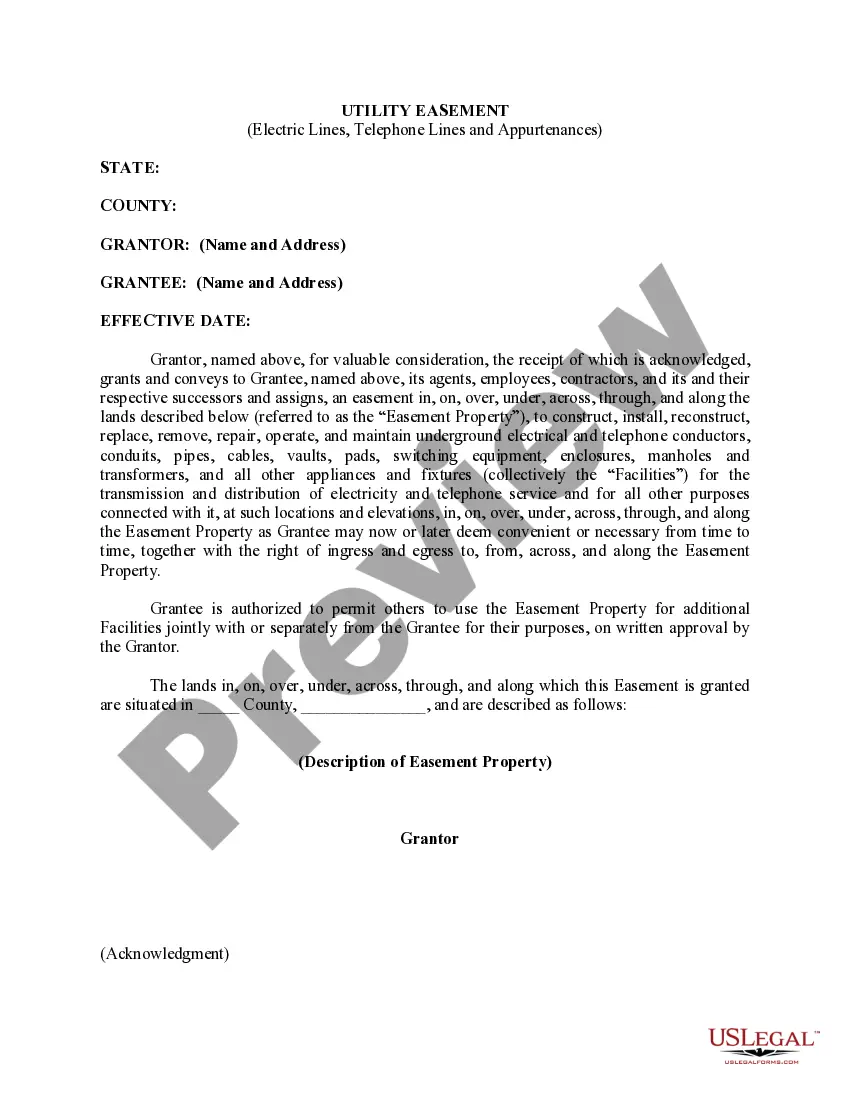
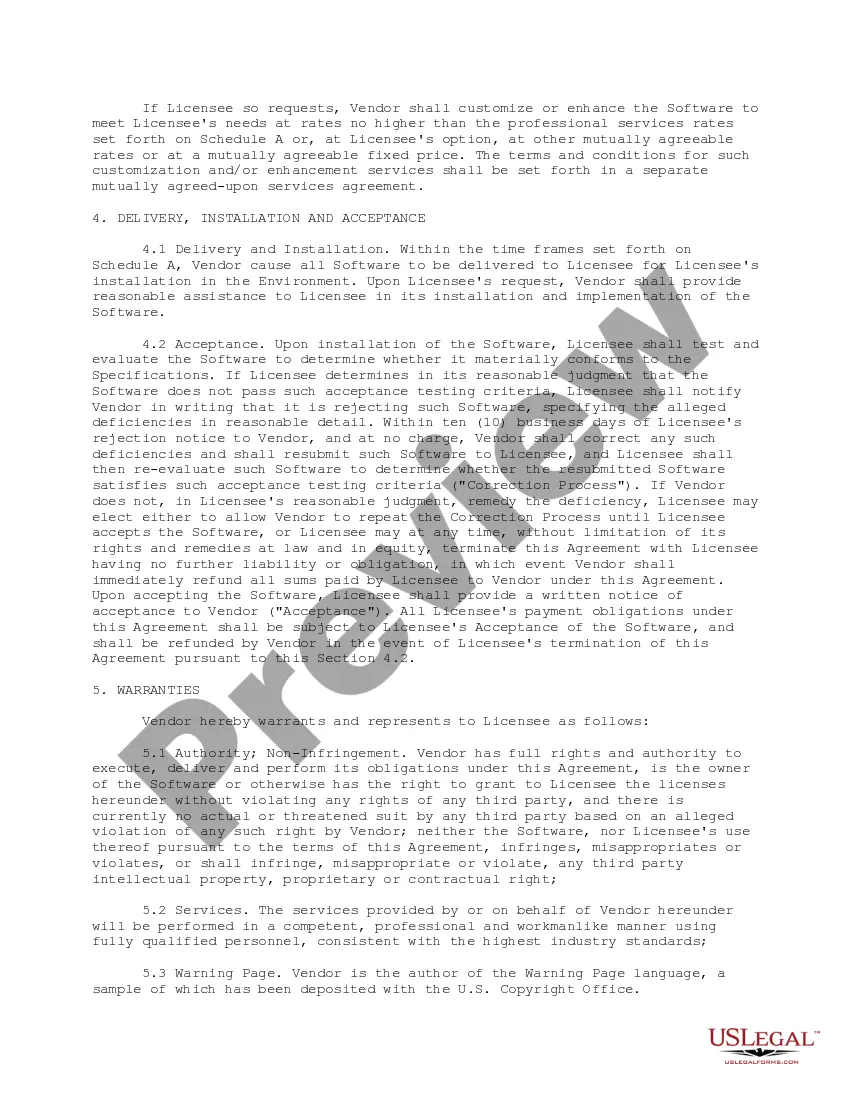
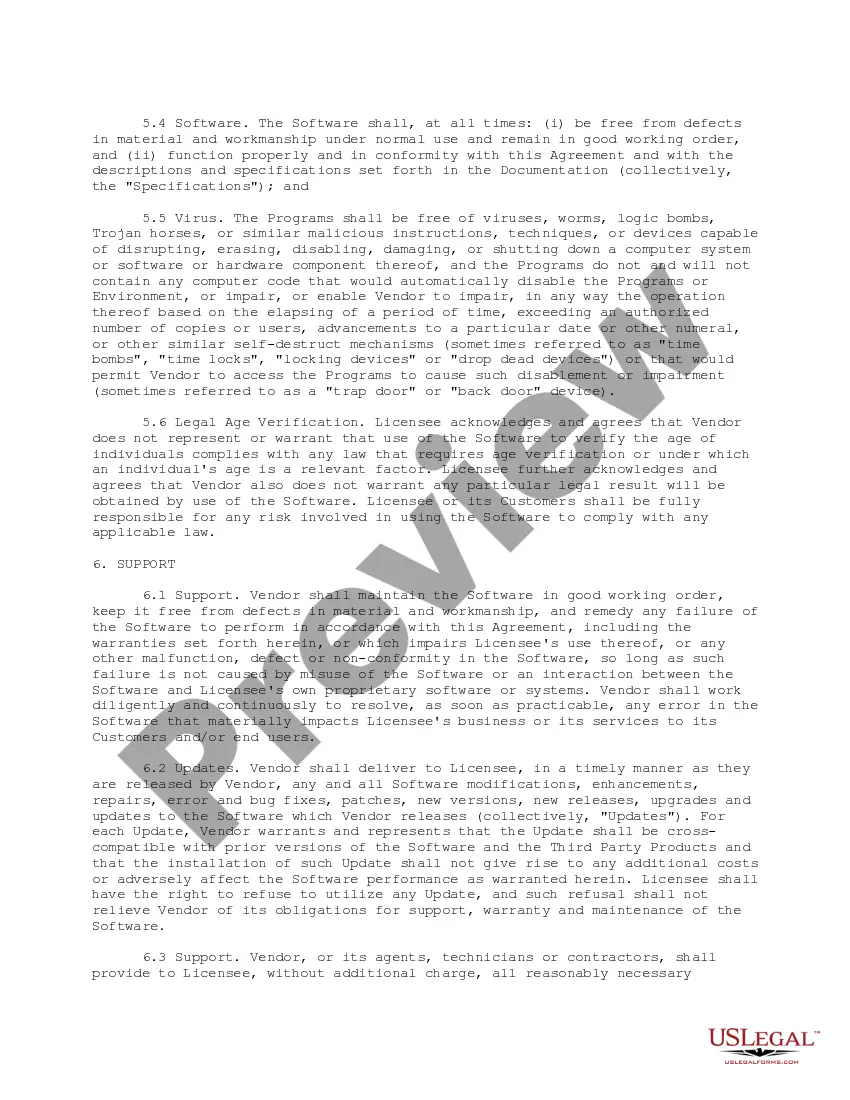
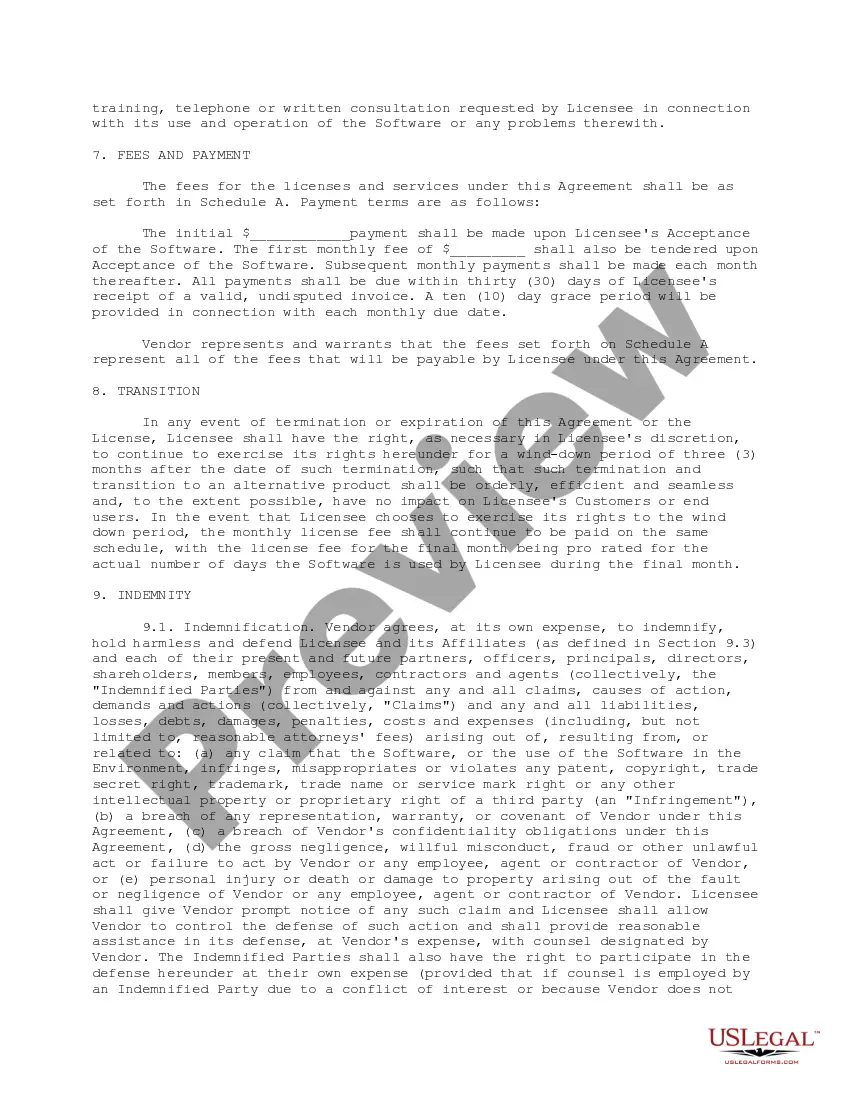
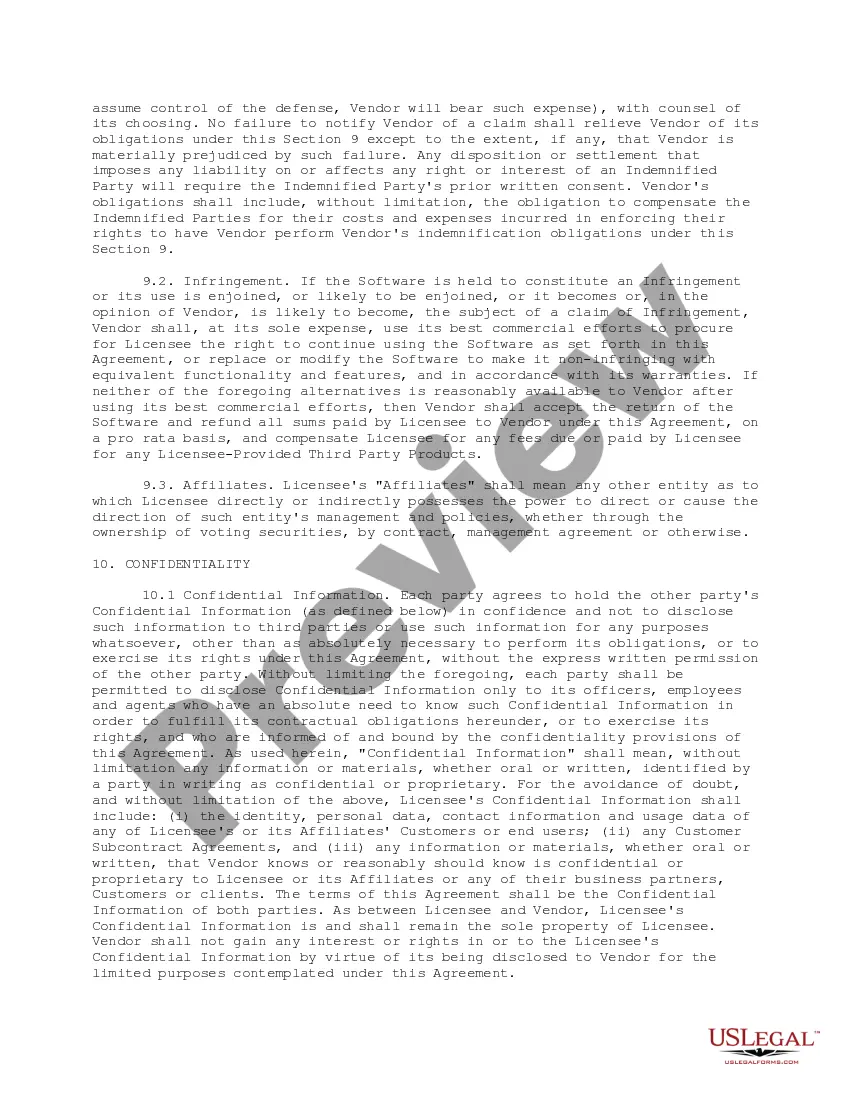
This form is an Age Verification Software License Agreement that grants a licensee the right to use the vendor's online age verification software.
South Carolina Age Verification Software License Agreement
Instant download
Description
Free preview
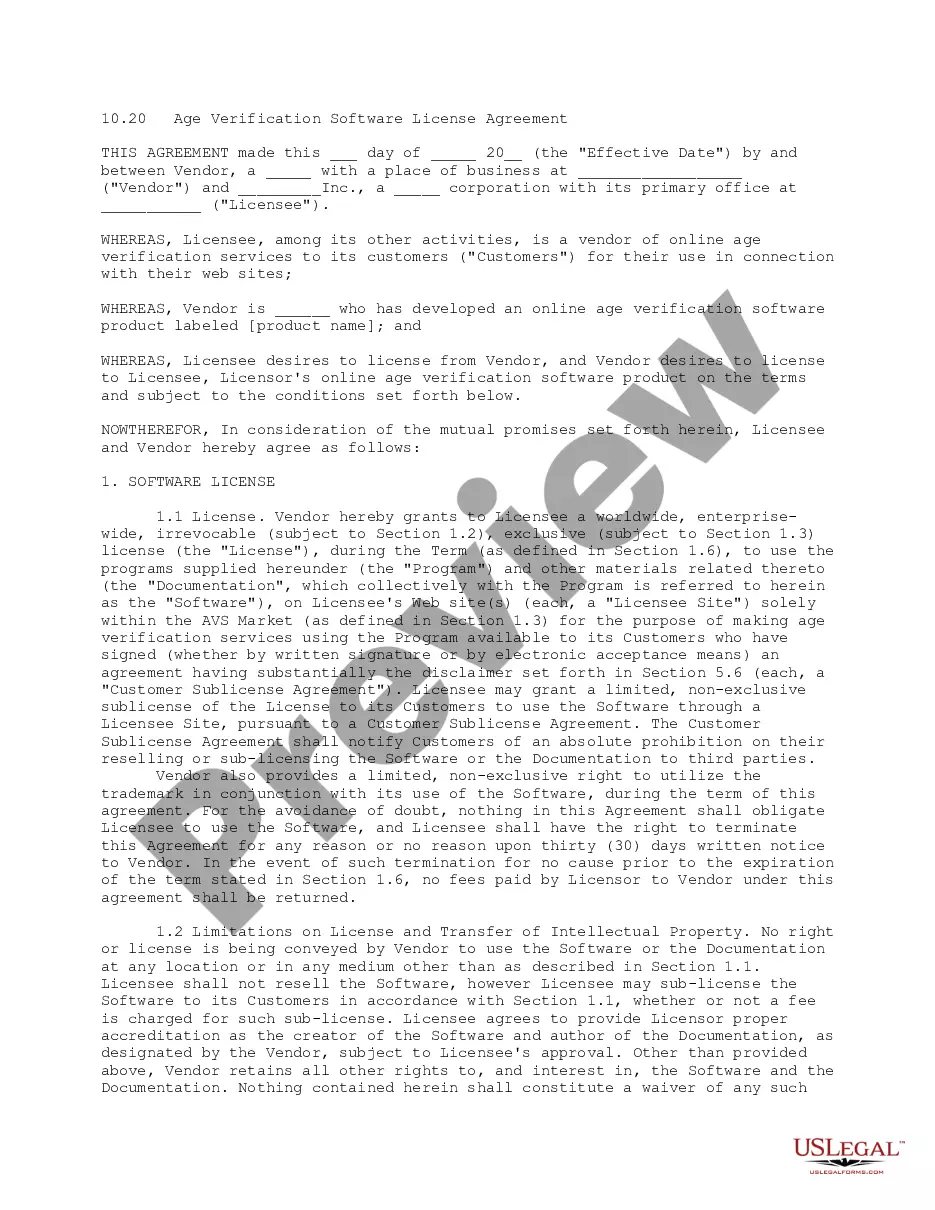
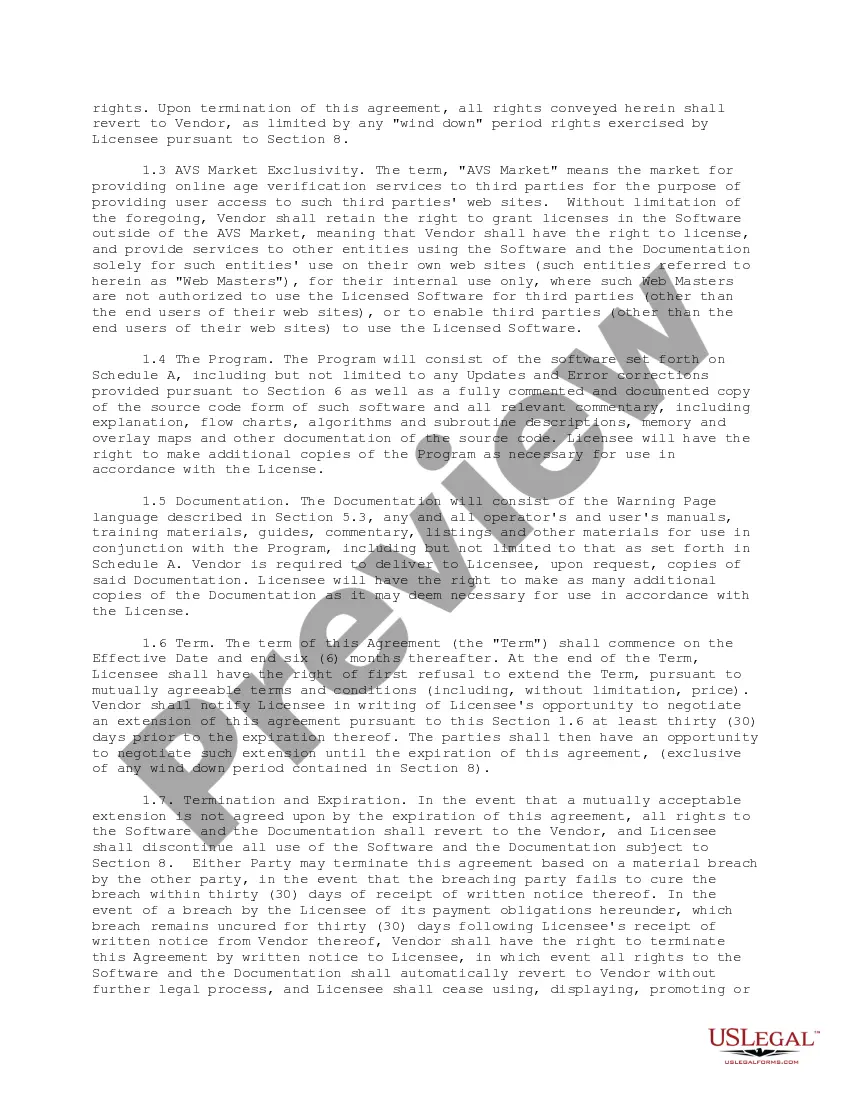
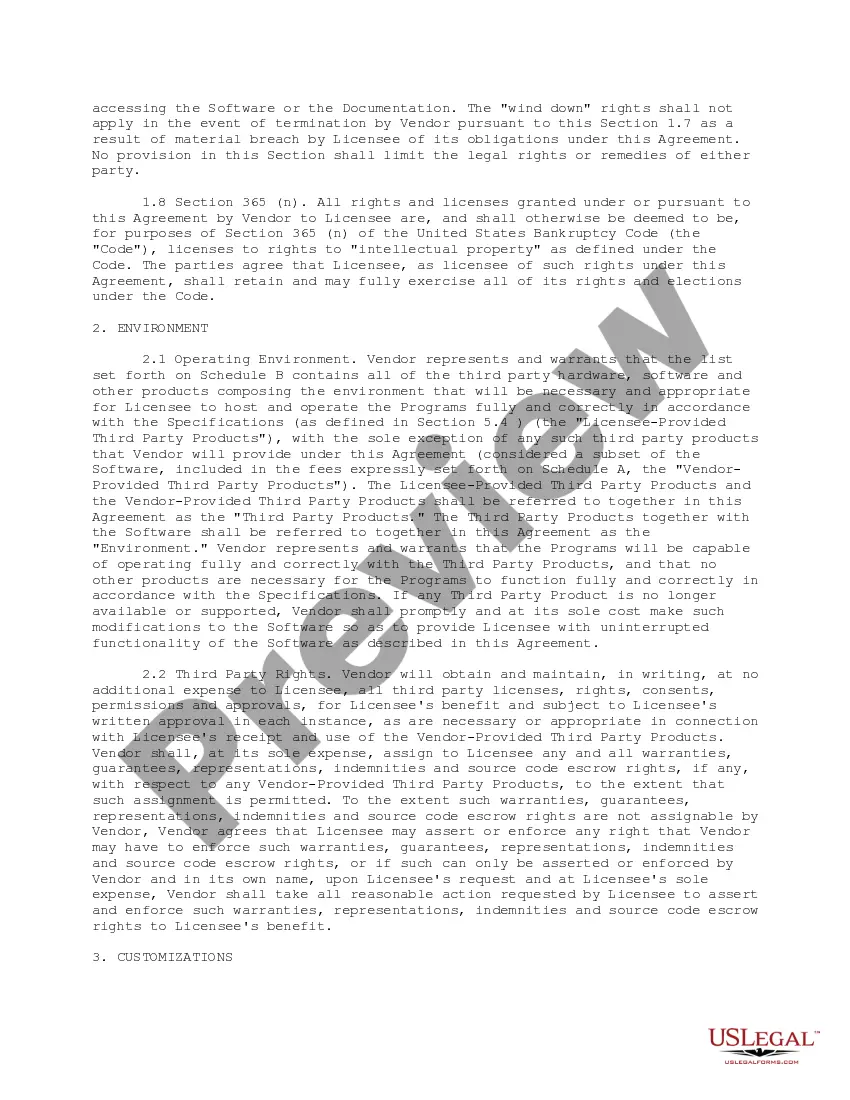
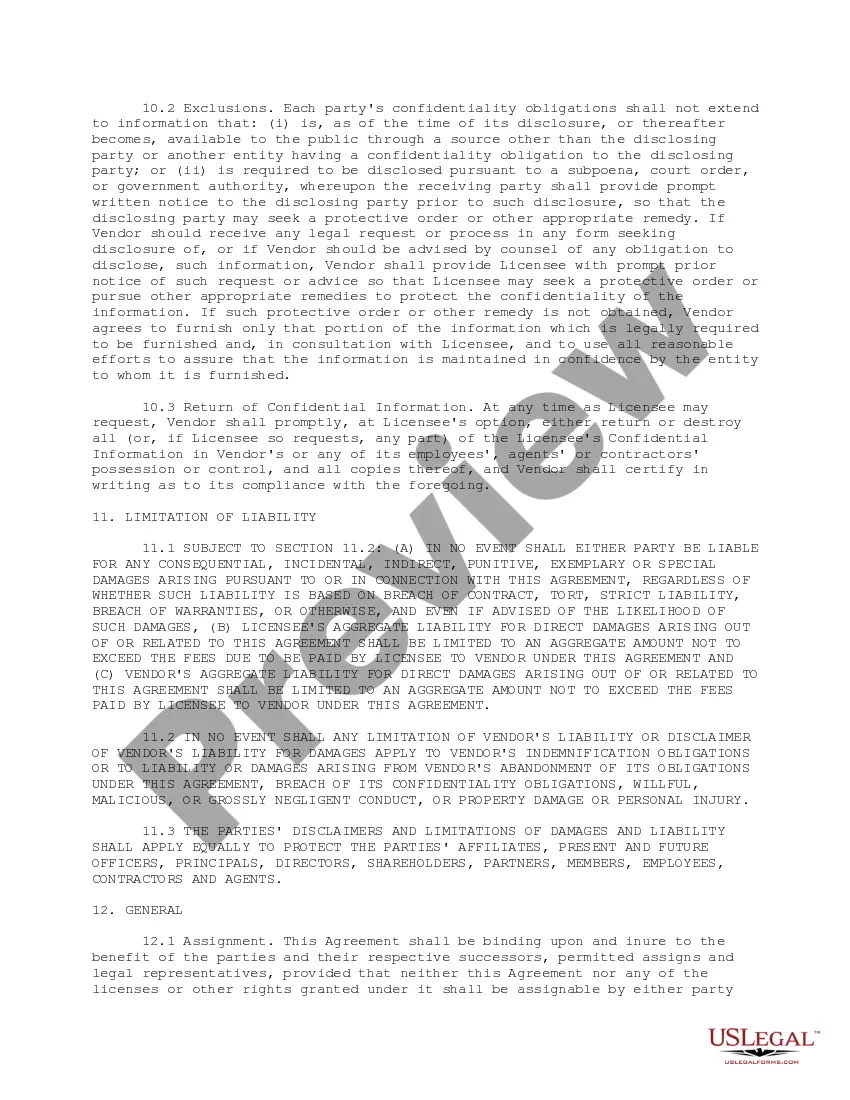
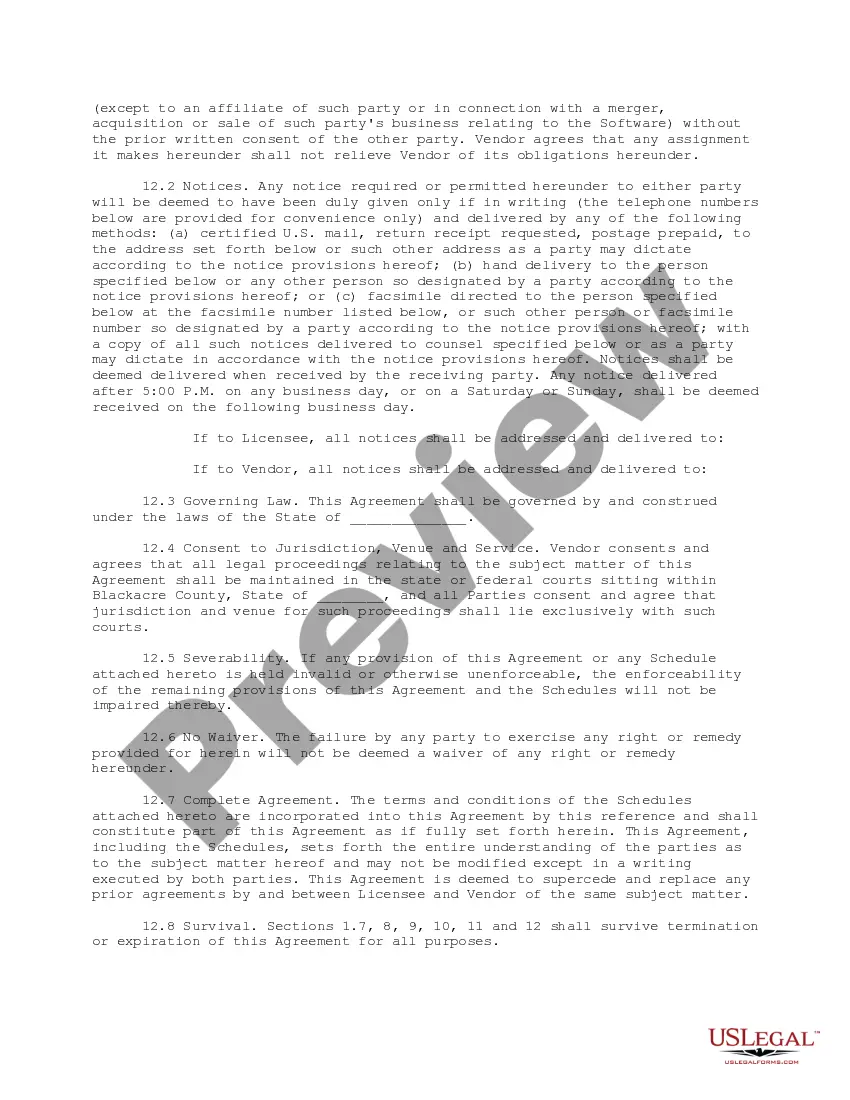
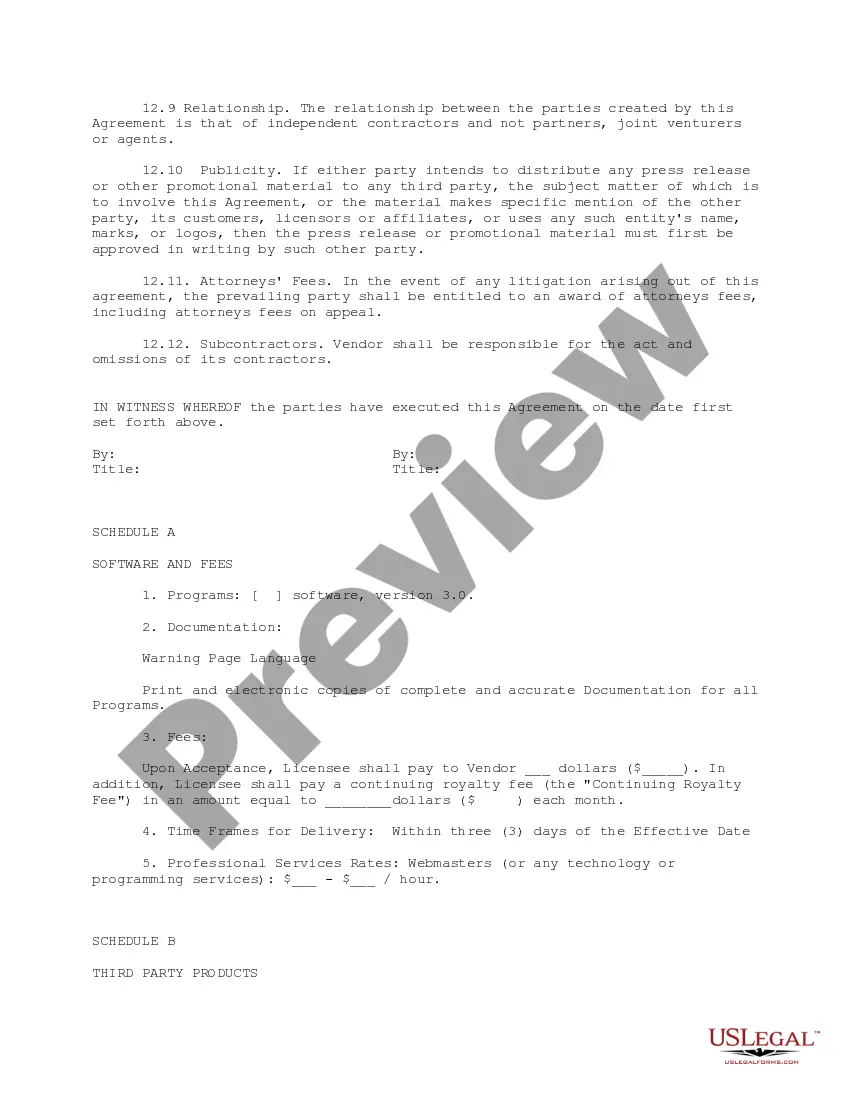

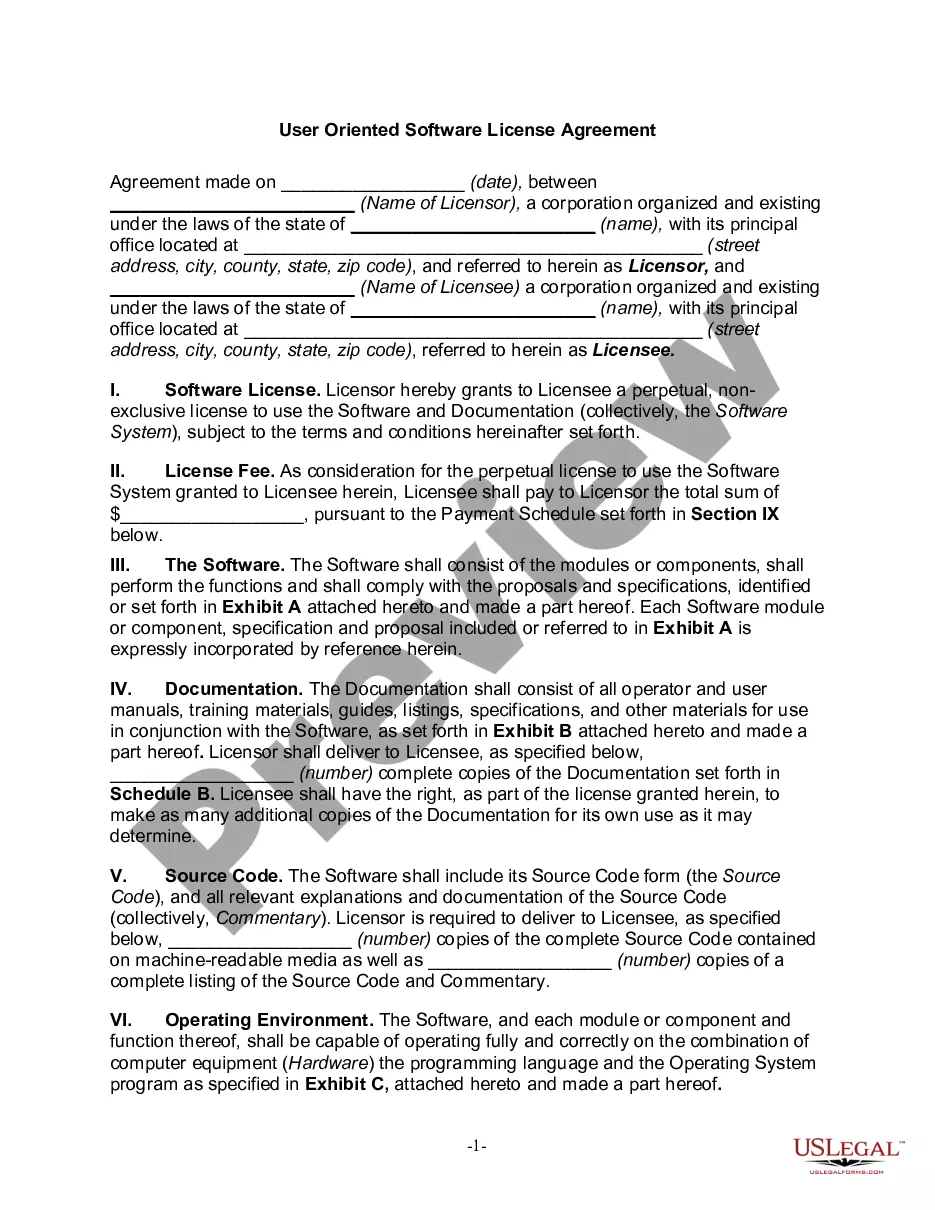
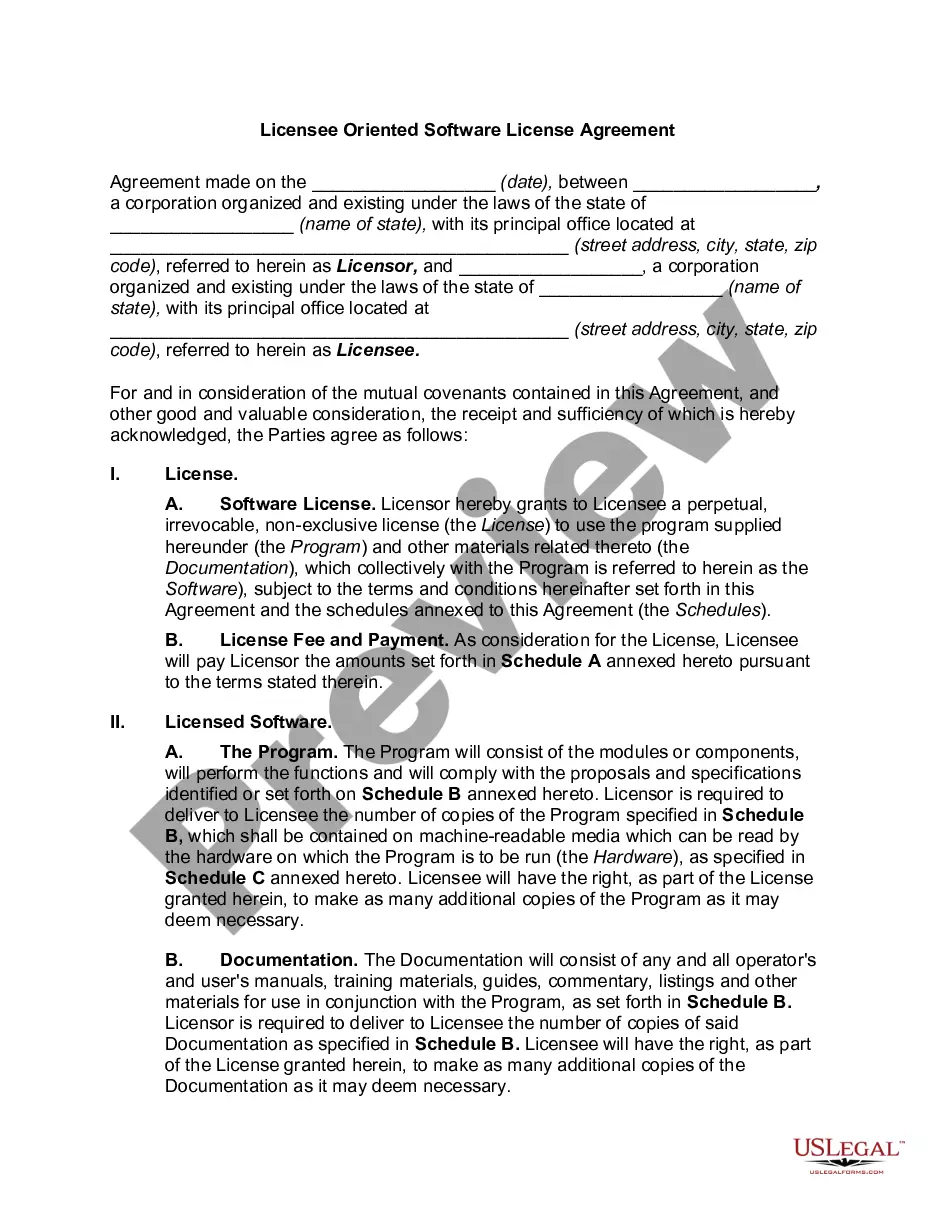
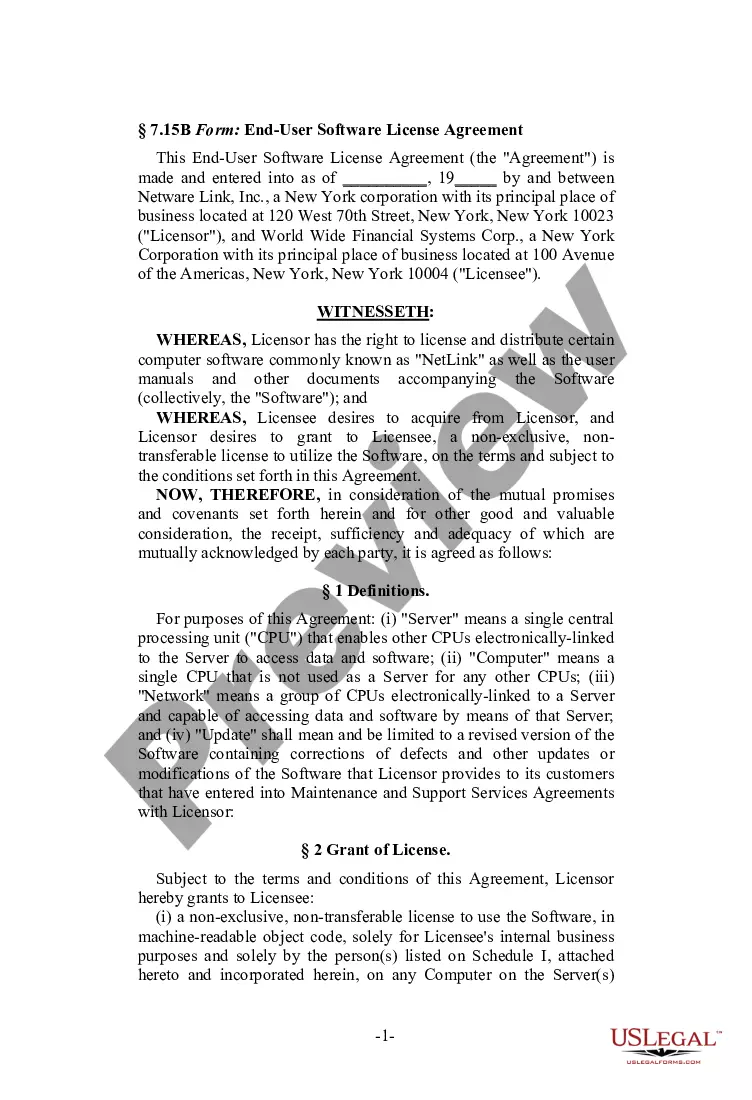
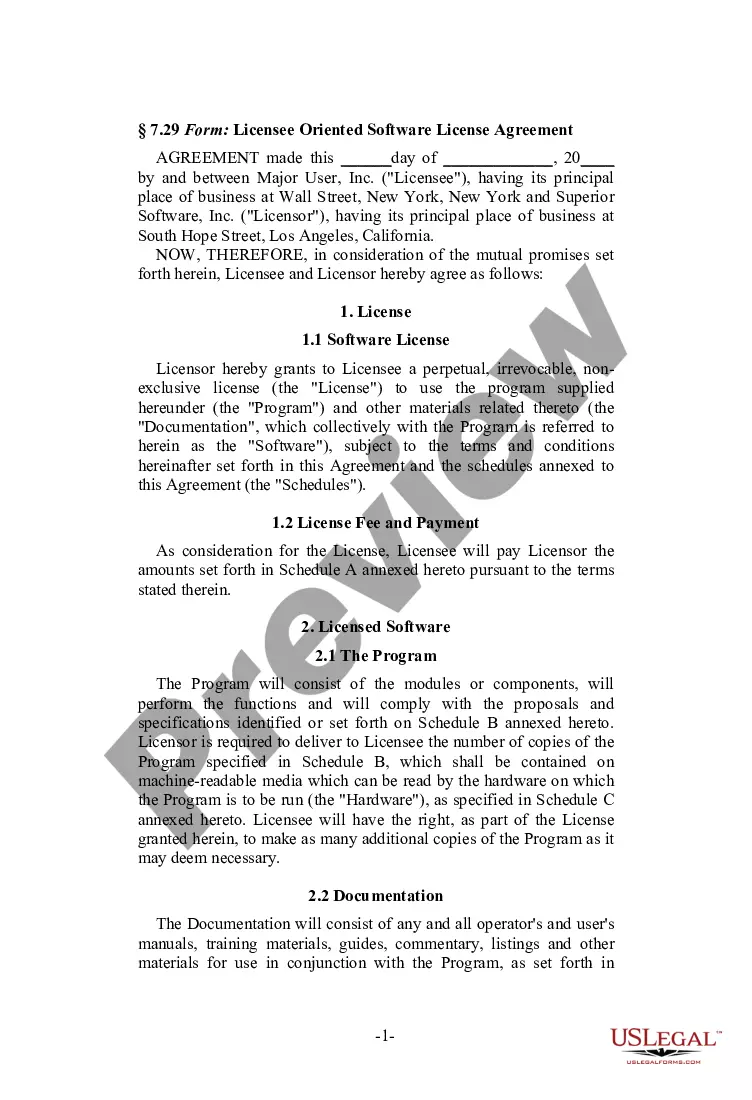
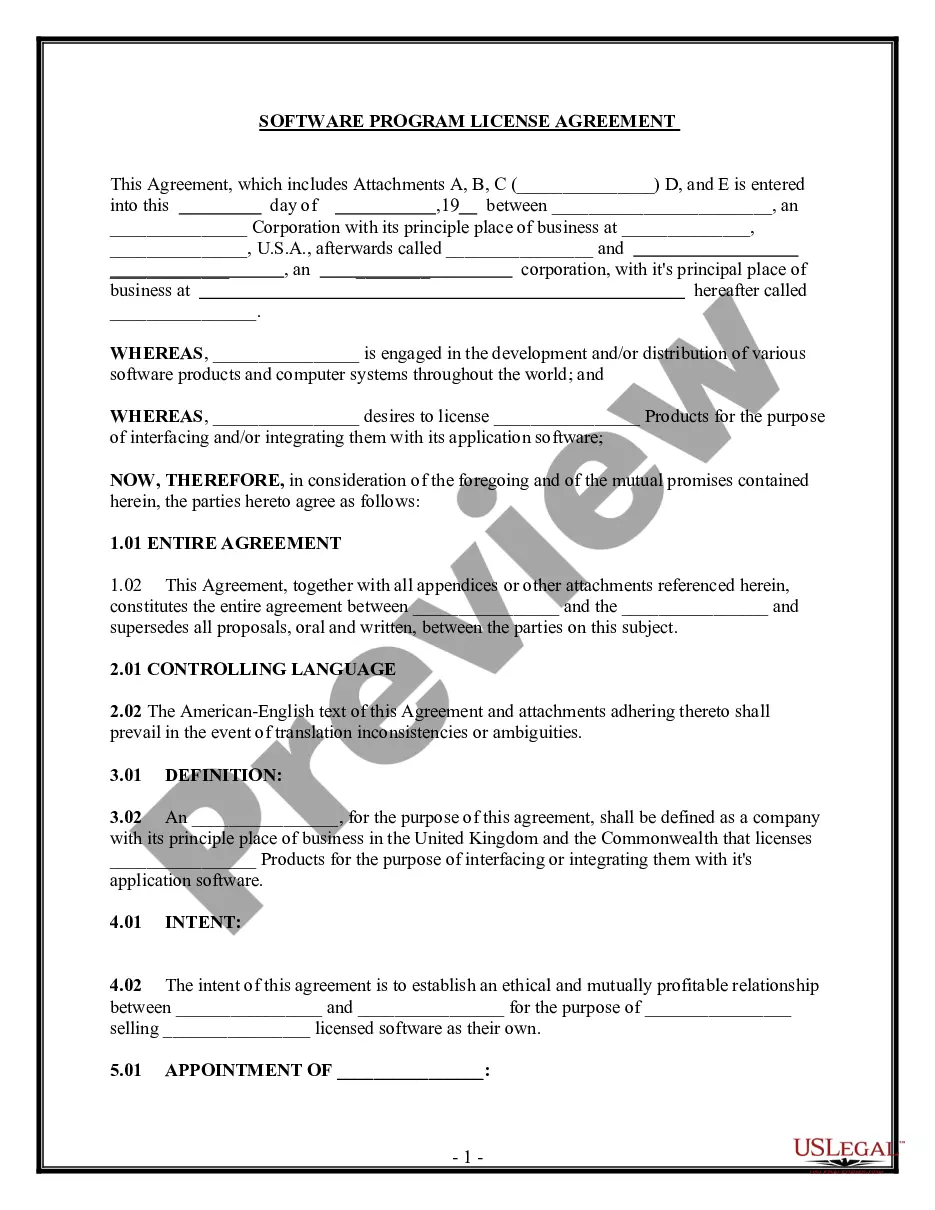
Get your form ready online
Our built-in tools help you complete, sign, share, and store your documents in one place.
Built-in online Word editor
Make edits, fill in missing information, and update formatting in US Legal Forms—just like you would in MS Word.
Export easily
Download a copy, print it, send it by email, or mail it via USPS—whatever works best for your next step.
E-sign your document
Sign and collect signatures with our SignNow integration. Send to multiple recipients, set reminders, and more. Go Premium to unlock E-Sign.
Notarize online 24/7
If this form requires notarization, complete it online through a secure video call—no need to meet a notary in person or wait for an appointment.
Store your document securely
We protect your documents and personal data by following strict security and privacy standards.

Make edits, fill in missing information, and update formatting in US Legal Forms—just like you would in MS Word.

Download a copy, print it, send it by email, or mail it via USPS—whatever works best for your next step.

Sign and collect signatures with our SignNow integration. Send to multiple recipients, set reminders, and more. Go Premium to unlock E-Sign.

If this form requires notarization, complete it online through a secure video call—no need to meet a notary in person or wait for an appointment.

We protect your documents and personal data by following strict security and privacy standards.
Looking for another form?


How to fill out Age Verification Software License Agreement?
US Legal Forms - one of the largest collections of legal documents in the USA - offers a variety of legal form templates that you can download or print. By using the website, you can find thousands of forms for business and personal purposes, categorized by types, states, or keywords.
You can obtain the latest versions of forms such as the South Carolina Age Verification Software License Agreement in just minutes. If you already have a membership, Log In and download the South Carolina Age Verification Software License Agreement from the US Legal Forms library. The Download button will appear on each form you view. You can access all previously acquired forms from the My documents section of your account.
To use US Legal Forms for the first time, here are simple steps to get started: Ensure you have selected the correct form for your area/county. Click the Review button to check the form's content. Review the form details to confirm you have chosen the right form. If the form does not meet your needs, use the Search box at the top of the screen to find one that does. If you are satisfied with the form, confirm your choice by clicking the Get now button. Then, choose the payment plan you want and provide your credentials to register for an account. Process the transaction. Use a credit card or PayPal account to complete the transaction. Select the format and download the form to your device. Make modifications. Fill out, edit, print, and sign the downloaded South Carolina Age Verification Software License Agreement. Each template you added to your account does not have an expiration date and is yours indefinitely. So, if you wish to download or print another copy, simply visit the My documents section and click on the form you need.
- Access the South Carolina Age Verification Software License Agreement with US Legal Forms, the most extensive library of legal document templates.
- Utilize thousands of professional and state-specific templates that meet your business or personal needs and requirements.
Form popularity
FAQ
Several states allow digital driver's licenses, including South Carolina, Arizona, and Delaware. This growing trend reflects the shift towards digital identity solutions. As businesses operate across state lines, understanding these regulations is vital. The South Carolina Age Verification Software License Agreement can assist in navigating these requirements efficiently.
South Carolina has implemented a digital driver's license option for its residents. This allows users to carry their driver's license on their smartphones, providing convenience and accessibility. As businesses adapt to digital solutions, incorporating the South Carolina Age Verification Software License Agreement becomes essential for effective age verification.
Yes, South Carolina does allow digital driver's licenses. This feature enables residents to access their driver's license information through a mobile app. Utilizing a digital driver's license can simplify identity verification processes. Integrating the South Carolina Age Verification Software License Agreement with this technology can enhance compliance and security.
In South Carolina, the age of consent is 16 years old. This means individuals aged 16 and older can legally engage in sexual activities. However, age verification is crucial for businesses to comply with laws regarding minors. The South Carolina Age Verification Software License Agreement can help ensure your operations align with legal requirements.
The App Store Accountability Act in South Carolina emphasizes the responsibility of app stores to monitor and regulate the apps they offer. This act promotes the use of age verification tools to prevent minors from accessing inappropriate content. Businesses looking to comply with this legislation can find valuable resources through a South Carolina Age Verification Software License Agreement, ensuring they meet legal standards and protect their users.
In South Carolina, the age of consent is 16 years old. This means individuals aged 16 and older can legally consent to sexual activity. Understanding the nuances of age-related laws, including those tied to the South Carolina Age Verification Software License Agreement, is crucial for businesses to navigate legal responsibilities and protect minors.
The Child Online Safety Act in South Carolina focuses on safeguarding minors from inappropriate content online. It mandates that websites and digital services implement robust age verification processes to prevent access to harmful materials. Utilizing a South Carolina Age Verification Software License Agreement can help businesses meet these requirements effectively, ensuring they adhere to the law while protecting young users.
The App Store Accountability Act aims to ensure that digital platforms, like app stores, take responsibility for the content they host. This legislation requires app stores to implement age verification systems to protect underage users. To comply with this act, businesses can benefit from a South Carolina Age Verification Software License Agreement, which provides the necessary tools and legal framework for compliance.
Several states in the U.S. are adopting digital IDs, with notable examples including Maryland and Colorado. These digital IDs provide residents with a secure and convenient method for identification. As more states, like South Carolina, move toward digital ID solutions, the South Carolina Age Verification Software License Agreement will play a crucial role in ensuring that businesses can effectively manage age verification requirements while enhancing customer trust.
To add your South Carolina driver's license to your Apple Wallet, first ensure your device is updated to the latest iOS version. Open the Wallet app, tap the '+' icon, and select 'Driver's License or State ID.' Follow the prompts to scan your ID and verify your identity. This feature aligns well with the South Carolina Age Verification Software License Agreement, allowing for streamlined verification processes in businesses that require age checks.