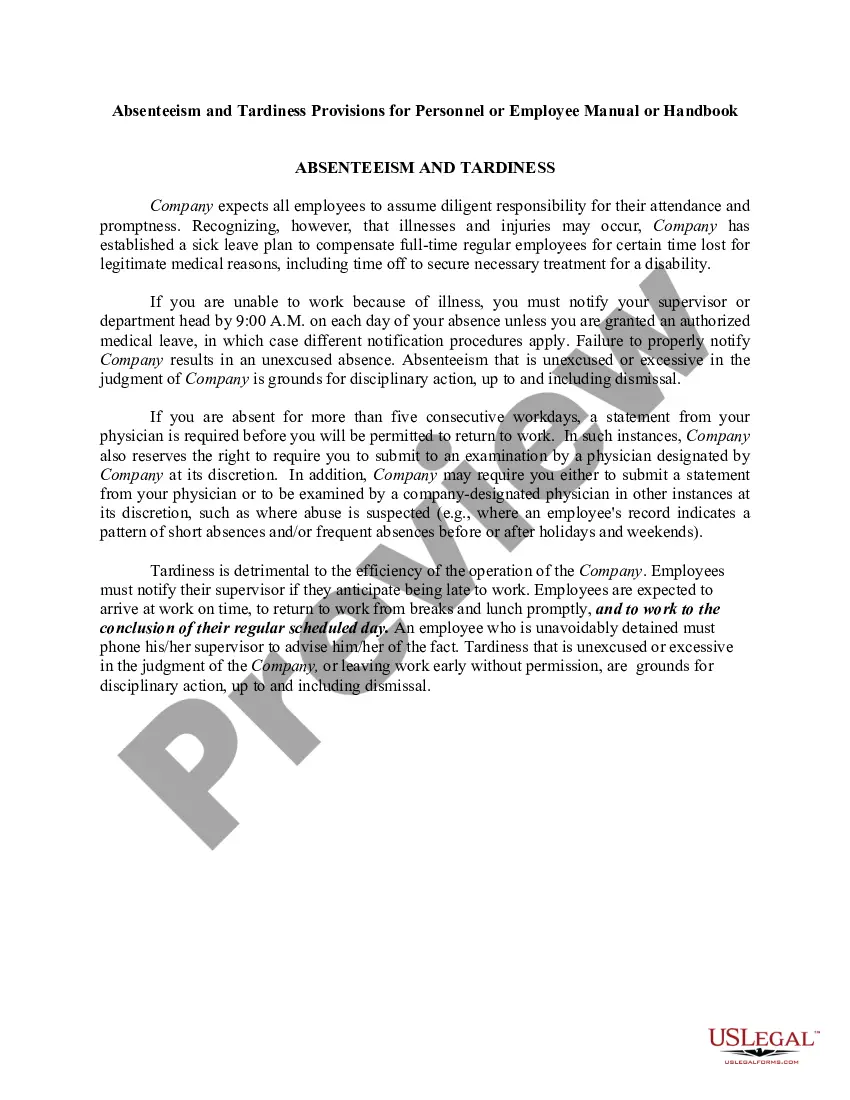
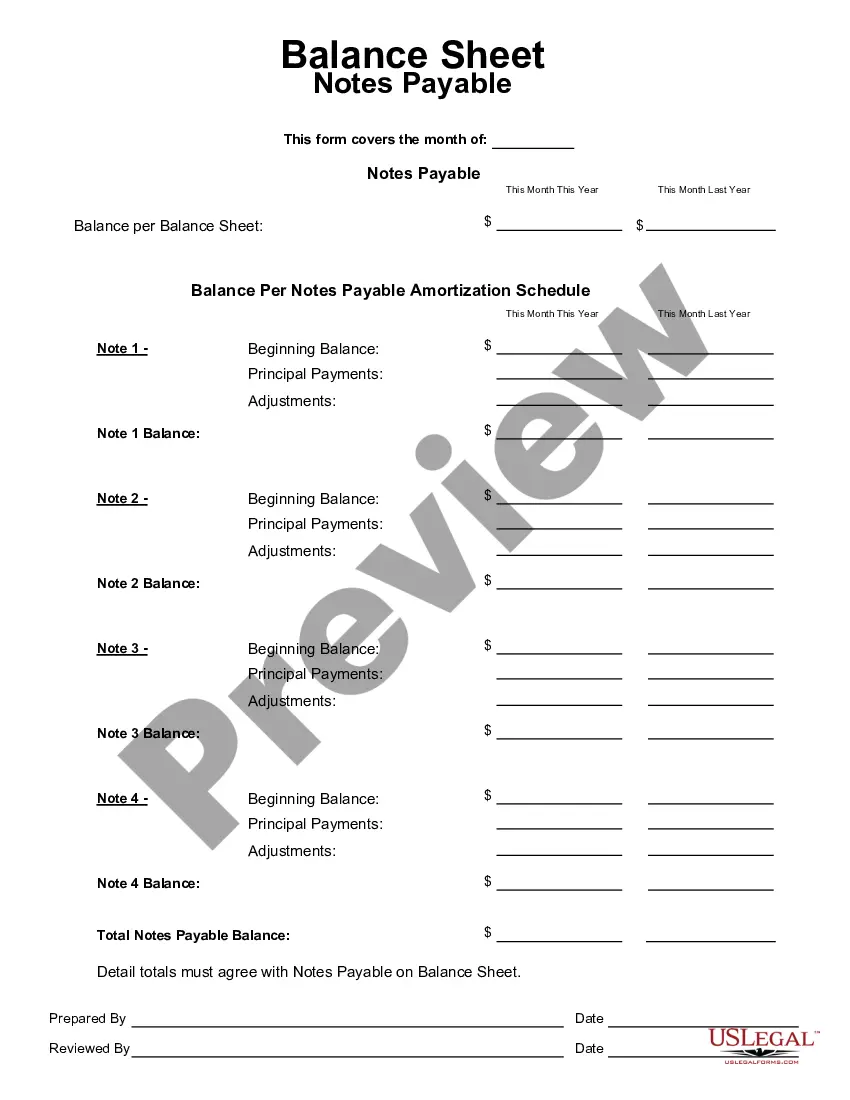
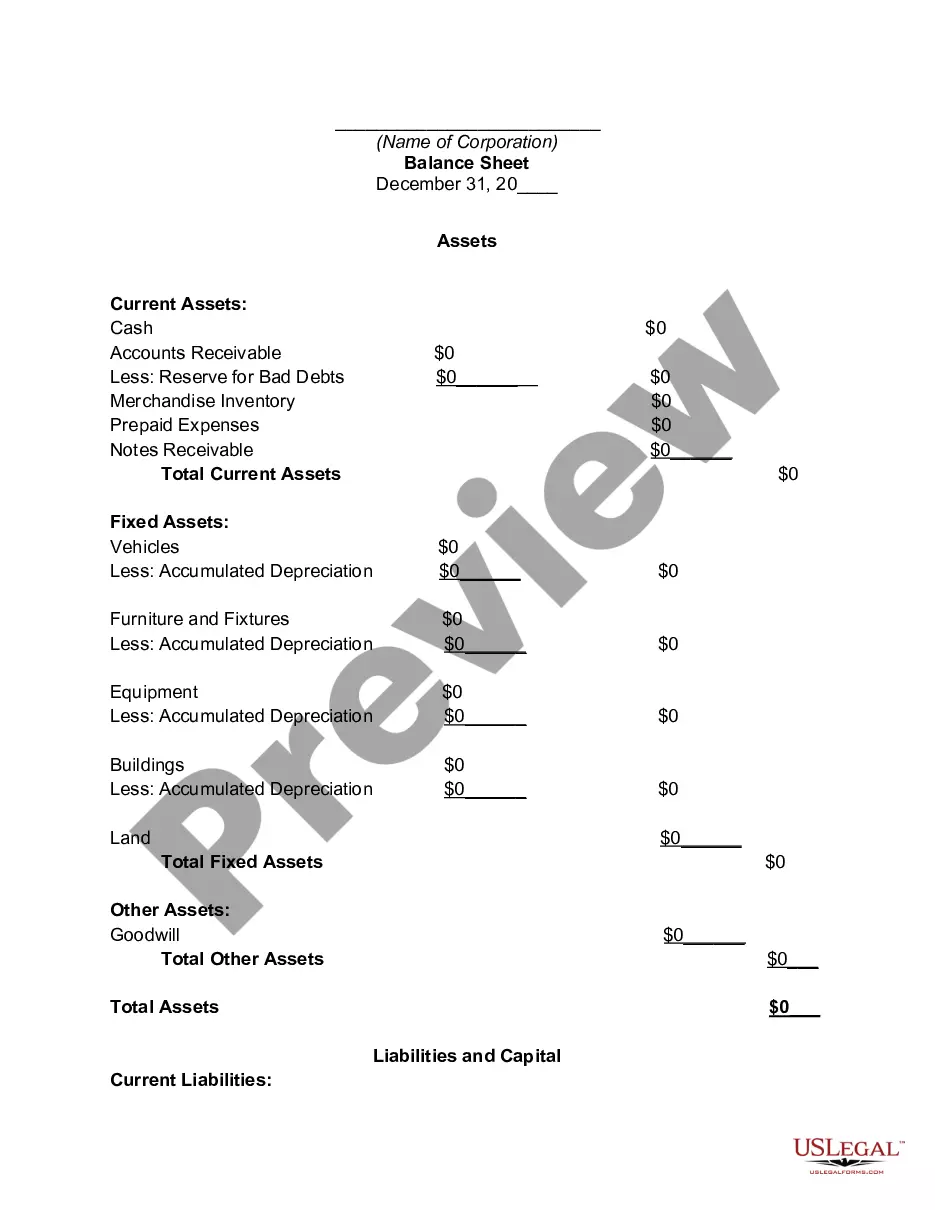
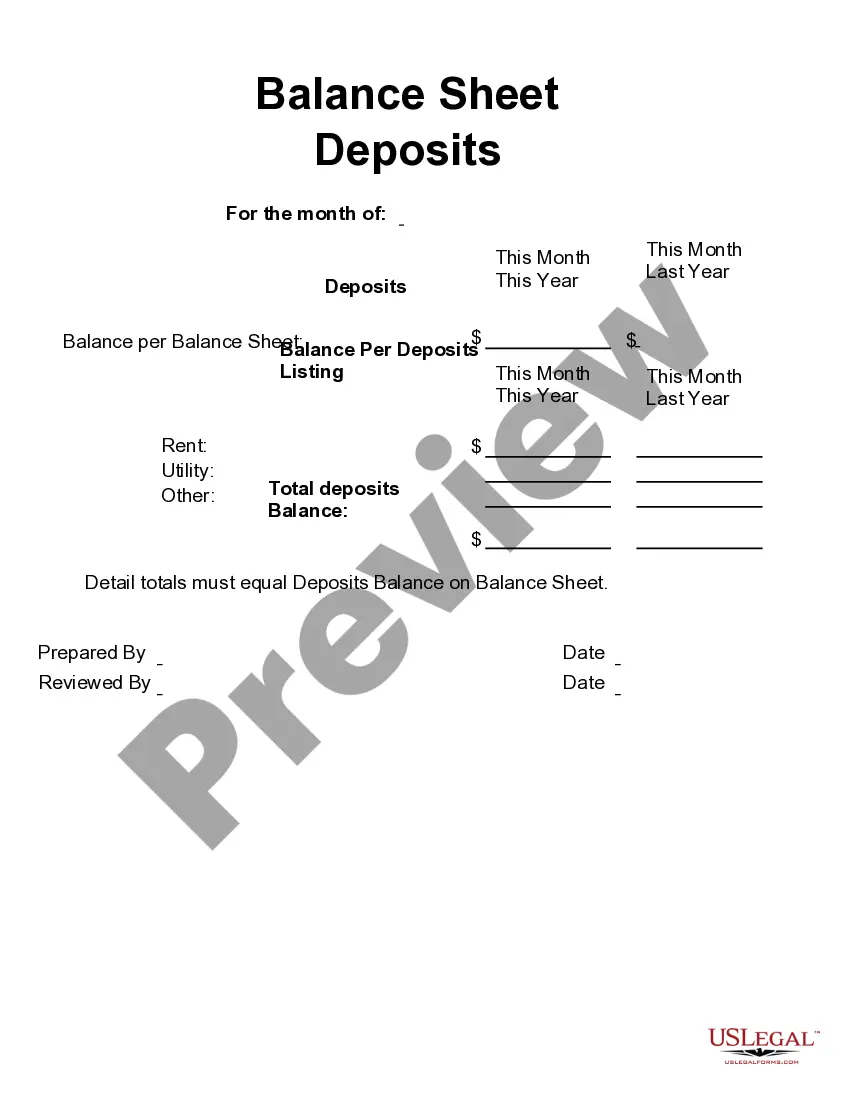
This form is a business type form that is formatted to allow you to complete the form using Adobe Acrobat or Word. The word files have been formatted to allow completion by entry into fields. Some of the forms under this category are rather simple while others are more complex. The formatting is worth the small cost.
South Carolina Balance Sheet Notes Payable
Category:
State:
Multi-State
Control #:
US-123-AZ
Format:
Word;
PDF;
Rich Text
Instant download
Description
Get your form ready online
Our built-in tools help you complete, sign, share, and store your documents in one place.
Built-in online Word editor
Make edits, fill in missing information, and update formatting in US Legal Forms—just like you would in MS Word.
Export easily
Download a copy, print it, send it by email, or mail it via USPS—whatever works best for your next step.
E-sign your document
Sign and collect signatures with our SignNow integration. Send to multiple recipients, set reminders, and more. Go Premium to unlock E-Sign.
Notarize online 24/7
If this form requires notarization, complete it online through a secure video call—no need to meet a notary in person or wait for an appointment.
Store your document securely
We protect your documents and personal data by following strict security and privacy standards.

Make edits, fill in missing information, and update formatting in US Legal Forms—just like you would in MS Word.

Download a copy, print it, send it by email, or mail it via USPS—whatever works best for your next step.

Sign and collect signatures with our SignNow integration. Send to multiple recipients, set reminders, and more. Go Premium to unlock E-Sign.

If this form requires notarization, complete it online through a secure video call—no need to meet a notary in person or wait for an appointment.

We protect your documents and personal data by following strict security and privacy standards.
Looking for another form?



How to fill out Balance Sheet Notes Payable?
US Legal Forms - among the largest collections of official forms in the United States - provides a wide array of legal document types you can download or print.
By utilizing the website, you can access thousands of forms for business and personal needs, categorized by types, states, or keywords. You can find the latest versions of forms such as the South Carolina Balance Sheet Notes Payable in moments.
If you already have an account, Log In to obtain the South Carolina Balance Sheet Notes Payable from the US Legal Forms library. The Download button will appear on each document you view. You can access all previously downloaded forms in the My documents section of your account.
- Ensure you have selected the correct document for your state/region.
- Click the Preview button to review the content of the form.
- Read the form description to confirm that you have chosen the right document.
- If the document doesn’t meet your needs, use the Search field at the top of the screen to find one that does.
- Once satisfied with the form, verify your selection by clicking the Get now button.
- Then, select the payment plan you want and provide your details to register for the account.
Form popularity
FAQ
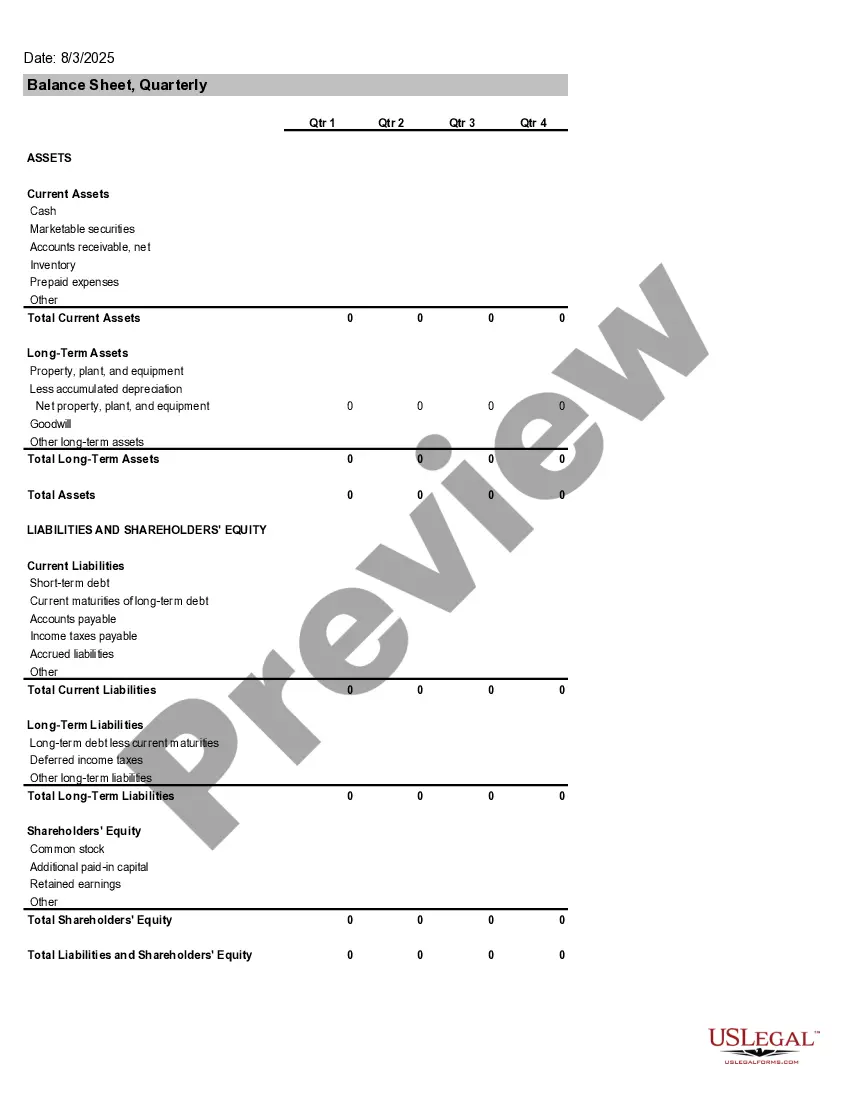
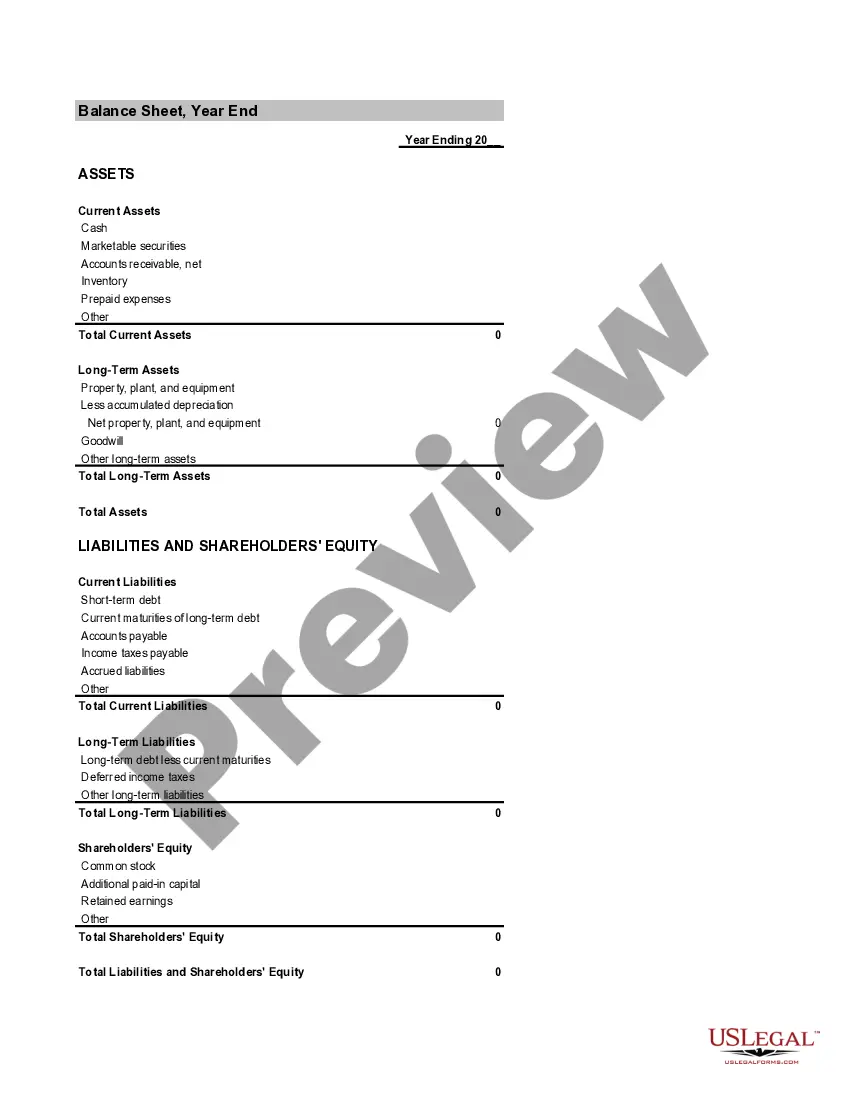
To report notes payable, list them in the liabilities section of the balance sheet, specifying the amount due within one year and any long-term portions. This structure provides clarity and highlights your financial obligations. Accurately reporting South Carolina Balance Sheet Notes Payable helps maintain credibility with stakeholders.
Balancing accounts payable involves reconciling the total liabilities to ensure accuracy. You start by listing all outstanding invoices and ensuring the recorded figures match what suppliers report. This systematic approach contributes to effective management and oversight of South Carolina Balance Sheet Notes Payable, leading to better financial stability.
How should the note payable be presented in the statement of financial position? Your a. At the face amount.
In a balance sheet, notes payable should appear under your current or long-term liabilities, depending on the due dates. Are notes payable an expense? No, technically notes payable and accounts payable are liability accounts, not expenses.
Notes payable is a liability account that is maintained in an organization's general ledger. It is a written promise to pay a specific amount of money within a certain time period.
Bills payable are accounted for in the accounts payable account as a credit entry. Accounts payable record the short-term debt that your business owes to its vendors for the goods and services they've provided.
These notes are part of the liabilities of the company, and, therefore, they appear on the balance sheet, not on the income statement.
Is notes payable debit or credit? Notes payable is recorded as a debit entry. The cash account is credited, and the balance sheet records it as a liability. That means they're recorded as debit in your balance sheet rather than as credit.
How to make a balance sheetStep 1: Pick the balance sheet date.Step 2: List all of your assets.Step 3: Add up all of your assets.Step 4: Determine current liabilities.Step 5: Calculate long-term liabilities.Step 6: Add up liabilities.Step 7: Calculate owner's equity.Step 8: Add up liabilities and owners' equity.10-Dec-2020
Accounts payable is listed on a company's balance sheet. Accounts payable is a liability since it is money owed to creditors and is listed under current liabilities on the balance sheet. Current liabilities are short-term liabilities of a company, typically less than 90 days.