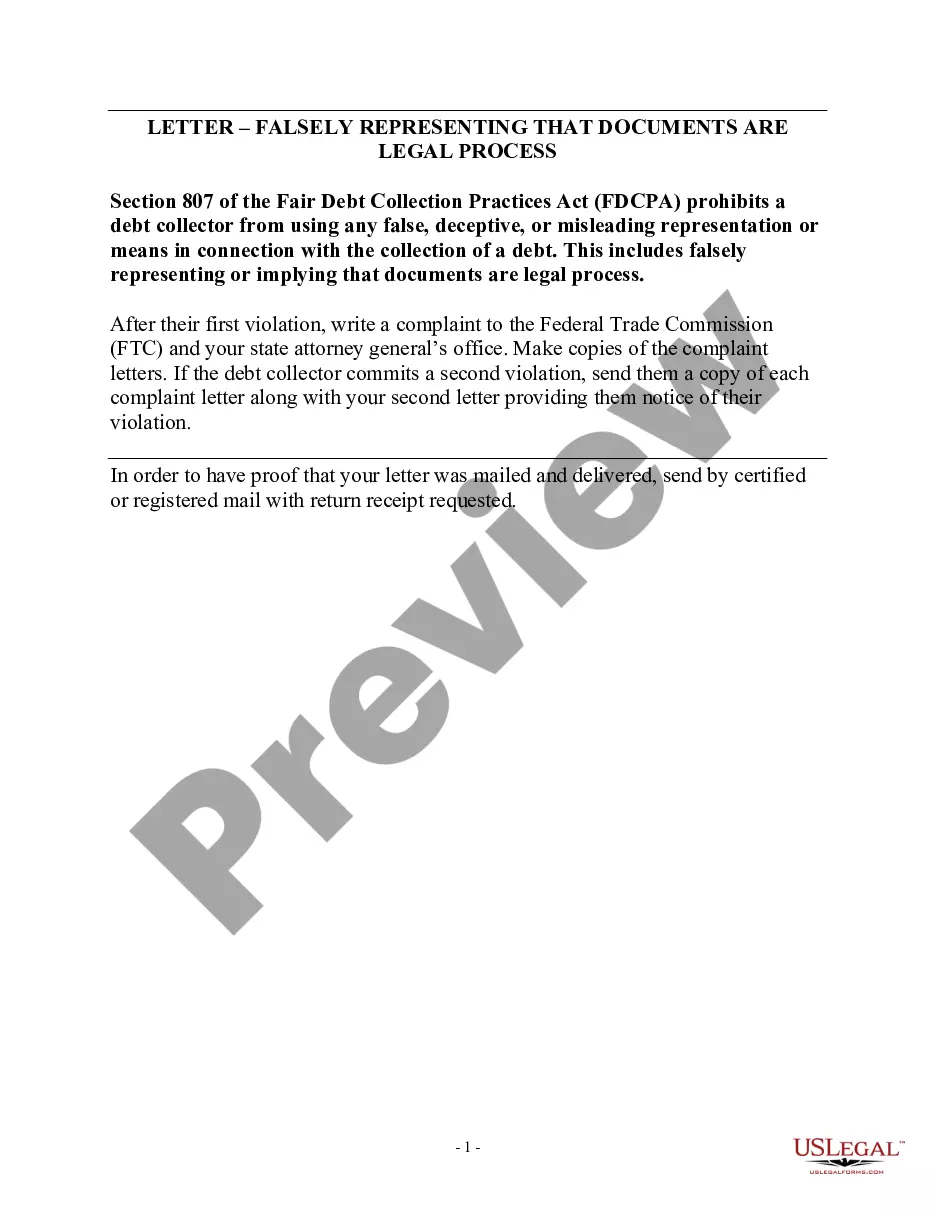
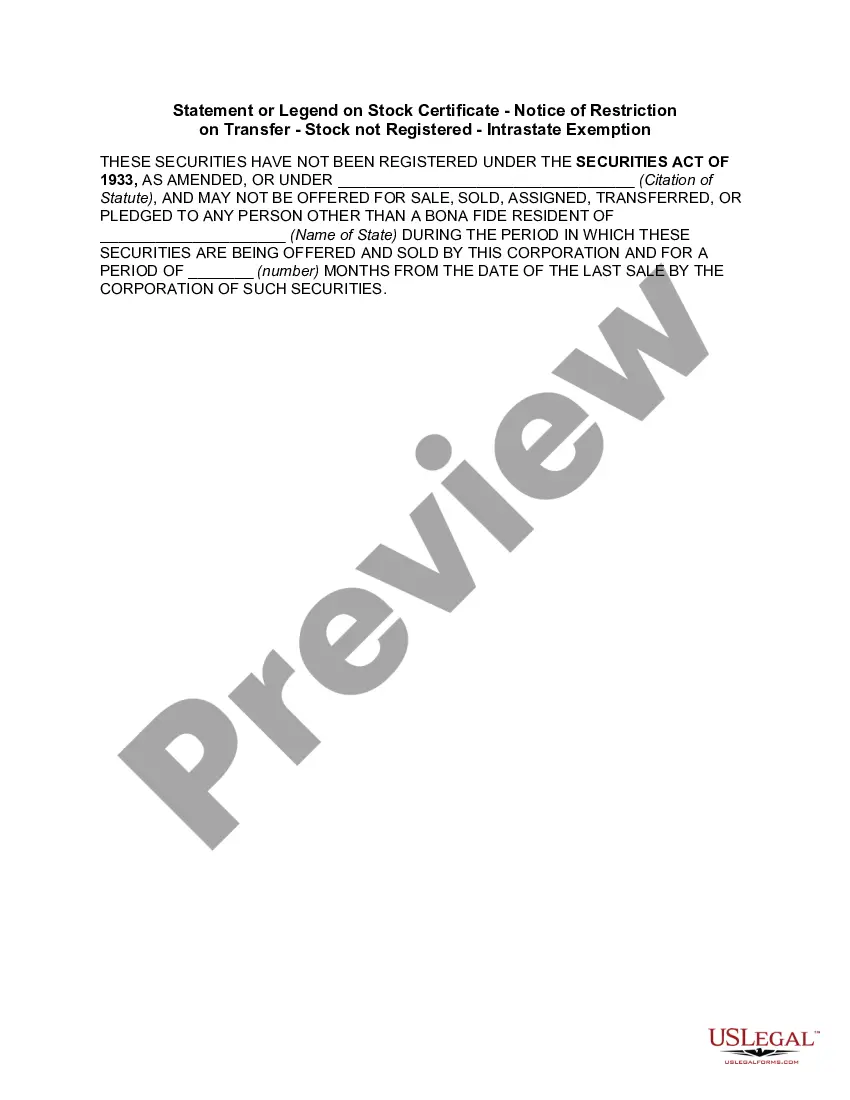
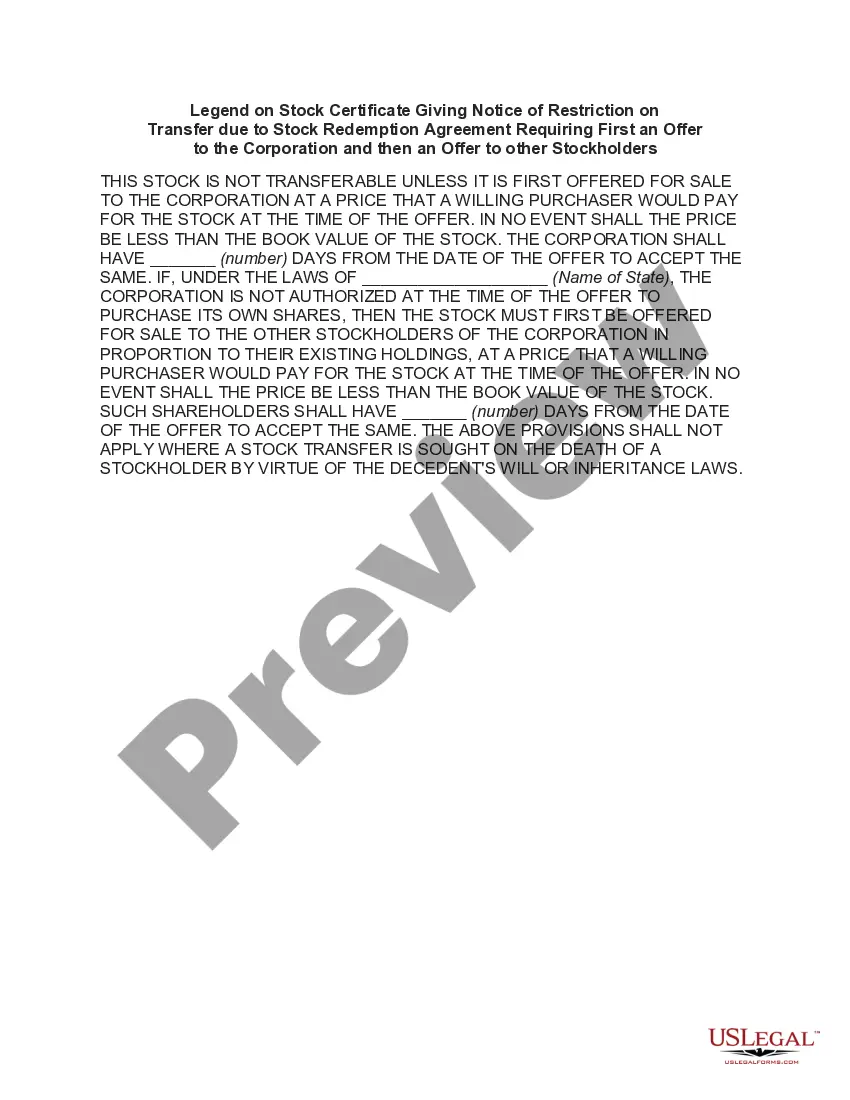
South Carolina Statement or Legend on Stock Certificate - Notice of Restriction on Transfer - Stock not Registered - Intrastate Exemption
Description
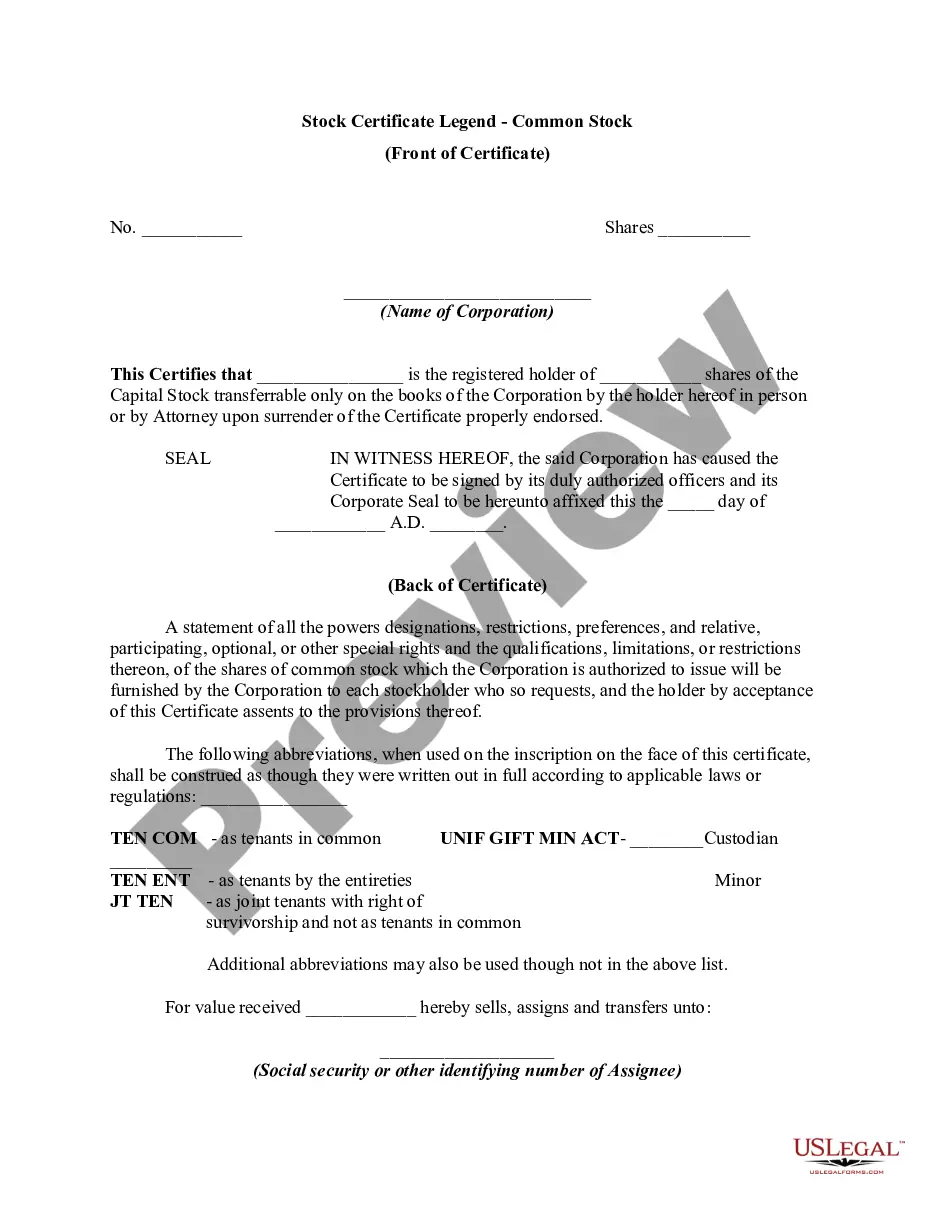
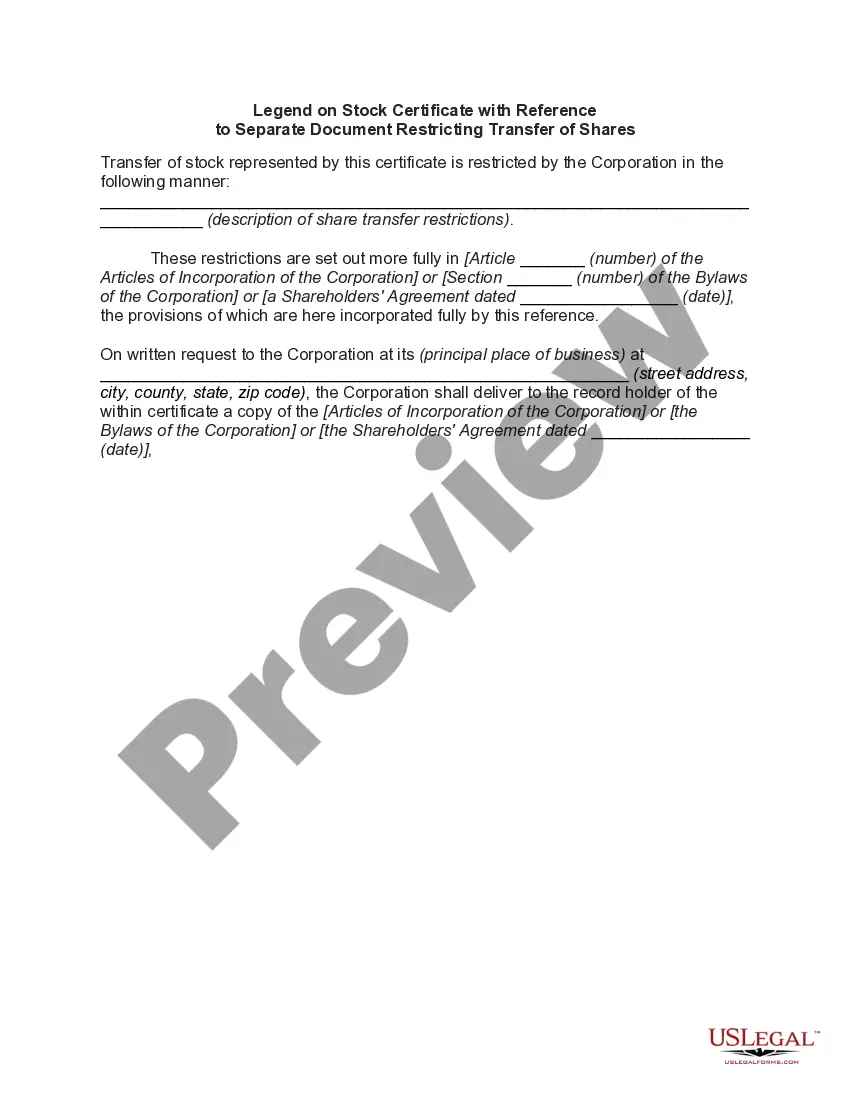
How to fill out Statement Or Legend On Stock Certificate - Notice Of Restriction On Transfer - Stock Not Registered - Intrastate Exemption?
US Legal Forms - one of the greatest libraries of authorized forms in America - offers a wide array of authorized file themes you are able to acquire or print out. Making use of the site, you can find a large number of forms for business and personal uses, categorized by types, claims, or keywords.You will find the newest models of forms such as the South Carolina Statement or Legend on Stock Certificate - Notice of Restriction on Transfer - Stock not Registered - Intrastate Exemption in seconds.
If you have a subscription, log in and acquire South Carolina Statement or Legend on Stock Certificate - Notice of Restriction on Transfer - Stock not Registered - Intrastate Exemption through the US Legal Forms local library. The Acquire key will show up on each form you look at. You gain access to all in the past acquired forms inside the My Forms tab of your respective profile.
If you would like use US Legal Forms the first time, allow me to share easy recommendations to help you get started:
- Make sure you have chosen the correct form for your town/region. Click the Review key to examine the form`s information. Browse the form information to actually have selected the correct form.
- If the form does not suit your specifications, take advantage of the Research industry at the top of the monitor to find the the one that does.
- In case you are pleased with the form, verify your option by clicking on the Get now key. Then, pick the rates program you like and offer your credentials to sign up to have an profile.
- Method the financial transaction. Make use of credit card or PayPal profile to accomplish the financial transaction.
- Find the format and acquire the form on your own system.
- Make adjustments. Complete, edit and print out and sign the acquired South Carolina Statement or Legend on Stock Certificate - Notice of Restriction on Transfer - Stock not Registered - Intrastate Exemption.
Each format you included with your account does not have an expiration time and is also the one you have eternally. So, if you would like acquire or print out another copy, just visit the My Forms segment and click on about the form you will need.
Obtain access to the South Carolina Statement or Legend on Stock Certificate - Notice of Restriction on Transfer - Stock not Registered - Intrastate Exemption with US Legal Forms, probably the most comprehensive local library of authorized file themes. Use a large number of specialist and express-certain themes that fulfill your small business or personal requires and specifications.
Form popularity
FAQ
How to complete a stock transfer form in 10 Steps 1 Consideration money. ... 2 Full name of Undertaking. ... 3 Full description of Security. ... 4 Number or amount of Shares, Stock or other security. ... 5 Name(s) and address of registered holder(s) ... 6 Signature(s) ... 7 Name(s) and address of person(s) receiving the shares.
What information should be included on a share certificate? company name and company registration number. registered office address. unique certificate number. date of issue. class (type) of share(s) being issued or transferred. number of shares issued or transferred. name and correspondence address of the new shareholder.
In most cases, stock transfer forms include important information about the transferor, who is the current owner of the stocks, and the transferee, who becomes the new owner of the stocks. The form may also feature details about the amount of stocks being transferred and their current market value.
As you complete your stock transfer ledger, you will need to provide certain relevant information. This includes the names and addresses of each shareholder, the name of the transferor, the amount paid for the shares, and the number and classes of shares owned by each shareholder.
In order to have the legend on a stock certificate removed, investors should contact the company's shareholder relations department to find out the details of the removal process. Following that, the company will send a confirmation authorizing its transfer agent to remove the legend.
Fill out the recipient/new shareholders name, address, Tax ID/ Social Security number and phone number. Certificate Issuance: Designate the total number of shares to be transferred to the new shareholder and any special instructions you wish to be included.
Stock ledgers require the following for every transaction: The number of company shares transferred. The amount paid for the shares. A description of the share type. The names, addresses, and contact information of each shareholder. The updated number of shares for each shareholder.
The purpose of the restrictive legend or notation is to protect the issuing company from loosing its private placement exemption for the initial sale of the securities and to notify the investor that the restricted securities cannot be resold into the public securities market without satisfying certain requirements.