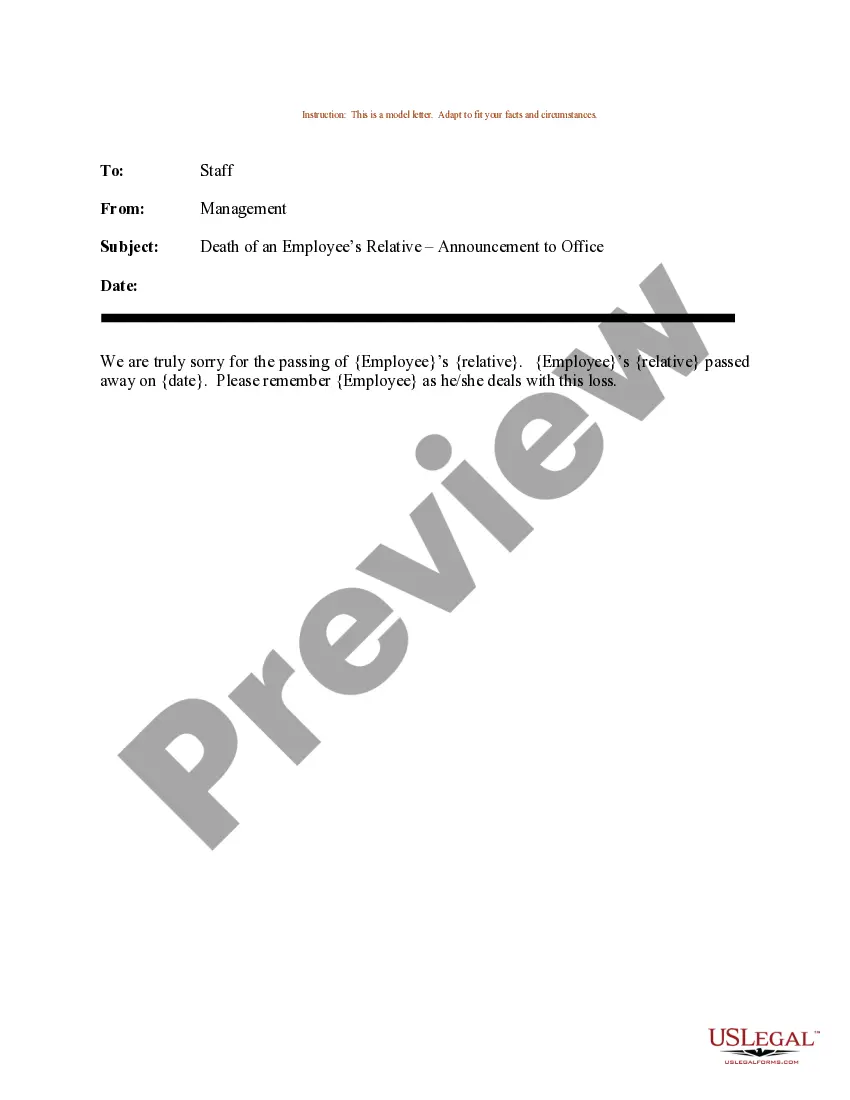
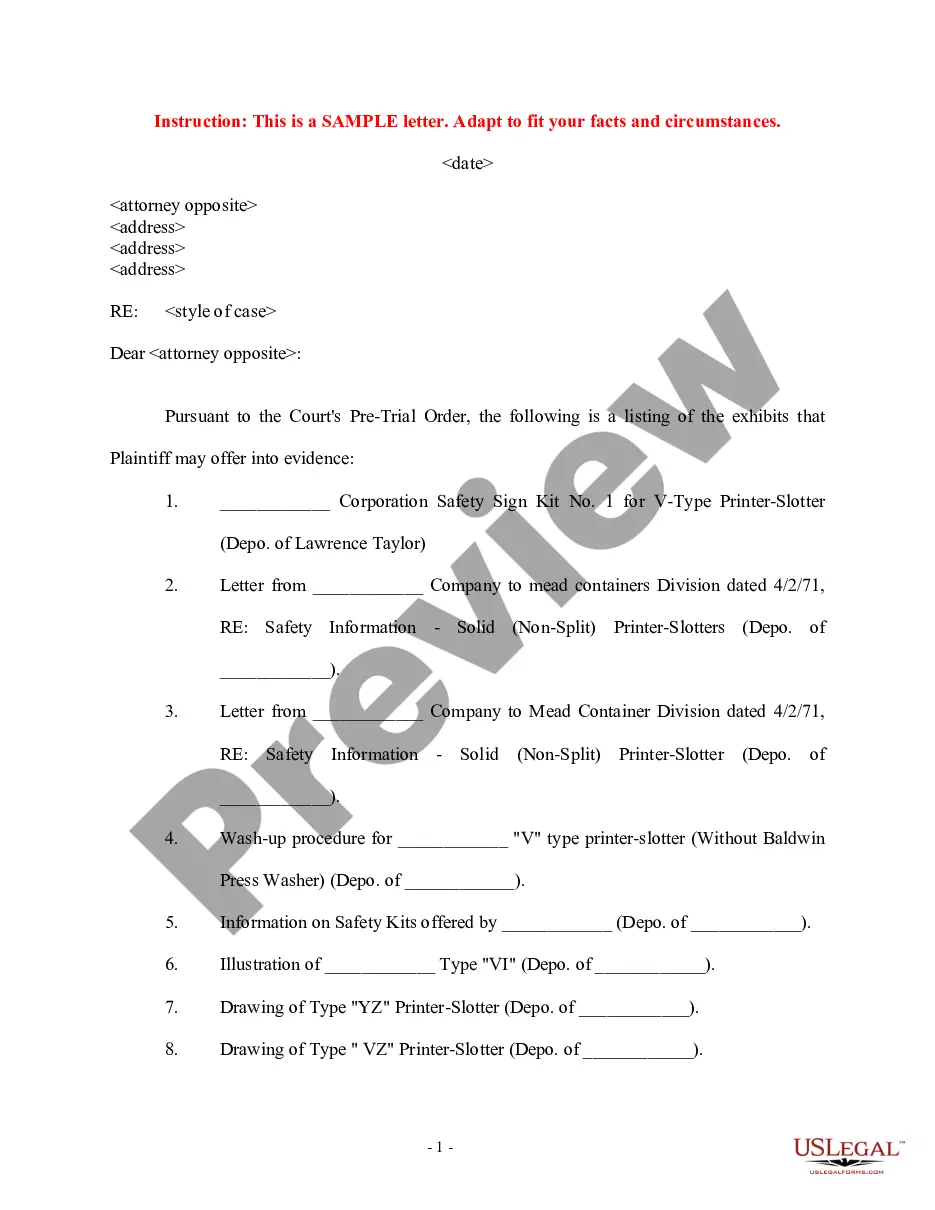
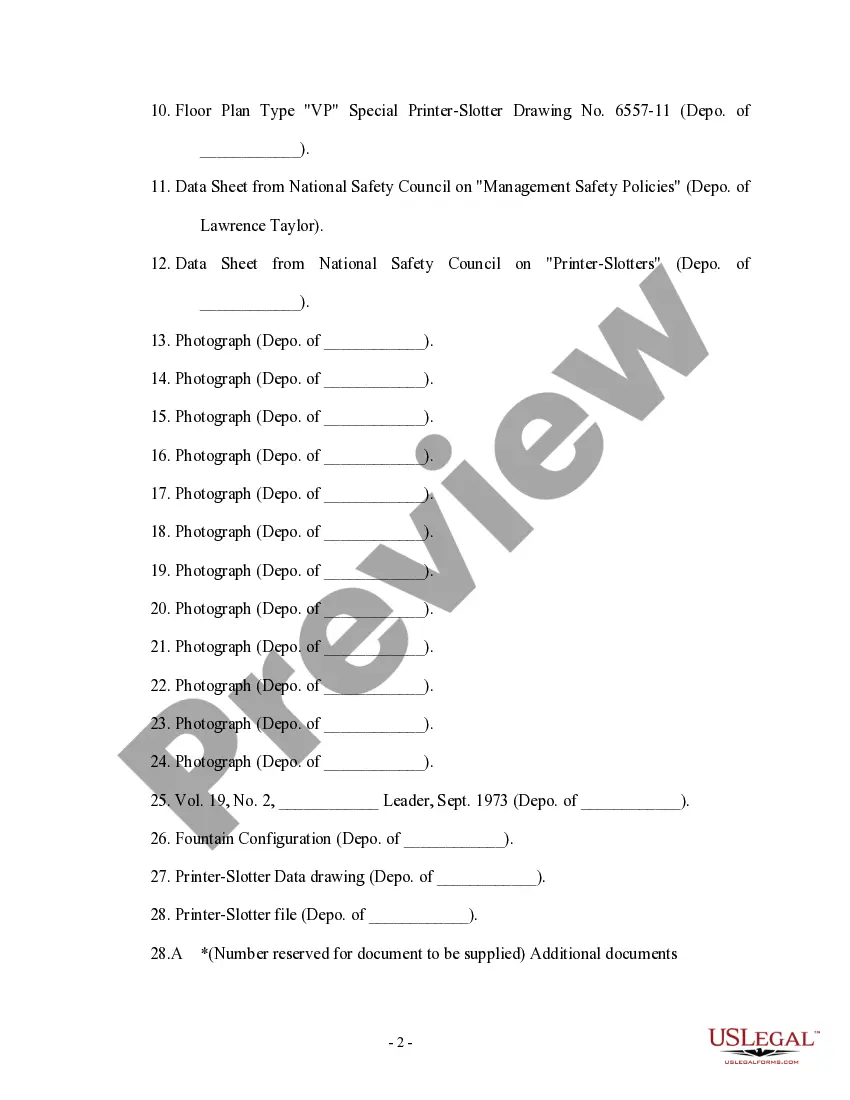
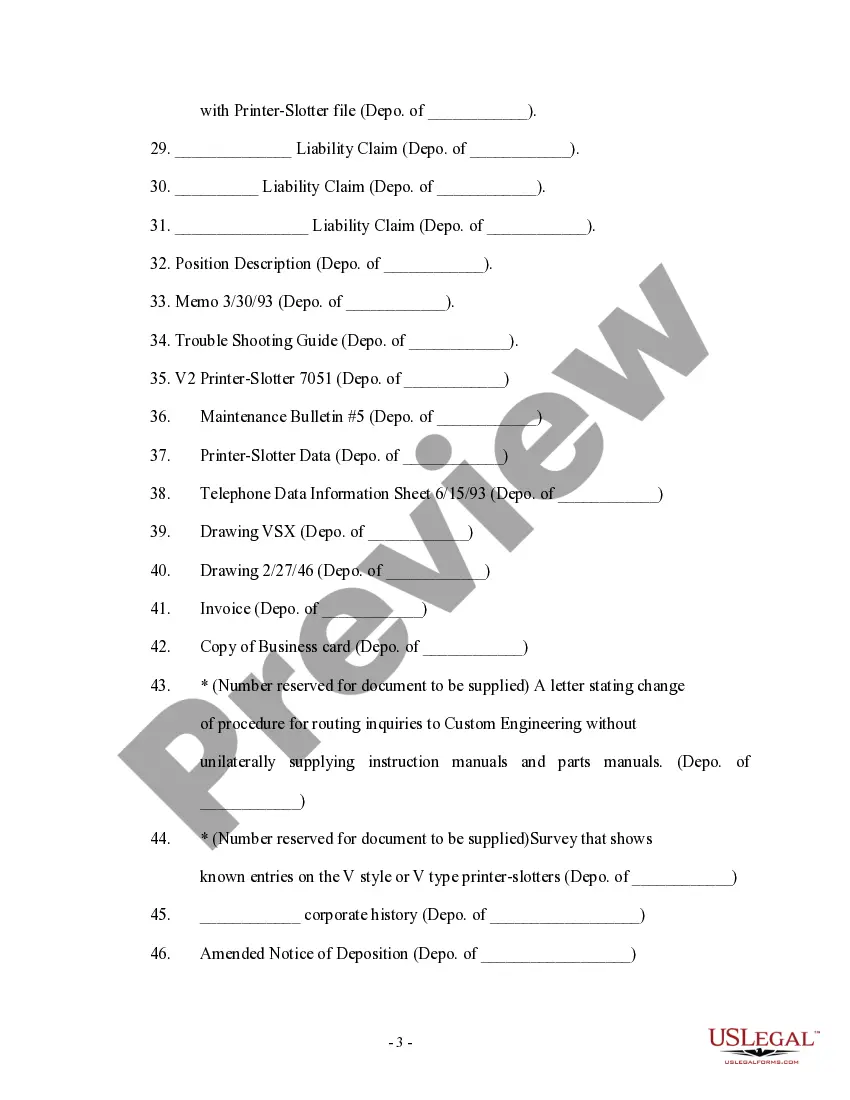
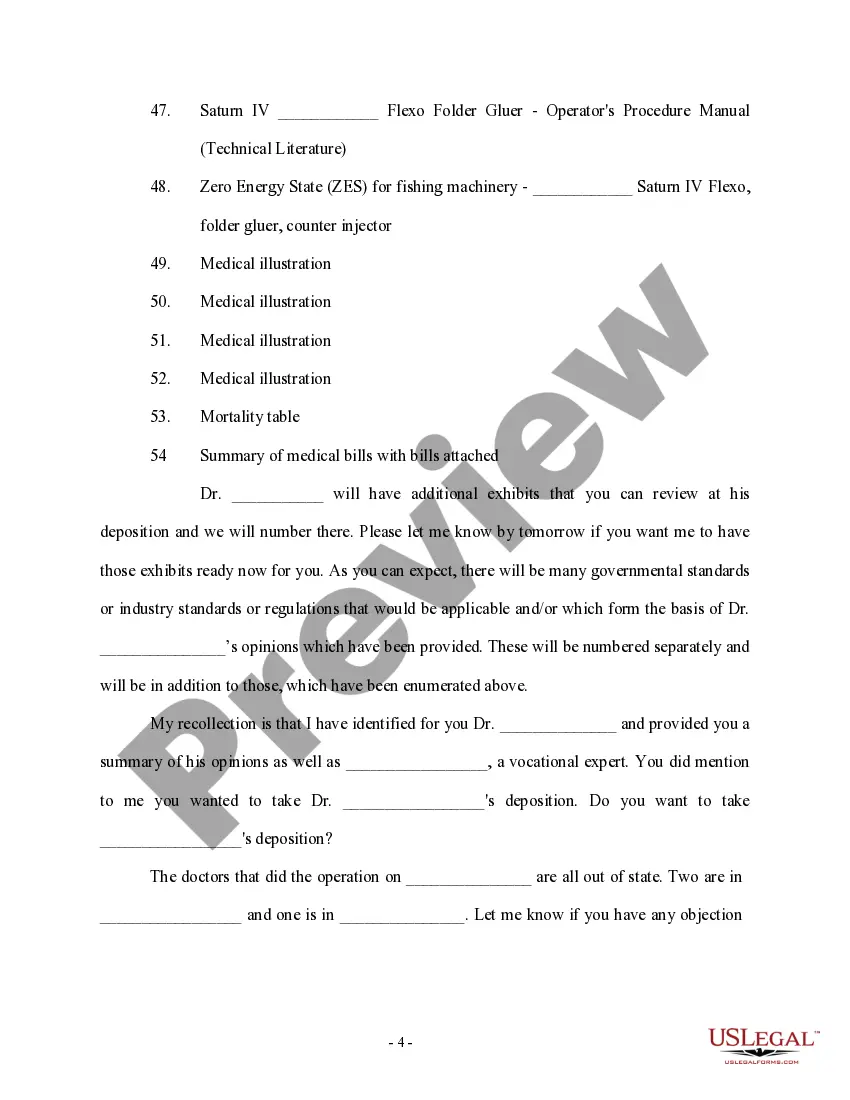
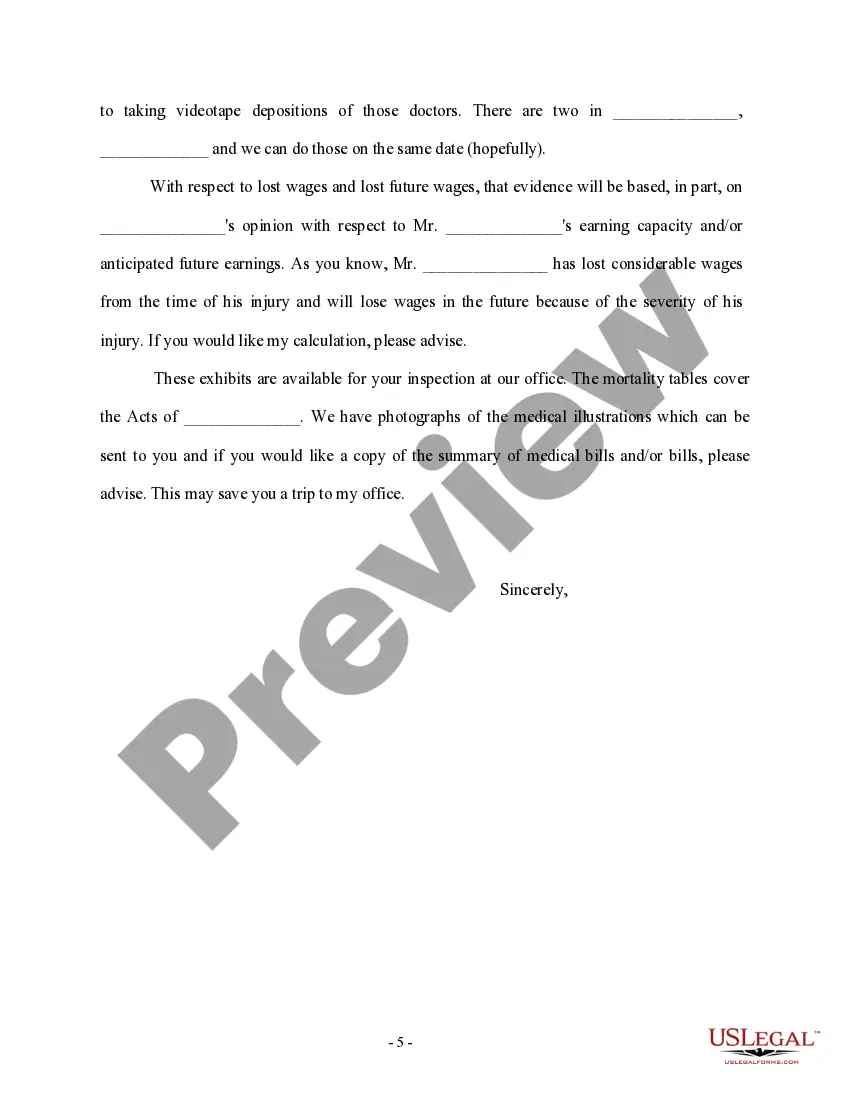
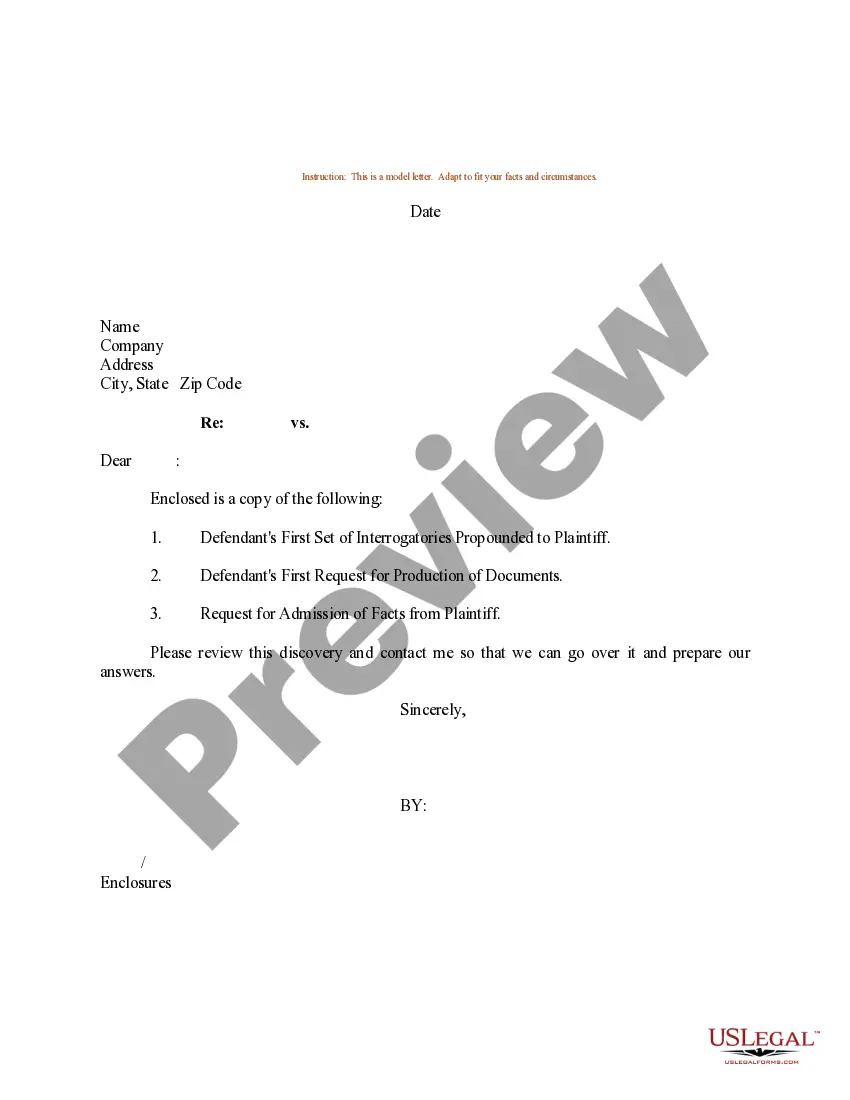
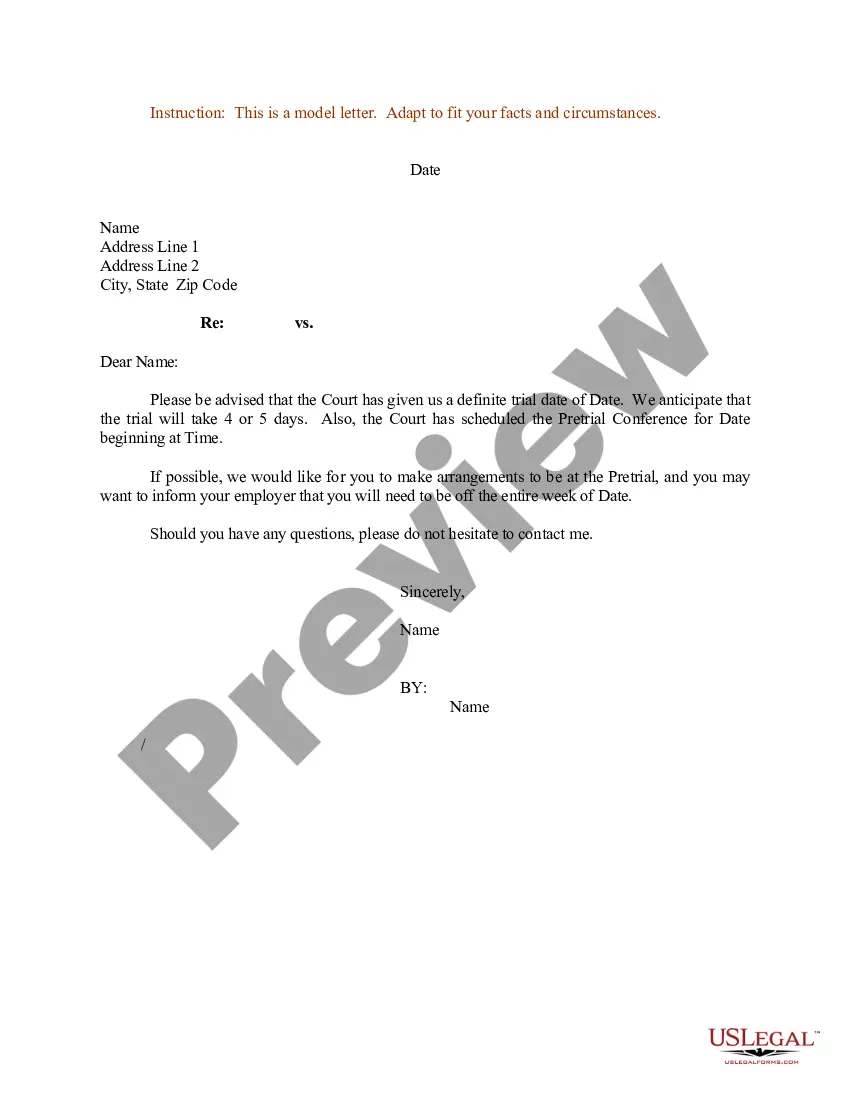
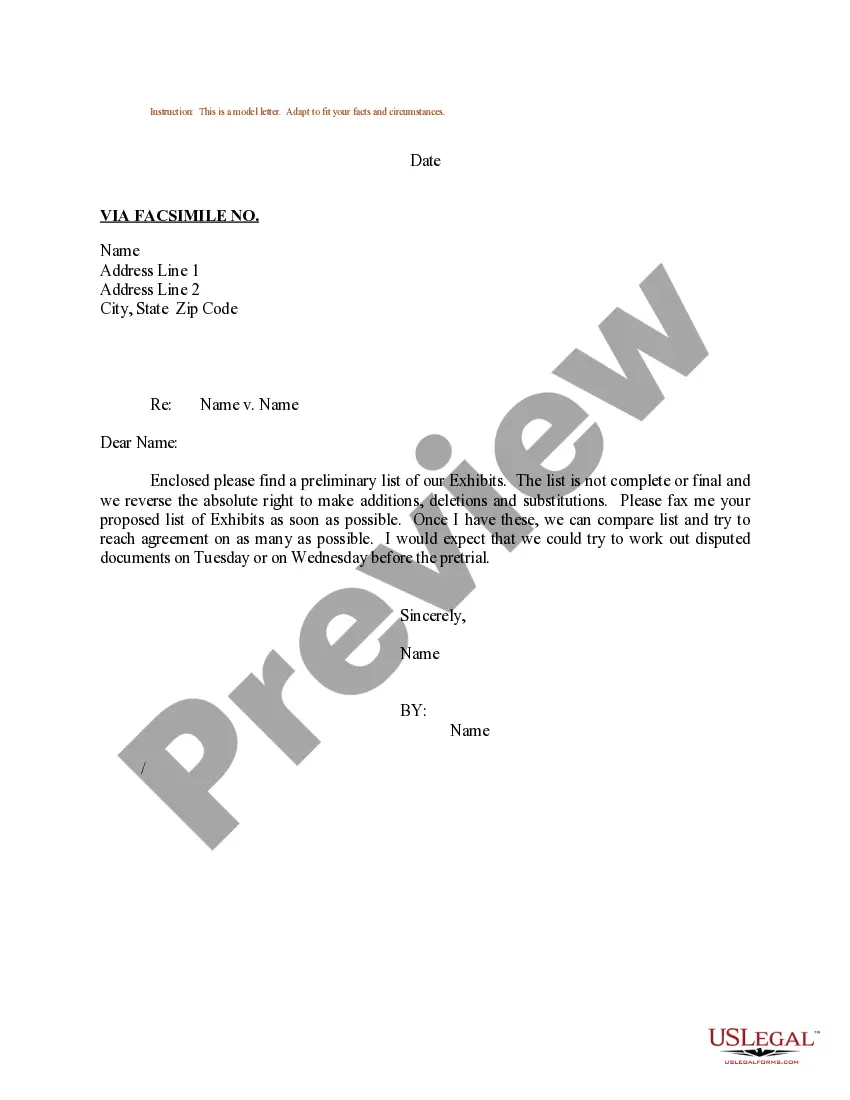
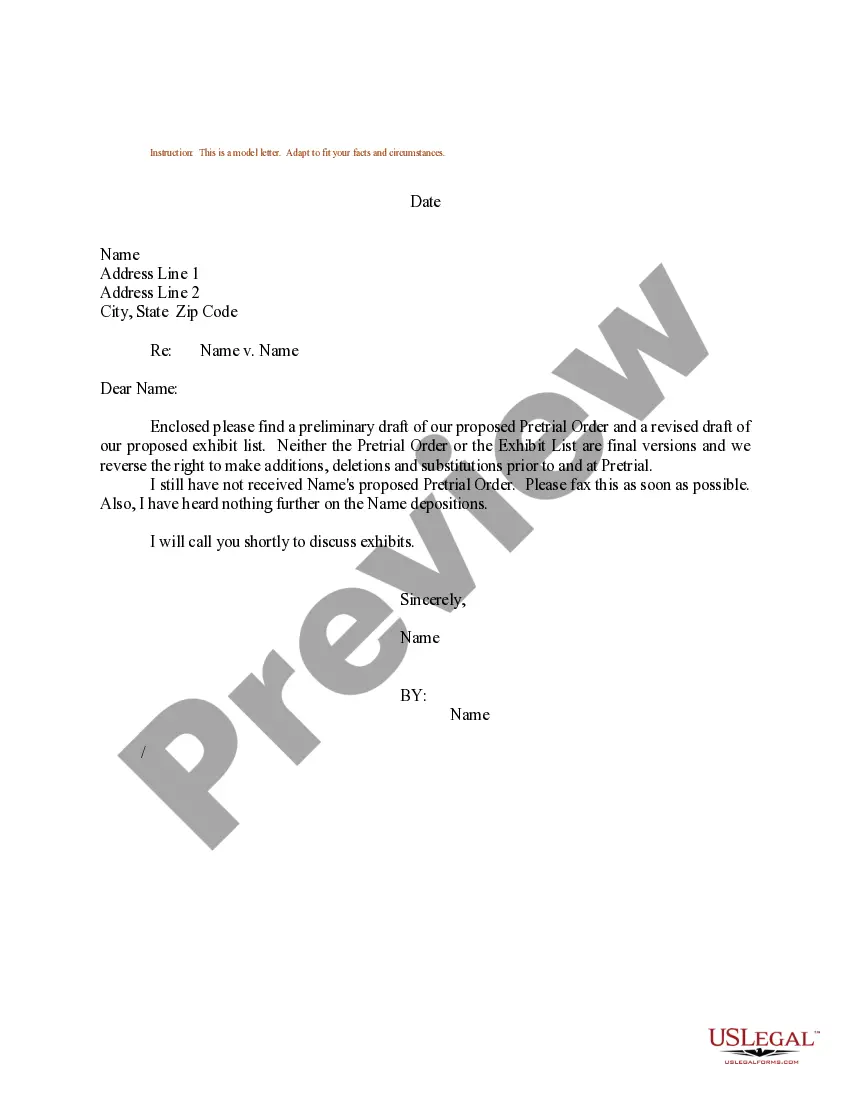
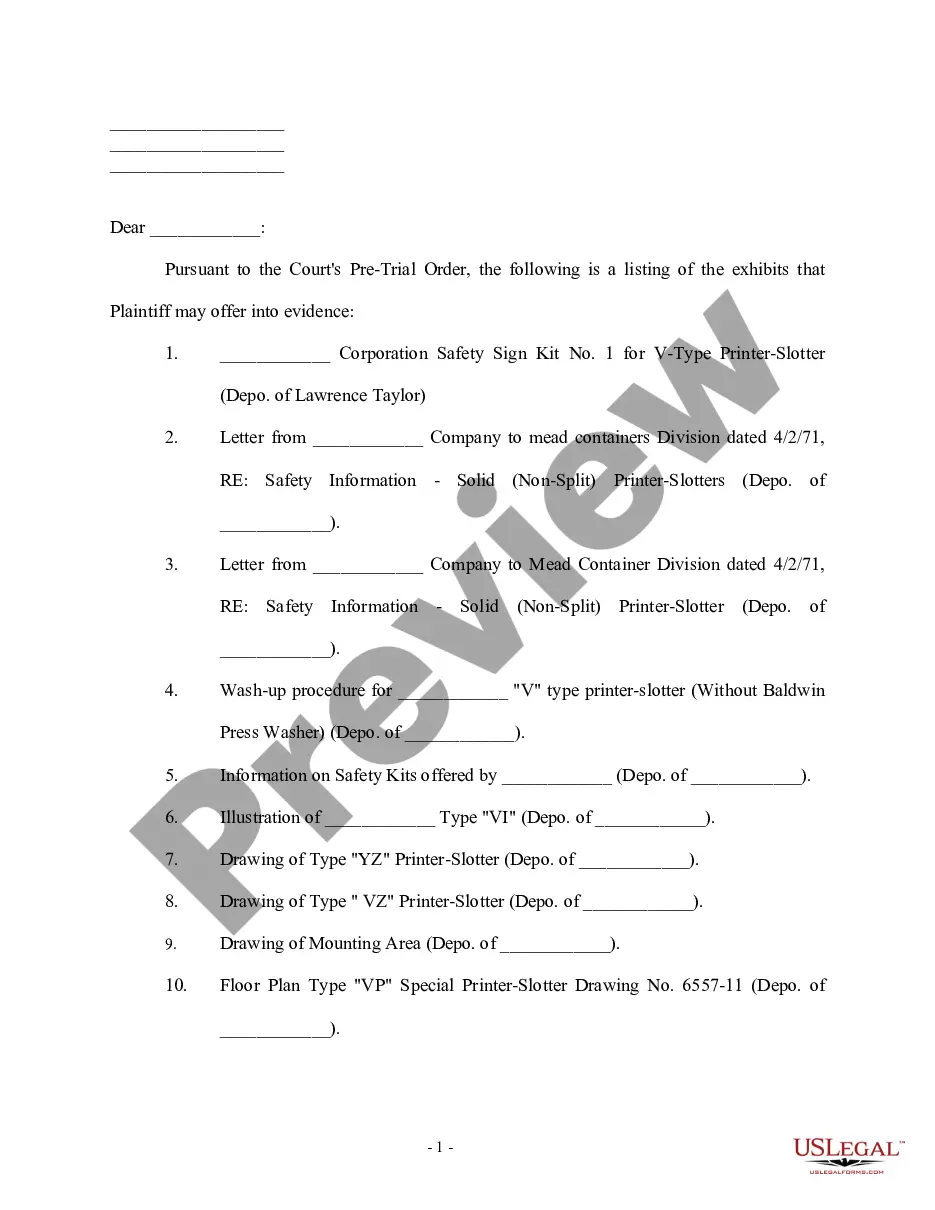
South Carolina Sample Letter for Anticipated Exhibits to be Offered at Trial
Description
Get your form ready online
Our built-in tools help you complete, sign, share, and store your documents in one place.
Make edits, fill in missing information, and update formatting in US Legal Forms—just like you would in MS Word.
Download a copy, print it, send it by email, or mail it via USPS—whatever works best for your next step.
Sign and collect signatures with our SignNow integration. Send to multiple recipients, set reminders, and more. Go Premium to unlock E-Sign.
If this form requires notarization, complete it online through a secure video call—no need to meet a notary in person or wait for an appointment.
We protect your documents and personal data by following strict security and privacy standards.

Make edits, fill in missing information, and update formatting in US Legal Forms—just like you would in MS Word.

Download a copy, print it, send it by email, or mail it via USPS—whatever works best for your next step.

Sign and collect signatures with our SignNow integration. Send to multiple recipients, set reminders, and more. Go Premium to unlock E-Sign.

If this form requires notarization, complete it online through a secure video call—no need to meet a notary in person or wait for an appointment.

We protect your documents and personal data by following strict security and privacy standards.
Looking for another form?


How to fill out Sample Letter For Anticipated Exhibits To Be Offered At Trial?
Choosing the right authorized file web template can be quite a battle. Of course, there are a variety of layouts accessible on the Internet, but how do you discover the authorized kind you need? Use the US Legal Forms website. The service provides 1000s of layouts, including the South Carolina Sample Letter for Anticipated Exhibits to be Offered at Trial, that can be used for enterprise and personal needs. Every one of the forms are examined by specialists and meet up with federal and state specifications.
Should you be presently listed, log in to the account and click the Download option to obtain the South Carolina Sample Letter for Anticipated Exhibits to be Offered at Trial. Make use of account to look throughout the authorized forms you might have bought previously. Visit the My Forms tab of your own account and have one more duplicate of your file you need.
Should you be a whole new end user of US Legal Forms, listed here are straightforward instructions that you should adhere to:
- Initial, make sure you have selected the appropriate kind for your personal city/state. You can look over the form using the Preview option and read the form outline to guarantee this is the best for you.
- When the kind is not going to meet up with your preferences, take advantage of the Seach discipline to obtain the right kind.
- Once you are sure that the form is suitable, click on the Get now option to obtain the kind.
- Select the prices prepare you would like and type in the required information. Make your account and purchase the transaction with your PayPal account or Visa or Mastercard.
- Choose the data file formatting and download the authorized file web template to the product.
- Complete, edit and printing and indication the obtained South Carolina Sample Letter for Anticipated Exhibits to be Offered at Trial.
US Legal Forms is the most significant collection of authorized forms in which you can see various file layouts. Use the service to download appropriately-produced documents that adhere to express specifications.
Form popularity
FAQ
Many paralegals know the correct way to assign letters for exhibits. The first 26 exhibits are easy, EX-A through EX-Z, and the next exhibit is also usually correct, EX-AA, but it's after that where things can go awry. The 28th exhibit should be EX-AB (not EX-BB) followed by EX-AC, EX-AD, EX-AE, EX-AF and so on.
The plaintiff's exhibits are traditionally numbered (?Exhibit 1?), while the defendant's exhibits are lettered (?Exhibit A?). Your court may want you to label your own exhibits as you introduce them or the court may prefer that the court clerk labels the exhibits instead.
The exhibit list shall contain all exhibits that the parties intend to offer for admission into evidence. Those exhibits should be appropriately labeled as Plaintiff's or Defendant's exhibits, e.g., PX-1, DX-1. Any exhibits that have been produced by bates number must also include the bates number.
Label them so they are identifiable (ex. Exhibit A, B, C, etc) Mention them in the text of the motions (ex. Attached hereto as Exhibit A is a letter Defendant received from Plaintiff and which shows?"
Plaintiff's exhibits: Exhibit 2: Medical Records Description: Copies of Plaintiff's medical records related to the injuries sustained in the accident. Relevance: Provides evidence of the extent and nature of Plaintiff's injuries and medical treatment.