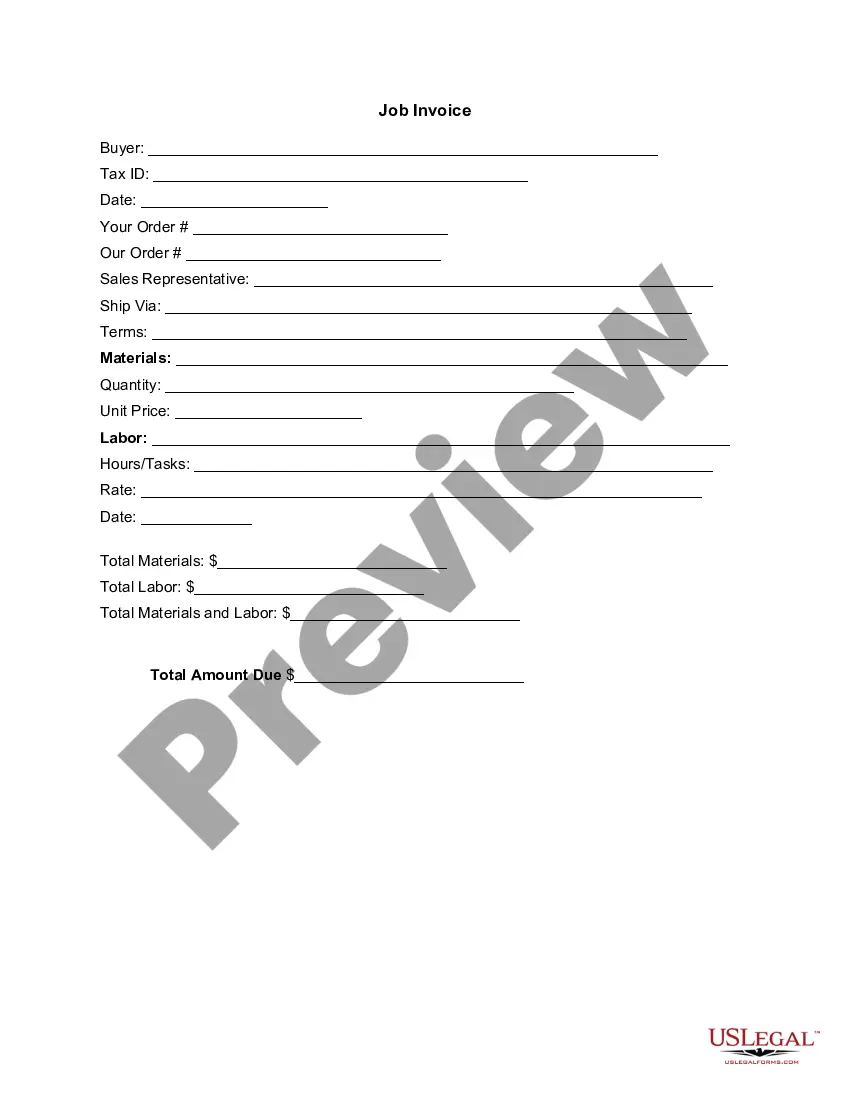
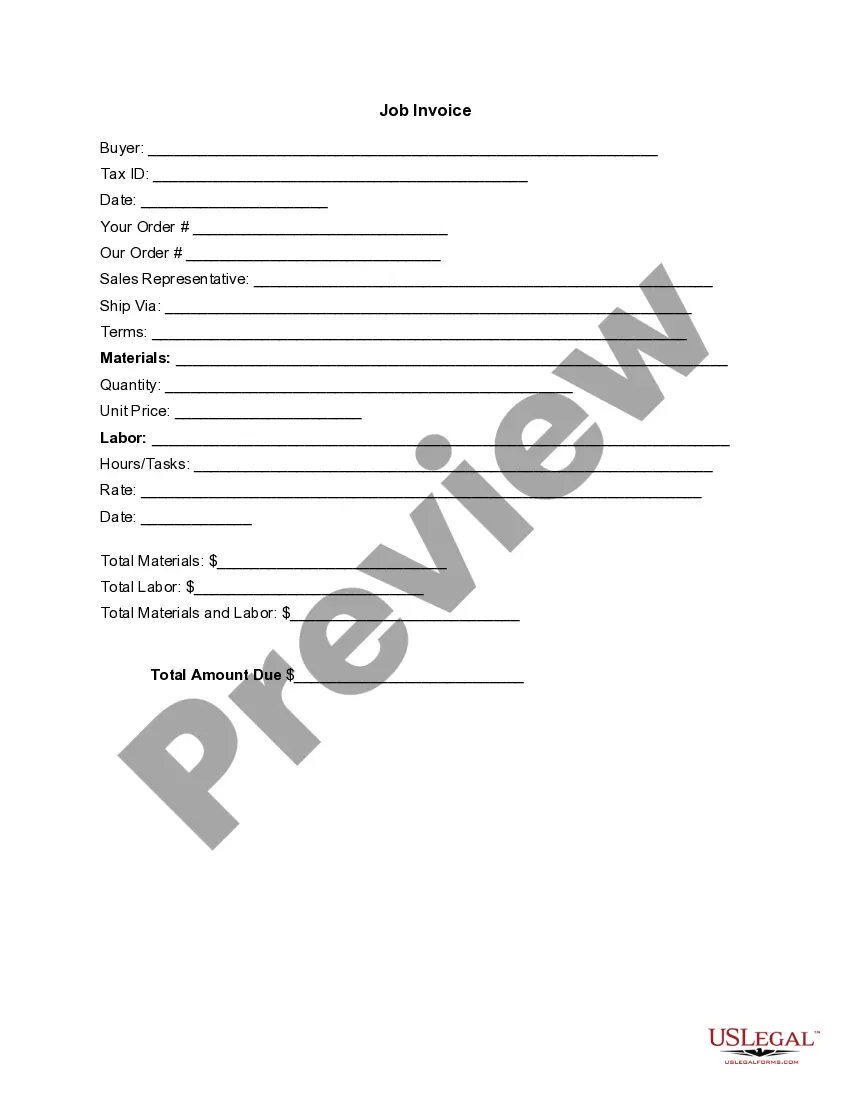
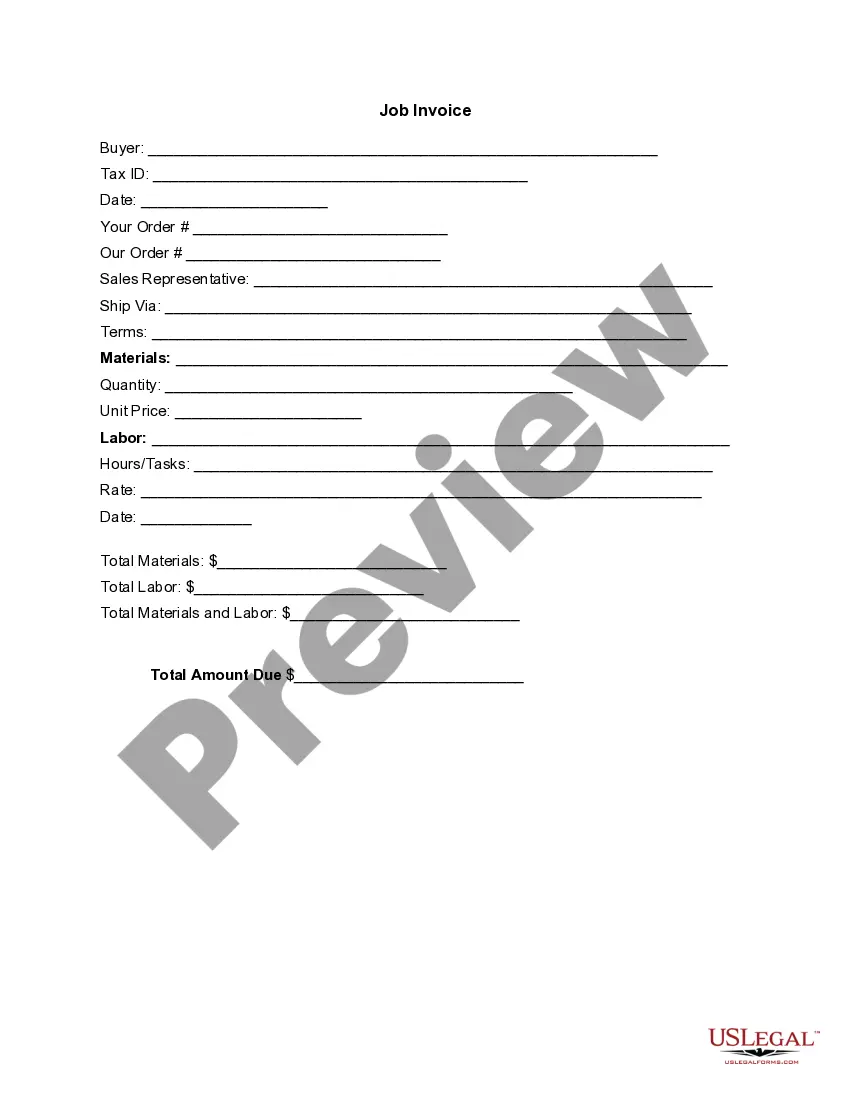
South Carolina Invoice Template for Lawyer
Description
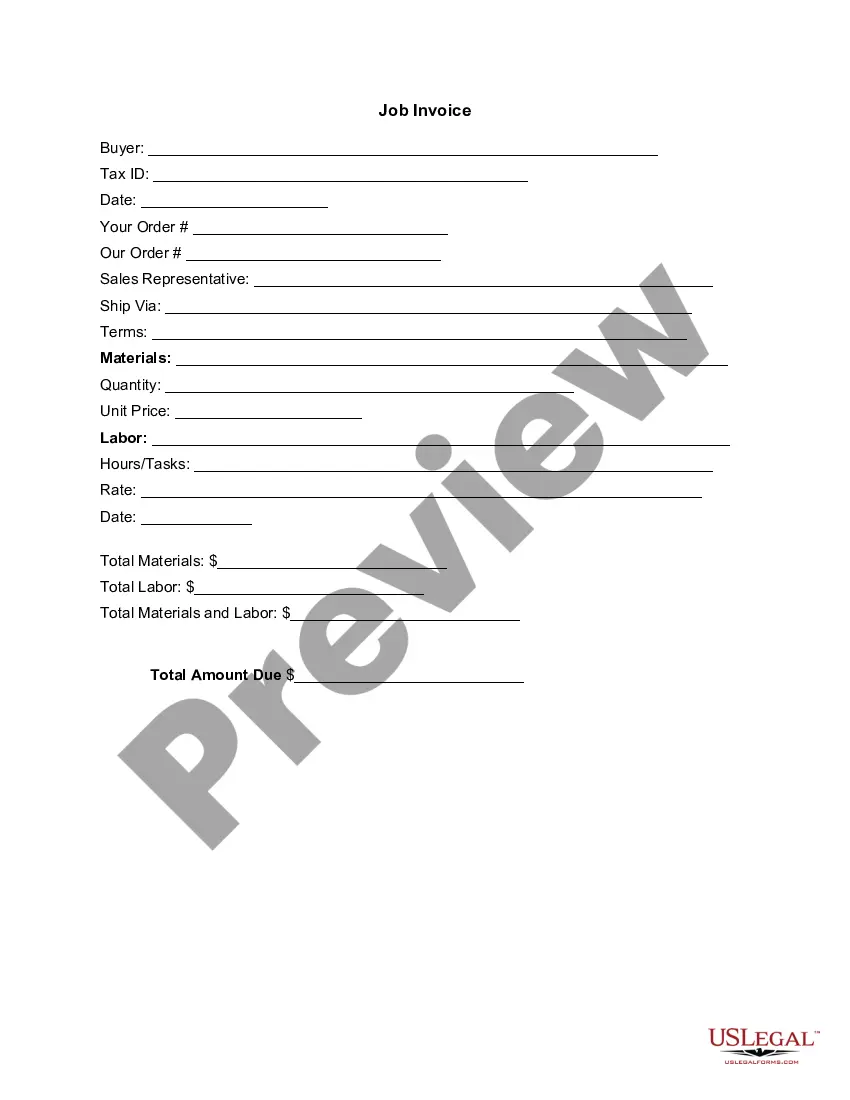
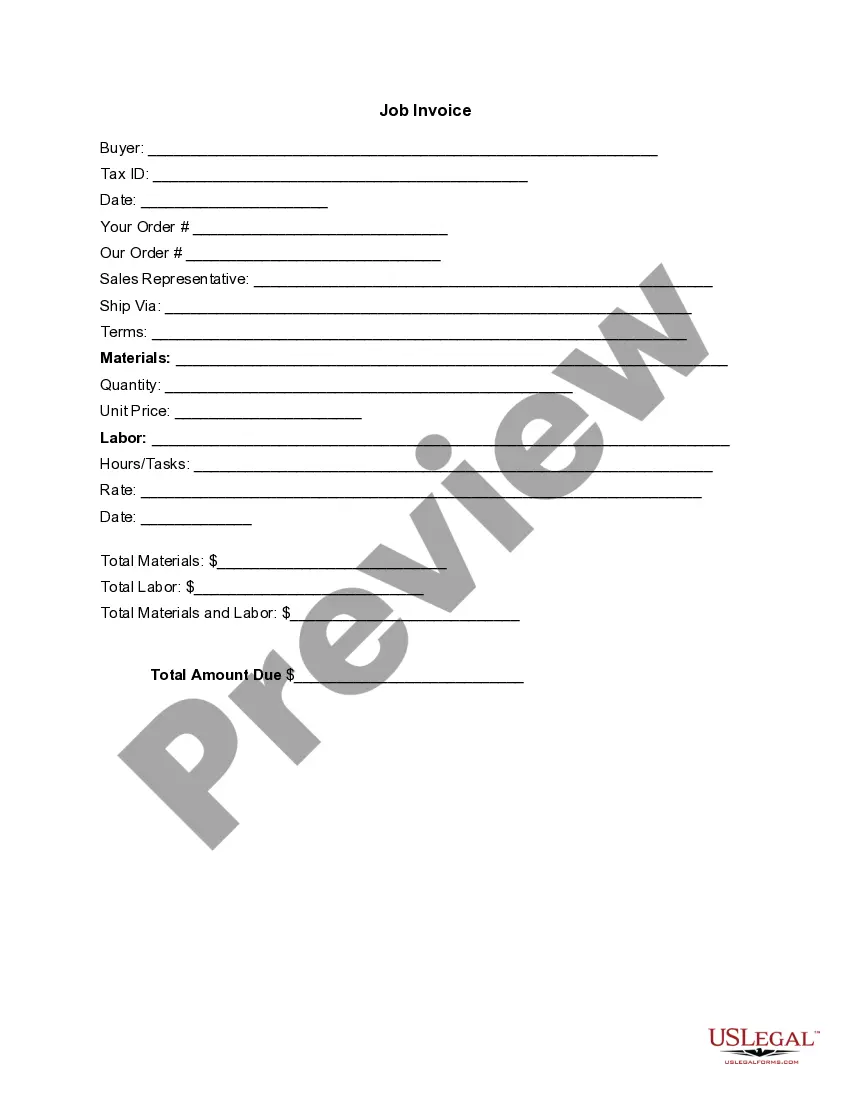

Get your form ready online
Our built-in tools help you complete, sign, share, and store your documents in one place.
Make edits, fill in missing information, and update formatting in US Legal Forms—just like you would in MS Word.
Download a copy, print it, send it by email, or mail it via USPS—whatever works best for your next step.
Sign and collect signatures with our SignNow integration. Send to multiple recipients, set reminders, and more. Go Premium to unlock E-Sign.
If this form requires notarization, complete it online through a secure video call—no need to meet a notary in person or wait for an appointment.
We protect your documents and personal data by following strict security and privacy standards.
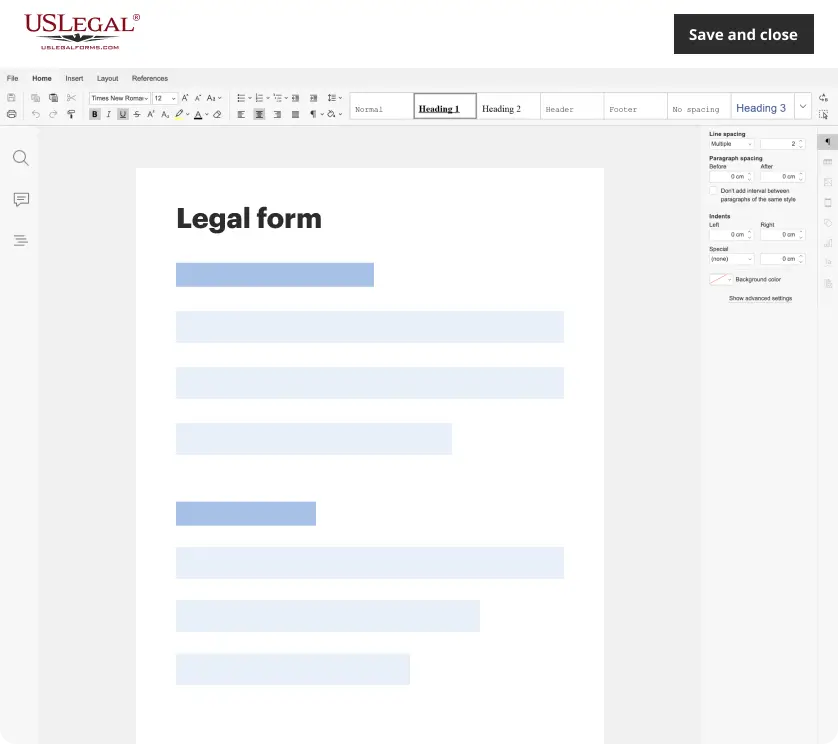
Make edits, fill in missing information, and update formatting in US Legal Forms—just like you would in MS Word.
Download a copy, print it, send it by email, or mail it via USPS—whatever works best for your next step.
Sign and collect signatures with our SignNow integration. Send to multiple recipients, set reminders, and more. Go Premium to unlock E-Sign.

If this form requires notarization, complete it online through a secure video call—no need to meet a notary in person or wait for an appointment.
We protect your documents and personal data by following strict security and privacy standards.
Looking for another form?

How to fill out Invoice Template For Lawyer?
Are you in the location where you need documents for either business or personal reasons nearly every day.
There are numerous legitimate form templates accessible online, but finding the ones you can trust is challenging.
US Legal Forms offers thousands of form templates, including the South Carolina Invoice Template for Lawyer, that are designed to comply with federal and state regulations.
If you find the correct form, simply click Buy now.
Select the pricing plan you desire, enter the necessary information to create your account, and complete your purchase using PayPal or Visa or Mastercard.
- If you are currently familiar with the US Legal Forms website and have an account, just Log In.
- After that, you can download the South Carolina Invoice Template for Lawyer template.
- If you do not have an account and wish to start using US Legal Forms, follow these steps.
- Obtain the form you need and ensure it is for your correct city/state.
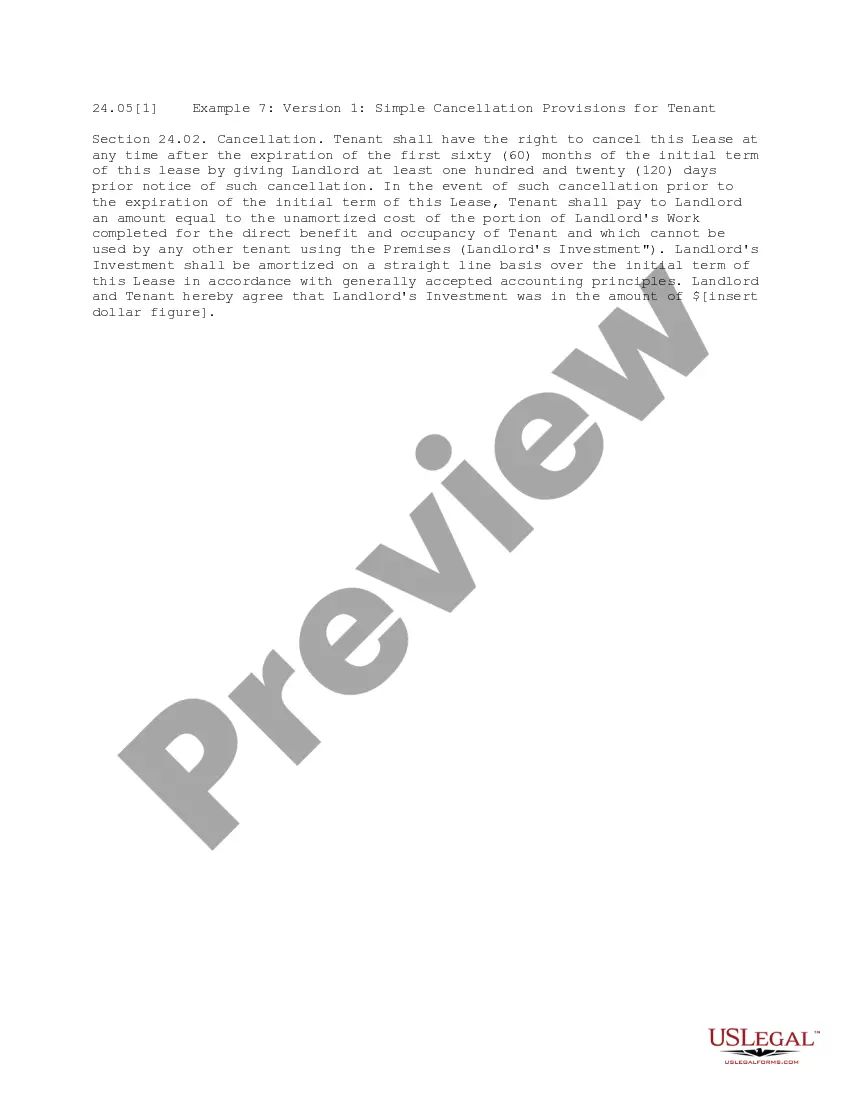
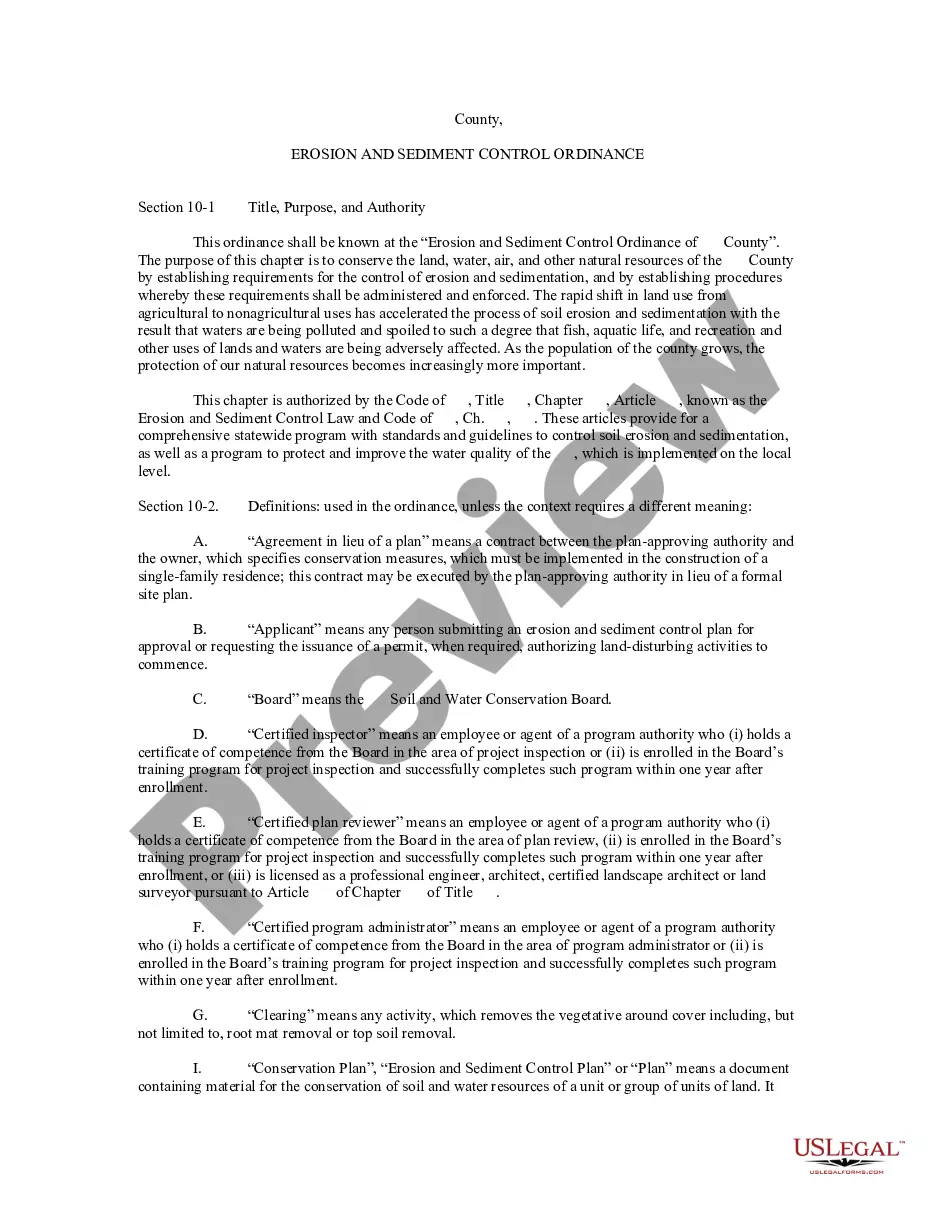
- Utilize the Review button to examine the form.
- Check the description to confirm that you have selected the right form.
- If the form is not what you are looking for, use the Search field to find the form that meets your needs.
Form popularity
FAQ
To generate an invoice file, utilize the South Carolina Invoice Template for Lawyer available through USLegalForms. After personalizing the template with your credentials and billing information, save it in a universally compatible format. This makes sharing and archiving your invoices simple and effective.
Creating an invoice file involves selecting a template like the South Carolina Invoice Template for Lawyer. After you input all required information, save the document in your desired format such as PDF or Word. This ensures your invoice is ready to be sent to clients efficiently.
Choosing between Word and Excel for invoicing depends on your needs. If you prefer flexibility in design and layout, Word might be the best avenue. Conversely, if your focus is on data management and calculations, the South Carolina Invoice Template for Lawyer in Excel could streamline your billing process.
To create an invoice spreadsheet, you can start by using the South Carolina Invoice Template for Lawyer in programs like Excel. Enter your billing information, including services, rates, and totals in a structured format. This method allows you to easily track payments and modifications over time.
Setting up the South Carolina Invoice Template for Lawyer is straightforward. Begin by downloading the template from a reputable platform like USLegalForms, where it is designed specifically for legal professionals. Input your practice information, client details, and services rendered, then save it for future use.
To create a PDF invoice using the South Carolina Invoice Template for Lawyer, start by customizing the template with your details. Once you fill in the necessary information, simply select 'Save As' and choose PDF as your file format. This process keeps your invoice professional and ready for distribution.
Yes, you can create an invoice yourself by using various tools and templates available online. Many programs allow you to customize invoice formats to fit your needs. A South Carolina Invoice Template for Lawyer is an excellent choice for those looking to create invoices quickly and accurately without starting from scratch.
To make an easy invoice, simplify your layout and focus on the key information needed for payment. Include a brief description of services, total amounts, and complete contact details. Opting for a South Carolina Invoice Template for Lawyer can make this process straightforward and efficient by providing an easy-to-use format.
Yes, there are various templates available in Word for creating invoices. These templates can be customized to reflect your law firm's branding and include all required fields for billing. A South Carolina Invoice Template for Lawyer in Word format can save you time and ensure you meet all legal invoicing requirements.
Creating an invoice to receive payment starts with listing the services provided alongside their respective costs clearly. Include payment instructions, due dates, and any late fees to encourage timely payments. Using a South Carolina Invoice Template for Lawyer helps ensure that all necessary details are included to facilitate a smooth payment process.