This form is a generic example that may be referred to when preparing such a form for your particular state. It is for illustrative purposes only. Local laws should be consulted to determine any specific requirements for such a form in a particular jurisdiction.
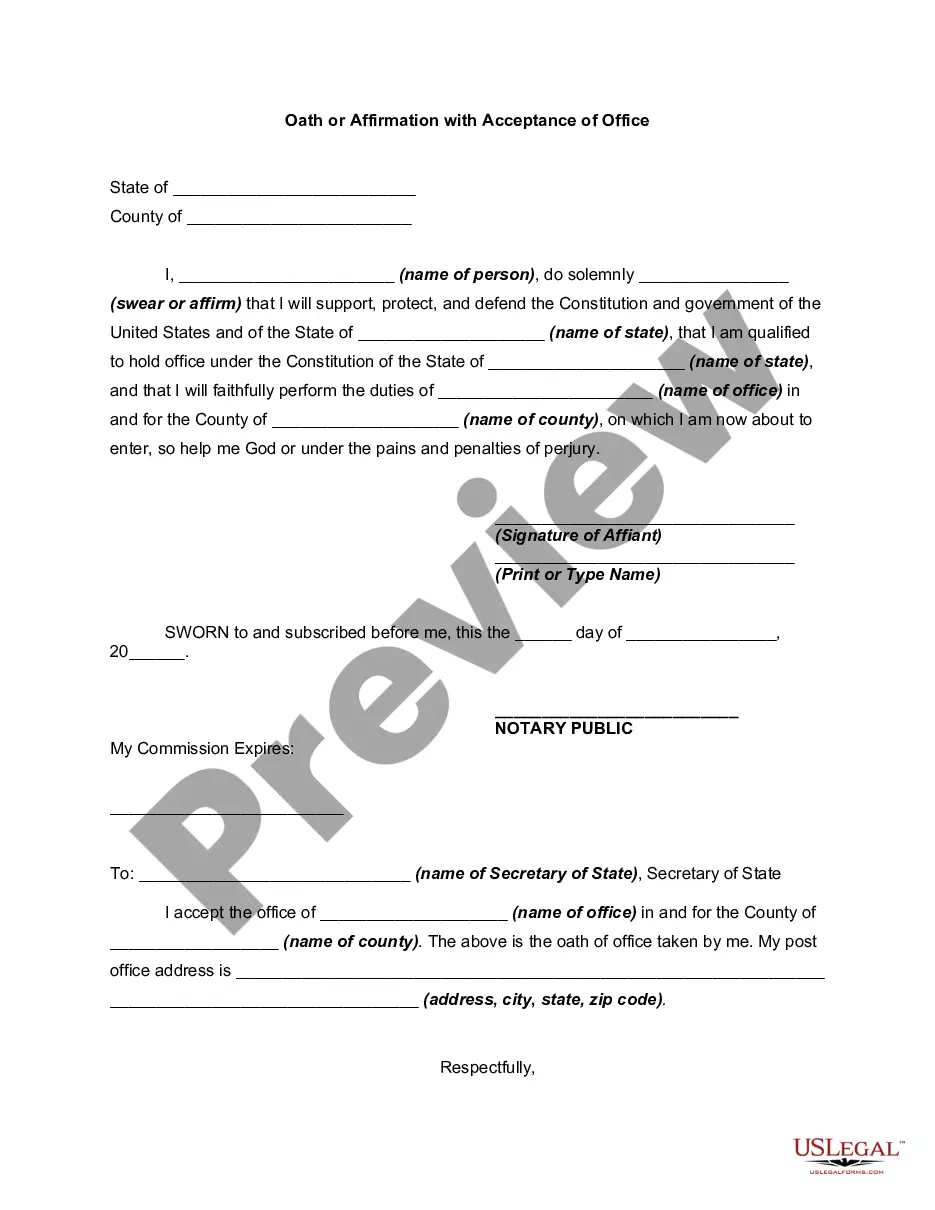
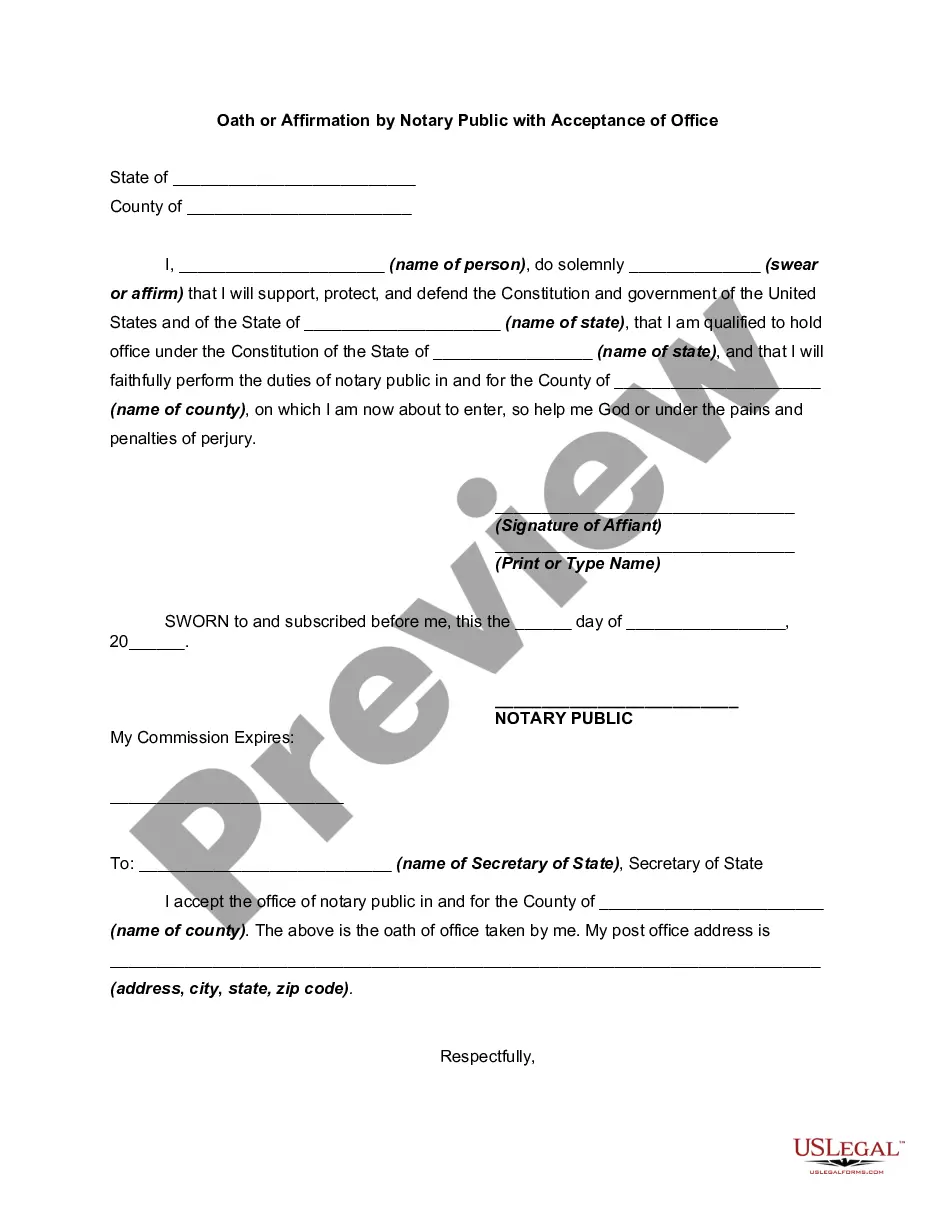
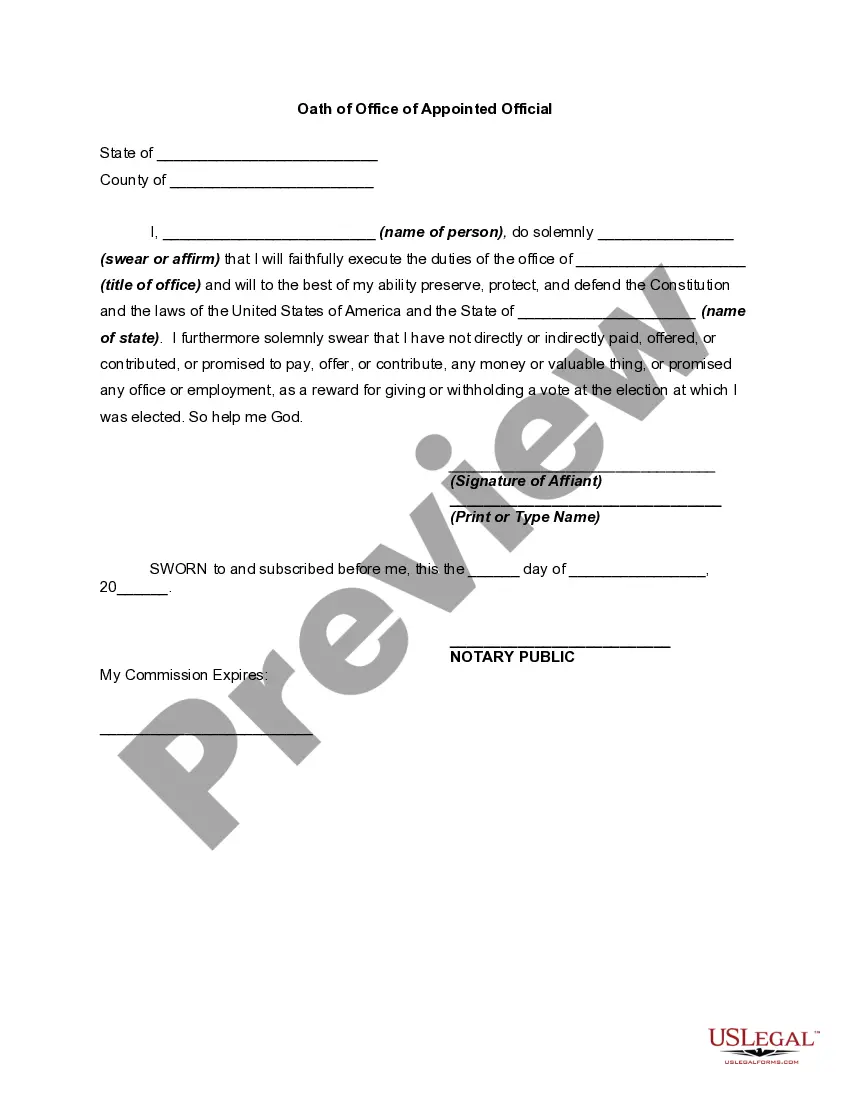
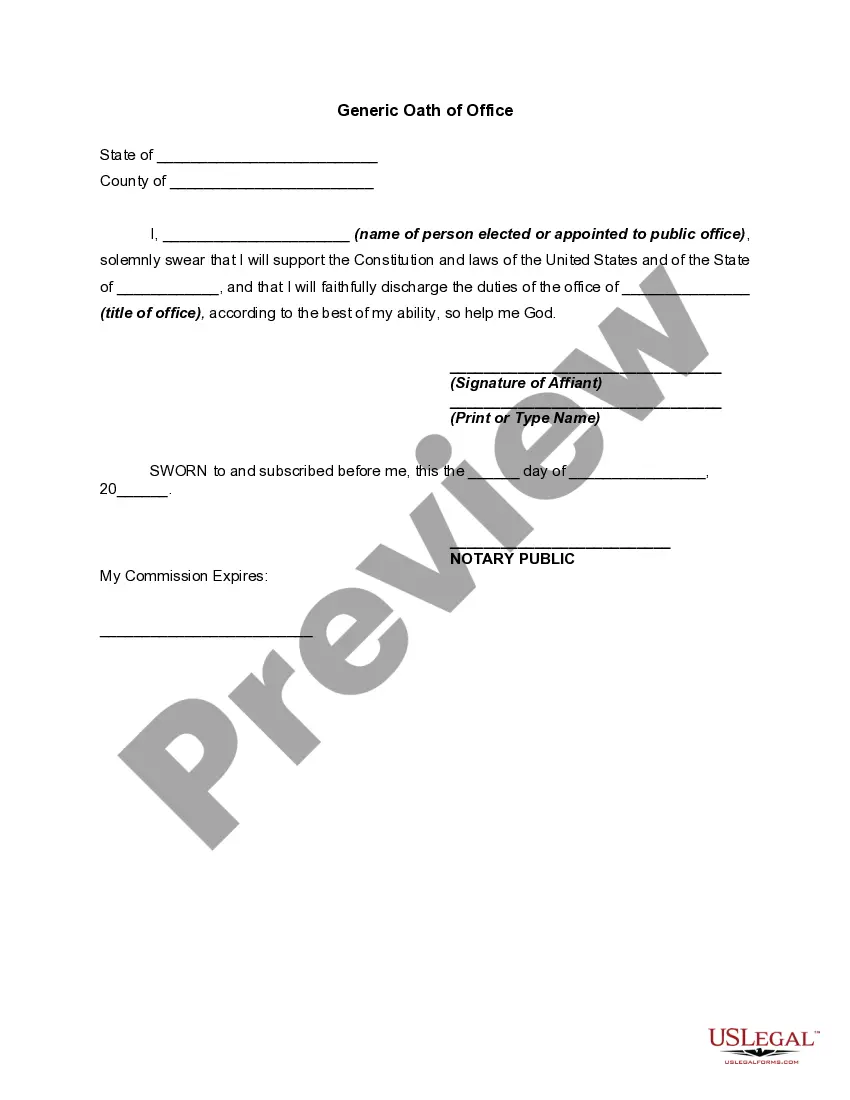
South Carolina Oath or Affirmation with Acceptance of Office
State:
Multi-State
Category:
Control #:
US-01877BG
Format:
Word;
Rich Text
56 downloads
Description
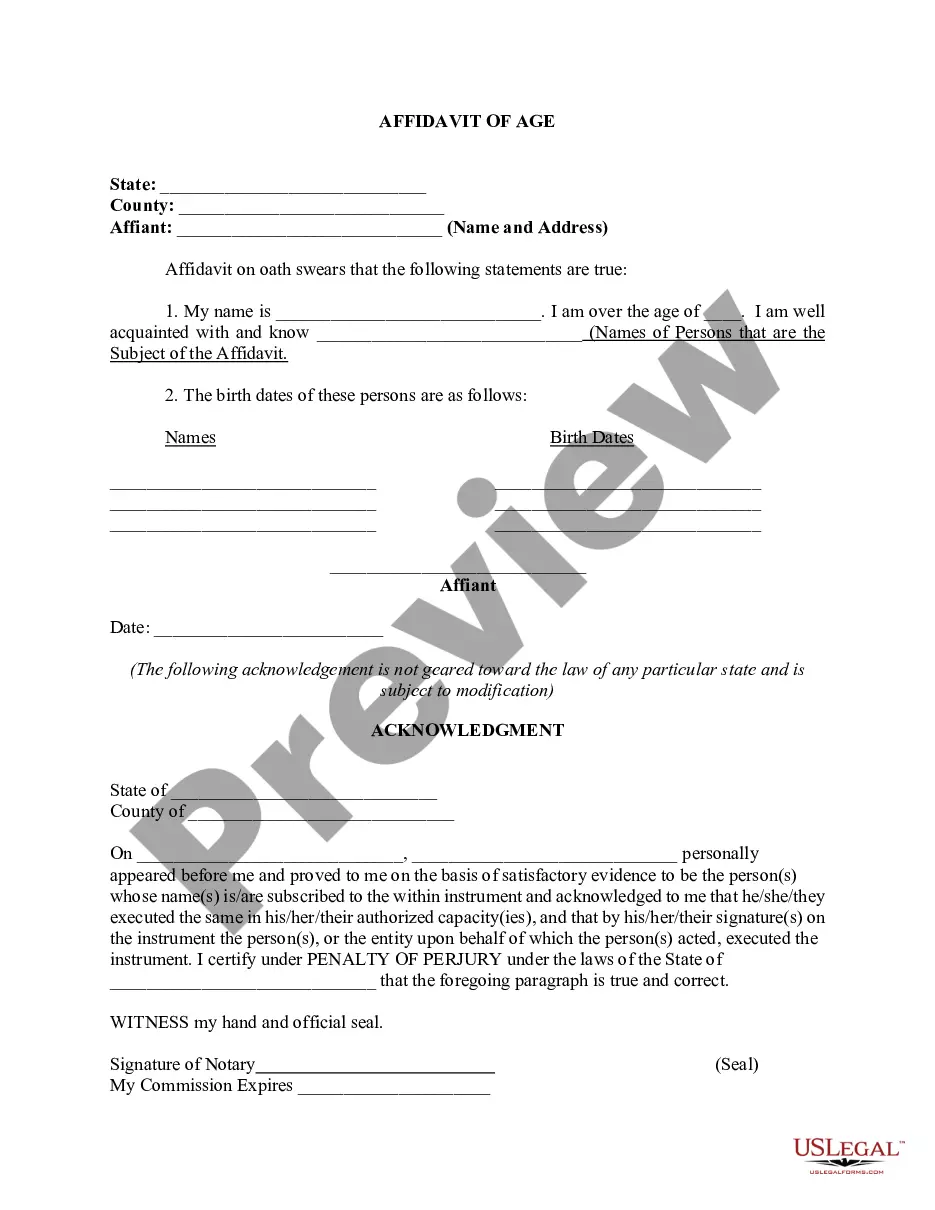
Free preview

Get your form ready online
Our built-in tools help you complete, sign, share, and store your documents in one place.
Built-in online Word editor
Make edits, fill in missing information, and update formatting in US Legal Forms—just like you would in MS Word.
Export easily
Download a copy, print it, send it by email, or mail it via USPS—whatever works best for your next step.
E-sign your document
Sign and collect signatures with our SignNow integration. Send to multiple recipients, set reminders, and more. Go Premium to unlock E-Sign.
Notarize online 24/7
If this form requires notarization, complete it online through a secure video call—no need to meet a notary in person or wait for an appointment.
Store your document securely
We protect your documents and personal data by following strict security and privacy standards.

Make edits, fill in missing information, and update formatting in US Legal Forms—just like you would in MS Word.

Download a copy, print it, send it by email, or mail it via USPS—whatever works best for your next step.

Sign and collect signatures with our SignNow integration. Send to multiple recipients, set reminders, and more. Go Premium to unlock E-Sign.

If this form requires notarization, complete it online through a secure video call—no need to meet a notary in person or wait for an appointment.

We protect your documents and personal data by following strict security and privacy standards.
Looking for another form?
How to fill out Oath Or Affirmation With Acceptance Of Office?
You can spend hours online searching for the valid document template that meets the federal and state requirements you need.
US Legal Forms offers thousands of valid forms that can be examined by professionals.
You can easily download or print the South Carolina Oath or Affirmation with Acceptance of Office from our service.
If available, use the Review button to consult the document template as well. If you wish to find another version of the form, use the Search section to locate the template that meets your needs and requirements. Once you have found the template you desire, click on Buy now to proceed. Select the pricing plan you prefer, enter your details, and sign up for an account on US Legal Forms. Complete the transaction. You can use your credit card or PayPal account to purchase the valid document. Choose the format of the document and download it to your device. Make alterations to the document if necessary. You can complete, modify, sign, and print the South Carolina Oath or Affirmation with Acceptance of Office. Download and print thousands of document templates using the US Legal Forms website, which offers the largest collection of valid forms. Utilize professional and state-specific templates to address your business or personal needs.
- If you possess a US Legal Forms account, you can Log In and click on the Download button.
- Subsequently, you can complete, modify, print, or sign the South Carolina Oath or Affirmation with Acceptance of Office.
- Every valid document template you receive is yours indefinitely.
- To obtain another version of any purchased document, go to the My documents tab and click on the appropriate button.
- If you are using the US Legal Forms website for the first time, follow the simple instructions below.
- First, verify that you have chosen the correct document template for the area/city of your preference.
- Review the document description to ensure you have selected the right form.
Form popularity
FAQ
(8) "Notarial act", "notary act", and "notarization" mean acts that the laws and regulations of this State authorize notaries public of this State to perform, including the administering of oaths and affirmations, taking proof of execution and acknowledgments of instruments, and attesting documents.
I pledge, in the discharge of my duties, to treat all persons who enter the courtroom with civility, fairness, and respect; I pledge to listen courteously, sit impartially, act promptly, and rule after careful and considerate deliberation; I pledge to seek justice, and justice alone; [So help me God.]
For the purposes of this chapter, "notarial acts" means acts which the laws and regulations of this State authorize notaries public of this State to perform, including the administering of oaths and affirmations, taking proof of execution and acknowledgments of instruments, and attesting documents.
A notary public who has a direct or indirect financial (or other beneficial) interest in a document may not notarize such a document. The better practice is not to notarize for a spouse or family member in order to preserve the integrity of the notarization and to prevent a challenge to the notarization.
Tips for Administering an Oath The affirmant must physically appear before you. ... When administering the oath or affirmation, make sure the person swears or affirms the truthfulness of their statement. ... Speak clearly and take the notarial act seriously. Record the notarization in your journal.
?I, (name of Member), do solemnly swear (or affirm) that I will support and defend the Constitution of the United States against all enemies, foreign and domestic; that I will bear true faith and allegiance to the same; that I take this obligation freely, without any mental reservation or purpose of evasion; and that I ...
A South Carolina notary acknowledgment is completed by a notary public to certify a signature by identifying the signer and ensuring they signed of their own free will. Before signing the acknowledgment, the notary must confirm the signer's identity either by knowing them personally or checking their ID.
On the other hand, some states, such as South Carolina, allow a notary public to serve as a signature witness. In South Carolina, at least two witnesses are needed by law for notarization. And out of these two witnesses, one can be the notary themselves.