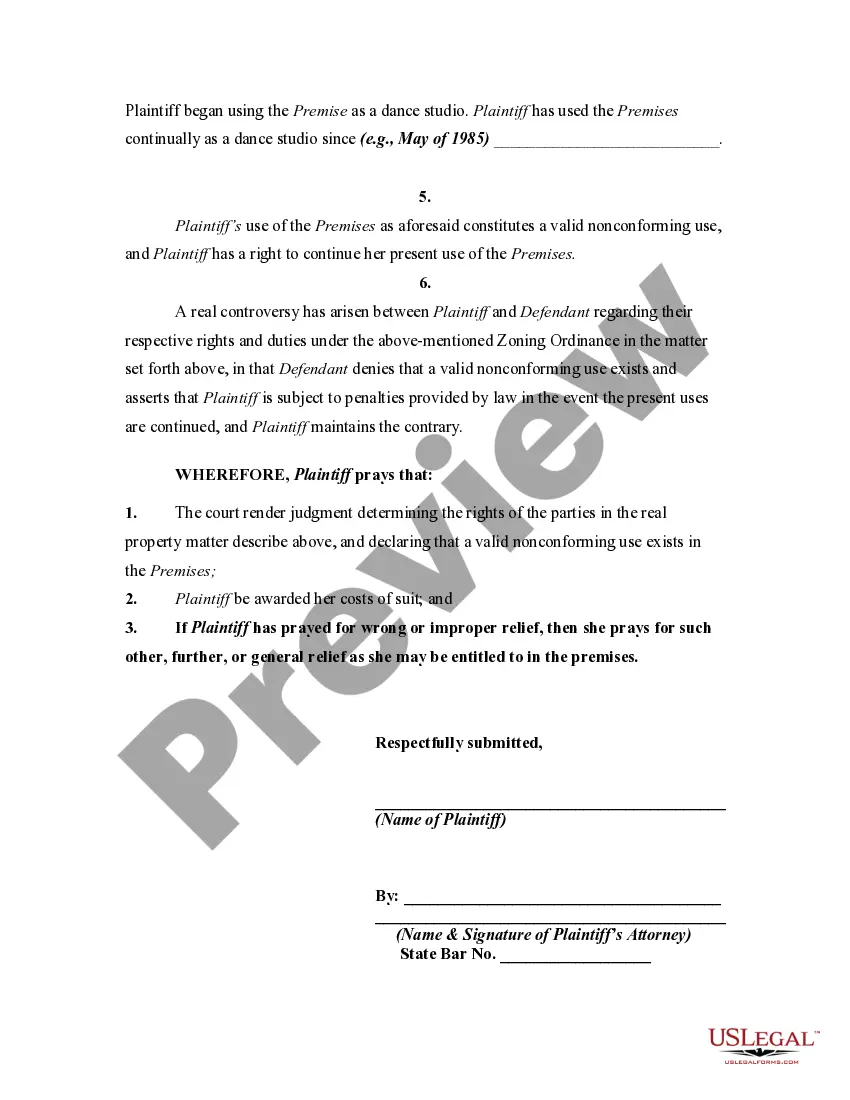
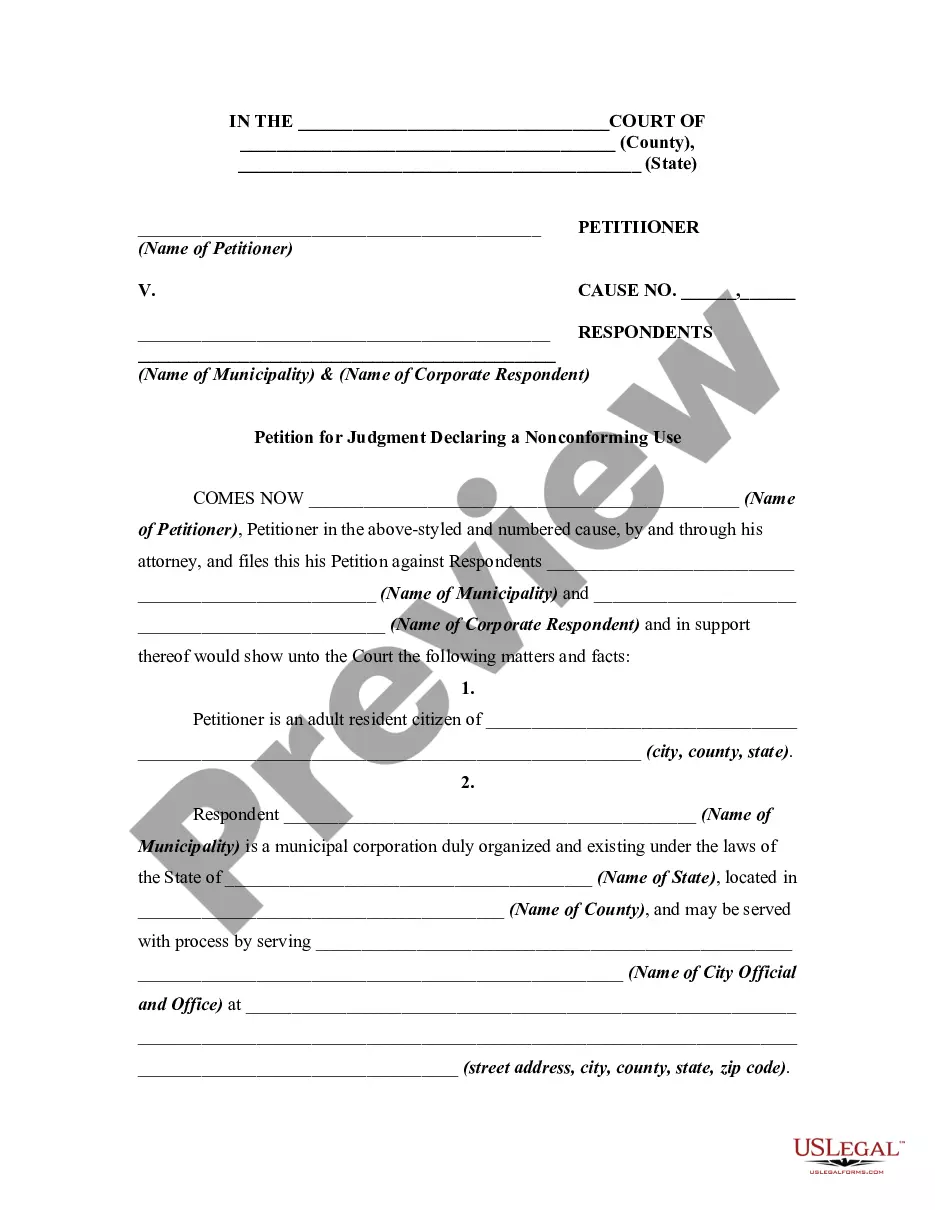
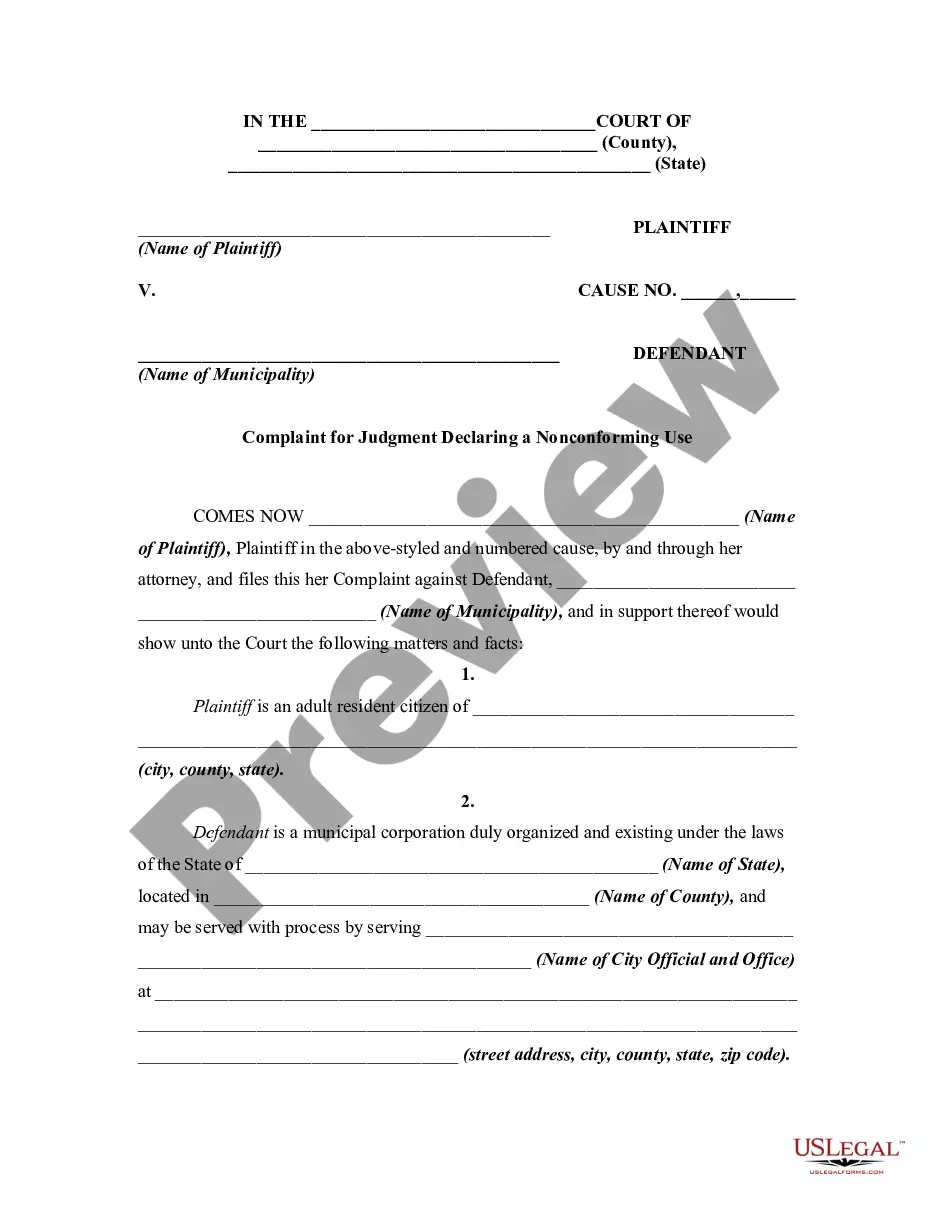
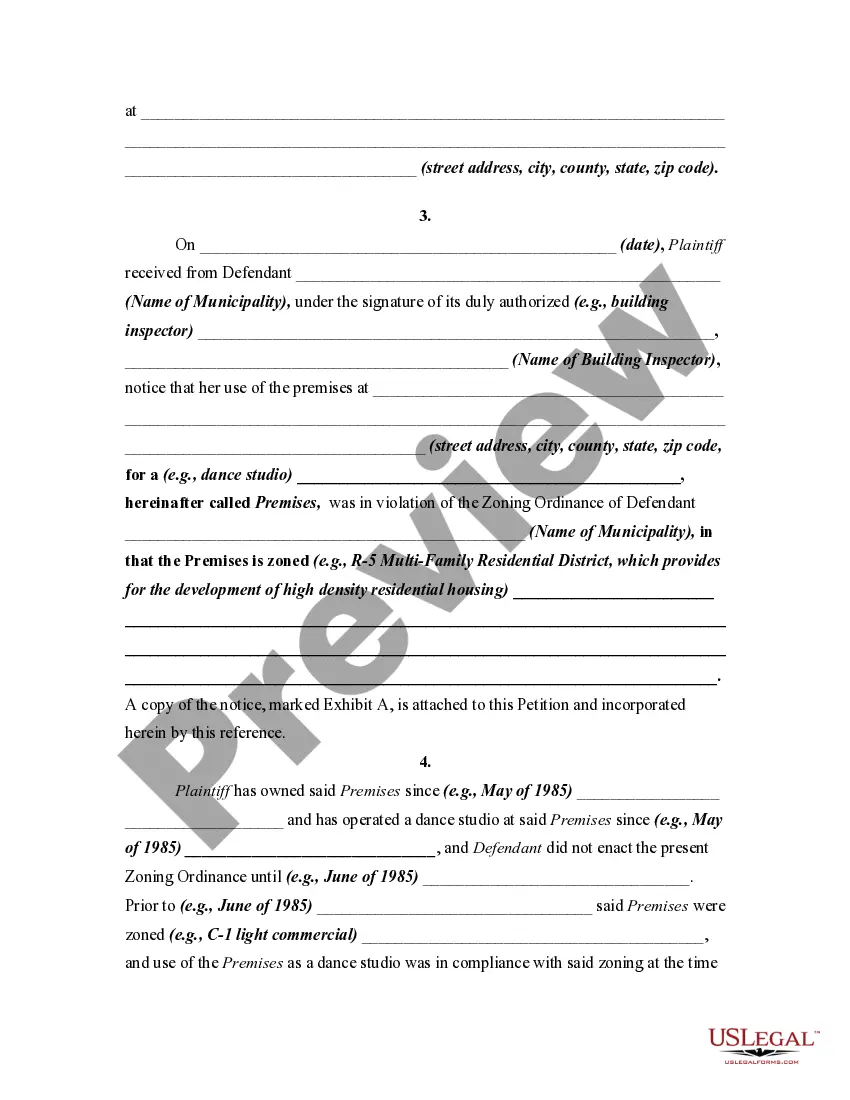
South Carolina Complaint or Petition for Judgment Declaring a Nonconforming Use

State:
Multi-State
Control #:
US-01287BG
Format:
Word; 
Rich Text
Instant download

Description

A nonconforming use is an existing use of property that conflicts with a newly adopted zoning ordinance. In general, a nonconforming use has a constitutional right to continue. However, if an owner discontinues a nonconforming use, the owner loses the right to this use through abandonment, and the nonconforming use cannot be resumed at a later time.


This form is a generic pleading and adopts the "notice pleadings" format of the Federal Rules of Civil Procedure, which has been adopted by most states in one form or another. This form is for illustrative purposes only. Local laws should be consulted to determine any specific requirements for such a form in a particular jurisdiction.

Free preview
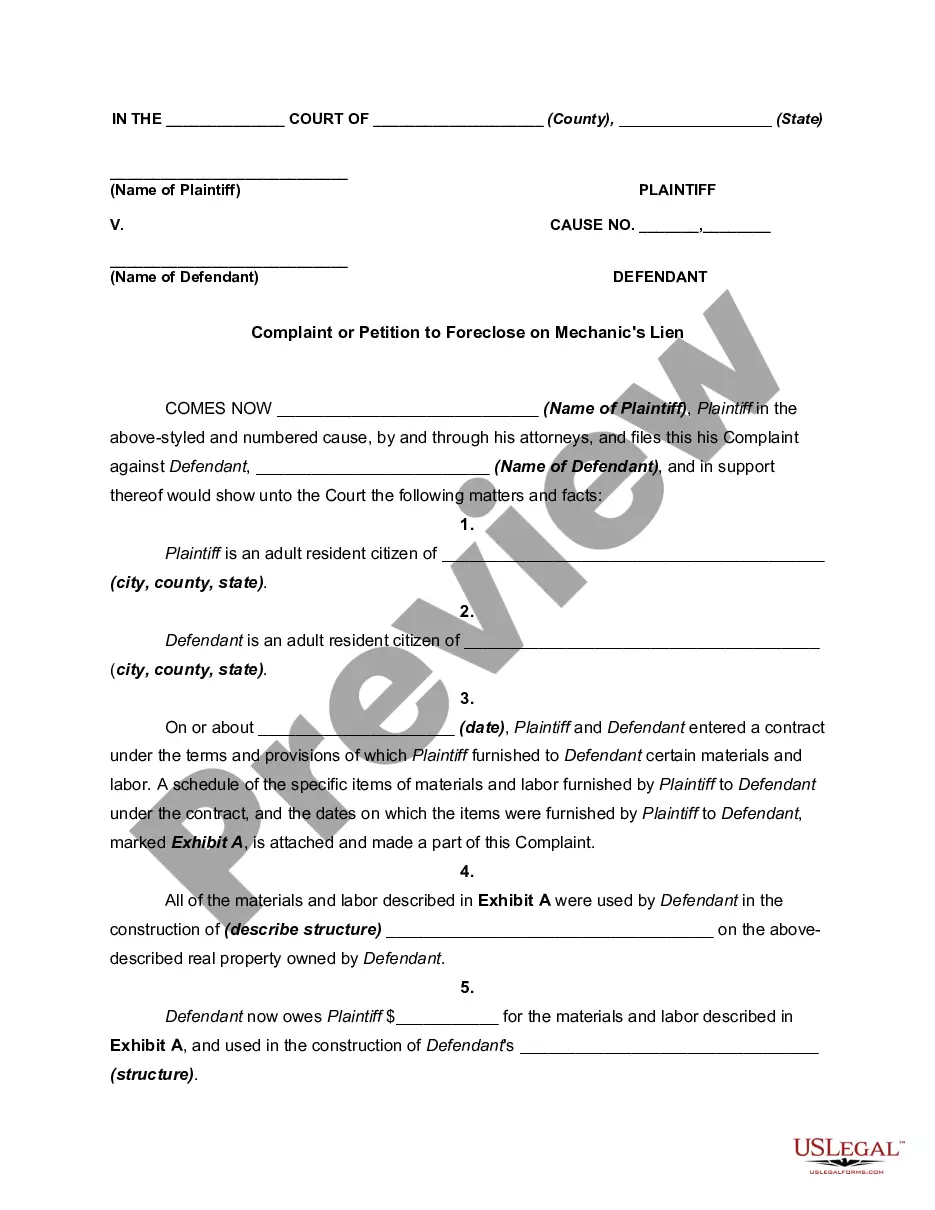
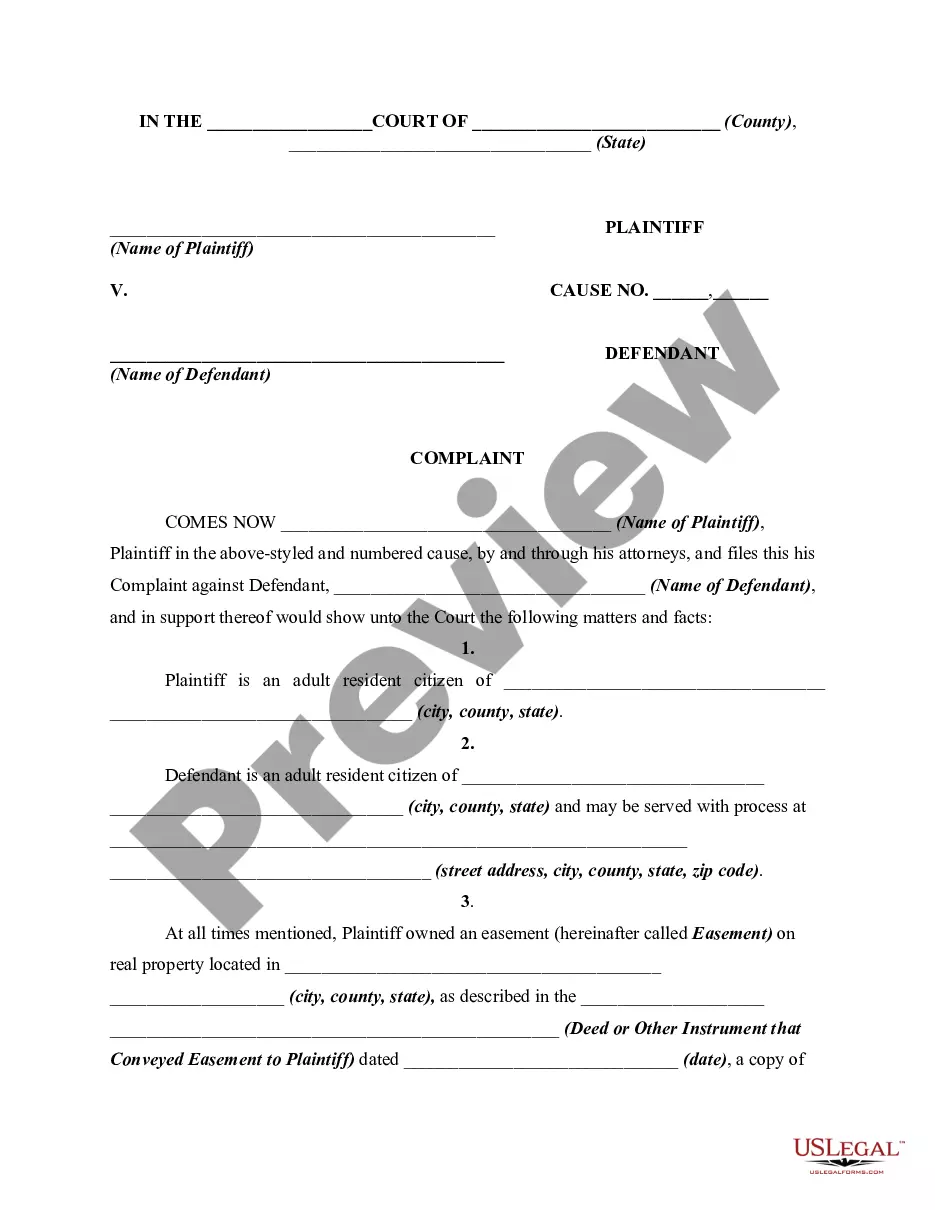
  • Preview Complaint or Petition for Judgment Declaring a Nonconforming Use
  • Preview Complaint or Petition for Judgment Declaring a Nonconforming Use
  • Preview Complaint or Petition for Judgment Declaring a Nonconforming Use
  • Preview Complaint or Petition for Judgment Declaring a Nonconforming Use
  • Preview Complaint or Petition for Judgment Declaring a Nonconforming Use

How to fill out Complaint Or Petition For Judgment Declaring A Nonconforming Use?

US Legal Forms - one of the largest collections of legal documents in the United States - offers a range of legal template options that you can download or print. By using the website, you can access thousands of forms for business and personal purposes, organized by categories, states, or keywords.

You can obtain the latest versions of forms such as the South Carolina Complaint or Petition for Judgment Declaring a Nonconforming Use in just a few minutes. If you have an account, Log In to download the South Carolina Complaint or Petition for Judgment Declaring a Nonconforming Use from the US Legal Forms library. The Download button will be visible on every form you view. You can access all previously saved forms in the My documents section of your account.

To utilize US Legal Forms for the first time, here are some simple steps to get started: Ensure you have selected the correct form for your city/region. Click on the Preview option to review the form’s details. Check the form description to confirm that you have chosen the right one. If the form does not meet your requirements, use the Search field at the top of the page to find one that does. If you are satisfied with the form, confirm your choice by clicking the Purchase now button. Then, select your preferred pricing plan and provide your credentials to register for an account. Complete the transaction. Use your credit card or PayPal account to finalize the transaction. Choose the format and download the form to your device. Make edits. Fill out, modify, print, and sign the downloaded South Carolina Complaint or Petition for Judgment Declaring a Nonconforming Use.

Every template you save in your account remains valid indefinitely, allowing you to retrieve or print another copy whenever needed by navigating to the My documents section and selecting the desired form.

Gain access to the South Carolina Complaint or Petition for Judgment Declaring a Nonconforming Use with US Legal Forms, which boasts the largest selection of legal document templates available.

  1. Each template you add to your account has no expiration date and belongs to you indefinitely.
  2. If you wish to download or print another copy, simply visit the My documents section and click on the form you need.
  3. Access the South Carolina Complaint or Petition for Judgment Declaring a Nonconforming Use with US Legal Forms, the most comprehensive collection of legal document templates.
  4. Utilize thousands of professional and state-specific templates that cater to your business or personal needs and requirements.
Form popularity

FAQ

Rule 56, SCRCP, which is made applicable to magistrate's court by Rule 81, SCRCP, allows the plaintiff or defendant, at any time after the expiration of 30 days from the commencement of the action or after service of a motion were summary judgment by the adverse party, move with or without supporting affidavits for a ...

Rule 55 provides: If, in order to enable the judge to enter judgment or to carry it into effect, it is necessary to take an account or to determine the amount of damages or to establish the truth of any averment by evidence or to take an investigation of any other matter, the judge may conduct such hearings or order ...

Any party may serve on any other party a request (1) to produce and permit the party making the request, or someone acting on his behalf, to inspect and copy, any designated documents, or electronically stored information (including writings, drawings, graphs, charts, photographs, phonorecords, and other data ...

SC Judicial Branch. (a) Entry. When a party against whom a judgment for affirmative relief is sought has failed to plead or otherwise defend as provided by these rules and that fact is made to appear by affidavit or otherwise, the clerk shall enter his default upon the calendar (file book). (b) Judgment.

(j) Case Stricken From Docket by Agreement. A party moving to restore a case stricken from the docket shall provide all parties notice of the motion to restore at least 10 days before it is heard. Upon being restored, the case shall be placed on the General Docket and proceed from that date as provided in this rule.

Upon request by a defendant, the prosecution shall permit the defendant to inspect and copy or photograph: any relevant written or recorded statements made by the defendant, or copies thereof, within the possession, custody or control of the prosecution, the existence of which is known, or by the exercise of due ...

Records. The clerk of the district court must keep records of criminal proceedings in the form prescribed by the Director of the Administrative Office of the United States Courts. The clerk must enter in the records every court order or judgment and the date of entry.

This Rule 55(a) requires that the Court enter all judgments by default and preserves Circuit Rule 15. Federal Rule 55(b) permits the Clerk to enter judgments by default for sums certain, if there has been no appearance, and if the defendant is not a minor or incompetent person; and that provision was deleted.

Trusted and secure by over 3 million people of the world’s leading companies

South Carolina Complaint or Petition for Judgment Declaring a Nonconforming Use