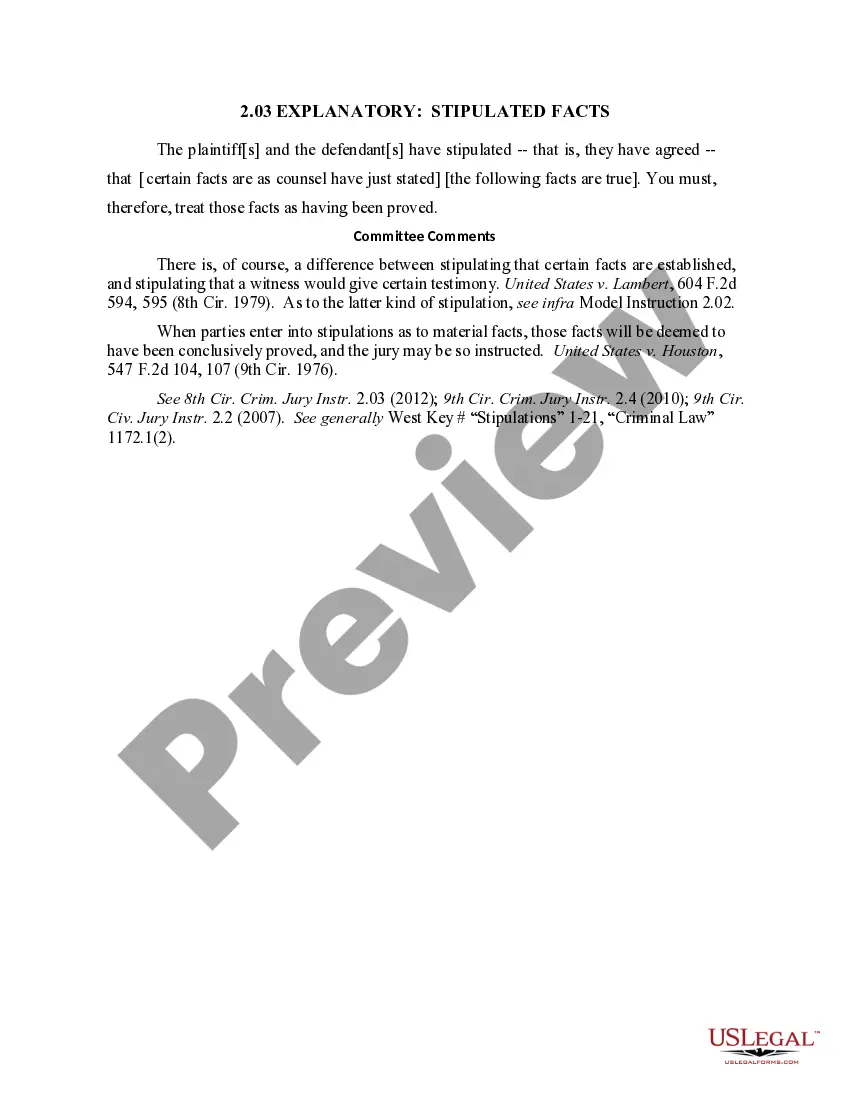
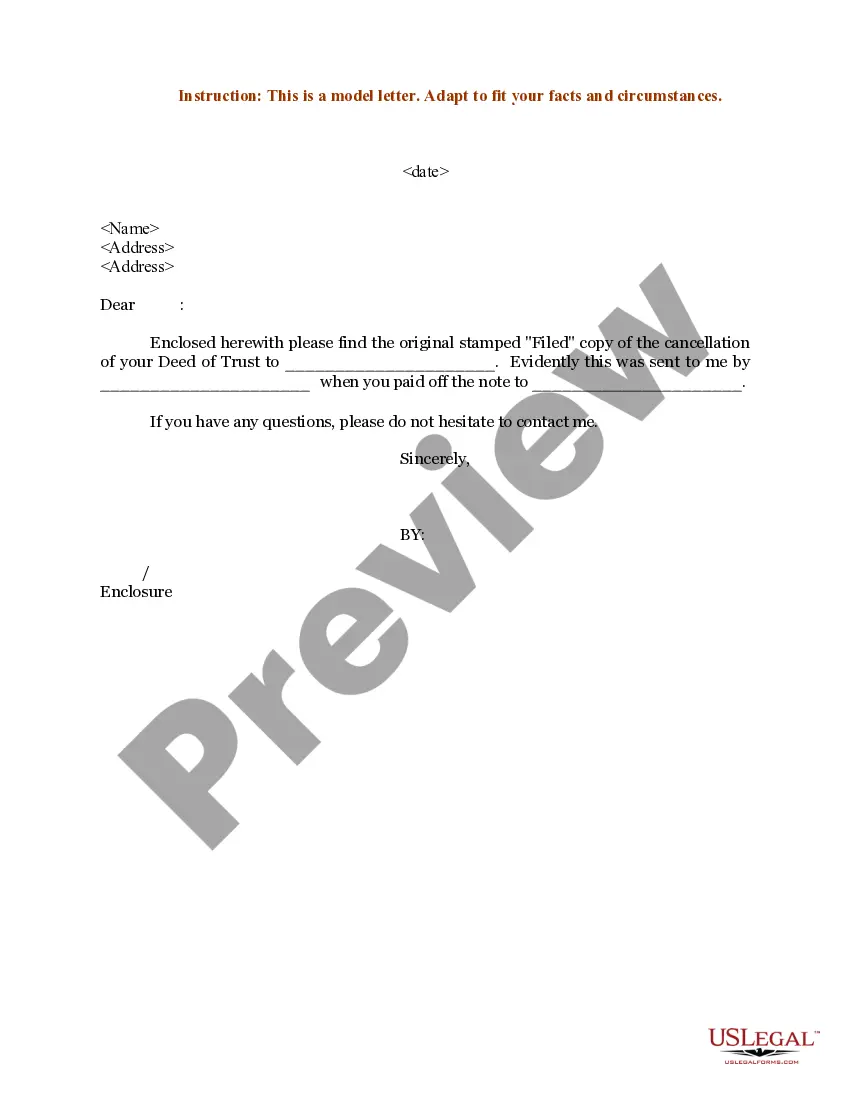
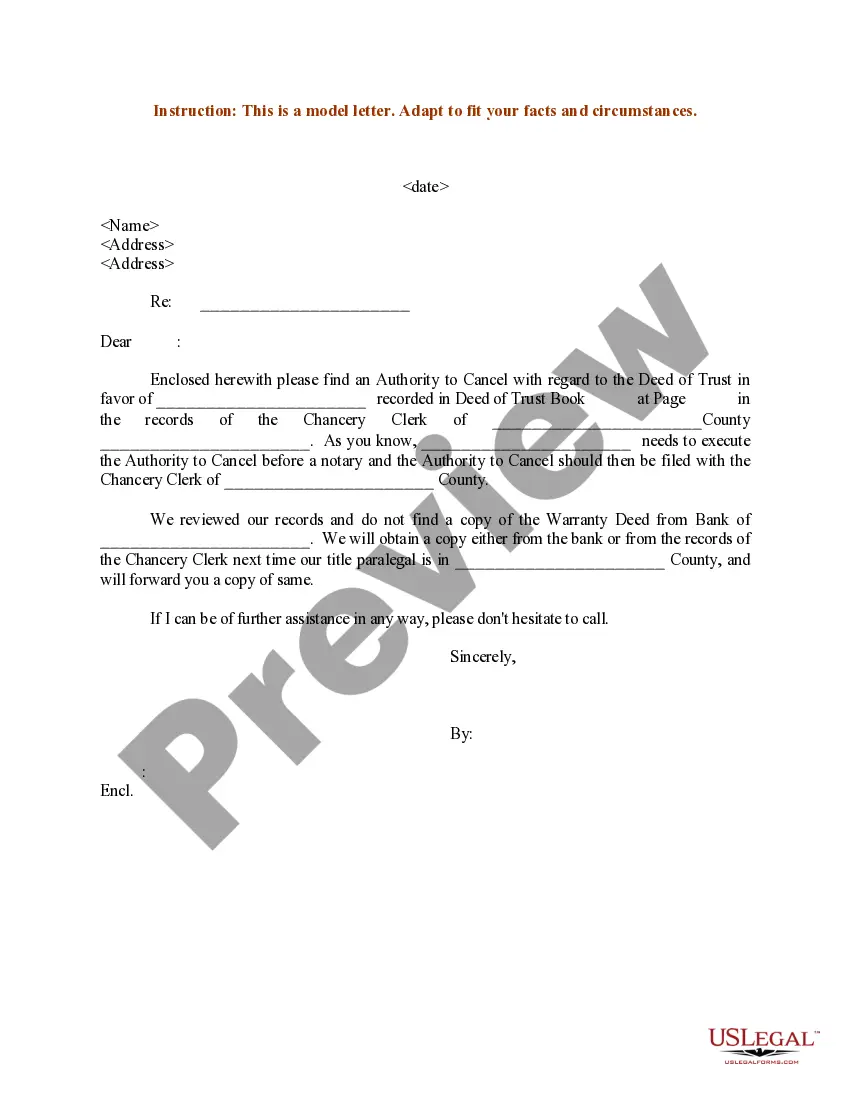
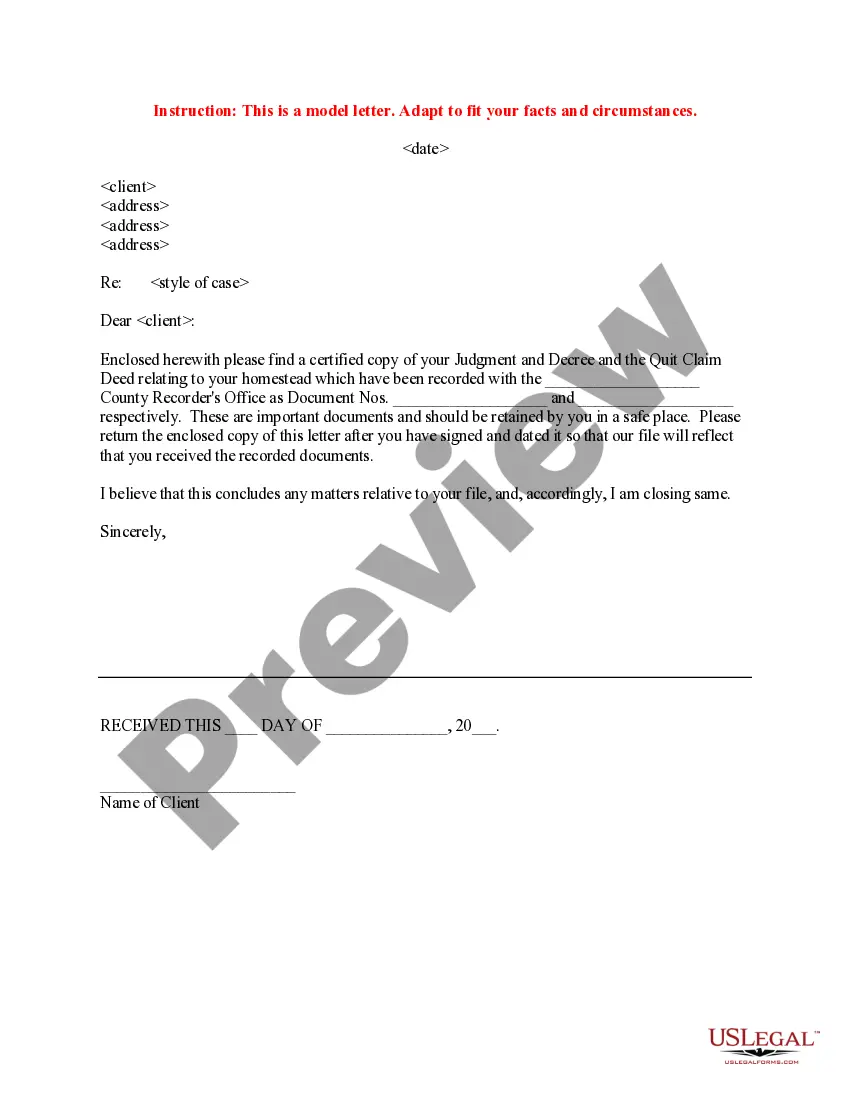
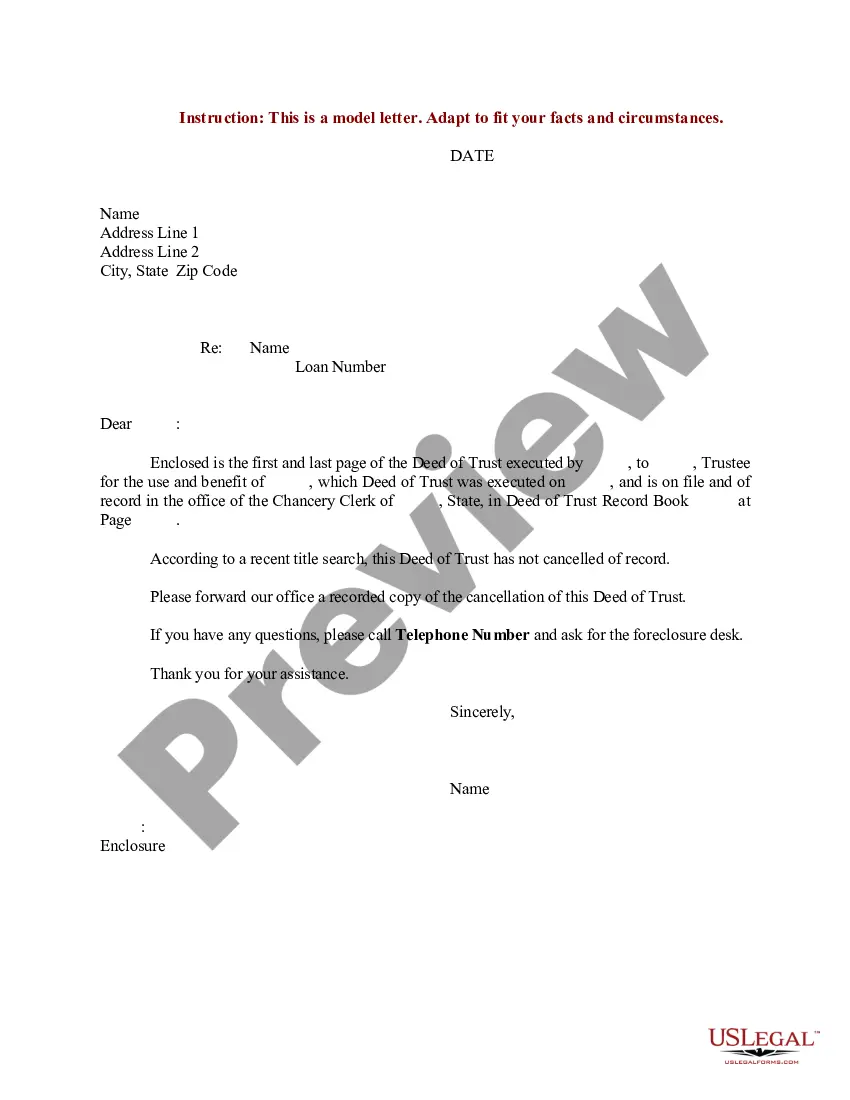
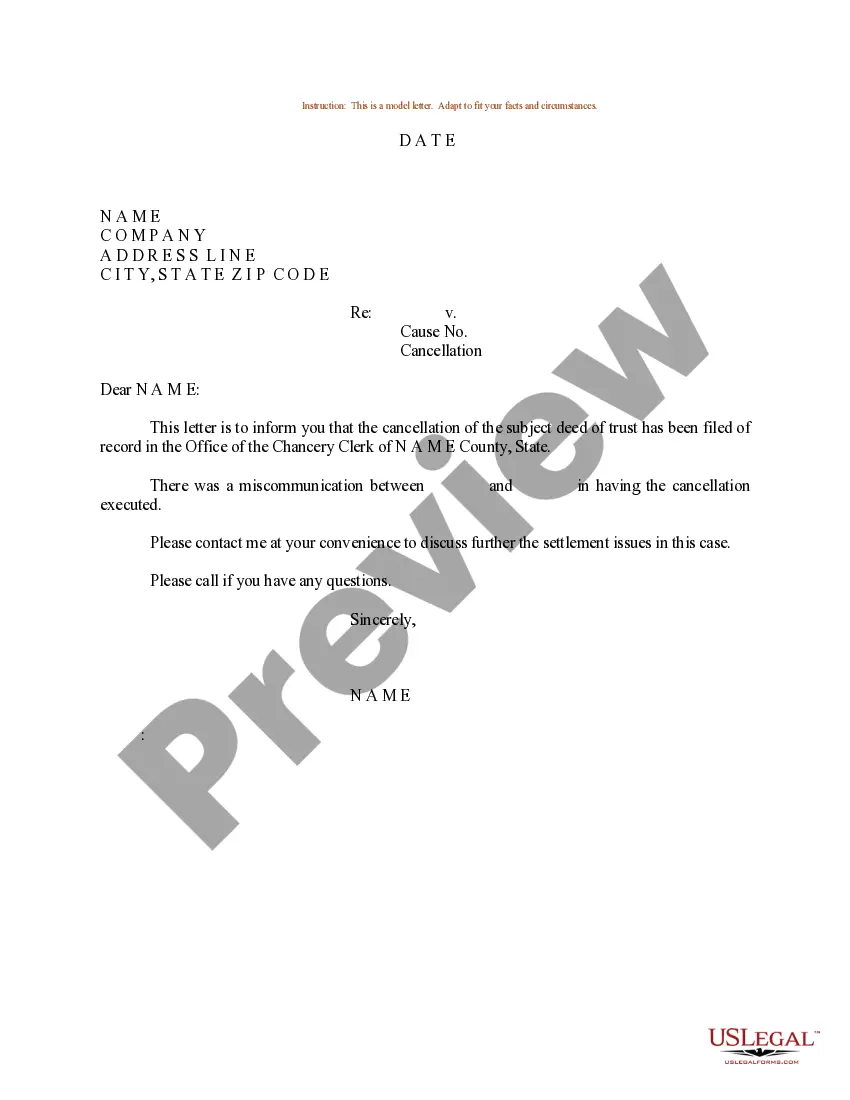
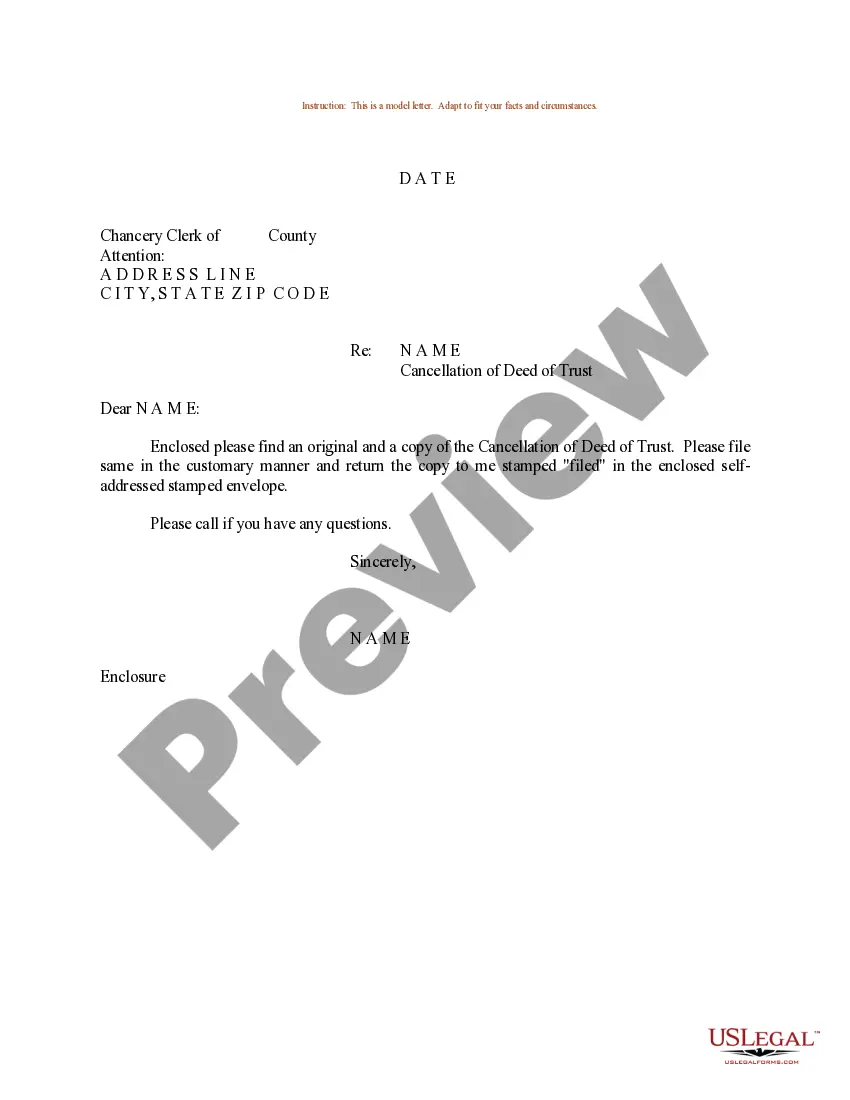
South Carolina Sample Letter regarding Notifying Client of Cancellation of Deed of Trust
Description
Get your form ready online
Our built-in tools help you complete, sign, share, and store your documents in one place.
Make edits, fill in missing information, and update formatting in US Legal Forms—just like you would in MS Word.
Download a copy, print it, send it by email, or mail it via USPS—whatever works best for your next step.
Sign and collect signatures with our SignNow integration. Send to multiple recipients, set reminders, and more. Go Premium to unlock E-Sign.
If this form requires notarization, complete it online through a secure video call—no need to meet a notary in person or wait for an appointment.
We protect your documents and personal data by following strict security and privacy standards.

Make edits, fill in missing information, and update formatting in US Legal Forms—just like you would in MS Word.

Download a copy, print it, send it by email, or mail it via USPS—whatever works best for your next step.

Sign and collect signatures with our SignNow integration. Send to multiple recipients, set reminders, and more. Go Premium to unlock E-Sign.

If this form requires notarization, complete it online through a secure video call—no need to meet a notary in person or wait for an appointment.

We protect your documents and personal data by following strict security and privacy standards.
Looking for another form?

How to fill out Sample Letter Regarding Notifying Client Of Cancellation Of Deed Of Trust?
Are you in a scenario where you need documents for either business or personal reasons nearly every workday.
There are numerous legitimate document templates accessible online, but finding reliable ones isn't simple.
US Legal Forms provides a vast array of template forms, such as the South Carolina Sample Letter for Notifying Client of Cancellation of Deed of Trust, designed to meet federal and state regulations.
Once you find the correct form, click Get now.
Select the pricing plan you desire, enter the necessary information to create your account, and pay for the order using your PayPal or credit card. Choose a convenient document format and download your copy. Access all the document templates you have purchased in the My documents menu. You can obtain an additional copy of the South Carolina Sample Letter for Notifying Client of Cancellation of Deed of Trust at any time if needed. Just click on the desired form to download or print the document template. Use US Legal Forms, the most extensive collection of legal forms, to save time and avoid errors. The service provides properly designed legal document templates that you can use for various purposes. Create an account on US Legal Forms and start making your life easier.
- If you are already familiar with the US Legal Forms website and possess an account, simply Log In.
- Then, you can download the South Carolina Sample Letter for Notifying Client of Cancellation of Deed of Trust template.
- If you do not have an account and wish to start using US Legal Forms, follow these steps.
- Select the form you need and ensure it corresponds to the correct city/region.
- Utilize the Review option to examine the form.
- Read the description to confirm that you have chosen the correct form.
- If the form is not what you are looking for, use the Search field to find the form that meets your needs and criteria.
Form popularity
FAQ
Key Takeaways. You can cancel your deed of trust by getting a deed of surrender in place. This is a legal document which can be used to waive a previous deed or contract between multiple parties. You can't cancel a deed of trust without the consent of all parties named within the deed.
In order to cancel a contract for deed, a seller needs to complete a form called a notice of cancellation of contract for deed, and have the notice personally served on the buyer.
When the consideration (purchase price) on a deed is for $100.00 or more the seller must pay an excise tax. The excise stamp was affixed to the deed and then cancelled to avoid the reusing of the stamp.
Cancellation of sale deed refers to the revocation of the purchase and sale of property. A sale deed may be cancelled if any party involved is unsatisfied with the deal and makes a claim regarding the same in the court of law.
A deed of confirmation may be required to confirm a right, event or detail that is presently uncertain. We advise on and draft documents confirming and/or rectifying any problematic provisions in the deed.