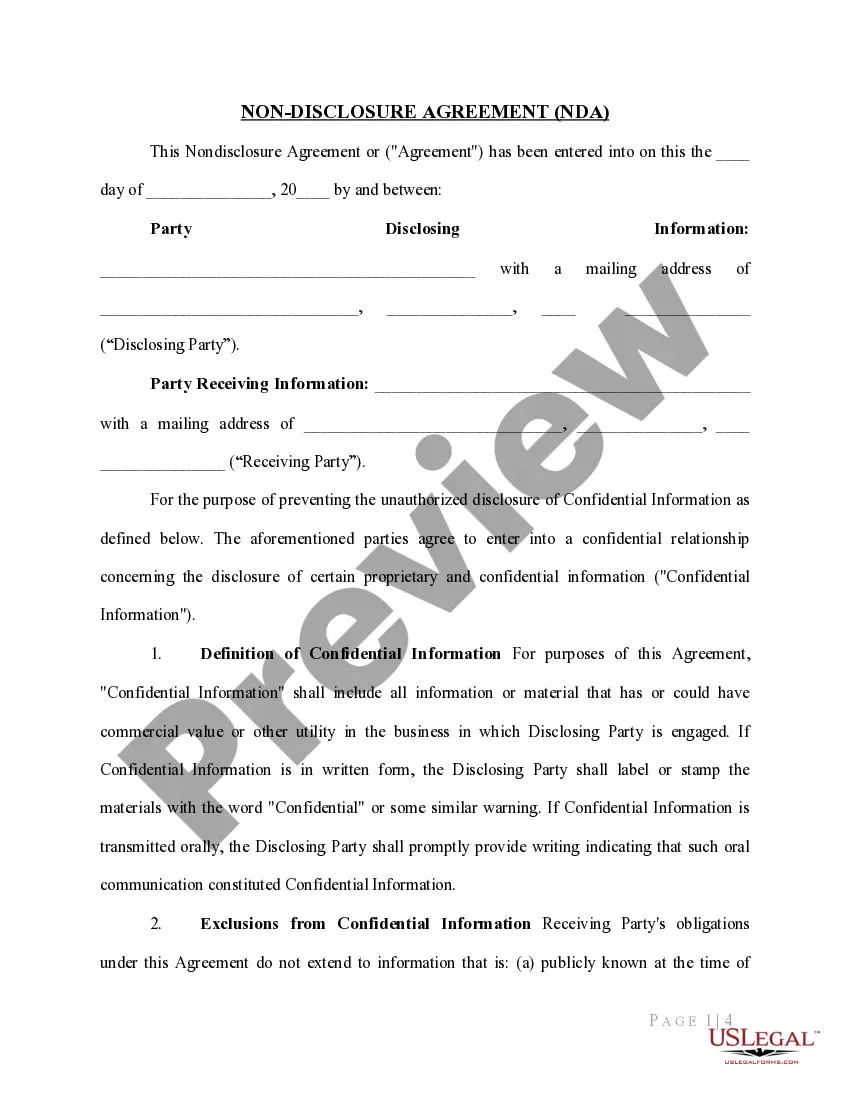
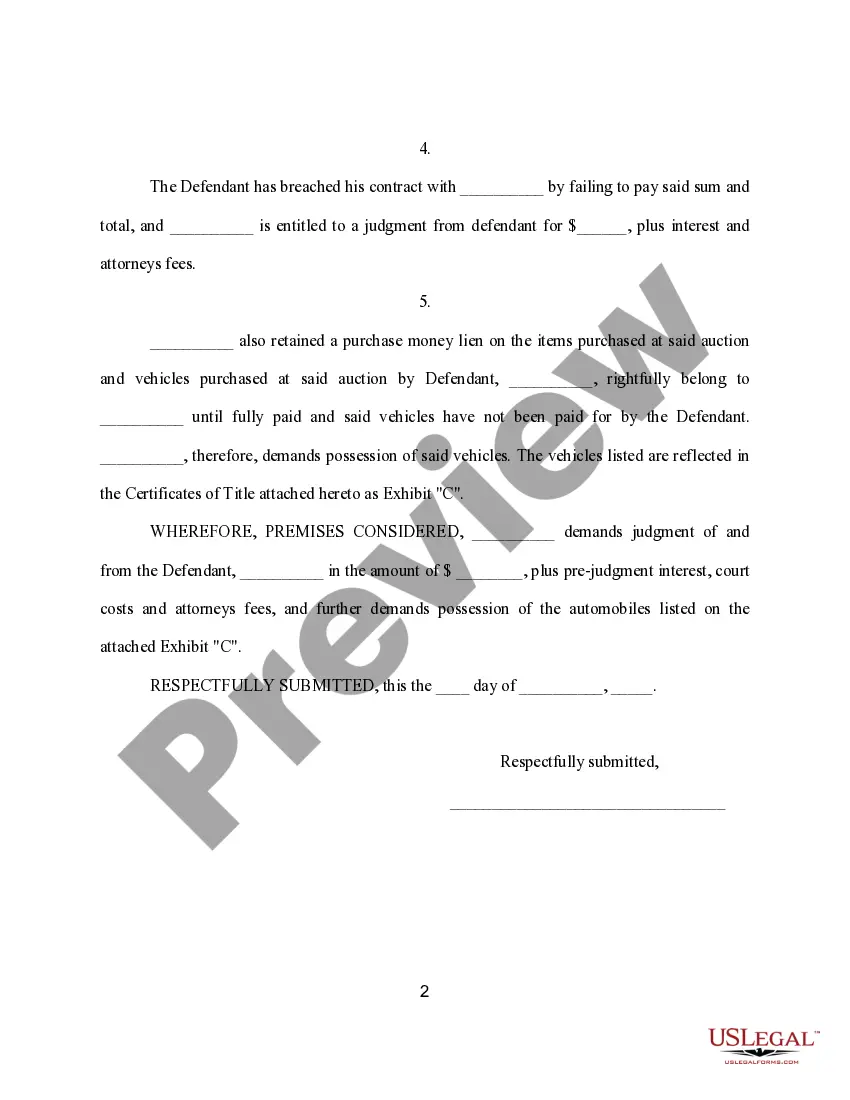
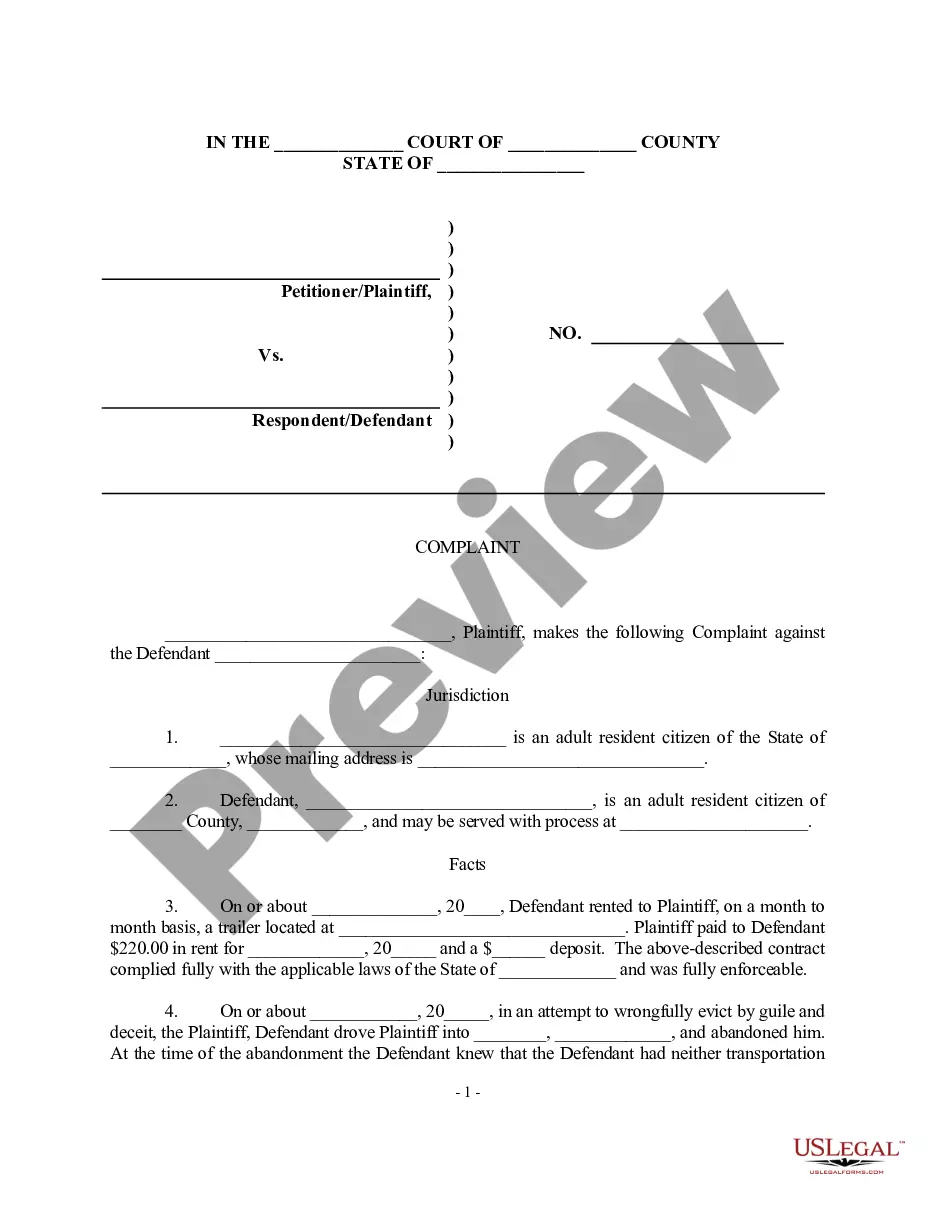
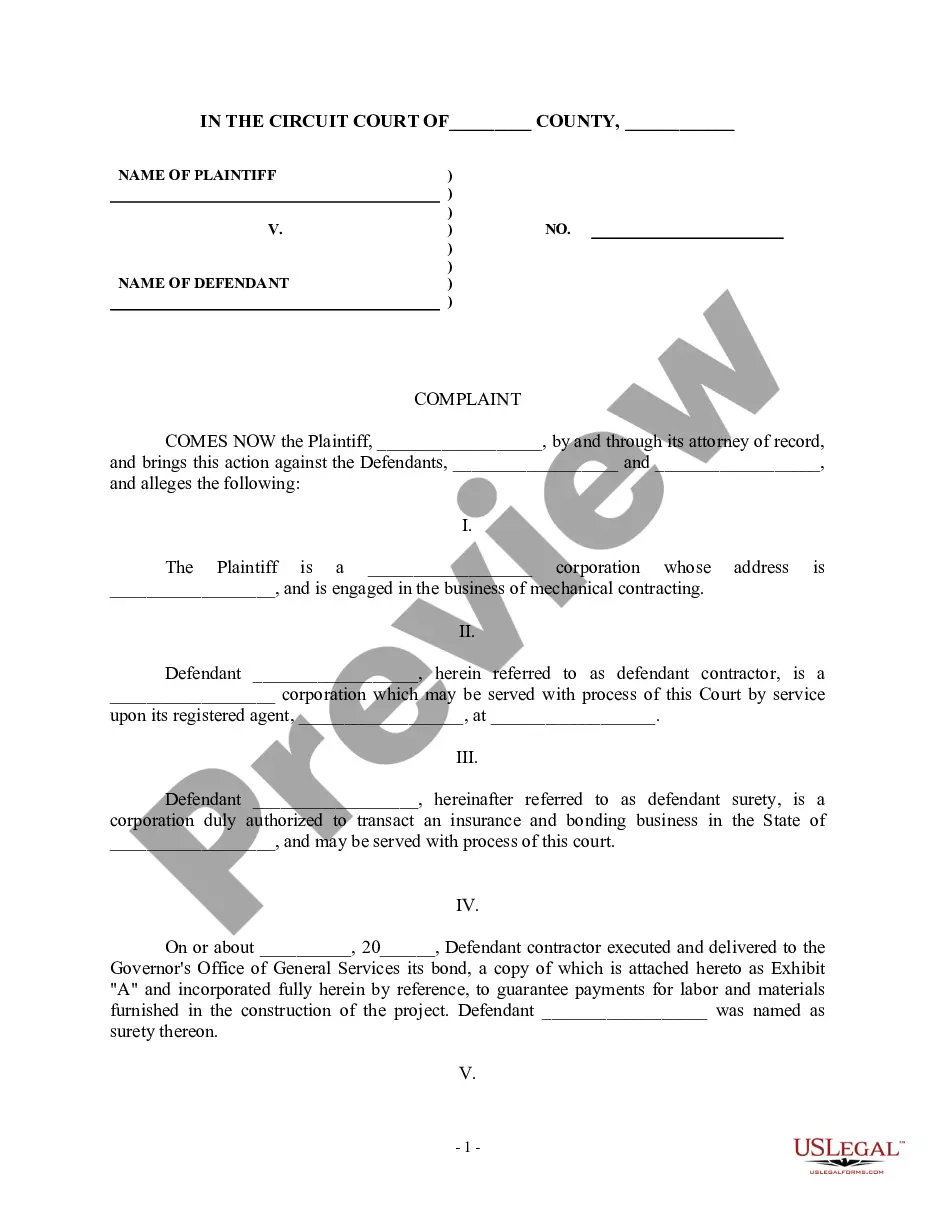
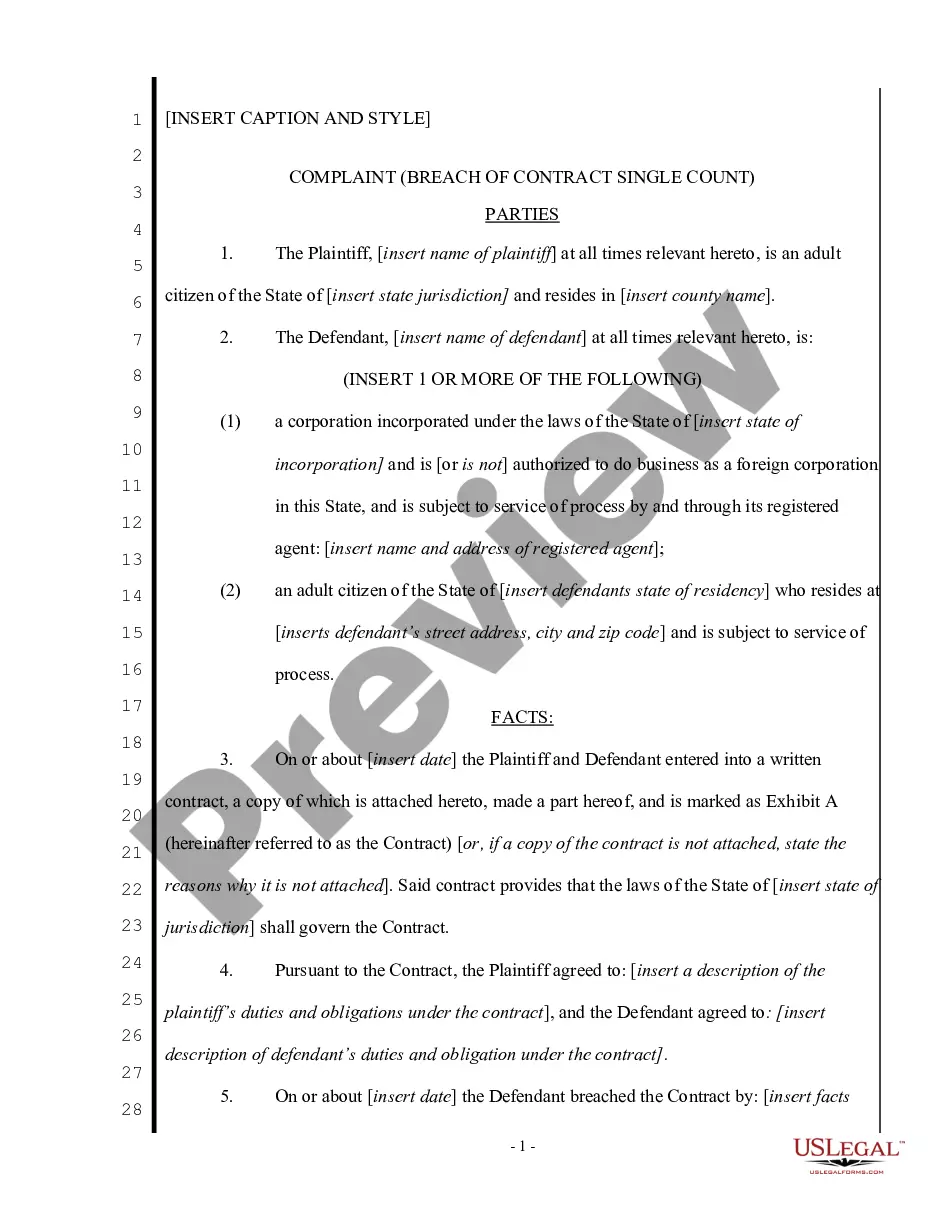
South Carolina Complaint regarding Auction Collection
Description

Get your form ready online
Our built-in tools help you complete, sign, share, and store your documents in one place.
Make edits, fill in missing information, and update formatting in US Legal Forms—just like you would in MS Word.
Download a copy, print it, send it by email, or mail it via USPS—whatever works best for your next step.
Sign and collect signatures with our SignNow integration. Send to multiple recipients, set reminders, and more. Go Premium to unlock E-Sign.
If this form requires notarization, complete it online through a secure video call—no need to meet a notary in person or wait for an appointment.
We protect your documents and personal data by following strict security and privacy standards.

Make edits, fill in missing information, and update formatting in US Legal Forms—just like you would in MS Word.

Download a copy, print it, send it by email, or mail it via USPS—whatever works best for your next step.

Sign and collect signatures with our SignNow integration. Send to multiple recipients, set reminders, and more. Go Premium to unlock E-Sign.

If this form requires notarization, complete it online through a secure video call—no need to meet a notary in person or wait for an appointment.

We protect your documents and personal data by following strict security and privacy standards.
Looking for another form?


How to fill out Complaint Regarding Auction Collection?
You might spend a number of hours online trying to locate the legal document template that complies with the federal and state stipulations you require.
US Legal Forms offers thousands of legal forms that are reviewed by experts.
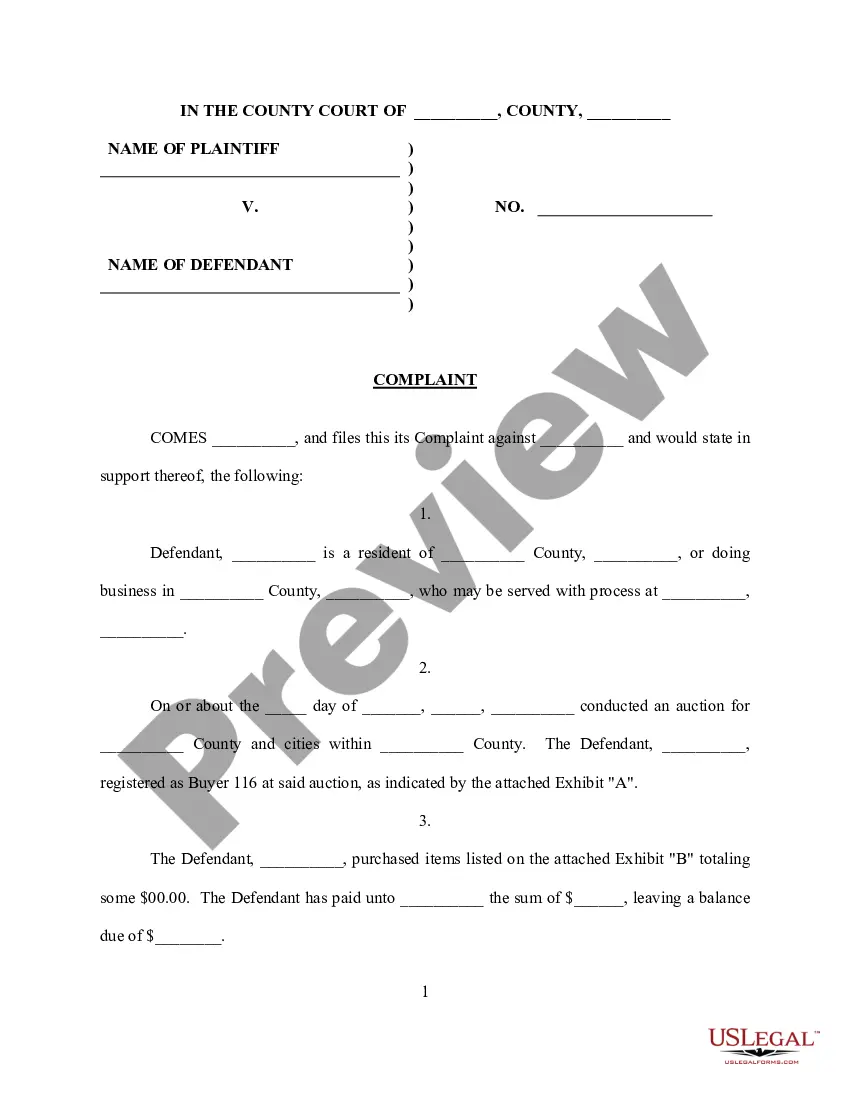
You can download or print the South Carolina Complaint concerning Auction Collection from my services.
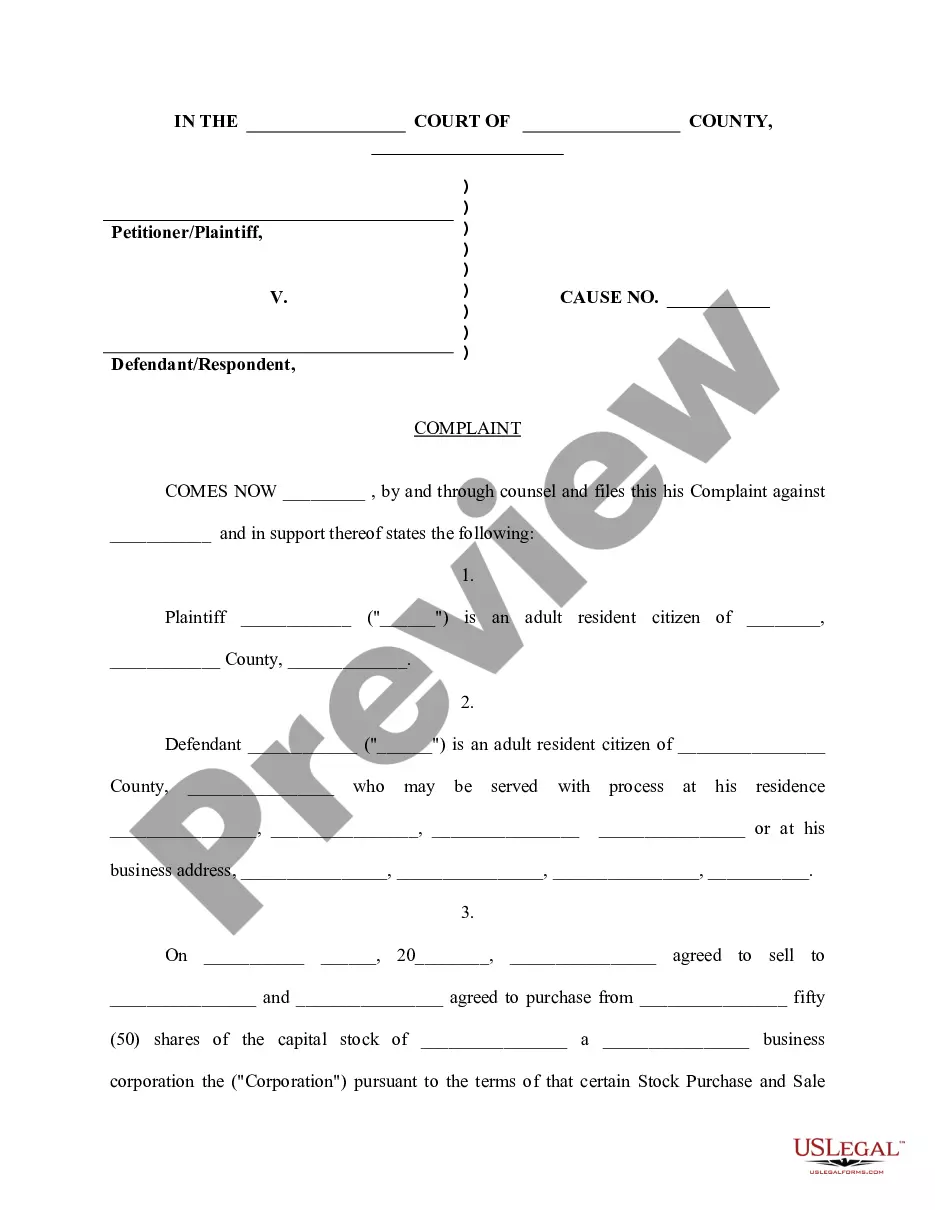
If available, utilize the Preview option to glance through the document template simultaneously. To find another version of your form, use the Search field to locate the template that suits you and your needs. Once you have identified the template you desire, click Buy now to proceed. Choose the pricing plan you wish, enter your details, and register for your account on US Legal Forms. Complete the transaction. You may use your credit card or PayPal account to pay for the legal form. Select the format of your document and download it to your device. Make modifications to your document if possible. You can complete, alter, and sign and print the South Carolina Complaint concerning Auction Collection. Download and print thousands of document templates using the US Legal Forms website, which offers the largest collection of legal forms. Utilize professional and state-specific templates to address your business or personal needs.
- If you already possess a US Legal Forms account, you can Log In and then select the Download option.
- After that, you can complete, modify, print, or sign the South Carolina Complaint concerning Auction Collection.
- Each legal document template you acquire is your property indefinitely.
- To obtain another copy of a purchased form, navigate to the My documents tab and click the appropriate option.
- If you are using the US Legal Forms website for the first time, follow the simple instructions below.
- Firstly, ensure you have selected the correct document template for the state/region you have chosen.
- Review the form details to verify you have chosen the correct form.
Form popularity
FAQ
A complaint against a licensee, or an unlicensed person practicing a profession or occupation that requires a license, may be made via the online complaint system or by calling (803) 896-4470. The complaining party is responsible for ensuring that all necessary information is included on the form.
To files a complaint, visit the SC Department of Labor, Licensing and Regulation's Complaint Portal at . Per SC Code of Law Section 40-15-180, all investigations and proceedings undertaken shall be confidential.
If you are unable to submit your health facility complaint online, you can call our office at (803) 545-4370 or 1-800-922-6735 and indicate you wish to file a complaint against a health facility or service.
For Other SC Consumer Complaints Who to contact: South Carolina Department of Consumer Affairs. How to file a complaint. ? Complaint form. Postal address: PO Box 5757, Columbia SC 29250-5246. Email address: scdca@scconsumer.gov. Phone: 803-734-4200, 800-922-1594. Return to SC Consumer Help Desk.
General Information 1-803-734-3970. Constituent Services 1-803-737-3953. Victim Advocacy 1-800-213-5652. Violence Against Women Program (VAWA) 1-803-734-3717. Sexually Violent Predator 1-803-734-3243. Securities 1-803-734-9916. Money Services 1-803-734-1221. National Human Trafficking Hotline 1-888-373-7888.
To file a consumer complaint, please call (803) 734-4200 or (800) 922-1594 or visit the Consumer Affairs website.