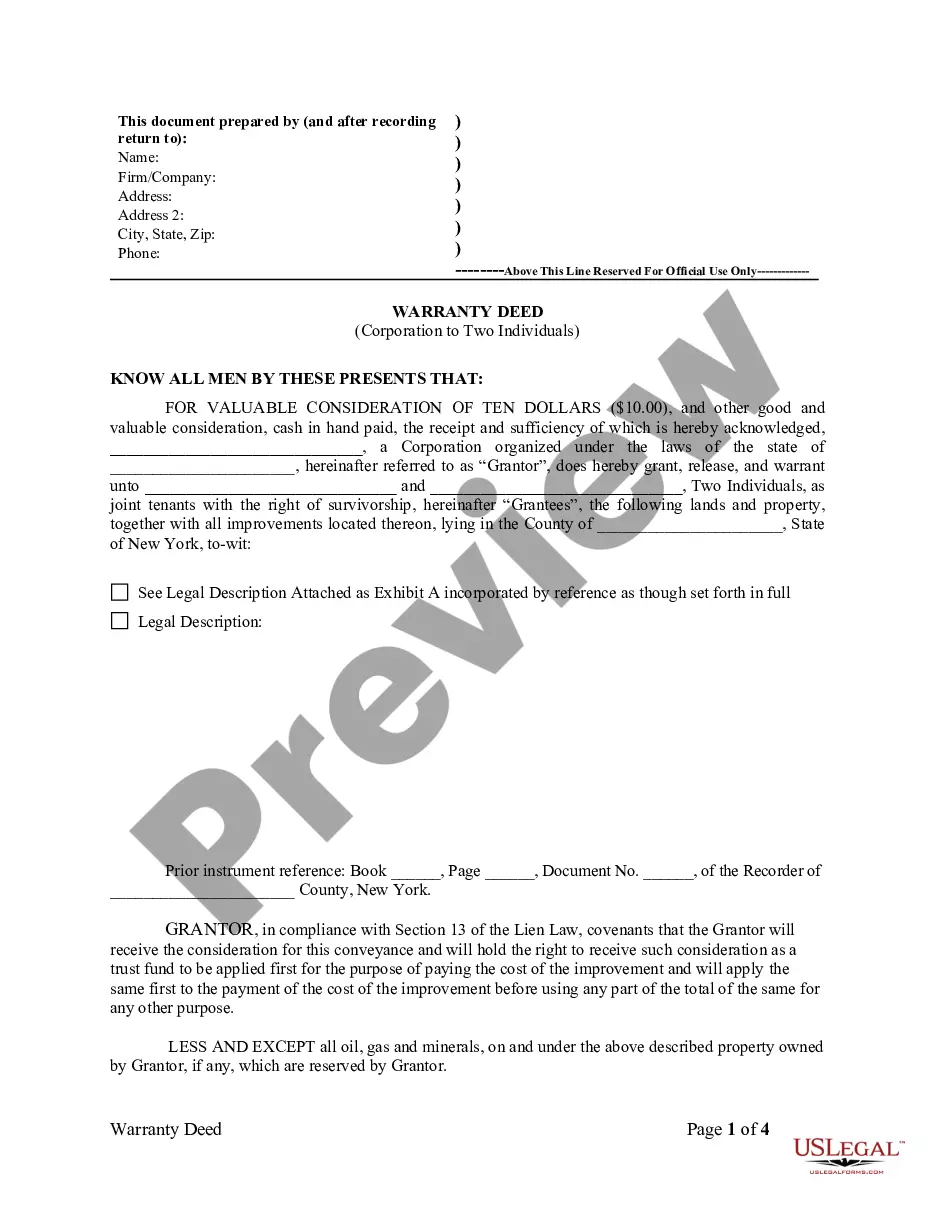
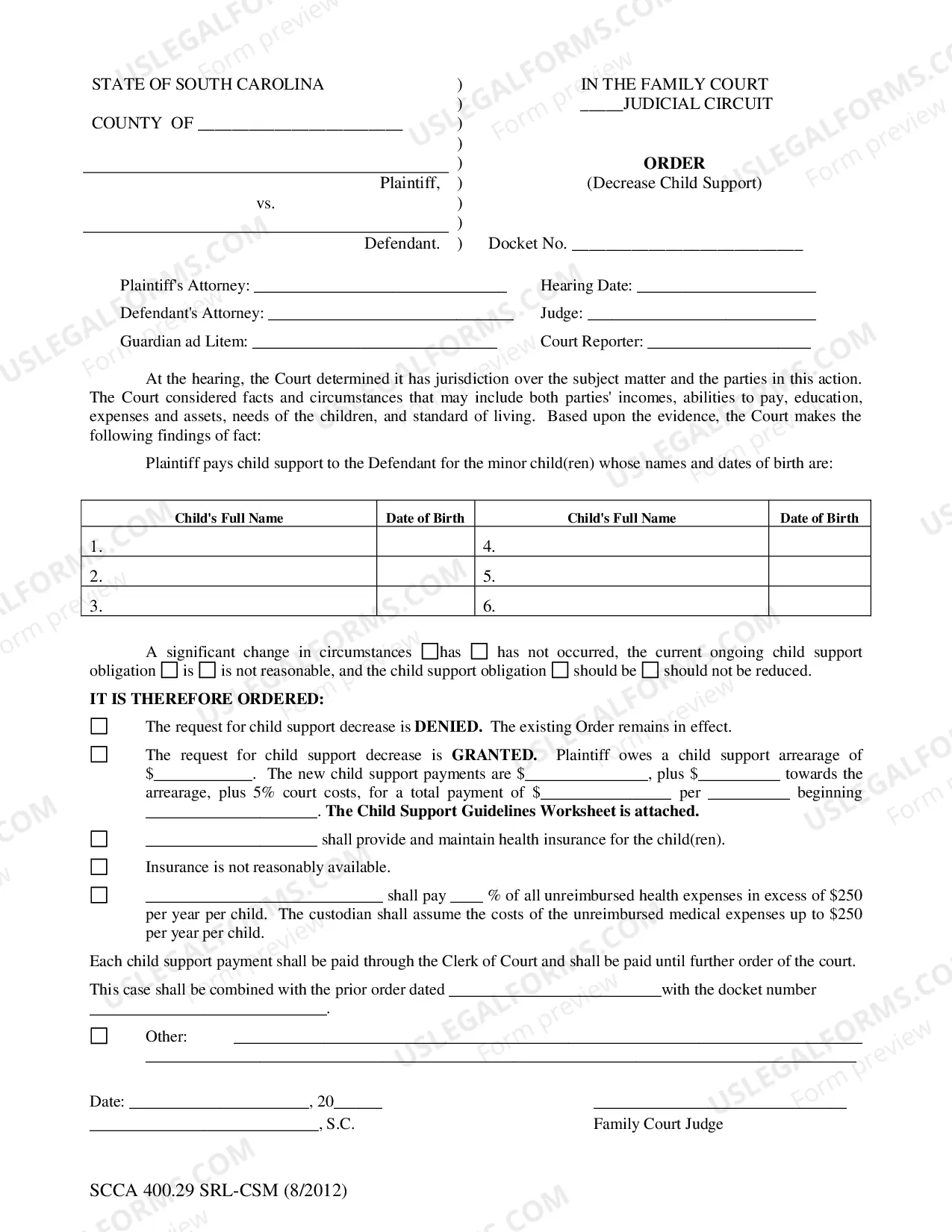
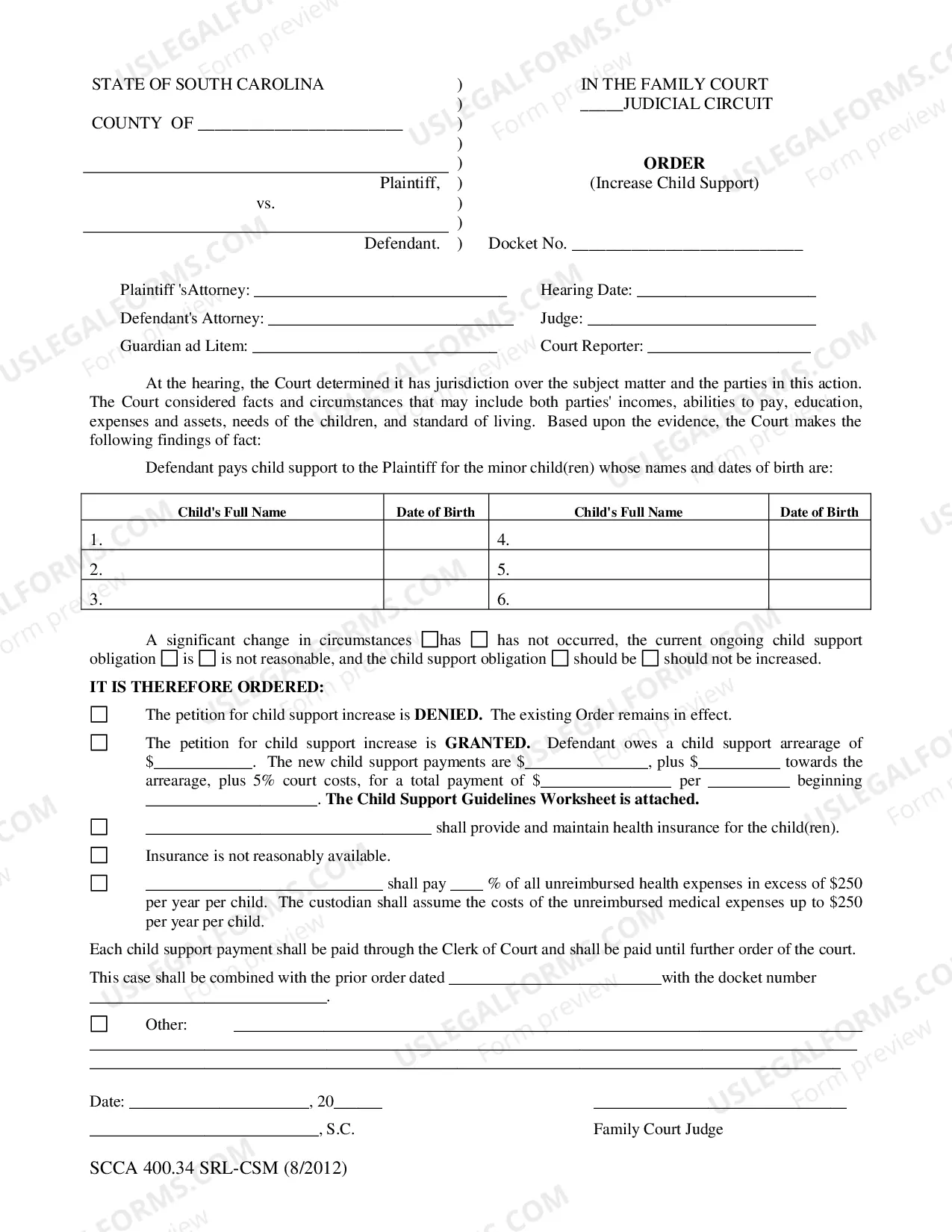
South Carolina Order (Decrease Child Support)
Description
Get your form ready online
Our built-in tools help you complete, sign, share, and store your documents in one place.
Make edits, fill in missing information, and update formatting in US Legal Forms—just like you would in MS Word.
Download a copy, print it, send it by email, or mail it via USPS—whatever works best for your next step.
Sign and collect signatures with our SignNow integration. Send to multiple recipients, set reminders, and more. Go Premium to unlock E-Sign.
If this form requires notarization, complete it online through a secure video call—no need to meet a notary in person or wait for an appointment.
We protect your documents and personal data by following strict security and privacy standards.

Make edits, fill in missing information, and update formatting in US Legal Forms—just like you would in MS Word.

Download a copy, print it, send it by email, or mail it via USPS—whatever works best for your next step.

Sign and collect signatures with our SignNow integration. Send to multiple recipients, set reminders, and more. Go Premium to unlock E-Sign.

If this form requires notarization, complete it online through a secure video call—no need to meet a notary in person or wait for an appointment.

We protect your documents and personal data by following strict security and privacy standards.
Looking for another form?
How to fill out South Carolina Order (Decrease Child Support)?
US Legal Forms is the most easy and profitable way to locate appropriate formal templates. It’s the most extensive online library of business and personal legal documentation drafted and verified by legal professionals. Here, you can find printable and fillable templates that comply with national and local laws - just like your South Carolina Order (Decrease Child Support).
Getting your template takes just a few simple steps. Users that already have an account with a valid subscription only need to log in to the web service and download the form on their device. Later, they can find it in their profile in the My Forms tab.
And here’s how you can obtain a professionally drafted South Carolina Order (Decrease Child Support) if you are using US Legal Forms for the first time:
- Look at the form description or preview the document to ensure you’ve found the one corresponding to your needs, or locate another one utilizing the search tab above.
- Click Buy now when you’re certain about its compatibility with all the requirements, and choose the subscription plan you like most.
- Create an account with our service, sign in, and pay for your subscription using PayPal or you credit card.
- Decide on the preferred file format for your South Carolina Order (Decrease Child Support) and download it on your device with the appropriate button.
Once you save a template, you can reaccess it anytime - just find it in your profile, re-download it for printing and manual completion or import it to an online editor to fill it out and sign more effectively.
Take full advantage of US Legal Forms, your reliable assistant in obtaining the corresponding formal paperwork. Try it out!
Form popularity
FAQ
How can I reduce my child support payments? Family Court Coversheet, the Support Reduction Complaint, Summons and Notice, Financial Declaration and Verification on the custodial parent. You must also pay the $150 filing fee.
Examples of South Carolina Child Support Payments The South Carolina guidelines establish a basic child support obligation average between $793 to $1628. This range applies to parents of one to six children. For example, a non-custodial parent of three children earns $3,000 a month.
Both the custodial parent and the non-custodial parent have the right to request that the CSSD review the child support order every three years.
The South Carolina guidelines establish a basic child support obligation average between $793 to $1628. This range applies to parents of one to six children. For example, a non-custodial parent of three children earns $3,000 a month. The custodial parent of all three children earns $1,500 per month.
If you have a child support order through the Department of Social Services, both you and the other parent can request a review of the order every three years. However, child support is sometimes ordered through the South Carolina Department of Social Services (DSS) Child Support Division.
A New Child May Justify a Modification In the past, under what is known as common law, having a new child would not affect a parent's existing child support obligation.
If the Child is between the Ages of 12 and 14 If a child is able to voice their opinions, then they can state which parent they choose to reside with. Your family law attorney will be able to work with you and your child if they are between these ages.