South Carolina Employment Interview Package
About this form package
The South Carolina Employment Interview Package provides essential documents for employers conducting interviews with prospective employees. This package includes various forms and letters specifically designed to streamline the interview process, facilitating communication with candidates and ensuring adherence to legal hiring practices. Unlike other packages, this one focuses on specific forms pertinent to the interview phase, making it an invaluable resource for employers in South Carolina.
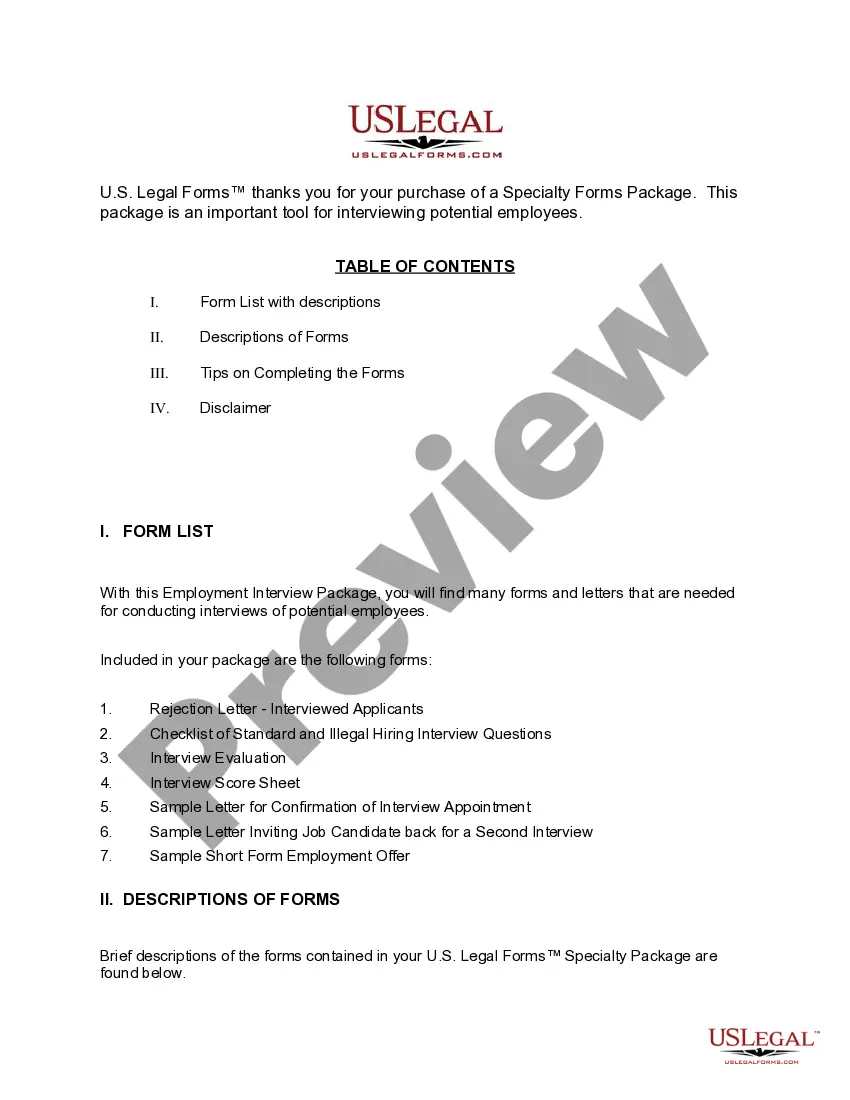
Forms included in this package
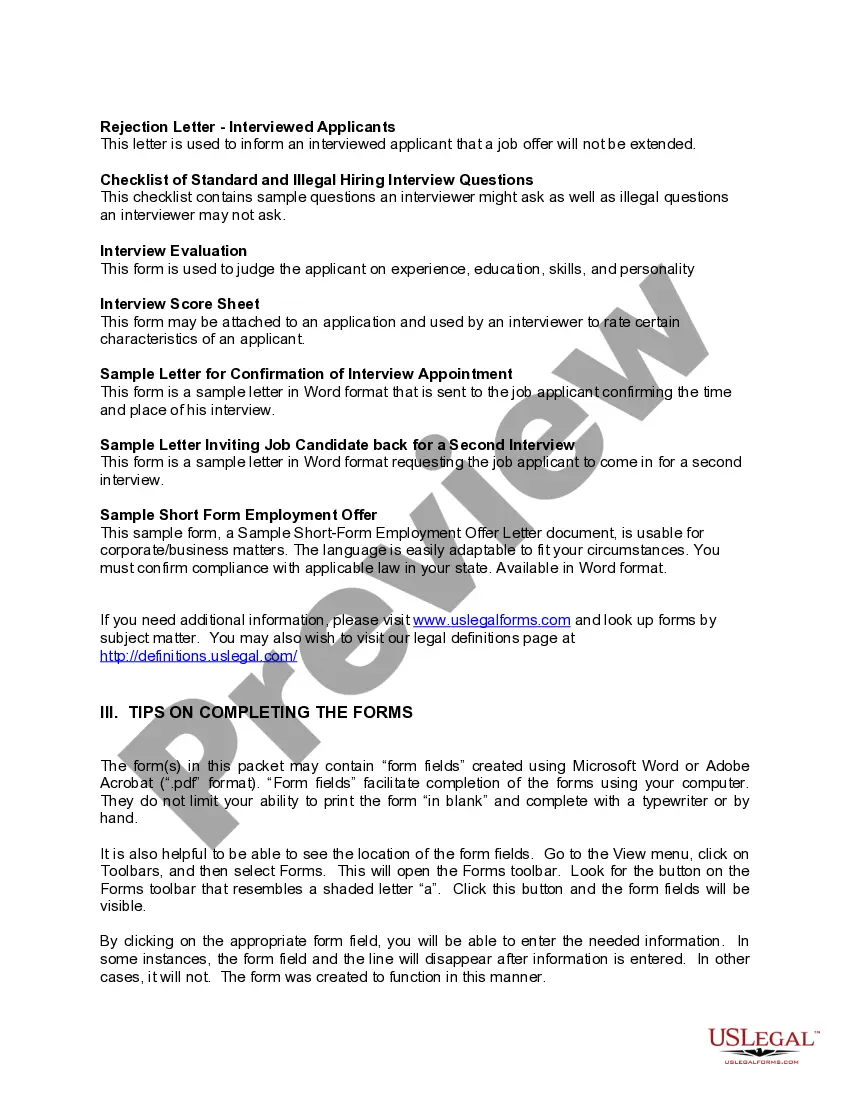
- Sample Letter for Confirmation of Interview Appointment
- Sample Letter for Invite Job Candidate Back for a Second Interview
- Interview Evaluation Form - Checklist with Hiring Recommendation
- Interview Score Sheet
- Checklist of Standard and Illegal Hiring Interview Questions
- Rejection Letter - Interviewed Applicants
- Sample Short Form Employment Offer Letter
When to use this form package
This employment interview package is ideal for employers who are planning to hire new staff. Use this package when you:
- Need to invite candidates for interviews
- Require structured evaluation tools to assess applicants
- Wish to communicate hiring decisions with professionalism
- Want to ensure compliance with fair hiring practices during interviews
Who should use this form package
- Human resources professionals
- Small business owners
- Hiring managers
- Recruitment agencies
- Anyone involved in the hiring process
Completing these forms step by step
- Review the included forms and letters thoroughly.
- Identify the candidates you will interview and personalize the communication.
- Utilize the checklist of standard and illegal questions to prepare for interviews.
- Fill out the Interview Evaluation and Interview Score Sheet during or after each interview.
- Send the appropriate confirmation and rejection letters to candidates following interviews.
Do documents in this package require notarization?
Forms in this package usually don’t need notarization, but certain jurisdictions or signing circumstances may require it. US Legal Forms provides a secure online notarization option powered by Notarize, accessible 24/7 from anywhere.
Get your form ready online
Our built-in tools help you complete, sign, share, and store your documents in one place.
Make edits, fill in missing information, and update formatting in US Legal Forms—just like you would in MS Word.
Download a copy, print it, send it by email, or mail it via USPS—whatever works best for your next step.
Sign and collect signatures with our SignNow integration. Send to multiple recipients, set reminders, and more. Go Premium to unlock E-Sign.
If this form requires notarization, complete it online through a secure video call—no need to meet a notary in person or wait for an appointment.
We protect your documents and personal data by following strict security and privacy standards.

Make edits, fill in missing information, and update formatting in US Legal Forms—just like you would in MS Word.

Download a copy, print it, send it by email, or mail it via USPS—whatever works best for your next step.

Sign and collect signatures with our SignNow integration. Send to multiple recipients, set reminders, and more. Go Premium to unlock E-Sign.

If this form requires notarization, complete it online through a secure video call—no need to meet a notary in person or wait for an appointment.

We protect your documents and personal data by following strict security and privacy standards.
Mistakes to watch out for
- Failing to customize letters and forms for each candidate
- Neglecting to verify compliance with local and federal hiring laws
- Overlooking the importance of the checklist for questions
- Not documenting evaluations consistently for each candidate
Why use this package online
- Convenient access to a complete set of interview forms
- Edit and customize documents easily to fit specific needs
- Reliable resources drafted by licensed attorneys to help ensure legal compliance
- Instant download for immediate use in your hiring processes
Looking for another form?
Form popularity
FAQ
Online via the MyBenefits portal After logging in, answer the questions about whether you worked, earned any gross pay and whether you were able, available and looking for work. In person at an SC Works center near you. Calling TelClaim System.
You will need to CERTIFY your weekly claims to receive unemployment benefits. Visit dew.sc.gov to login or register in the MyBenefits portal. Once you have logged in, you will be directed to the customer menu page.
In order to check your payment status, simply log into your MyBenefits portal and go to the portal homepage. Payments issued by DEW will be easily listed on the homepage under the payment header. You can also call 1-866-831-1724 to speak with a TelClaim representative.
If you knowingly collect benefits based on false or inaccurate information that you intentionally provided when you filed your claim, you are committing fraud. Unemployment Insurance fraud is punishable by law and violators could face a number of serious penalties and consequences.
Application process will probably take about three weeks.
If you need further assistance call our toll-free number 1-866-831-1724 Relay 711.
How to correct a mistake made when filling out claim. Call our call center at 1-866-831-1724 to speak to a dedicated claims specialist.
You may file weekly claims: Online via the MyBenefits portal. If you don't have computer access, you can apply online using a computer at one of many service locations across the state.
If you make a mistake on the paper form, you must request a replacement by Contacting UI or through Ask EDD as indicated below: Category: Unemployment Insurance Benefits. Sub-Category: Certify for Continued Benefits. Topic: Need Replacement Claim Form.