South Carolina Disclosure Statement for Construction/Improvements to Residential Structures by Owners
What is this form?
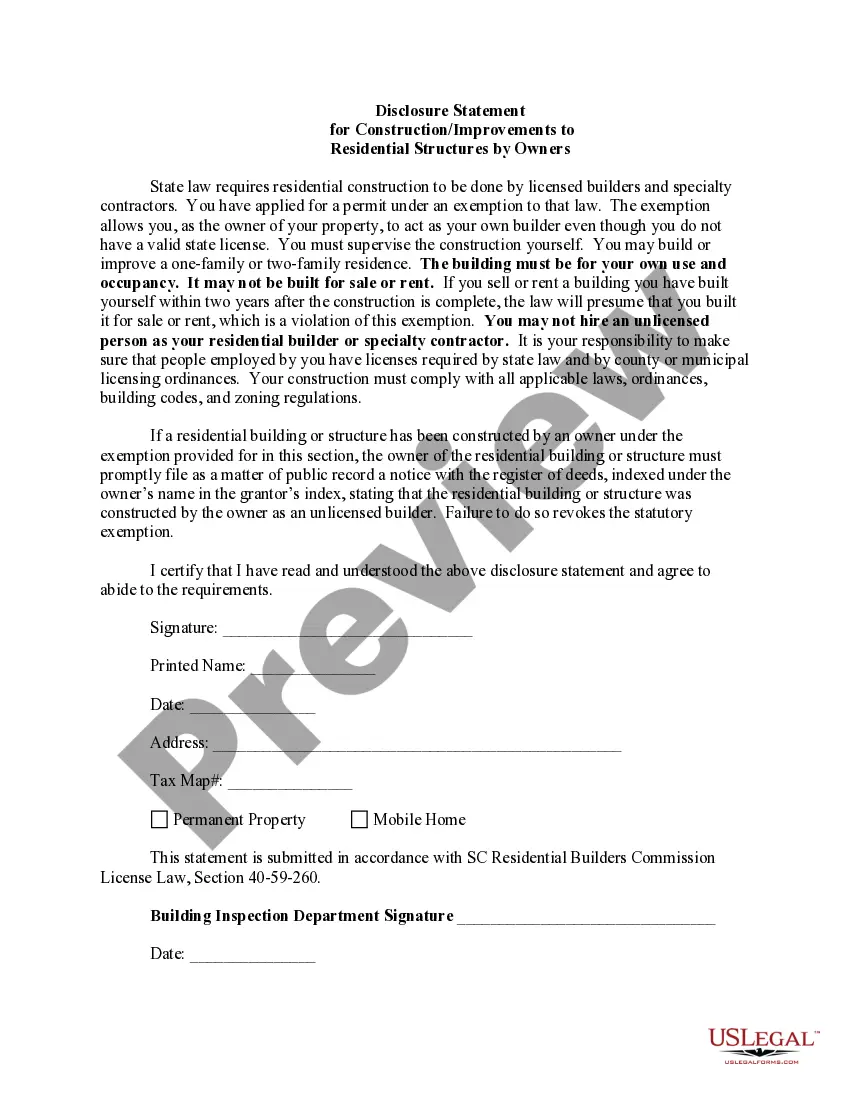
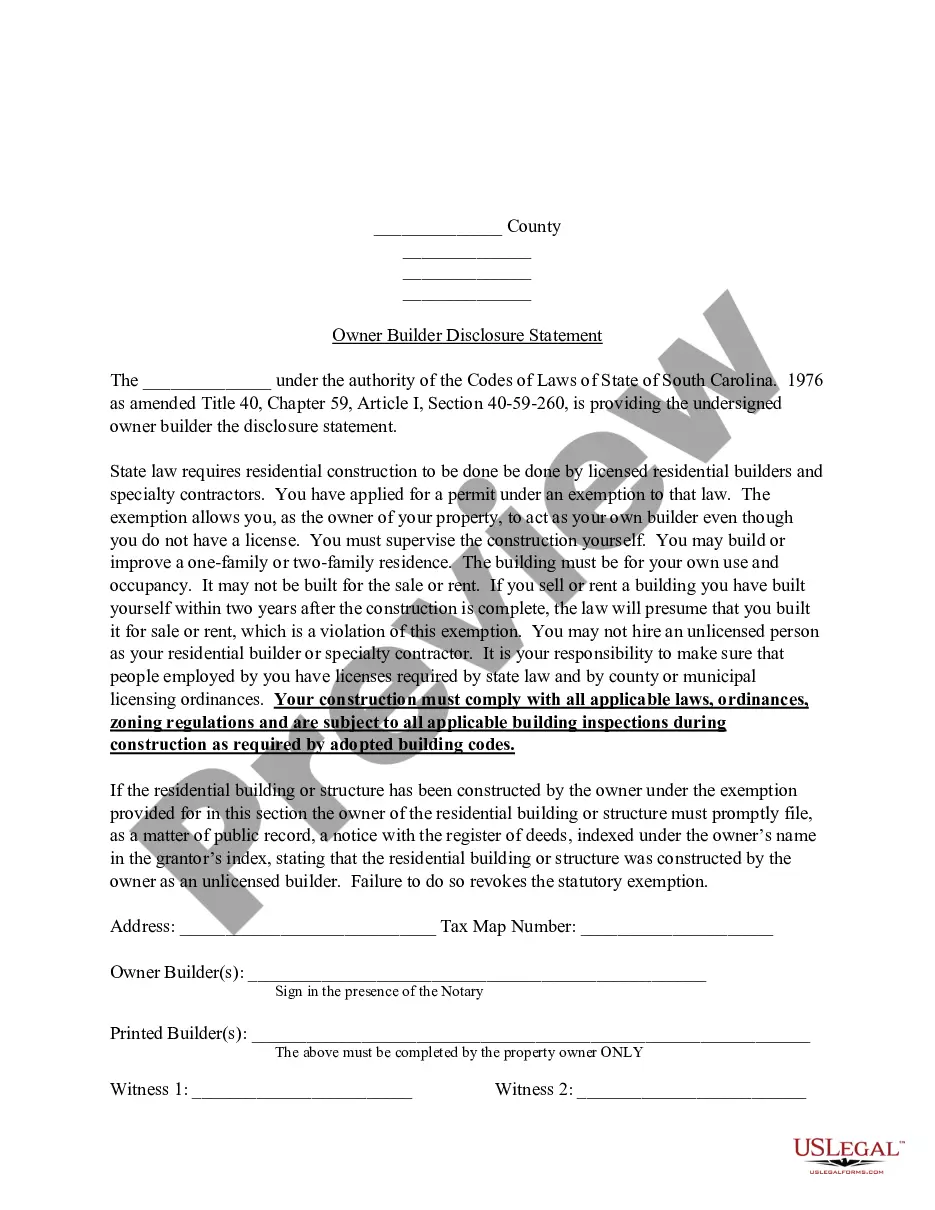
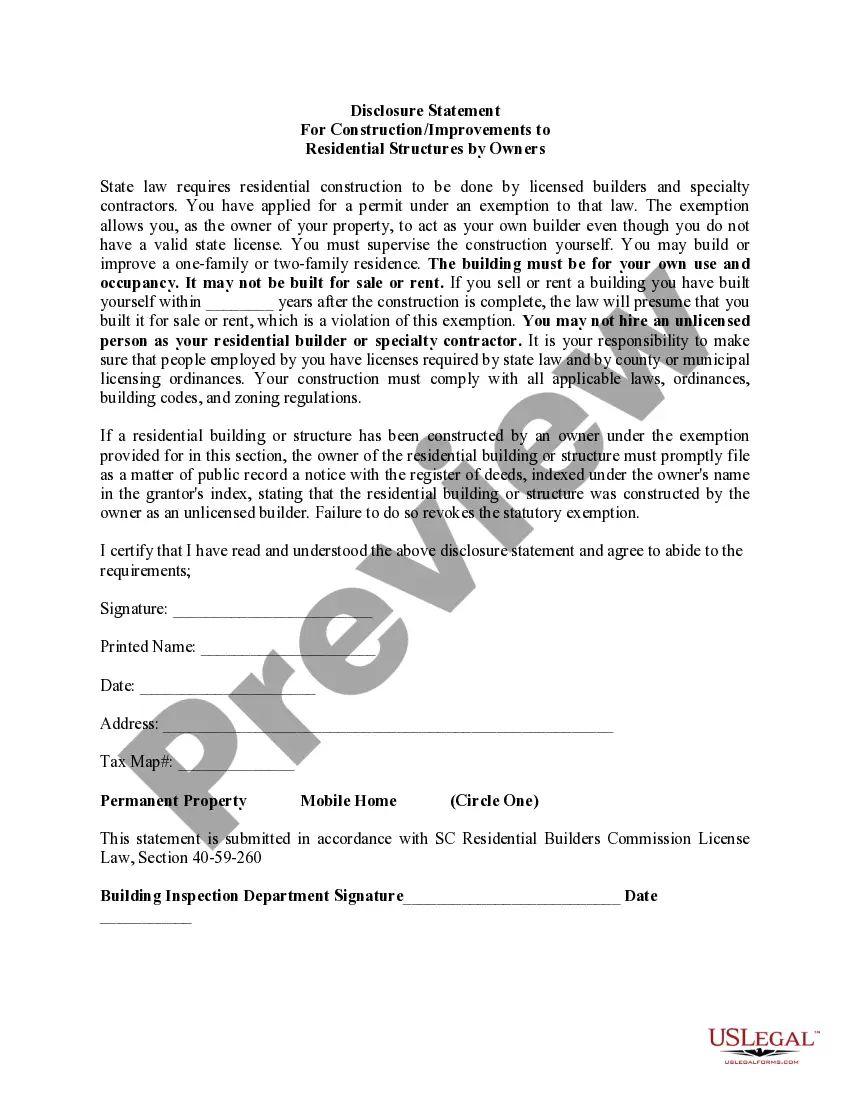
The Disclosure Statement for Construction/Improvements to Residential Structures by Owners is a legal document required for homeowners who wish to act as their own builders for residential construction. This form serves to protect homeowners from unlicensed contractors by ensuring that they understand their responsibilities and the limitations of their exemption from licensing requirements. Unlike other construction forms, it specifically addresses the obligations of owner-builders in relation to local building departments and applicable laws.
What’s included in this form
- Disclosure of state law requirements for residential construction
- Certification of understanding and agreement to abide by the rules
- Identification of the property and zoning specifications
- Submission information for public record with the register of deeds
- Signature, printed name, and date fields for the owner-builder
When to use this document
This form should be used when a homeowner applies for an owner-builder permit to manage residential construction or improvements themselves. It is applicable when the homeowner intends to build or renovate a one-family or two-family residence for their own use, ensuring compliance with local building codes and legal requirements.
Intended users of this form
Eligible users of this form include:
- Homeowners wishing to act as their own builders for residential constructions
- Property owners planning improvements on one-family or two-family residences
- Individuals intending to pull an owner-builder permit from local authorities
Completing this form step by step
- Read the Disclosure Statement thoroughly to understand all obligations.
- Provide your personal information, including printed name and address.
- Specify the tax map number and type of property (permanent or mobile home).
- Sign and date the form to certify your understanding and agreement.
- Submit the completed form to the local building inspection department.
Is notarization required?
This form does not typically require notarization unless specified by local law. It is important to check with local authorities for any additional requirements regarding notarization when submitting your Disclosure Statement.
Get your form ready online
Our built-in tools help you complete, sign, share, and store your documents in one place.
Make edits, fill in missing information, and update formatting in US Legal Forms—just like you would in MS Word.
Download a copy, print it, send it by email, or mail it via USPS—whatever works best for your next step.
Sign and collect signatures with our SignNow integration. Send to multiple recipients, set reminders, and more. Go Premium to unlock E-Sign.
If this form requires notarization, complete it online through a secure video call—no need to meet a notary in person or wait for an appointment.
We protect your documents and personal data by following strict security and privacy standards.

Make edits, fill in missing information, and update formatting in US Legal Forms—just like you would in MS Word.

Download a copy, print it, send it by email, or mail it via USPS—whatever works best for your next step.

Sign and collect signatures with our SignNow integration. Send to multiple recipients, set reminders, and more. Go Premium to unlock E-Sign.

If this form requires notarization, complete it online through a secure video call—no need to meet a notary in person or wait for an appointment.

We protect your documents and personal data by following strict security and privacy standards.
Common mistakes
- Failing to fully read and understand the Disclosure Statement before signing.
- Not providing complete property identification information.
- Neglecting to file the notice with the register of deeds as required.
- Hiring unlicensed contractors to perform construction work.
Benefits of completing this form online
- Easy access to downloadable templates prepared by licensed attorneys.
- Ability to fill out the form at your convenience, saving time.
- Edit and customize the form based on your specific needs.
- Assurance of compliance with state-specific legal requirements.
Looking for another form?

Form popularity
FAQ
A synopsis or police summary of the case. a Crown screening form. a copy of the information. police officer's notes. witness statements. surveillance video and photos. financial documents. medical records.
The Property Condition Disclosure Act requires the seller of residential real property to cause this disclosure statement or a copy thereof to be delivered to a buyer or buyer's agent prior to the signing by the buyer of a binding contract of sale.
Which seller is exempt from completing a transfer disclosure statement? A lender selling a property which they previously foreclosed upon.
Do not exclude any information. Be honest. Write clearly. Use simple words in writing your income statement for disclosure. Attach necessary documents to your disclosure statement. Review and revise.
It includes the name of the organization, the party of the loans, approval, date, and place at which the document was signed, key terms such as tenure of the loan, interest charged, annual percentage rate, total processing fees, loan statement, prepayment terms, and various other information including the terms
A disclosure statement is an official document that outlines the terms, conditions, risks and rules of a financial transaction, such as a loan or an investment.