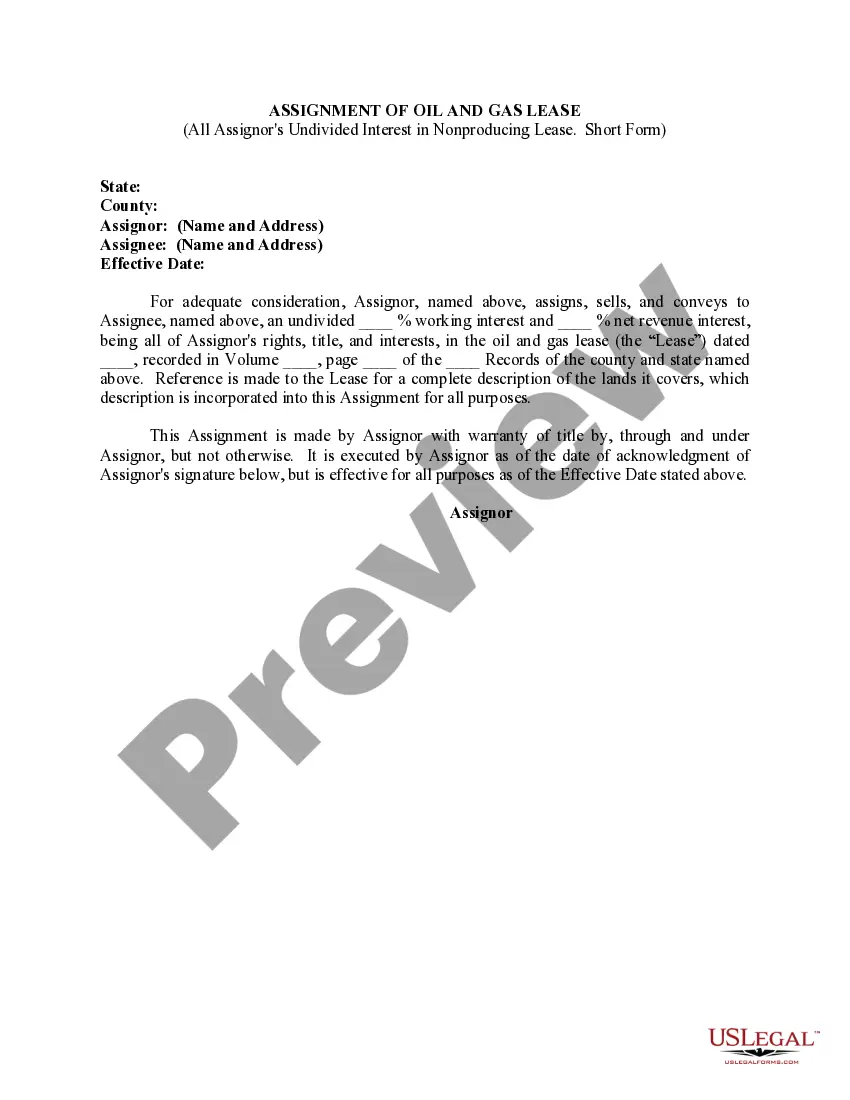
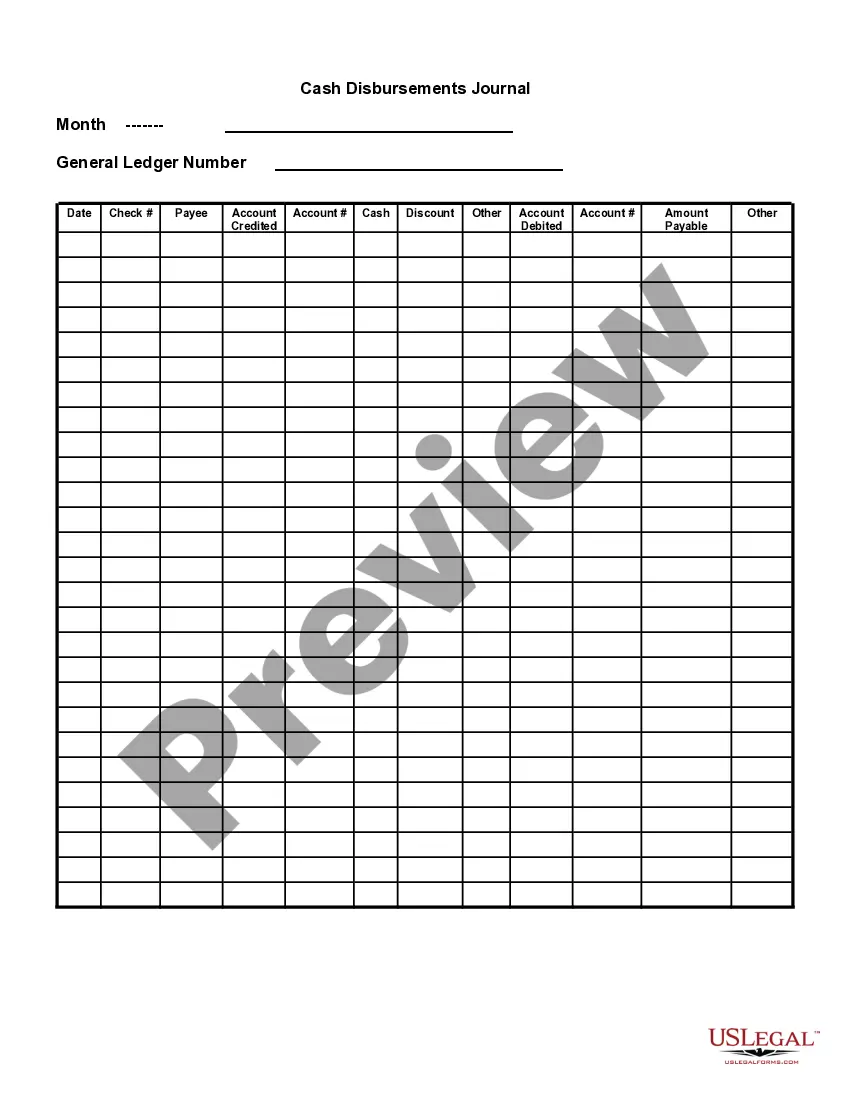
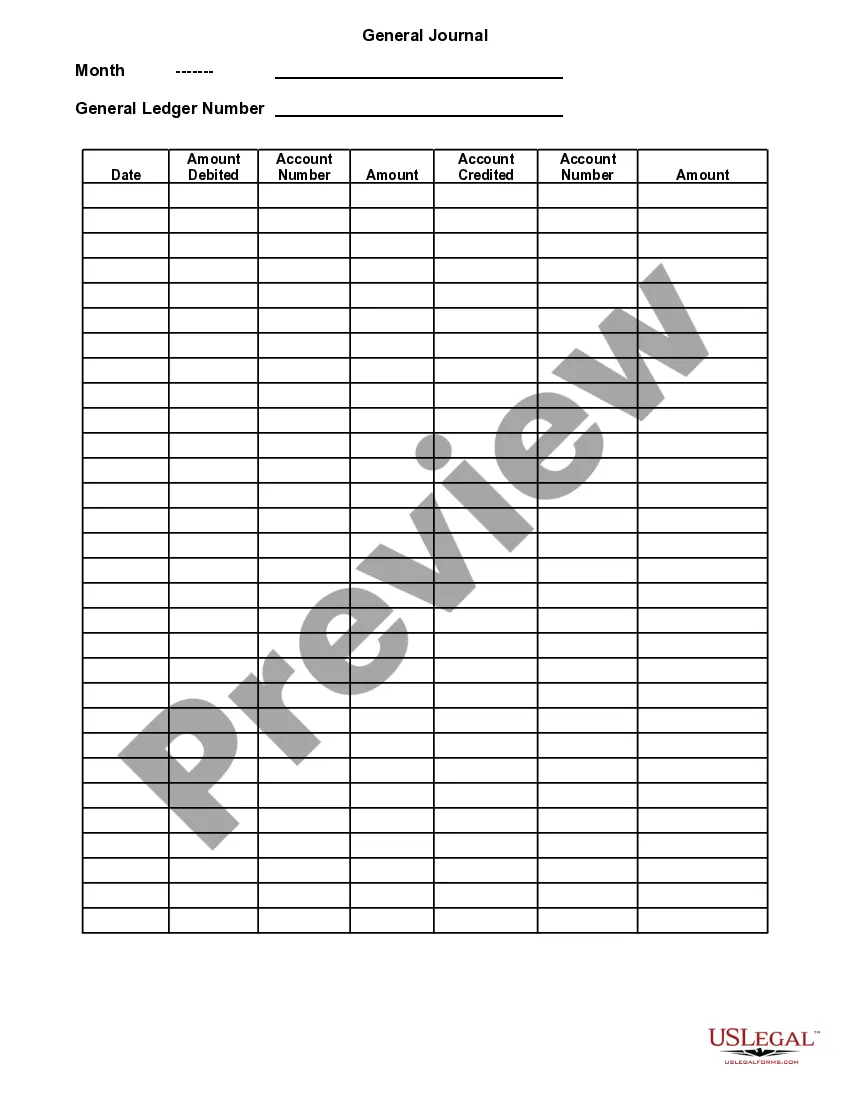
Oregon Cash Disbursements Journal
Description

Get your form ready online
Our built-in tools help you complete, sign, share, and store your documents in one place.
Make edits, fill in missing information, and update formatting in US Legal Forms—just like you would in MS Word.
Download a copy, print it, send it by email, or mail it via USPS—whatever works best for your next step.
Sign and collect signatures with our SignNow integration. Send to multiple recipients, set reminders, and more. Go Premium to unlock E-Sign.
If this form requires notarization, complete it online through a secure video call—no need to meet a notary in person or wait for an appointment.
We protect your documents and personal data by following strict security and privacy standards.

Make edits, fill in missing information, and update formatting in US Legal Forms—just like you would in MS Word.

Download a copy, print it, send it by email, or mail it via USPS—whatever works best for your next step.

Sign and collect signatures with our SignNow integration. Send to multiple recipients, set reminders, and more. Go Premium to unlock E-Sign.

If this form requires notarization, complete it online through a secure video call—no need to meet a notary in person or wait for an appointment.

We protect your documents and personal data by following strict security and privacy standards.
Looking for another form?




How to fill out Cash Disbursements Journal?
Selecting the ideal legal document template can be challenging.
Certainly, there are numerous templates available online, but how can you find the legal document you need.
Utilize the US Legal Forms website. The service offers thousands of templates, such as the Oregon Cash Disbursements Journal, suitable for both business and personal use.
You can preview the form using the Preview button and review the form description to ensure it is suitable for you.
- All forms are reviewed by experts and comply with federal and state regulations.
- If you are already registered, Log In to your account and click the Acquire button to obtain the Oregon Cash Disbursements Journal.
- Use your account to browse the legal forms you have previously obtained.
- Visit the My documents tab in your account to download another copy of the documents you need.
- If you are a new user of US Legal Forms, here are simple steps for you to follow.
- First, ensure you have chosen the correct form for your city/county.
Form popularity
FAQ
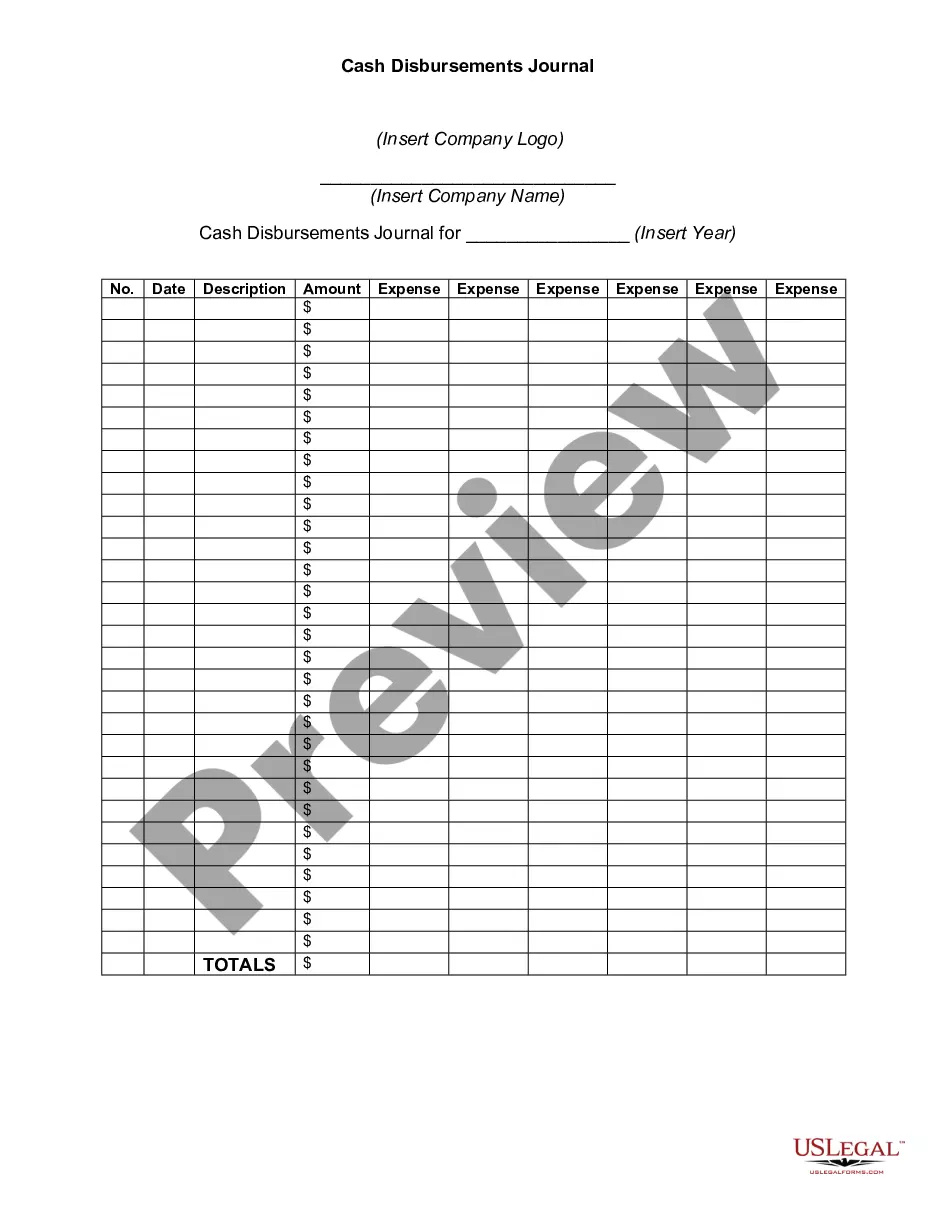
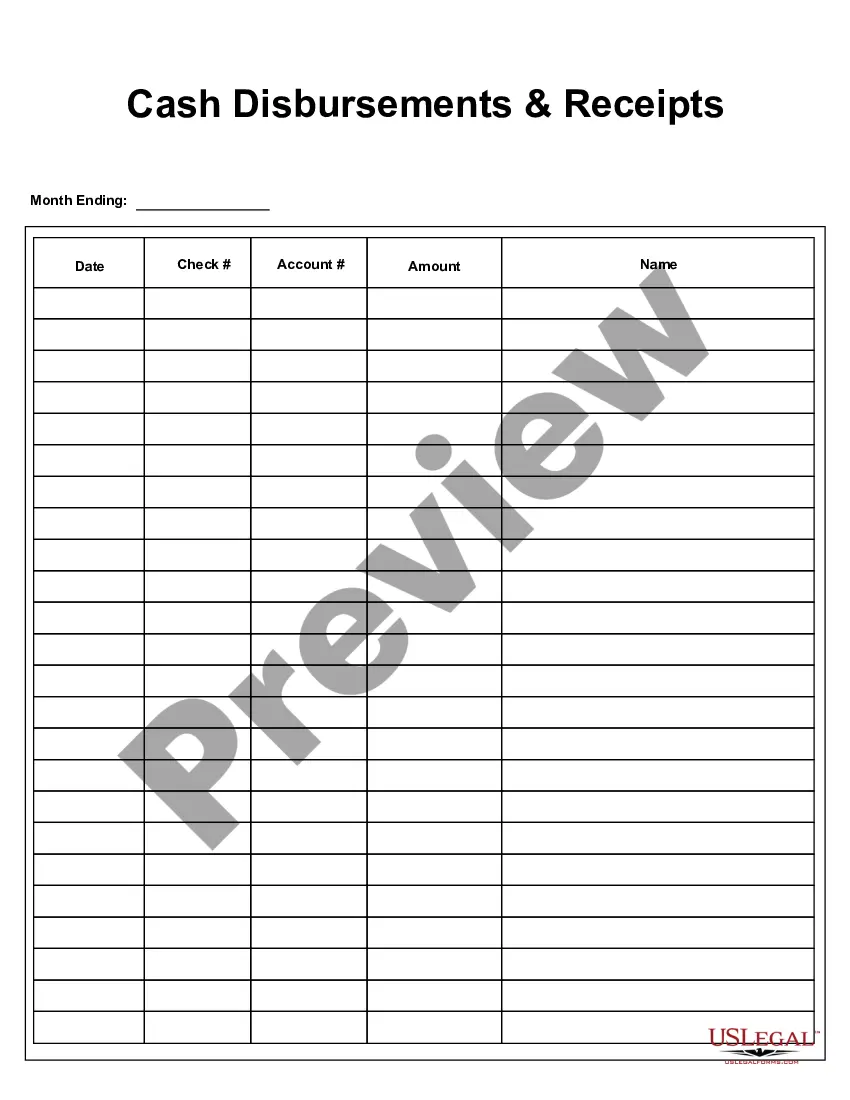
The cash disbursement journal includes the columns of date, check number, and name of the payee. The amount of disbursement is recorded in the cash column, and the title is recorded in the corresponding account debited column. Each account has a reference number shown in the posting reference (PR) column.
The Cash Disbursement Journal records all cash outflows of the business....Such transactions might include:Expenses paid.Assets bought.Payments made to creditors.Drawings.Loan repayments.GST paid.
Create a Cash Disbursements Journal reportFrom the QuickBooks Reports menu, select Custom Reports then click Transaction Detail.Enter the appropriate date range.In the Columns box, check off the following columns:Click the Total by drop-down and select an appropriate criteria like Payee, Account or Month.More items...
Purchasing inventory or office supplies, paying out dividends, or making business loan payments with cash or cash equivalents are examples of disbursements.
The cash disbursements journal (or cash payments journal) is an accounting form used to record all cash outflows. Some examples of outflows are accounts payable, materials payable, and operating expenses, as well as all cash purchases and disbursements to a petty cash fund.
Cash disbursement journals should include:Date.Payee name.Amount debited or credited.Accounts involved (e.g., payment method)Purpose of the transaction.
A cash disbursement journal is done before payments are posted to the general ledger and is used in creating a general ledger. The information included in a cash disbursement journal is the disbursement amount, the check number, the transaction type, the payee, and any other pertinent information.
A cash disbursement journal is done before payments are posted to the general ledger and is used in creating a general ledger. The information included in a cash disbursement journal is the disbursement amount, the check number, the transaction type, the payee, and any other pertinent information.
Your cash receipts journal should have a chronological record of your cash transactions. Using your sales receipts, record each cash transaction in your cash receipts journal. Do not record the sales tax you collected in the cash receipts journal. You must record this in the sales journal instead.