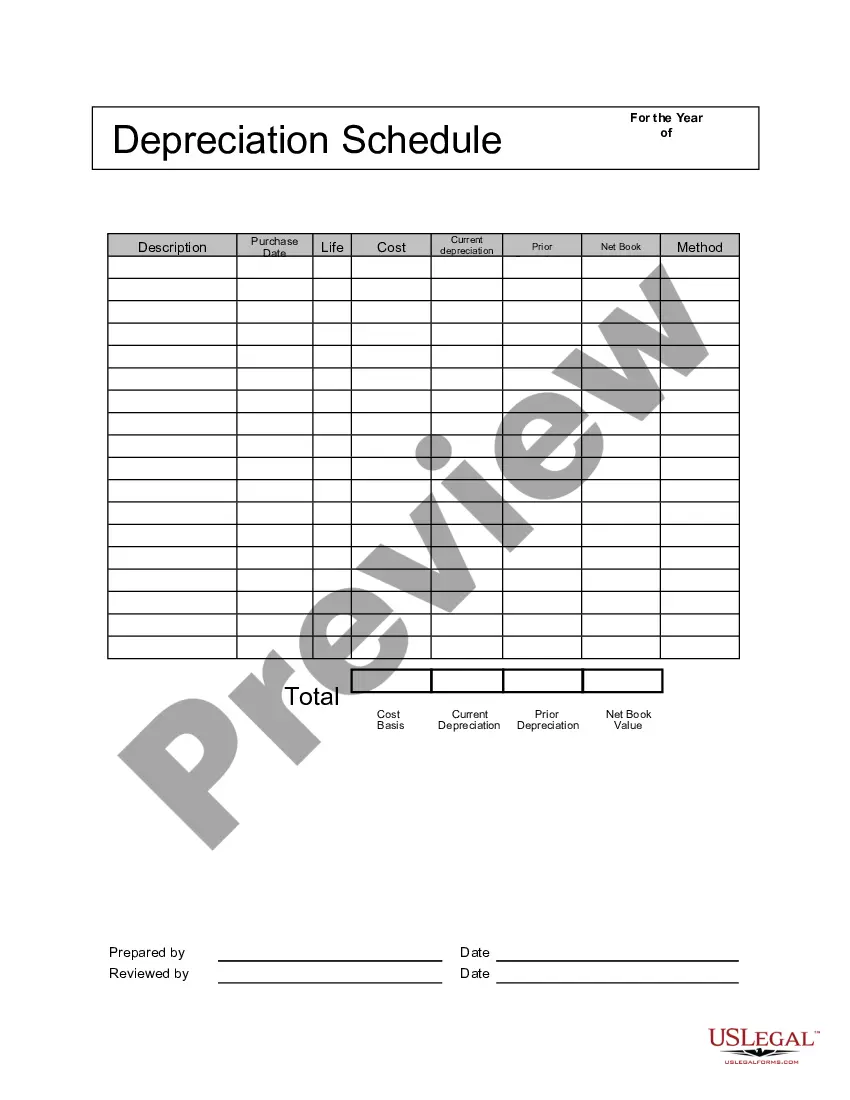
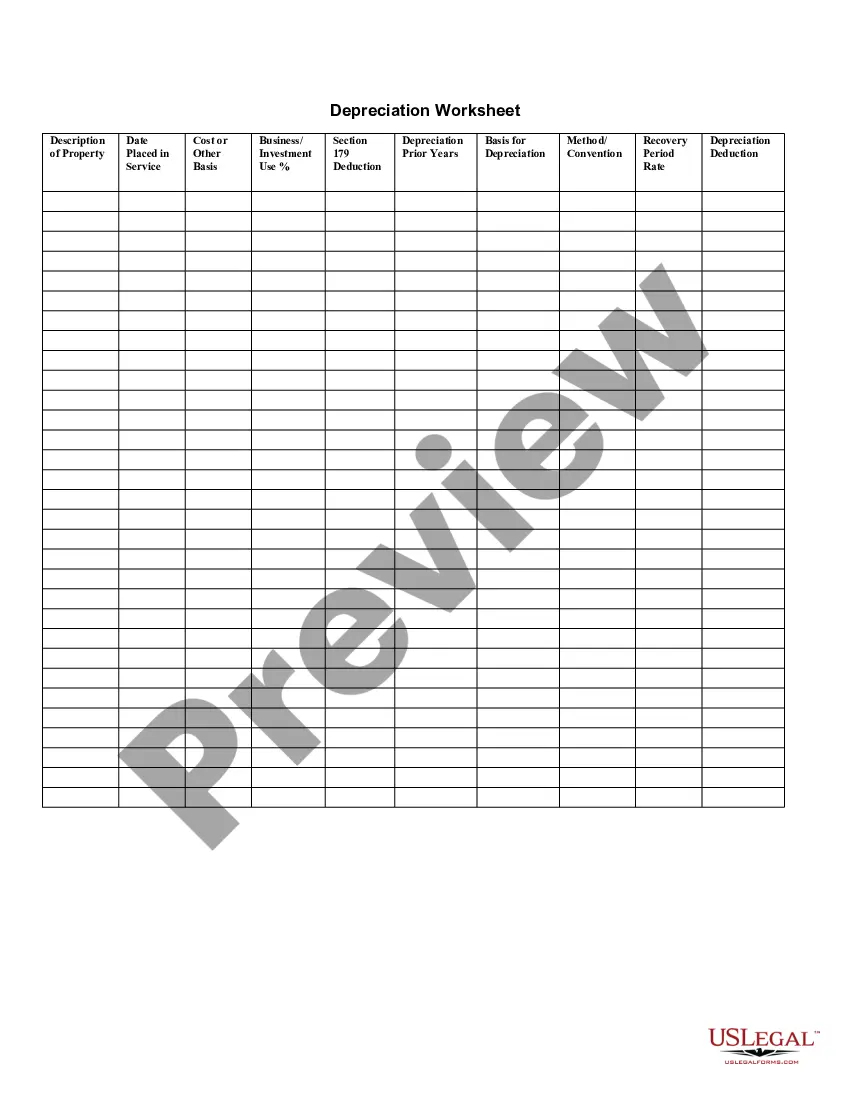
Oklahoma Depreciation Schedule
Description
Get your form ready online
Our built-in tools help you complete, sign, share, and store your documents in one place.
Make edits, fill in missing information, and update formatting in US Legal Forms—just like you would in MS Word.
Download a copy, print it, send it by email, or mail it via USPS—whatever works best for your next step.
Sign and collect signatures with our SignNow integration. Send to multiple recipients, set reminders, and more. Go Premium to unlock E-Sign.
If this form requires notarization, complete it online through a secure video call—no need to meet a notary in person or wait for an appointment.
We protect your documents and personal data by following strict security and privacy standards.

Make edits, fill in missing information, and update formatting in US Legal Forms—just like you would in MS Word.

Download a copy, print it, send it by email, or mail it via USPS—whatever works best for your next step.

Sign and collect signatures with our SignNow integration. Send to multiple recipients, set reminders, and more. Go Premium to unlock E-Sign.

If this form requires notarization, complete it online through a secure video call—no need to meet a notary in person or wait for an appointment.

We protect your documents and personal data by following strict security and privacy standards.
Looking for another form?





How to fill out Depreciation Schedule?
If you require to gather, download, or print official document templates, utilize US Legal Forms, the largest collection of official forms available online.
Make use of the site’s straightforward and user-friendly search to find the documents you need.
Numerous templates for business and personal purposes are organized by categories and states, or keywords.
Step 4. Once you have located the form you need, click the Get now button. Select the payment plan you prefer and provide your details to sign up for the account.
Step 5. Complete the transaction. You can use your credit card or PayPal account to finalize the purchase.
- Use US Legal Forms to obtain the Oklahoma Depreciation Schedule with just a few clicks.
- If you are already a US Legal Forms customer, Log In to your account and click the Download button to acquire the Oklahoma Depreciation Schedule.
- You can also access forms you previously downloaded in the My documents tab in your account.
- If you are using US Legal Forms for the first time, follow the instructions below.
- Step 1. Ensure you have selected the form for the correct city/state.
- Step 2. Use the Preview option to review the form’s content. Don’t forget to read the description.
- Step 3. If you are not satisfied with the form, utilize the Search field at the top of the screen to find other versions in the legal form template.
Form popularity
FAQ
If taxes were paid to more than one state, a separate 511TX must be provided for each state and a complete copy of the other state's return, including W-2s, must be provided. Name(s) - as shown on Form 511 or Form 511NR.
Oklahoma franchise (excise) tax is levied and assessed at the rate of $1.25 per $1,000.00 or fraction thereof on the amount of capital allocated or employed in Oklahoma.
This Form can be used to file a: Tax Return, Tax Amendment, Change of Address. Place an X in the Amended Return check-box at the top of the form. On Form 511, you should enter any amounts you paid with your original, accepted return, plus any amounts paid after it was filed on line 30.
Every resident individual whose gross income from both within and outside of Oklahoma exceeds the standard deduction plus personal exemption is required to file an Oklahoma income tax return.
This Form can be used to file a: Tax Return, Tax Amendment, Change of Address. Place an X in the Amended Return check-box at the top of the form. On Form 511, you should enter any amounts you paid with your original, accepted return, plus any amounts paid after it was filed on line 30.
Form 511EF is the Oklahoma Individual Income Tax Declaration for Electronic Filing form.
The Oklahoma resident, filing a joint federal return with a nonresident civilian spouse, may file an Oklahoma return as married filing separate. The resident will file on Form 511 using the married filing separate rates and reporting only his/her income and deductions.
Standard DeductionSingle or married filing separately: $6,350. Head of household: $9,350. Married filing jointly or Qualifying widower: $12,700.
The Oklahoma resident, filing a joint federal return with a nonresident civilian spouse, may file an Oklahoma return as married filing separate. The resident will file on Form 511 using the married filing separate rates and reporting only his/her income and deductions.
(relating to taxes on income and capital gains for self-assessed individuals)