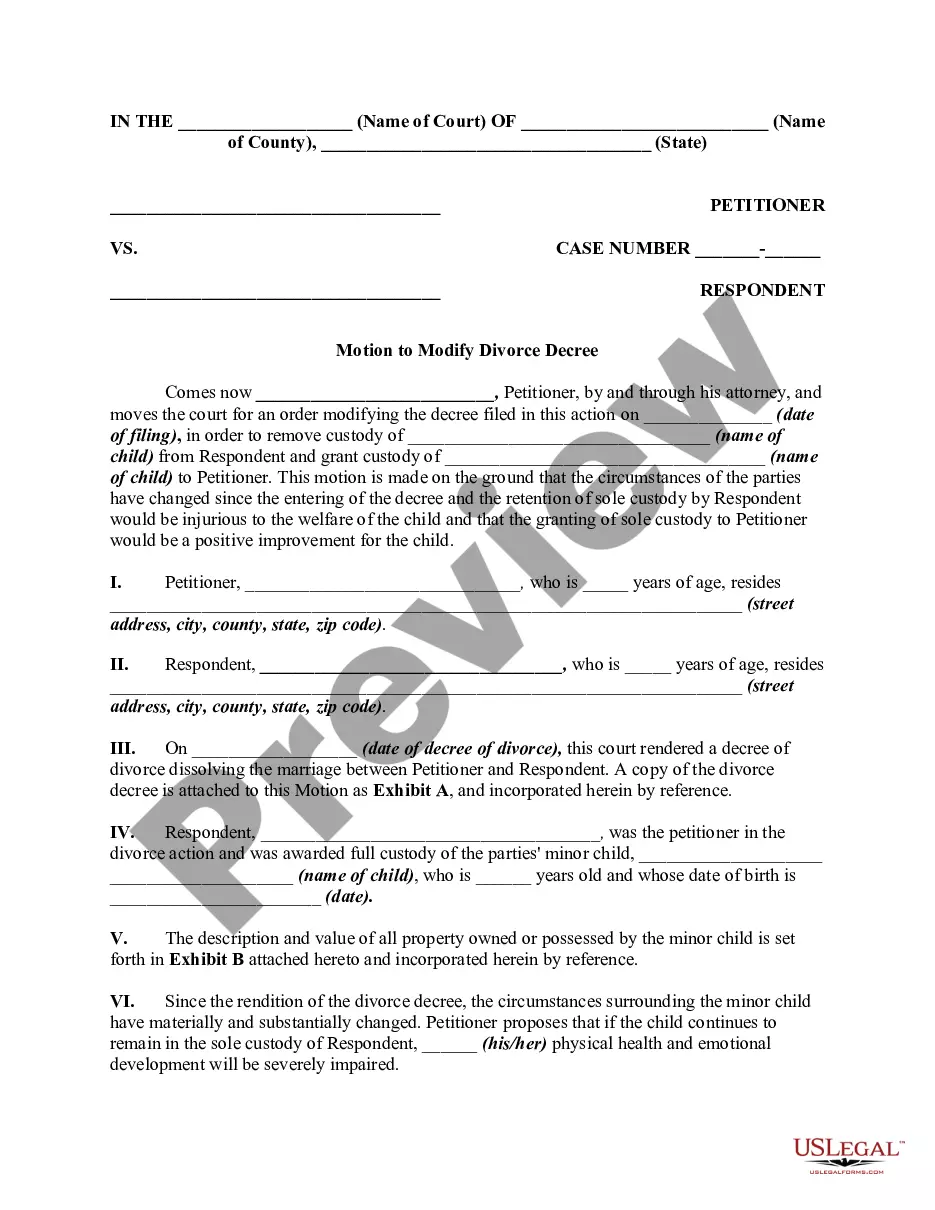
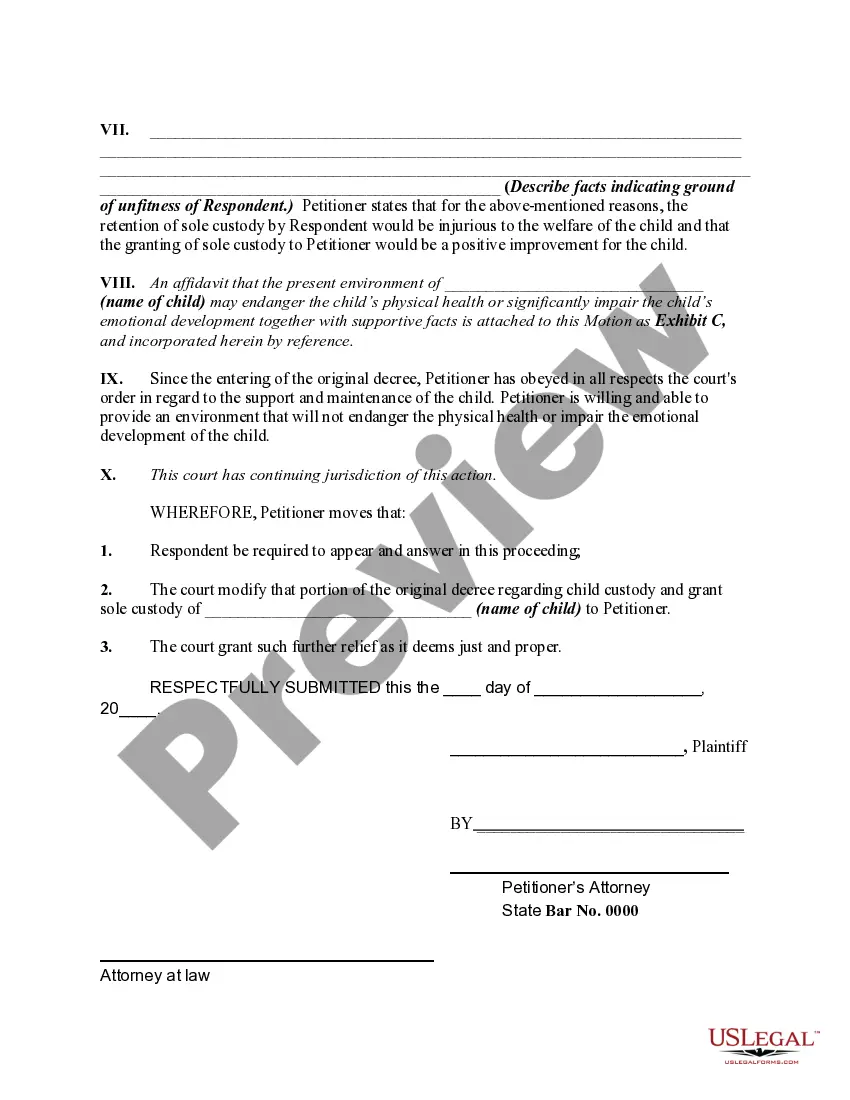
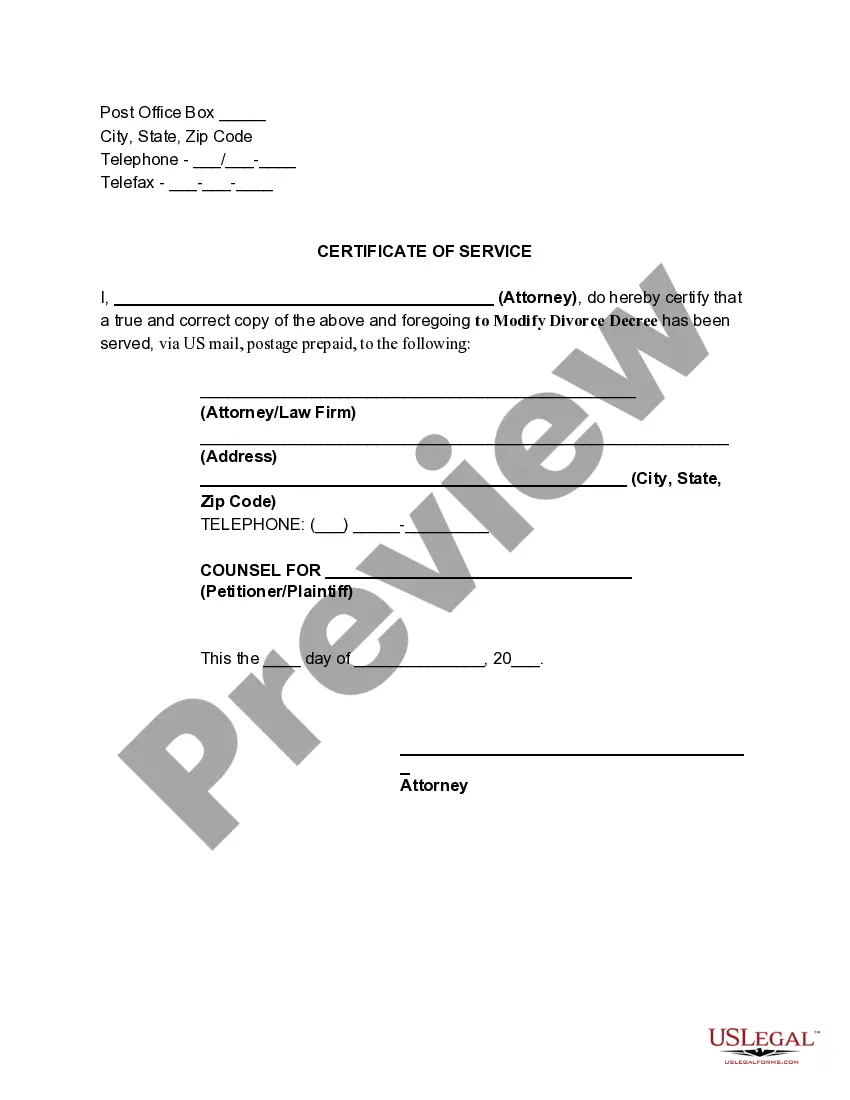
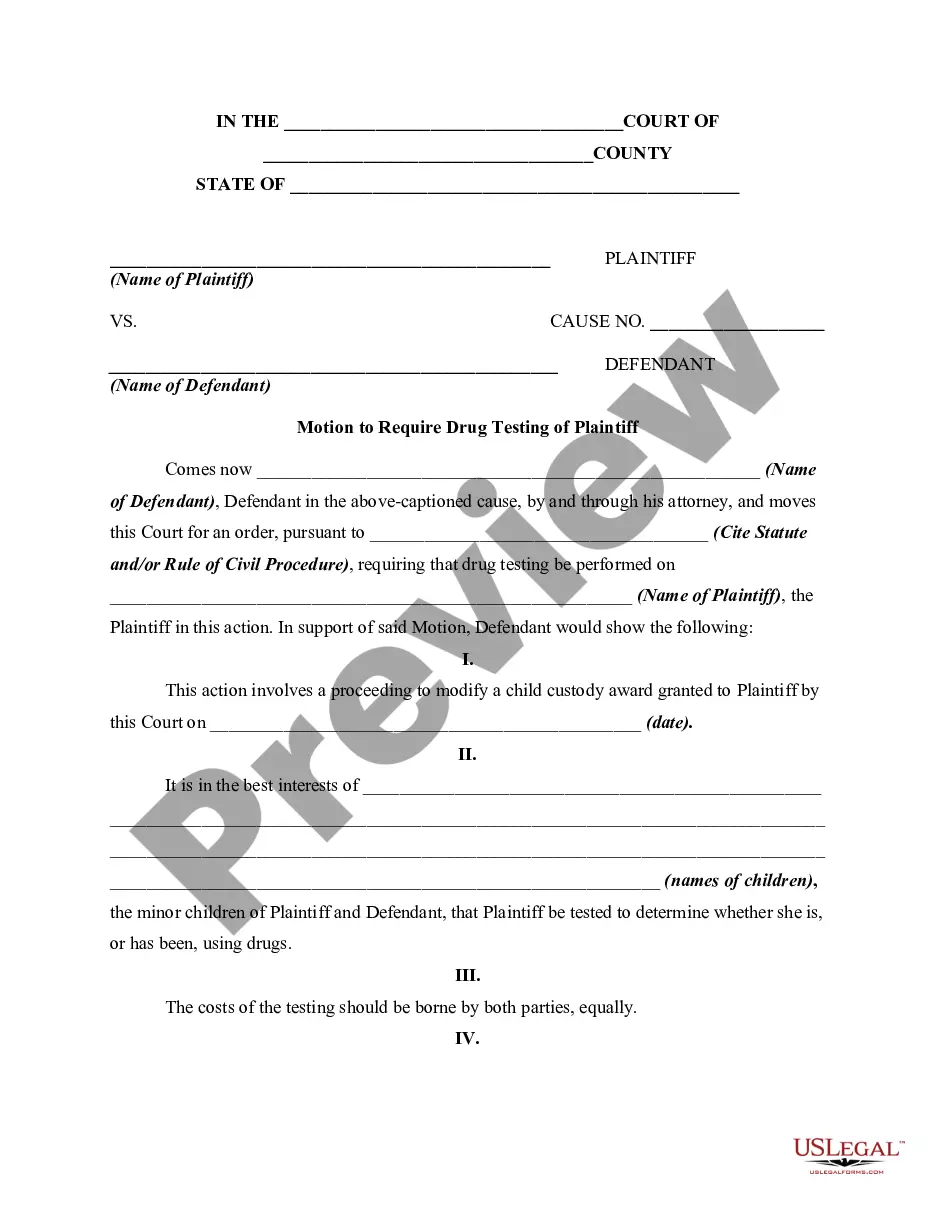
This form is motion for modification of a prior custody divorce decree in order to obtain sole custody of a minor child on the grounds that the present custodial parent is unfit to continue to have sole custody of the child. This form is a generic example of such an motion that may be referred to when preparing such a pleading for your particular state.
Oklahoma Motion for Modification or Amendment of Prior Custody Order in Divorce Decree to Obtain Sole Custody of Minor Child Due to Unfitness of Custodial Parent
State:
Multi-State
Category:
Control #:
US-00901BG
Format:
Word;
Rich Text
536 downloads
Description
Free preview
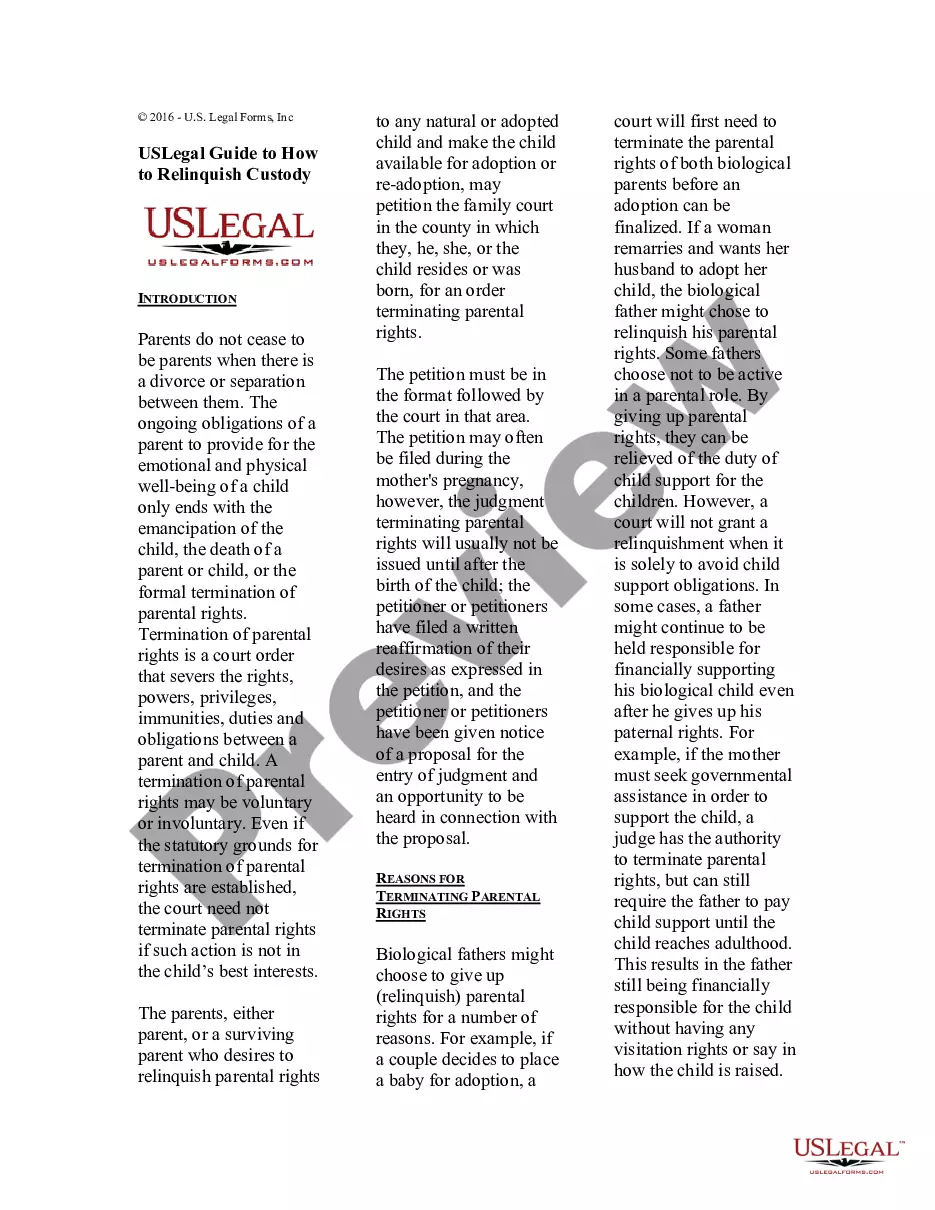
Get your form ready online
Our built-in tools help you complete, sign, share, and store your documents in one place.
Built-in online Word editor
Make edits, fill in missing information, and update formatting in US Legal Forms—just like you would in MS Word.
Export easily
Download a copy, print it, send it by email, or mail it via USPS—whatever works best for your next step.
E-sign your document
Sign and collect signatures with our SignNow integration. Send to multiple recipients, set reminders, and more. Go Premium to unlock E-Sign.
Notarize online 24/7
If this form requires notarization, complete it online through a secure video call—no need to meet a notary in person or wait for an appointment.
Store your document securely
We protect your documents and personal data by following strict security and privacy standards.

Make edits, fill in missing information, and update formatting in US Legal Forms—just like you would in MS Word.

Download a copy, print it, send it by email, or mail it via USPS—whatever works best for your next step.

Sign and collect signatures with our SignNow integration. Send to multiple recipients, set reminders, and more. Go Premium to unlock E-Sign.

If this form requires notarization, complete it online through a secure video call—no need to meet a notary in person or wait for an appointment.

We protect your documents and personal data by following strict security and privacy standards.
Looking for another form?


How to fill out Motion For Modification Or Amendment Of Prior Custody Order In Divorce Decree To Obtain Sole Custody Of Minor Child Due To Unfitness Of Custodial Parent?
If you desire to finish, obtain, or create authentic document templates, utilize US Legal Forms, the largest assortment of authentic forms, which can be accessed online.
Take advantage of the site's straightforward and user-friendly search to find the documents you require.
A range of templates for business and personal uses are categorized by types and states, or keywords and phrases.
Step 4. Once you have located the form you need, click the Acquire now button. Choose the payment plan you prefer and enter your information to register for an account.Step 5. Complete the transaction. You can use your credit card or PayPal account to finalize the transaction.Step 6. Select the format of the authentic form and download it to your device.Step 7. Complete, modify, and print or sign the Oklahoma Motion for Modification or Amendment of Prior Custody Order in Divorce Decree to Secure Sole Custody of Minor Child Due to Unfitness of Custodial Parent.
Every authentic document template you acquire is yours indefinitely. You can access each form you downloaded in your account. Select the My documents section and choose a form to print or download again. Complete and download, and print the Oklahoma Motion for Modification or Amendment of Prior Custody Order in Divorce Decree to Secure Sole Custody of Minor Child Due to Unfitness of Custodial Parent with US Legal Forms. There are numerous professional and state-specific forms available for your business or personal needs.
- Utilize US Legal Forms to access the Oklahoma Motion for Modification or Amendment of Prior Custody Order in Divorce Decree to Secure Sole Custody of Minor Child Due to Unfitness of Custodial Parent with just a few clicks.
- If you are currently a US Legal Forms user, Log In to your account and click on the Acquire button to obtain the Oklahoma Motion for Modification or Amendment of Prior Custody Order in Divorce Decree to Secure Sole Custody of Minor Child Due to Unfitness of Custodial Parent.
- You can also access forms you've previously downloaded in the My documents section of your account.
- If you are using US Legal Forms for the first time, follow the steps below.
- Step 1. Ensure you have chosen the form for the correct jurisdiction/state.
- Step 2. Use the Preview feature to review the form’s details. Don’t forget to check the description.
- Step 3. If you are not satisfied with the form, use the Search field at the top of the screen to find other versions of the authentic form template.
Form popularity
FAQ
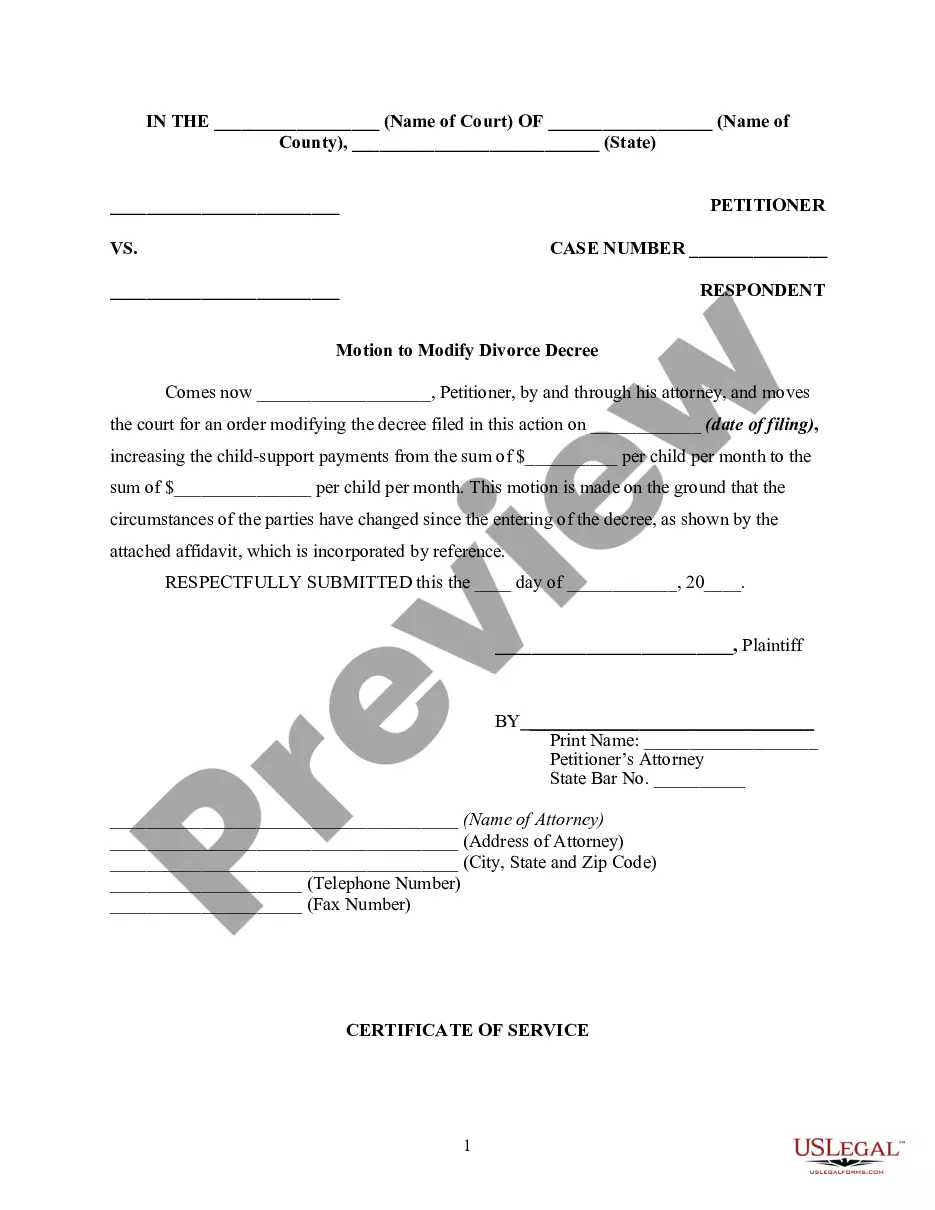
Modifying the Decree The law recognizes that changes can happen in the future. Modification of orders relating to children (custody, visitation, support) is possible, subject to certain standards. Child support can be modified due to a change in child care or medical costs, or one parent's change in income.
Abuse or Neglect: Evidence of physical, emotional, or sexual abuse or neglect of the child can lead to a determination of unfitness. Substance Abuse: If a parent's substance abuse interferes with their ability to provide a safe and stable environment for the child, it can be a factor in determining unfitness.
In order to modify your custody order in Oklahoma, a ?Motion to Modify Custody Order? must be filed, typically with the same court from which the custody order was issued. In this motion, you must present the reason you believe the modification should be granted.
Oklahoma allows for alimony to be modified or even terminated if either person has experienced a significant change in earning ability or in need. Alimony may also be changed or end when the recipient begins living with a significant other.
In order to modify your custody order in Oklahoma, a ?Motion to Modify Custody Order? must be filed, typically with the same court from which the custody order was issued. In this motion, you must present the reason you believe the modification should be granted.
Oklahoma divorce records are public and can be accessed by everyone. ing to the state's Open Records Act interested persons may request public records and be granted. The law provides the public the right to view and obtain available copies of divorce records in the state.
If the child is detained away from the mother, and there's no custody order, then she can seek out a writ of habeas corpus to recover the child and get custody under the statute.
Use your marriage certificate, divorce decree, or court order to update your official documents and identification. Contact your local Social Security office first, as most states will verify a name change through their database. Then change the name on your Oklahoma driver license within ten days.