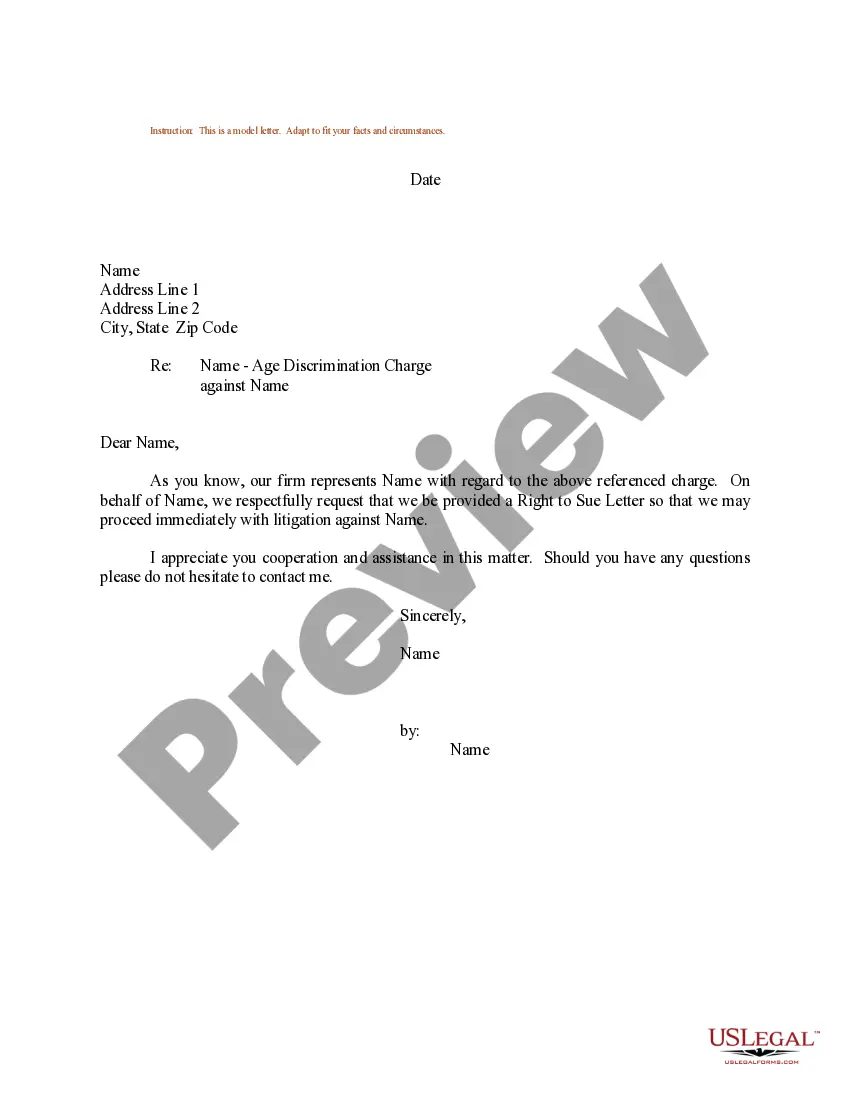
Ohio Personnel File Sheet
Description



Get your form ready online
Our built-in tools help you complete, sign, share, and store your documents in one place.
Make edits, fill in missing information, and update formatting in US Legal Forms—just like you would in MS Word.
Download a copy, print it, send it by email, or mail it via USPS—whatever works best for your next step.
Sign and collect signatures with our SignNow integration. Send to multiple recipients, set reminders, and more. Go Premium to unlock E-Sign.
If this form requires notarization, complete it online through a secure video call—no need to meet a notary in person or wait for an appointment.
We protect your documents and personal data by following strict security and privacy standards.

Make edits, fill in missing information, and update formatting in US Legal Forms—just like you would in MS Word.

Download a copy, print it, send it by email, or mail it via USPS—whatever works best for your next step.

Sign and collect signatures with our SignNow integration. Send to multiple recipients, set reminders, and more. Go Premium to unlock E-Sign.

If this form requires notarization, complete it online through a secure video call—no need to meet a notary in person or wait for an appointment.

We protect your documents and personal data by following strict security and privacy standards.
Looking for another form?
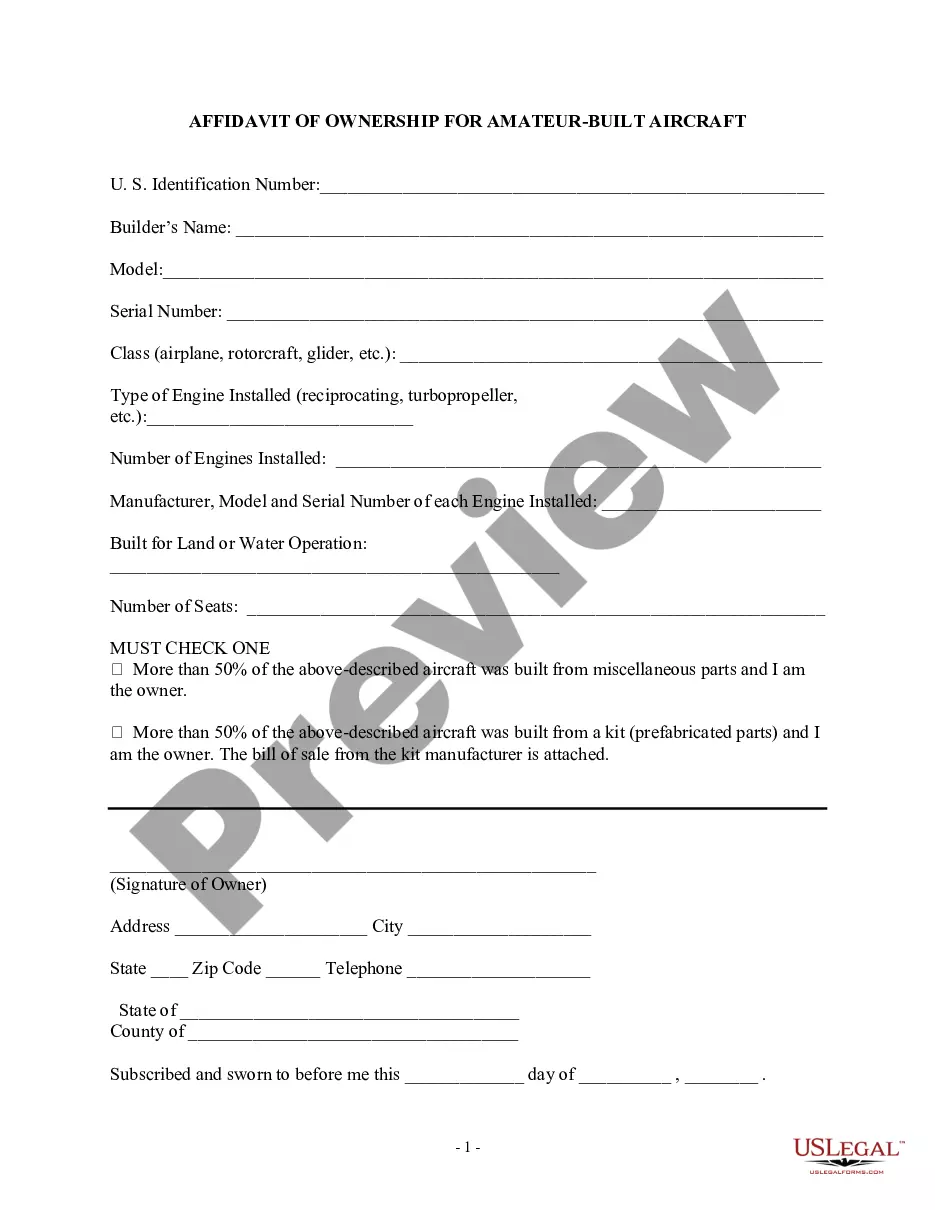





How to fill out Personnel File Sheet?
If you want to sum up, download, or print official document templates, utilize US Legal Forms, the foremost compilation of official forms available on the web.
Take advantage of the website's user-friendly and convenient search to locate the documents you need.
Different templates for business and personal purposes are organized by categories and states, or keywords.
Each official document template you purchase is yours permanently.
You will have access to every form you bought within your account. Click the My documents section and select a form to print or download again.
- Use US Legal Forms to access the Ohio Personnel File Sheet effortlessly.
- If you are a current US Legal Forms customer, Log In to your account and click the Acquire button to obtain the Ohio Personnel File Sheet.
- You can also access forms you previously purchased in the My documents section of your account.
- If you are using US Legal Forms for the first time, follow the steps below.
- Step 1. Ensure you have selected the form for the appropriate state/region.
- Step 2. Utilize the Preview option to review the content of the form. Always remember to read the description.
- Step 3. If you are not satisfied with the form, use the Search field at the top of the screen to find other versions of the official form template.
- Step 4. Once you have found the form you want, select the Buy now button. Choose the payment plan you prefer and provide your information to register for an account.
- Step 5. Complete the transaction. You may use your credit card or PayPal account to finalize the payment.
- Step 6. Select the format of the official form and download it to your device.
- Step 7. Fill out, edit, and print or sign the Ohio Personnel File Sheet.
Form popularity
FAQ
To create a personnel file, start by gathering essential information about your employees. Include documents such as the Ohio Personnel File Sheet, employment applications, performance evaluations, and disciplinary actions. Organizing these documents in a central file makes it easy to access and maintain compliance with state regulations. This structured approach helps ensure that you have a complete record of each employee’s history.
To organize electronic files, you should create folders that clearly explain your organizational method. You can organize files by employee, in which case you'll have a folder with the employee's name that contains all of the related documents.
Whether you use paper, electronic files or both, consistency is the key to effective recordkeeping. For example, if your hiring records are sorted by employee name, organize payroll records the same way. Keep the same system across all types of records, and make sure your file folders have accurate, uniform names.
Here are some key steps to help you organize employees' personnel files in your organization:Determine which documents to store.Choose a filing method.Format your documents.Learn who can access the files.Create a file retention policy.Update the files as needed.
Examples of items that should not be included in the personnel file are:Pre-employment records (with the exception of the application and resume)Monthly attendance transaction documents.Whistleblower complaints, notes generated from informal discrimination complaint investigations, Ombuds, or Campus Climate.More items...
The things to include in an employee's personnel file are:Job application, CV and cover letter.Education and past employment info.Role description.Job offer letter and employment contract.Emergency contact information.Training records.Payroll and benefits information (but not bank details)Performance appraisal forms.More items...?
The short answer is 'yes'. You have a right to make a SAR to your employer, asking to see your personnel files, at any time. Your employer has the right to ask why you want to see your files, but must then provide all your records to you.
- In Ohio the answer is no. There is no law which would require an employer to permit an employee or former employee to view their entire personnel file. In other states, there may be statutes which provide an employee access to his or her personnel folder.
There is no law in Ohio that requires an employer to grant an employee access to his or her personnel file. There are, however, two key exceptions: medical records and wage and hour records.
Employee files should be stored in a secure location and be kept strictly confidential. Access should be restricted to those with a legitimate need to know or as required by law. Several categories of records must be maintained according to specific requirements.