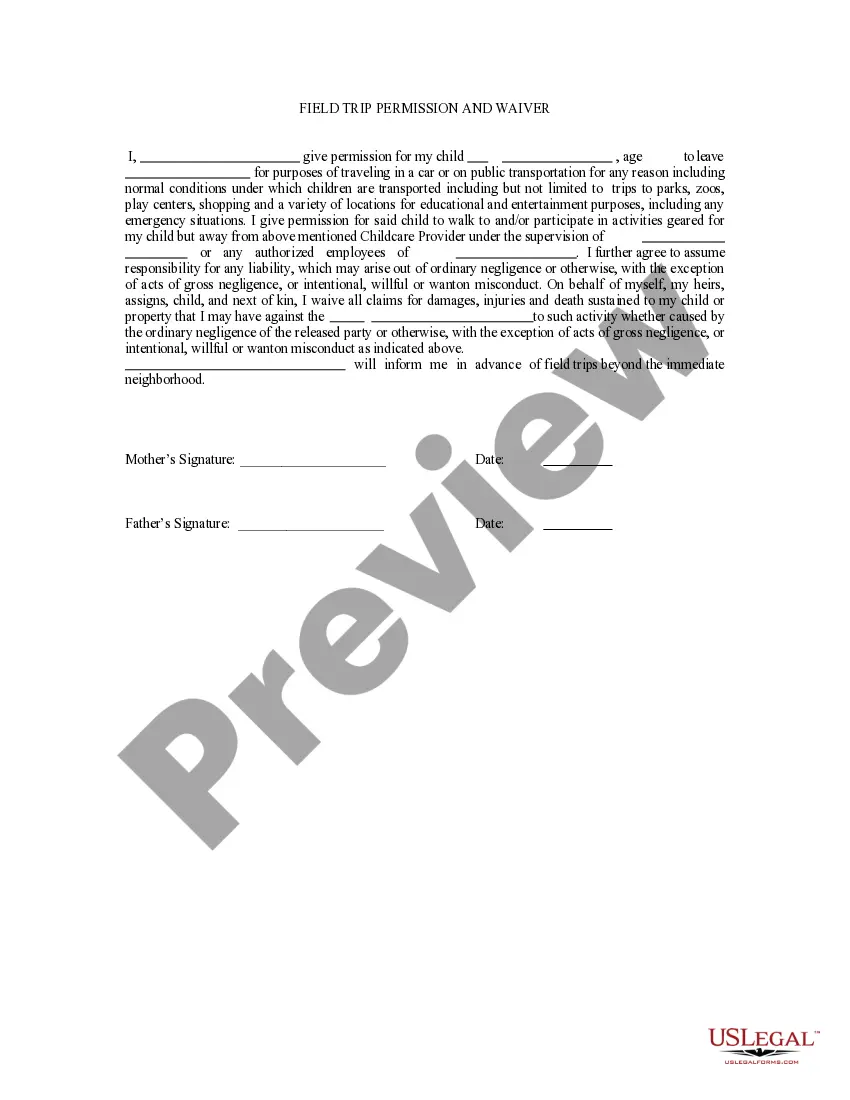
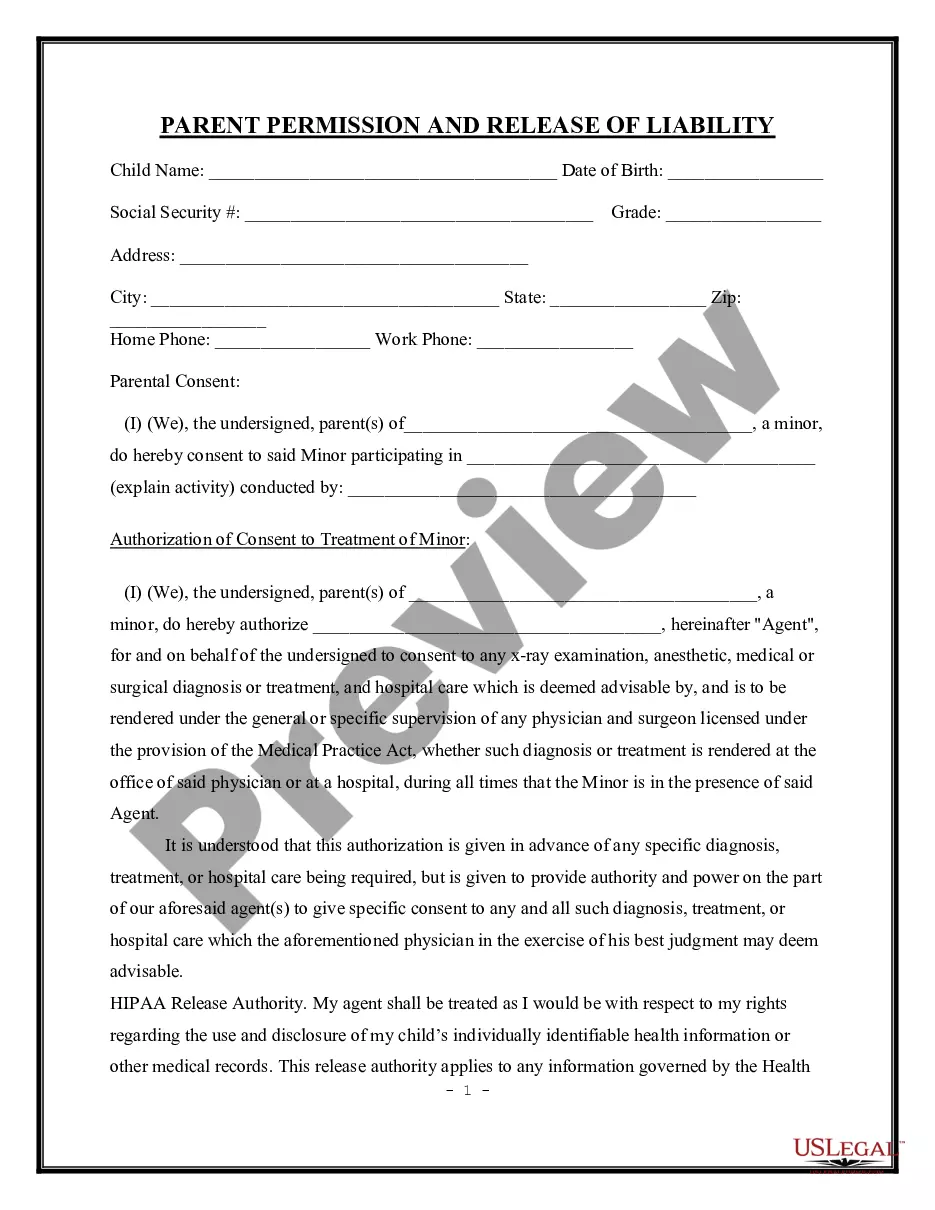
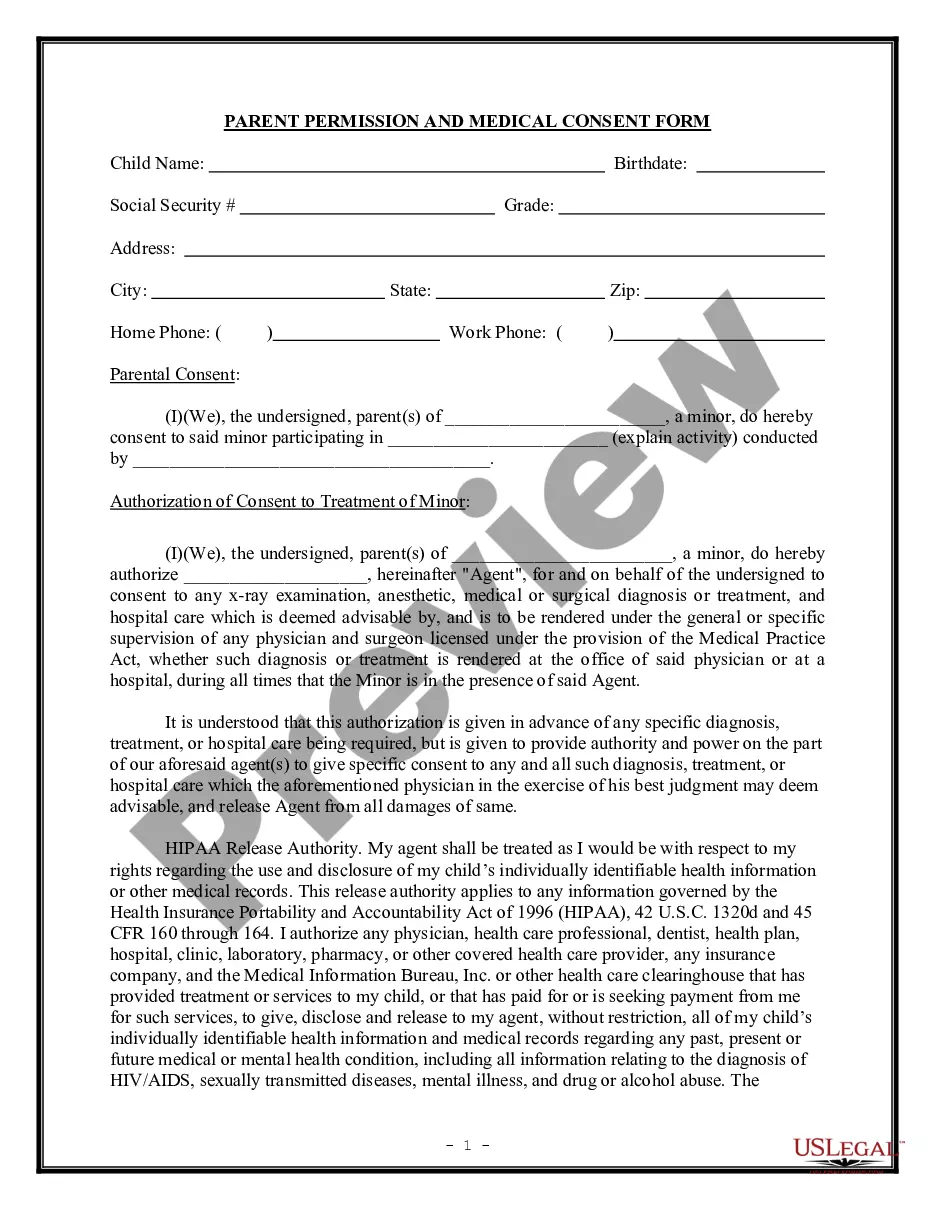
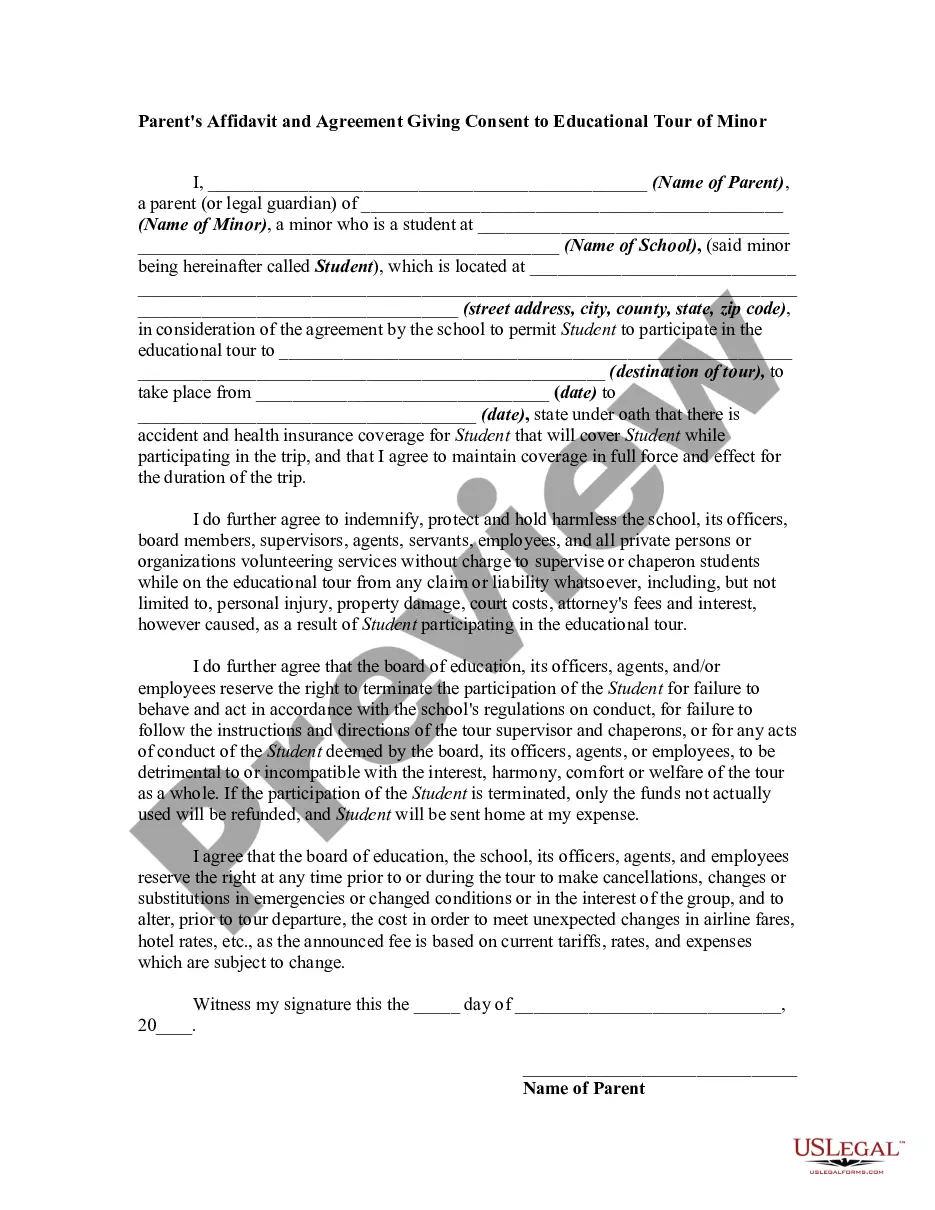
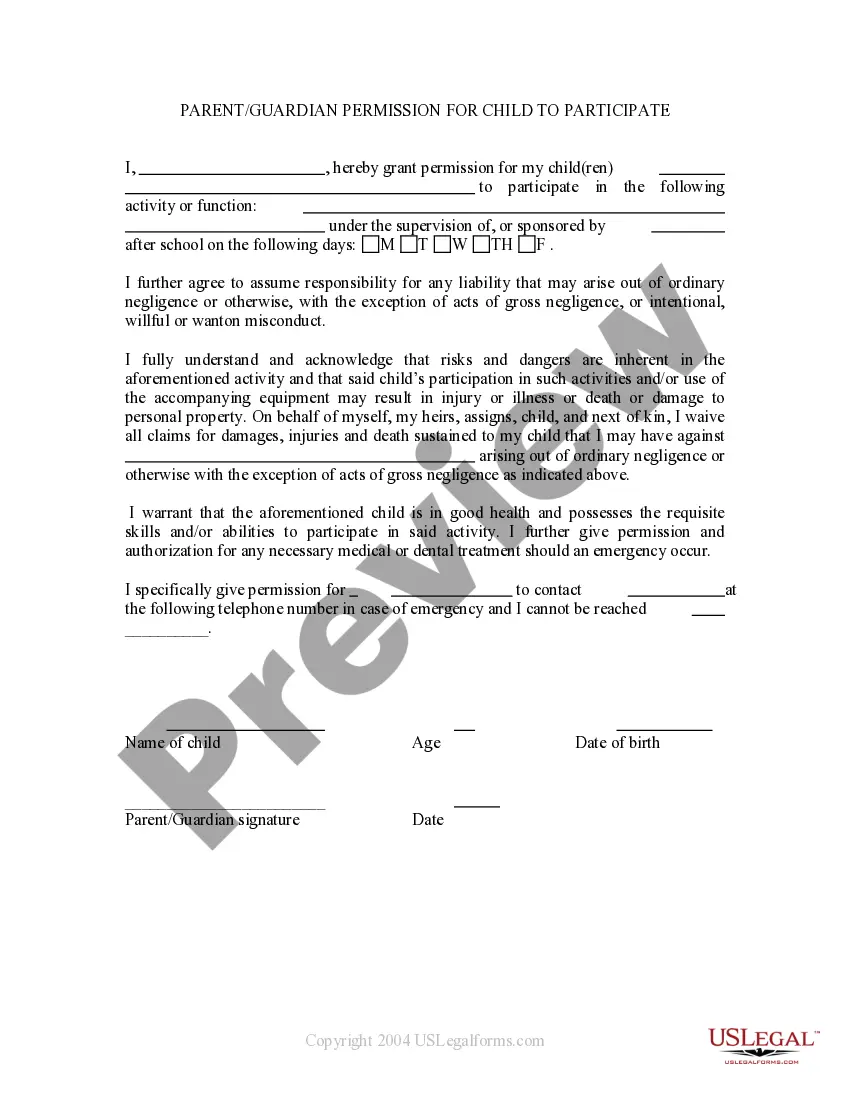
This is a permission form signed by Parents permitting a child to attend a field trip or other school function off the premises and releasing school, daycare, etc. from ordinary negligence for any problems that may occur.
New York Field Trip Permission and Waiver
State:
Multi-State
Category:
Control #:
US-PRM-01
Format:
Word;
Rich Text
76 downloads
Description
Get your form ready online
Our built-in tools help you complete, sign, share, and store your documents in one place.
Built-in online Word editor
Make edits, fill in missing information, and update formatting in US Legal Forms—just like you would in MS Word.
Export easily
Download a copy, print it, send it by email, or mail it via USPS—whatever works best for your next step.
E-sign your document
Sign and collect signatures with our SignNow integration. Send to multiple recipients, set reminders, and more. Go Premium to unlock E-Sign.
Notarize online 24/7
If this form requires notarization, complete it online through a secure video call—no need to meet a notary in person or wait for an appointment.
Store your document securely
We protect your documents and personal data by following strict security and privacy standards.

Make edits, fill in missing information, and update formatting in US Legal Forms—just like you would in MS Word.

Download a copy, print it, send it by email, or mail it via USPS—whatever works best for your next step.

Sign and collect signatures with our SignNow integration. Send to multiple recipients, set reminders, and more. Go Premium to unlock E-Sign.

If this form requires notarization, complete it online through a secure video call—no need to meet a notary in person or wait for an appointment.

We protect your documents and personal data by following strict security and privacy standards.
Looking for another form?


How to fill out Field Trip Permission And Waiver?
Locating the appropriate legal document template can be a considerable challenge.
It goes without saying that there are numerous templates available online, but how can you find the legal form you need.
Utilize the US Legal Forms website.
First, ensure you have selected the correct form for your specific city/region. You can preview the form using the Review button and check the form description to confirm it is suitable for your needs. If the form does not meet your expectations, use the Search field to find the appropriate form. Once you are confident that the form is correct, click the Acquire now button to obtain it. Choose the pricing plan you prefer and enter the required information. Create your account and pay for your order using your PayPal account or credit card. Select the file format and download the legal document template to your device. Complete, edit, print, and sign the obtained New York Field Trip Permission and Waiver. US Legal Forms is the largest repository of legal forms where you can find a variety of document templates. Take advantage of the service to obtain professionally crafted documents that adhere to state requirements.
- The service offers thousands of templates, including the New York Field Trip Permission and Waiver, suitable for both business and personal needs.
- All forms are reviewed by professionals and comply with federal and state regulations.
- If you are already registered, Log In to your account and click the Download button to obtain the New York Field Trip Permission and Waiver.
- Use your account to browse the legal forms you have previously purchased.
- Visit the My documents tab in your account to retrieve another copy of the document you need.
- If you are a new user of US Legal Forms, here are simple steps to follow.
Form popularity
FAQ
Yes, a school can exclude a child from a field trip for various reasons, such as behavioral issues or incomplete paperwork. Schools prioritize the safety and well-being of all students, and they may require a New York Field Trip Permission and Waiver to be signed before allowing participation. If your child is excluded, it’s best to communicate with the school to understand their policies and explore options for future trips.
Section 35330 of the Education Code outlines the legal requirements for field trips in California, emphasizing the need for informed consent from parents or guardians. While this section is specific to California, similar regulations exist in New York regarding field trips. Understanding these laws can help ensure that you complete the New York Field Trip Permission and Waiver correctly. It's important to review your state's regulations to ensure compliance.
Yes, schools are generally required to have permission slips for field trips. This is to ensure that parents or guardians are informed and have given consent for their children to participate. A New York Field Trip Permission and Waiver serves as an essential document that protects both the students and the school. Make sure to fill out this form accurately to avoid any issues on the day of the trip.
Yes, you can take kids out of school for a trip, but it’s important to follow the proper procedures. You typically need to notify the school and obtain a New York Field Trip Permission and Waiver. This ensures that you have the school’s approval and that all necessary paperwork is completed. Always check with the school administration for specific rules regarding absences for trips.
A field trip waiver is a legal document that releases the school from liability for any injuries or accidents that may occur during the trip. This waiver is often included with the permission slip and must be signed by parents or guardians. Understanding the New York Field Trip Permission and Waiver is vital for ensuring your child's safety and the school's protection.
To give consent for a trip, you generally need to complete and sign a permission slip provided by the school. This slip outlines the trip's details and asks for your approval. Following the New York Field Trip Permission and Waiver process ensures that you are fully informed and your consent is properly documented.
To make a field trip permission slip, include essential information such as the trip's purpose, date, time, and location. Provide a section for parental acknowledgment and signature. Using a template from platforms like uslegalforms can simplify creating a compliant New York Field Trip Permission and Waiver slip.
When writing a consent letter for a field trip, address it to your child's teacher or the school administration. Include your child's name, the trip details, and your explicit consent. Make sure to mention the importance of following the New York Field Trip Permission and Waiver process to ensure all necessary precautions are taken.
To give consent for a field trip, you typically need to sign a permission slip provided by the school. This slip usually requires basic information about your child and your signature to confirm your approval. Following the New York Field Trip Permission and Waiver process is crucial to ensure your child's participation.
To ask for permission for a field trip, you can communicate directly with your child's teacher or school office. You may receive a permission slip that outlines the details of the trip. By signing and returning this slip, you provide the necessary consent required by the New York Field Trip Permission and Waiver guidelines.