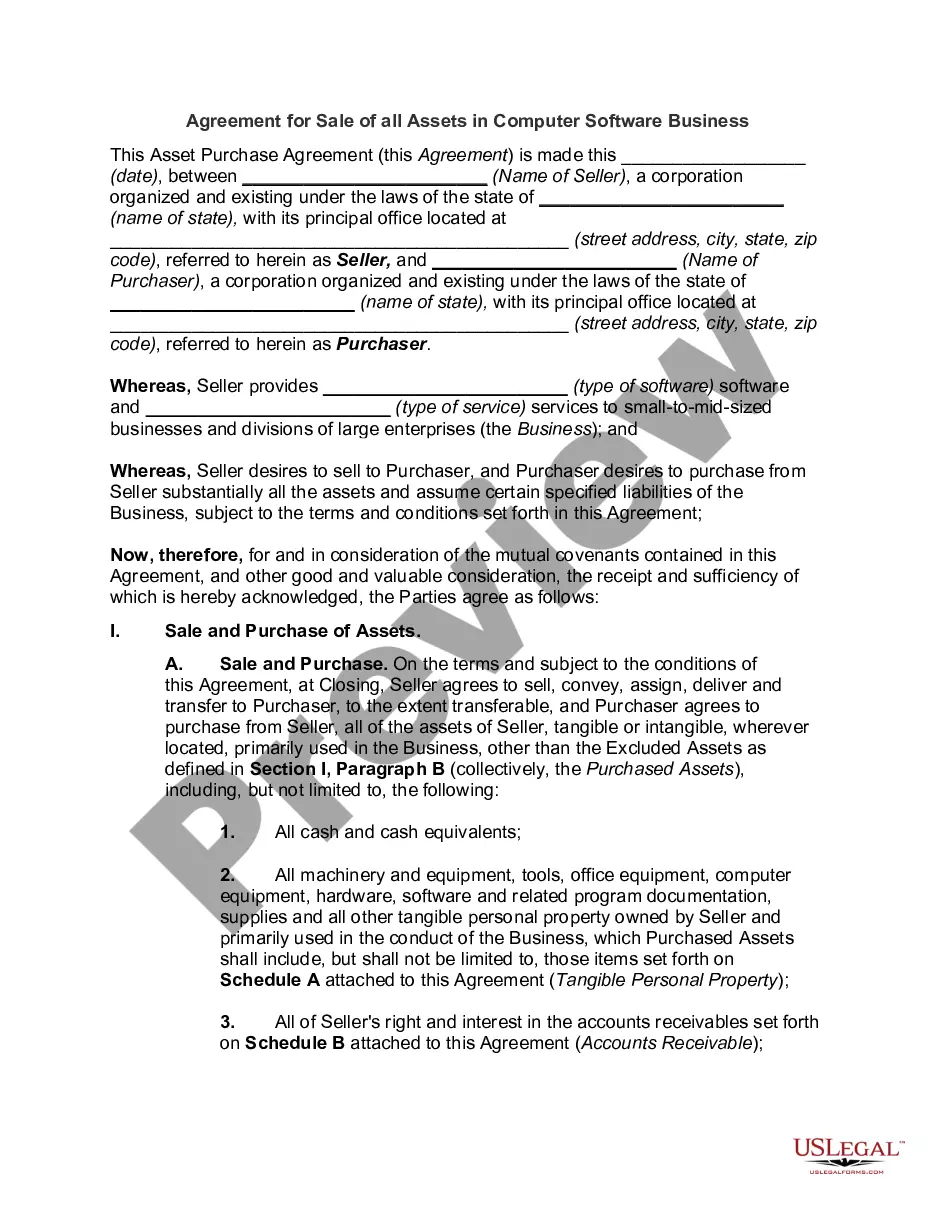
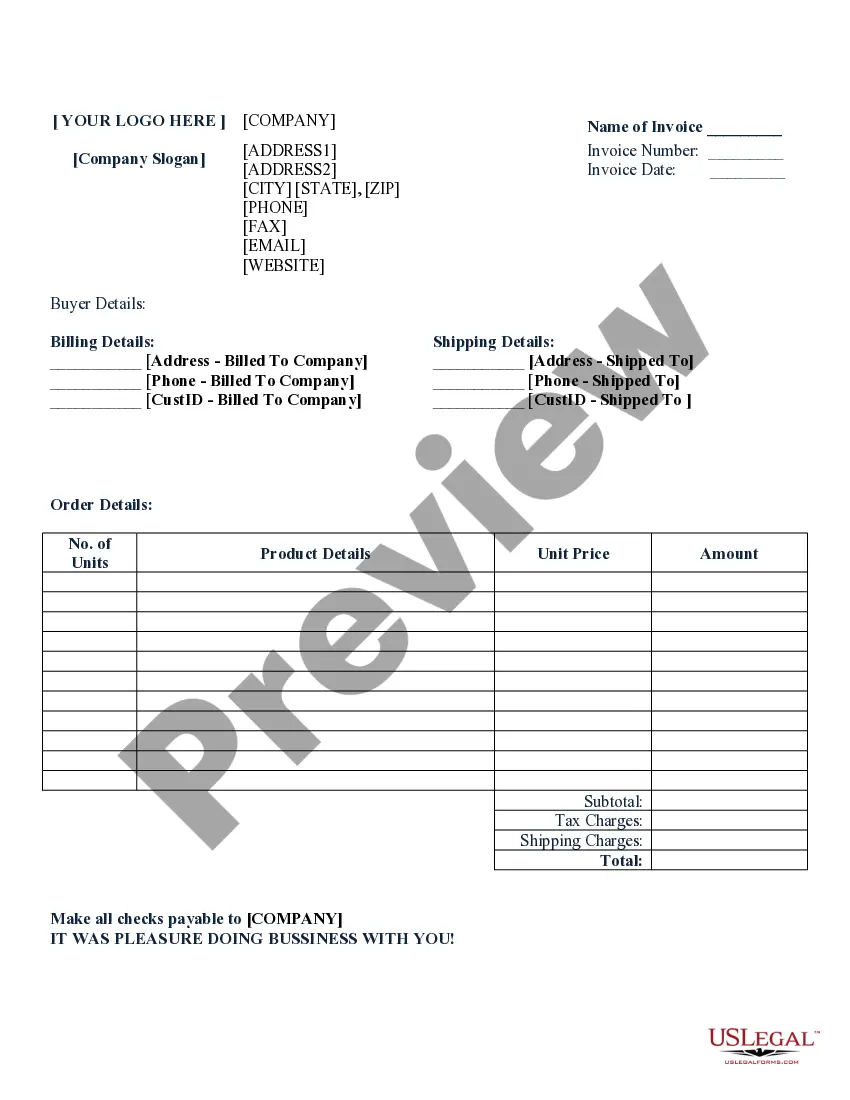
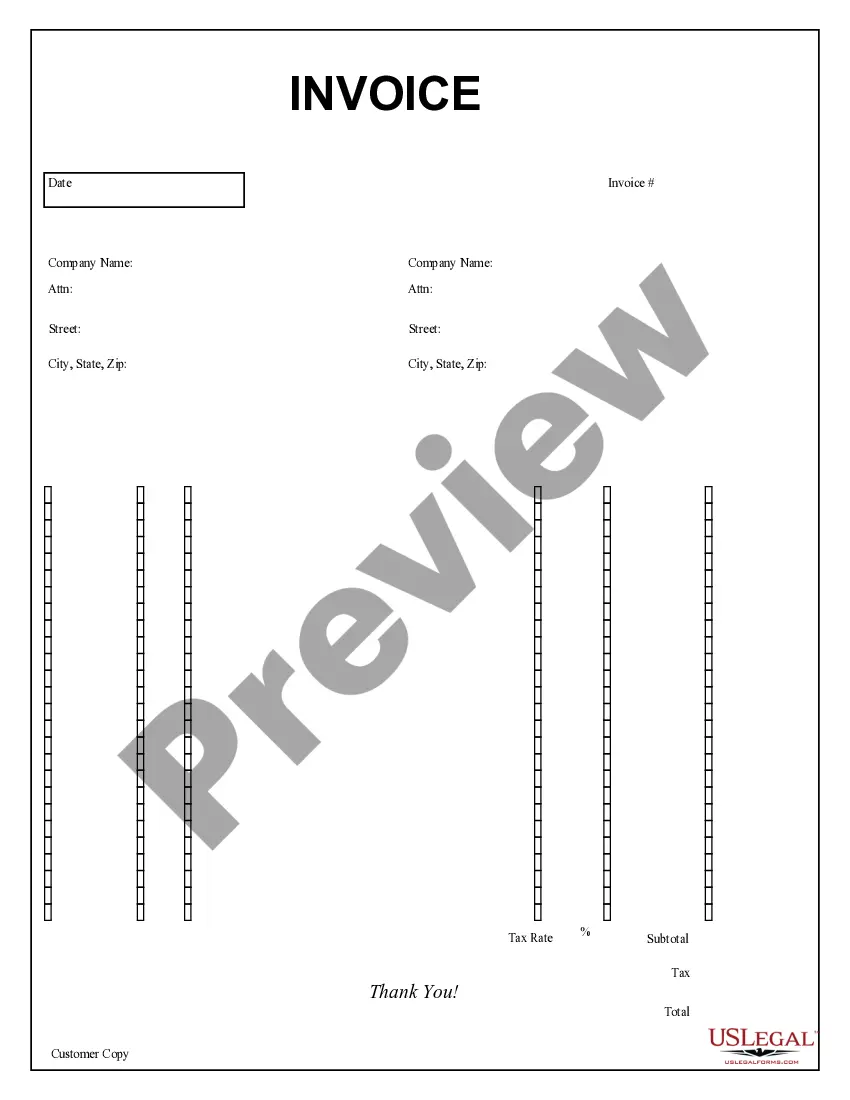
New York Job Invoice - Long
Description




Get your form ready online
Our built-in tools help you complete, sign, share, and store your documents in one place.
Make edits, fill in missing information, and update formatting in US Legal Forms—just like you would in MS Word.
Download a copy, print it, send it by email, or mail it via USPS—whatever works best for your next step.
Sign and collect signatures with our SignNow integration. Send to multiple recipients, set reminders, and more. Go Premium to unlock E-Sign.
If this form requires notarization, complete it online through a secure video call—no need to meet a notary in person or wait for an appointment.
We protect your documents and personal data by following strict security and privacy standards.

Make edits, fill in missing information, and update formatting in US Legal Forms—just like you would in MS Word.

Download a copy, print it, send it by email, or mail it via USPS—whatever works best for your next step.

Sign and collect signatures with our SignNow integration. Send to multiple recipients, set reminders, and more. Go Premium to unlock E-Sign.

If this form requires notarization, complete it online through a secure video call—no need to meet a notary in person or wait for an appointment.

We protect your documents and personal data by following strict security and privacy standards.
Looking for another form?
How to fill out Job Invoice - Long?
US Legal Forms - one of the largest repositories of legal templates in the United States - offers a variety of legal document formats that you can download or print.
By using the site, you can access thousands of forms for business and personal purposes, organized by categories, states, or keywords. You can obtain the latest versions of forms like the New York Job Invoice - Long in just minutes.
If you possess a monthly membership, sign in and retrieve the New York Job Invoice - Long from the US Legal Forms library. The Download button will appear on every form you view. You can access all previously downloaded forms in the My documents section of your account.
Complete the transaction. Use your credit card or PayPal account to finalize the transaction.
Choose the format and download the form to your device. Edit. Fill out, modify, and print, then sign the downloaded New York Job Invoice - Long. Every template you add to your account will not expire and is yours indefinitely. So, if you wish to download or print another copy, simply visit the My documents section and click on the form you desire. Access the New York Job Invoice - Long with US Legal Forms, the most extensive collection of legal document formats. Utilize thousands of professional and state-specific templates that meet your business or personal requirements.
- Make sure you have selected the correct form for your city/county.
- Click the Preview button to review the form’s content.
- Examine the form description to ensure you have chosen the correct document.
- If the form does not meet your needs, utilize the Search box at the top of the screen to find one that does.
- When you are satisfied with the form, confirm your choice by clicking the Get now button.
- Next, select your preferred pricing plan and provide your details to register for an account.
Form popularity
FAQ
What should be included on an invoice for contractorsYour name or the name of your company.Your client's name.Invoice number and/or work order number.The date or duration you're providing your services.For labor costs, a description of your services rendered.For flat rate: Dollar amount for cost of labor.More items...?
Here's a guide on how to invoice as a contractor:Identify the Document as an Invoice.Include Your Business Information.Add the Client's Contact Details.Assign a Unique Invoice Number.Add the Invoice Date.Provide Details of Your Services.Include Your Payment Terms.List the Total Amount Due.More items...
How to Invoice as a ContractorIdentify the Document as an Invoice.Include Your Business Information.Add the Client's Contact Details.Assign a Unique Invoice Number.Add the Invoice Date.Provide Details of Your Services.Include Your Payment Terms.List the Total Amount Due.More items...
To invoice for hourly work, you need to calculate the hourly pay-rate per task and the descriptions of all tasks completed....Sample Hourly InvoiceLabel as an invoice.Your name and contact information.Invoice number.Date of the invoice.Billing period.Client name and address.A breakdown of services rendered.Hourly rates.More items...?
How to Fill out an Invoice Professional Invoicing ChecklistThe name and contact details of your business.The client's contact information.A unique invoice number.An itemized summary of the services provided.Specific payment terms.The invoice due date.The total amount owing on the invoice.
A standard contractor invoice format should include space for:Your name or the name of your company.Your client's name.Invoice number and/or work order number.The date or duration you're providing your services.For labor costs, a description of your services rendered.For flat rate: Dollar amount for cost of labor.More items...?
The general rule is 30 days from the invoice date. However, you can discuss this with your customer and either make it shorter or longer than 30 days. Regardless of what you agree upon, the payment terms and the due date should be clearly stated on the invoice.
How to create an invoice: step-by-stepMake your invoice look professional. The first step is to put your invoice together.Clearly mark your invoice.Add company name and information.Write a description of the goods or services you're charging for.Don't forget the dates.Add up the money owed.Mention payment terms.
In basic terms, an invoice is a bill sent to your customers after you complete a job or visit. The invoice establishes what services you or your company provided, how much is due and when, and how your customer can pay. Legally speaking, an invoice creates an account receivable.
What should be included in an invoice?1. ' Invoice'A unique invoice number.Your company name and address.The company name and address of the customer.A description of the goods/services.The date of supply.The date of the invoice.The amount of the individual goods or services to be paid.More items...?