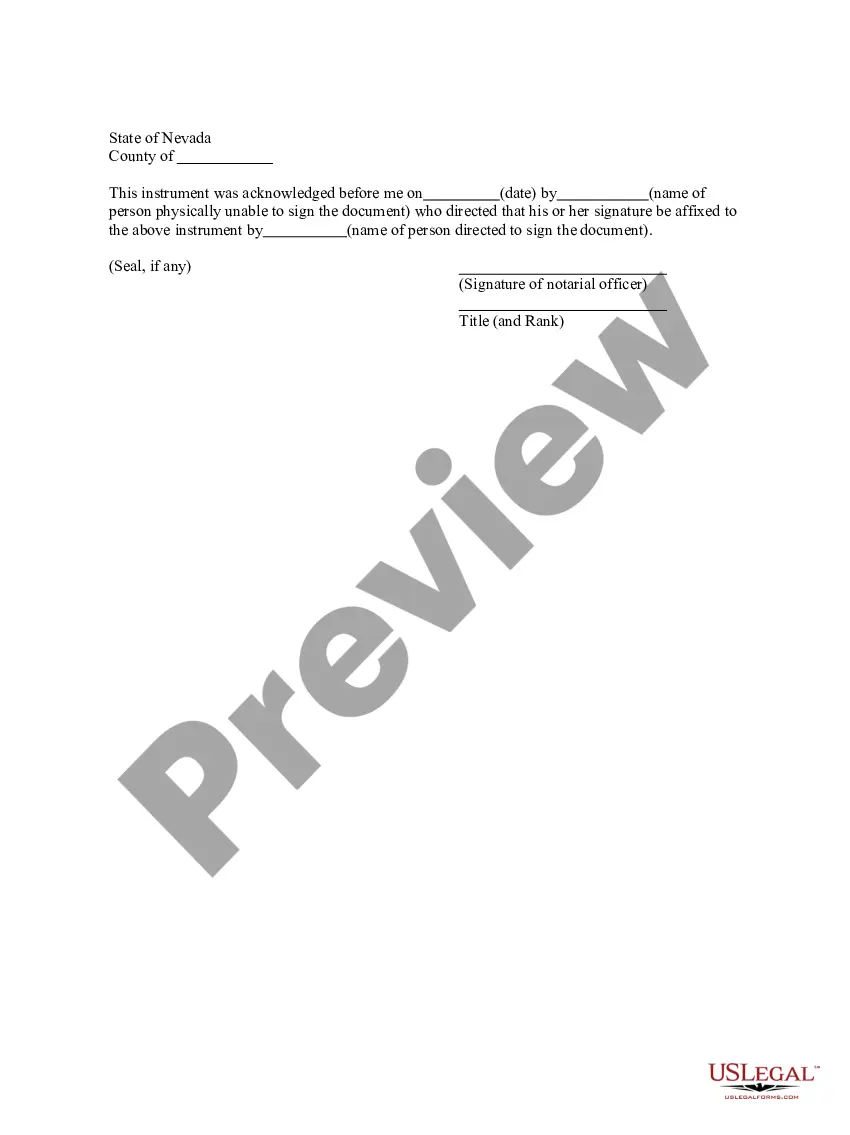
Nevada Acknowledgement by a Person Who is Physically Unable to Sign
Overview of this form
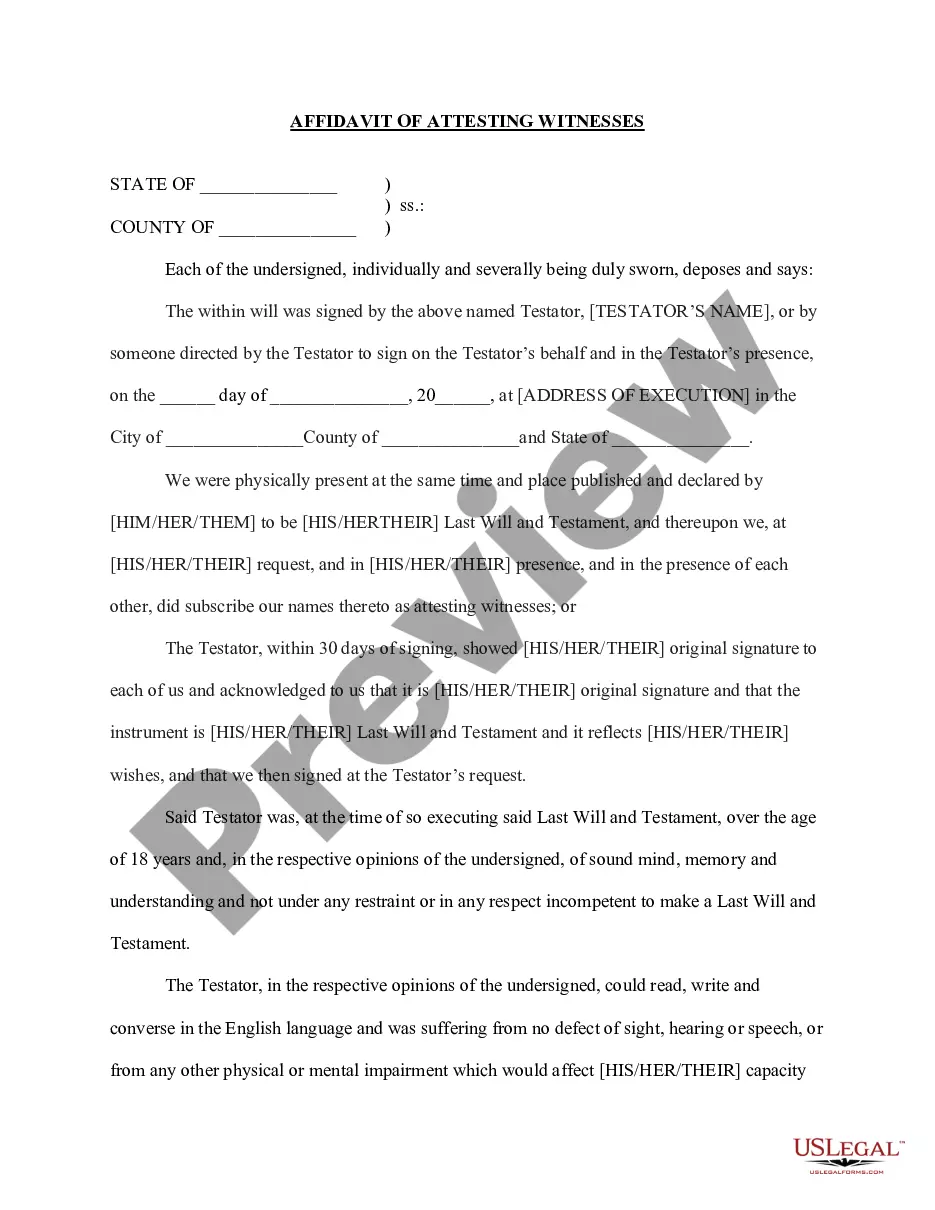
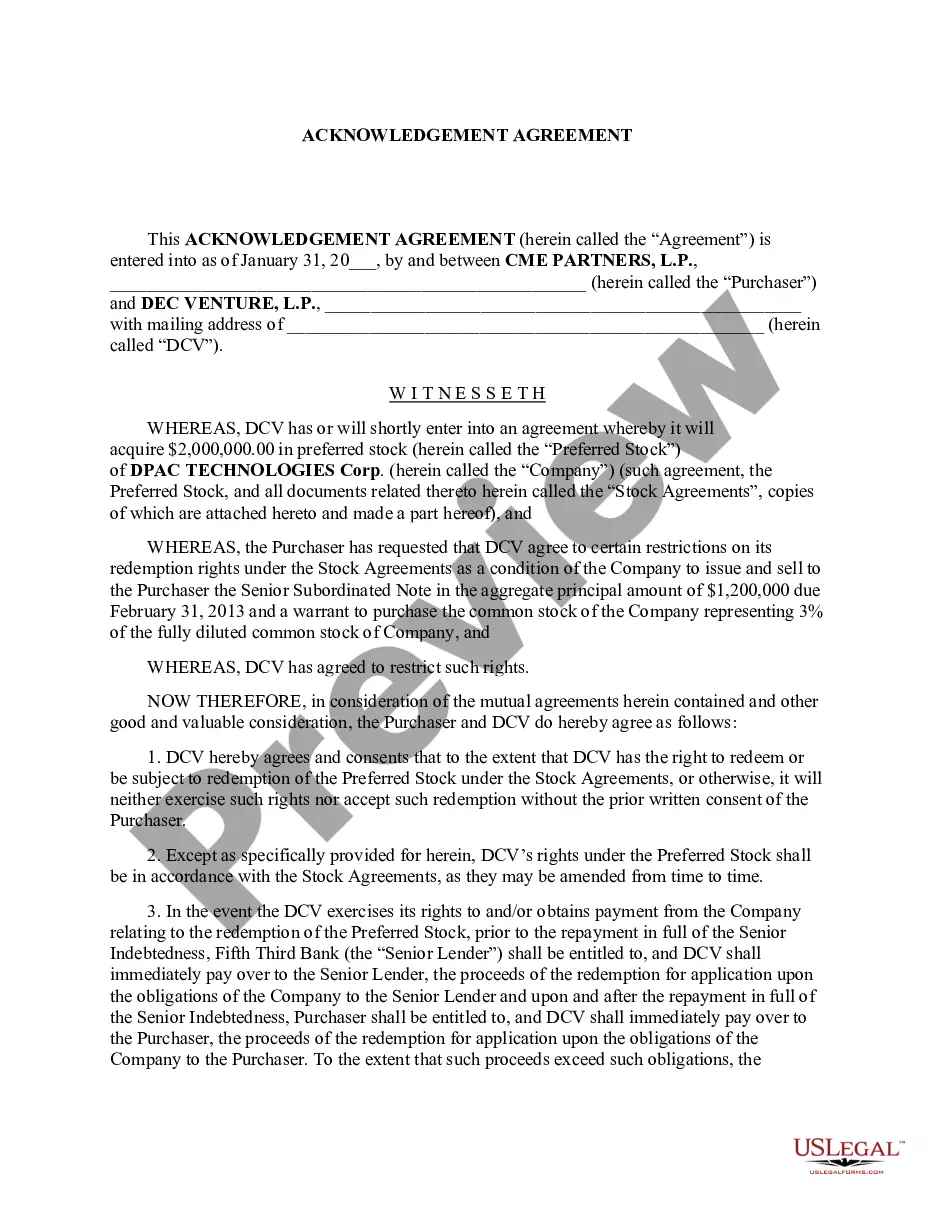
The Acknowledgement by a Person Who is Physically Unable to Sign is a legal document that allows an individual to authorize another person to sign a document on their behalf when they are physically unable to do so. This form is essential for ensuring that legal documents can still be executed, even when the signer is incapacitated, making it different from standard signing procedures and other power of attorney documents.
What’s included in this form
- The date of acknowledgment.
- The name of the person who is physically unable to sign.
- The name of the individual who is authorized to sign on behalf of the incapacitated person.
- Signature line for the notarial officer.
- A space for the notarial seal, if applicable.

When this form is needed
This form is useful in situations where an individual is unable to physically sign a document due to illness, injury, or other physical limitations. It may be used in various legal contexts, such as when executing contracts, making property transfers, or completing legal agreements that require signatures for validity.
Who this form is for
- Individuals who are physically unable to sign documents themselves.
- Anyone needing to designate an authorized signer due to temporary or permanent incapacity.
- Family members or caregivers acting on behalf of an incapacitated person.
- Legal representatives overseeing transactions for individuals unable to sign.
How to complete this form
- Enter the date of acknowledgment at the beginning of the form.
- List the name of the person who is physically unable to sign.
- Specify the name of the authorized individual who will sign the document on their behalf.
- If applicable, include the notarial officer's signature and seal.
- Review the completed form for accuracy before finalizing it.
Does this document require notarization?
This document requires notarization to meet legal standards. US Legal Forms provides secure online notarization powered by Notarize, allowing you to complete the process through a verified video call, available 24/7.
Get your form ready online
Our built-in tools help you complete, sign, share, and store your documents in one place.
Make edits, fill in missing information, and update formatting in US Legal Forms—just like you would in MS Word.
Download a copy, print it, send it by email, or mail it via USPS—whatever works best for your next step.
Sign and collect signatures with our SignNow integration. Send to multiple recipients, set reminders, and more. Go Premium to unlock E-Sign.
If this form requires notarization, complete it online through a secure video call—no need to meet a notary in person or wait for an appointment.
We protect your documents and personal data by following strict security and privacy standards.

Make edits, fill in missing information, and update formatting in US Legal Forms—just like you would in MS Word.

Download a copy, print it, send it by email, or mail it via USPS—whatever works best for your next step.

Sign and collect signatures with our SignNow integration. Send to multiple recipients, set reminders, and more. Go Premium to unlock E-Sign.

If this form requires notarization, complete it online through a secure video call—no need to meet a notary in person or wait for an appointment.

We protect your documents and personal data by following strict security and privacy standards.
Mistakes to watch out for
- Failing to include the date of acknowledgment.
- Not clearly identifying both the incapacitated person and the authorized signer.
- Leaving out the notary's signature and seal, when required.
- Submitting the form without checking state-specific requirements.
Benefits of completing this form online
- Convenient access to legal forms that can be easily downloaded and completed at your own pace.
- Editable templates that allow customization to fit individual needs.
- Reliable and legally vetted documents drafted by licensed attorneys.
- Streamlined process for obtaining and managing legal paperwork without the need for in-person visits.
Looking for another form?










Form popularity
FAQ
A notary public who has a direct or indirect financial (or other beneficial) interest in a document may not notarize such a document. The better practice is not to notarize for a spouse or family member in order to preserve the integrity of the notarization and to prevent a challenge to the notarization.
In some states, if the document signer is unable to sign or make a mark due to a physical disability, the notary laws allow the signer to ask the notary to sign his or her name on the document being notarized only if done so in the presence of at least one impartial witness who has no legal or equitable interest in any
Under the law, a person must have the capacity to validly sign legal documents.A diagnosis of neurological disease does not, by itself, render a person legally incompetent.
When you see (here insert the name and character of the officer) next to a blank as shown below, it means you should insert Your name, Notary Public in the blank.
You can probably find a notary near you pretty easily, but if you don't feel like leaving the house, the Notarize app will let you do it from your phone.Notarize is first on-demand remote electronic notary service, allowing anyone to legally notarize a document from their iPhone 24 hours per day, 7 days per week.
When the document goes into effect, you become that person's attorney in fact, which means you act as their agent. Generally, to sign documents in this capacity, you will sign the principal's name first, then your name with the designation "attorney in fact" or "power of attorney."
If someone is physically unable to sign a will, there are options. If possible, the testator - person creating the will - can sign with something as simple as an X. If they cannot, however, they are permitted to direct someone else to sign the will on their behalf.
Signing by making a mark is useful for a disabled person who is not able to make a signature. Such a person can make a simple mark such as an "X" on the document.Each of the two witnesses must sign the document, stating that they witnessed the marking of the principal, or legally represented person, on the document.