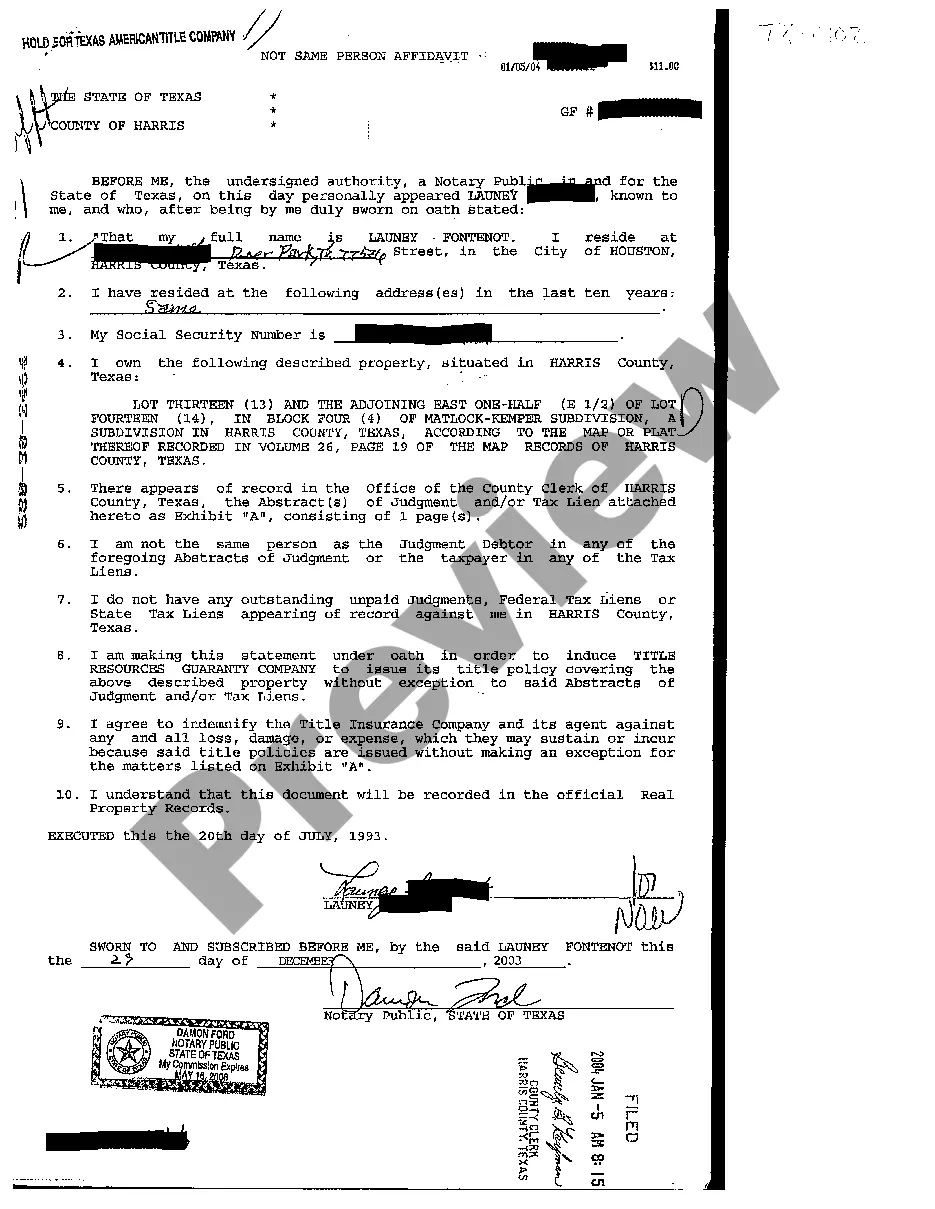
Nevada Personal Case Information Additional Page
What is this form?
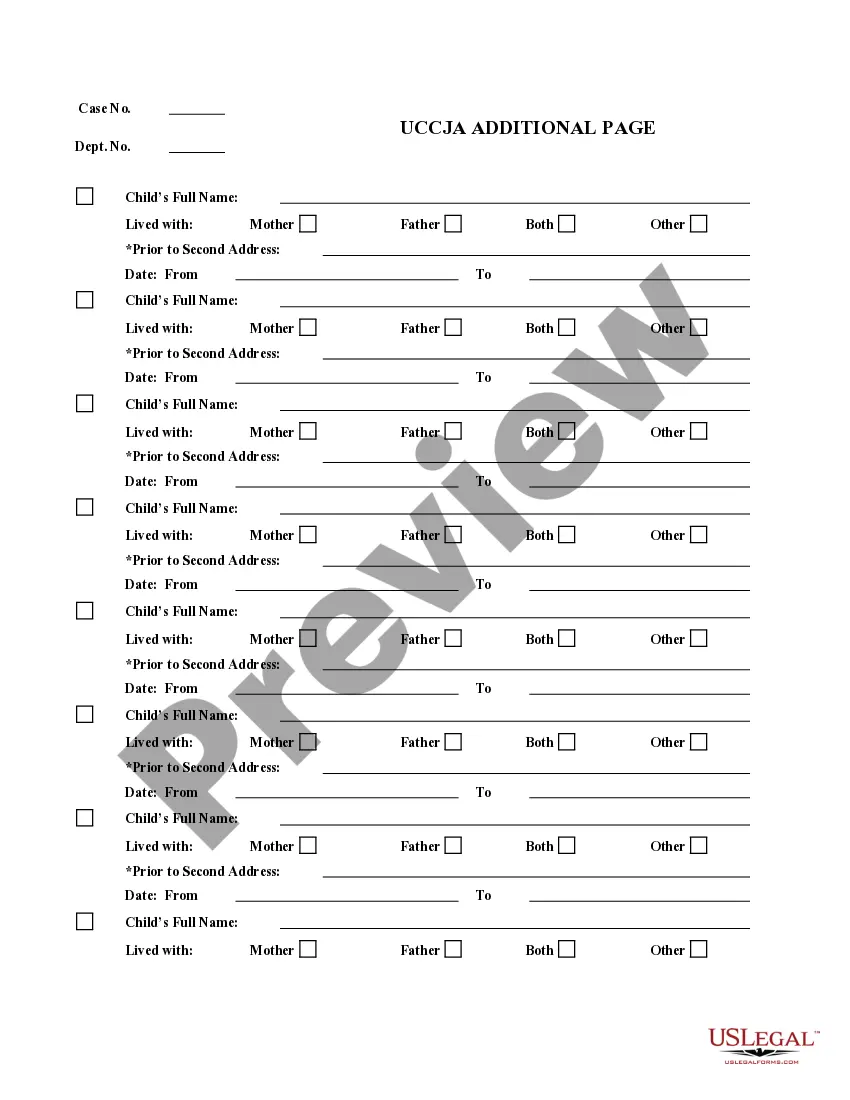
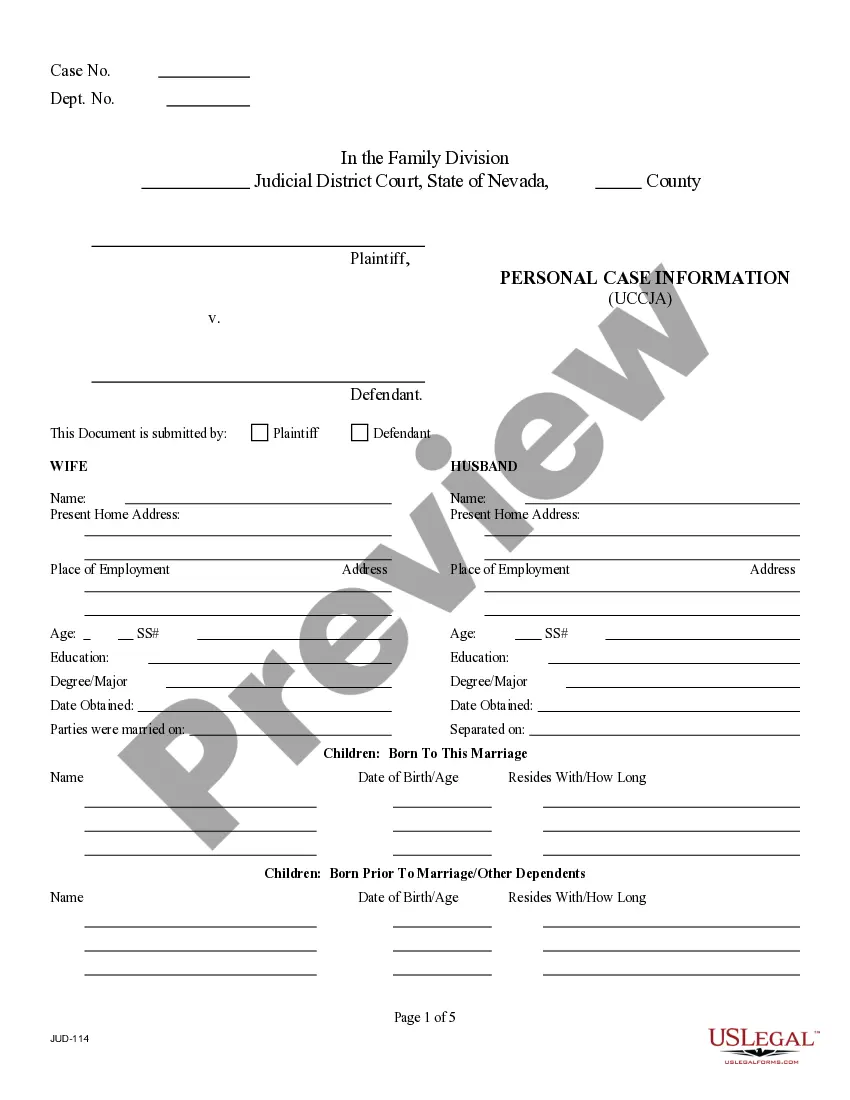
The Personal Case Information Additional Page is a supplementary document designed to provide extra space for completing the Personal Case Information Form. It allows users to include additional details when the primary form does not have enough room. This form is particularly useful for those who may have extensive information to share, ensuring all relevant data is captured efficiently.
Key components of this form
- Additional fields for personal details that may not fit on the primary form.
- Sections to outline case specifics, such as parties involved and case related facts.
- Space for any extra notes or comments that are relevant to the case.
- Downloadable formats in Word and Rich Text to accommodate user preferences.

Situations where this form applies
This form should be utilized when an individual is filling out the Personal Case Information Form but finds the required information exceeds the space provided. It can be especially helpful in complex cases involving multiple parties or detailed claims. If the primary form does not account for all necessary details, this additional page ensures comprehensive documentation.
Who should use this form
This form is intended for:
- Individuals filing a personal case who require more space for their information.
- Attorneys or legal representatives drafting cases with extensive details.
- Anyone needing to provide additional explanations or context in a legal case.
Completing this form step by step
- Identify the specific case and parties involved.
- Fill in all additional details requested that could not be accommodated on the main form.
- Include any relevant comments or notes that may clarify the case further.
- Review the completed form for accuracy and comprehensiveness.
- Submit this form alongside the Personal Case Information Form to ensure a complete submission.
Does this form need to be notarized?
Notarization is generally not required for this form. However, certain states or situations might demand it. You can complete notarization online through US Legal Forms, powered by Notarize, using a verified video call available anytime.
Get your form ready online
Our built-in tools help you complete, sign, share, and store your documents in one place.
Make edits, fill in missing information, and update formatting in US Legal Forms—just like you would in MS Word.
Download a copy, print it, send it by email, or mail it via USPS—whatever works best for your next step.
Sign and collect signatures with our SignNow integration. Send to multiple recipients, set reminders, and more. Go Premium to unlock E-Sign.
If this form requires notarization, complete it online through a secure video call—no need to meet a notary in person or wait for an appointment.
We protect your documents and personal data by following strict security and privacy standards.

Make edits, fill in missing information, and update formatting in US Legal Forms—just like you would in MS Word.

Download a copy, print it, send it by email, or mail it via USPS—whatever works best for your next step.

Sign and collect signatures with our SignNow integration. Send to multiple recipients, set reminders, and more. Go Premium to unlock E-Sign.

If this form requires notarization, complete it online through a secure video call—no need to meet a notary in person or wait for an appointment.

We protect your documents and personal data by following strict security and privacy standards.
Mistakes to watch out for
- Failing to include all important details due to inadequate space.
- Not referencing the primary Personal Case Information Form when using the additional page.
- Leaving sections incomplete, which could lead to questions from the court.
Why complete this form online
- Immediate access to the form allows for quick completion and submission.
- Downloadable formats provide flexibility for users with different software preferences.
- Ability to edit the document ensures all necessary information can be added smoothly.
Main things to remember
- The Personal Case Information Additional Page is essential for providing comprehensive case details.
- It is designed specifically for users who need more space beyond the primary form.
- Completing this additional page carefully ensures all important information is captured.
Looking for another form?
Form popularity
FAQ
Online Case Look Up You can look up your family court case online by visiting the District Court Portal or the Clark County Courts Records Inquiry. You can search public family records by case number or by a party's name. Enter the full case number, or the party name as it appears on court documents.
Select the Case Type from the select box. In the Case Number box, enter the Case Registration Number. In the Year box, enter the Case Registration Year. Enter the Captcha (the 5 alphanumeric characters shown on the screen) in the text box provided.
Nevada court records With some relatively standard exceptions, the majority of court records in Nevada are available to the public through a simple online search.
Here's how to get a copy of a police report from every Nevada police and sheriff's office. Police reports are a public record, but the experience of obtaining a copy can depend on the law enforcement agency.Those details include contact information for each agency, the potential cost and any restrictions.
The Superior Court of California. Documents maintained in court case files are public records and subject to public inspection. California Rules of Court, Rule 2.400(a) states that all papers in the court files may be inspected by the public in the office of the clerk.all court records are presumed open.
Please call our DAFS Customer Service Call Center at (702) 671-9200 between the hours of am and pm Monday through Thursday (excluding holidays) with any questions or issues you may have on your child support case(s).
The Supreme Court of Nevada provides an electronic record of all cases filed in the court searchable by party name and case docket. Case Search: Enter the five digit case number into the search box and select search.
Check the status of your benefits online at dwss.nv.gov.
For 1 child: 18% of the noncustodial parent's gross monthly income. For 2 children: 25% of the noncustodial parent's gross monthly income. For 3 children: 29% of the noncustodial parent's gross monthly income. Plus an additional 2% for each additional child.