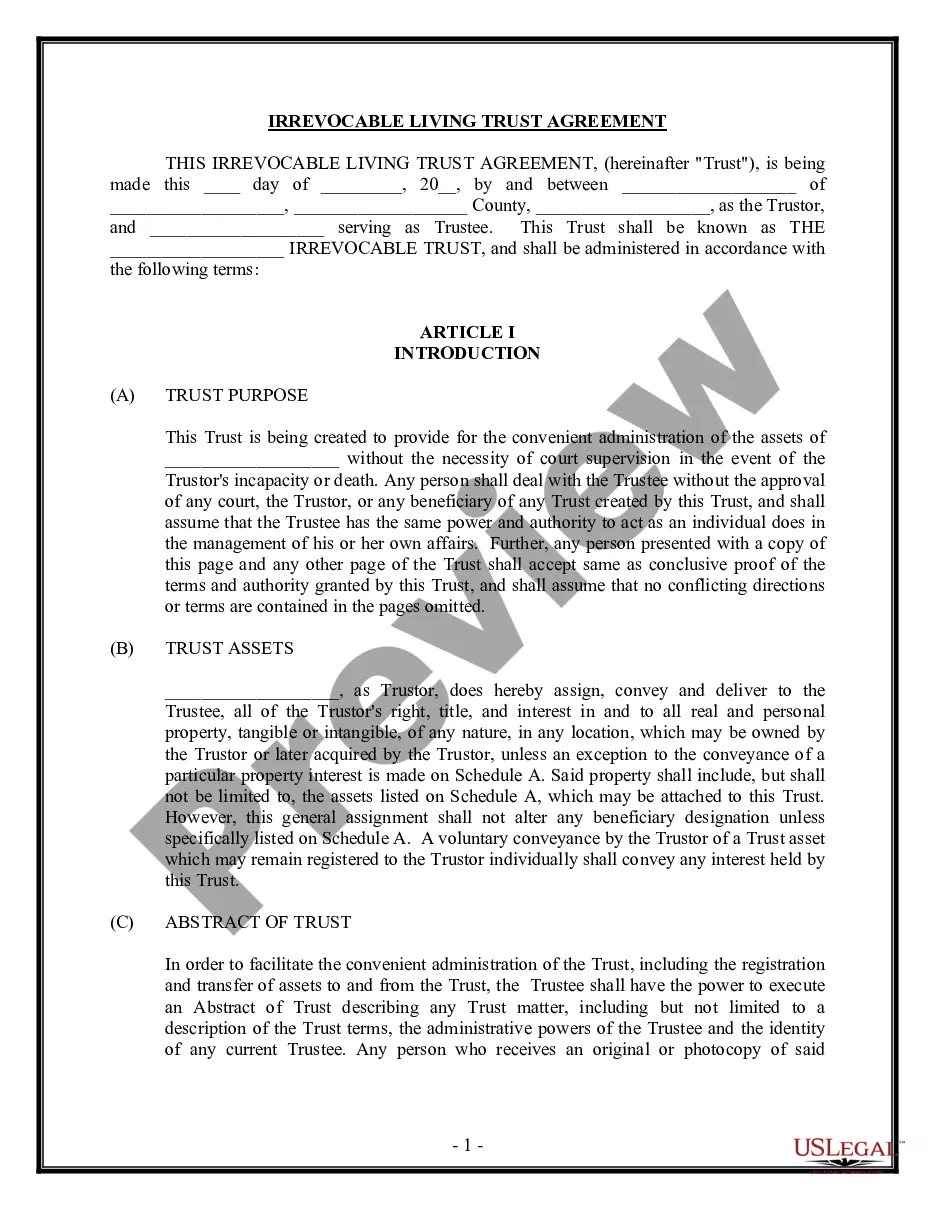
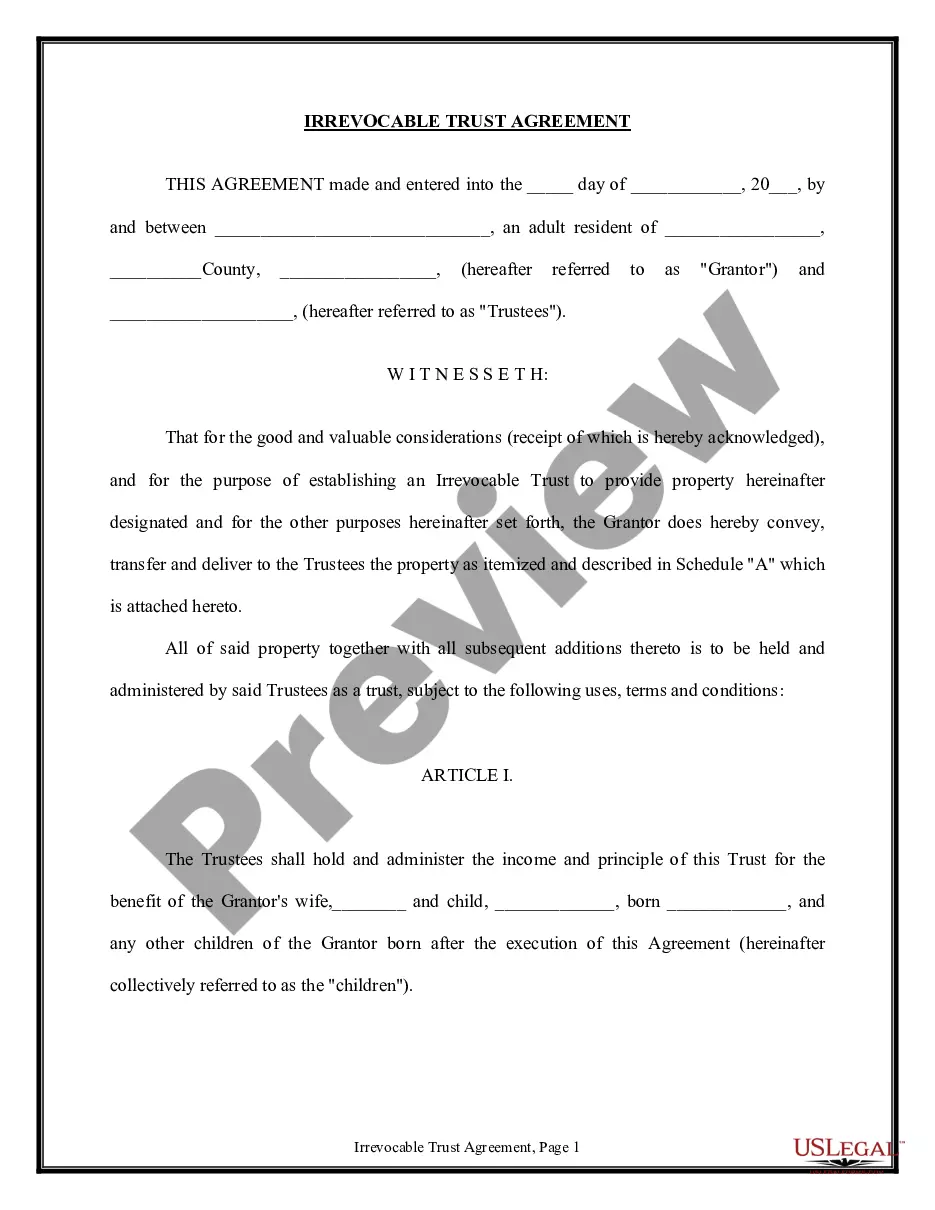
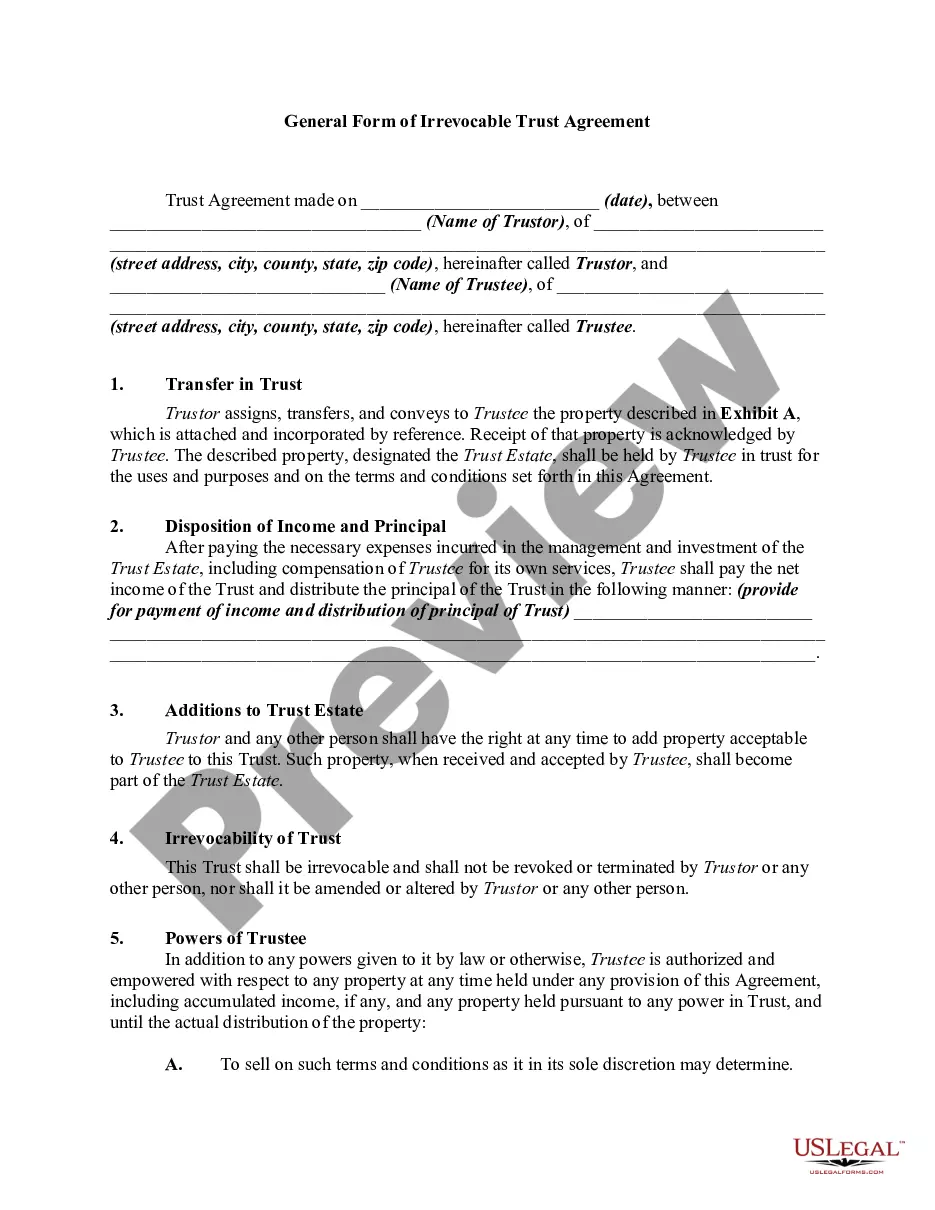
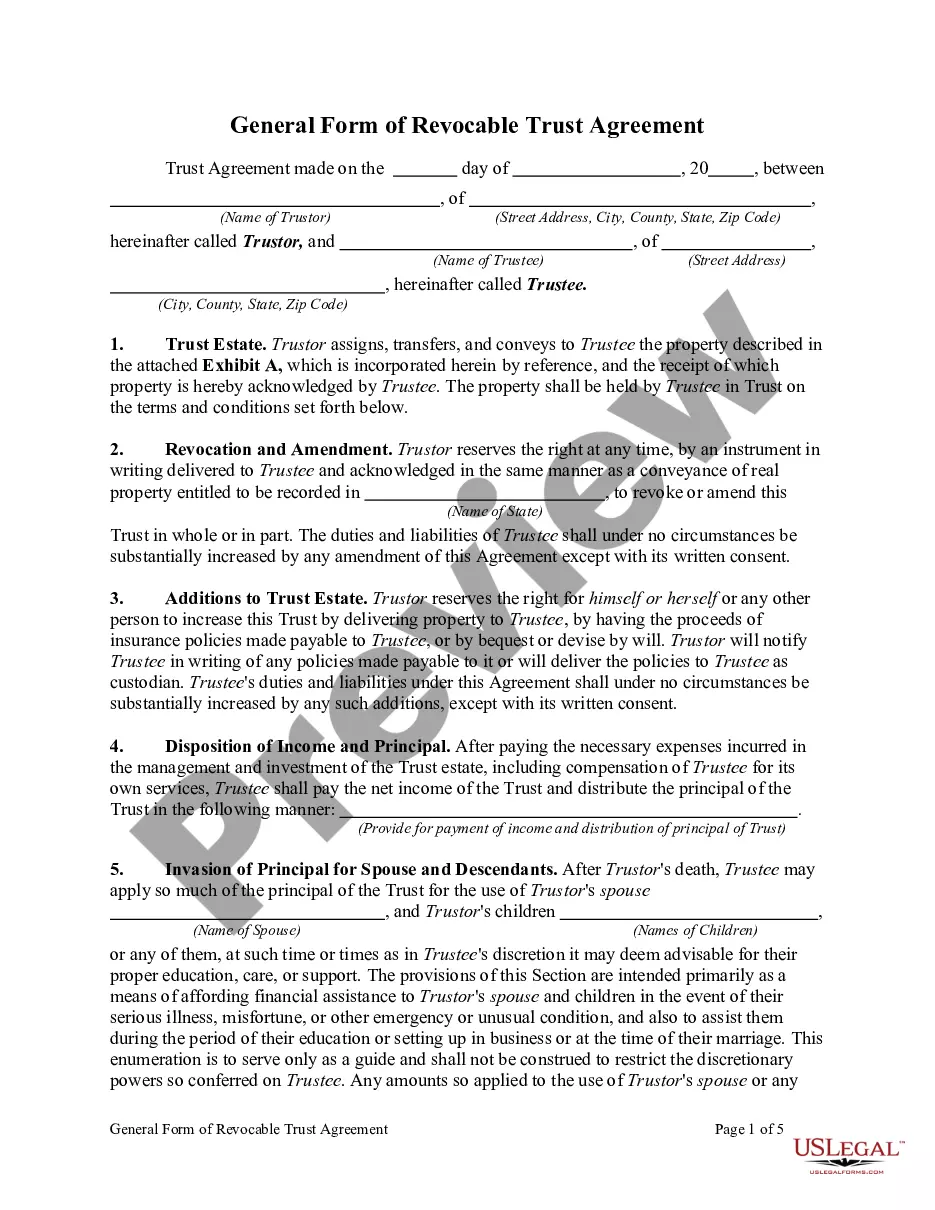
An irrevocable trust is a trust that cannot be modified or terminated without the permission of the beneficiary. In most states, a trust will be deemed irrevocable unless the Trustor specifies otherwise. Once the Trustor has transferred assets into the trust, s/he has no rights of ownership to the assets and the trust. Irrevocable trusts are preferred because it removes all incidents of ownership, thereby effectively removing the trust's assets from the grantor's taxable estate. The Trustor is also relieved of the tax liability on the income generated by the assets. This is the opposite of a "revocable trust", which allows the Trustor to modify the trust.
A Pot Trust is a trust set up for more than one beneficiary, typically children. The purpose of a Pot Trust is to keep the funds in one pot until a later event. For example, at the death of the parents, the assets may be kept in one pot until all the children have graduated from college or reached age 21.
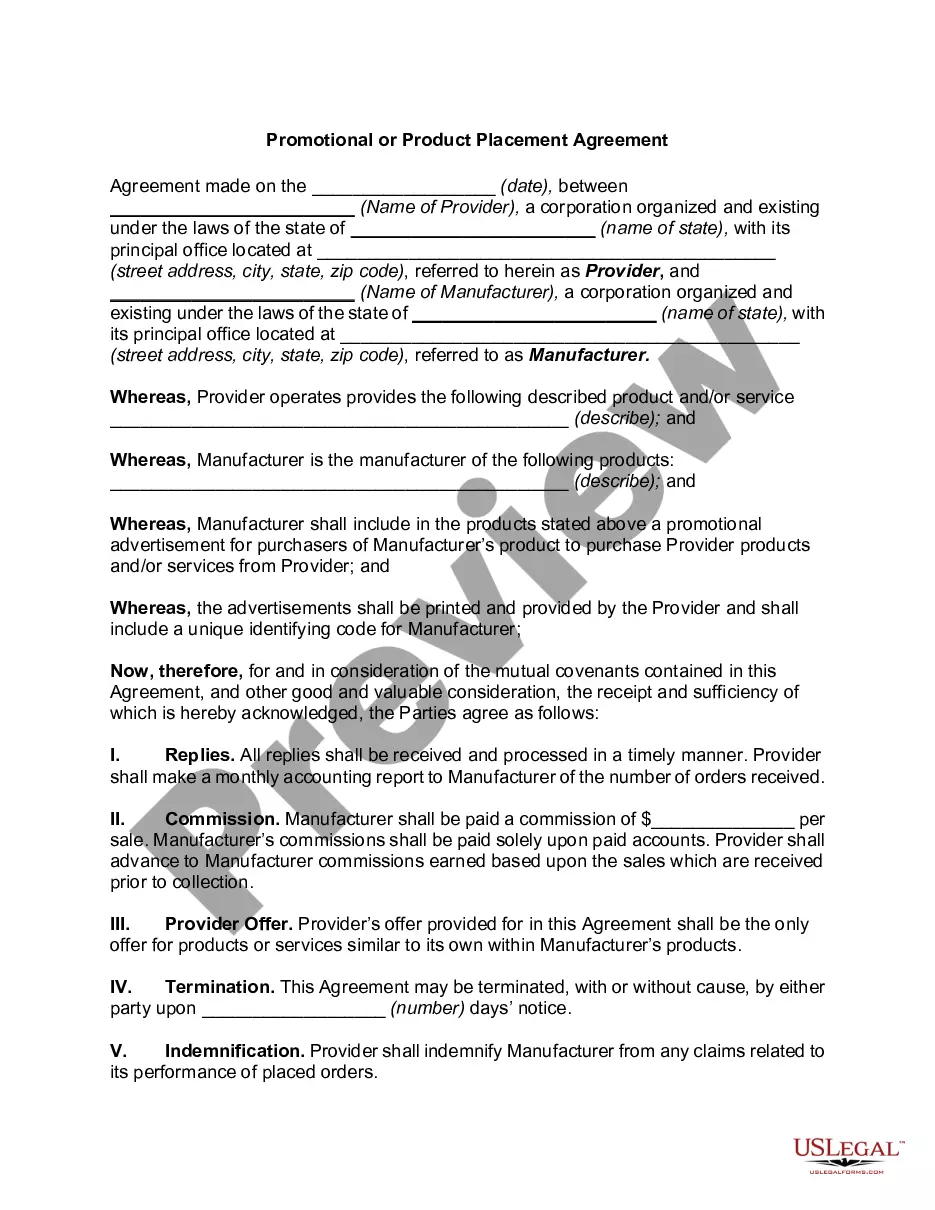
New Mexico Irrevocable Pot Trust Agreement
Instant download
Description
Free preview




Get your form ready online
Our built-in tools help you complete, sign, share, and store your documents in one place.
Built-in online Word editor
Make edits, fill in missing information, and update formatting in US Legal Forms—just like you would in MS Word.
Export easily
Download a copy, print it, send it by email, or mail it via USPS—whatever works best for your next step.
E-sign your document
Sign and collect signatures with our SignNow integration. Send to multiple recipients, set reminders, and more. Go Premium to unlock E-Sign.
Notarize online 24/7
If this form requires notarization, complete it online through a secure video call—no need to meet a notary in person or wait for an appointment.
Store your document securely
We protect your documents and personal data by following strict security and privacy standards.

Make edits, fill in missing information, and update formatting in US Legal Forms—just like you would in MS Word.

Download a copy, print it, send it by email, or mail it via USPS—whatever works best for your next step.

Sign and collect signatures with our SignNow integration. Send to multiple recipients, set reminders, and more. Go Premium to unlock E-Sign.

If this form requires notarization, complete it online through a secure video call—no need to meet a notary in person or wait for an appointment.

We protect your documents and personal data by following strict security and privacy standards.
Looking for another form?





How to fill out Irrevocable Pot Trust Agreement?
Should you wish to finalize, retrieve, or print legal document templates, utilize US Legal Forms, the leading collection of legal forms available online.
Take advantage of the site's user-friendly and straightforward search to locate the documents you require.
Numerous templates for businesses and specific objectives are organized by categories and jurisdictions, or keywords.
Step 4. Once you have located the form you need, click on the Buy now button. Choose the pricing plan you prefer and enter your details to create an account.
Step 5. Process the transaction. You may use your credit card or PayPal account to complete the purchase.
- Utilize US Legal Forms to discover the New Mexico Irrevocable Pot Trust Agreement with just a few clicks.
- If you are currently a buyer of US Legal Forms, Log In to your account and click on the Obtain button to access the New Mexico Irrevocable Pot Trust Agreement.
- You can also access forms you previously downloaded from the My documents section of your account.
- If this is your first time using US Legal Forms, follow the steps outlined below.
- Step 1. Ensure you have selected the form for the correct jurisdiction.
- Step 2. Utilize the Review option to examine the contents of the form. Be sure to read the description.
- Step 3. If you are not satisfied with the form, use the Search bar at the top of the page to find alternative versions of the legal form template.
Form popularity
FAQ
Irrevocable trusts are generally set up to minimize estate taxes, access government benefits, and protect assets. This is in contrast to a revocable trust, which allows the grantor to modify the trust, but loses certain benefits such as creditor protection.
The only three times you might want to consider creating an irrevocable trust is when you want to (1) minimize estate taxes, (2) become eligible for government programs, or (3) protect your assets from your creditors.
Irrevocable trusts are most often used to protect assets from creditors or to obtain certain tax advantages. While it is advisable to enlist the help of an attorney when setting up this type of trust, it is possible to do it yourself.
The downside to irrevocable trusts is that you can't change them. And you can't act as your own trustee either. Once the trust is set up and the assets are transferred, you no longer have control over them.
The trust belongs to all the beneficiaries. If the person selling property in an irrevocable trust uses the trust's money for his own needs in any way or transfers trust money to himself, he is considered by the law to be taking everyone's money, not just his own.
Putting your house in an irrevocable trust removes it from your estate, reveals NOLO. Unlike placing assets in an revocable trust, your house is safe from creditors and from estate tax. If you use an irrevocable bypass trust, it does the same for your spouse.
Under an irrevocable trust, legal ownership of the trust is held by a trustee. At the same time, the grantor gives up certain rights to the trust.
Putting your house in an irrevocable trust removes it from your estate, reveals NOLO. Unlike placing assets in an revocable trust, your house is safe from creditors and from estate tax. If you use an irrevocable bypass trust, it does the same for your spouse.