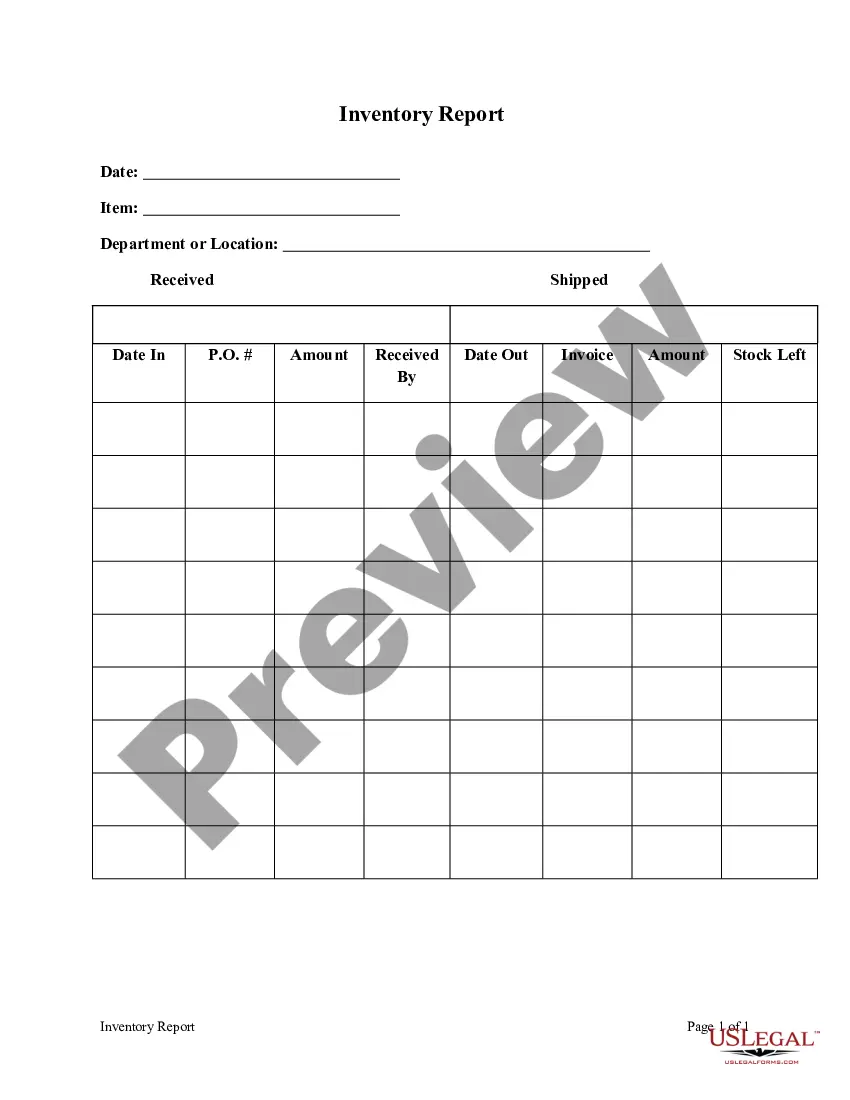
New Mexico Inventory Report
Description
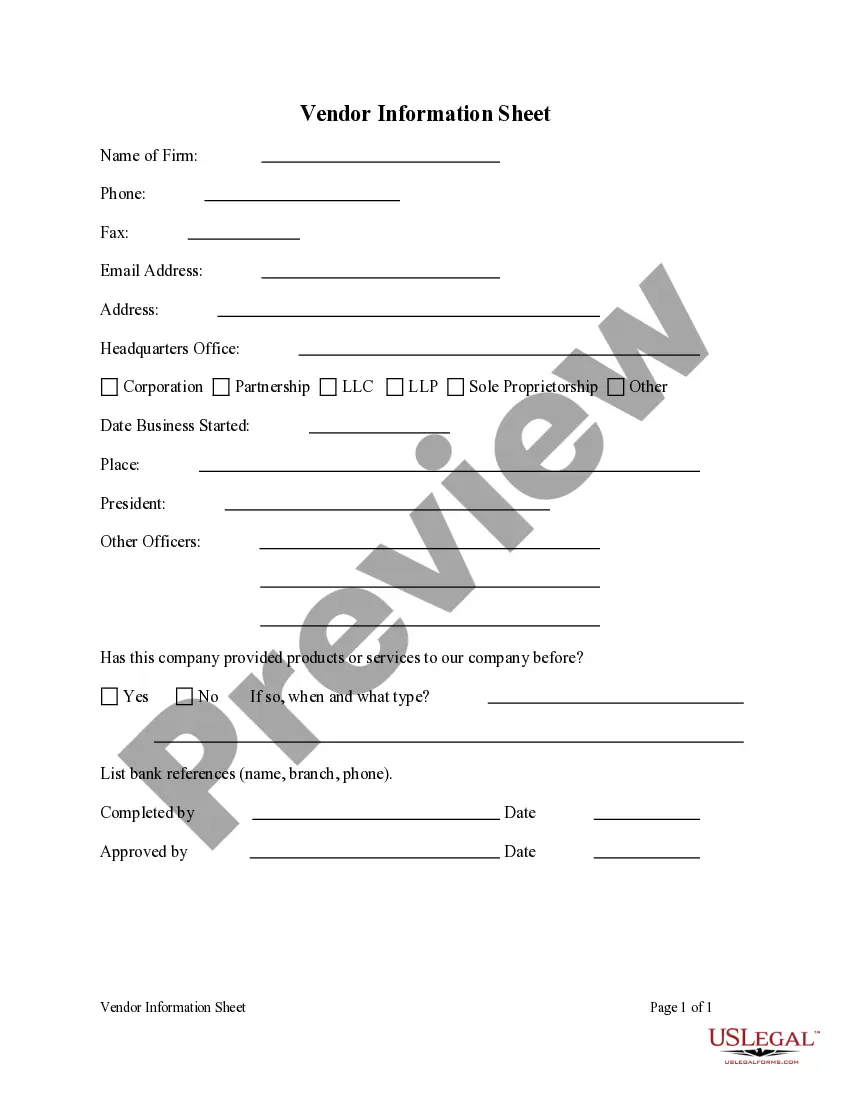
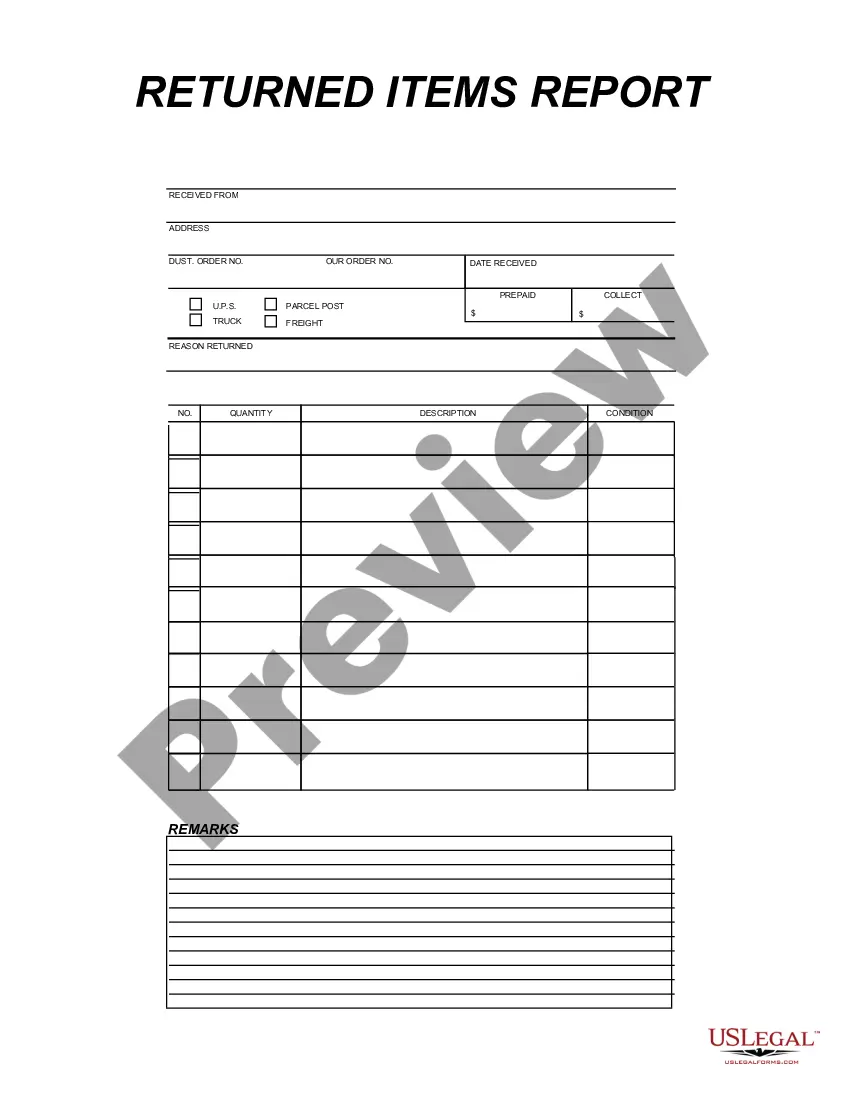
Get your form ready online
Our built-in tools help you complete, sign, share, and store your documents in one place.
Make edits, fill in missing information, and update formatting in US Legal Forms—just like you would in MS Word.
Download a copy, print it, send it by email, or mail it via USPS—whatever works best for your next step.
Sign and collect signatures with our SignNow integration. Send to multiple recipients, set reminders, and more. Go Premium to unlock E-Sign.
If this form requires notarization, complete it online through a secure video call—no need to meet a notary in person or wait for an appointment.
We protect your documents and personal data by following strict security and privacy standards.

Make edits, fill in missing information, and update formatting in US Legal Forms—just like you would in MS Word.

Download a copy, print it, send it by email, or mail it via USPS—whatever works best for your next step.

Sign and collect signatures with our SignNow integration. Send to multiple recipients, set reminders, and more. Go Premium to unlock E-Sign.

If this form requires notarization, complete it online through a secure video call—no need to meet a notary in person or wait for an appointment.

We protect your documents and personal data by following strict security and privacy standards.
Looking for another form?


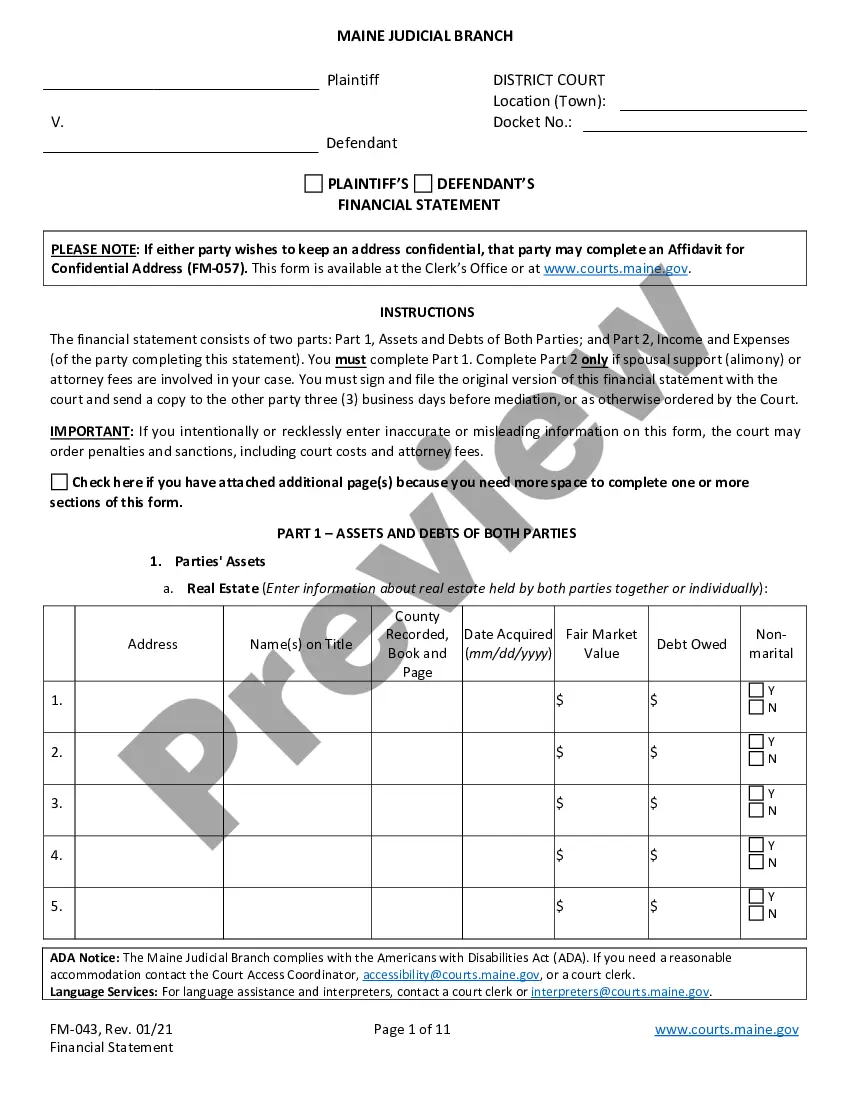
How to fill out Inventory Report?
Are you in an environment where you need documentation for either commercial or personal activities nearly every business day? There are numerous legal document templates accessible online, but finding reliable examples isn’t easy.
US Legal Forms offers a vast array of form templates, including the New Mexico Inventory Report, tailored to meet federal and state regulations.
If you are already familiar with the US Legal Forms website and have an account, simply Log In. After that, you can download the New Mexico Inventory Report template.
- Obtain the form you need and make sure it is for the correct state/region.
- Use the Review button to examine the document.
- Check the description to ensure you have selected the right form.
- If the form isn’t what you’re looking for, use the Lookup section to find the form that meets your needs and requirements.
- Once you find the correct form, click Purchase now.
- Choose the payment plan you want, fill in the necessary information to create your account, and pay for your order using your PayPal or credit card.
- Select a convenient document format and download your copy.
Form popularity
FAQ
The CRS 1 form is the primary document used to report gross receipts tax, compensating tax, and other related taxes in New Mexico. Businesses must file this form periodically based on their reporting schedule. Understanding how to accurately complete the CRS 1 form is vital for maintaining compliance and accurately reflecting your New Mexico Inventory Report.
The easiest way to obtain a tax ID number in New Mexico is by applying through the IRS website. You can complete this application online, and it will provide you with your unique identifier. This number is essential for tax reporting and will help streamline processes like creating your New Mexico Inventory Report.
A CRS number stands for Combined Reporting System number, which New Mexico requires for reporting sales, gross receipts, and income taxes. This number links your business to its tax accounts with the state. Having a CRS number simplifies the filing process, making it easier to maintain accurate records for your New Mexico Inventory Report.
Reporting unclaimed property in New Mexico requires you to file an unclaimed property report with the Office of the State Treasurer. You can complete this report online and must include details of all property held under your name. Accurate reporting is important, especially if it relates to assets listed in your New Mexico Inventory Report.
To obtain a Business Tax Identification Number (BTIN) in New Mexico, you must register your business with the New Mexico Taxation and Revenue Department. You can complete this registration online, ensuring that your business is recognized for state tax purposes. A BTIN is crucial for managing your tax obligations, particularly for any New Mexico Inventory Report submissions.
To file New Mexico state taxes online, you can use the New Mexico Taxation and Revenue Department's online portal. This convenient option allows you to submit your tax returns quickly and securely. Filing online can simplify your process, especially when you need to include details from your New Mexico Inventory Report.
Getting a CRS number in New Mexico involves visiting the New Mexico Taxation and Revenue Department's website to fill out the relevant forms. You can also receive assistance by calling their office. Having a CRS number is vital for compliance, as it helps streamline your reporting process, including your New Mexico Inventory Report.