New Mexico Certifcate of Trust
Overview of this form
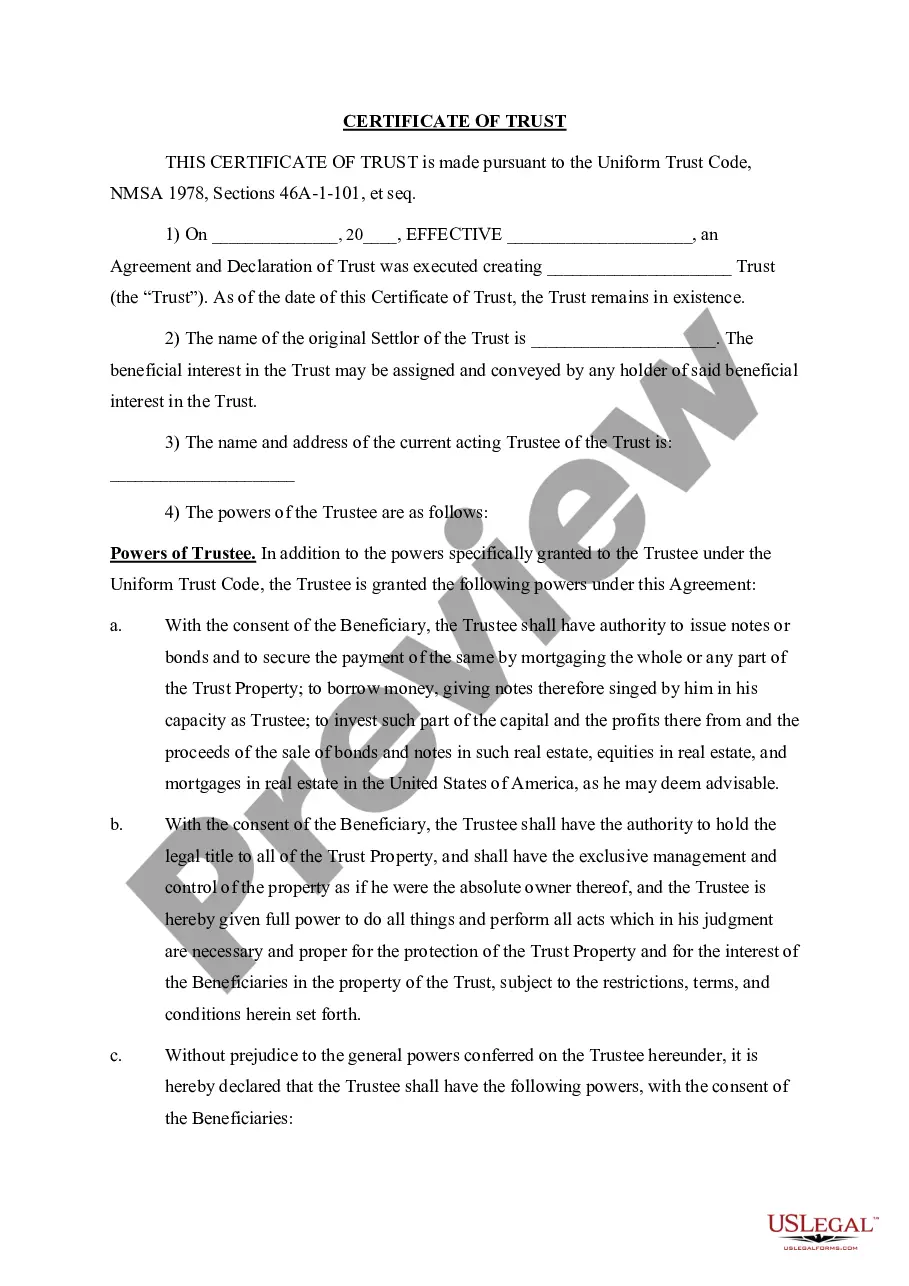
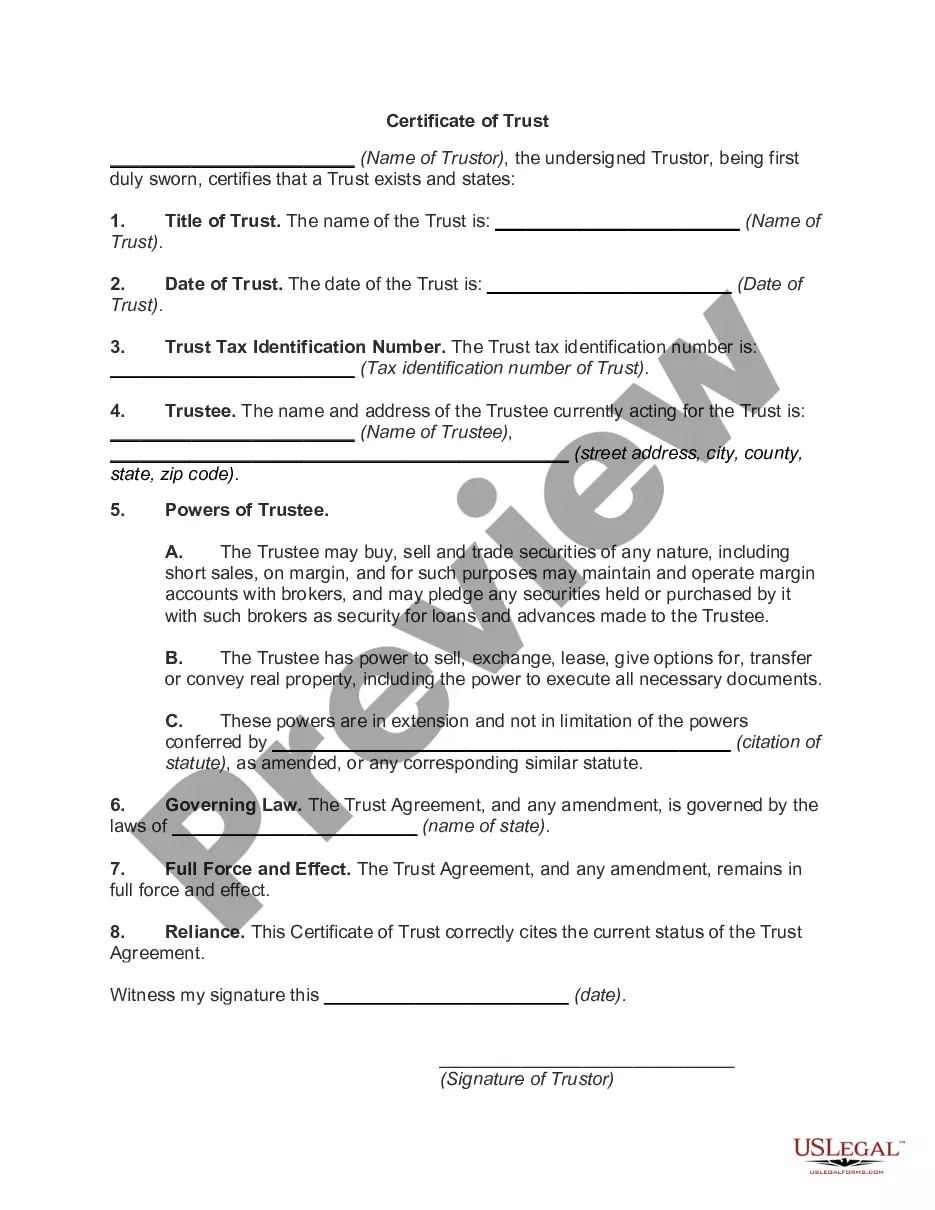
A Certificate of Trust is a legal document that provides essential information about a trust without disclosing its entire content. This form serves as a summary of key parts of the trust agreement, allowing third parties to verify the trust's existence and the trustee's authority to manage its assets. Unlike a full trust document, the Certificate of Trust is easier to present to financial institutions and other entities requiring proof of the trust's authority and details.
What’s included in this form
- The date the trust was created and its effective date.
- The name of the original settlor of the trust.
- The name and address of the current acting trustee.
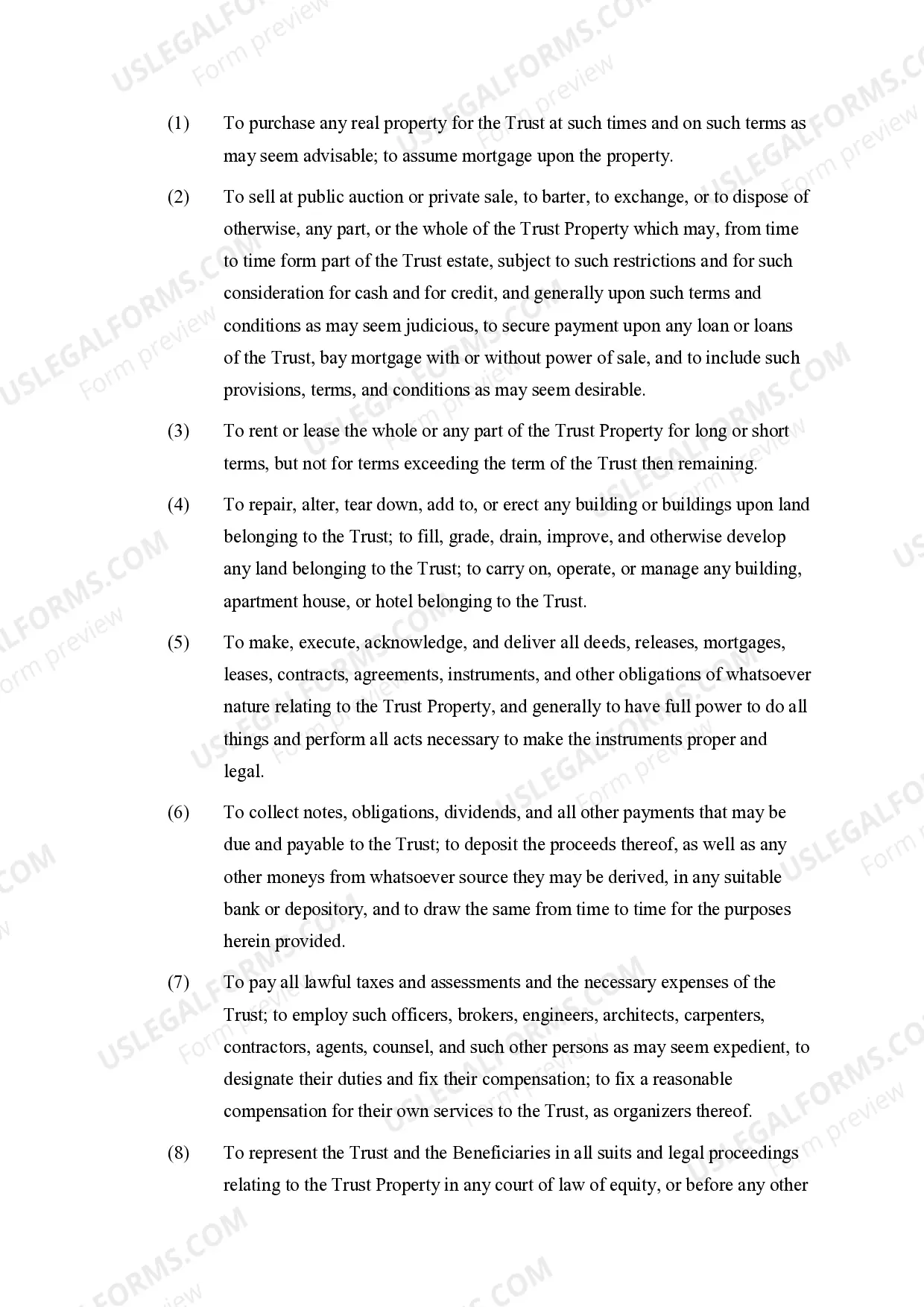
- A detailed list of the trustee's powers, including asset management, property transactions, and legal representation.
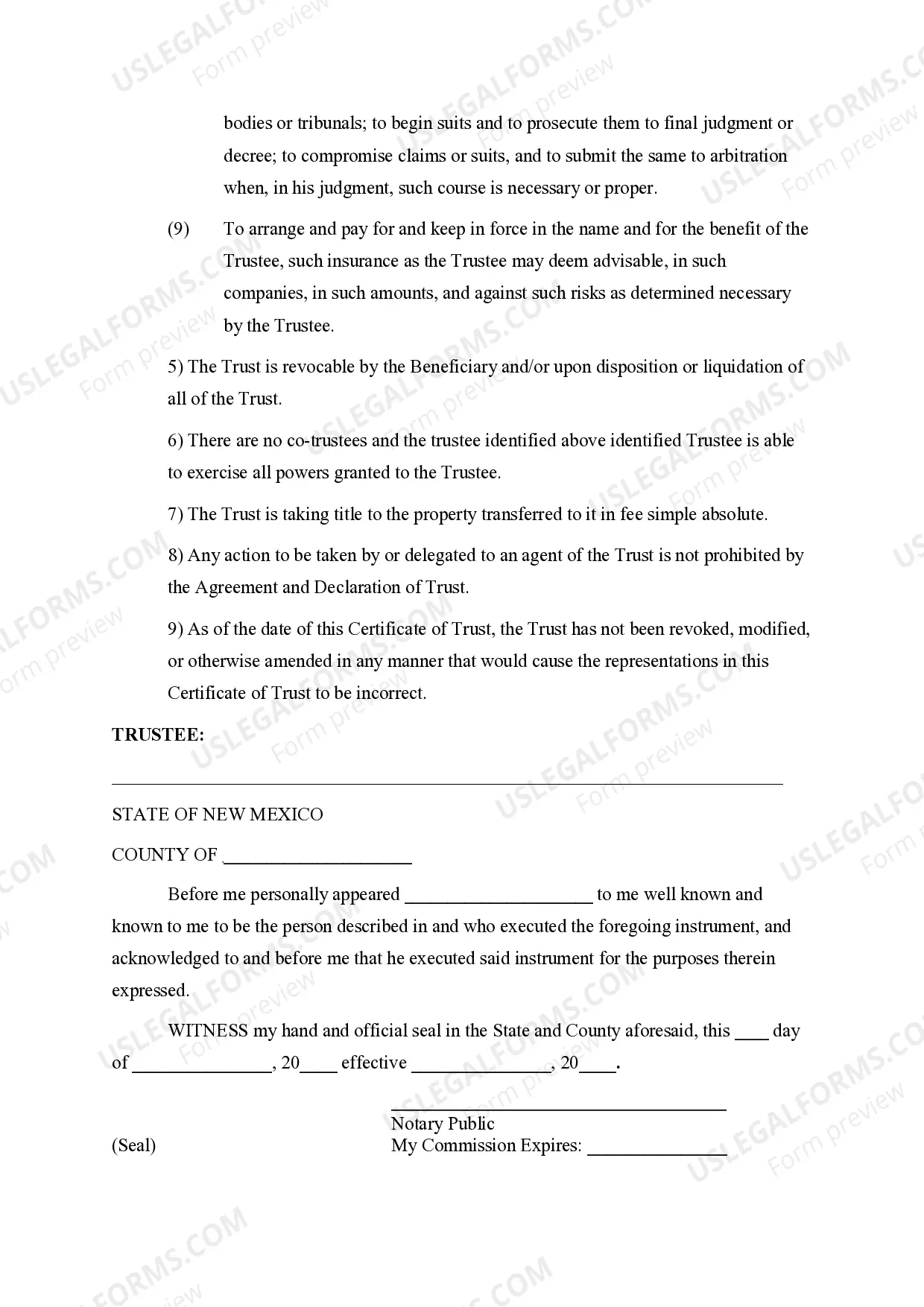
- Indication of whether the trust is revocable or irrevocable.
Common use cases
You should use a Certificate of Trust when you need to transfer assets into a trust. This form is commonly required by banks, investment firms, and other financial institutions to verify the existence of the trust and the authority of its trustee. Additionally, it is useful in situations where the trust is involved in real estate transactions, asset management, or any legal proceedings requiring proof of the trust's establishment.
Who this form is for
- Trustees who need to act on behalf of the trust.
- Settlers who want to provide official documentation to financial institutions.
- Beneficiaries of a trust seeking verification of trust status.
- Legal professionals assisting clients with trust management.
How to prepare this document
- Enter the date the trust agreement was executed and its effective date.
- Provide the name of the original settlor of the trust.
- Fill in the name and address of the current acting trustee.
- Specify the powers granted to the trustee as per the trust agreement.
- Indicate if the trust is revocable and confirm that it has not been modified or revoked.
Notarization guidance
Yes, this form must be notarized to be legally valid. Notarization ensures that the document is executed with the proper authority and verification. US Legal Forms offers integrated online notarization, allowing you to complete the process via secure video call at your convenience, without the need for travel.
Get your form ready online
Our built-in tools help you complete, sign, share, and store your documents in one place.
Make edits, fill in missing information, and update formatting in US Legal Forms—just like you would in MS Word.
Download a copy, print it, send it by email, or mail it via USPS—whatever works best for your next step.
Sign and collect signatures with our SignNow integration. Send to multiple recipients, set reminders, and more. Go Premium to unlock E-Sign.
If this form requires notarization, complete it online through a secure video call—no need to meet a notary in person or wait for an appointment.
We protect your documents and personal data by following strict security and privacy standards.

Make edits, fill in missing information, and update formatting in US Legal Forms—just like you would in MS Word.

Download a copy, print it, send it by email, or mail it via USPS—whatever works best for your next step.

Sign and collect signatures with our SignNow integration. Send to multiple recipients, set reminders, and more. Go Premium to unlock E-Sign.

If this form requires notarization, complete it online through a secure video call—no need to meet a notary in person or wait for an appointment.

We protect your documents and personal data by following strict security and privacy standards.
Mistakes to watch out for
- Failing to enter correct names or addresses for the settlor and trustee.
- Omitting the effective dates of the trust.
- Not specifying the powers of the trustee adequately.
- Incorrectly stating the revocability of the trust.
Why use this form online
- Convenient access to legal forms when you need them.
- Editable templates that allow you to personalize the document.
- Reliable source of attorney-drafted forms to ensure compliance with legal standards.
Looking for another form?

Form popularity
FAQ
New Mexico Certifcate of Trust is a form used to create a certificate that proves a trust exists and identifies the trustee authorized to act on behalf of the trust, without disclosing full terms. It facilitates transactions with banks, title companies, and other third parties while preserving the trust’s privacy and term details.
A certificate of trust is a document based on the trust that states the trust exists, identifies the trustee or trustees authorized to act, and may omit the full terms. It allows third parties to verify authority for dealing with trust assets without needing the entire trust agreement.
Original trust documents are typically kept by the trust's trustee or the person who created the trust. The certificate of trust can be used to prove authority to act without presenting the full document to banks or other institutions.
You can prepare the New Mexico Certifcate of Trust using this standard form. After signing, provide the certificate to banks, title companies, or other parties that require proof of the trust’s existence and the authorized signer.
Yes, you can prepare your own certificate of trust using this form, but ensure it accurately identifies the trust and the authorized signer. Consider consulting a licensed attorney to confirm it meets New Mexico requirements and your goals.
A certificate of trust is a concise document that confirms the trust exists and who can act for it, without including its terms. A full trust agreement contains the complete provisions. The certificate is intended to simplify third‑party dealings and protect privacy.