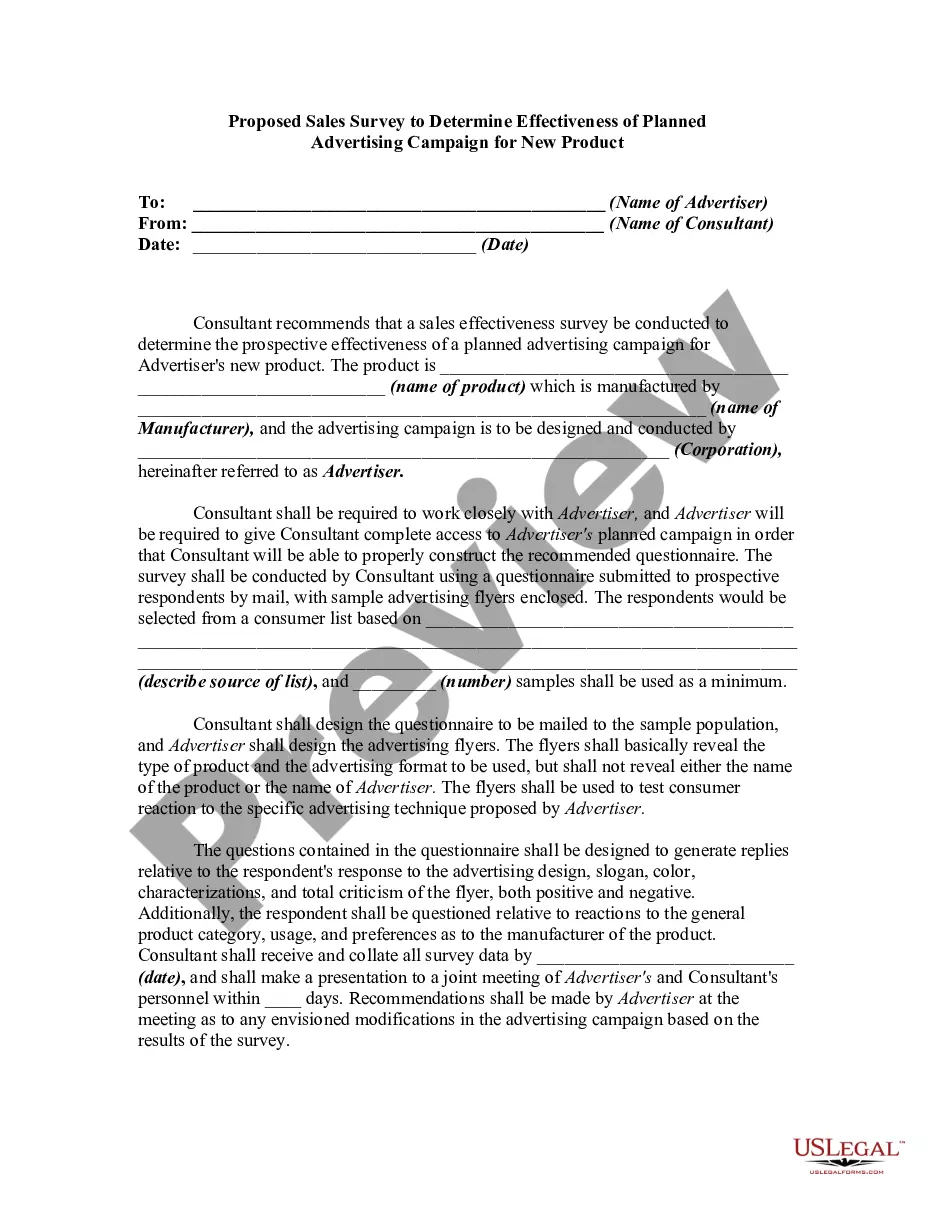
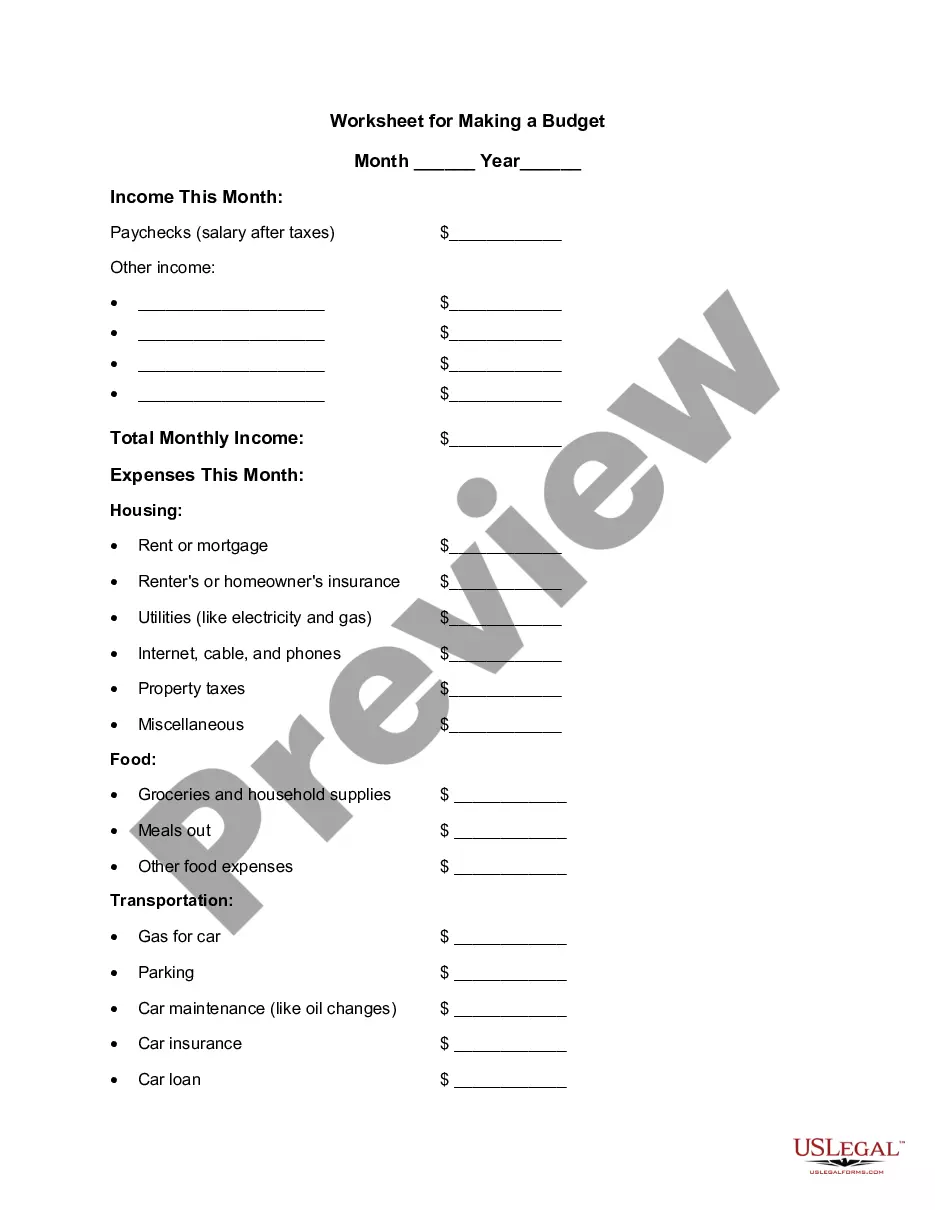
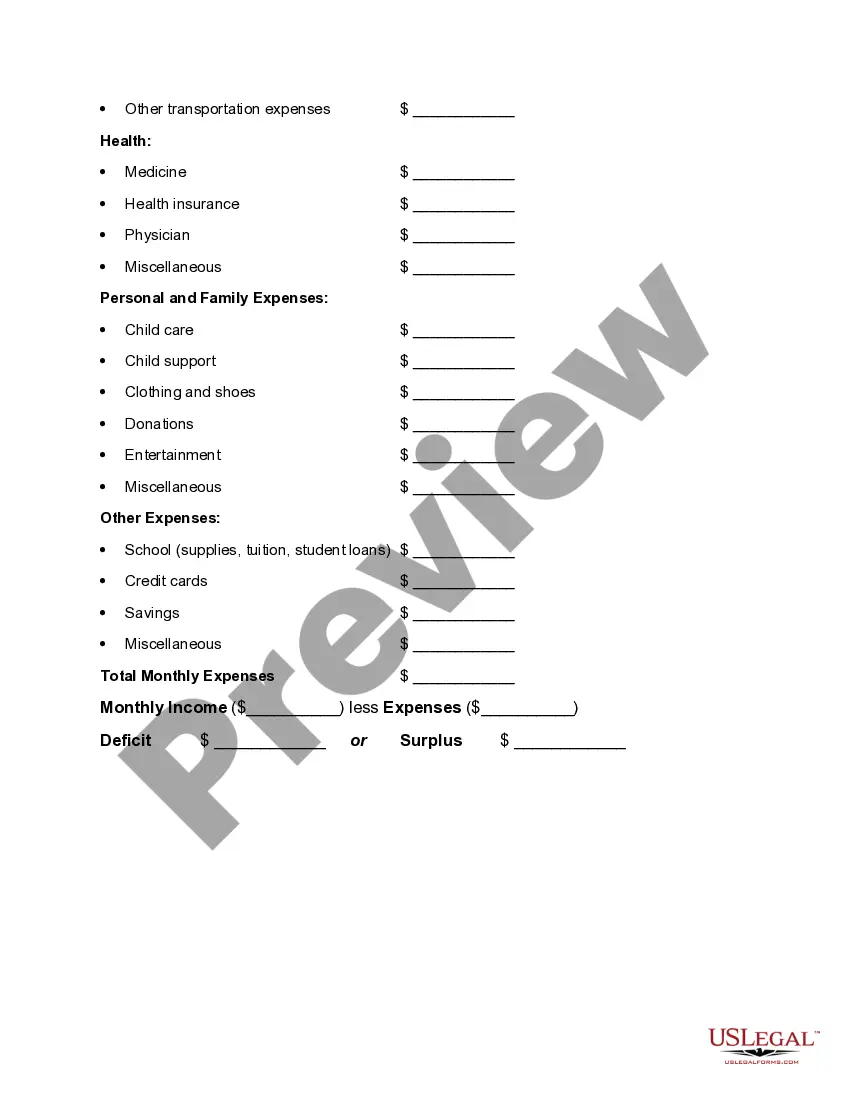
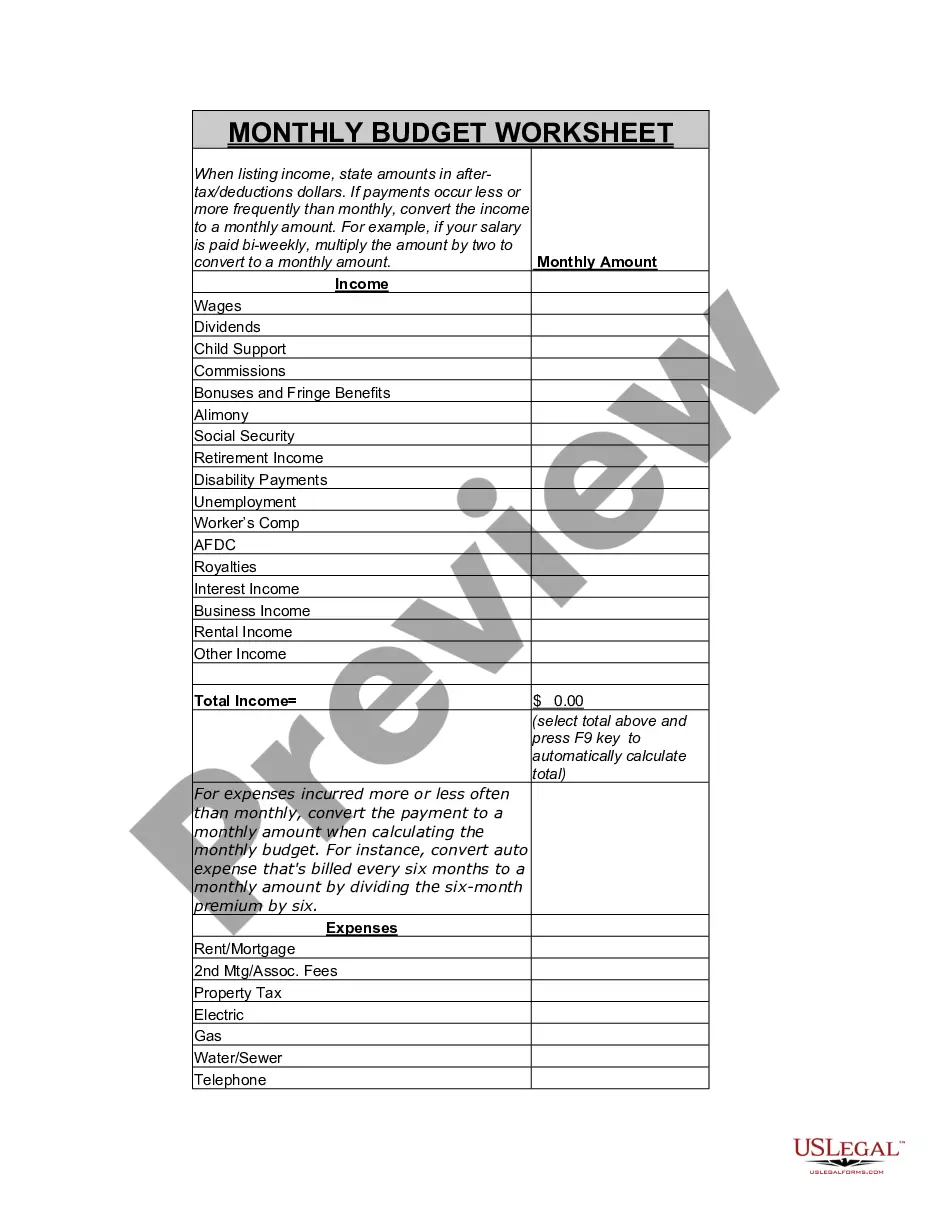
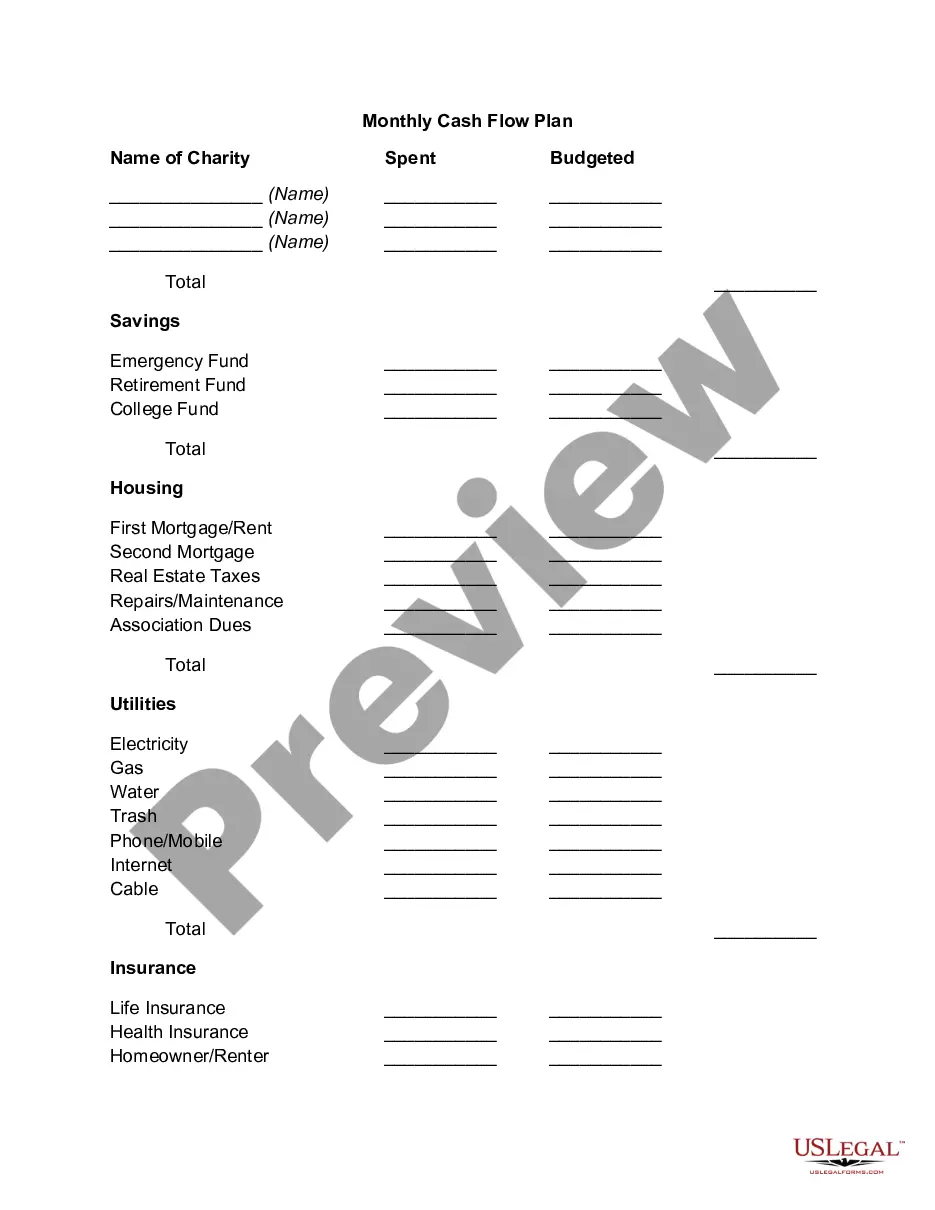
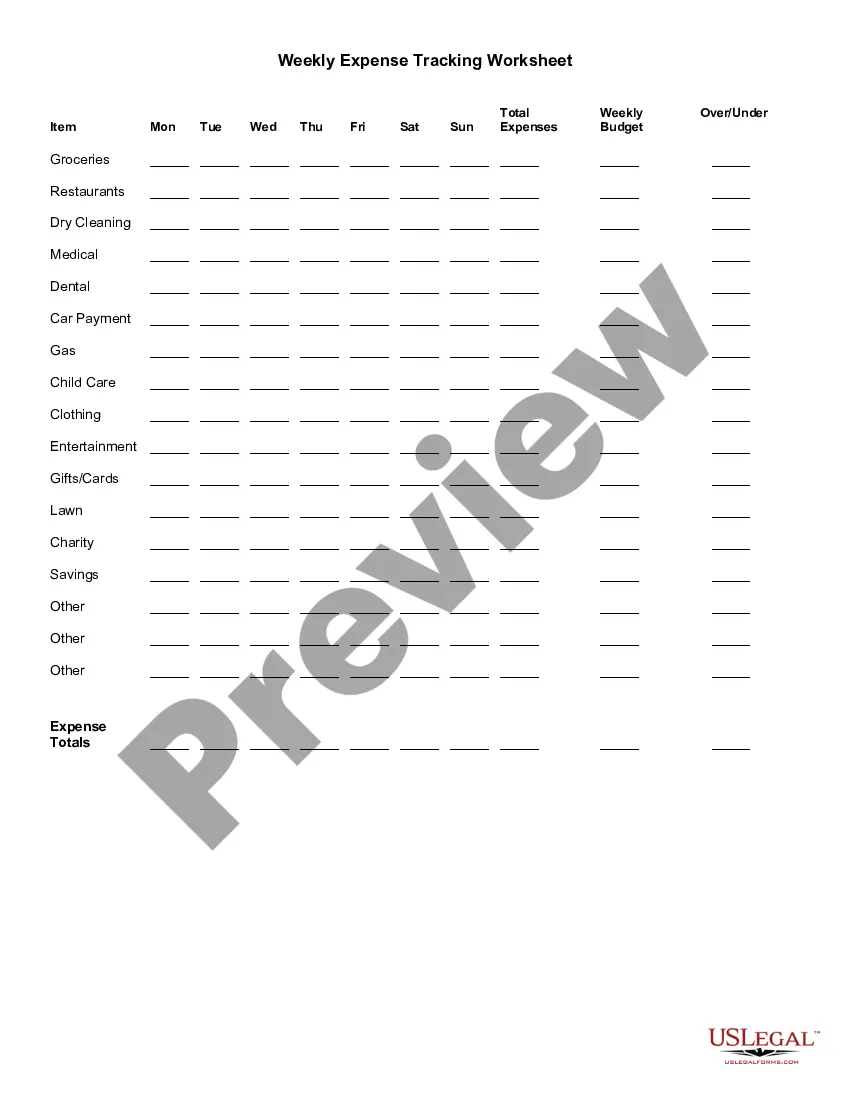
New Jersey Worksheet for Making a Budget
Description
Get your form ready online
Our built-in tools help you complete, sign, share, and store your documents in one place.
Make edits, fill in missing information, and update formatting in US Legal Forms—just like you would in MS Word.
Download a copy, print it, send it by email, or mail it via USPS—whatever works best for your next step.
Sign and collect signatures with our SignNow integration. Send to multiple recipients, set reminders, and more. Go Premium to unlock E-Sign.
If this form requires notarization, complete it online through a secure video call—no need to meet a notary in person or wait for an appointment.
We protect your documents and personal data by following strict security and privacy standards.

Make edits, fill in missing information, and update formatting in US Legal Forms—just like you would in MS Word.

Download a copy, print it, send it by email, or mail it via USPS—whatever works best for your next step.

Sign and collect signatures with our SignNow integration. Send to multiple recipients, set reminders, and more. Go Premium to unlock E-Sign.

If this form requires notarization, complete it online through a secure video call—no need to meet a notary in person or wait for an appointment.

We protect your documents and personal data by following strict security and privacy standards.
Looking for another form?
How to fill out Worksheet For Making A Budget?
It is feasible to spend time online trying to locate the legal template that fulfills the state and federal requirements you need.
US Legal Forms offers a vast array of legal documents that are evaluated by experts.
You can download or print the New Jersey Worksheet for Creating a Budget from the service.
Review the document summary to confirm you have selected the right template.
- If you already have a US Legal Forms account, you may Log In and click on the Obtain option.
- Then, you can fill out, edit, print, or sign the New Jersey Worksheet for Creating a Budget.
- Every legal template you purchase belongs to you for years.
- To obtain an additional copy of the purchased document, visit the My documents tab and click on the corresponding option.
- If you are using the US Legal Forms website for the first time, follow the basic instructions below.
- Firstly, ensure that you have chosen the correct template for the county/city of your selection.
Form popularity
FAQ
A simple, step-by-step guide to creating a budget in Google SheetsStep 1: Open a Google Sheet.Step 2: Create Income and Expense Categories.Step 3: Decide What Budget Period to Use.Step 4: Use simple formulas to minimize your time commitment.Step 5: Input your budget numbers.Step 6: Update your budget.
How to Make a Budget Plan: 6 Easy StepsSelect your budget template or application.Collect all your financial paperwork or electronic bill information.Calculate your monthly income.Establish a list of your monthly expenses.Categorize your expenses and designate spending values.Adjust your budget accordingly.
How to Create a Budget in ExcelIdentify Your Financial Goals.Determine the Period Your Budget Will Cover.Calculate Your Total Income.Begin Creating Your Excel Budget.Enter All Cash, Debit and Check Transactions into the Budget Spreadsheet.Enter All Credit Transactions.Calculate Total Expenses from All Sources.More items...
Our 50/30/20 calculator divides your take-home income into suggested spending in three categories: 50% of net pay for needs, 30% for wants and 20% for savings and debt repayment.
What is the 50/30/20 rule? The 50/30/20 rule is an easy budgeting method that can help you to manage your money effectively, simply and sustainably. The basic rule of thumb is to divide your monthly after-tax income into three spending categories: 50% for needs, 30% for wants and 20% for savings or paying off debt.
5 Steps to Creating a BudgetStep 1: Determine Your Income. This amount should be your monthly take-home pay after taxes and other deductions.Step 2: Determine Your Expenses.Step 3: Choose Your Budget Plan.Step 4: Adjust Your Habits.Step 5: Live the Plan.
How to Create a Monthly Budget in 6 StepsTOTAL YOUR MONTHLY TAKE-HOME PAY.ADD UP WHAT YOU SPEND ON FIXED EXPENSES.ADD UP WHAT YOU SPEND ON NON-MONTHLY COSTS.ADD UP CONTRIBUTIONS TO FINANCIAL GOALS.ADD UP YOUR DISCRETIONARY SPENDING.DO SOME SIMPLE MATH.
Senator Elizabeth Warren popularized the so-called "50/20/30 budget rule" (sometimes labeled "50-30-20") in her book, All Your Worth: The Ultimate Lifetime Money Plan. The basic rule is to divide up after-tax income and allocate it to spend: 50% on needs, 30% on wants, and socking away 20% to savings.
1 List the budget items. List the budget items and budgeted dollar amounts.2 Record the amount. Record the amount that was actually spent for each budget item.3 Write a description. Write a description for each budget item that you spent money on.4 Write your summary. Write your summary.