New Jersey Release and Authorization
About this form
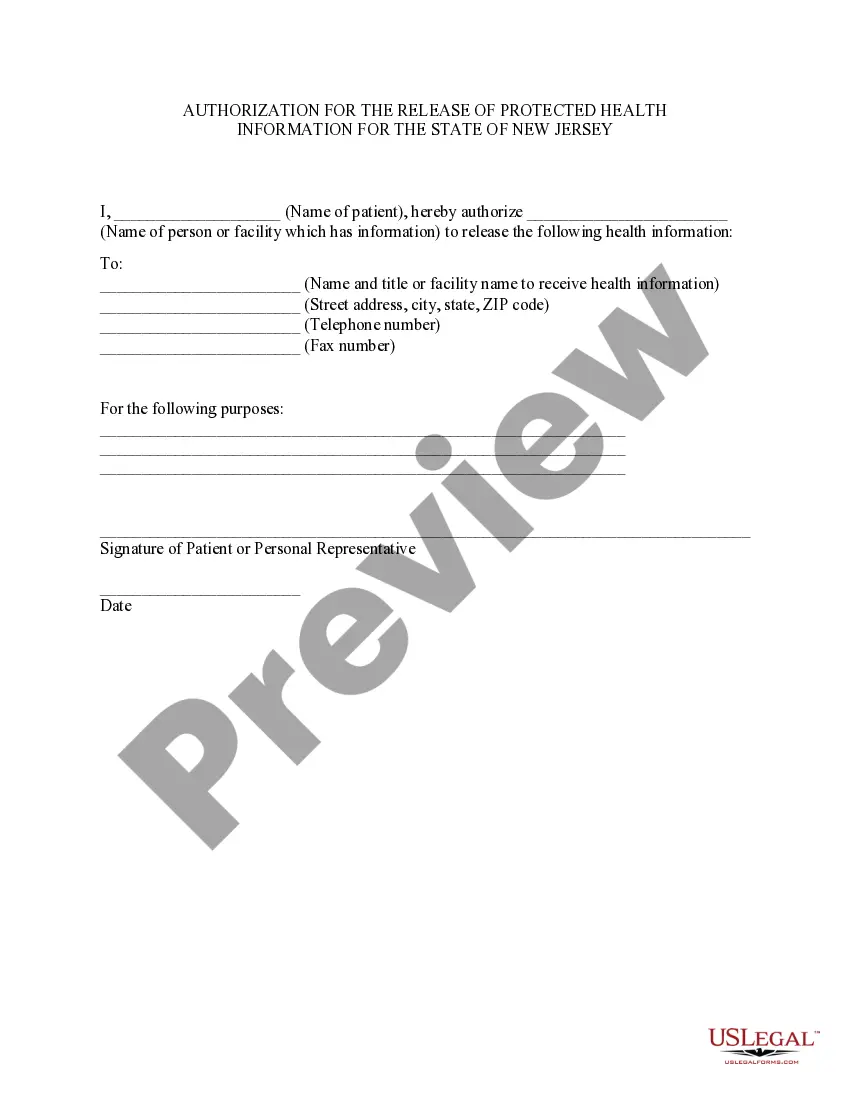
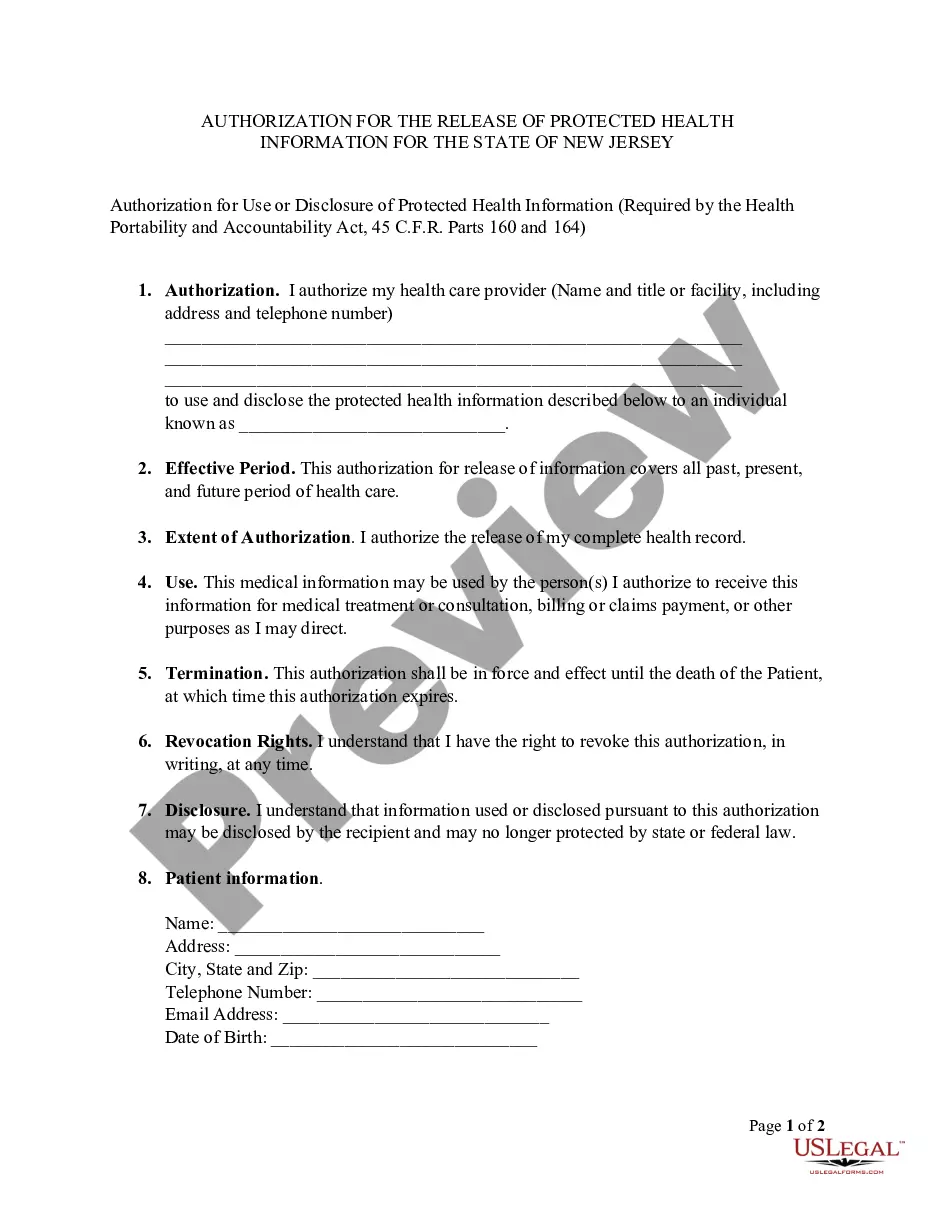
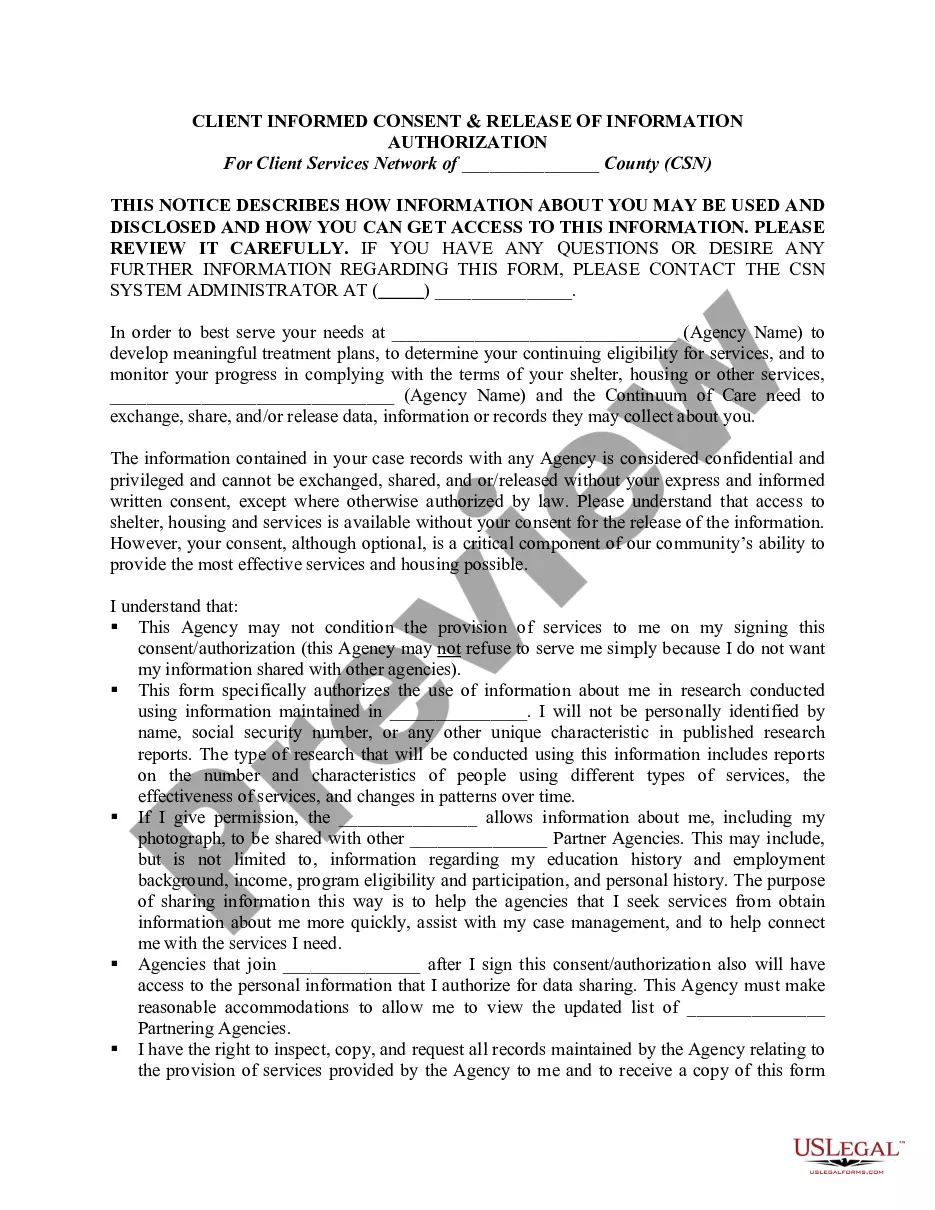
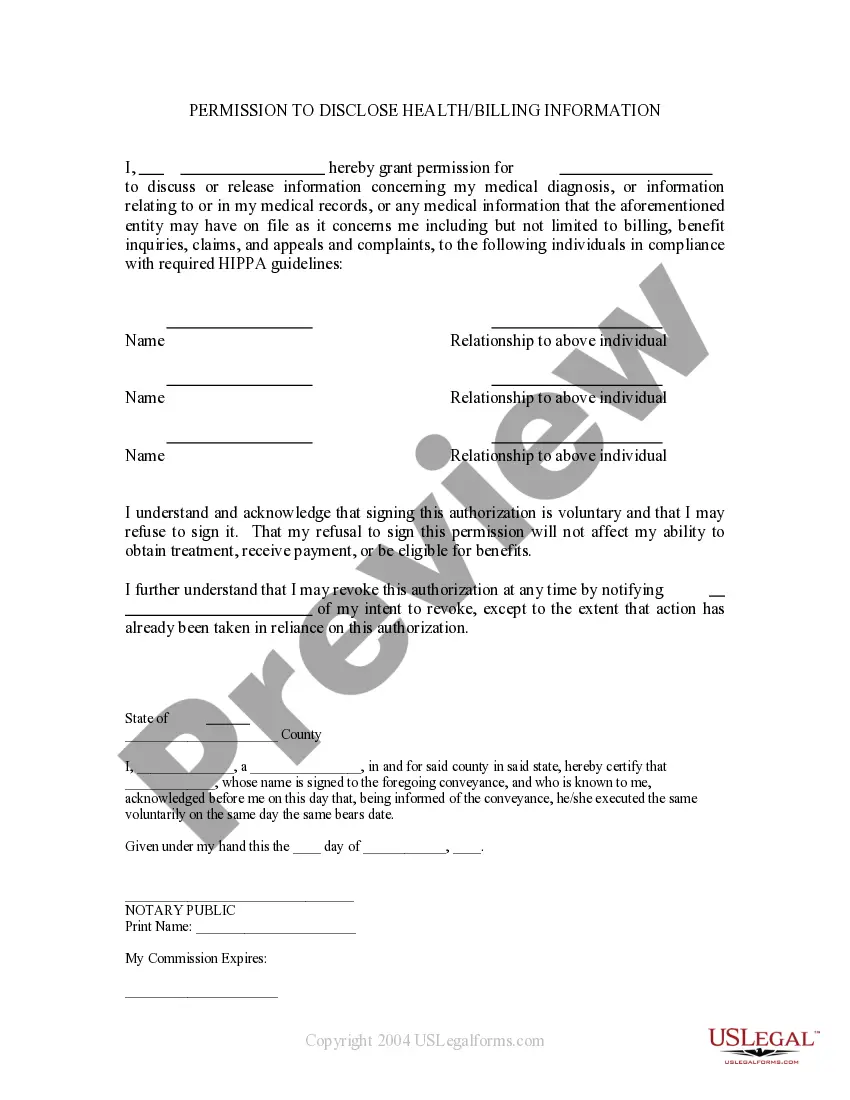
The New Jersey Release and Authorization form is a specific type of HIPAA authorization that allows patients to consent to the release of their medical information. This form ensures that healthcare providers and facilities can share pertinent health data with designated individuals or organizations for specified purposes while adhering to privacy regulations.
Key components of this form
- Name of the patient who is authorizing the release of health information.
- Name of the individual or facility holding the health information.
- Name and contact details of the recipient entity for the health information.
- Specific purposes for which the health information is to be released.
- Signature of the patient or their personal representative.
- Date of the authorization.
When to use this form
This form is needed when a patient wishes to authorize specific healthcare providers or facilities to release their medical information to other parties. Common scenarios include situations where the patient is applying for services that require the release of health records, seeking a second opinion, or transferring care to a new provider.
Who needs this form
- Patients seeking to control the release of their own health information.
- Personal representatives acting on behalf of a patient due to legal reasons.
- Healthcare providers needing written authorization to share patient information.
Instructions for completing this form
- Enter the patient's name at the top of the form.
- Specify the name of the entity holding the health information.
- Fill in the recipientâs details, including their address and contact information.
- Clearly state the purpose for which the health information is being released.
- Obtain the patientâs signature or that of their personal representative.
- Write the date when the form is completed and signed.
Is notarization required?
This form does not typically require notarization unless specified by local law. However, depending on individual circumstances, it may be advisable to consult with a legal professional to ensure compliance with local requirements.
Get your form ready online
Our built-in tools help you complete, sign, share, and store your documents in one place.
Make edits, fill in missing information, and update formatting in US Legal Forms—just like you would in MS Word.
Download a copy, print it, send it by email, or mail it via USPS—whatever works best for your next step.
Sign and collect signatures with our SignNow integration. Send to multiple recipients, set reminders, and more. Go Premium to unlock E-Sign.
If this form requires notarization, complete it online through a secure video call—no need to meet a notary in person or wait for an appointment.
We protect your documents and personal data by following strict security and privacy standards.

Make edits, fill in missing information, and update formatting in US Legal Forms—just like you would in MS Word.

Download a copy, print it, send it by email, or mail it via USPS—whatever works best for your next step.

Sign and collect signatures with our SignNow integration. Send to multiple recipients, set reminders, and more. Go Premium to unlock E-Sign.

If this form requires notarization, complete it online through a secure video call—no need to meet a notary in person or wait for an appointment.

We protect your documents and personal data by following strict security and privacy standards.
Avoid these common issues
- Failing to provide the correct recipient details, which may delay processing.
- Not specifying the purpose of the information release clearly.
- Omitting to have the patient or their representative sign the form.
- Not dating the form, which can lead to questions about its validity.
Advantages of online completion
- Convenient download and immediate access to the required form.
- Editability allows users to customize information before printing.
- Reliability in ensuring the form meets legal standards for New Jersey.
Looking for another form?

Form popularity
FAQ
Vehicle Registration Schedule an appointment ? no walk-ins! Title (see information about titles) Driver's license or other ID (See 6 Points of ID for more information). New Jersey insurance card or company name & policy number. Completed Vehicle Registration Application Form (Form BA-49)
There are only nine title-holding states: Kentucky, Maryland, Michigan, Minnesota, Missouri, Montana, New York, Oklahoma, Wisconsin. In the other 41 states, titles are issued to the lien holder of your vehicle until the loan is fully paid off.
Where do I submit the required documents? Proof of insurance or disposition of the vehicle can be submitted: ? By Fax at 609-777-3178 or 609-777-3179. Please include name, license number and phone number.
A HIPAA authorization form, also known as a HIPAA release form, is a document that individual signs for their health provider before the entity may use or disclose their protected health information (PHI).
By setting up a Release Authorization (ARI), you are giving customer service your permission to disclose information about your accounts to another person. Typically, this is used to give account access to a spouse or other family member.
New Jersey Criminal Defense Attorney Invasion of privacy is a serious crime in New Jersey. To avoid an invasion of privacy conviction and the legal and collateral consequences that come with them, you need the help of a seasoned criminal defense attorney.