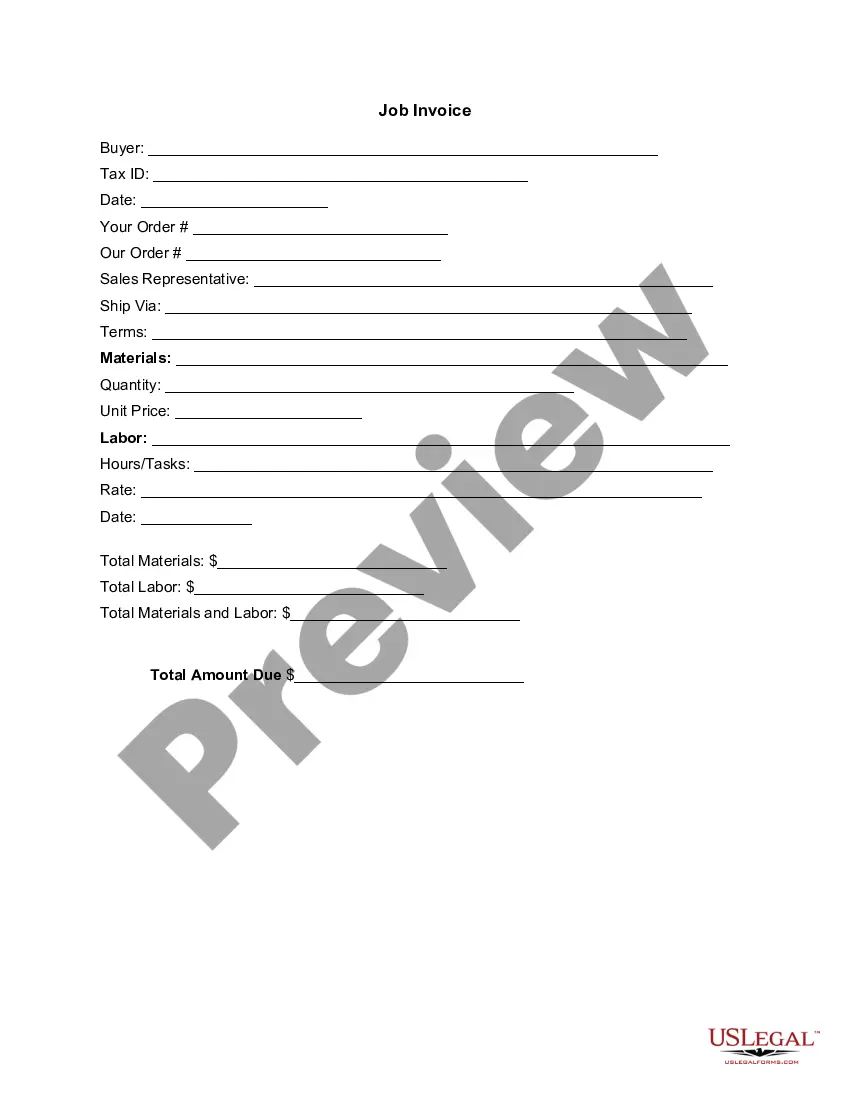
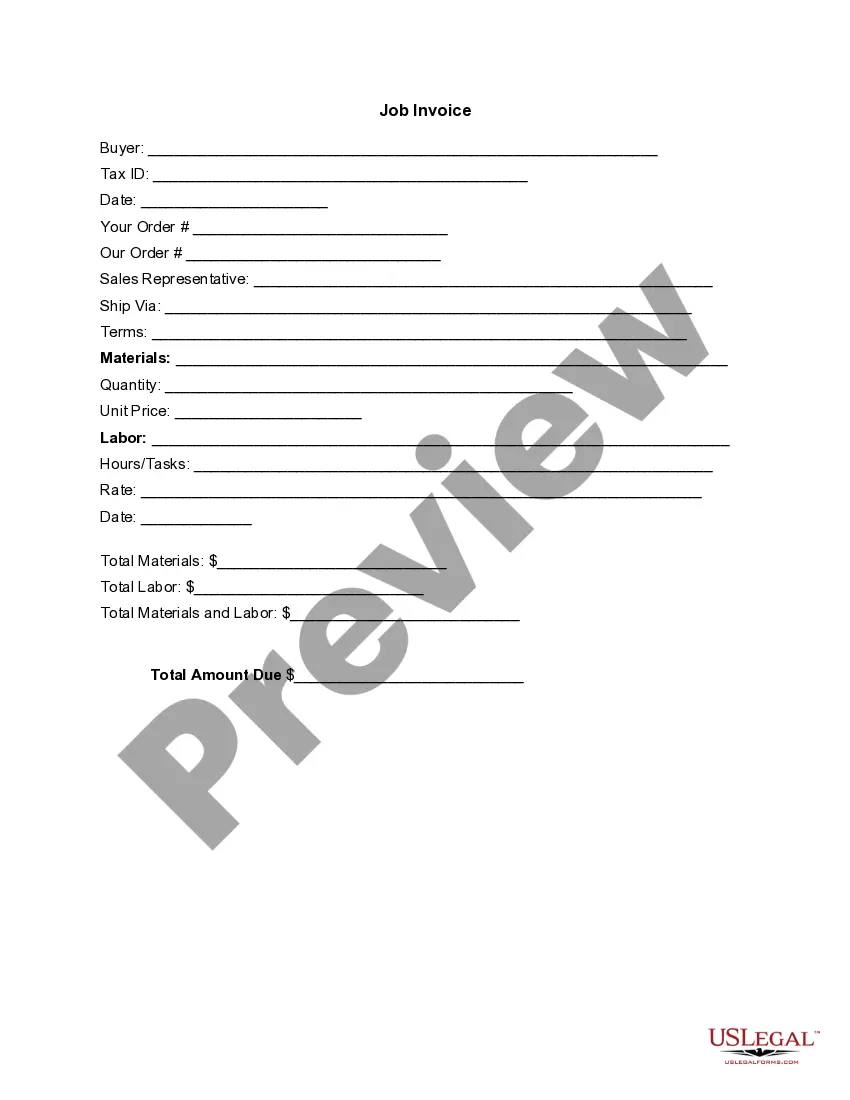
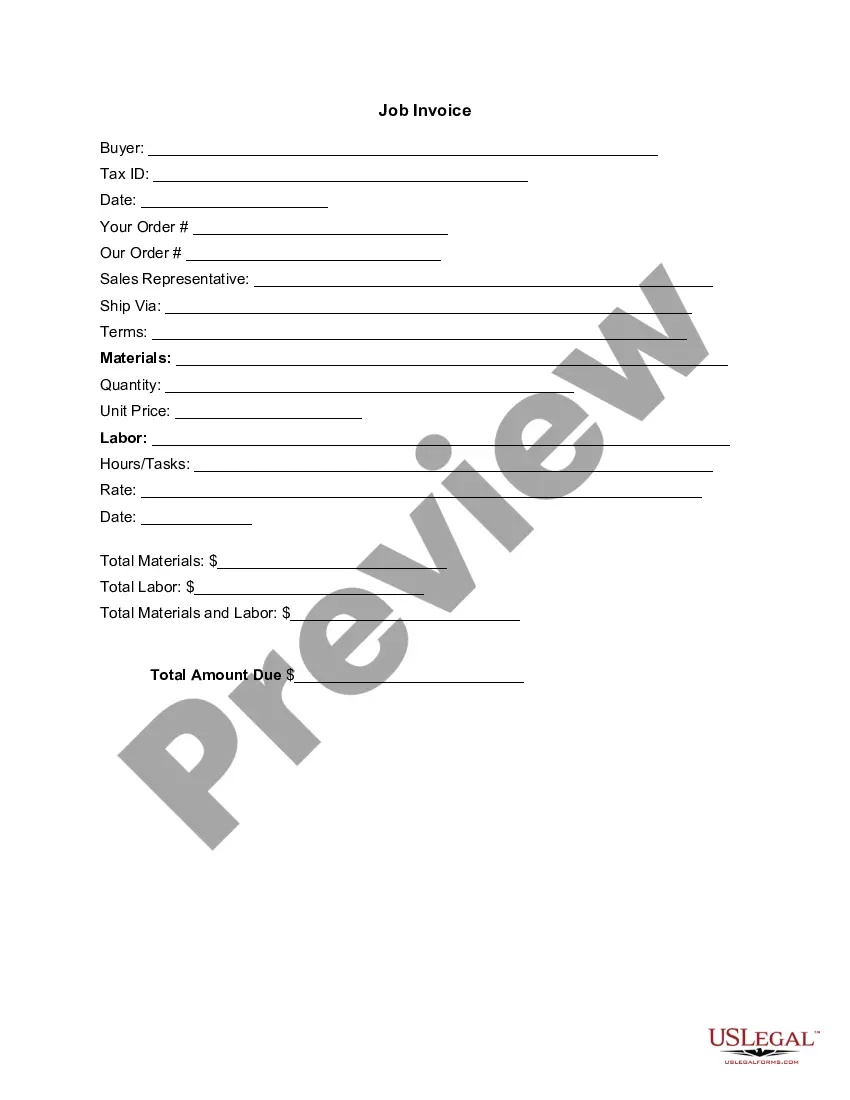
New Hampshire Invoice Template for Dentist
Description

Get your form ready online
Our built-in tools help you complete, sign, share, and store your documents in one place.
Make edits, fill in missing information, and update formatting in US Legal Forms—just like you would in MS Word.
Download a copy, print it, send it by email, or mail it via USPS—whatever works best for your next step.
Sign and collect signatures with our SignNow integration. Send to multiple recipients, set reminders, and more. Go Premium to unlock E-Sign.
If this form requires notarization, complete it online through a secure video call—no need to meet a notary in person or wait for an appointment.
We protect your documents and personal data by following strict security and privacy standards.

Make edits, fill in missing information, and update formatting in US Legal Forms—just like you would in MS Word.

Download a copy, print it, send it by email, or mail it via USPS—whatever works best for your next step.

Sign and collect signatures with our SignNow integration. Send to multiple recipients, set reminders, and more. Go Premium to unlock E-Sign.

If this form requires notarization, complete it online through a secure video call—no need to meet a notary in person or wait for an appointment.

We protect your documents and personal data by following strict security and privacy standards.
Looking for another form?



How to fill out Invoice Template For Dentist?
You have the capability to devote time online trying to locate the authorized document template that satisfies the state and federal requirements you require.
US Legal Forms provides thousands of authorized documents that can be reviewed by experts.
You can easily download or create the New Hampshire Invoice Template for Dentist from the services.
To find another version of the document, utilize the Search section to locate the template that suits your needs.
- If you already possess a US Legal Forms account, you can Log In and then select the Download option.
- After that, you can complete, modify, create, or sign the New Hampshire Invoice Template for Dentist.
- Every authorized document template you obtain is yours permanently.
- To get another version of the purchased document, navigate to the My documents tab and select the appropriate option.
- If you are using the US Legal Forms website for the first time, follow the simple instructions listed below.
- First, ensure that you have chosen the correct document template for your area/city of choice.
- Check the document description to confirm you have selected the accurate document.
Form popularity
FAQ
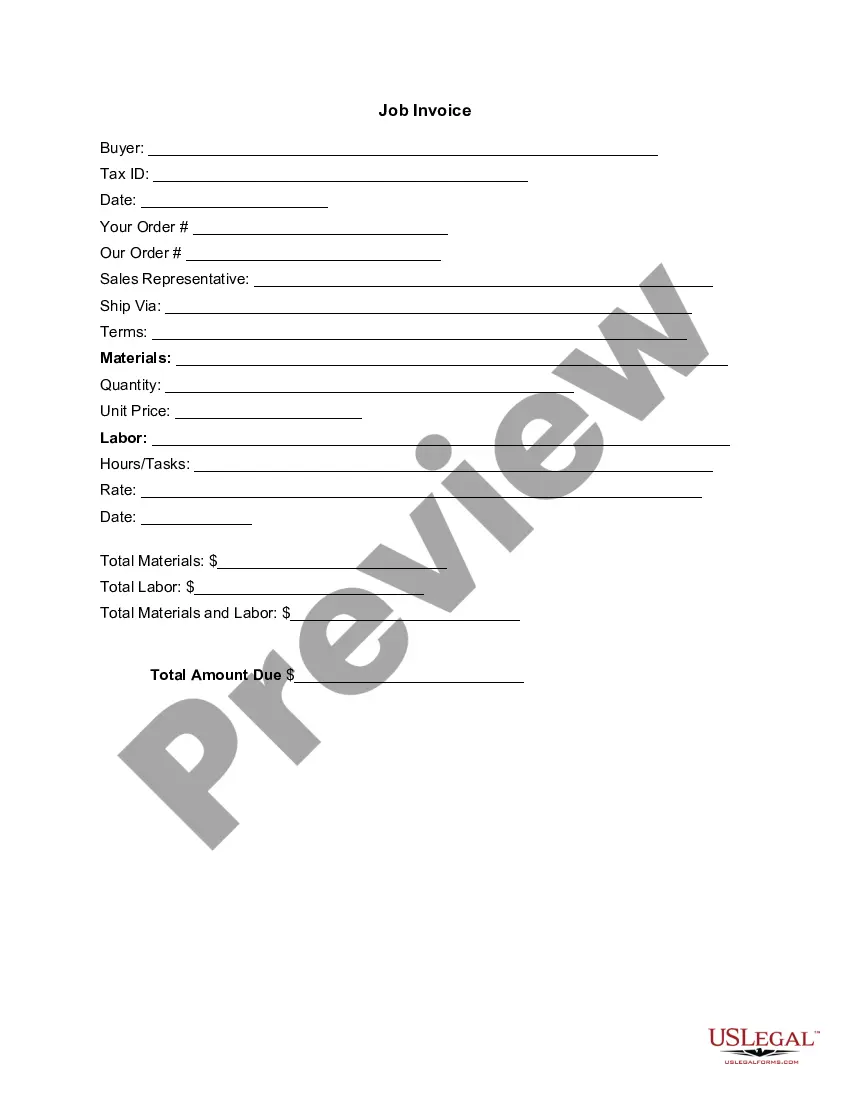
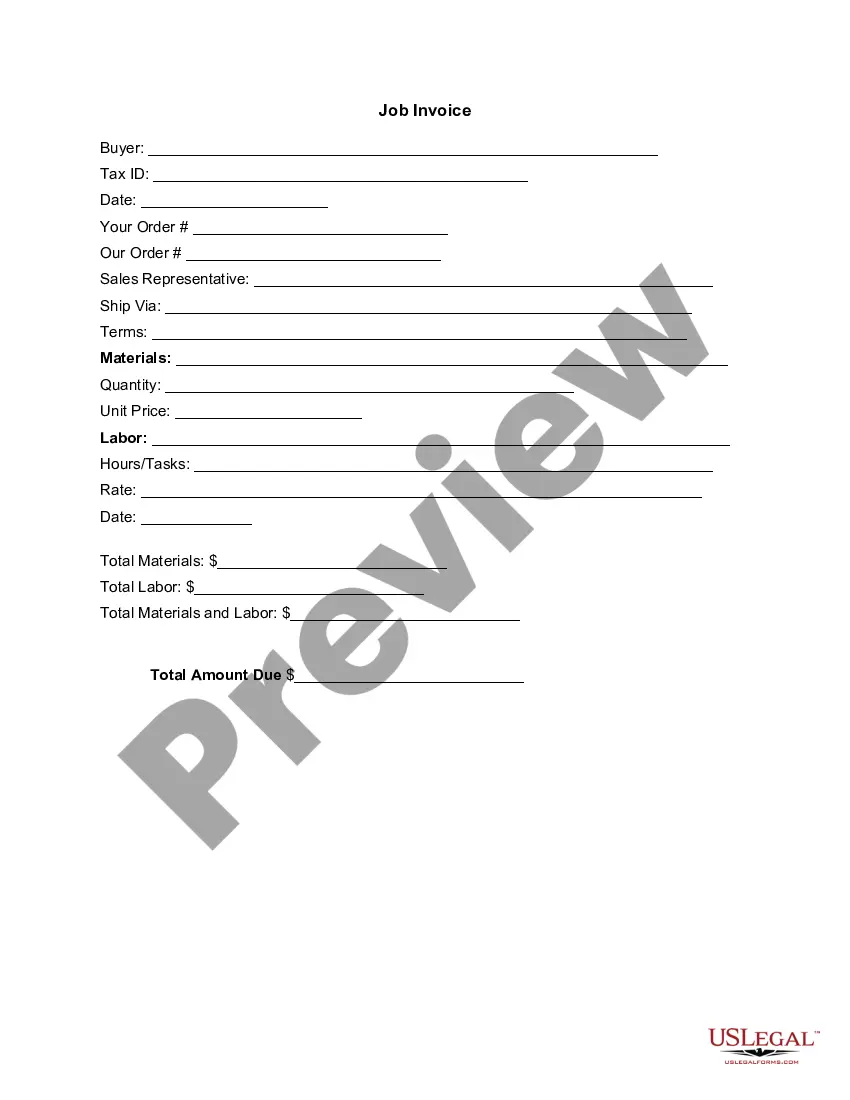
Filling out a New Hampshire Invoice Template for Dentist is straightforward. Start by entering your dental practice’s name, address, and contact information at the top. Next, add your patient's details, including their name and address. Finally, list the dental services provided, their costs, and any applicable taxes, ensuring clarity for both you and your client.
When calling to make a dentist appointment, it’s helpful to clearly state your name and request an appointment for a specific date and time. You might say something like, 'Hello, I would like to schedule an appointment for a dental check-up.' This approach helps the receptionist assist you efficiently while ensuring you get the care you need.
Filling out an invoice format requires you to input essential information such as the payer's details, the services performed, and the total amount due. Using a New Hampshire Invoice Template for Dentist can facilitate this process by providing a structured layout that prompts you for all necessary details. This way, you can create accurate and professional invoicing effortlessly.
To create a dentist bill, start by listing each service provided along with the corresponding costs. A New Hampshire Invoice Template for Dentist can simplify this task by guiding you on what information to include. This ensures that your bill is clear and comprehensive, fostering trust between you and your patient.
Creating a dental bill involves detailing the services rendered and their costs. You can utilize a New Hampshire Invoice Template for Dentist to ensure you include all relevant information, like the patient's name, procedure dates, and total charges. This method helps maintain professionalism while keeping the billing process straightforward.
Yes, your dentist can send you a bill for the services provided. Using a New Hampshire Invoice Template for Dentist can streamline this process. This template ensures that the bill includes all necessary details, such as procedures performed and payment terms, making it clear and easy for you to understand.
How to Create a Simple InvoiceDownload the basic Simple Invoice Template in PDF, Word or Excel format.Open the new invoice doc in Word or Excel.Add your business information and branding, including your business name and logo.Customize the fields in the template to create your invoice.Name your invoice.Save
To create an invoice in Word from scratch, businesses can follow these invoicing steps:Open a New Blank Document.Create an Invoice Header.Add the Invoice Date.Include a Unique Invoice Number.Include Your Client's Contact Details.Create an Itemized List of Services.Display the Total Amount Due.More items...?
To create an invoice in Word from scratch, businesses can follow these invoicing steps:Open a New Blank Document.Create an Invoice Header.Add the Invoice Date.Include a Unique Invoice Number.Include Your Client's Contact Details.Create an Itemized List of Services.Display the Total Amount Due.More items...?28-Mar-2019
How to create an invoice: step-by-stepMake your invoice look professional. The first step is to put your invoice together.Clearly mark your invoice.Add company name and information.Write a description of the goods or services you're charging for.Don't forget the dates.Add up the money owed.Mention payment terms.