New Hampshire Correction Statement and Agreement
Overview of this form
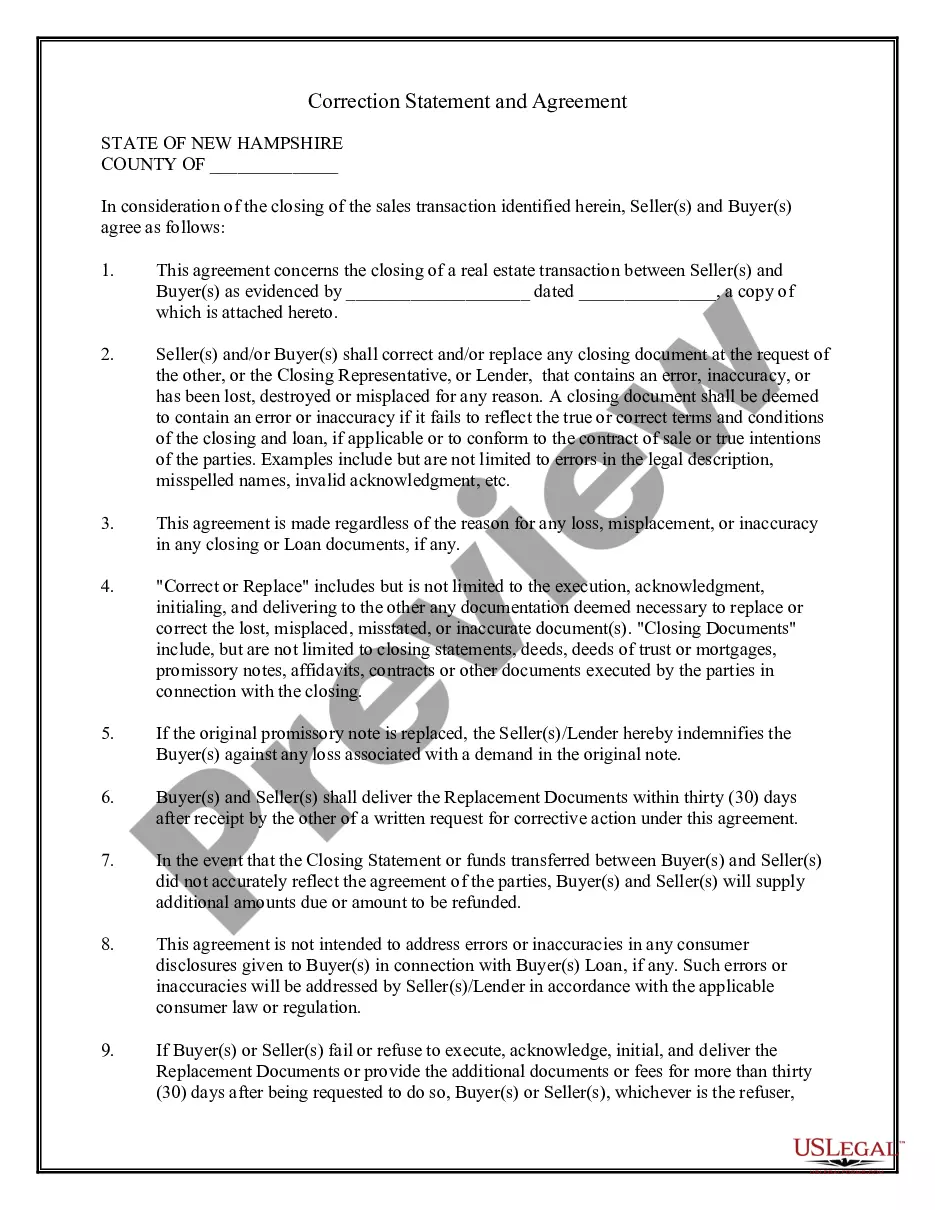
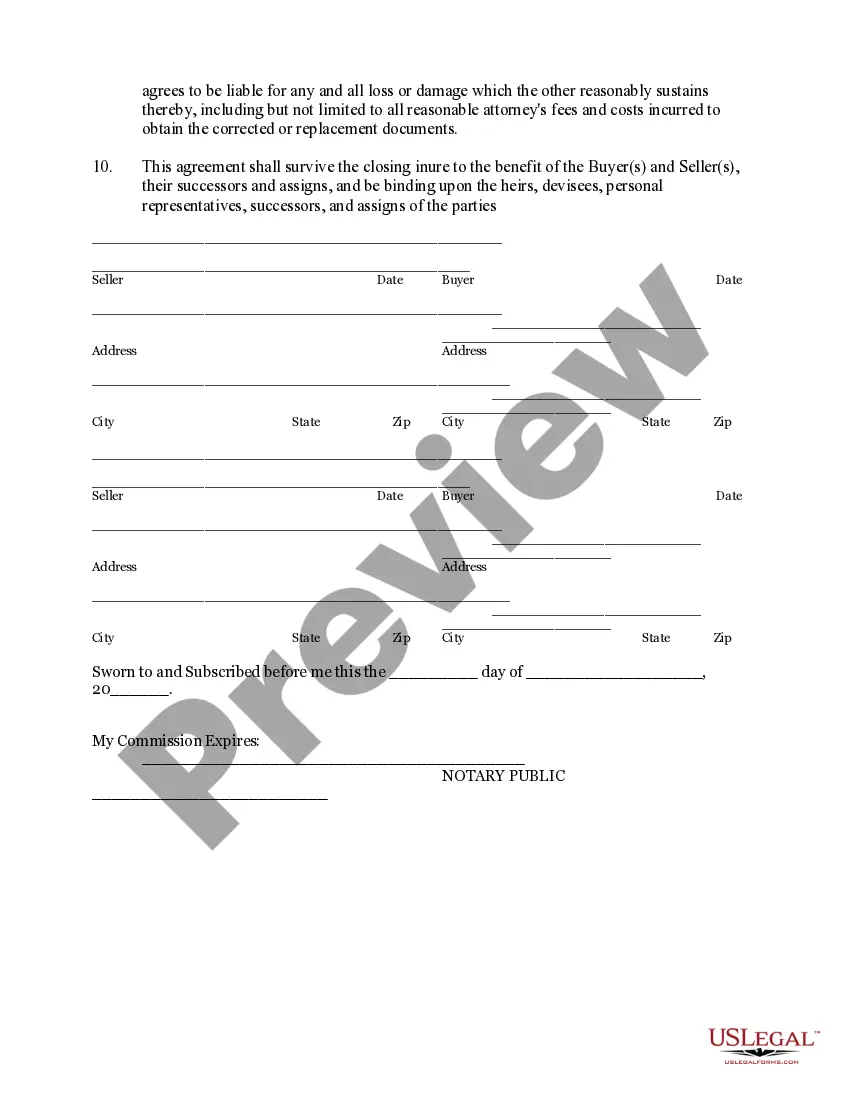
The Correction Statement and Agreement is a legal document used during the closing of a real estate transaction. It allows both the buyer and seller to agree on executing corrected documents in the case of errors or inaccuracies, or to provide replacements for any documents that may have been lost or misplaced. This form is essential for ensuring that all closing documents accurately reflect the terms agreed upon by the parties involved and is particularly important in real estate transactions to protect both buyers and sellers from potential disputes arising from documentation errors.
Key components of this form
- Identification of the real estate transaction and the parties involved.
- Agreement to correct any errors in closing documents upon request.
- Clarifications on what constitutes an error or inaccuracy.
- Obligations regarding the replacement of lost or misplaced documents.
- Indemnification clause for the buyer in case of replacement of the promissory note.
- Timeframe for delivering replacement documents.

Common use cases
This form should be used whenever a real estate transaction is closing, and there is a likelihood of errors or the possibility of documents being lost. It is particularly useful if there are discrepancies in the closing statement, incorrect legal descriptions, or if any closing documents need to be replaced due to loss or inaccuracy. Having this agreement in place ensures that all parties understand their obligations to correct or replace documents promptly, thereby avoiding potential legal issues after the transaction is complete.
Who can use this document
- Buyers and sellers involved in real estate transactions.
- Closing representatives facilitating the transaction.
- Lenders who require assurance that correct closing documentation is executed.
- Real estate agents assisting clients with contracts and agreements.
How to prepare this document
- Identify and enter the names and addresses of all parties involved, including buyers and sellers.
- Provide details of the real estate transaction, including any relevant dates and attached documents.
- State any errors or issues in existing documents that require correction or replacement.
- Sign and date the agreement as both the buyer(s) and seller(s), ensuring notary acknowledgment if necessary.
- Deliver any agreed-upon replacement documents within thirty days of request.
Does this document require notarization?
This form needs to be notarized to ensure legal validity. US Legal Forms provides secure online notarization powered by Notarize, allowing you to complete the process through a verified video call, available anytime.
Get your form ready online
Our built-in tools help you complete, sign, share, and store your documents in one place.
Make edits, fill in missing information, and update formatting in US Legal Forms—just like you would in MS Word.
Download a copy, print it, send it by email, or mail it via USPS—whatever works best for your next step.
Sign and collect signatures with our SignNow integration. Send to multiple recipients, set reminders, and more. Go Premium to unlock E-Sign.
If this form requires notarization, complete it online through a secure video call—no need to meet a notary in person or wait for an appointment.
We protect your documents and personal data by following strict security and privacy standards.

Make edits, fill in missing information, and update formatting in US Legal Forms—just like you would in MS Word.

Download a copy, print it, send it by email, or mail it via USPS—whatever works best for your next step.

Sign and collect signatures with our SignNow integration. Send to multiple recipients, set reminders, and more. Go Premium to unlock E-Sign.

If this form requires notarization, complete it online through a secure video call—no need to meet a notary in person or wait for an appointment.

We protect your documents and personal data by following strict security and privacy standards.
Common mistakes to avoid
- Failing to include all required signatures from both parties.
- Not specifying the details of what errors need correction.
- Overlooking the timeframe for delivering replacement documents.
- Misunderstanding the indemnification terms related to the promissory note.
- Not attaching relevant documentation that outlines the original agreements.
Why use this form online
- Convenience of downloading the form anytime, anywhere.
- Editability allows users to customize information as needed.
- Access to professionally drafted templates ensures legal reliability.
- Quick access to updated versions in alignment with current laws.