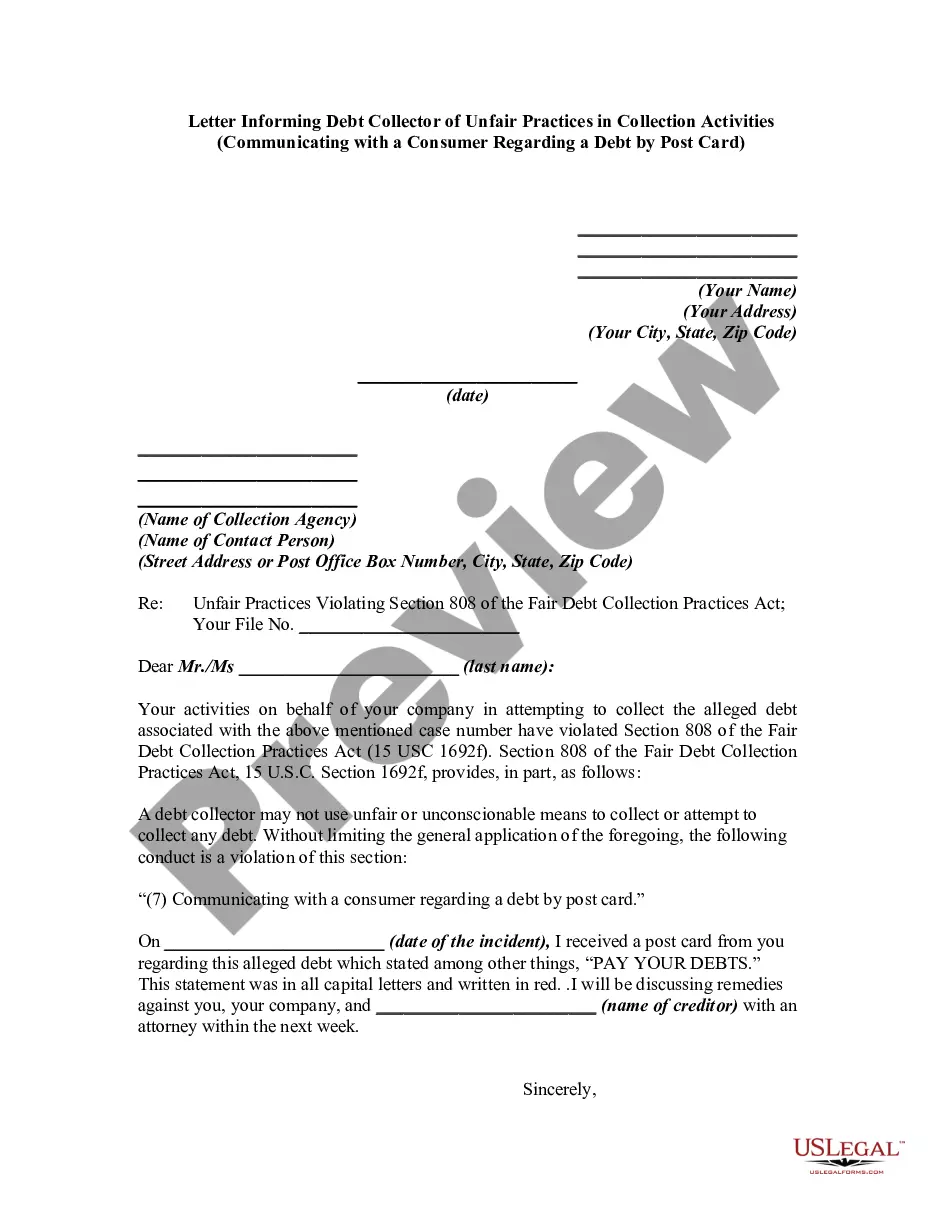
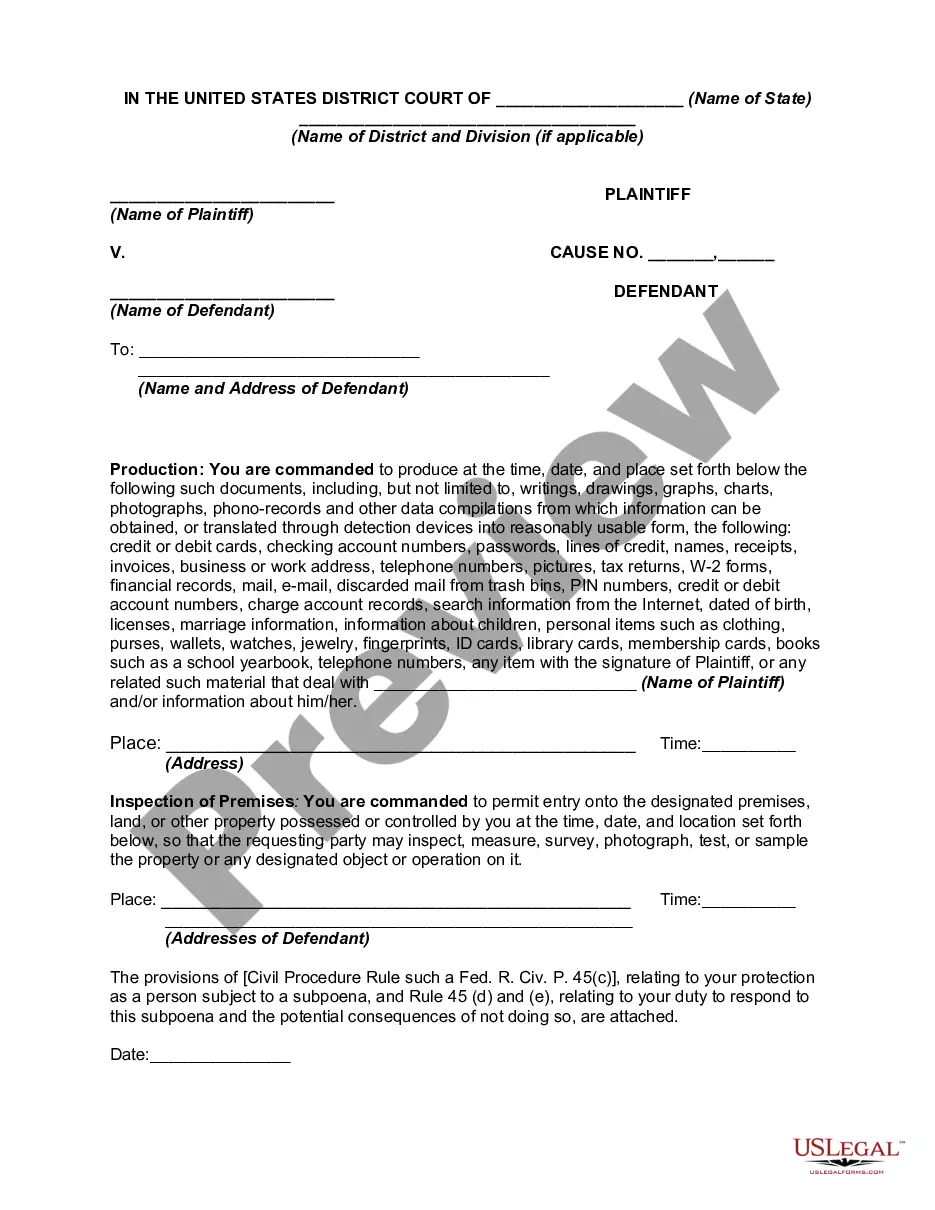
Nebraska Notice of Subpoena
Description


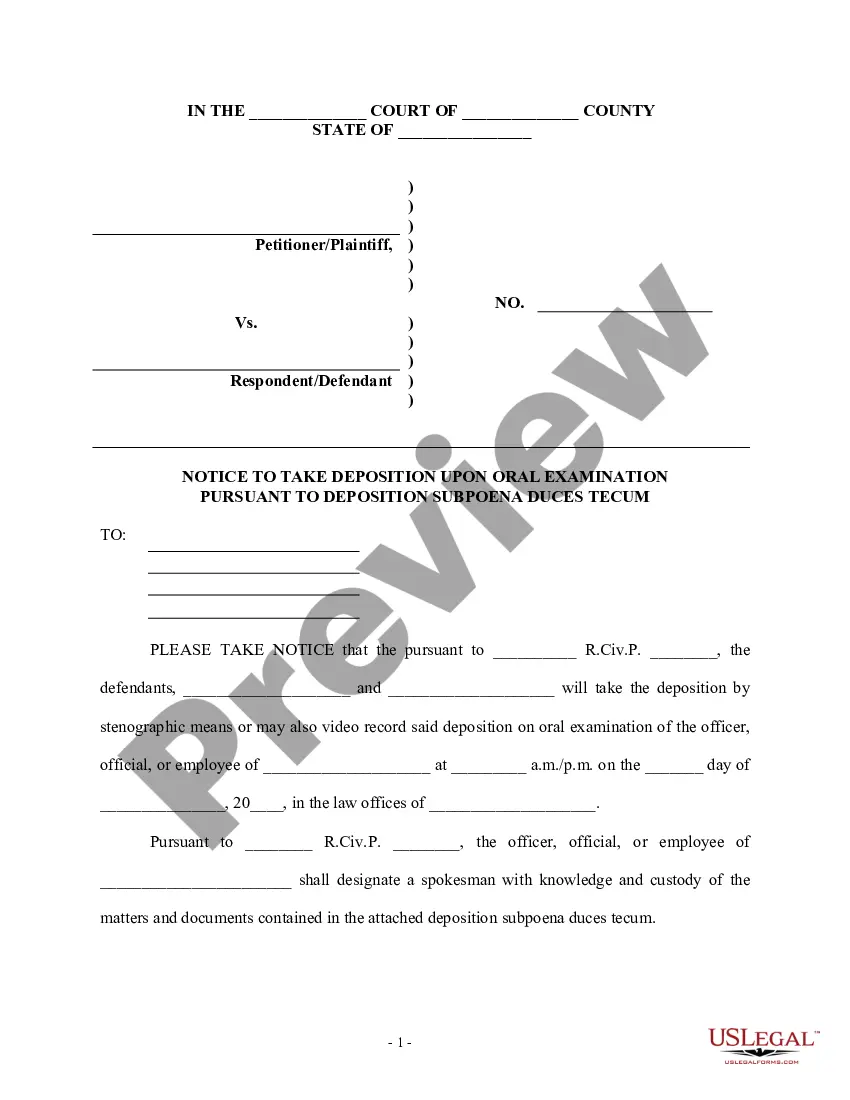
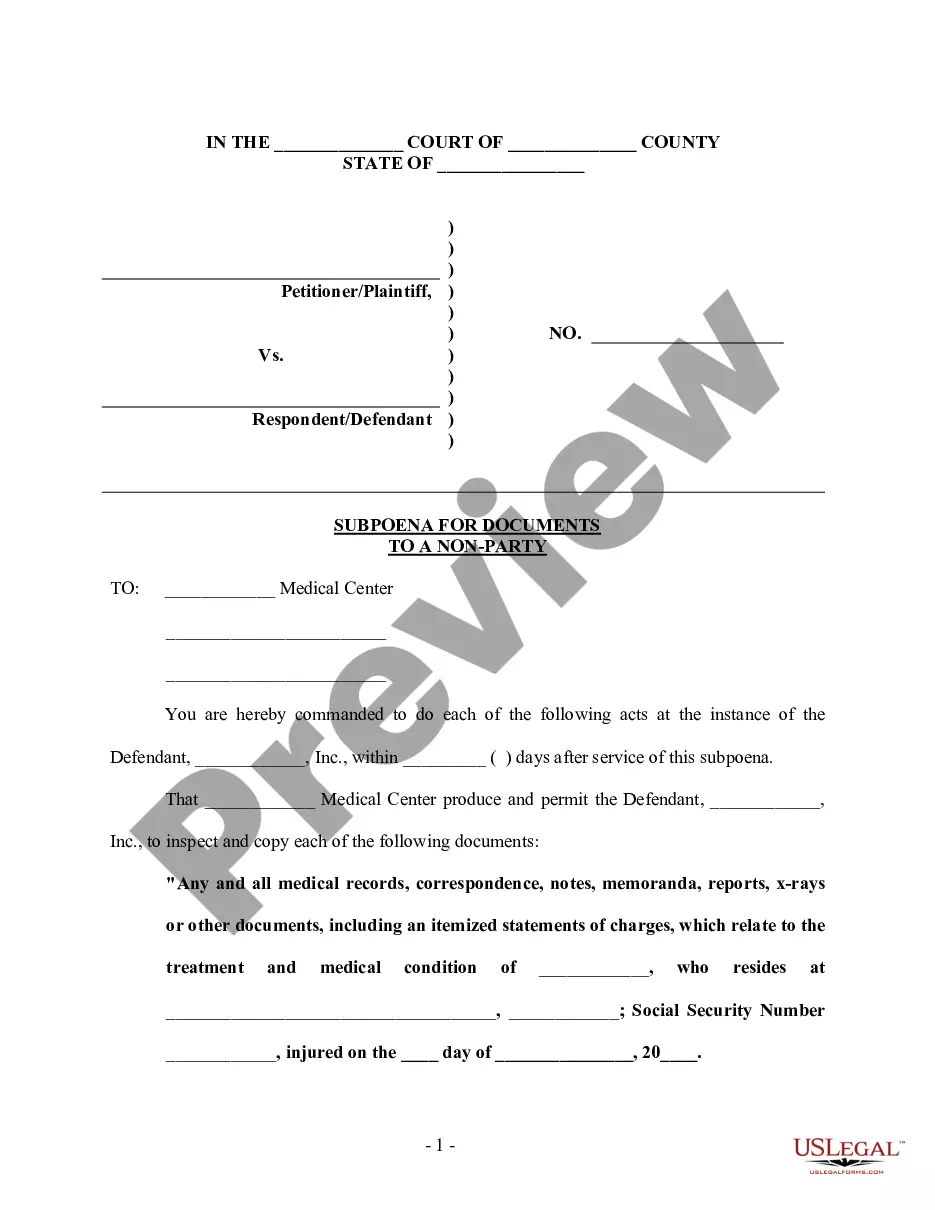
Get your form ready online
Our built-in tools help you complete, sign, share, and store your documents in one place.
Make edits, fill in missing information, and update formatting in US Legal Forms—just like you would in MS Word.
Download a copy, print it, send it by email, or mail it via USPS—whatever works best for your next step.
Sign and collect signatures with our SignNow integration. Send to multiple recipients, set reminders, and more. Go Premium to unlock E-Sign.
If this form requires notarization, complete it online through a secure video call—no need to meet a notary in person or wait for an appointment.
We protect your documents and personal data by following strict security and privacy standards.

Make edits, fill in missing information, and update formatting in US Legal Forms—just like you would in MS Word.

Download a copy, print it, send it by email, or mail it via USPS—whatever works best for your next step.

Sign and collect signatures with our SignNow integration. Send to multiple recipients, set reminders, and more. Go Premium to unlock E-Sign.

If this form requires notarization, complete it online through a secure video call—no need to meet a notary in person or wait for an appointment.

We protect your documents and personal data by following strict security and privacy standards.
Looking for another form?
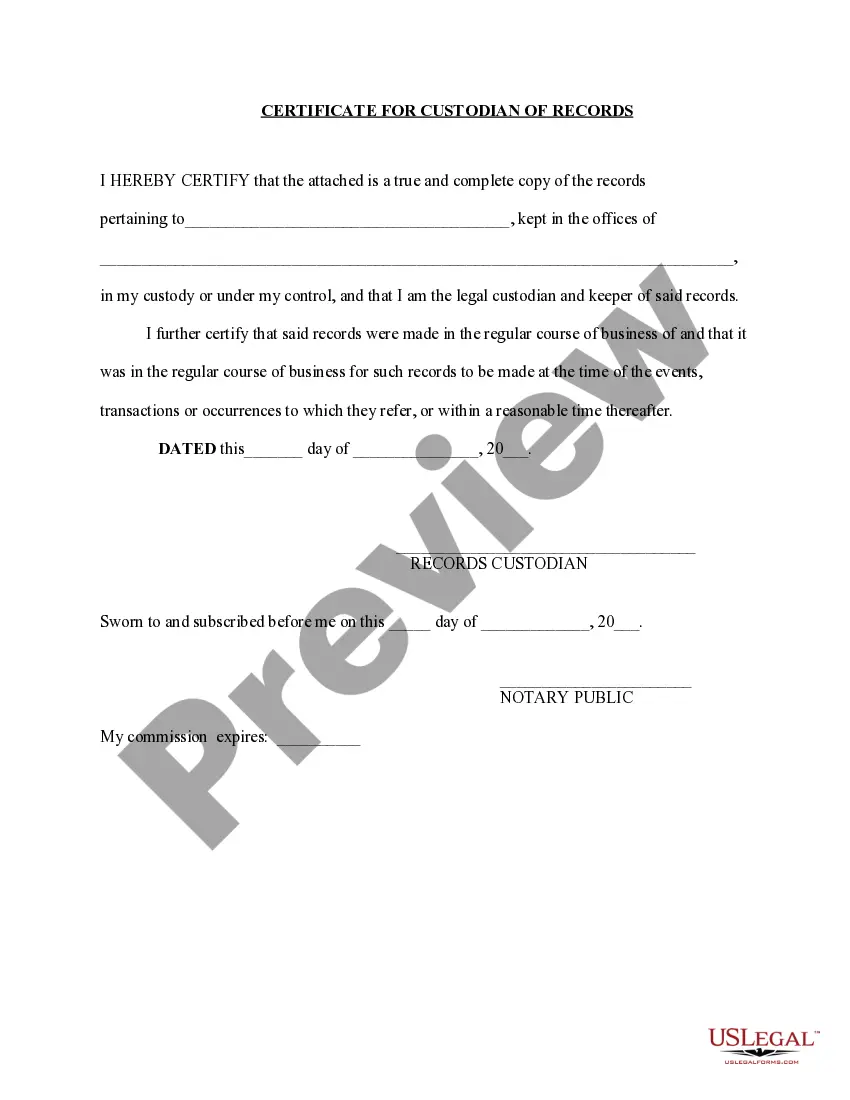
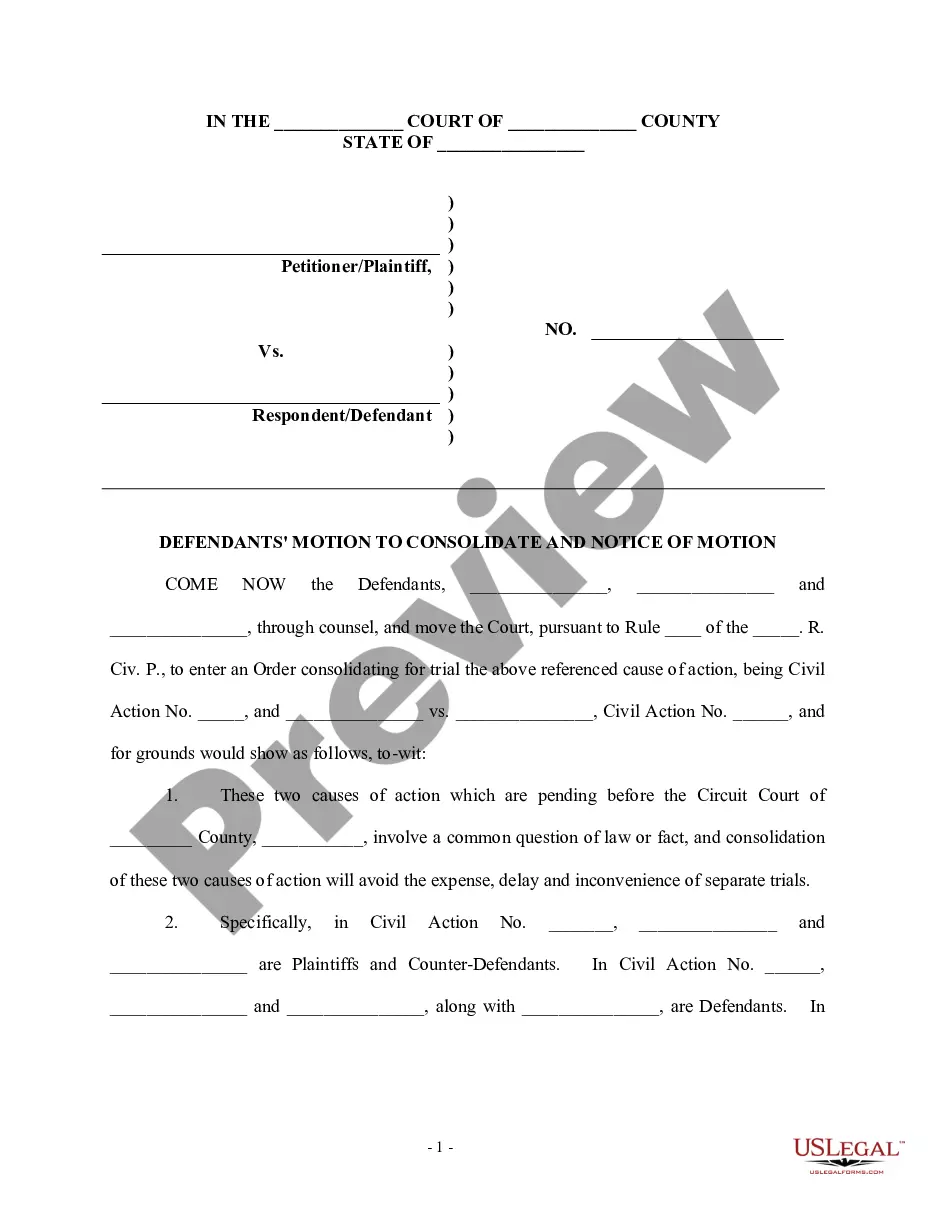
How to fill out Notice Of Subpoena?
If you intend to compile, obtain, or print authentic document templates, utilize US Legal Forms, the largest assortment of legal forms available online.
Take advantage of the site’s user-friendly and convenient search feature to find the documents you need.
Various templates for business and personal purposes are organized by categories and states or keywords.
Step 3. If you are dissatisfied with the form, utilize the Search field at the top of the screen to locate alternative versions in the legal form template.
Step 4. Once you have found the form you require, click the Get now button. Select your preferred pricing plan and provide your information to register for an account.
- Use US Legal Forms to acquire the Nebraska Notice of Subpoena in just a few clicks.
- If you are already a US Legal Forms user, Log In to your account and click the Download button to obtain the Nebraska Notice of Subpoena.
- You can also access forms you previously downloaded in the My documents section of your account.
- If you are using US Legal Forms for the first time, follow the instructions outlined below.
- Step 1. Ensure you have chosen the form for the correct city/state.
- Step 2. Use the Review feature to evaluate the content of the form. Be sure to read the instructions.
Form popularity
FAQ
If there is a legal reason that would permit you to avoid testifying or providing documents, you can file a motion to quash the subpoena. An attorney can help you identify any risks you may face and help you address any conflicts you may have.
In simple terms, a subpoena is issued by the Court to request documents from someone who is not a party to the proceedings. On the other hand, a notice to produce is issued by a party to the proceedings to request documents from another party.
In contextlegallang=en terms the difference between writ and subpoena. is that writ is (legal) a written order, issued by a court, ordering someone to do (or stop doing) something while subpoena is (legal) a writ requiring someone to appear in court to give testimony.
In New South Wales, Notices to Produce are governed by the Uniform Civil Procedure Rules 2005 (NSW) (UCPR). A Notice to Produce is a procedure through which a party to proceedings may serve on another party a notice requiring the production of specified documents, or things (such as a computer).
A notice to produce is used by a party to proceedings to request documents or other items. A reasonable period of time to respond to a notice to produce is 14 days after service of the notice. Unlike a subpoena, a notice to produce does not require conduct money.
A subpoena is a legal document that orders a person to comply with certain requests. Subpoenas can be either judicial, issued by a judge, or non-judicial, a subpoena not issued by a judge, clerk, or officer of the court.
A subpoena may be issued pursuant to this rule, either by a request to the clerk of the court or by an attorney authorized to do so by statute, at any time after all parties have been given the notice required by subsection (2).
If a subpoena does not command an appearance, then it must be served by e-mail, facsimile, or hand delivery on all other parties at least three (3) business days before the subpoena is served on the person to whom it is directed.
Notice to produce documents (1) A party to a proceeding may serve on any other party a notice requiring that other party to produce the documents mentioned in the notice on any application in or at the trial of the proceeding. (b) which that party does not object to produce on the ground of privilege.