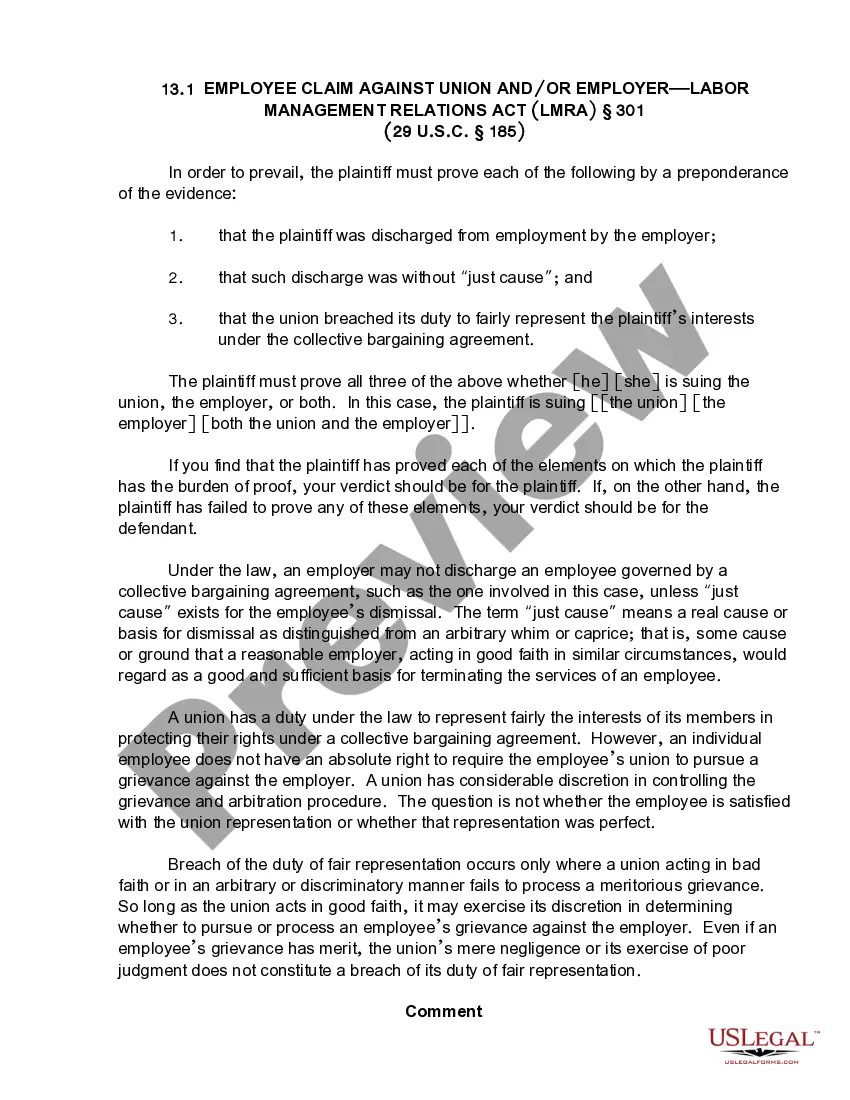
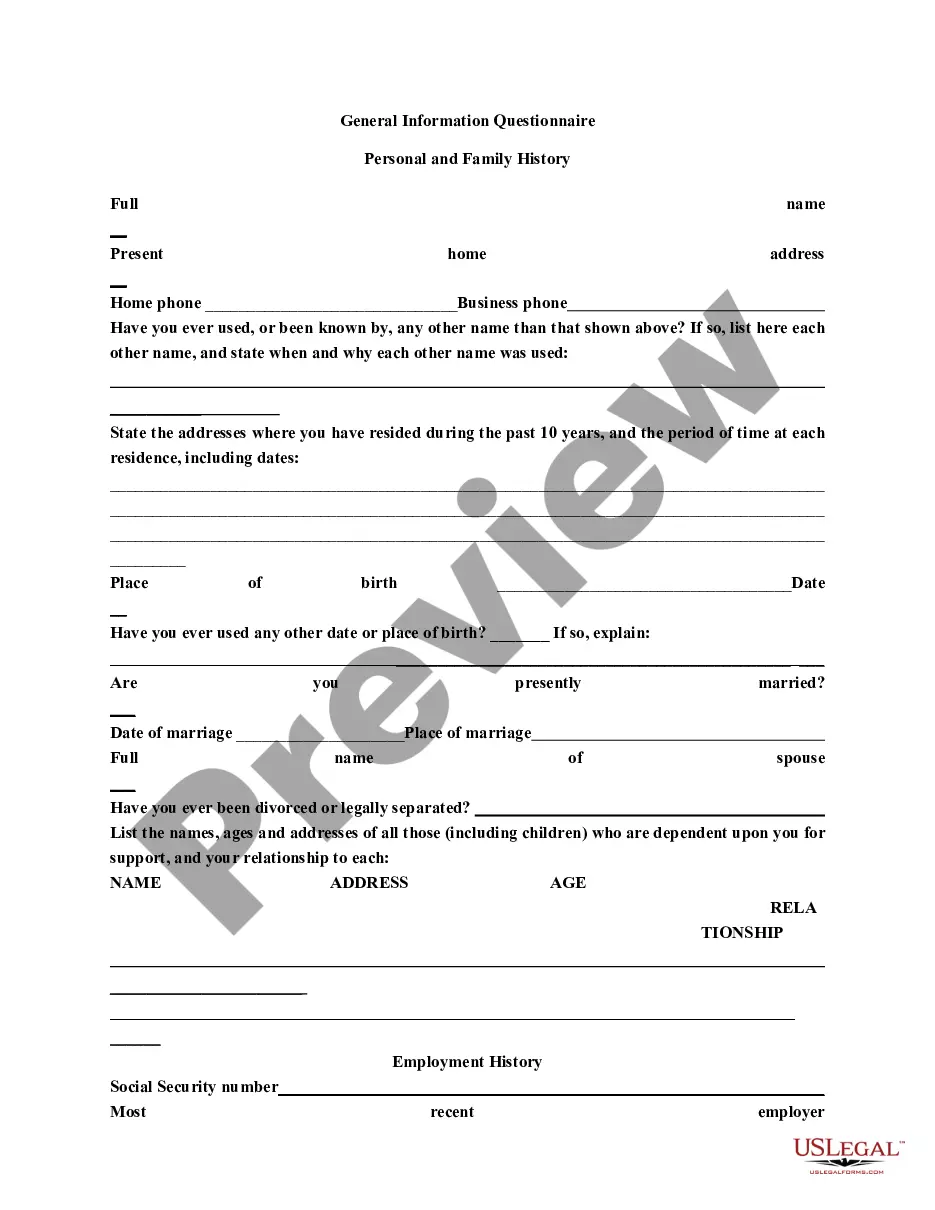
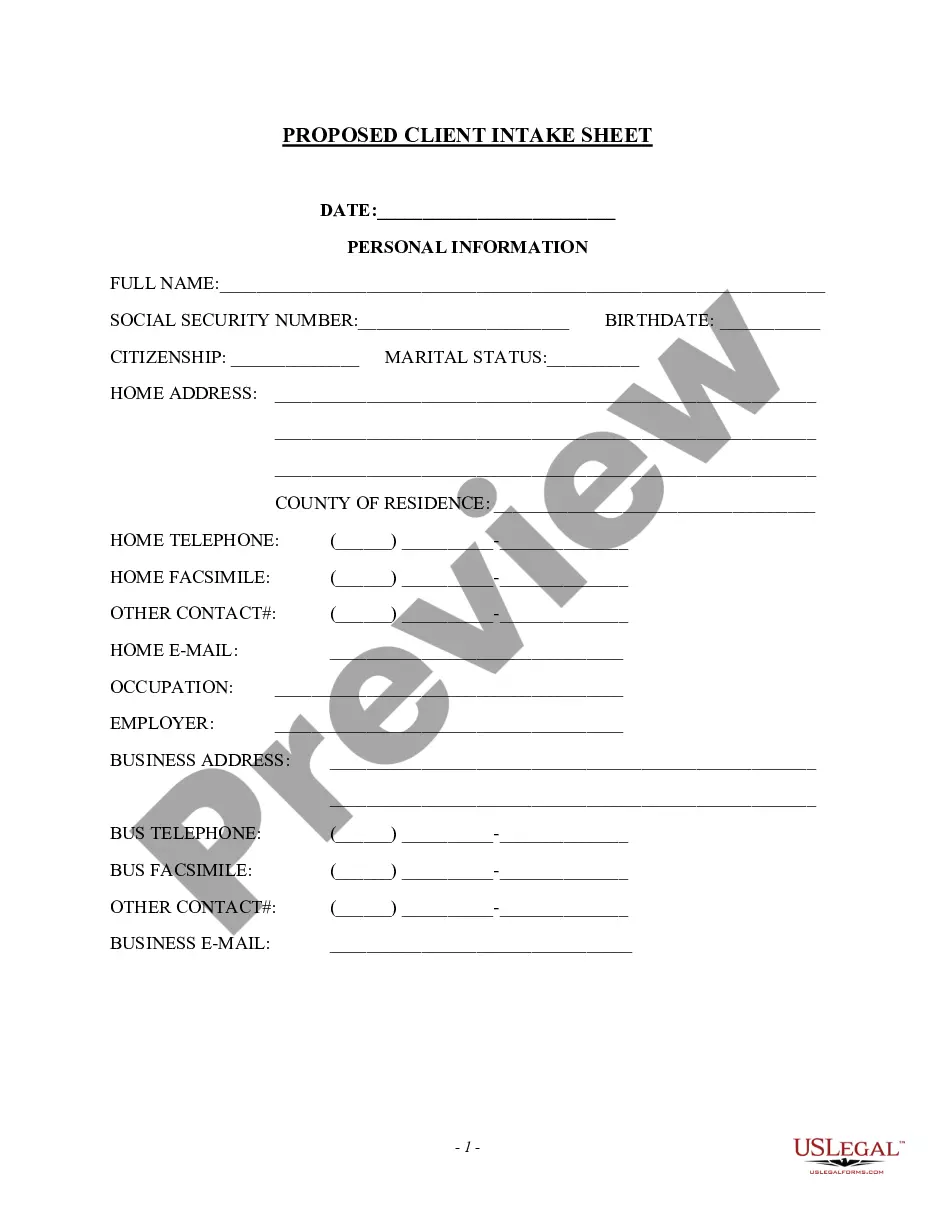
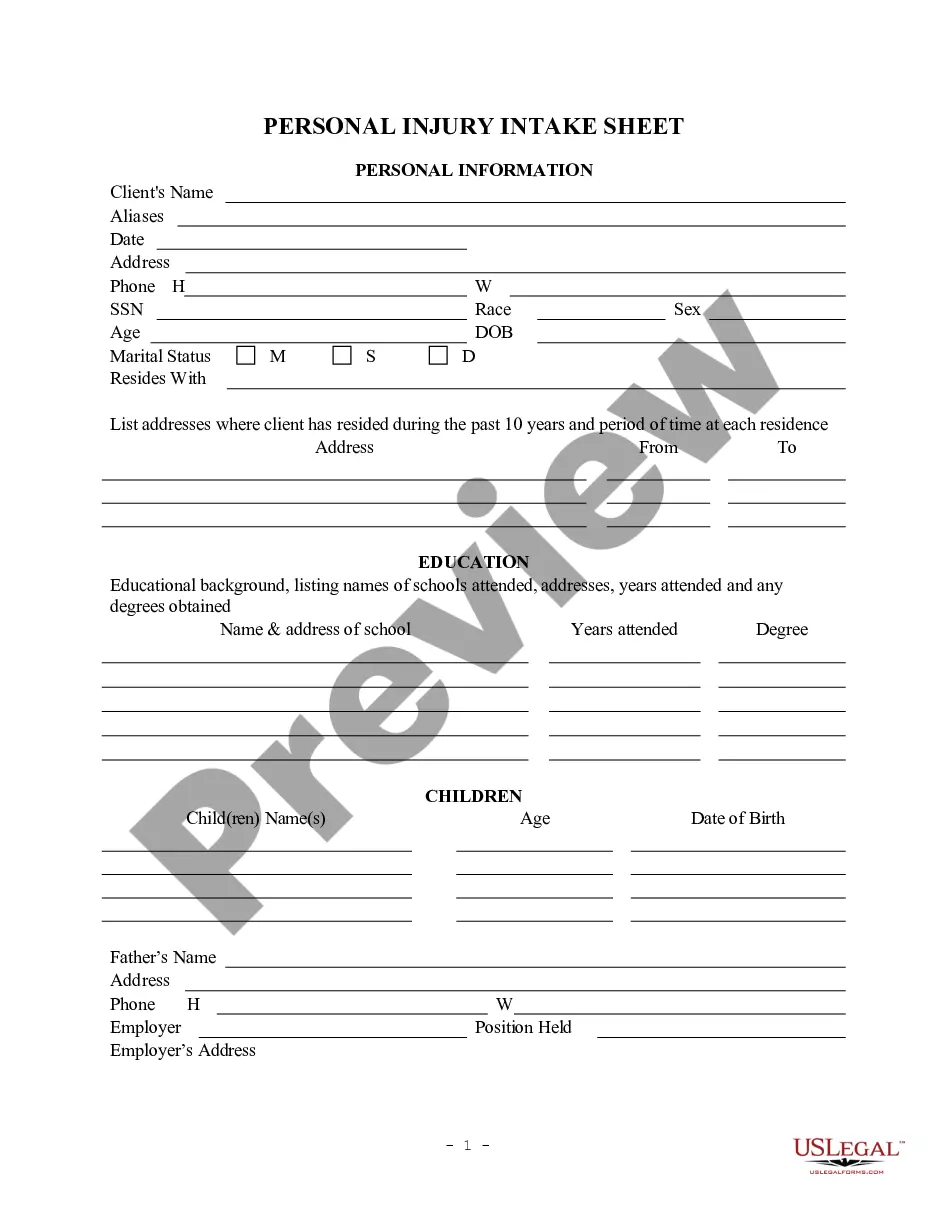
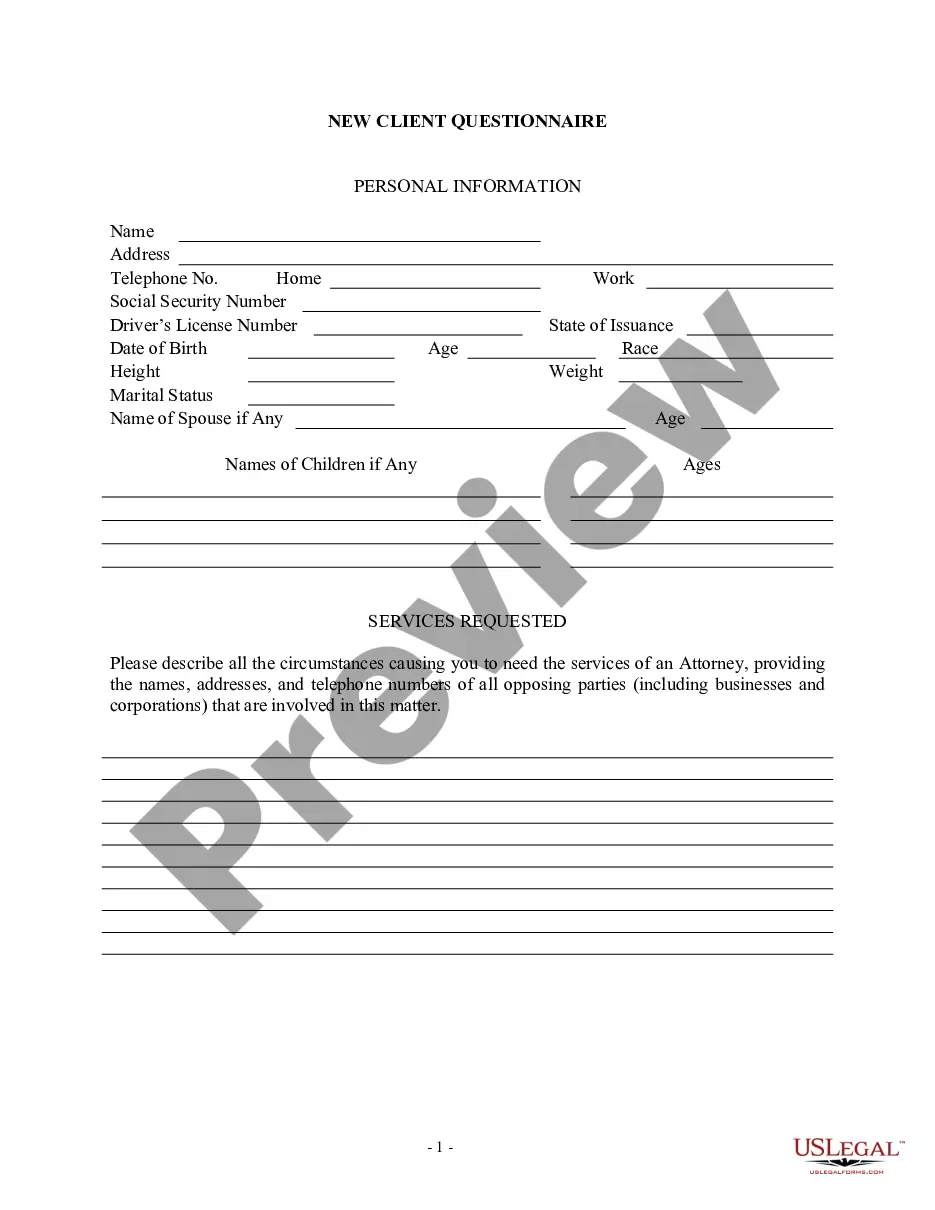
This information should be filled in at and/or immediately after the initial client interview. There can be numerous variations of this form to fit an individual attorney's needs.
Nebraska Client Intake Sheet
Instant download
Description
Get your form ready online
Our built-in tools help you complete, sign, share, and store your documents in one place.
Built-in online Word editor
Make edits, fill in missing information, and update formatting in US Legal Forms—just like you would in MS Word.
Export easily
Download a copy, print it, send it by email, or mail it via USPS—whatever works best for your next step.
E-sign your document
Sign and collect signatures with our SignNow integration. Send to multiple recipients, set reminders, and more. Go Premium to unlock E-Sign.
Notarize online 24/7
If this form requires notarization, complete it online through a secure video call—no need to meet a notary in person or wait for an appointment.
Store your document securely
We protect your documents and personal data by following strict security and privacy standards.

Make edits, fill in missing information, and update formatting in US Legal Forms—just like you would in MS Word.

Download a copy, print it, send it by email, or mail it via USPS—whatever works best for your next step.

Sign and collect signatures with our SignNow integration. Send to multiple recipients, set reminders, and more. Go Premium to unlock E-Sign.

If this form requires notarization, complete it online through a secure video call—no need to meet a notary in person or wait for an appointment.

We protect your documents and personal data by following strict security and privacy standards.
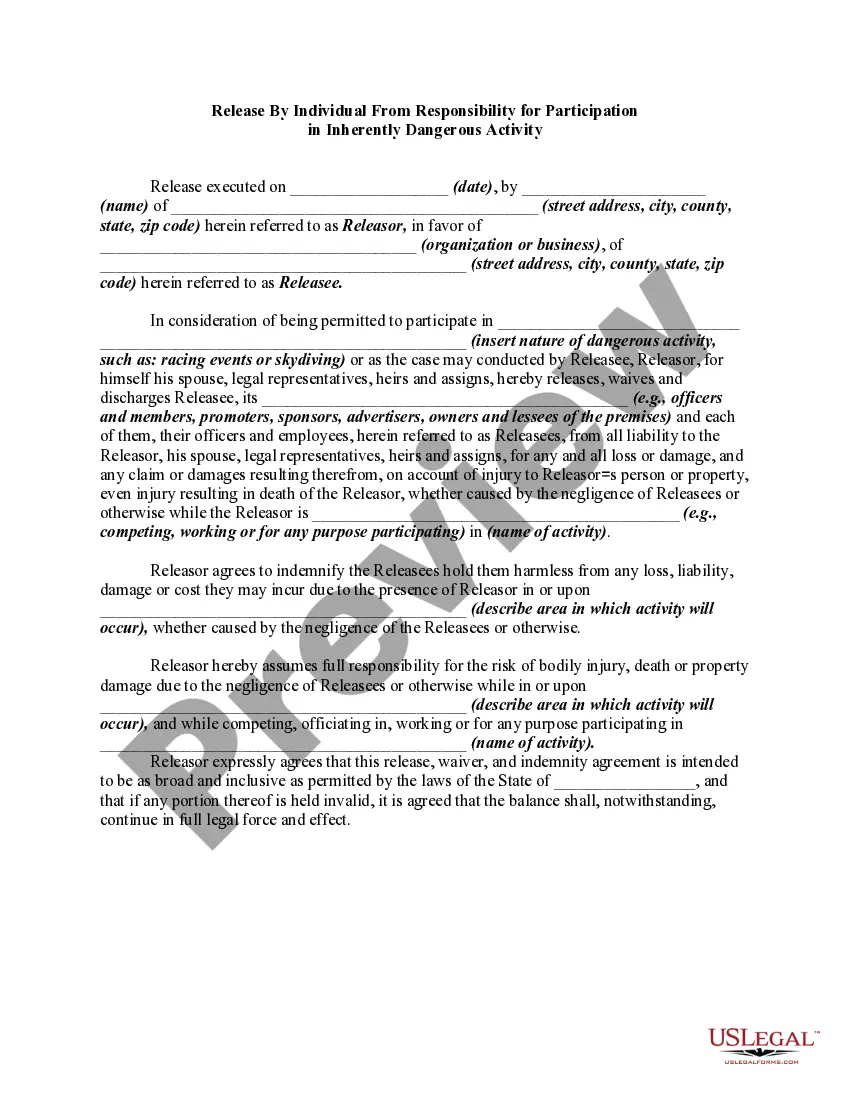
Looking for another form?

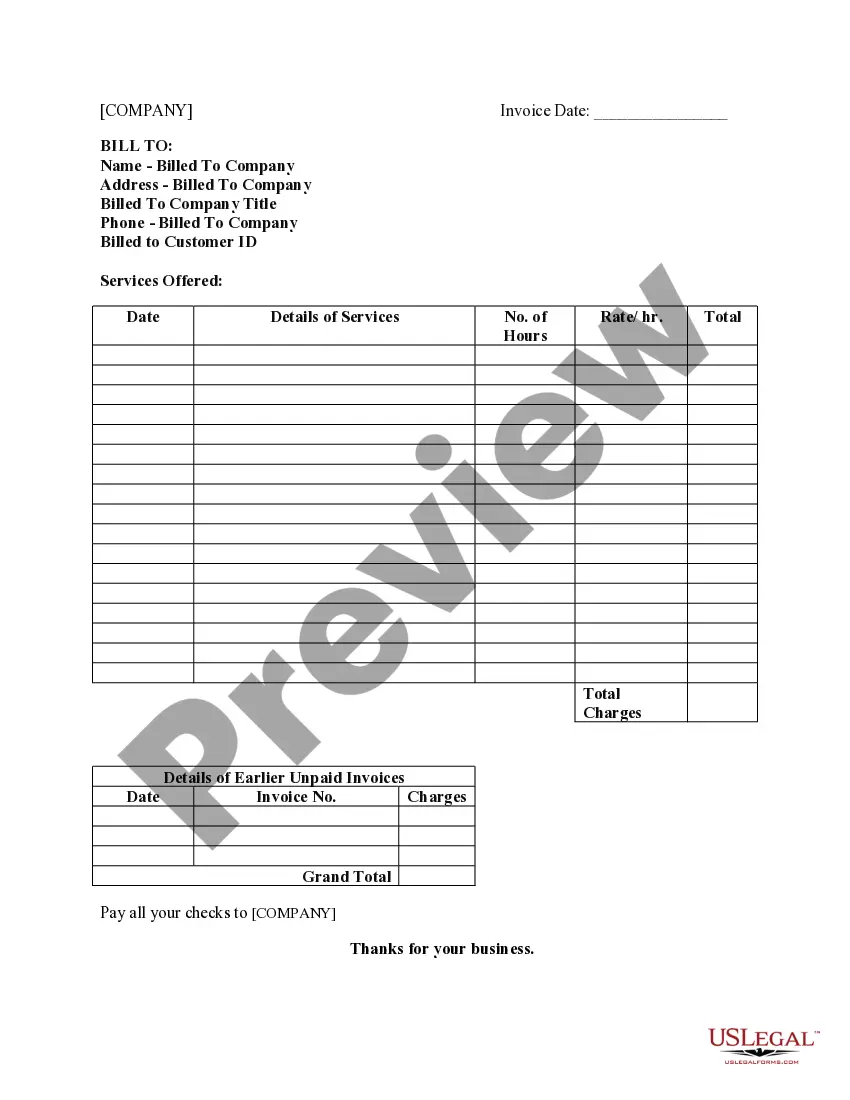


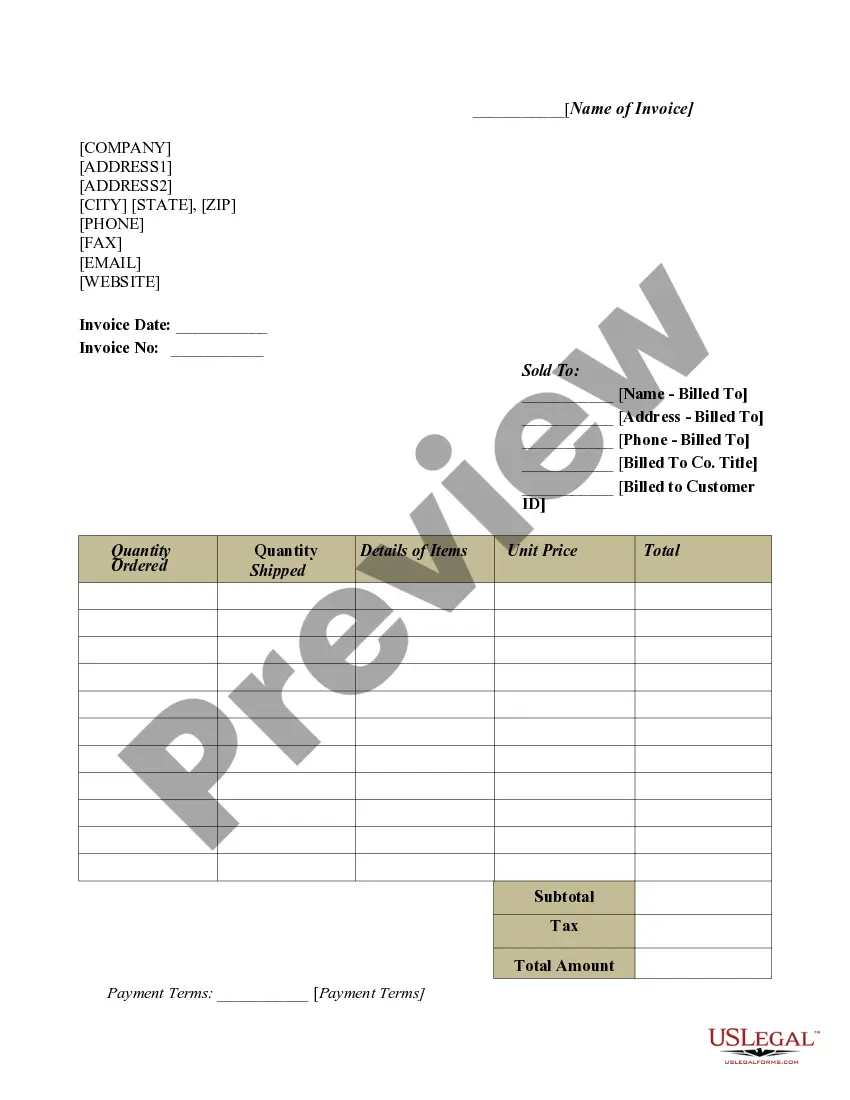
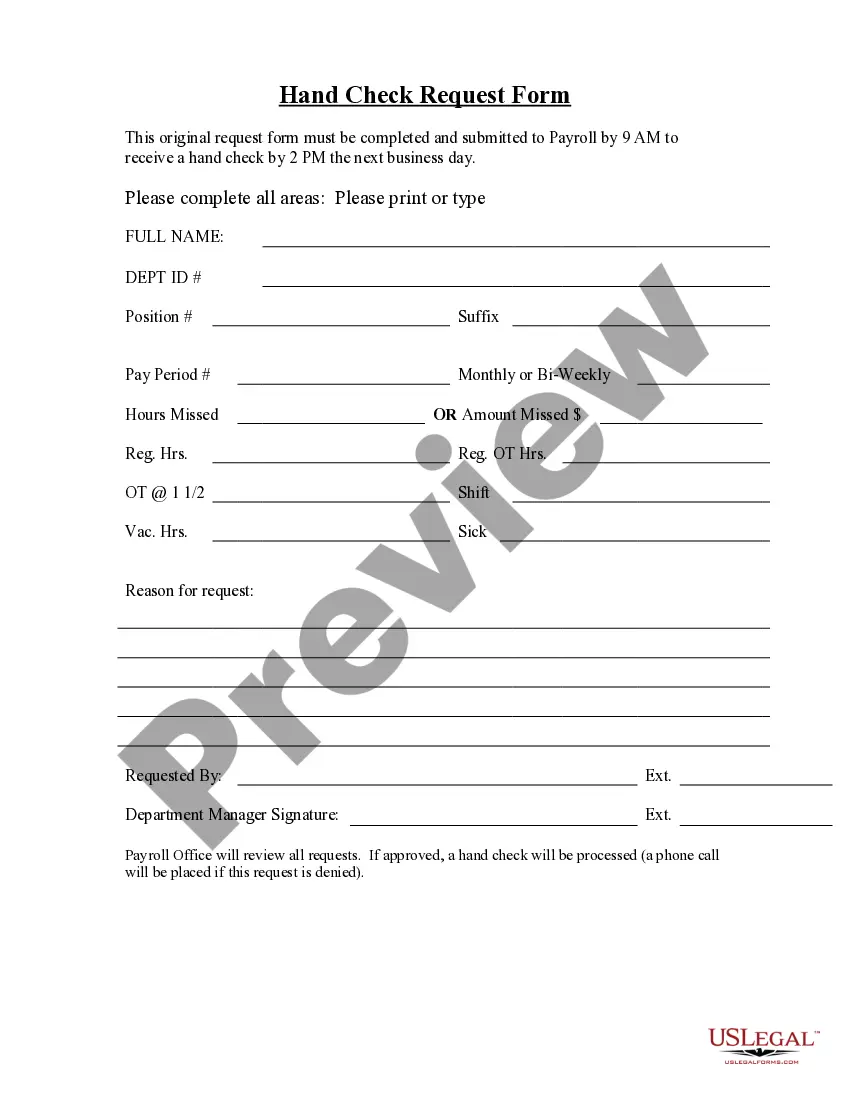
How to fill out Client Intake Sheet?
If you desire to be thorough, obtain, or print legal document templates, utilize US Legal Forms, the largest collection of legal forms available online.
Employ the site's user-friendly and convenient search to find the documents you require. A range of templates for business and personal purposes are organized by categories and states, or keywords.
Utilize US Legal Forms to acquire the Nebraska Client Intake Sheet in just a few clicks.
Every legal document template you purchase is yours indefinitely. You can access every form you obtained in your account. Visit the My documents section and select a form to print or download again.
Complete and download, and print the Nebraska Client Intake Sheet with US Legal Forms. There are countless professional and state-specific forms you can use for your personal or business needs.
- If you are already a US Legal Forms customer, sign in to your account and click the Download button to access the Nebraska Client Intake Sheet.
- You can also retrieve forms you previously obtained from the My documents section of your account.
- If you are using US Legal Forms for the first time, follow the instructions below.
- Step 1. Ensure you have selected the form for the correct city/state.
- Step 2. Use the Preview mode to review the form's content. Remember to read the description.
- Step 3. If you are unsatisfied with the form, use the Search box at the top of the screen to find other versions of the legal form template.
- Step 4. Once you have located the form you need, click the Buy now button. Choose the pricing plan you prefer and provide your information to register for an account.
- Step 5. Process the payment. You can use your Visa or MasterCard or PayPal account to complete the transaction.
- Step 6. Choose the format of your legal form and download it to your device.
- Step 7. Fill out, modify, and print or sign the Nebraska Client Intake Sheet.
Form popularity
FAQ
Go to File > New. In Search online templates, type Forms or the type of form you want and press ENTER. Choose a form template, and then select Create or Download.
Your client's name, surname, and contact information (mobile number, email address, home address, website, etc) Information about your client's business and brand (if applicable) Your client's budget (if applicable) Your client's requirements, needs, aims, and expectations when it comes to the service you sell.
This is your chance to ask your clients questions and smoothly transition them into your business. Your client intake process should include everything you will do once you begin communicating with that person. This includes email, phone calls, and in-person meetings.
An intake form is a document used to gather important information from clients, customers, or patients when they first interact with a service or organization. It typically includes basic details like contact information, purpose of seeking services, and other relevant data.
If you'd like to create a new intake form from scratch, rather than edit an existing template, you can do so from your My Notes & Forms page. To do so: Navigate to Settings > Notes and Forms > My Notes & Forms. Click + Create new template > Create new template.
You can, of course, keep things simple and design your form in Microsoft Word or Canva, for example. But the best tool is usually a digital form that you can easily share with your prospects or one that you can place on your website, using client intake form software may be the answer.
Here are some key elements you can include on your project intake form to ensure your team has all the information they need to be successful: Client contact information. ... Type of project. ... Objective. ... Target audience or end-user. ... Budget. ... Deadline. ... Determine the format. ... Make a list of important questions.
Create a client intake form using Google Forms. In Google Forms, click the plus sign. Click the ?Untitled form? header box. Enter a name and description for the form. Click the Untitled Question box. Type ?What is your name?? Click the dropdown menu to choose the type of answer field.