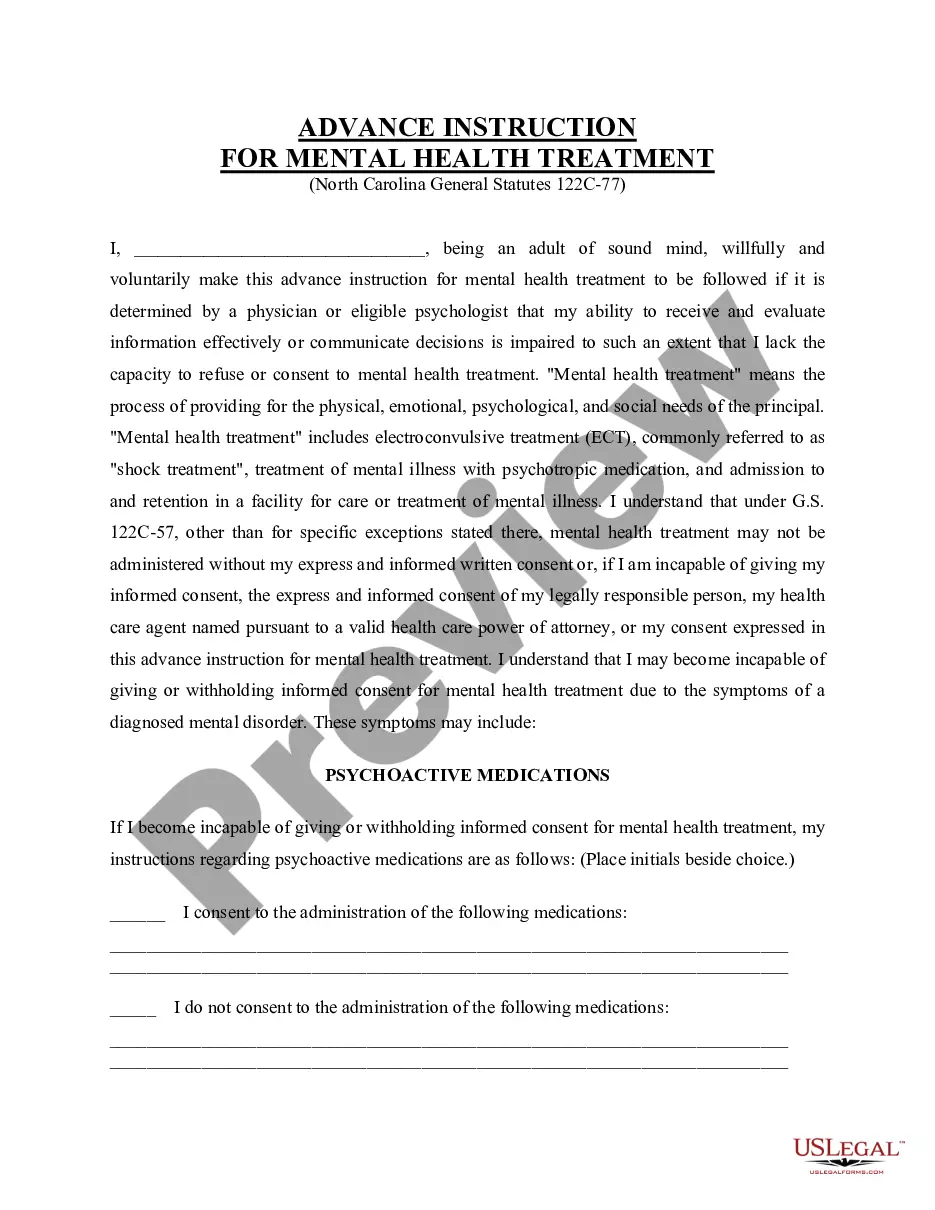
Nebraska Closing Statement

Understanding this form
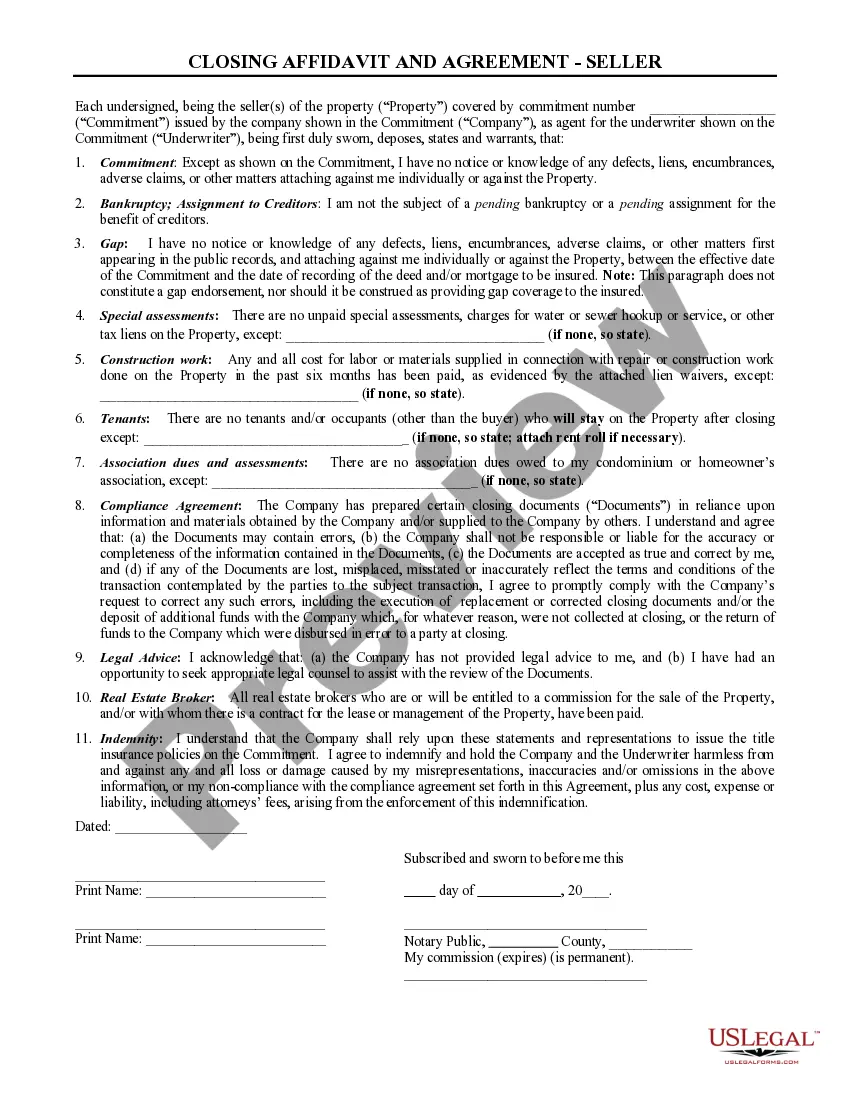
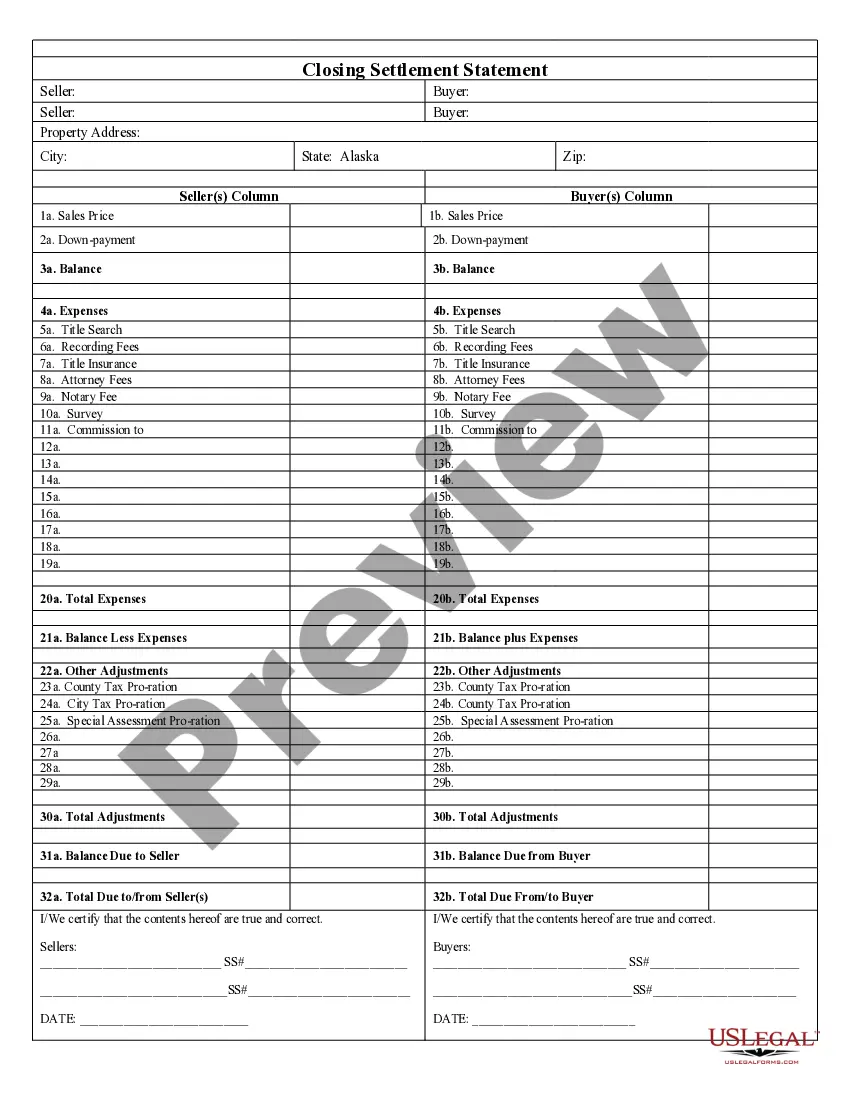
The Closing Statement is a crucial document in real estate transactions, particularly for cash sales or transactions involving owner financing. This legal form outlines the financial details of the sale, ensuring that both the buyer and seller can verify the transaction. Unlike other real estate forms, the Closing Statement provides a detailed breakdown of all expenses, payments, and adjustments associated with the sale, making it essential for a transparent settlement process.
What’s included in this form
- Balance: Total amounts due and owed by both parties.
- Expenses: Detailed list of costs associated with the transaction, including title search, recording fees, and attorney fees.
- Adjustments: Sections for prorated taxes and other adjustments that affect the final settlement amount.
- Certification by Seller and Buyer: Signatures confirming the accuracy of the information provided.
- Final Totals: Summation of all costs and balances to clarify what each party owes or is owed.

Situations where this form applies
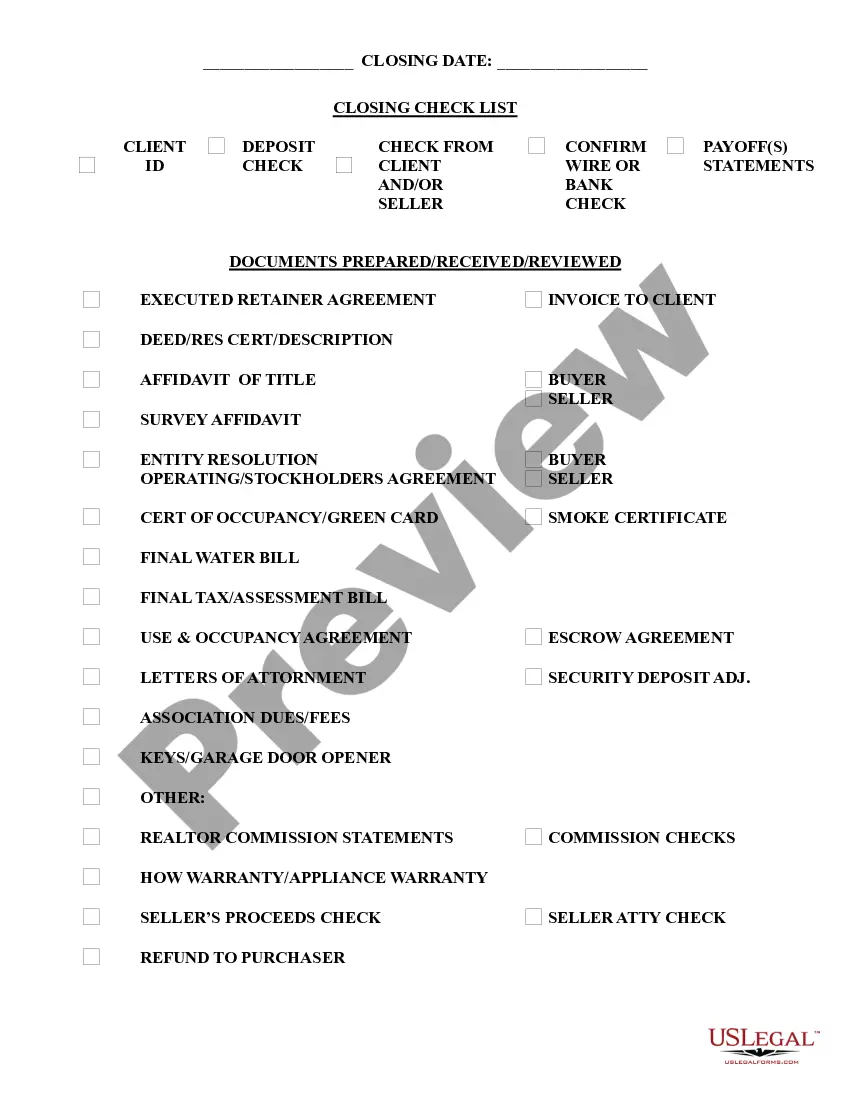
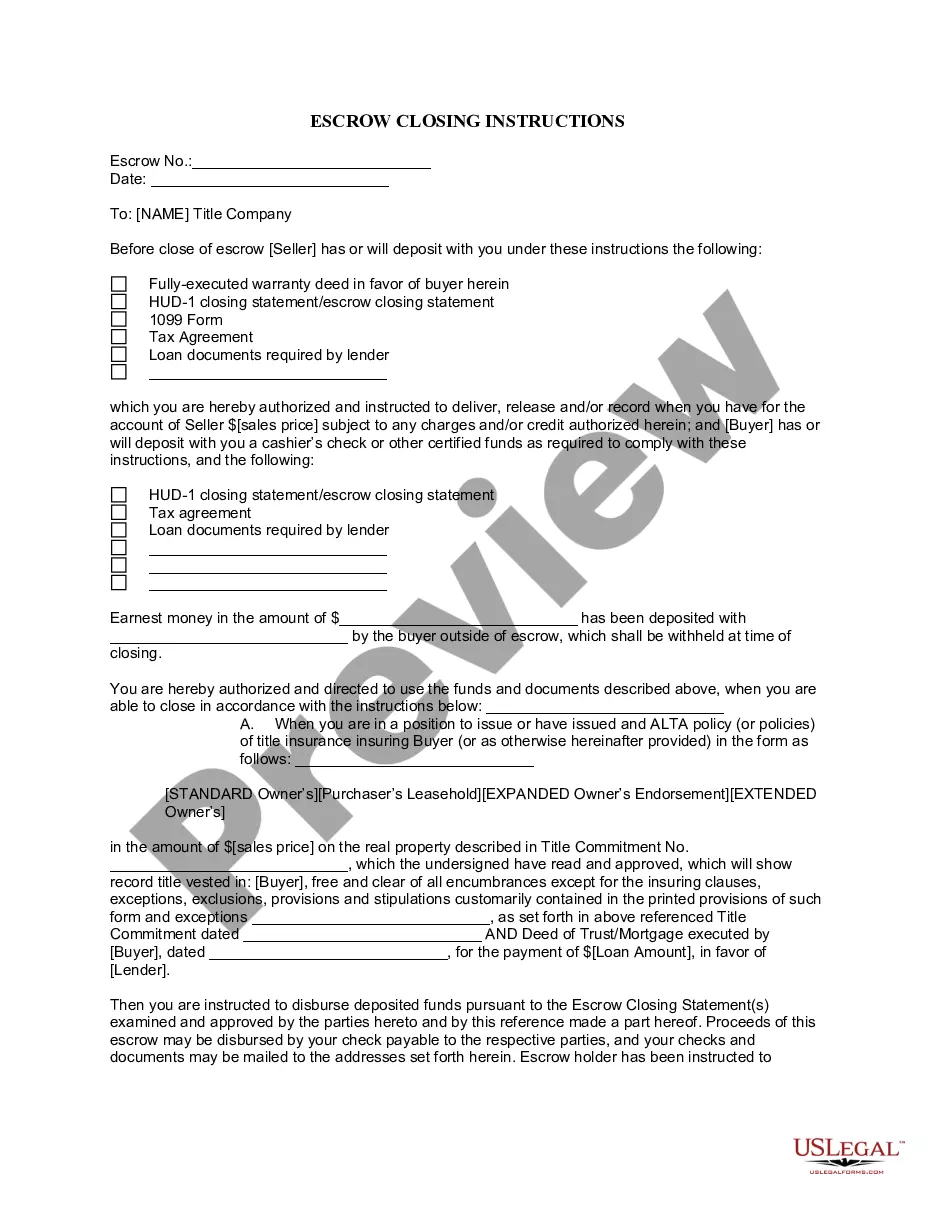
This Closing Statement should be used in any real estate transaction where the buyer plans to pay in cash or through owner financing. It is necessary during the closing process to finalize the sale and ensure that all financial obligations are clearly documented and agreed upon by both parties.
Who this form is for
This form is intended for:
- Home sellers and buyers engaged in a cash sale.
- Individuals participating in owner-financed real estate transactions.
- Real estate agents and attorneys overseeing the closing process.
How to prepare this document
- Identify the parties involved: Clearly state the names of the seller and buyer.
- Specify the property: Include the address and details of the property being sold.
- List all expenses: Enter the applicable costs associated with the transaction, such as title search and attorney fees.
- Calculate adjustments: Fill in any prorated taxes or other adjustments that may affect the final amounts.
- Verify and sign: Ensure both parties review the document for accuracy and sign to certify the information.
Notarization guidance
To make this form legally binding, it must be notarized. Our online notarization service, powered by Notarize, lets you verify and sign documents remotely through an encrypted video session.
Get your form ready online
Our built-in tools help you complete, sign, share, and store your documents in one place.
Make edits, fill in missing information, and update formatting in US Legal Forms—just like you would in MS Word.
Download a copy, print it, send it by email, or mail it via USPS—whatever works best for your next step.
Sign and collect signatures with our SignNow integration. Send to multiple recipients, set reminders, and more. Go Premium to unlock E-Sign.
If this form requires notarization, complete it online through a secure video call—no need to meet a notary in person or wait for an appointment.
We protect your documents and personal data by following strict security and privacy standards.

Make edits, fill in missing information, and update formatting in US Legal Forms—just like you would in MS Word.

Download a copy, print it, send it by email, or mail it via USPS—whatever works best for your next step.

Sign and collect signatures with our SignNow integration. Send to multiple recipients, set reminders, and more. Go Premium to unlock E-Sign.

If this form requires notarization, complete it online through a secure video call—no need to meet a notary in person or wait for an appointment.

We protect your documents and personal data by following strict security and privacy standards.
Avoid these common issues
- Failing to include all relevant expenses, which can lead to disputes later.
- Neglecting to verify party information, like spelling names incorrectly.
- Not calculating adjustments accurately, resulting in imbalances.
- Skipping signatures or failing to date the form, which may invalidate it.
Benefits of using this form online
- Easy access: Download your Closing Statement anytime and from anywhere.
- Editability: Quickly customize the form to fit your specific transaction needs.
- Reliability: Forms are drafted by licensed attorneys to ensure legal compliance.
Main things to remember
- The Closing Statement is essential for summarizing the expenses and agreements in real estate transactions.
- All parties involved must accurately complete and sign the document to ensure its validity.
- Understanding the key components and proper completion of the form will help prevent common errors.
Looking for another form?
Form popularity
FAQ
Register the death. Find out if there's a will. Apply for a grant of probate and sort inheritance tax. Complete a probate application form. Complete an inheritance tax form. Send your application form. Tell all organisations and close accounts. Pay off any debts.
Applying for probate in New South Wales All applications must be filed at the Supreme Court of New South Wales Registry, either in person or by post. The application must be accompanied by supporting documents including the will and death certificate, as well as an application fee.
STEP 1: Name your Nebraska LLC. STEP 2: Choose a Nebraska Registered Agent. STEP 3: File the Nebraska LLC Certificate of Organization. STEP 4: Complete Nebraska LLC Publication Requirements. STEP 5: Create a Nebraska LLC Operating Agreement.
Hold a Members meeting and record a resolution to Dissolve the Nebraska LLC. File all required Biennial Reports with the Nebraska Secretary of State. Clear up any business debt. Pay all taxes and administrative fees owed by the Nebraska LLC.
How much does it cost to form an LLC in Nebraska? The Nebraska Secretary of State charges $100 to file the Certificate of Organization, plus $5 per page. You can reserve your LLC name with the Nebraska Secretary of State for $15.
Nebraska requires business owners to submit their Statement of Dissolution by mail or online. You can also have a professional service provider file your Articles of Dissolution for you. Incfile prepares the Articles of Dissolution for you, and files them to the state for $149 + State Fees.
Nebraska has a simplified probate process for small estates. To use it, an executor files a written request with the local probate court asking to use the simplified procedure. The court may authorize the executor to distribute the assets without having to jump through the hoops of regular probate.
The first step is to file a petition with the court where the decedent lived before their death. The court will approve or appoint an executor to manage the estate. The first job of the executor is to notify the heirs and any creditors. The executor will need to take inventory of the assets of the estate.
If you are named in someone's will as an executor, you may have to apply for probate. This is a legal document which gives you the authority to share out the estate of the person who has died according to the instructions in the will. You do not always need probate to be able to deal with the estate.