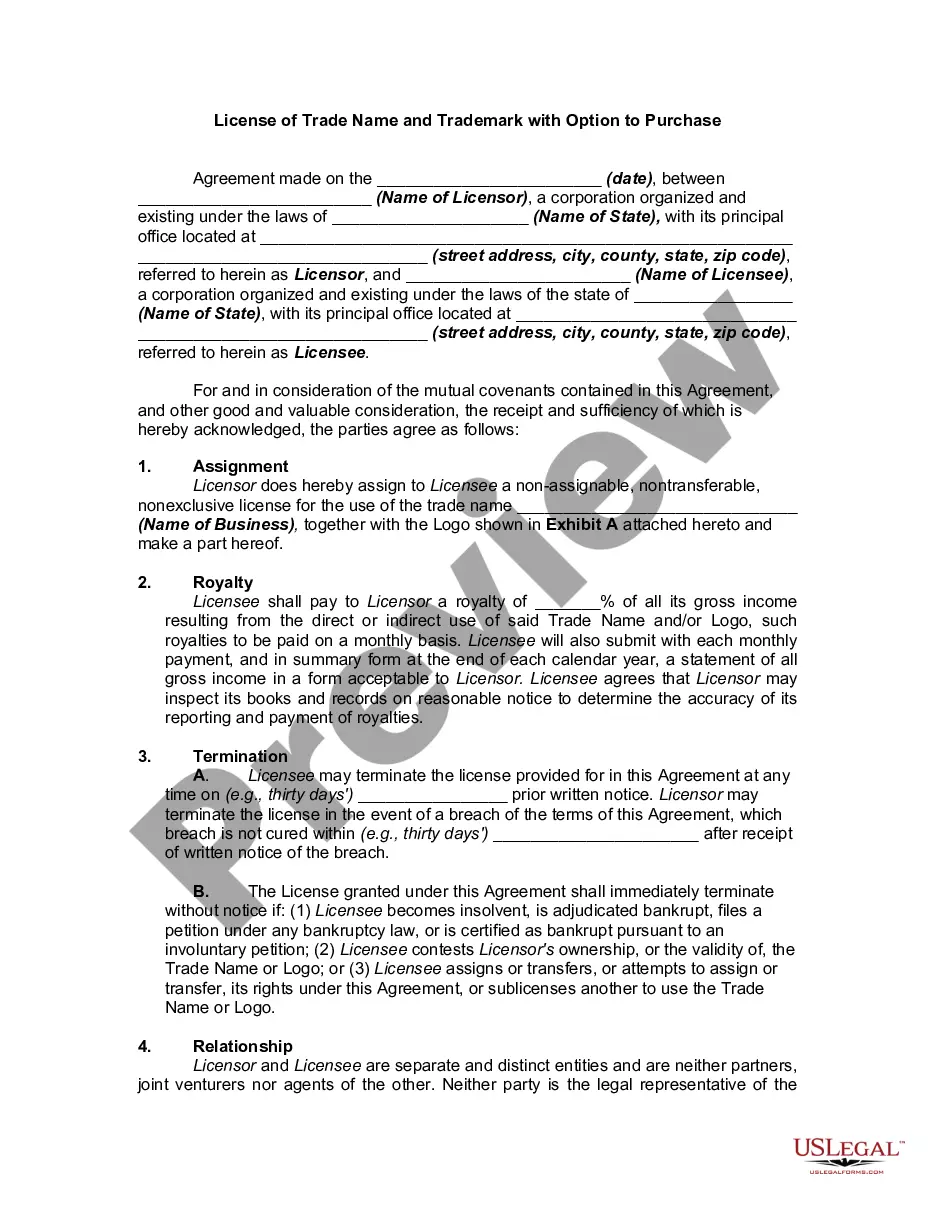
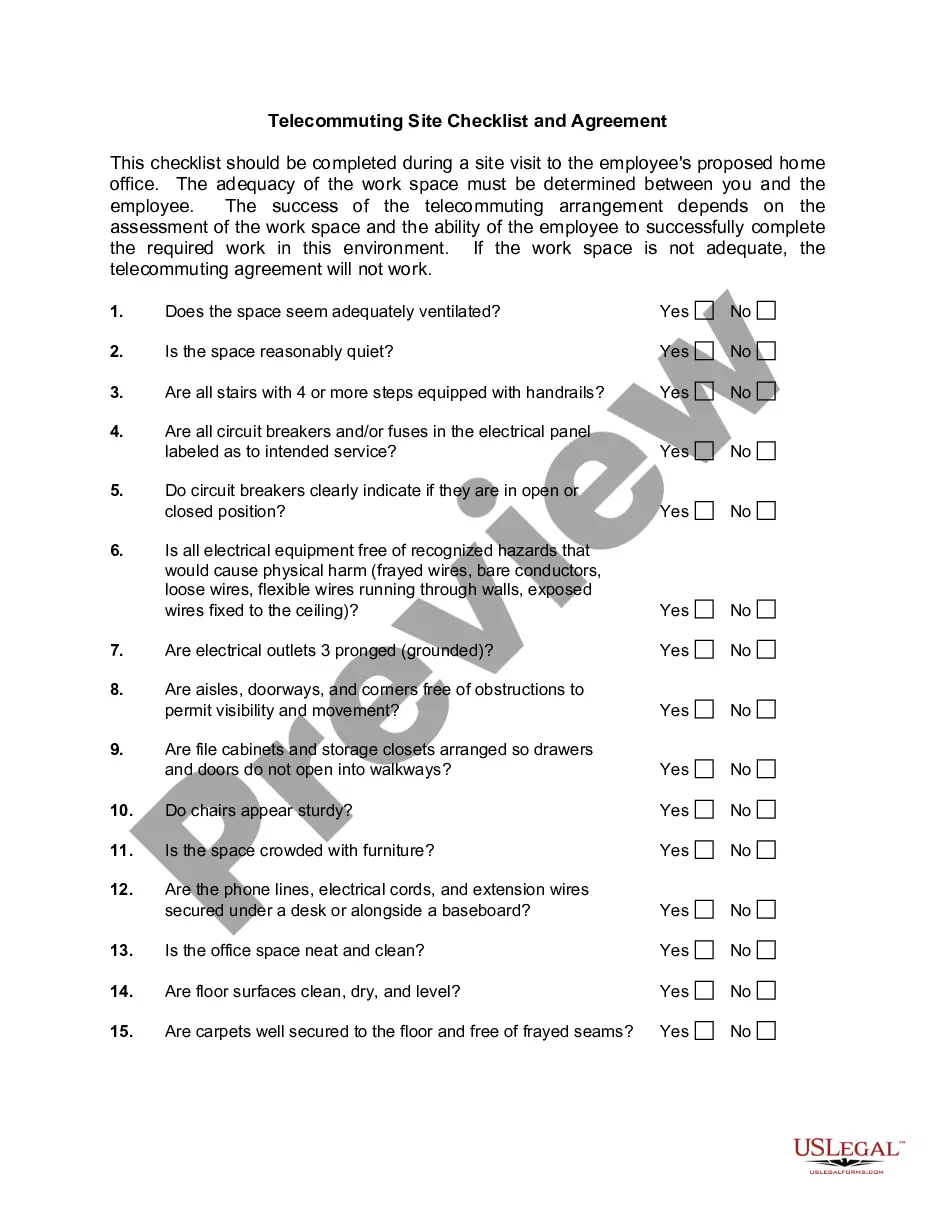
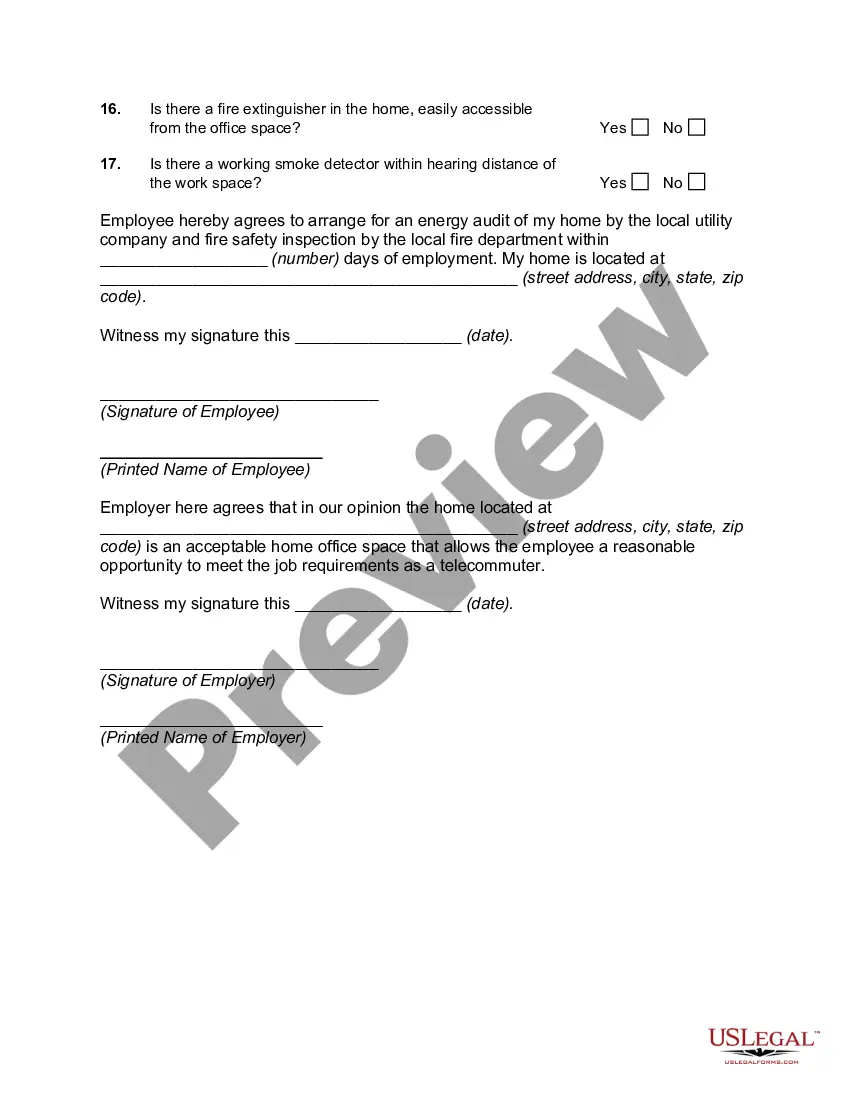
North Carolina Telecommuting Site Checklist and Agreement
Description




Get your form ready online
Our built-in tools help you complete, sign, share, and store your documents in one place.
Make edits, fill in missing information, and update formatting in US Legal Forms—just like you would in MS Word.
Download a copy, print it, send it by email, or mail it via USPS—whatever works best for your next step.
Sign and collect signatures with our SignNow integration. Send to multiple recipients, set reminders, and more. Go Premium to unlock E-Sign.
If this form requires notarization, complete it online through a secure video call—no need to meet a notary in person or wait for an appointment.
We protect your documents and personal data by following strict security and privacy standards.

Make edits, fill in missing information, and update formatting in US Legal Forms—just like you would in MS Word.

Download a copy, print it, send it by email, or mail it via USPS—whatever works best for your next step.

Sign and collect signatures with our SignNow integration. Send to multiple recipients, set reminders, and more. Go Premium to unlock E-Sign.

If this form requires notarization, complete it online through a secure video call—no need to meet a notary in person or wait for an appointment.

We protect your documents and personal data by following strict security and privacy standards.
Looking for another form?






How to fill out Telecommuting Site Checklist And Agreement?
Have you ever found yourself in a circumstance where you require documentation for both an organization or an individual on almost a daily basis.
There are numerous legal document templates accessible online, but locating reliable versions is not an easy task.
US Legal Forms offers an extensive array of form templates, including the North Carolina Telecommuting Site Checklist and Agreement, designed to comply with state and federal regulations.
Once you find the appropriate form, click on Get now.
Select the pricing plan you prefer, fill in the necessary details to create your account, and pay for your order with your PayPal or credit card.
- If you are already familiar with the US Legal Forms website and possess an account, simply Log In.
- After that, you can download the North Carolina Telecommuting Site Checklist and Agreement template.
- If you do not yet have an account but wish to start using US Legal Forms, follow these steps.
- Locate the form you need and ensure it is for the correct city/region.
- Utilize the Preview button to review the form.
- Check the description to confirm that you have selected the correct form.
- If the form does not meet your needs, use the Search section to find the form that suits your requirements.
Form popularity
FAQ
Specifically, the bill requires each federal agency (executive, legislative, and judicial) to allow eligible employees to telework full-time during the public health emergency declared on January 31, 2020, relating to COVID-19 (i.e., coronavirus disease 2019).
Yes, the Telework Enhancement Act requires every employee who participates in telework to have a written agreement, regardless of the type of telework.
The telecommuter agrees to provide a secure location for EMPLOYER-owned equipment and materials, and will not use, or allow others to use, such equipment for purposes other than EMPLOYER business. All equipment, records, and materials provided by the EMPLOYER shall remain EMPLOYER property.
Teleworking staff must adhere to all departmental and institutional policies including, but not limited to policies regarding confidentiality of information, work schedules, work hours, use of equipment, ethics, performance, leave use and tracking of work hours.
It does not alter or supersede the terms of the existing employment relationship. The general expectation for a telework arrangement is that the employee will effectively accomplish their regular job duties, regardless of work location.
Tips for Developing Telework Agreements Schedule: Specify days of the week and the hours to be worked during telework days. Requirements: Outline any additional requirements (e.g., technology) beyond the prerequisites to telework outlined in the Act (e.g., training, written agreement).
Step 6: Enter into signed, written telework agreementsThe Act mandates that each teleworker and his/her manager must enter into a written telework agreement for every type of telework, whether the employee teleworks regularly or not.
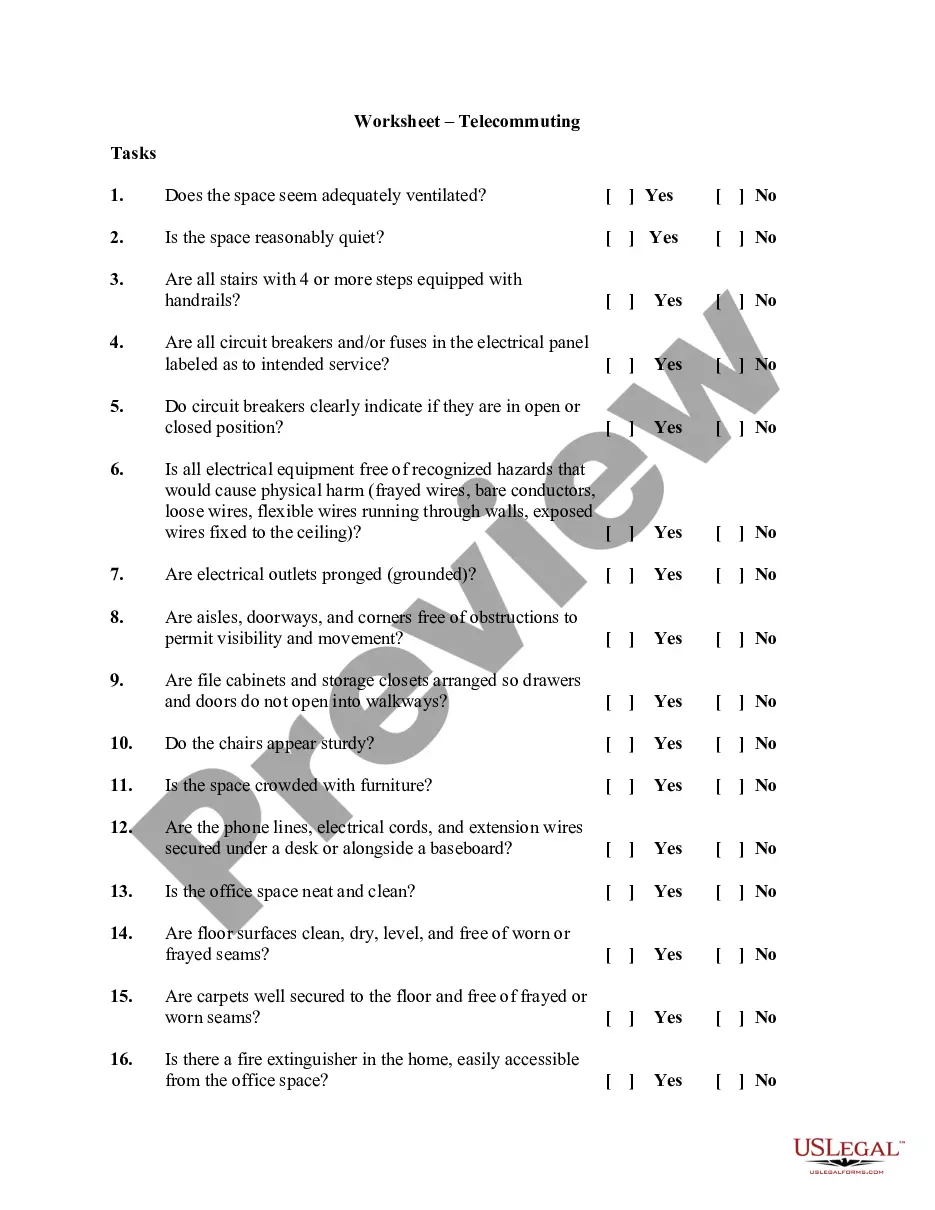
The Telecommuting Agreement specifies the terms and conditions of the agreed upon arrangement, which includes verification that the alternate location provides a workspace that is free from safety and fire hazards.