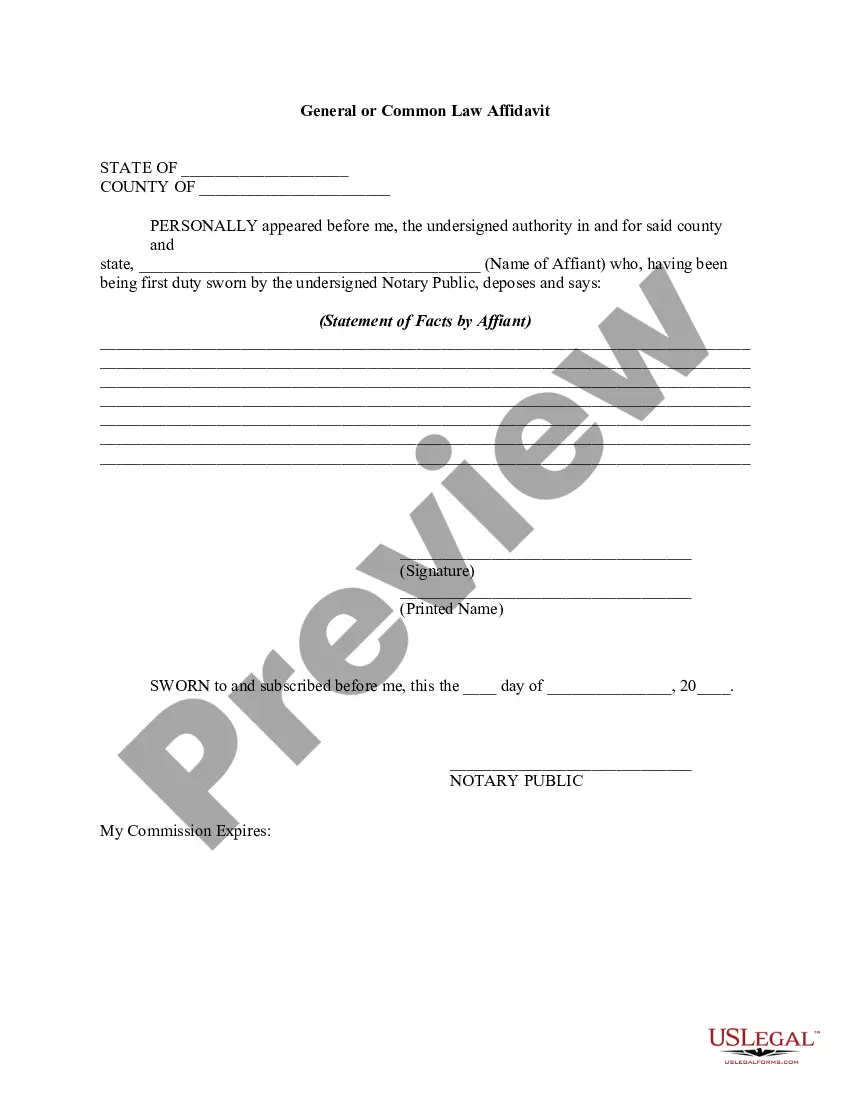
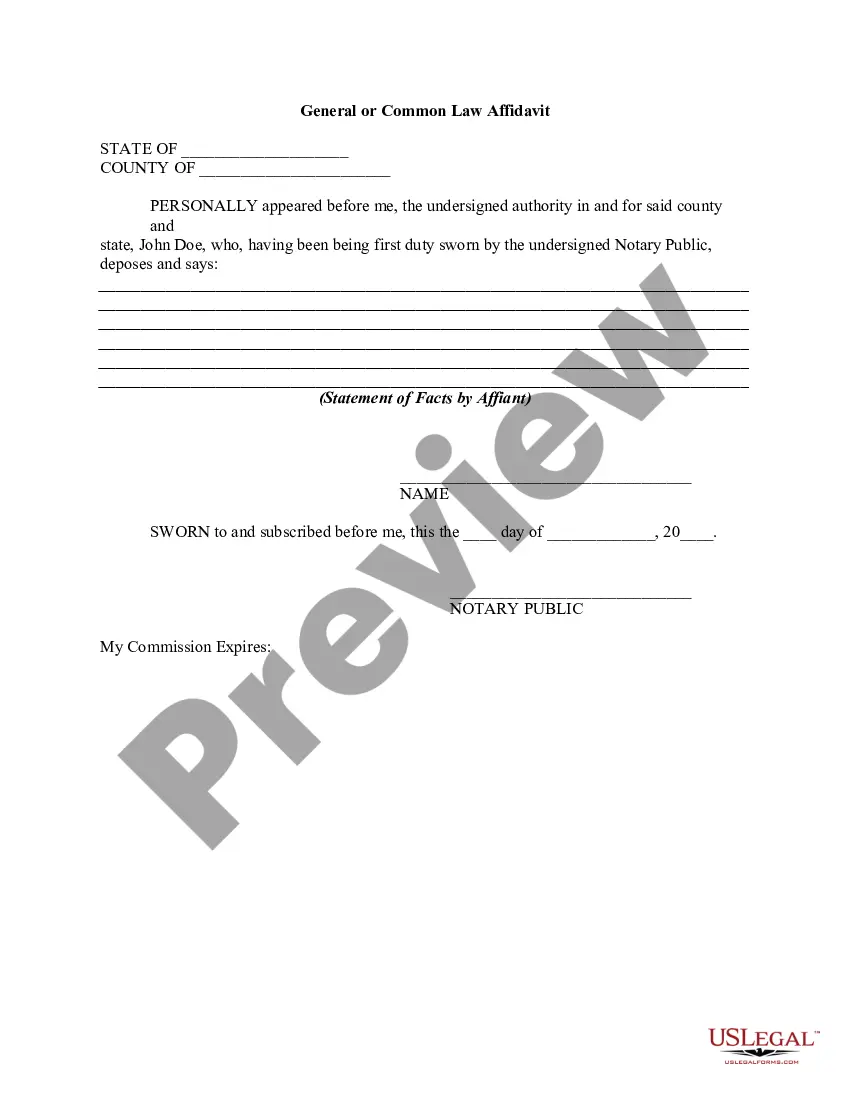
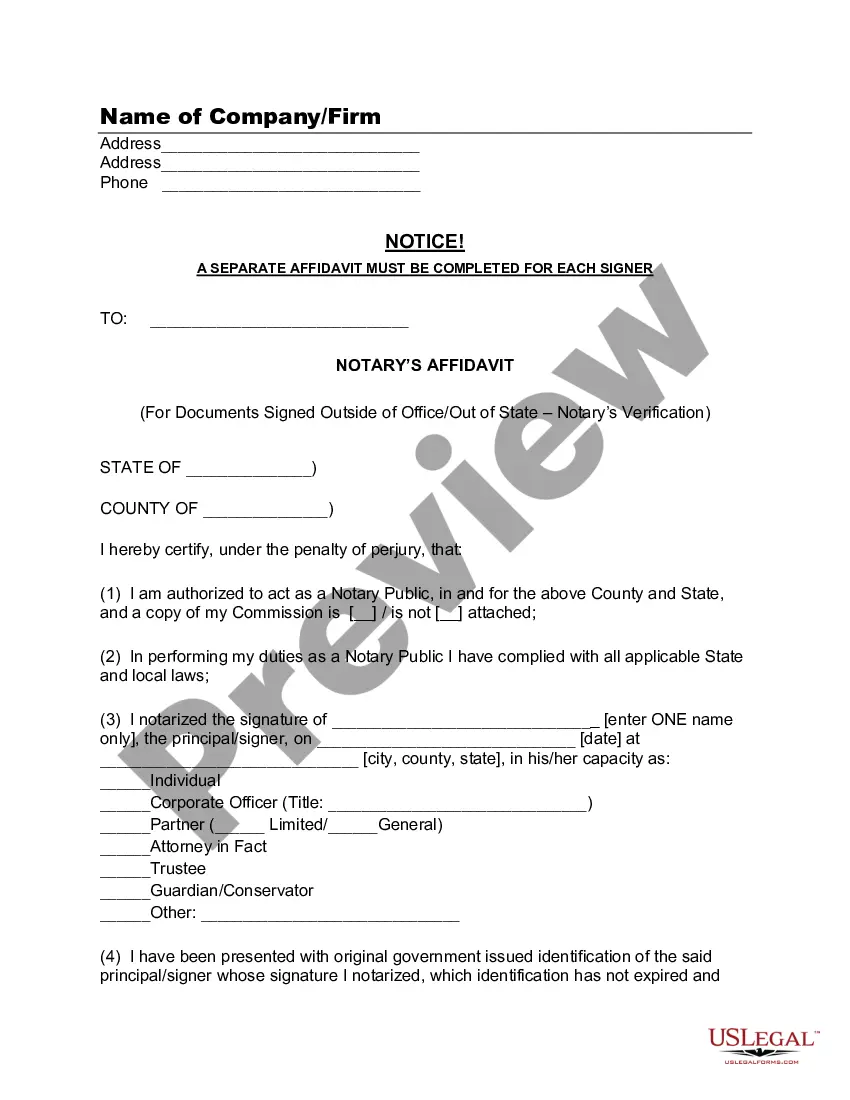
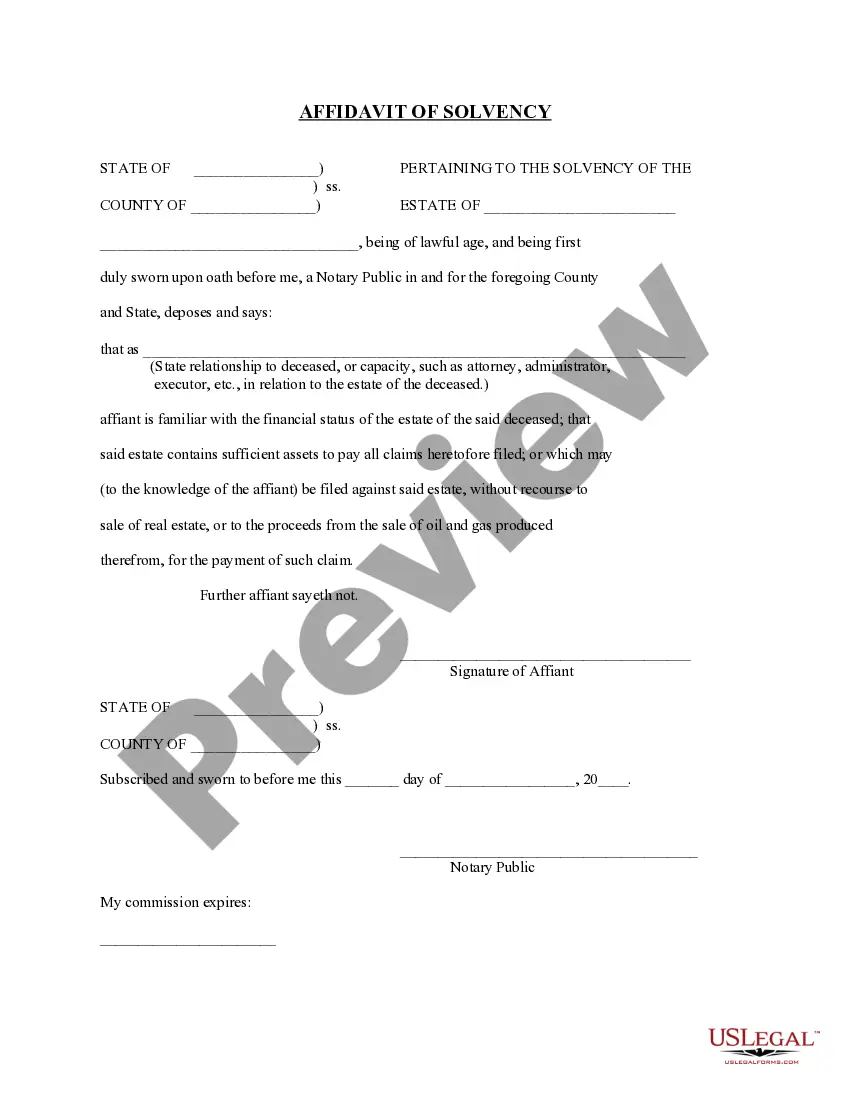
This form is a general affidavit. Affiant maintains that his/her statements are made upon affirmation of belief and personal knowledge that certain facts and matters set forth in the document are correct and true.
North Carolina Affidavit - General
2,304 downloads
Description
Get your form ready online
Our built-in tools help you complete, sign, share, and store your documents in one place.
Built-in online Word editor
Make edits, fill in missing information, and update formatting in US Legal Forms—just like you would in MS Word.
Export easily
Download a copy, print it, send it by email, or mail it via USPS—whatever works best for your next step.
E-sign your document
Sign and collect signatures with our SignNow integration. Send to multiple recipients, set reminders, and more. Go Premium to unlock E-Sign.
Notarize online 24/7
If this form requires notarization, complete it online through a secure video call—no need to meet a notary in person or wait for an appointment.
Store your document securely
We protect your documents and personal data by following strict security and privacy standards.

Make edits, fill in missing information, and update formatting in US Legal Forms—just like you would in MS Word.

Download a copy, print it, send it by email, or mail it via USPS—whatever works best for your next step.

Sign and collect signatures with our SignNow integration. Send to multiple recipients, set reminders, and more. Go Premium to unlock E-Sign.

If this form requires notarization, complete it online through a secure video call—no need to meet a notary in person or wait for an appointment.

We protect your documents and personal data by following strict security and privacy standards.
Looking for another form?
How to fill out Affidavit - General?
Finding the appropriate legal document template can often be a challenge.
Of course, there are numerous templates available online, but how can you obtain the legal form you require.
Utilize the US Legal Forms website.
If you are a new user of US Legal Forms, here are straightforward steps you should adhere to: First, ensure you have selected the correct form for your city/state. You can review the document by using the Preview button and read the form description to confirm it is the right fit for you.
- The service offers a vast array of templates, including the North Carolina Affidavit - General, suitable for both business and personal use.
- All forms are verified by experts and comply with state and federal standards.
- If you are already registered, Log In to your account and click the Acquire button to access the North Carolina Affidavit - General.
- Use your account to browse the legal forms you've purchased previously.
- Visit the My documents section of your account to obtain an additional copy of the document you require.
Form popularity
FAQ
Do I Need to Have My Will Notarized? No, in North Carolina, you do not need to notarize your will to make it legal. However, North Carolina allows you to make your will "self-proving" and you'll need to go to a notary if you want to do that.
I (Applicant Name as per id proof), residing at (Address as per address proof) do solemnly affirm and stated as under: I am and my name , appearing on the enclosed ID proof, is single name.
6 steps to writing an affidavitTitle the affidavit. First, you'll need to title your affidavit.Craft a statement of identity. The very next section of your affidavit is what's known as a statement of identity.Write a statement of truth.State the facts.Reiterate your statement of truth.Sign and notarize.
Affidavits verify the legitimacy of a claim and are used in conjunction with witness statements or other related evidence in a dispute or a criminal matter. The person who signs the affidavit must be personally aware of the facts contained within, and he or she must swear that the affidavit is 100% true.
A general affidavit is a sworn statement of fact, written by an affiant who has personal or special knowledge of a specific matter. An affidavit is always signed under oath, in the presence of a notary public, in order to confirm the veracity of the statement.
A general affidavit is a sworn statement of fact, written by an affiant who has personal or special knowledge of a specific matter. An affidavit is always signed under oath, in the presence of a notary public, in order to confirm the veracity of the statement.
Notarization of Document If necessary, you may use a "True Copy" affidavit for North Carolina documents and obtain a notary acknowledgment of your signature; Documents from the following entities will not need to be notarized:.
No, an Affidavit given on the requisite value of the stamp papers is not a valid document. Affidavits shall be sworn before the officers referred to in section 139 of the Code of Civil Procedure, 1908. I agree with Mr. Janardhana Reddy.
6 steps to writing an affidavitTitle the affidavit. First, you'll need to title your affidavit.Craft a statement of identity. The very next section of your affidavit is what's known as a statement of identity.Write a statement of truth.State the facts.Reiterate your statement of truth.Sign and notarize.
An affidavit is a statement given under oath that its contents are true and accurate. Any false statement or information contained in this affidavit may subject you to prosecution for the felony of perjury, N.C.G.S. 14-209, or under other statutes that prohibit false statements under oath.
