North Carolina Verification
What this document covers
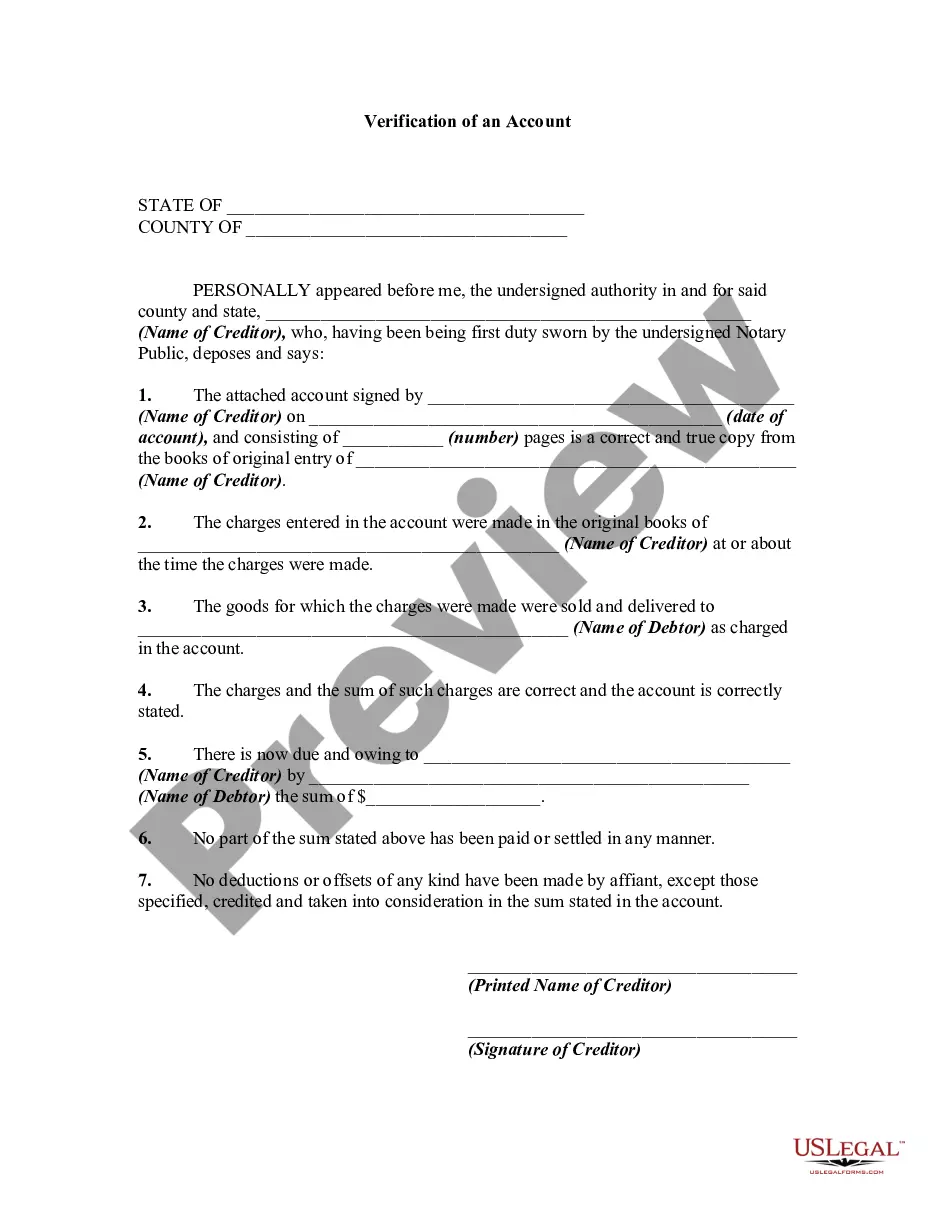
The Verification form is a legal document essential for verifying a divorce complaint as per the Rules of Civil Procedure. This form is specifically designed for the Plaintiff in a divorce action to affirm the truthfulness of their complaint under oath. Unlike other legal documents, this form must be signed before a notary public to be considered valid, ensuring its authenticity and adherence to legal standards.
Key components of this form
- County verification field to indicate where the form is filed.
- Name of the Plaintiff affirming the contents of the complaint.
- A statement confirming that the Plaintiff has read the complaint and believes its contents to be true.
- Signature section, which must be completed in front of a notary.
- Notary acknowledgment space for the official to certify the document.

Common use cases
This form is used at the beginning of a divorce action to formally validate the complaint filed by the Plaintiff. Use this form when you are initiating a divorce and need to meet legal requirements for your complaint to be taken seriously by the court.
Who this form is for
- Individuals filing for divorce as the Plaintiff.
- Anyone needing to formalize a divorce complaint legally.
- Participants in the divorce process who require a verification of claims made in their documents.
Steps to complete this form
- Identify the county where you are filing the form.
- Enter your full name as the Plaintiff.
- Read through the complaint and confirm your understanding of its contents.
- Sign the document in the presence of a notary public.
- Have the notary complete their section by acknowledging your signature.
Does this form need to be notarized?
This form must be notarized to be legally valid. US Legal Forms provides secure online notarization powered by Notarize, allowing you to complete the process through a verified video call.
Get your form ready online
Our built-in tools help you complete, sign, share, and store your documents in one place.
Make edits, fill in missing information, and update formatting in US Legal Forms—just like you would in MS Word.
Download a copy, print it, send it by email, or mail it via USPS—whatever works best for your next step.
Sign and collect signatures with our SignNow integration. Send to multiple recipients, set reminders, and more. Go Premium to unlock E-Sign.
If this form requires notarization, complete it online through a secure video call—no need to meet a notary in person or wait for an appointment.
We protect your documents and personal data by following strict security and privacy standards.

Make edits, fill in missing information, and update formatting in US Legal Forms—just like you would in MS Word.

Download a copy, print it, send it by email, or mail it via USPS—whatever works best for your next step.

Sign and collect signatures with our SignNow integration. Send to multiple recipients, set reminders, and more. Go Premium to unlock E-Sign.

If this form requires notarization, complete it online through a secure video call—no need to meet a notary in person or wait for an appointment.

We protect your documents and personal data by following strict security and privacy standards.
Typical mistakes to avoid
- Not including the correct county name.
- Failing to sign in front of the notary.
- Leaving any fields blank.
- Providing incorrect information in the complaint referenced.
Why complete this form online
- Convenient access to legal documents at any time.
- Easy-to-edit templates that suit your specific needs.
- Reliable forms drafted by licensed attorneys.
What to keep in mind
- The Verification form is essential for confirming the truth of your divorce complaint.
- Always sign the form in the presence of a notary public.
- Ensure all fields are accurately completed to avoid delays in your divorce proceedings.
Looking for another form?
Form popularity
FAQ
Visit ID.me and sign in to your account using your Email address and Password. Click the Sign In & Security tab. When prompted, select and complete your preferred multi-factor authentication method. In the left navigation area, click Privacy.
Visit ID.me and sign to your account using your Email address and Password. Look for the My IDs section pictured below and make sure you see a Verified Identity card.
When you complete identity verification, your next step is to return to the state's website, and continue your claim. To continue the verification process: You will be redirected to the state's website.This action shares your identity information with the state and enables the claim process to continue.
Visit ID.me and click My Account in the top right corner, then Create an ID.me Account. Complete the form below, or select one of the social media options. Check the box to accept the terms of use and privacy policy, then click Sign Up. If prompted, enter and confirm your email address.
E-Verify Is Now Mandatory For Some North Carolina Employers When Hiring New Employees. North Carolina law now requires certain private employers with 25 or more employees to use the federal E-Verify system when hiring new employees.
Visit ID.me and click My Account in the top right corner, then Create an ID.me Account. Complete the form below, or select one of the social media options. Check the box to accept the terms of use and privacy policy, then click Sign Up. If prompted, enter and confirm your email address.
Sometimes, you will be verified in just a few minutes; if a manual review review of your document is needed, it may take longer. Once we have reviewed your documentation, you will receive an email indicating whether or not your status was verified, and guidance for next steps if verification was unsuccessful.
Unsuccessful verification attempts may be due to many reasons: You may have recently moved. You may have answered security questions incorrectly. Your credit report may be locked or frozen.
Hall said EDD told his company that it takes up to 10 days for them to process an ID.me verified identity.