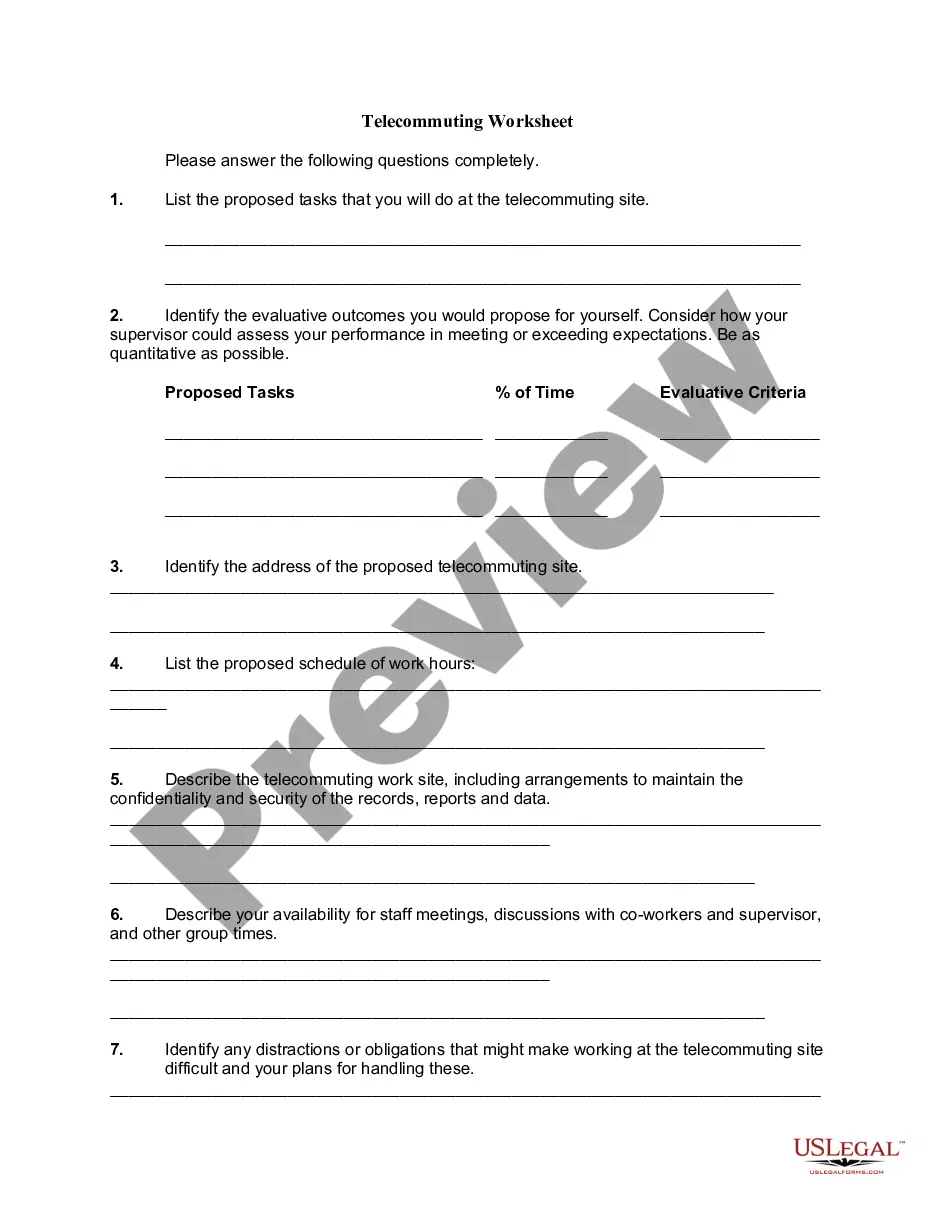
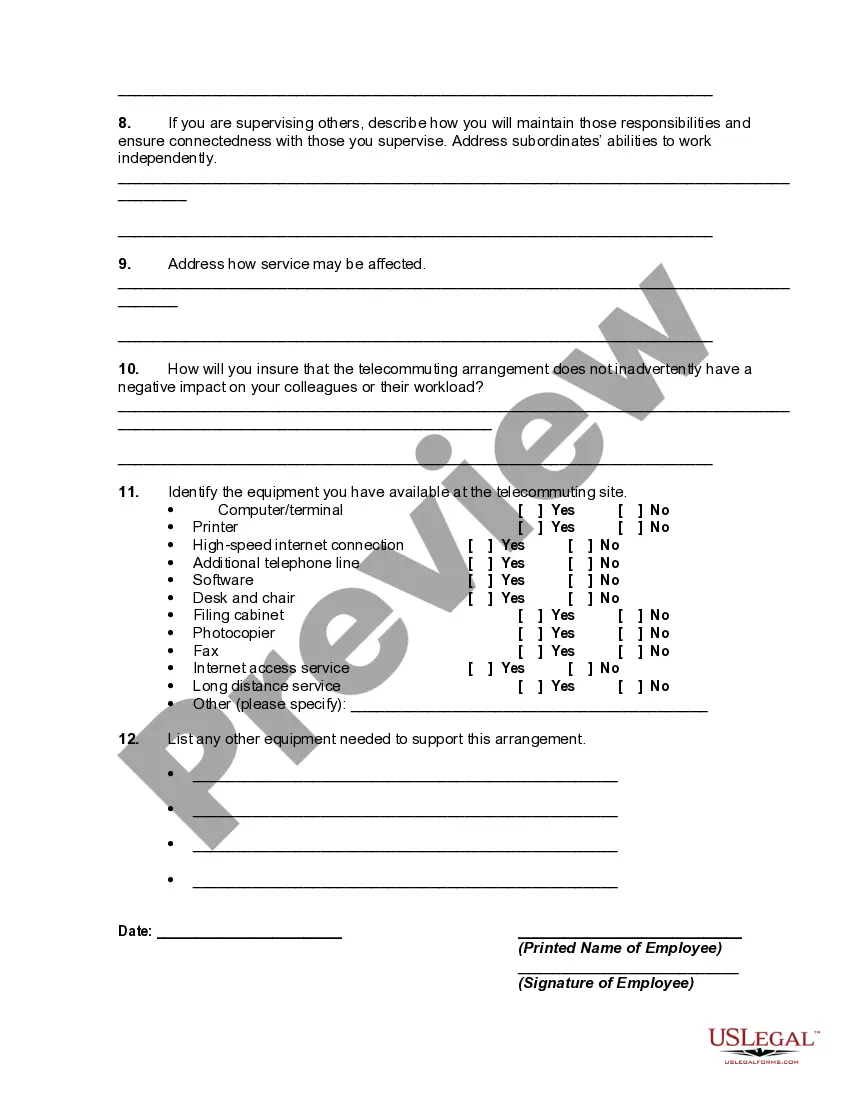
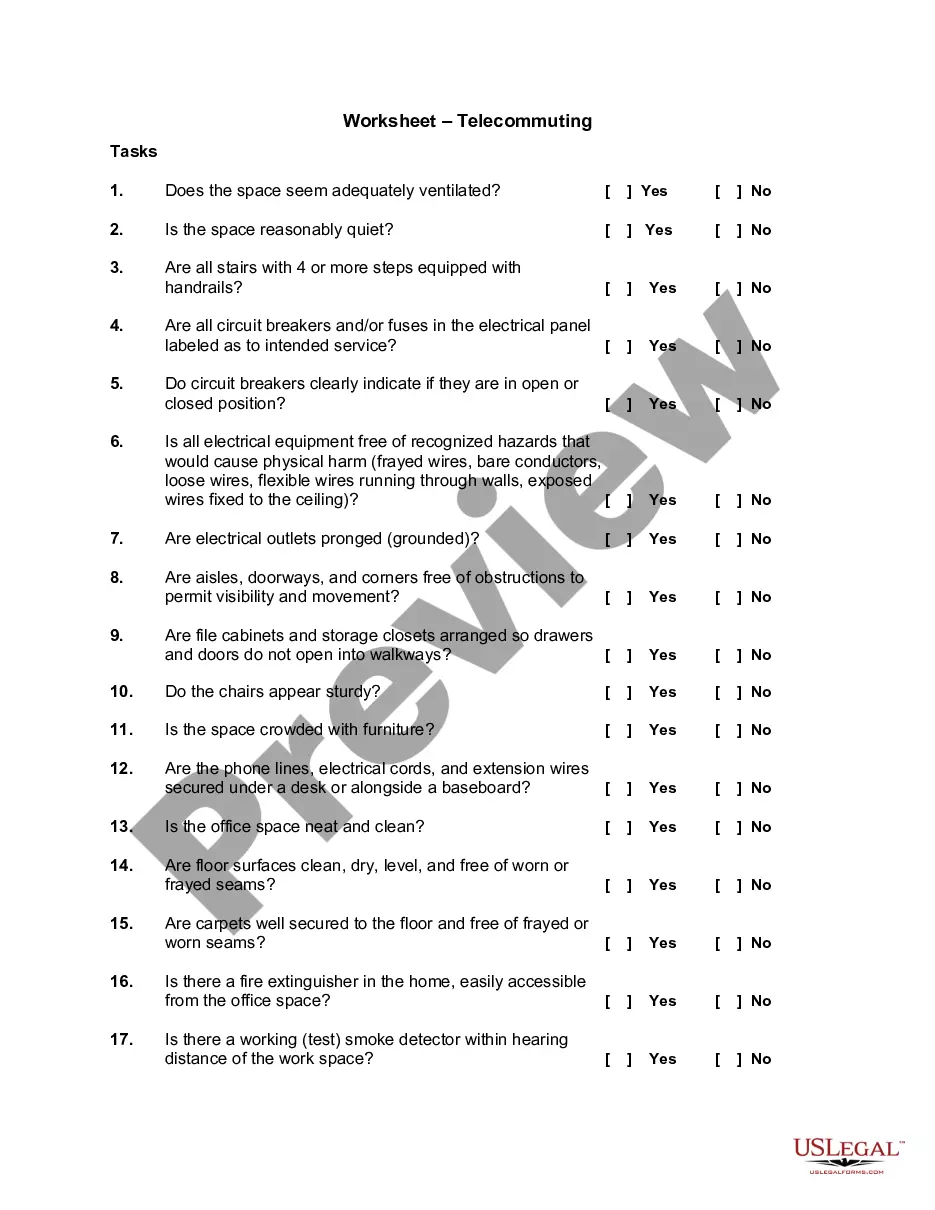
Montana Telecommuting Worksheet
Description

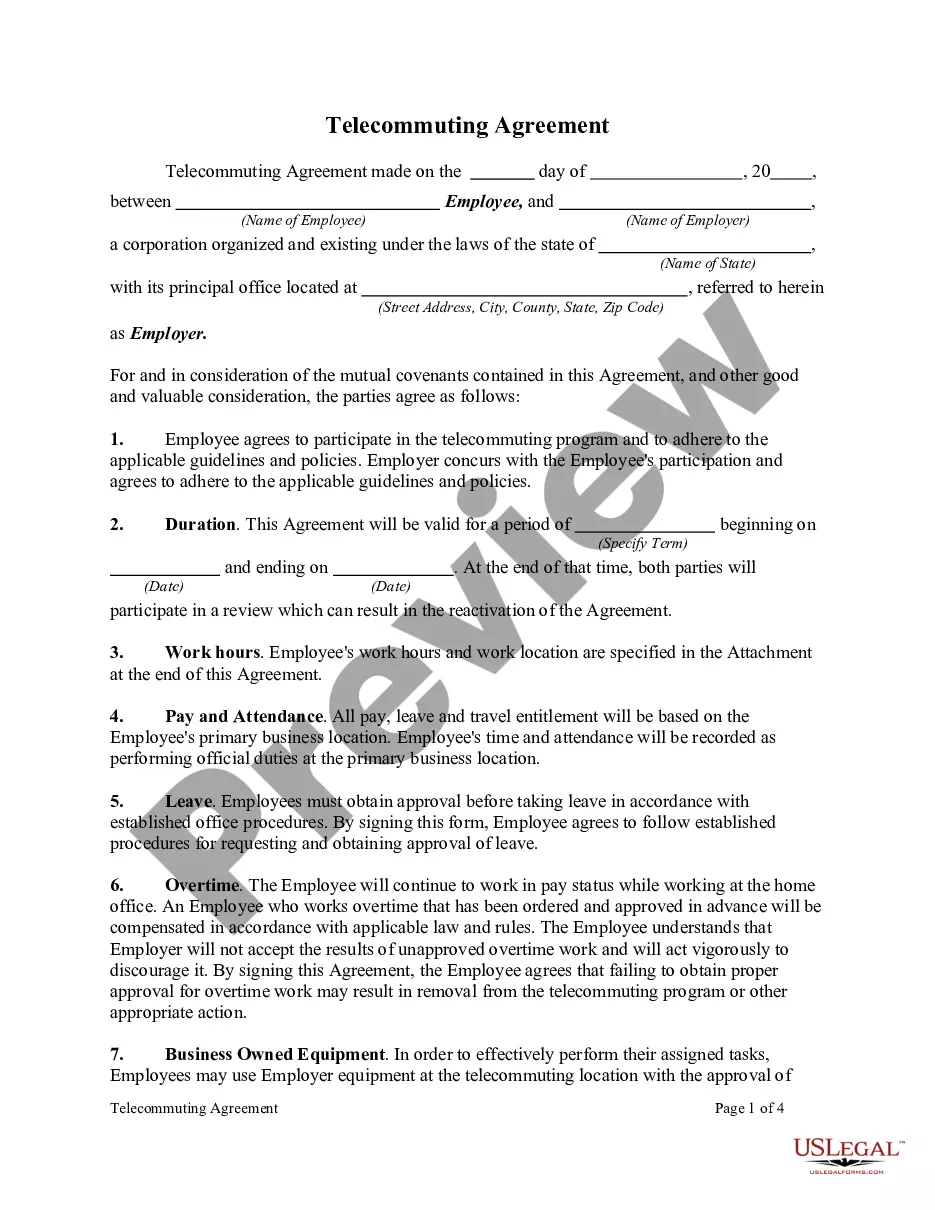
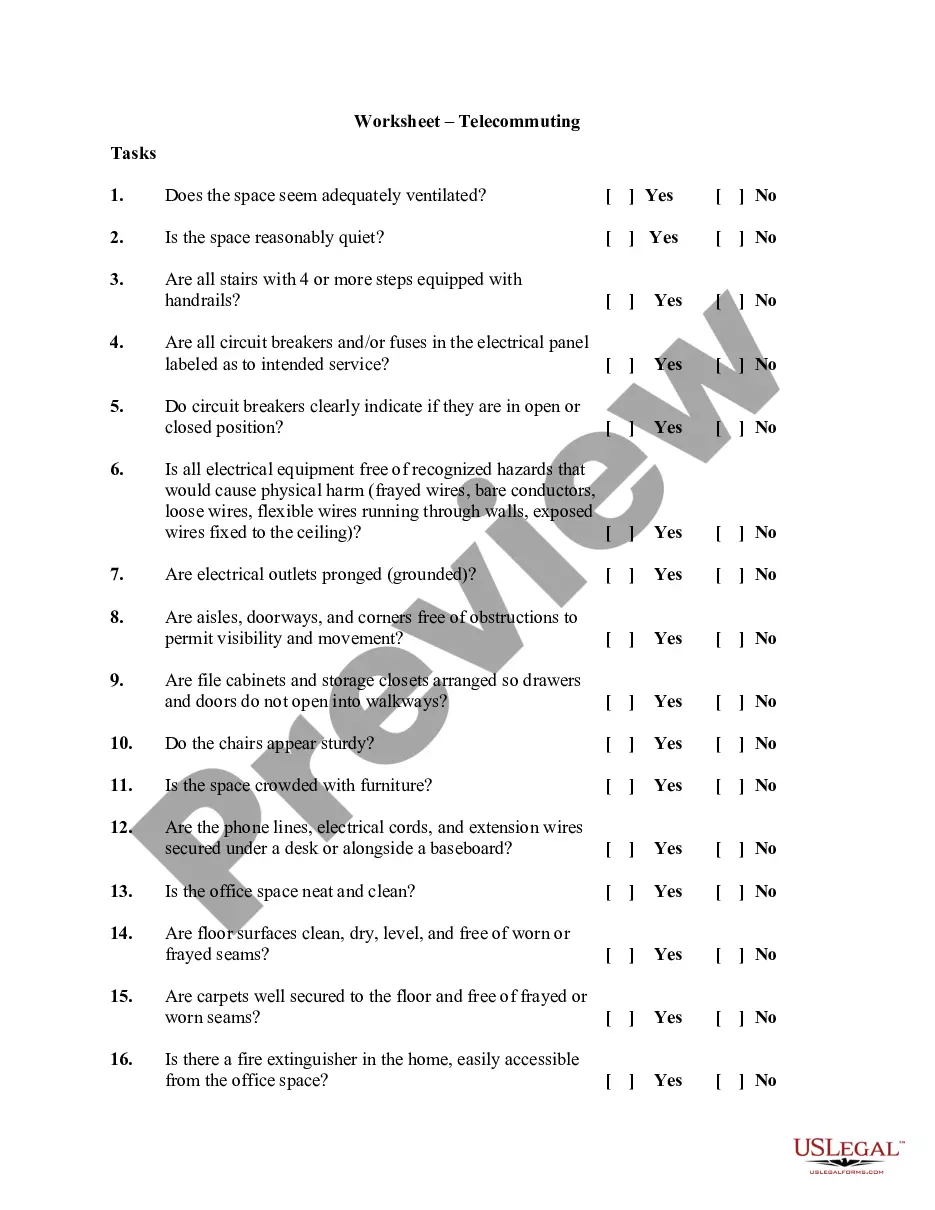
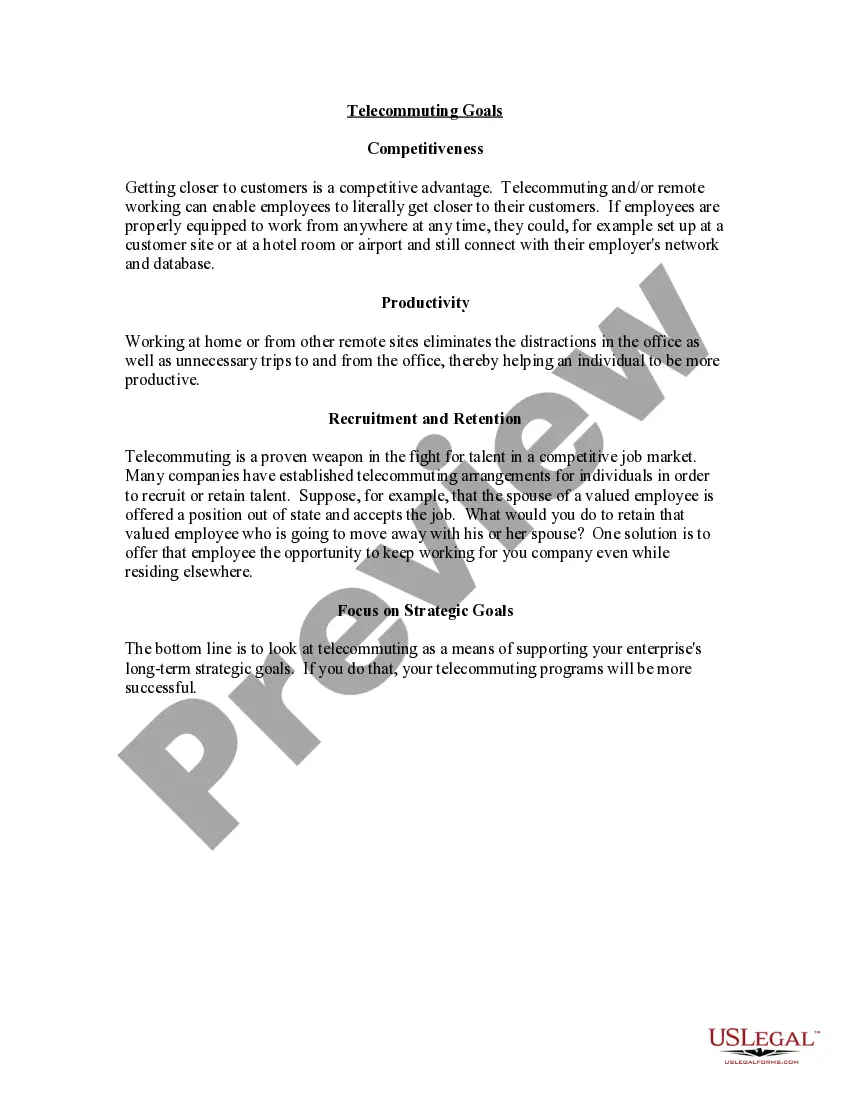

Get your form ready online
Our built-in tools help you complete, sign, share, and store your documents in one place.
Make edits, fill in missing information, and update formatting in US Legal Forms—just like you would in MS Word.
Download a copy, print it, send it by email, or mail it via USPS—whatever works best for your next step.
Sign and collect signatures with our SignNow integration. Send to multiple recipients, set reminders, and more. Go Premium to unlock E-Sign.
If this form requires notarization, complete it online through a secure video call—no need to meet a notary in person or wait for an appointment.
We protect your documents and personal data by following strict security and privacy standards.

Make edits, fill in missing information, and update formatting in US Legal Forms—just like you would in MS Word.

Download a copy, print it, send it by email, or mail it via USPS—whatever works best for your next step.

Sign and collect signatures with our SignNow integration. Send to multiple recipients, set reminders, and more. Go Premium to unlock E-Sign.

If this form requires notarization, complete it online through a secure video call—no need to meet a notary in person or wait for an appointment.

We protect your documents and personal data by following strict security and privacy standards.
Looking for another form?
How to fill out Telecommuting Worksheet?
If you aim to finalize, attain, or produce sanctioned document templates, utilize US Legal Forms, the most extensive collection of legal forms that can be accessed online.
Use the site's straightforward and convenient search feature to find the documents you seek.
Numerous templates for commercial and specific purposes are organized by categories and states, or keywords.
Every legal document template you obtain is yours permanently. You have access to every form you downloaded with your account.
Click on the My documents section and select a form to print or download again.
- Utilize US Legal Forms to secure the Montana Telecommuting Worksheet with just a few clicks.
- If you are already a US Legal Forms user, sign in to your account and click the Download button to retrieve the Montana Telecommuting Worksheet.
- You can also access forms you previously downloaded within the My documents section of your account.
- If this is your first time using US Legal Forms, follow the steps below.
- Step 1. Ensure you have selected the form for your specific city/state.
- Step 2. Use the Review option to browse through the form's details. Remember to read the description.
- Step 3. If you are not satisfied with the form, use the Search bar at the top of the screen to find alternative versions of the legal form format.
- Step 4. Once you have identified the form you need, click the Get now button. Select the payment plan you prefer and enter your details to register for the account.
- Step 5. Complete the transaction. You may use your Visa or MasterCard or PayPal account to process the payment.
- Step 6. Choose the format of the legal document and download it to your device.
- Step 7. Fill out, modify and print or sign the Montana Telecommuting Worksheet.
Form popularity
FAQ
The IRS allows deductions for home office expenses based on specific criteria. You can claim a portion of your home's expenses if you regularly and exclusively use a part of your home for work. Utilizing the Montana Telecommuting Worksheet can simplify the process of determining what expenses you can deduct.
You can use a time tracking tool to monitor each employee's productivity and time spent on remote work....We'll look at each of these employee monitoring tools below.TimeCamp. TimeCamp is a revolutionary application that helps track employee time and productivity.Time Doctor.Toggl.RescueTime.
The self-employed do not qualify as telecommuters because they lack employee status.
Though often away from the office, a teleworker is different from a remote employee because there occasionally some in-person office attendance required though this is not always the case. Another key difference is that a teleworker is often geographically closer to the main office location than a remote worker.
5 Key Characteristics of Successful TelecommutersFocus.Collaborative attitude.Adaptabilty.While you may have established a routine that works well for your day-to-day work, it's vital that those working from home are flexible.Trust.Self-starter.
In general, if you're working remotely you'll only have to file and pay income taxes in the state where you live. However, in some cases, you may be required to file tax returns in two different states. This depends on your particular situation, the company you work for, and the tax laws of the states involved.
Telecommuting is the ability for an employee to complete work assignments from outside the traditional workplace by using telecommunications tools such as email, phone, chat and video apps.
It should include:Days and hours the employee is expected to be working in the department.Hours the employee is expected to be working and reachable at the telecommuting site.Methods of contact (such as dedicated phone line, voice mail, email, videoconference, etc.)Times and frequency of contact (in both directions)More items...
If you're having trouble getting started with your telecommuting policy, here's a list of things to include:Define which positions are eligible to work from home.Be specific about the policy.Create an effective power structure.Outline which tools your employees should use.Be open.
Telecommuting is an employment arrangement in which the employee works outside of the employer's office. Often this means working from home or at a location close to home, such as a coffee shop, library, or co-working space.