Request for Entry of Default, Application for Default Judgment and Waiver of Final Disclosure - Montana Judicial District Court
What is this form?
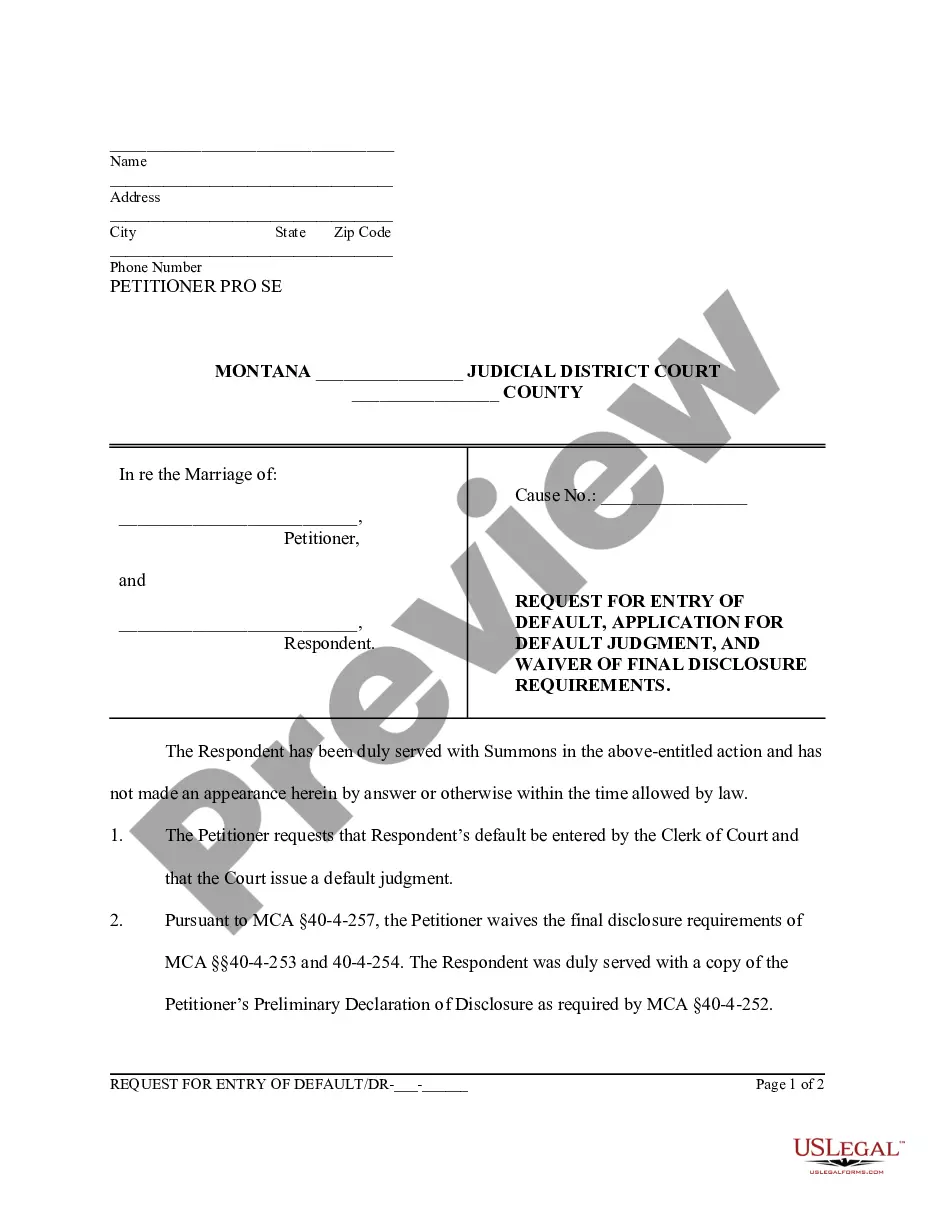
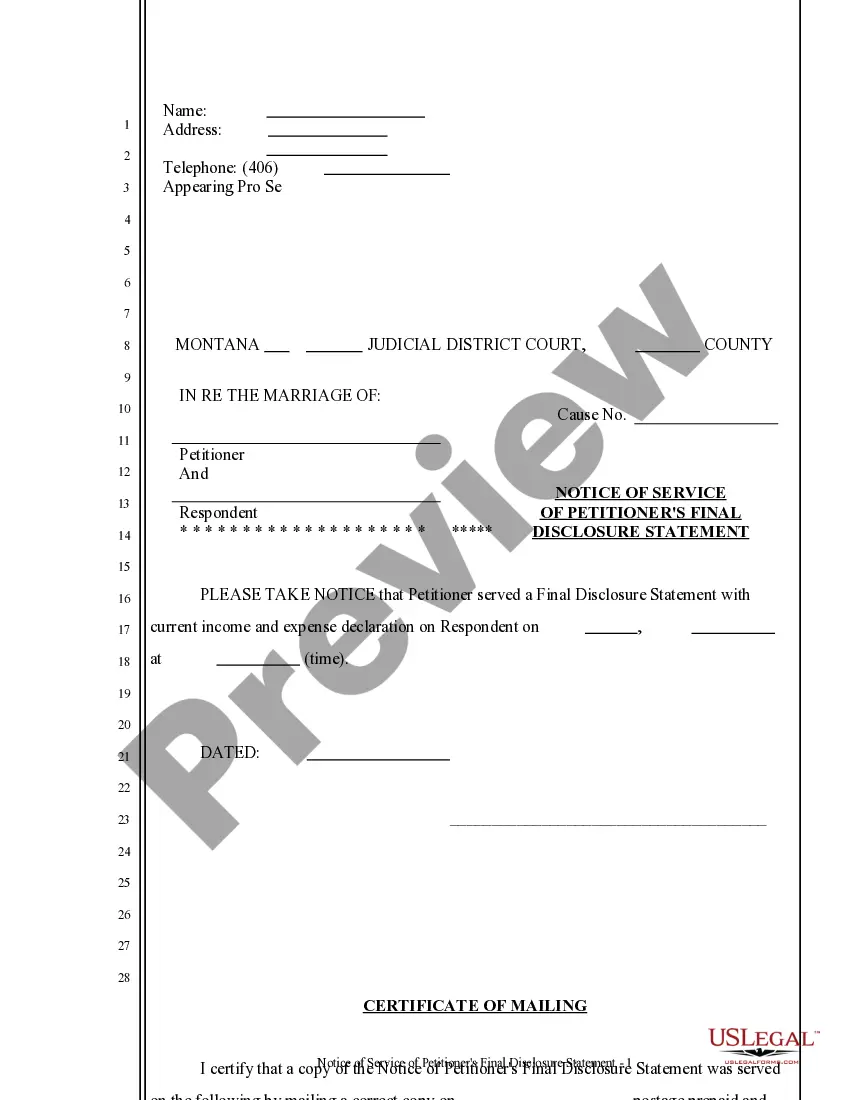
The Request for Entry of Default, Application for Default Judgment, and Waiver of Final Disclosure Requirements is a legal document used in the Montana Judicial District Court. This form allows a petitioner to request that the court enter a default judgment against a respondent who has not responded to a legal action within the timeframe allowed by law. It includes a waiver of final disclosure requirements, which means the petitioner does not have to provide certain financial disclosures typically required in divorce proceedings. This form differs from similar forms by combining entry of default and application for default judgment into a single document, making the process simpler for the petitioner.
Key components of this form
- Petitioner's name and contact information.
- Identification of the court, county, and case number.
- Details regarding the respondent's lack of response.
- Request for the clerk to enter default and issue a default judgment.
- Waiver of final disclosure requirements pursuant to relevant state law.
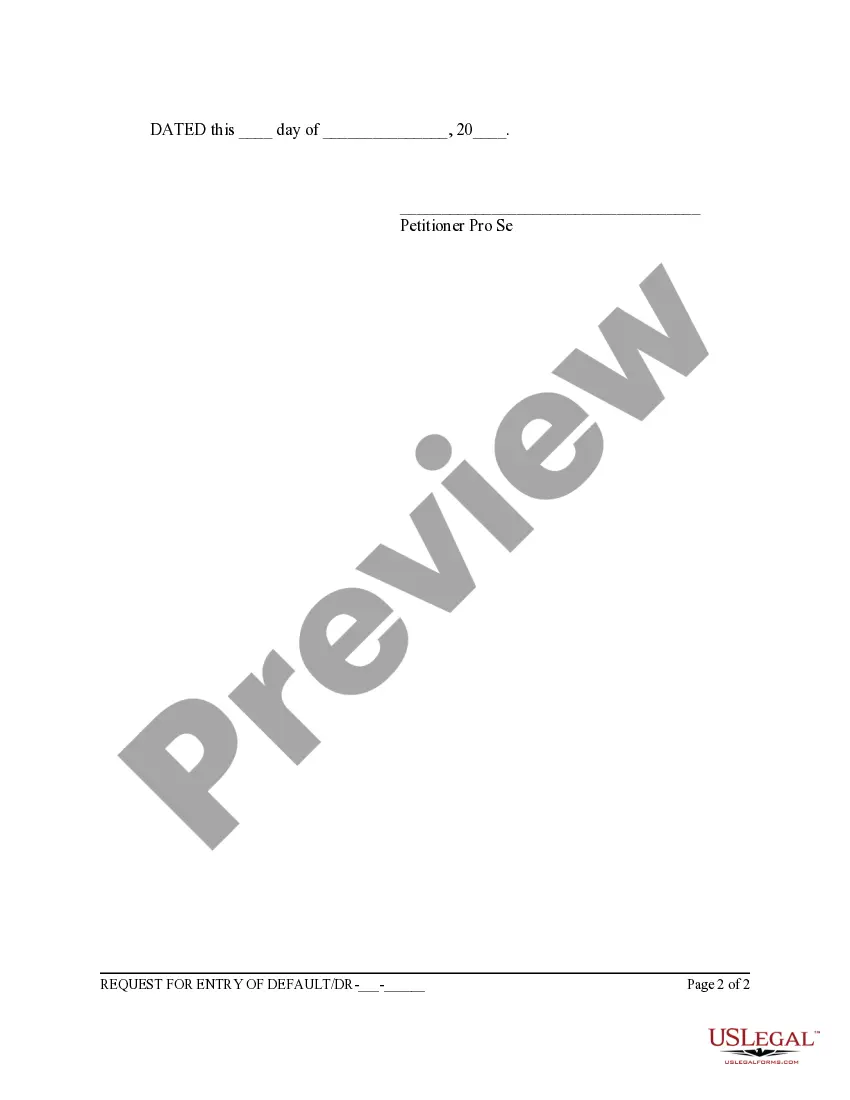
- Signature of the petitioner, indicating they are proceeding pro se (without an attorney).
Common use cases
This form should be used when a petitioner initiates a divorce or family law proceeding and the respondent has been served but fails to respond within the legally mandated time. If the petitioner wishes to proceed with the case despite the lack of response, they can use this form to request a default judgment, which allows the court to rule in their favor without the respondent's participation. This form is also useful when the petitioner wants to waive the final disclosure requirements, streamlining the process of obtaining a judgment.
Who can use this document
- Individuals filing for divorce or family law matters in Montana without legal representation (pro se petitioners).
- Petitioners whose spouses have been served but have not responded to the divorce proceedings.
- Those who wish to obtain a default judgment quickly and are comfortable waiving financial disclosure requirements.
How to prepare this document
- Enter your name and contact information at the top of the form.
- Fill in the judicial district and county, along with the case number.
- Clearly state the names of both the petitioner and the respondent.
- Check the appropriate sections confirming the respondent was served and has not responded.
- Sign and date the form to certify your request.
Is notarization required?
This form does not typically require notarization unless specified by local law. Be sure to check specific court requirements to confirm if notarization is necessary for your case.
Get your form ready online
Our built-in tools help you complete, sign, share, and store your documents in one place.
Make edits, fill in missing information, and update formatting in US Legal Forms—just like you would in MS Word.
Download a copy, print it, send it by email, or mail it via USPS—whatever works best for your next step.
Sign and collect signatures with our SignNow integration. Send to multiple recipients, set reminders, and more. Go Premium to unlock E-Sign.
If this form requires notarization, complete it online through a secure video call—no need to meet a notary in person or wait for an appointment.
We protect your documents and personal data by following strict security and privacy standards.

Make edits, fill in missing information, and update formatting in US Legal Forms—just like you would in MS Word.

Download a copy, print it, send it by email, or mail it via USPS—whatever works best for your next step.

Sign and collect signatures with our SignNow integration. Send to multiple recipients, set reminders, and more. Go Premium to unlock E-Sign.

If this form requires notarization, complete it online through a secure video call—no need to meet a notary in person or wait for an appointment.

We protect your documents and personal data by following strict security and privacy standards.
Mistakes to watch out for
- Failing to provide complete contact information for yourself or others involved.
- Not correctly identifying the court and county for filing.
- Neglecting to state that the respondent was served properly.
- Not signing and dating the form before submission.
Benefits of completing this form online
- Convenience of downloading and printing immediately without visiting a lawyer's office.
- Editability allows for custom details tailored to your specific case.
- Access to forms created by licensed attorneys, ensuring reliability and compliance with legal standards.
- Time-saving by enabling rapid completion and submission of necessary legal documents.