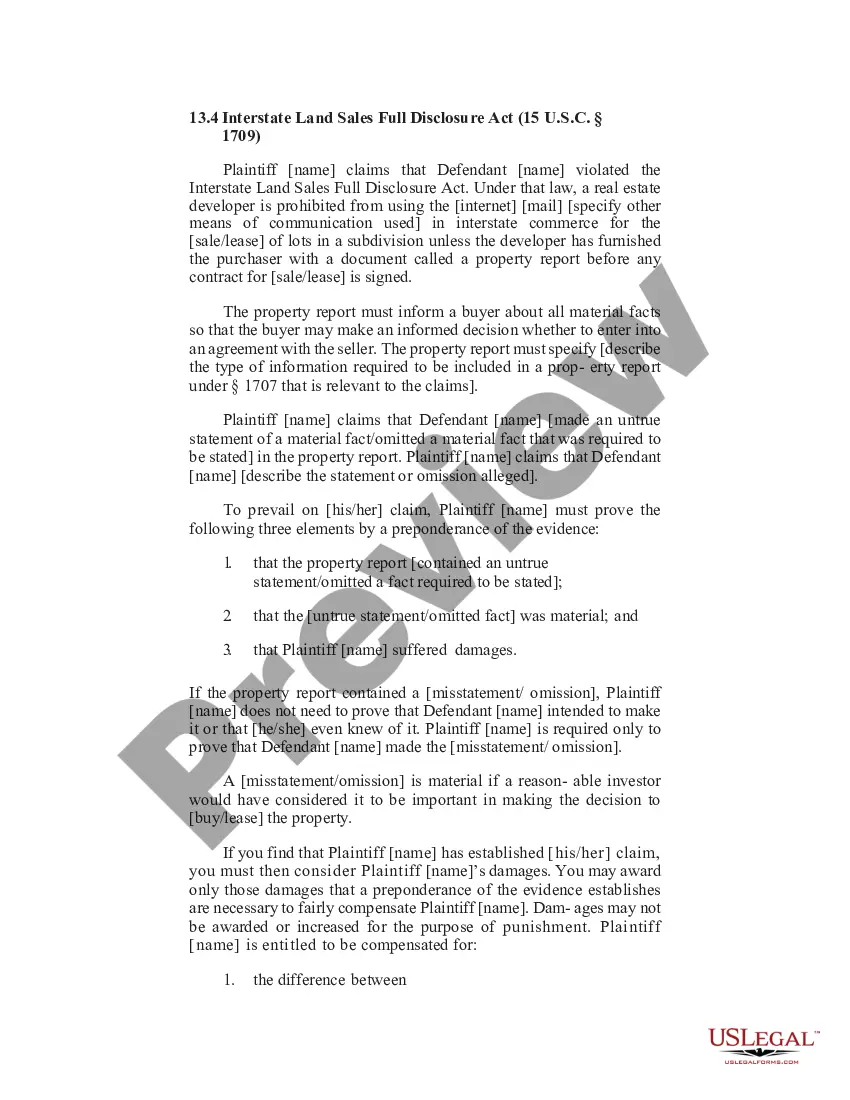
Mississippi Registration Statement
Description


Get your form ready online
Our built-in tools help you complete, sign, share, and store your documents in one place.
Make edits, fill in missing information, and update formatting in US Legal Forms—just like you would in MS Word.
Download a copy, print it, send it by email, or mail it via USPS—whatever works best for your next step.
Sign and collect signatures with our SignNow integration. Send to multiple recipients, set reminders, and more. Go Premium to unlock E-Sign.
If this form requires notarization, complete it online through a secure video call—no need to meet a notary in person or wait for an appointment.
We protect your documents and personal data by following strict security and privacy standards.

Make edits, fill in missing information, and update formatting in US Legal Forms—just like you would in MS Word.

Download a copy, print it, send it by email, or mail it via USPS—whatever works best for your next step.

Sign and collect signatures with our SignNow integration. Send to multiple recipients, set reminders, and more. Go Premium to unlock E-Sign.

If this form requires notarization, complete it online through a secure video call—no need to meet a notary in person or wait for an appointment.

We protect your documents and personal data by following strict security and privacy standards.
Looking for another form?
How to fill out Registration Statement?
US Legal Forms - one of the largest collections of legal documents in the United States - offers a variety of legal document templates that you can download or print. By using the website, you can access thousands of forms for business and personal use, organized by categories, states, or keywords. You can find the latest types of forms such as the Mississippi Registration Statement within moments.
If you already possess a registration, Log In and download the Mississippi Registration Statement from the US Legal Forms library. The Download button will appear on each form you view. You can access all previously downloaded forms from the My documents tab of your account.
If you are planning to use US Legal Forms for the first time, here are simple steps to get started: Ensure you have selected the correct form for your area/county. Click the Preview button to review the contents of the form. Check the form description to confirm that you have picked the right form. If the form does not meet your requirements, use the Search field at the top of the page to locate one that does.
Access the Mississippi Registration Statement with US Legal Forms, the largest collection of legal document templates. Utilize thousands of professional and state-specific templates that cater to your business or personal requirements and needs.
- If you are satisfied with the form, confirm your selection by clicking on the Download now button.
- Then, choose the payment plan you prefer and provide your details to create an account.
- Process the transaction. Use your Visa or Mastercard or PayPal account to finalize the transaction.
- Select the format and download the form onto your device.
- Make modifications. Complete, edit, print, and sign the downloaded Mississippi Registration Statement.
- Every template you added to your account has no expiration date and is yours indefinitely. Therefore, if you wish to download or print another copy, simply go to the My documents section and click on the form you need.
Form popularity
FAQ
Mississippi Duplicate Registrations If you need a replacement registration certificate, visit your local tax collector's office and request one. You MAY be asked to provide your: Driver's license. Vehicle identification number (VIN).
The DOR will send out a registration renewal notice before your current registration expires. Once you receive your renewal notice you will be able to renew either online, in person, or by mail. If you do not receive a notice or you lose your notice you will need to renew in person at your local DOR office.
You have a 15 day grace period for renewing your car tag without penalties. Mississippi does not have a temporary tag or drive out tag.
You will need to register the vehicle in the county where the vehicle is domiciled, or where it is parked (garaged) overnight. For a motor vehicle with a GVW over 10,000 pounds and which travels only in Mississippi, you will register the vehicle at your local county Tax Collector's office.
Yes, taxes are the reason the price of a car tag is higher here. And taxes are the reason that price can vary from city to city and county to county. Those taxes are based on millage rates set by cities, school districts and counties and the assessed value of the vehicle. So, why do some states tax car tags?
Upon establishing residency, new MS residents have 30 days to apply for a MS vehicle registration certificate with the Department of Revenue. Failing to meet this timeframe could result in a $250 fine. To register, residents can visit their county's tax collector's office with: State-issued photo identification.
Mississippi is one of 10 states that allow you to register a newly-purchased car without insurance, along with Arizona, California, Iowa, New Hampshire, North Dakota, Tennessee, Virginia, Washington, and Wisconsin.