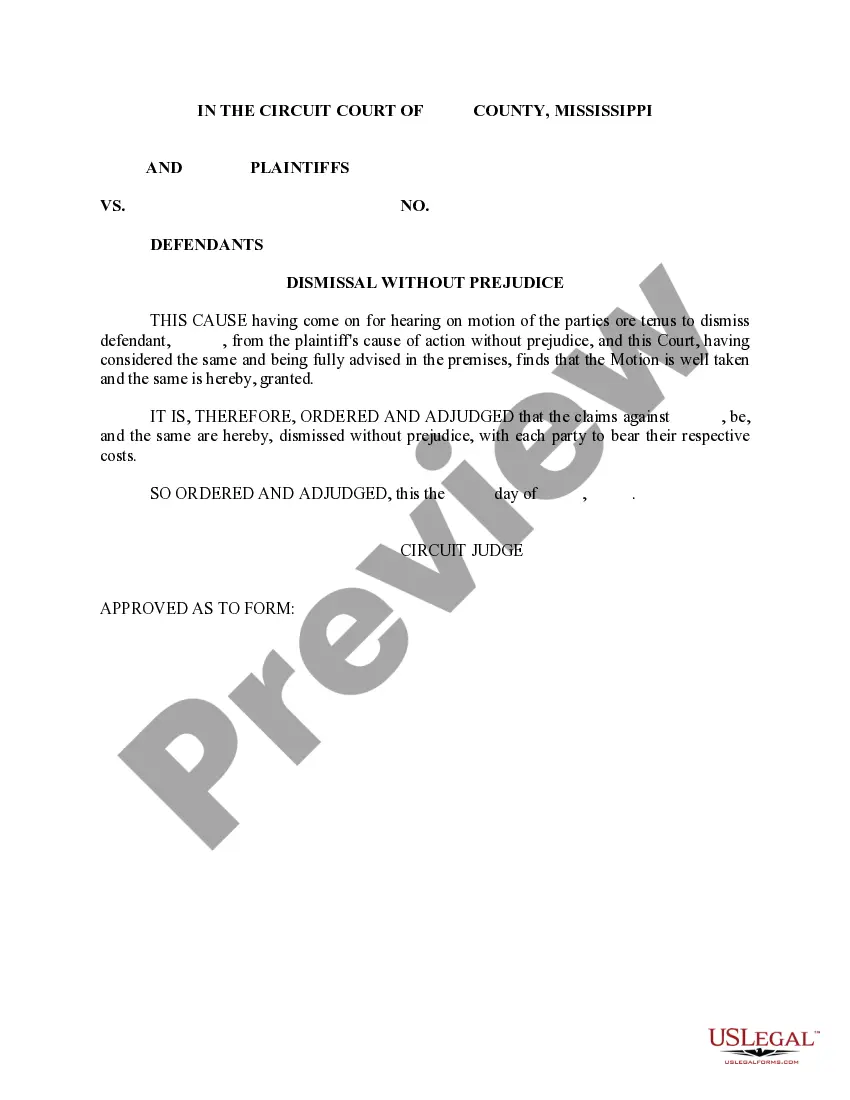
Mississippi Answer of MESC
What is this form?
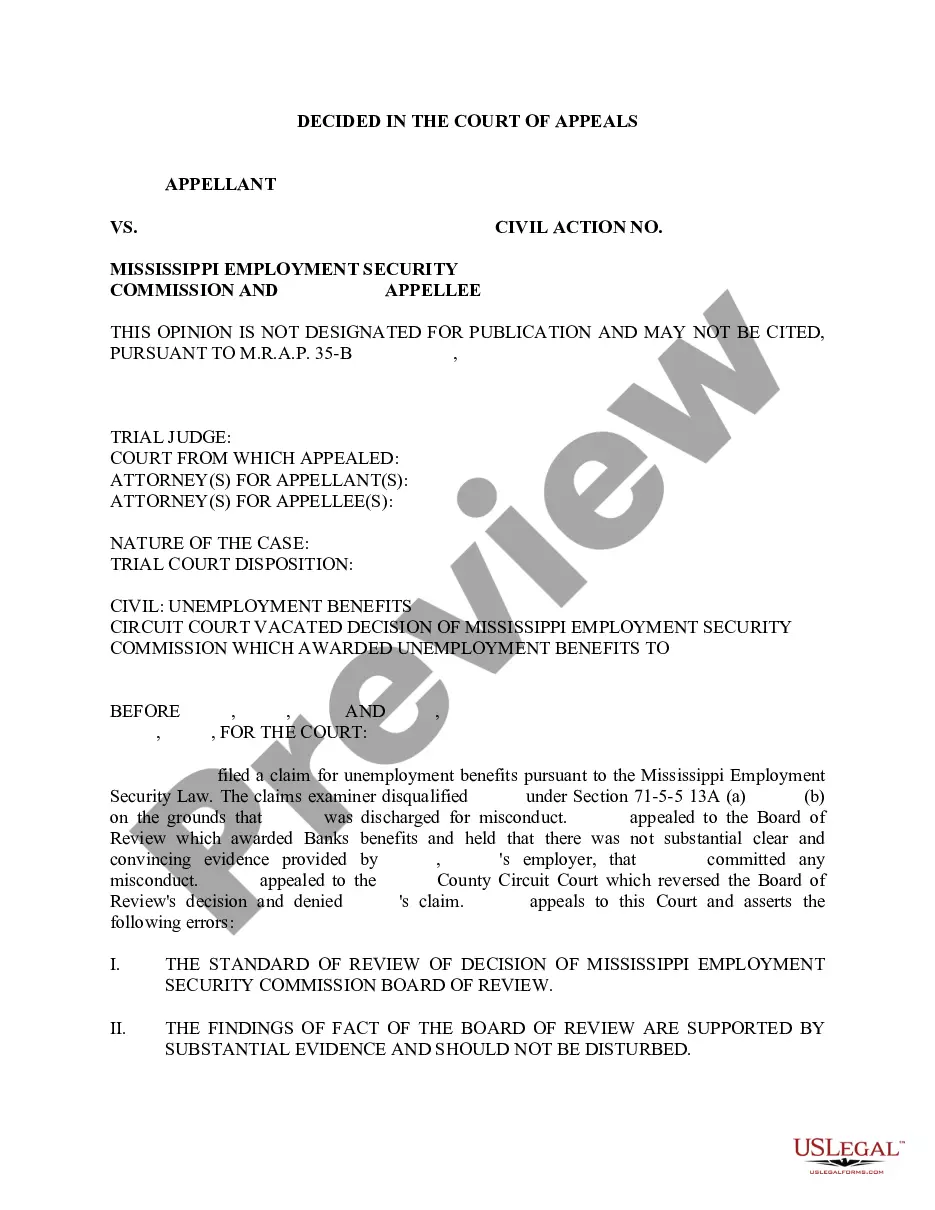
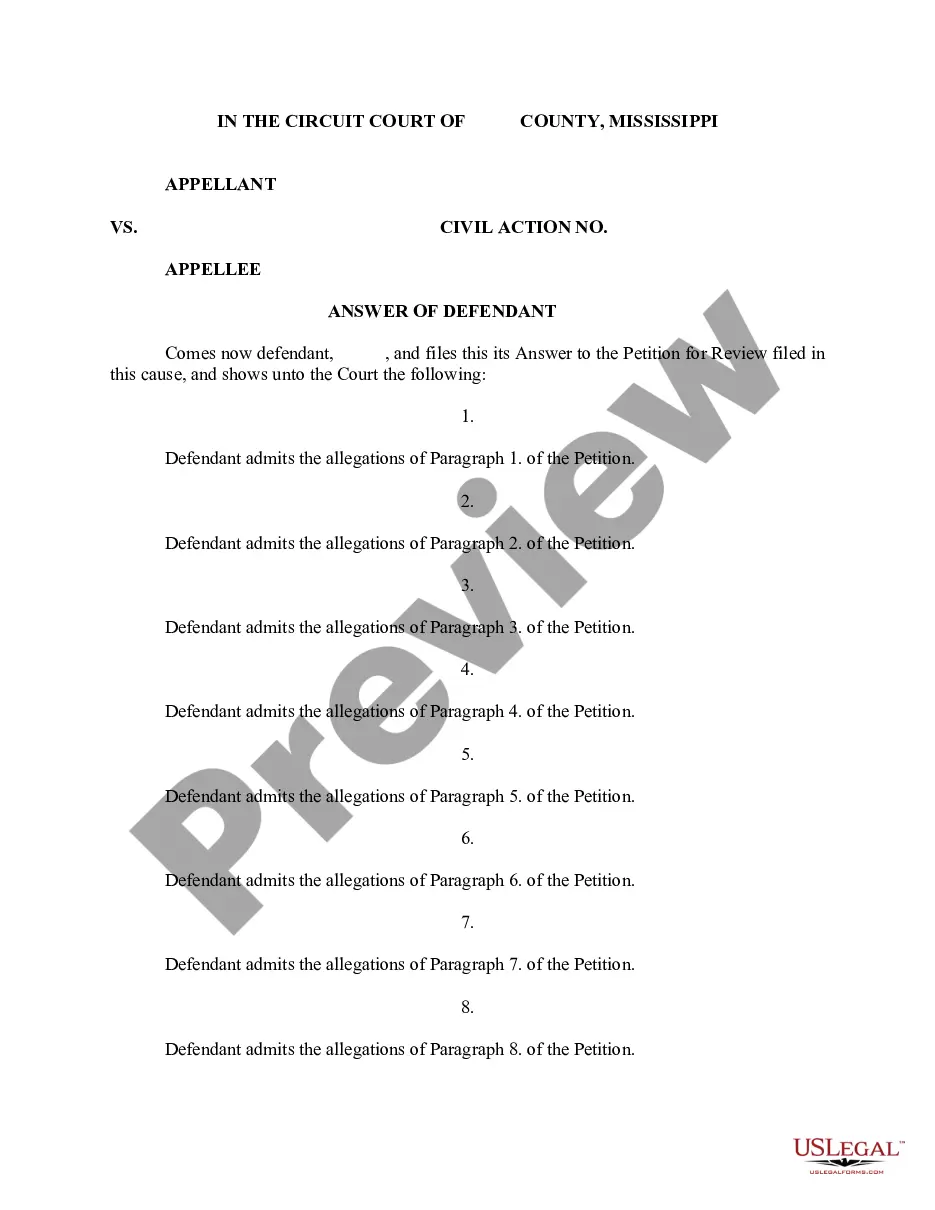
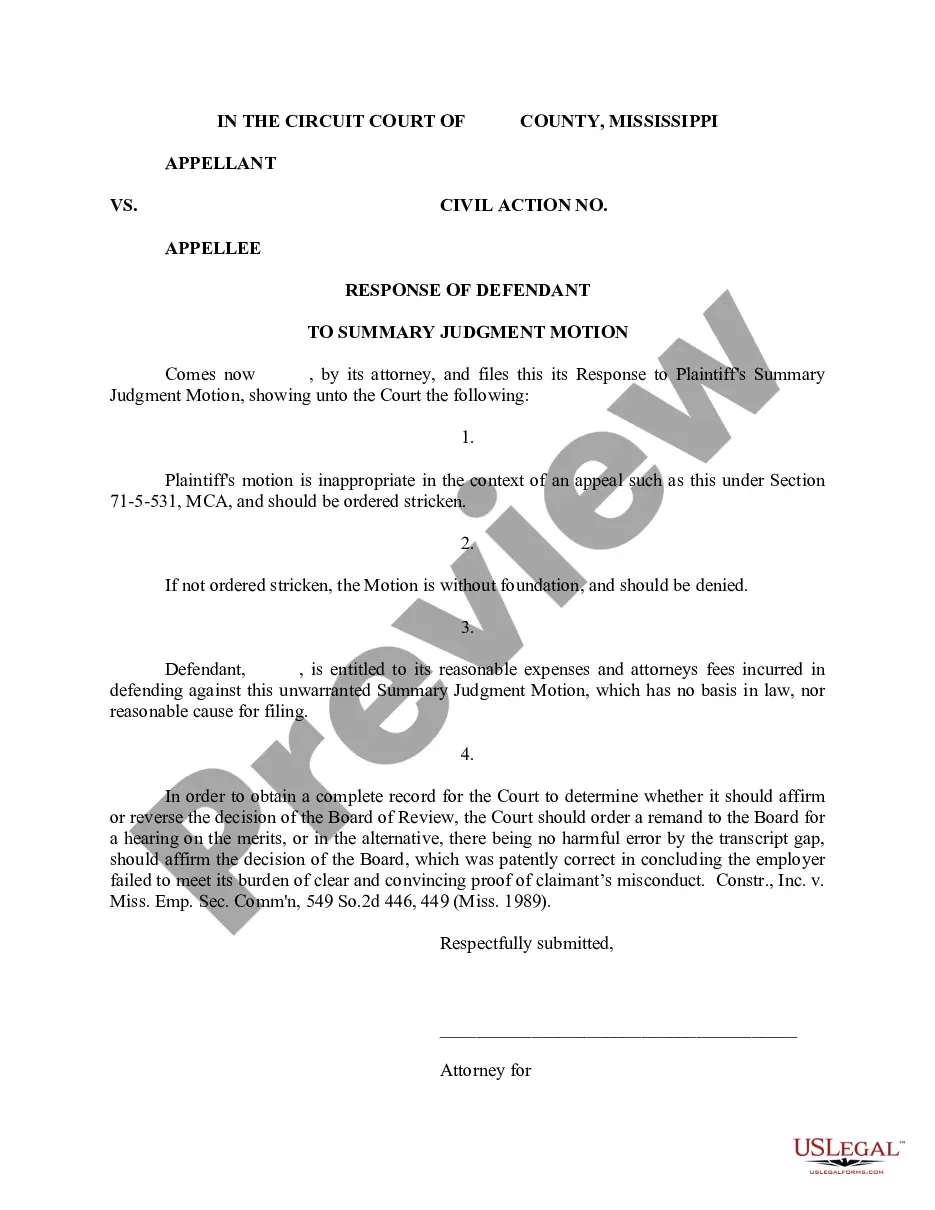
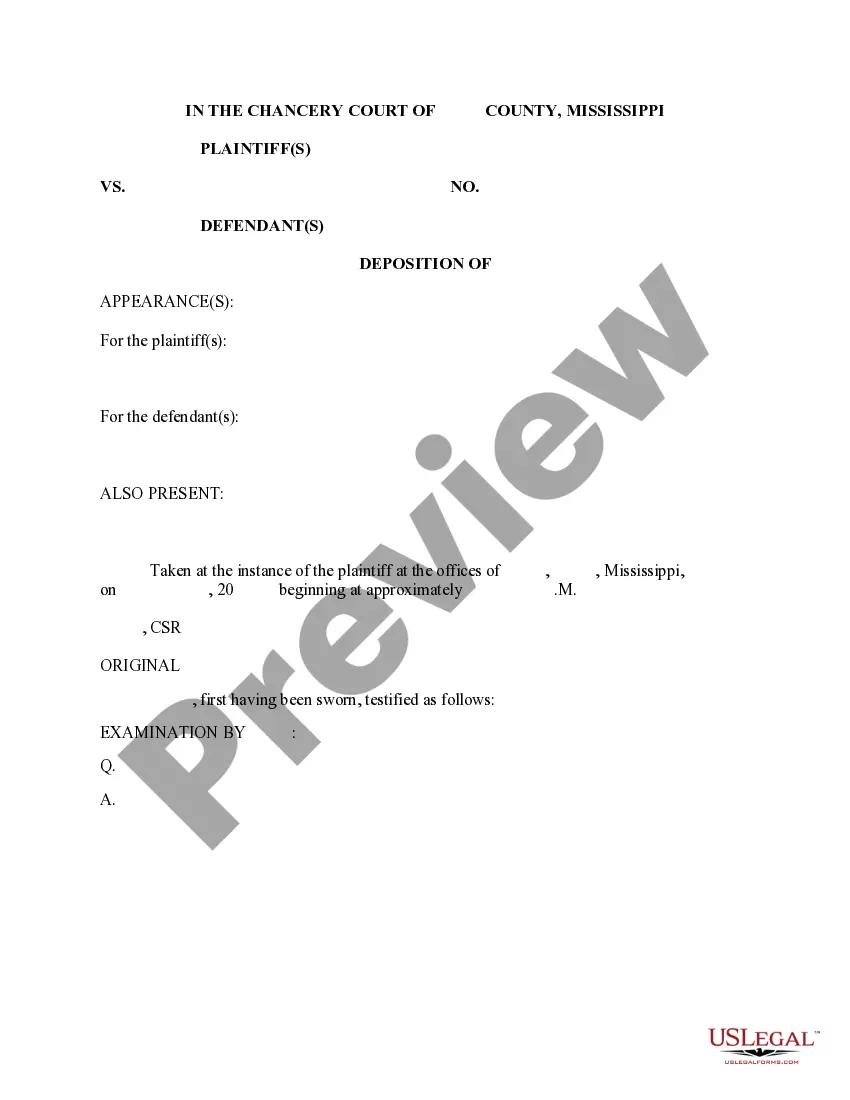
The Answer of Mississippi Employment Security Commission form is a legal document used to respond to a claim for unemployment benefits filed with the Mississippi Employment Security Commission (MESC). This form allows the employer to present their case or arguments against the claim, explaining why the unemployment benefits should not be awarded to the claimant. Unlike other forms that may simply acknowledge a claim, this form engages with the specifics of the employer's position regarding the stipulations of the claim.
Key components of this form
- Case header identifying the parties involved
- Factual statements outlining the basis for the employer's response
- Specific objections regarding the claimant's eligibility
- Signature block for the employer or their representative
- Certification of service to confirm the form is sent to all necessary parties
Common use cases
This form should be used when an employer receives notice of a claim for unemployment benefits from the Mississippi Employment Security Commission. It is appropriate for cases where the employer disputes the claim and wishes to formally document their objections, including cases involving employee misconduct or misrepresentation regarding the reasons for separation from employment.
Who should use this form
- Employers who have received a claim for unemployment benefits from MESC
- HR representatives or legal counsel acting on behalf of the employer
- Any individual or organization that disputes the validity of unemployment claims made against them
Instructions for completing this form
- Identify the parties: Clearly state the name of the employer and the claimant.
- Provide facts: Outline the relevant facts related to the employment and the claim.
- State objections: Specify the reasons why the claim should be disputed.
- Sign the document: Ensure that the appropriate party signs the form.
- Serve to all parties: Certify that the form has been sent to all necessary parties involved in the proceedings.
Does this document require notarization?
This form usually doesn’t need to be notarized. However, local laws or specific transactions may require it. Our online notarization service, powered by Notarize, lets you complete it remotely through a secure video session, available 24/7.
Get your form ready online
Our built-in tools help you complete, sign, share, and store your documents in one place.
Make edits, fill in missing information, and update formatting in US Legal Forms—just like you would in MS Word.
Download a copy, print it, send it by email, or mail it via USPS—whatever works best for your next step.
Sign and collect signatures with our SignNow integration. Send to multiple recipients, set reminders, and more. Go Premium to unlock E-Sign.
If this form requires notarization, complete it online through a secure video call—no need to meet a notary in person or wait for an appointment.
We protect your documents and personal data by following strict security and privacy standards.

Make edits, fill in missing information, and update formatting in US Legal Forms—just like you would in MS Word.

Download a copy, print it, send it by email, or mail it via USPS—whatever works best for your next step.

Sign and collect signatures with our SignNow integration. Send to multiple recipients, set reminders, and more. Go Premium to unlock E-Sign.

If this form requires notarization, complete it online through a secure video call—no need to meet a notary in person or wait for an appointment.

We protect your documents and personal data by following strict security and privacy standards.
Avoid these common issues
- Failing to respond by the deadline established by MESC
- Not providing sufficient factual detail to support objections
- Omitting signatures or certification of service
- Missing important details such as case numbers or relevant dates
Why complete this form online
- Immediate access to the latest form versions
- Customizable templates that can be easily filled out
- Convenience of completing forms from any location
- Reliable guidance to ensure compliance with legal requirements
Legal use & context
- The form is legally recognized for responding to claims filed with the MESC.
- Proper completion may be crucial for the successful dispute of claims.
- Failure to respond or inadequate responses can lead to loss of benefits.
Summary of main points
- The Answer of Mississippi Employment Security Commission is essential for contesting claims.
- Fill out the form accurately and in a timely manner to protect your rights.
- Utilize the benefits of online access for ease of use and reliability.
Looking for another form?
Form popularity
FAQ
Benefit Eligibility Requirements The maximum Weekly Benefit Amount (WBA) allowed in Mississippi at this time is $235.00. Your WBA for unemployment insurance benefits is based on the total wages in the highest quarter of your Base Period and by dividing that amount by 26.
If you worked and earned wages in Mississippi, you may file a claim for unemployment insurance benefits online or by calling 601-493-9427. Your claim for benefits will be effective the Sunday of the week the claim is filed.
Benefit Eligibility Requirements The maximum Weekly Benefit Amount (WBA) allowed in Mississippi at this time is $235.00. Your WBA for unemployment insurance benefits is based on the total wages in the highest quarter of your Base Period and by dividing that amount by 26.
Today, the Mississippi Department of Employment Security (MDES) announced that it began paying the FPUC $300 weekly supplemental benefit to qualified claimants for the week ending January 2, 2021.Will provide up to 11 weeks of an additional $300 weekly supplemental benefit to eligible claimants.
You may file your current weekly claim certification online through MDES' Online Unemployment Services. You must login with your user id and password or establish a new user id and password if you are not a current user. You may file online outside normal business hours.
Federal Pandemic Unemployment Compensation (FPUC) Claimants receiving at least $1 of benefits are eligible for the $300 weekly supplemental benefit. FPUC will be available to cover weeks of unemployment between the week ending January 2, 2021, and week ending March 13, 2021. Weekly certification will be required.
The first thing you have to do is register with MDES Online Services. Whether you want to file a claim to receive weekly unemployment benefits or to search for a new job, you must register first. That's how you get your personal User Name and PIN number to be able to use the online system whenever you need to.
If you meet all the eligibility requirements, then you can apply for unemployment insurance. To file by phone, call 601-855-3133 or 1-888-844-3577, Monday through Friday between 8 am and pm. To file online, you can do so anytime by setting up an account on the MDES online employment services website.