Mississippi Order
About this form
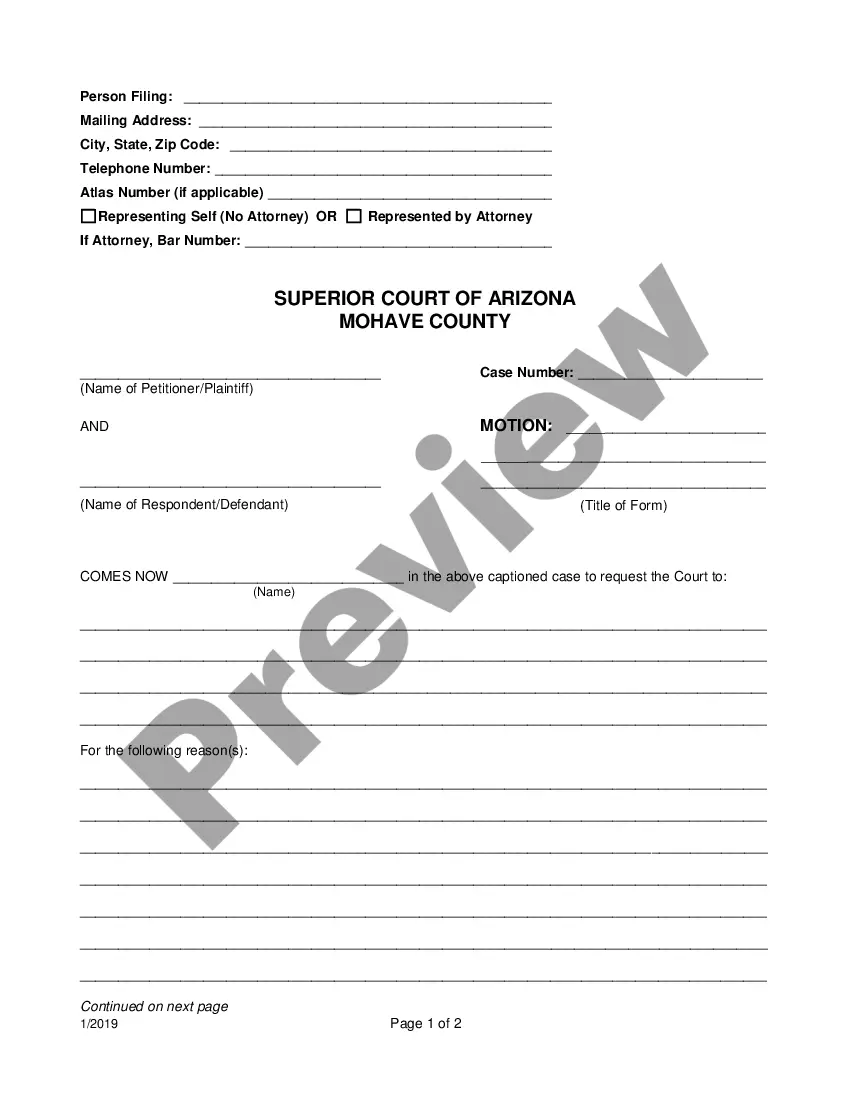
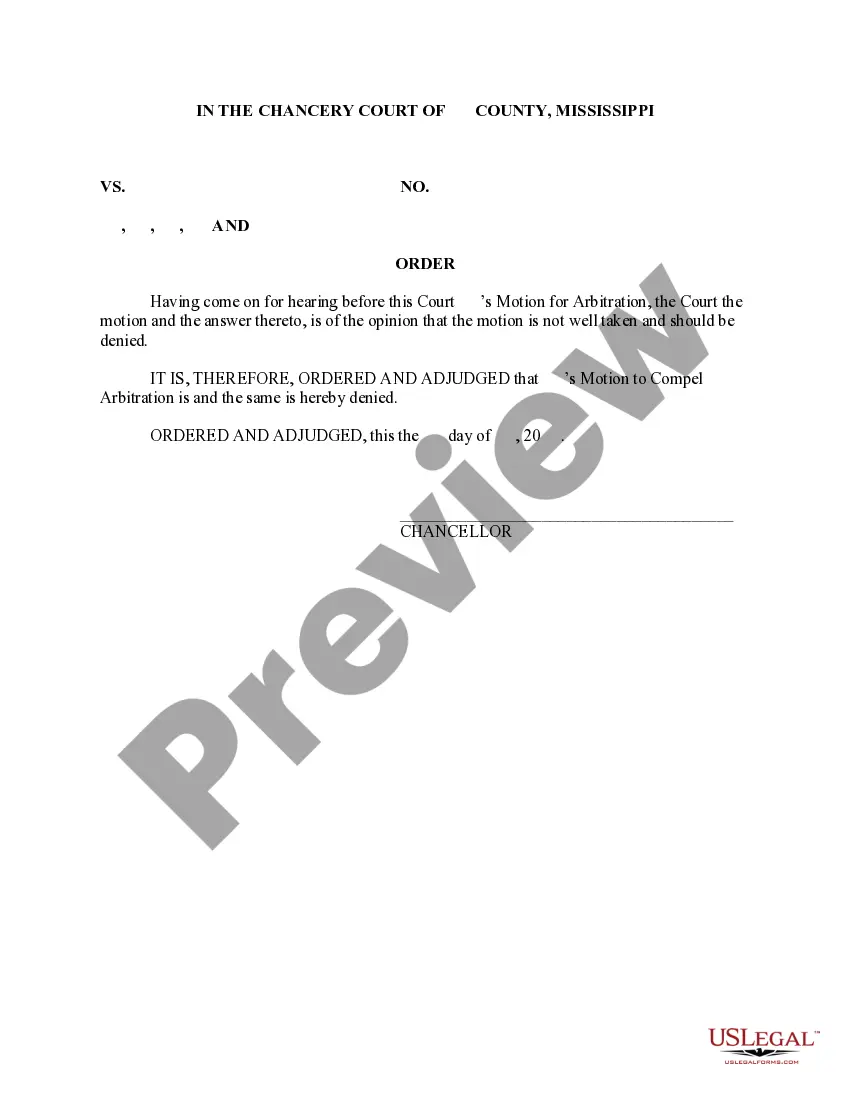
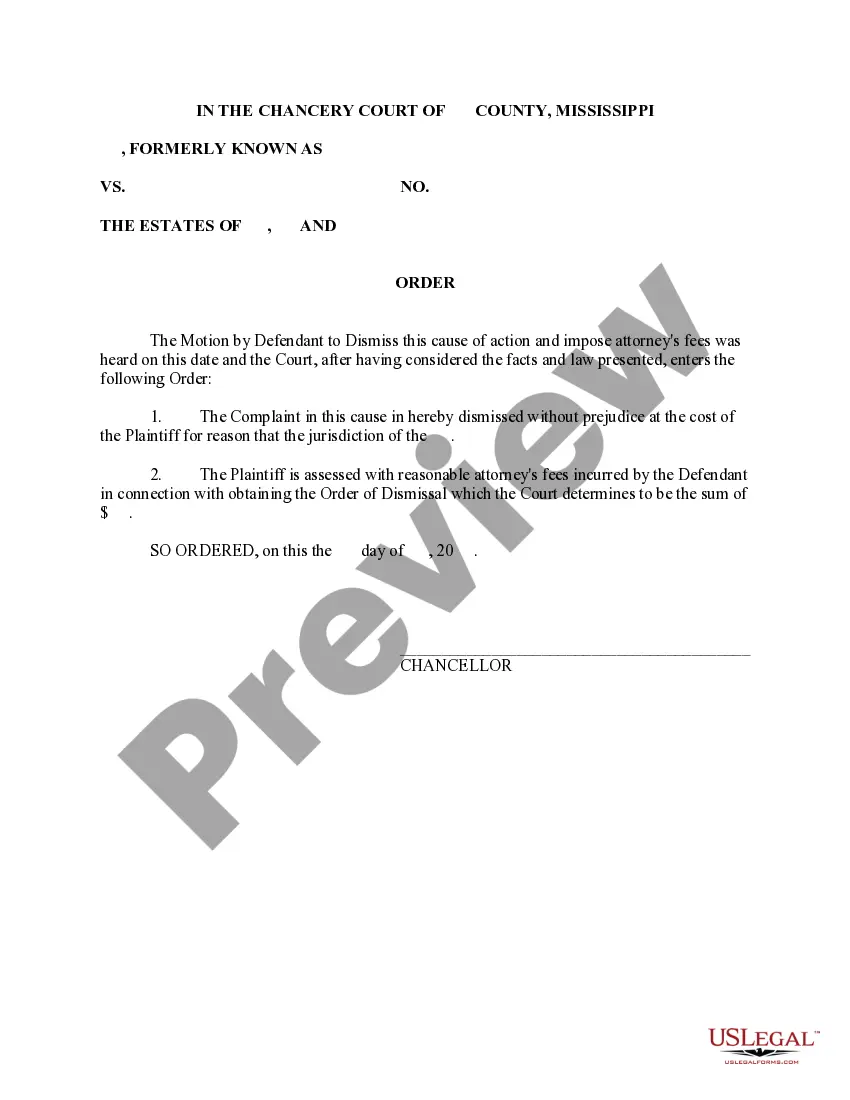
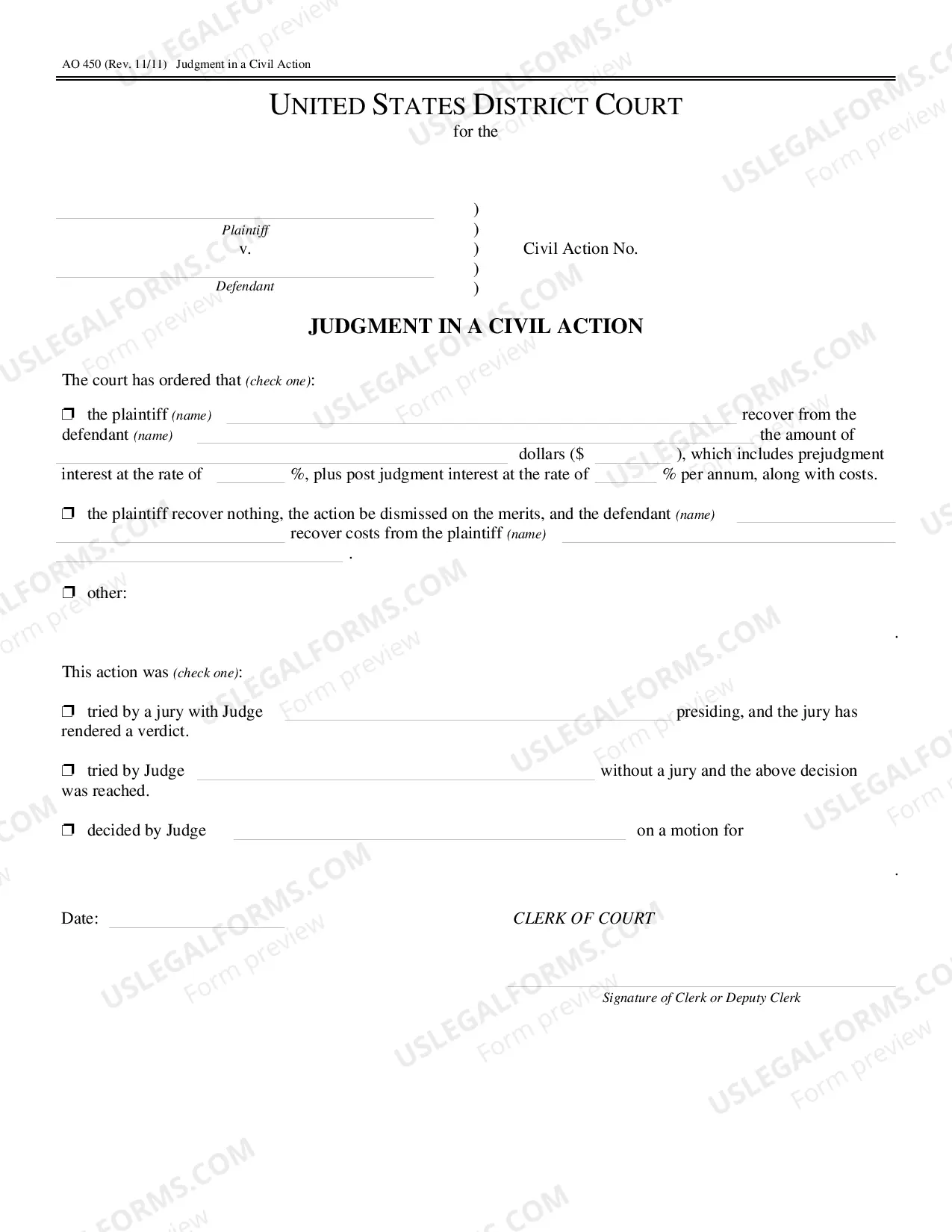
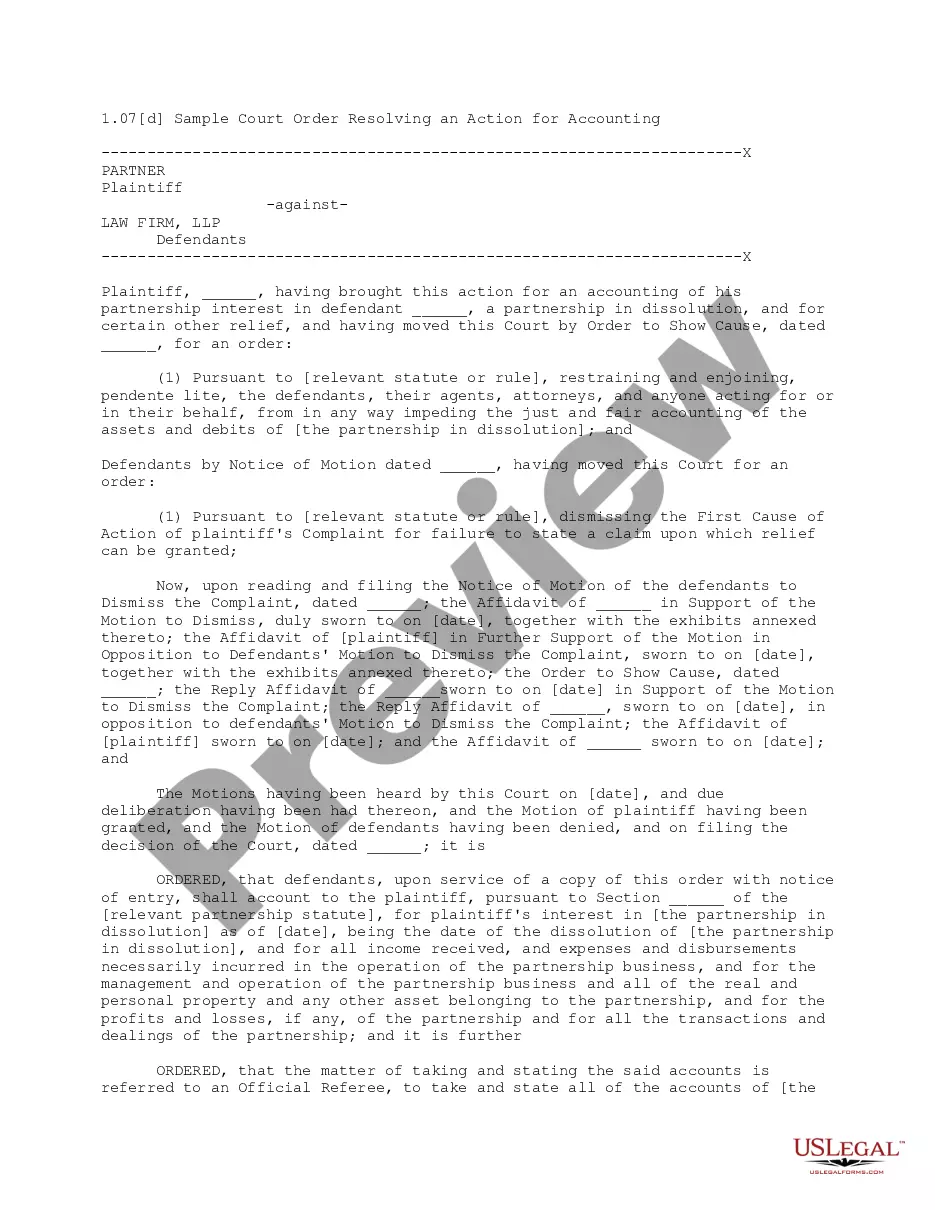
An Order is an official written statement issued by a court, directed by a judge, commanding specific actions. This document serves as a formal directive and is critical in legal proceedings where compliance is mandatory. It stands apart from other legal documents due to its enforceable nature; failure to adhere may lead to contempt of court. The sample Order from US Legal Forms can be used as a guide to craft your own, ensuring it meets the requirements set by the court.
Key components of this form
- Title of the Order: Clearly states the subject matter of the order.
- Motion Reference: Indicates which motion the order addresses, including specifics like "Motion to Compel Arbitration."
- Judicial Authority: Signature line for the judge, confirming the order's authenticity.
- Date: Specifies the date on which the order is issued.
Common use cases
This form should be utilized when a court requires a written order to be drafted, following a specific motion. It's particularly relevant when a ruling has been made in response to motions regarding matters such as arbitration, compliance, and other legal actions requiring judicial direction. If you are involved in a case where a judge has instructed you to prepare an order, this template is essential.
Who should use this form
- Individuals involved in legal proceedings who have received a ruling from the court.
- Lawyers representing clients who need to formalize court orders based on case outcomes.
- Anyone tasked by the court with drafting an order following specific motions.
Steps to complete this form
- Identify the title of the order and the relevant motion being addressed.
- Insert the court's ruling regarding the motion (e.g., "Motion to Compel Arbitration").
- Specify the date of issuance of the order.
- Ensure the judge's signature line is clear for official signing.
- Review the completed document for accuracy and compliance with court standards.
Notarization guidance
Notarization is not commonly needed for this form. However, certain documents or local rules may make it necessary. Our notarization service, powered by Notarize, allows you to finalize it securely online anytime, day or night.
Get your form ready online
Our built-in tools help you complete, sign, share, and store your documents in one place.
Make edits, fill in missing information, and update formatting in US Legal Forms—just like you would in MS Word.
Download a copy, print it, send it by email, or mail it via USPS—whatever works best for your next step.
Sign and collect signatures with our SignNow integration. Send to multiple recipients, set reminders, and more. Go Premium to unlock E-Sign.
If this form requires notarization, complete it online through a secure video call—no need to meet a notary in person or wait for an appointment.
We protect your documents and personal data by following strict security and privacy standards.

Make edits, fill in missing information, and update formatting in US Legal Forms—just like you would in MS Word.

Download a copy, print it, send it by email, or mail it via USPS—whatever works best for your next step.

Sign and collect signatures with our SignNow integration. Send to multiple recipients, set reminders, and more. Go Premium to unlock E-Sign.

If this form requires notarization, complete it online through a secure video call—no need to meet a notary in person or wait for an appointment.

We protect your documents and personal data by following strict security and privacy standards.
Common mistakes to avoid
- Failing to accurately reference the motion or case number.
- Leaving out the required court's date or signature line.
- Using vague language that may not meet the court's requirements.
Why use this form online
- Convenient, downloadable format for immediate use.
- Edit and customize the document to fit your case specifics easily.
- Reliability of forms drafted by licensed attorneys.
Legal use & context
- An Order is enforceable by law and must be adhered to by the parties involved.
- Non-compliance can lead to legal repercussions, including contempt of court.
- It is essential for ensuring clear directives from the court are documented and followed.
Key takeaways
- An Order is a critical legal document signed by a judge.
- Use this form to fulfill court requirements for documenting actions.
- Ensure compliance with state-specific legal standards when drafting or submitting.
Looking for another form?
Form popularity
FAQ
Whether you file by mail or online, you need to create an online account with the Mississippi Secretary of State in order to fill out your Certificate of Formation. You can then print and send by mail, or submit online.
Generally, a Certificate of Good Standing simply indicates that the entity has filed all reports and fees with the Secretary of State's office. It serves as proof, or evidence, that the entity exists and is authorized to transact business in the state.
To request a letter of good standing, print the following form and return it to the Membership Department at membership@msbar.org, or by mail attention: Membership Records, The Mississippi Bar, P.O. Box 2168, Jackson, MS 39225-2168 or by fax to 601-355-8635.
A certificate of good standing is typically only needed if someone you do business with requires it.If your business has been formed in one state, and you plan to conduct business in another state, you may need to register in the other state as a foreign entity.
Starting a Business in California During the course of your business, you may need to obtain a California Certificate of Status, or Certificate of Good Standing. Obtaining a Certificate of Status can help your business obtain financing, get registered in another state and enter into certain business transactions.
Once a business entity or registration is properly formed, incorporated, organized or registered on record with this office, it is not required to purchase or receive a certificate of status to be considered valid.Care should be taken to know the items needed for your business to remain up to date with yearly reports.
Tate Reeves signed a new executive order Tuesday afternoon removing all mask mandates in Mississippi, deciding to instead encourage mask-wearing rather than mandating it. The order goes into effect at 5 p.m. Wednesday. Mississippi wasn't the only state Tuesday changing mask requirements.
Minnesota businesses are not legally required to obtain a certificate of good standing. However, your business may choose to get one if you decide to do business outside of Minnesota or get a business bank account.
A California Certificate of Good Standing is a document that verifies that a California corporation, California LLC, or California registered partnership is in existence, authorized to transact business in the state, and is current on all of its filings with both the Secretary of State and Franchise Tax Board.
A California Certificate of Status (Good Standing Certificate) is a one-page document provided by the California Secretary of State that serves as conclusive proof that your California corporation, LLC, or registered partnership is in existence, in good standing (or in some cases suspended), and if in good standing