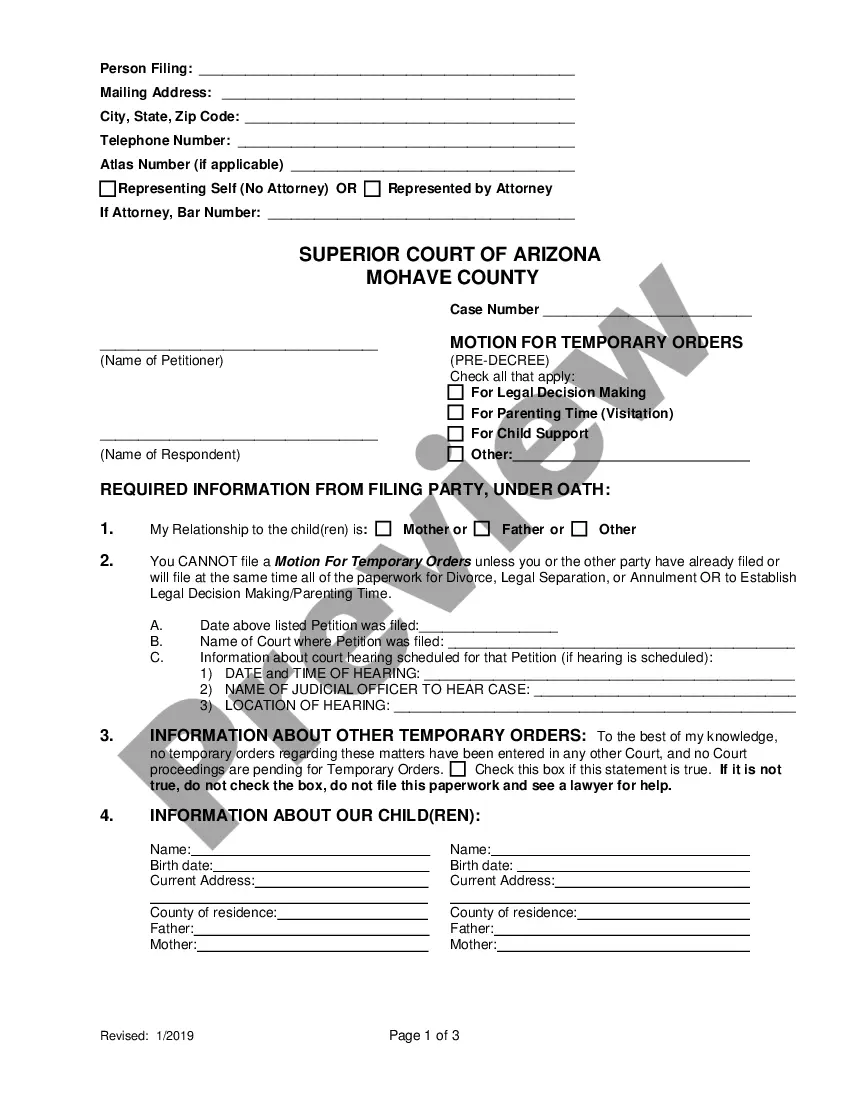
Mississippi Order
What this document covers
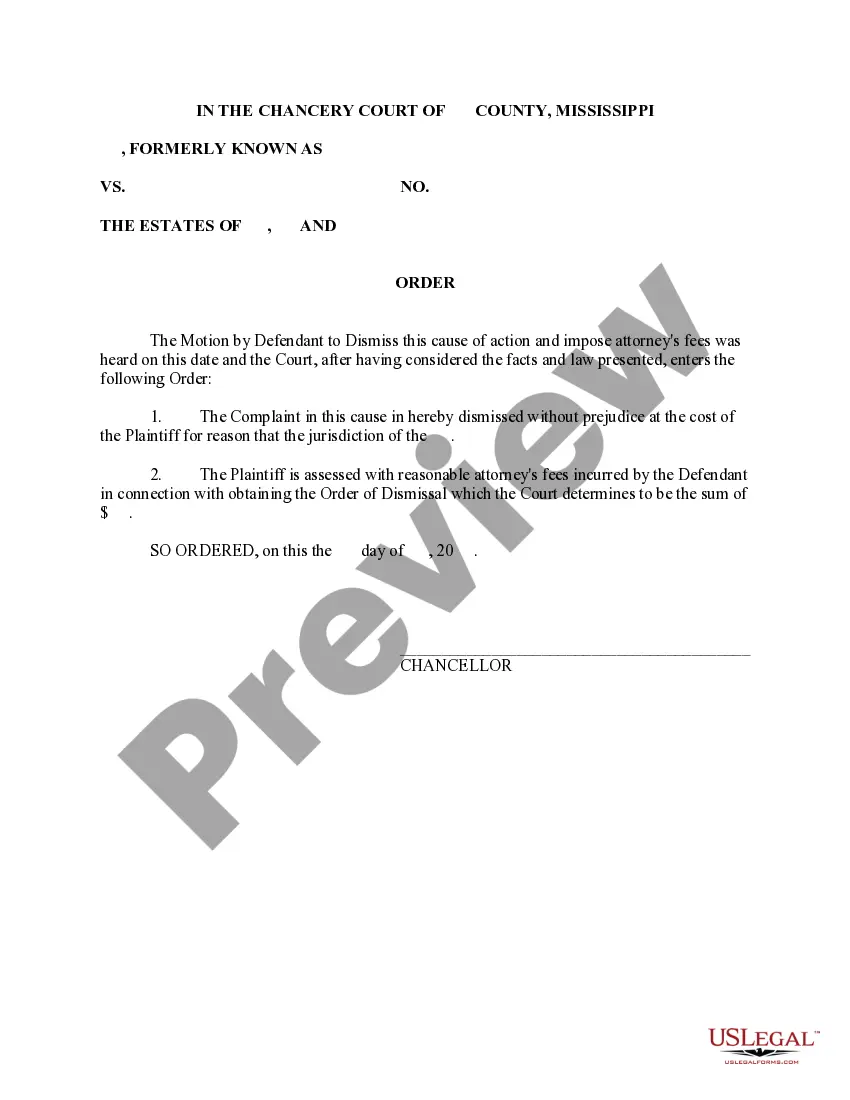
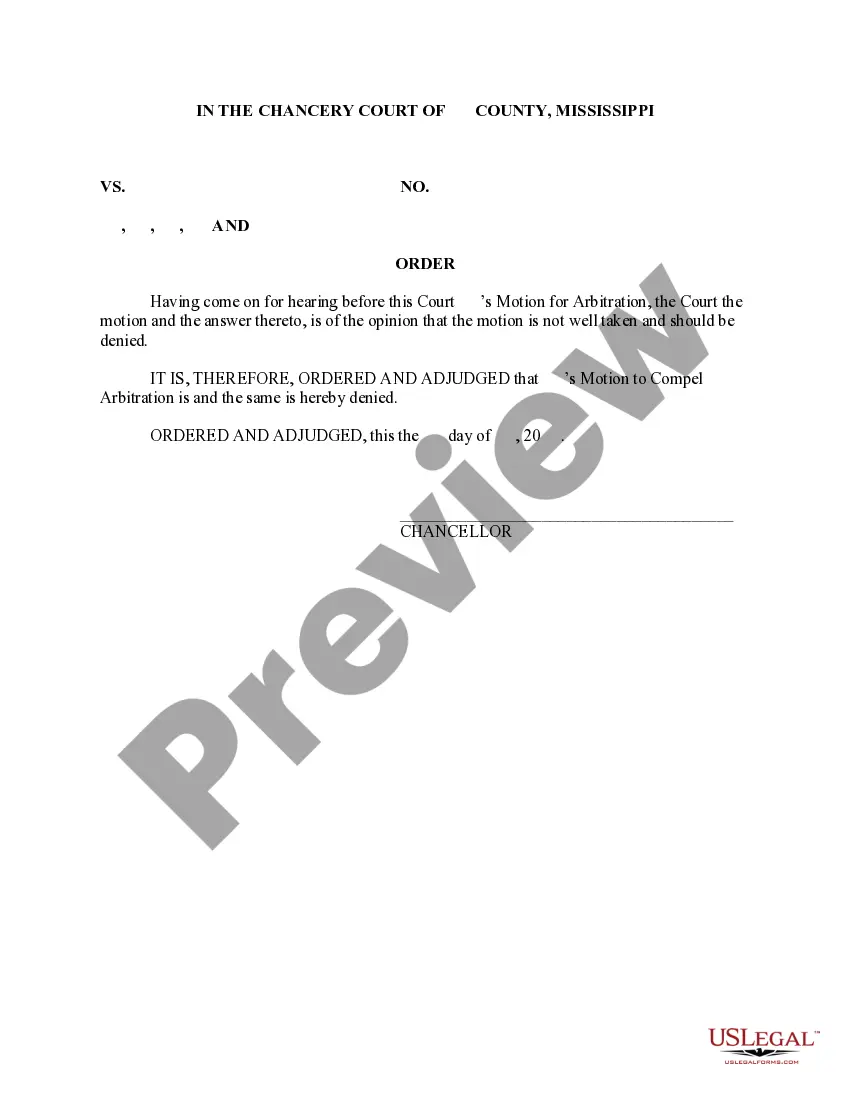
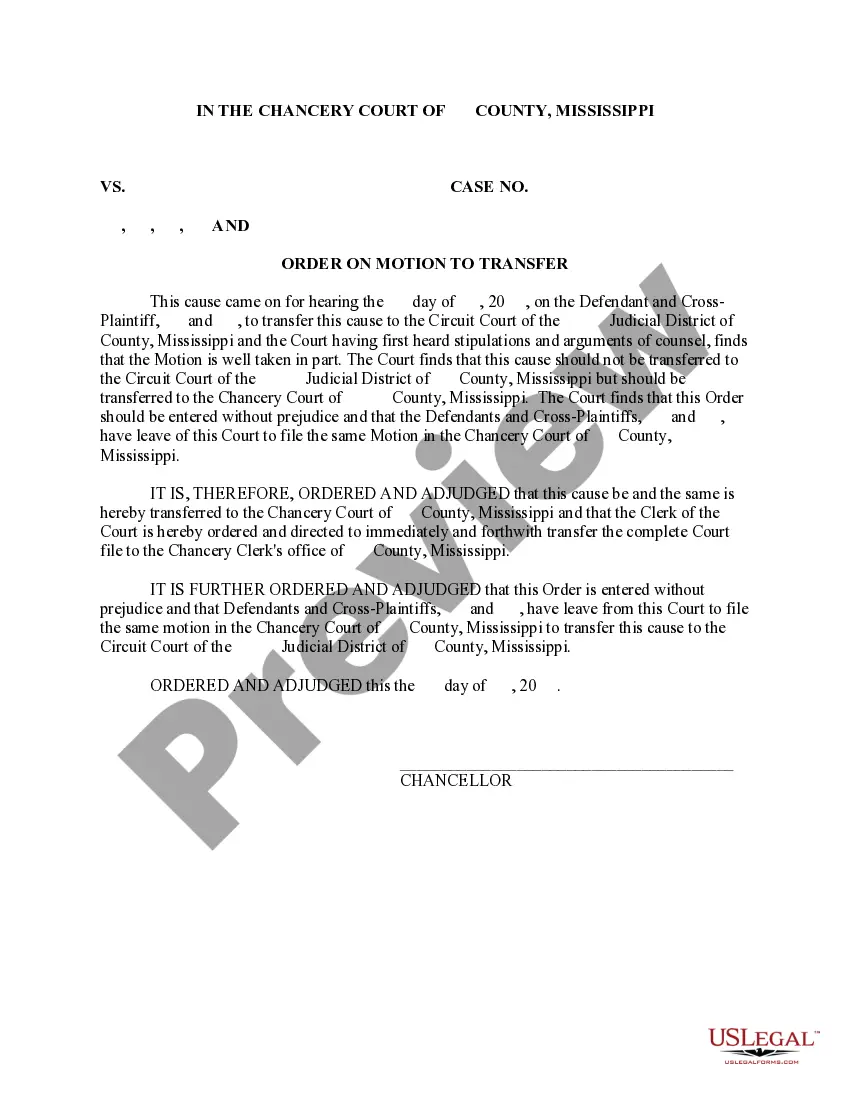
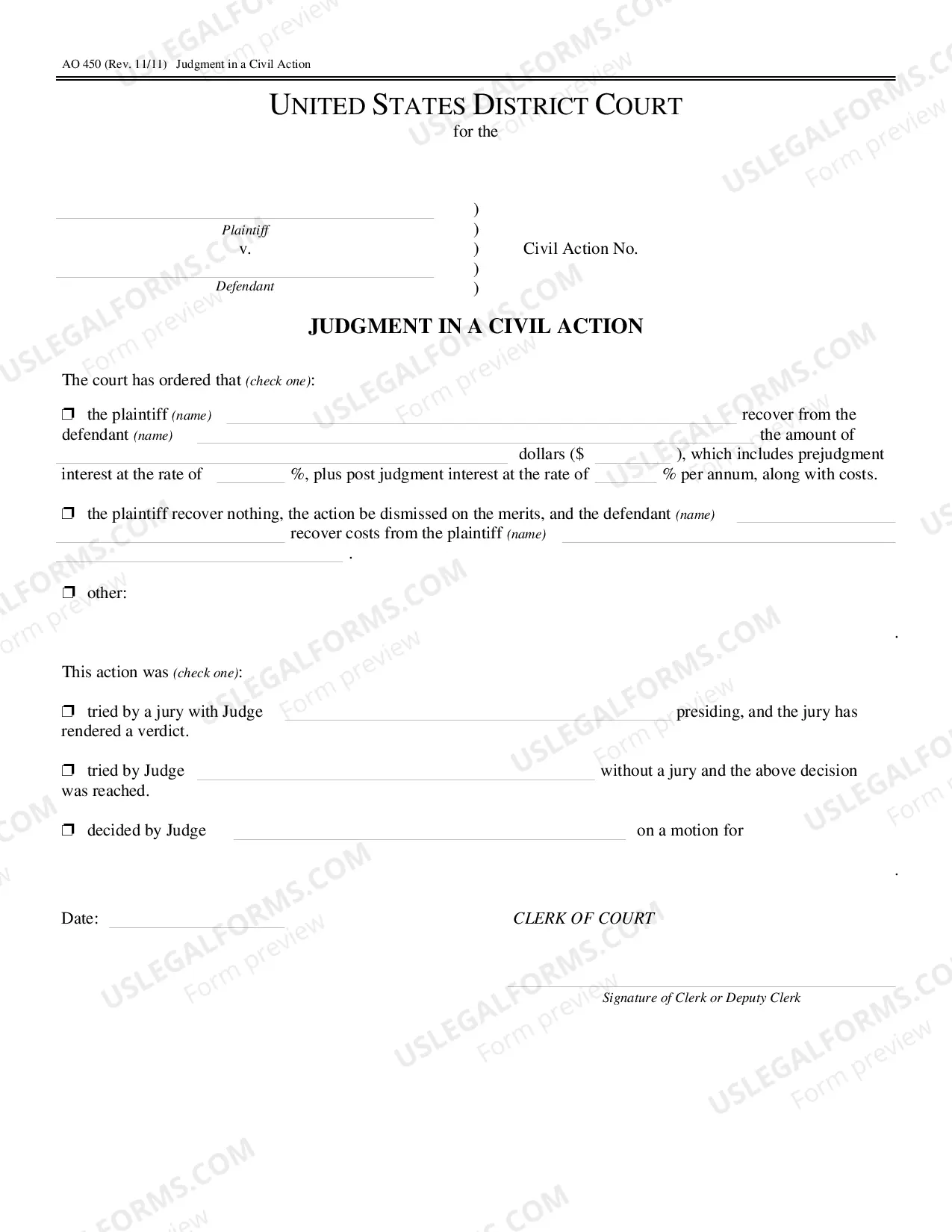
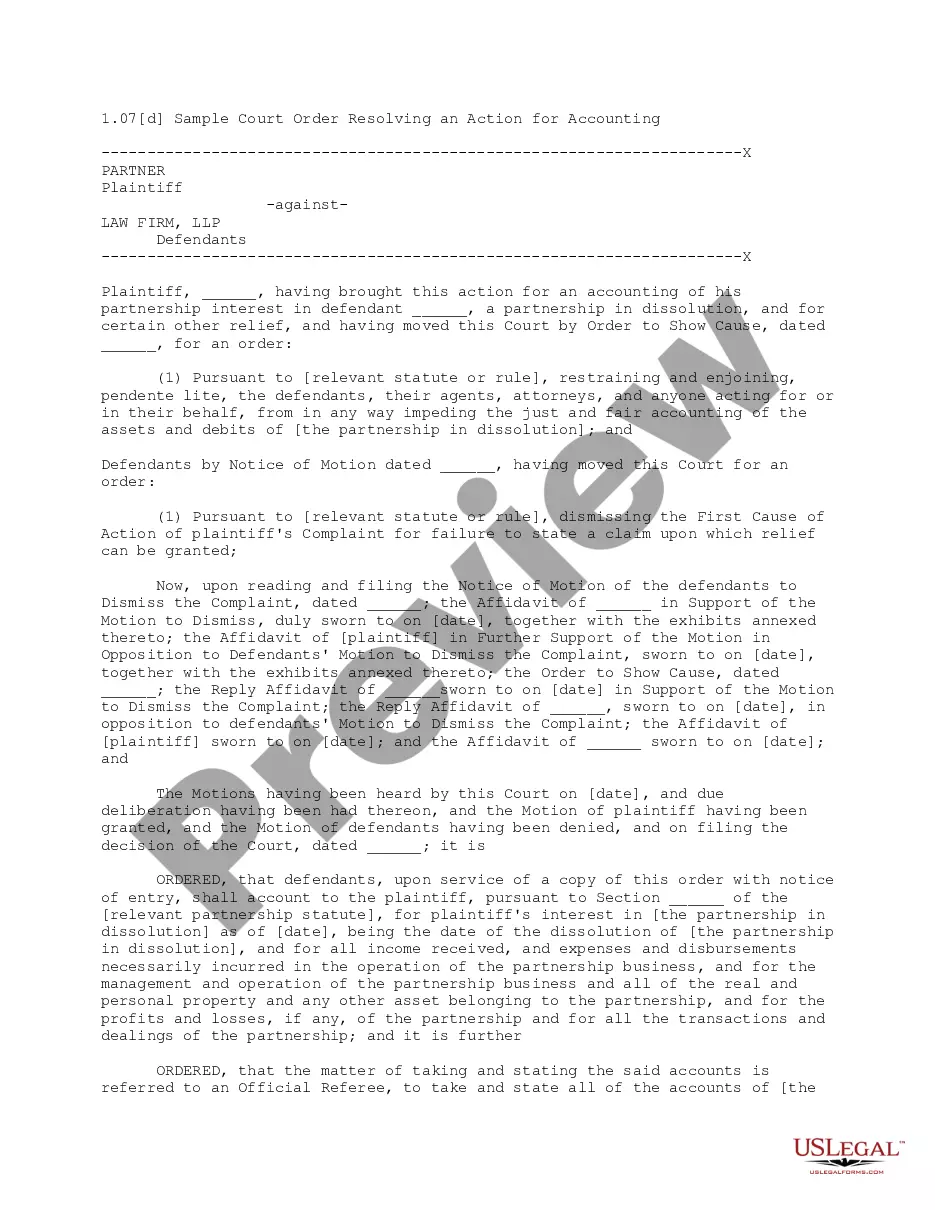
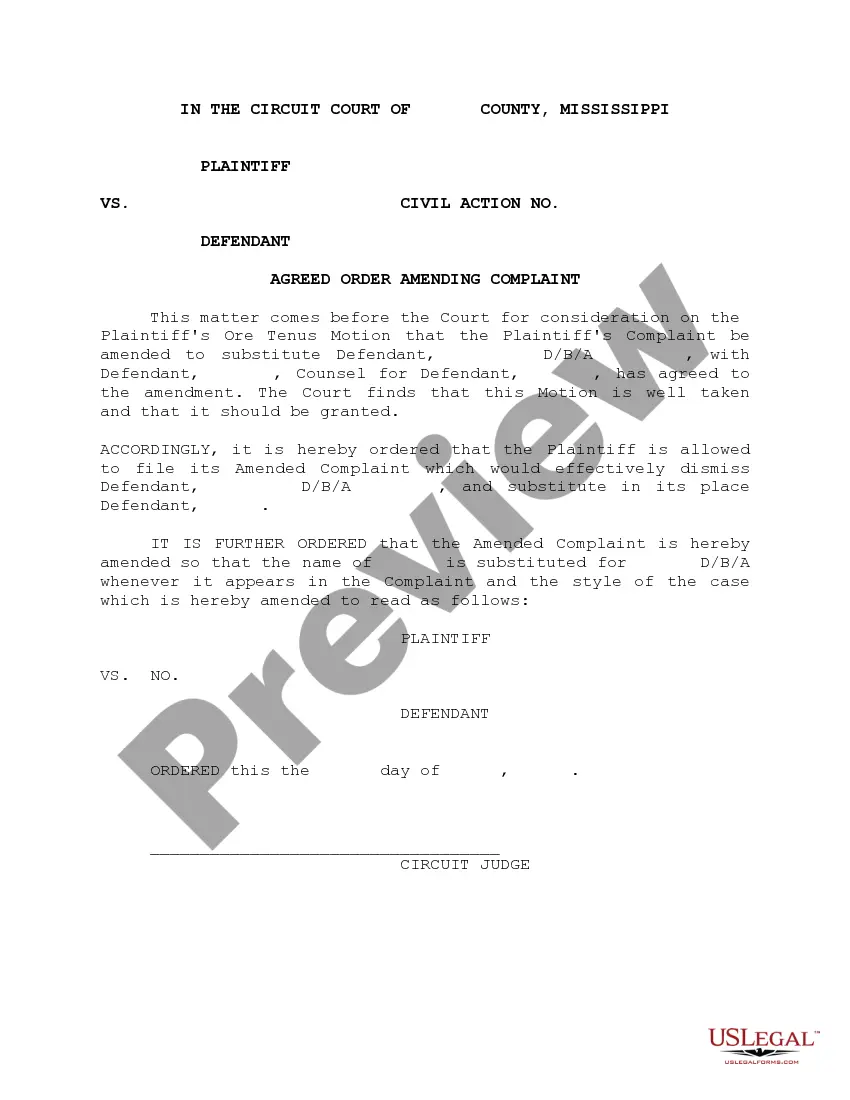
An Order is a formal written directive from the court that commands a specific action and must be signed by a judge. It serves as a binding legal document, differing from other court forms in its authoritative nature. This document can be utilized as a model for drafting an order that the court requires, allowing you to customize it according to the unique facts of your case.
Form components explained
- The dismissal of the complaint is stated explicitly, allowing for future action without prejudice.
- It includes a provision for the assessment of reasonable attorneys' fees incurred by the defendant.
- The date of the order's issuance must be clearly indicated.
- The signature line for the Chancellor or presiding judge is included for official validation.
Common use cases
This form is needed when a plaintiff wishes to voluntarily dismiss a complaint from the court without prejudice, allowing for the possibility of re-filing in the future. It is also applicable when the court requires the drafting of an order regarding the dismissal after determining jurisdiction issues or when awarding attorneys' fees as part of the dismissal process.
Intended users of this form
- Individuals or legal entities who are plaintiffs in a court case.
- Attorneys representing clients seeking to dismiss a complaint.
- Defendants who have incurred legal fees and need a court order to recover costs.
Steps to complete this form
- Begin by filling in the date on which the order is issued.
- Clearly state the dismissal of the complaint, ensuring to include "without prejudice."
- Specify the amount of attorneys' fees to be assessed against the plaintiff, if applicable.
- Ensure the Chancellor or judge's signature line is available for official confirmation.
- Review the document for accuracy before submission to the court.
Does this form need to be notarized?
In most cases, this form does not require notarization. However, some jurisdictions or signing circumstances might. US Legal Forms offers online notarization powered by Notarize, accessible 24/7 for a quick, remote process.
Get your form ready online
Our built-in tools help you complete, sign, share, and store your documents in one place.
Make edits, fill in missing information, and update formatting in US Legal Forms—just like you would in MS Word.
Download a copy, print it, send it by email, or mail it via USPS—whatever works best for your next step.
Sign and collect signatures with our SignNow integration. Send to multiple recipients, set reminders, and more. Go Premium to unlock E-Sign.
If this form requires notarization, complete it online through a secure video call—no need to meet a notary in person or wait for an appointment.
We protect your documents and personal data by following strict security and privacy standards.

Make edits, fill in missing information, and update formatting in US Legal Forms—just like you would in MS Word.

Download a copy, print it, send it by email, or mail it via USPS—whatever works best for your next step.

Sign and collect signatures with our SignNow integration. Send to multiple recipients, set reminders, and more. Go Premium to unlock E-Sign.

If this form requires notarization, complete it online through a secure video call—no need to meet a notary in person or wait for an appointment.

We protect your documents and personal data by following strict security and privacy standards.
Common mistakes
- Failing to include the date of the order may lead to complications.
- Not specifying "without prejudice" could limit future filing options.
- Overlooking the requirement to include attorneys' fees when applicable.
- Submitting the form without proper review and signatures could invalidate the order.
Benefits of completing this form online
- Convenient access to a ready-made template, saving time and effort.
- Editability allows customization of the form to fit your specific case details.
- Reliable format drafted by licensed attorneys ensures legal soundness.
Looking for another form?
Form popularity
FAQ
Usually yes, but sometimes no. Temporary restraining orders will appear so law enforcement officers can see it.But if the hearing results in a permanent restraining order, it goes on your record. But even restraining orders that should be expunged sometimes stay in the system longer.
It does not cost anything to file for an order of protection. Many orders of protection cases are handled without a lawyer however it can often be helpful to have one represent you in court.If you are going to be in court without a lawyer, our Preparing for Court By Yourself section may be useful to you.
Stay Away Provision: Ordering the abuser to stay at least a certain number of yards or feet away from the victim, his or her home, job, school, and car. The stay-away distance can vary by state, judge or the lethality of the situation, but is often at least 100 yards or 300 feet.
Even when it is against the law many people do it anyway at their peril. Restraining orders only go one way, against you. If the victim is calling you keep track of the calls and save the messages, tell them you are under the restraining order and hang up the phone.
Under section 93-21-7(2) of the Mississippi Code, there is no cost to file for a protection order. . temporary restraining order. the clerk will fill out the information for you.
If the judge is satisfied, he or she will issue a temporary protective order that will last ten days, but which can be extended upon request, up to the maximum length of one year, but can only last 30 days where the victim has minor children with the abuser.