Mississippi Complaint for Defamation, Fraud, Deceitful Business Practices
Overview of this form
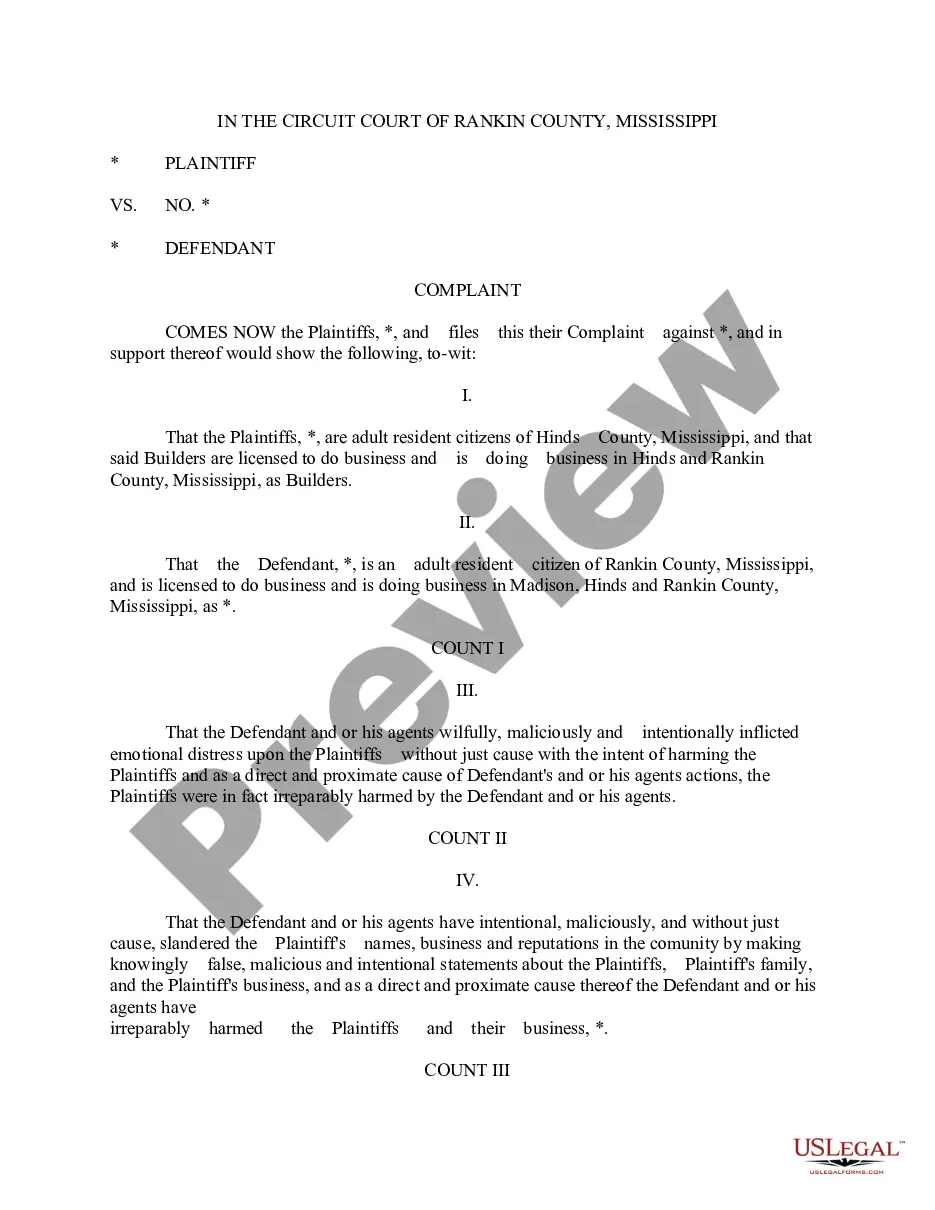
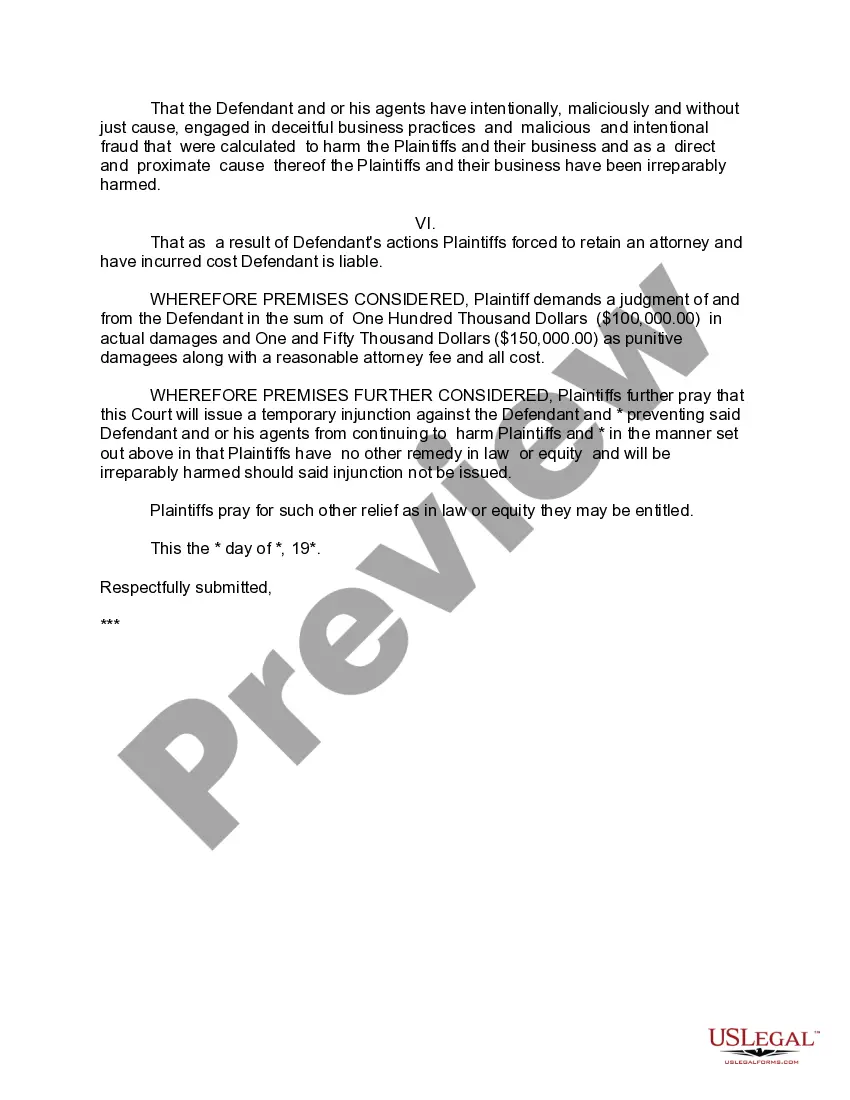
This Complaint for Defamation, Fraud, and Deceitful Business Practices is a legal document used to initiate a civil lawsuit against individuals or businesses that have harmed your reputation or caused financial loss through malicious actions. This form is especially tailored for use in Mississippi and addresses specific legal claims related to defamation and fraudulent business practices. Unlike other legal forms, it combines multiple claims into one comprehensive document, simplifying the process of taking legal action for affected parties.
Form components explained
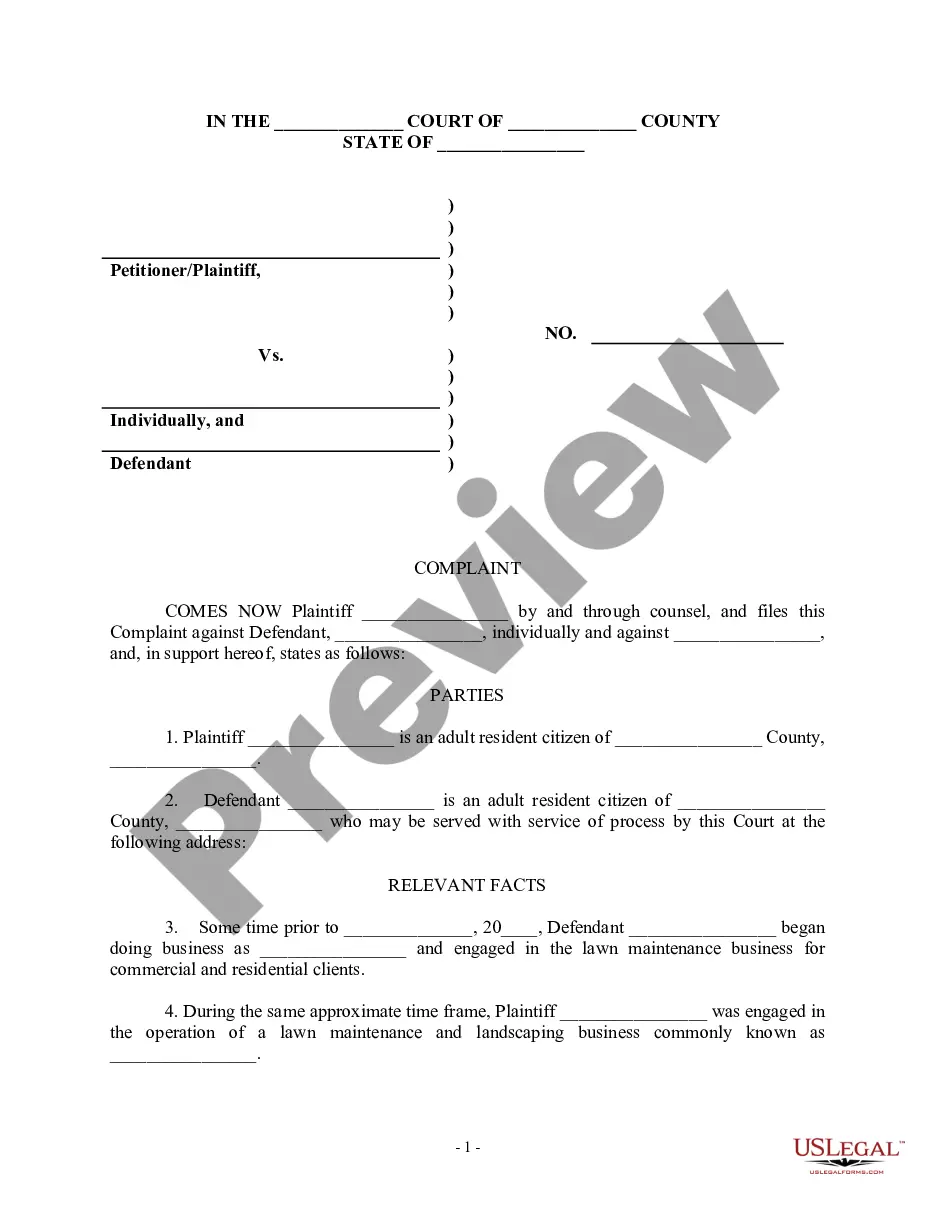
- Identification of the Plaintiff and Defendant, including their relevant business details.
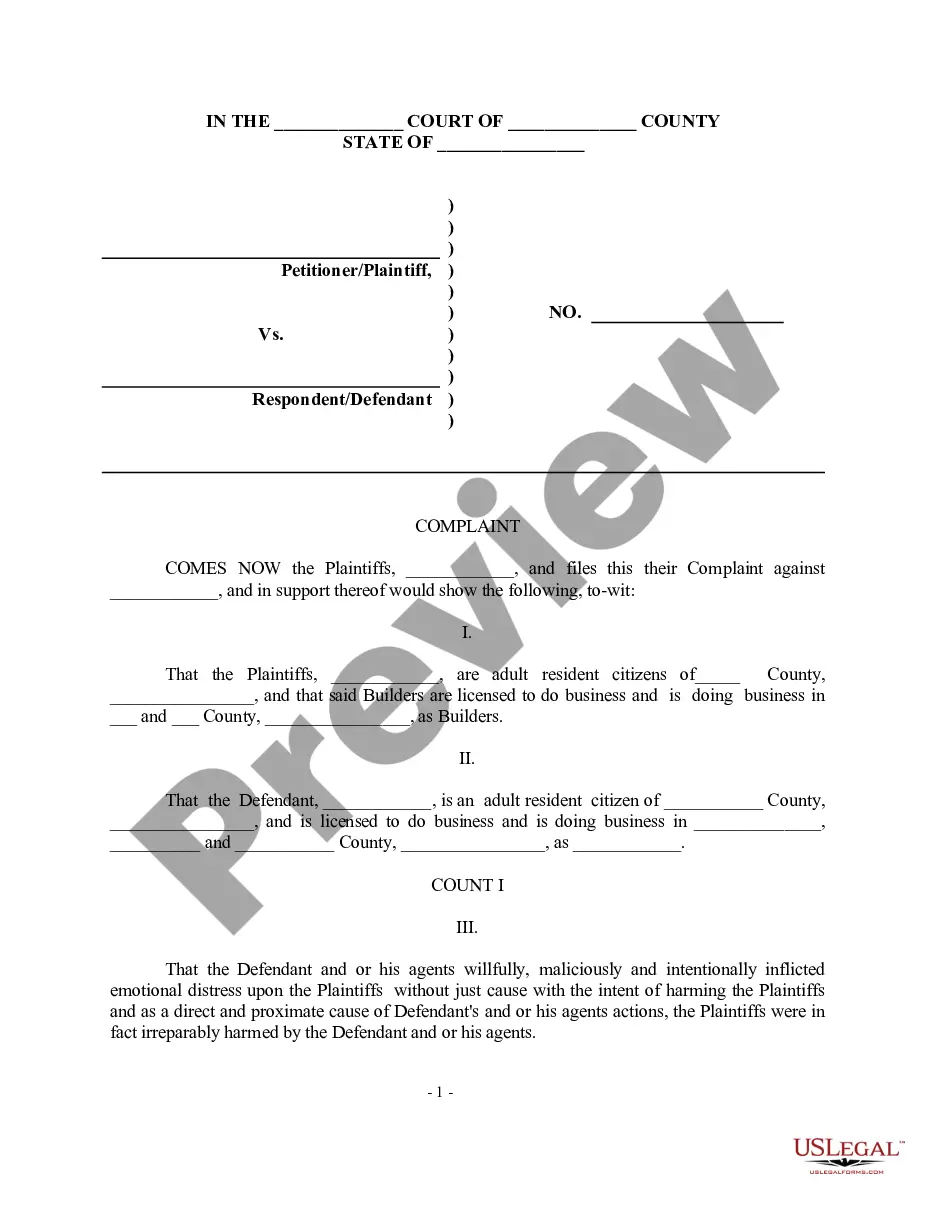
- Claims of emotional distress enforced by the Defendantâs actions.
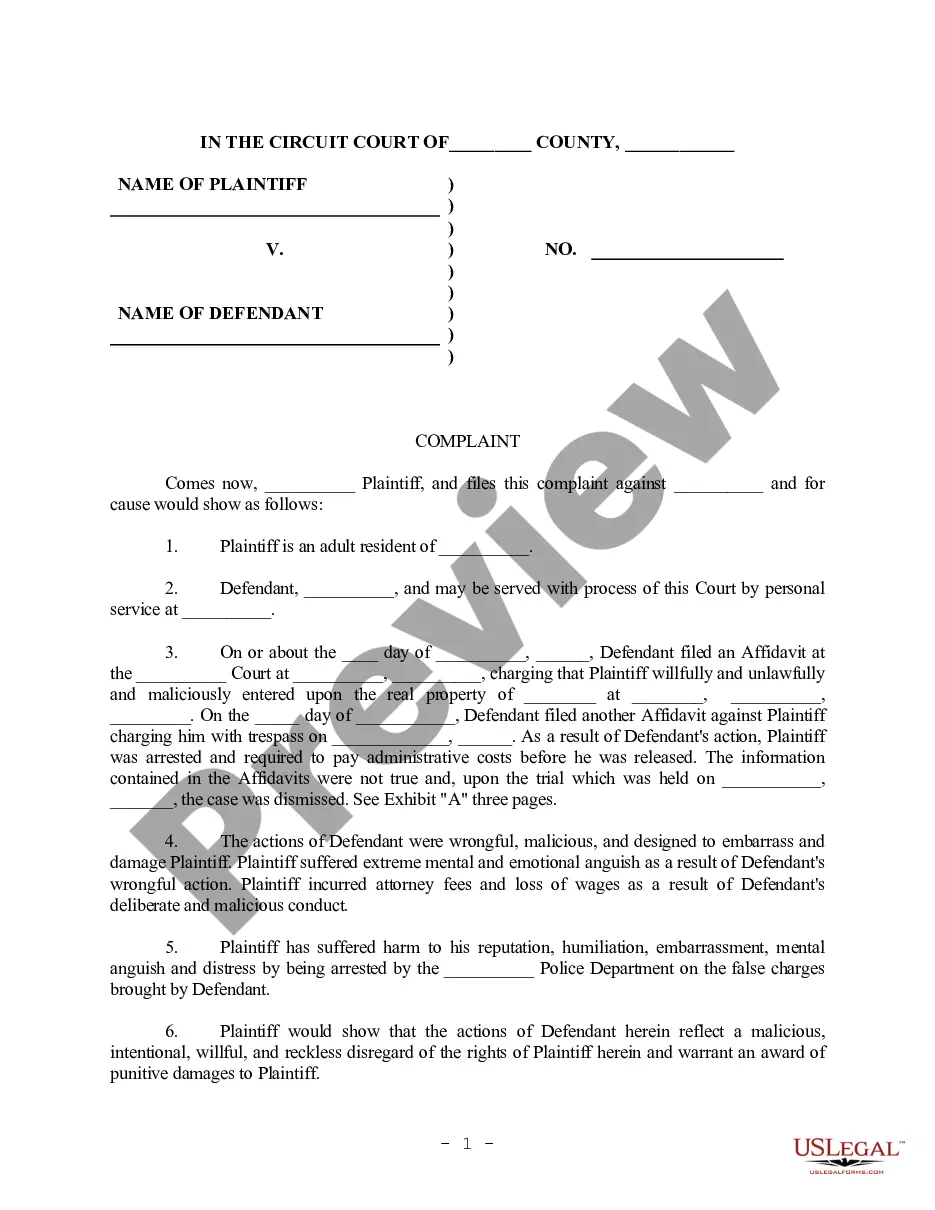
- Specific allegations of slander and defamation impacting the Plaintiff's reputation.
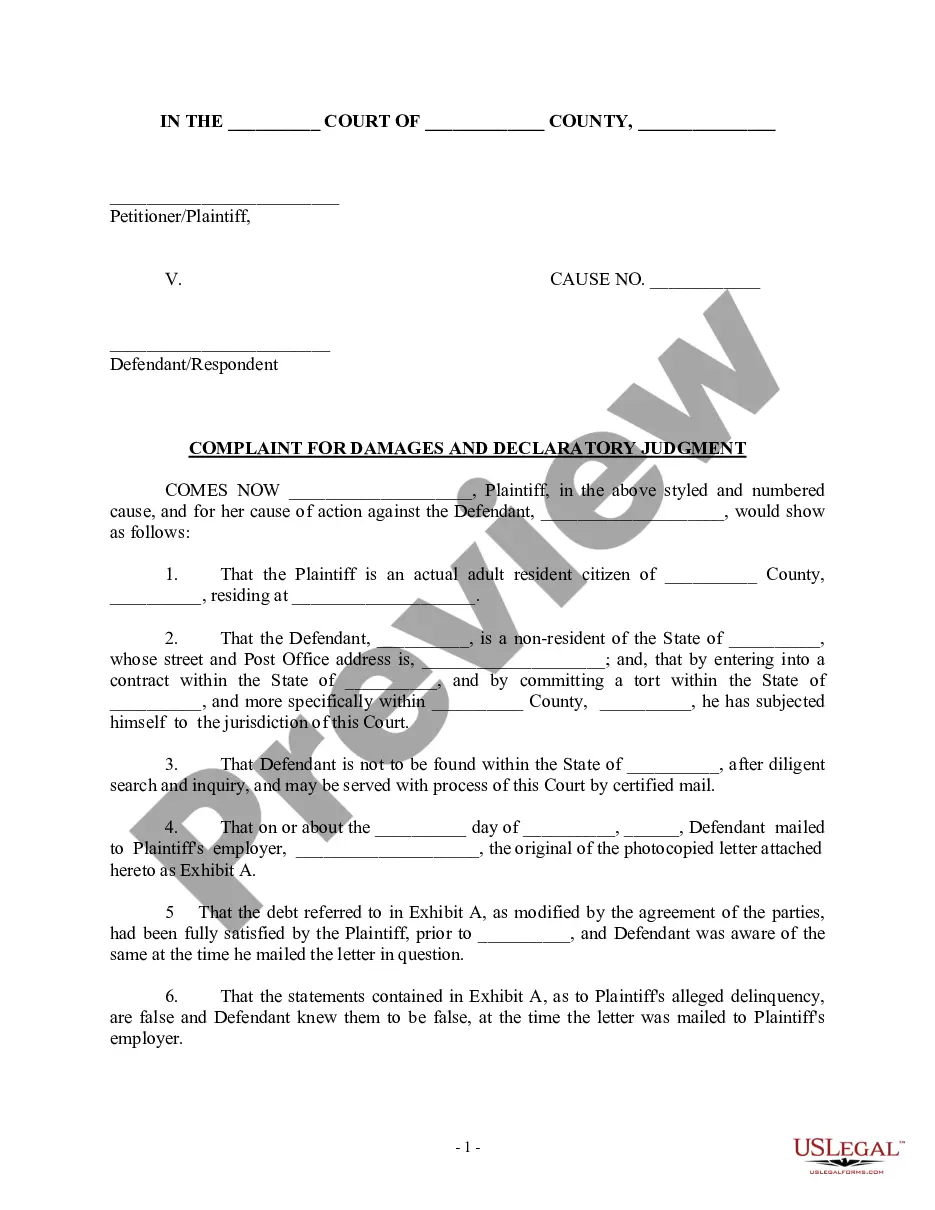
- Intentional deceitful business practices outlined as a basis for legal claims.
- Requested damages, including actual and punitive damages, along with attorney fees.
- A request for temporary injunction to prevent further harm to the Plaintiff.
Common use cases
Use this form when you believe you have been harmed by false statements or fraudulent actions that have led to financial loss or emotional distress. Typical scenarios include disputes with former business partners, customers, or competitors who have engaged in deceitful or defamatory practices against you. If you aim to seek compensation for damages or to prevent ongoing harm through a court injunction, this form serves as your legal foundation.
Intended users of this form
- Individuals or businesses facing defamation issues.
- Parties seeking to address unlawful and deceitful business practices.
- Anyone who has suffered emotional or financial damage due to another's malicious intentions.
- Residents of Mississippi who need a formal mechanism to pursue legal action.
Completing this form step by step
- Identify and provide details for both the Plaintiff and Defendant, including names and residences.
- Detail the claims made against the Defendant, citing specific incidents of defamation, fraud, and deceitful practices.
- Clearly state the damages you are claiming, including both actual and punitive damages.
- Include a request for a temporary injunction if necessary to prevent further harm.
- Review the completed document for accuracy and completeness before submission.
Notarization requirements for this form
This form does not typically require notarization unless specified by local law. However, ensure that all the signatures are completed and check local filing requirements for any additional stipulations.
Get your form ready online
Our built-in tools help you complete, sign, share, and store your documents in one place.
Make edits, fill in missing information, and update formatting in US Legal Forms—just like you would in MS Word.
Download a copy, print it, send it by email, or mail it via USPS—whatever works best for your next step.
Sign and collect signatures with our SignNow integration. Send to multiple recipients, set reminders, and more. Go Premium to unlock E-Sign.
If this form requires notarization, complete it online through a secure video call—no need to meet a notary in person or wait for an appointment.
We protect your documents and personal data by following strict security and privacy standards.

Make edits, fill in missing information, and update formatting in US Legal Forms—just like you would in MS Word.

Download a copy, print it, send it by email, or mail it via USPS—whatever works best for your next step.

Sign and collect signatures with our SignNow integration. Send to multiple recipients, set reminders, and more. Go Premium to unlock E-Sign.

If this form requires notarization, complete it online through a secure video call—no need to meet a notary in person or wait for an appointment.

We protect your documents and personal data by following strict security and privacy standards.
Common mistakes
- Failing to clearly identify the Defendantâs actions that caused harm.
- Inadequately detailing the damages and losses suffered.
- Neglecting to follow local court filing procedures.
- Overlooking the requirement to sign and date the form before submission.
Advantages of online completion
- Access to professionally drafted legal templates that ensure compliance with Mississippi laws.
- Time-saving availability for immediate download and editing from anywhere.
- Easy customization options to adapt to your specific situation without the need for extensive legal knowledge.
- Cost-effective alternative to hiring a lawyer for simple pleadings.
Looking for another form?

Form popularity
FAQ
Contact the Federal Trade Commission at 1-877-FTC-HELP, 1-877-ID-THEFT, or online at www.ftc.gov. Contact the National Center for Disaster Fraud at (866) 720-5721, by fax at (225) 334-4707 or submit a complaint through the NCDF Web Complaint Form.
The Federal Trade Commission (FTC) is the main agency that collects scam reports. Report your scam online with the FTC complaint assistant, or by phone at 1-877-382-4357 ( AM - PM, ET).
Report Fraud or Abuse. Alert MDES immediately: Email: safe@mdes.ms.gov. Call: 601-493-9427. Police Report. Identity Theft Affidavit. Driver's license or state issued picture ID. If you receive a debit card, email a legible copy of the front and back of the card to safe@mdes.ms.gov.
Suspected fraud can be reported MDHS online any time submitting the MDHS Fraud Tip Form at https://www.mdhs.ms.gov/report-fraud/, calling the Fraud Tip Line during normal business hours at 1-(800)-299-6905, or email at fraud@mdhs.ms.gov.
This site is easy to use, and MDES is here to help you navigate the path to a new job and a new future. First, here's where to go to GET STARTED. We'll take you step-by-step through the process of filing a claim to receive your unemployment benefit.
HEROES Act Branded 'Remake of Western Civilization Bill' By Sen. U.S. Jobless Claims Near 40 Million as All 50 States Start Reopening.
Click the green Verify with ID.me button. Follow the prompts to either log in to your existing ID.me account, or create a new one. Confirm your email address. Select and set up the multi-factor authentication option of your choice.
Benefitpay@mdes.ms.gov. For questions regarding. Unemployment Tax: tax@mdes.ms.gov. For questions regarding. Unemployment Benefits Overpayments: bpc@mdes.ms.gov. For questions regarding. Appeals: appeals@mdes.ms.gov.
To file unemployment claims, Ask questions about existing claims, Password reset assistance, and. How to file weekly certifications.