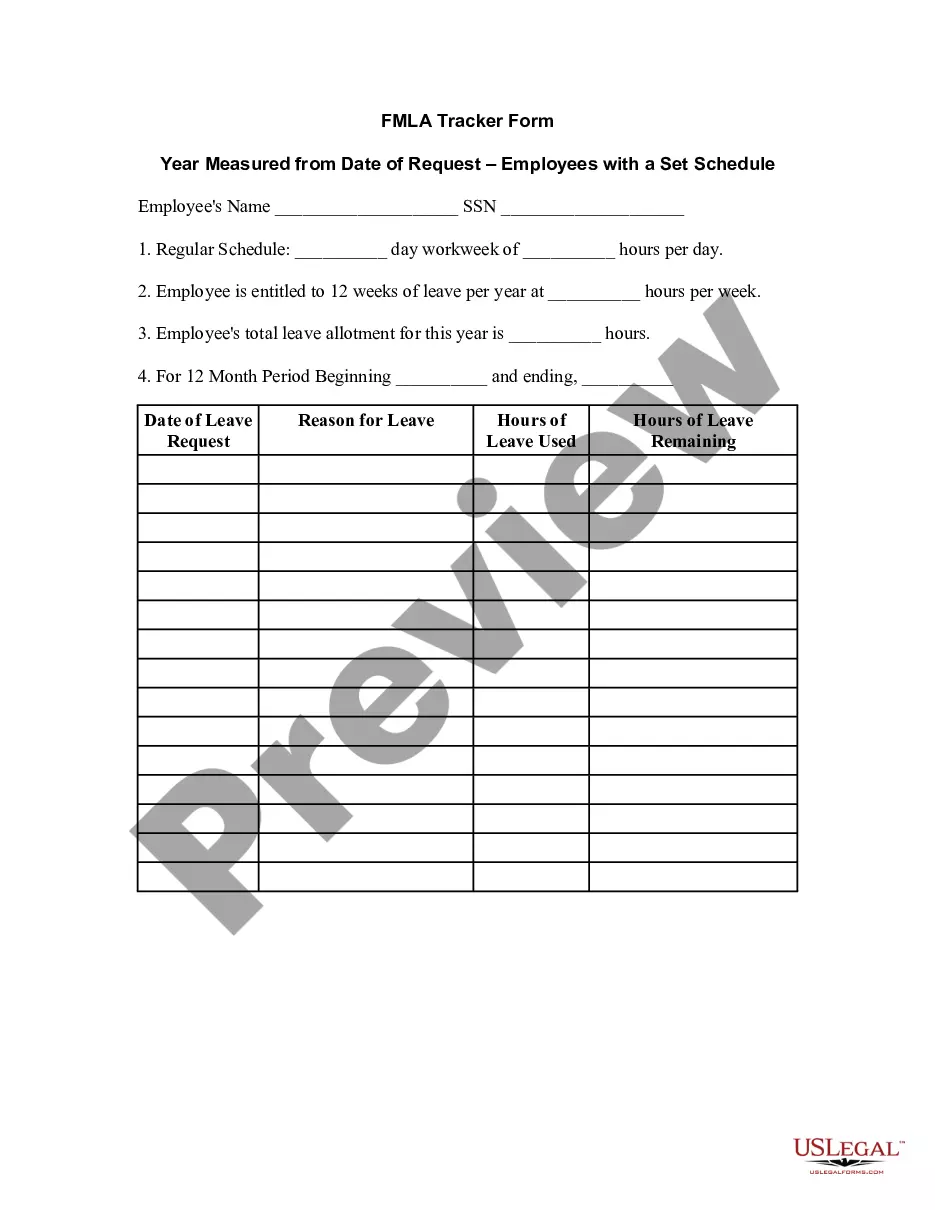
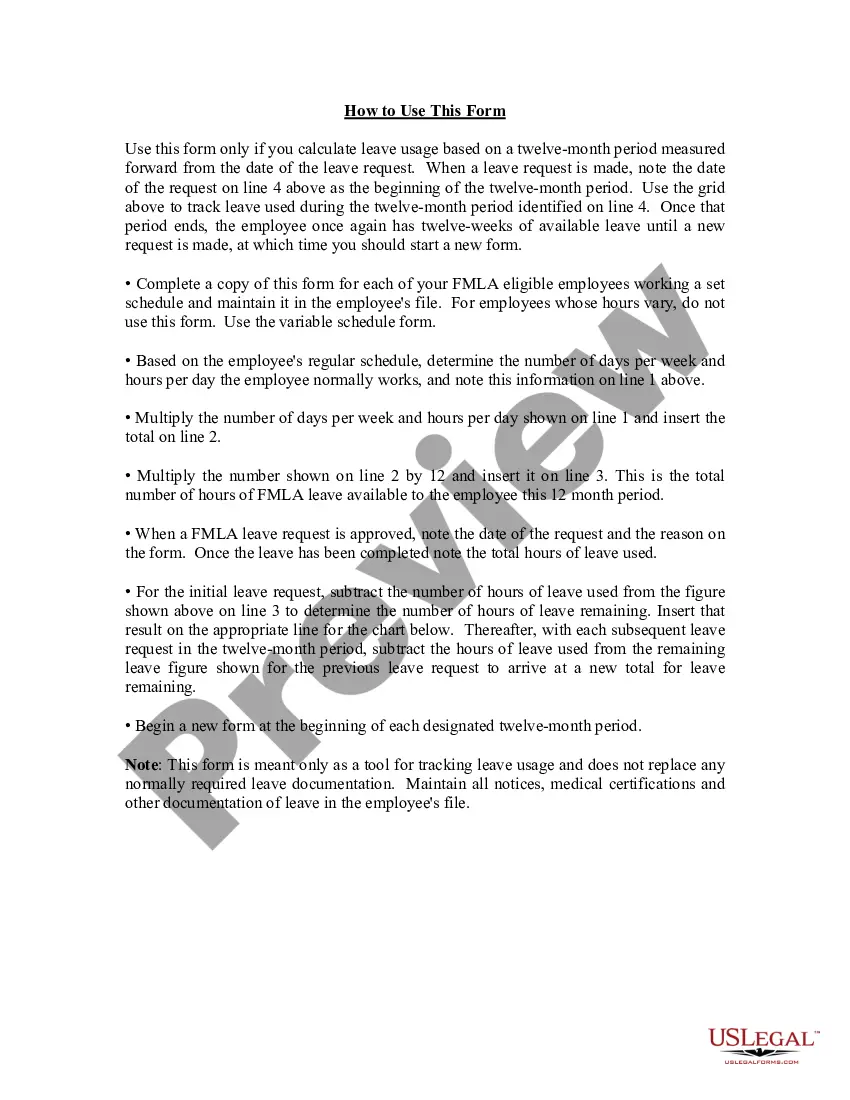
Missouri FMLA Tracker Form - Year Measured from Date of Request - Employees with Set Schedule
Description
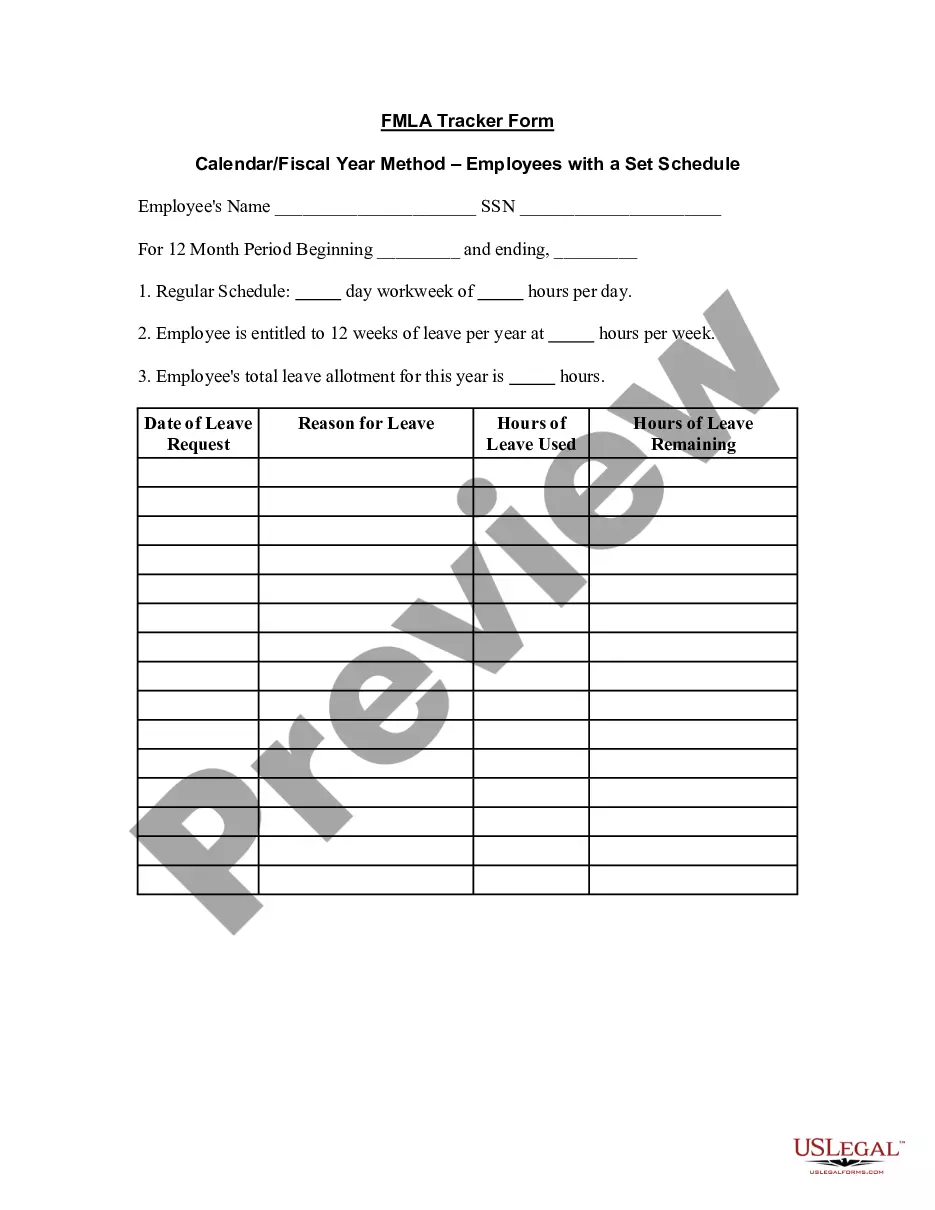
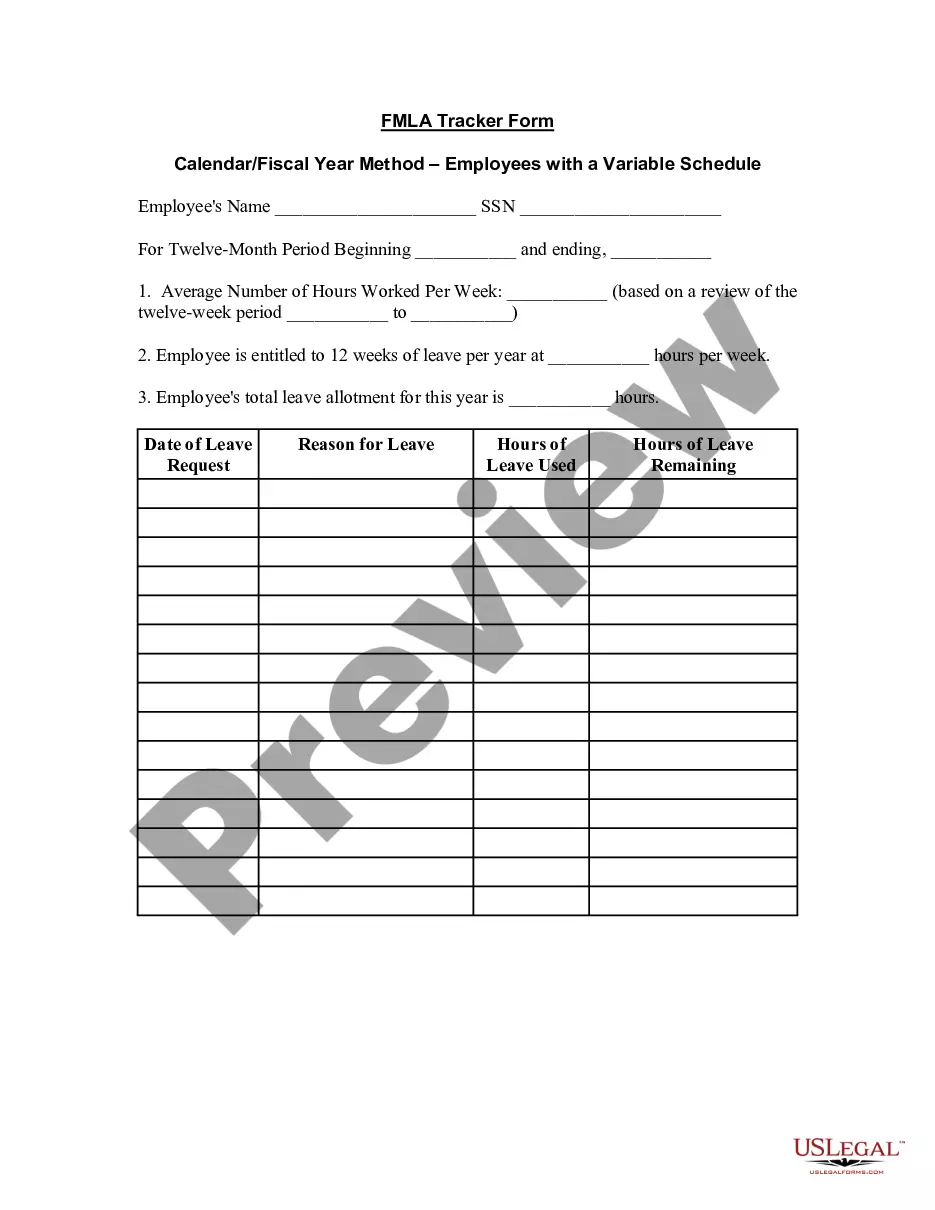
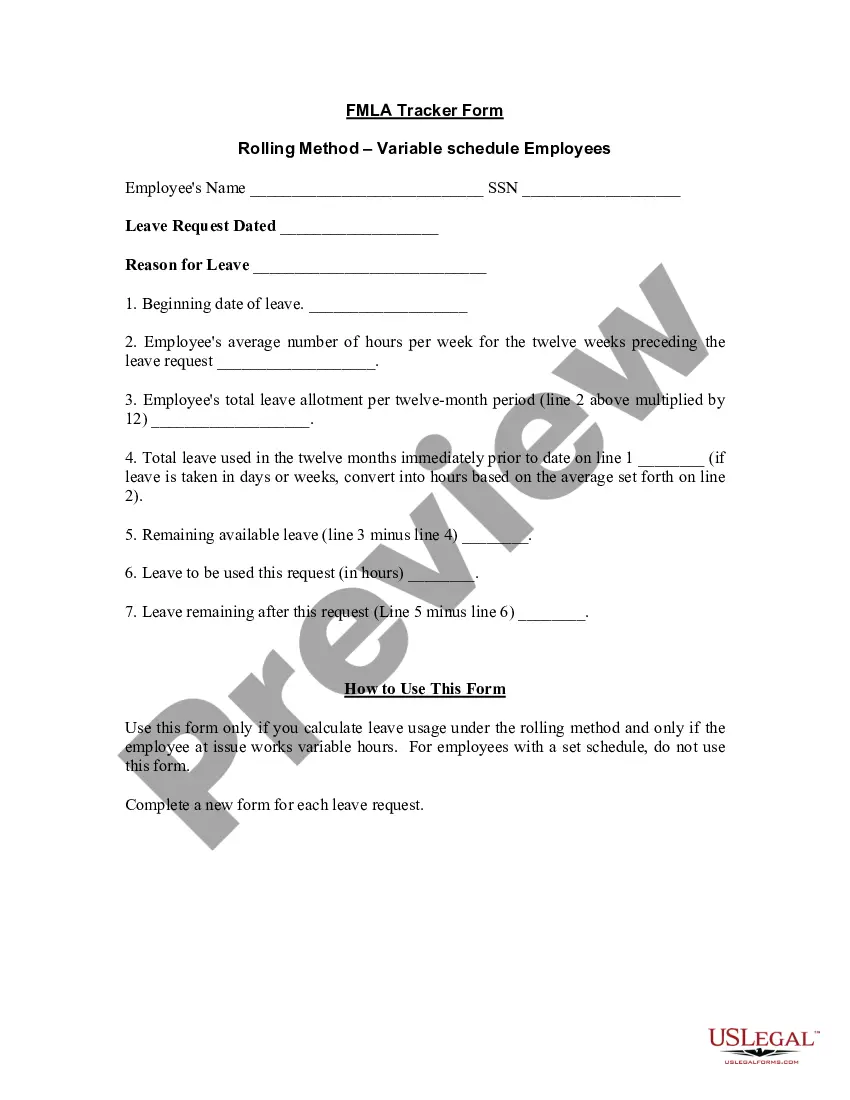
Get your form ready online
Our built-in tools help you complete, sign, share, and store your documents in one place.
Make edits, fill in missing information, and update formatting in US Legal Forms—just like you would in MS Word.
Download a copy, print it, send it by email, or mail it via USPS—whatever works best for your next step.
Sign and collect signatures with our SignNow integration. Send to multiple recipients, set reminders, and more. Go Premium to unlock E-Sign.
If this form requires notarization, complete it online through a secure video call—no need to meet a notary in person or wait for an appointment.
We protect your documents and personal data by following strict security and privacy standards.

Make edits, fill in missing information, and update formatting in US Legal Forms—just like you would in MS Word.

Download a copy, print it, send it by email, or mail it via USPS—whatever works best for your next step.

Sign and collect signatures with our SignNow integration. Send to multiple recipients, set reminders, and more. Go Premium to unlock E-Sign.

If this form requires notarization, complete it online through a secure video call—no need to meet a notary in person or wait for an appointment.

We protect your documents and personal data by following strict security and privacy standards.
Looking for another form?


How to fill out FMLA Tracker Form - Year Measured From Date Of Request - Employees With Set Schedule?
Are you in the situation where you need documentation for both business or specialized purposes almost every workday.
There are numerous legal document samples accessible online, yet finding versions you can trust is challenging.
US Legal Forms offers a vast array of form templates, such as the Missouri FMLA Tracker Form - Year Measured from Date of Request - Employees with Set Schedule, which are designed to comply with both state and federal regulations.
Select a convenient document format and download your copy.
Retrieve all the document templates you have purchased from the My documents menu. You can obtain an additional copy of the Missouri FMLA Tracker Form - Year Measured from Date of Request - Employees with Set Schedule at any time, if needed. Just select the relevant form to download or print the document template.
- If you are already familiar with the US Legal Forms website and possess an account, simply Log In.
- After logging in, you can obtain the Missouri FMLA Tracker Form - Year Measured from Date of Request - Employees with Set Schedule template.
- If you lack an account and wish to start using US Legal Forms, follow these steps.
- Locate the form you need and verify it is for the correct state/region.
- Utilize the Preview button to review the document.
- Check the description to confirm that you have chosen the right form.
- If the form is not what you need, use the Search field to find a form that suits your requirements and preferences.
- Once you identify the suitable form, click on Purchase now.
- Choose the pricing plan you prefer, complete the necessary information to create your account, and pay for your order using your PayPal or credit card.
Form popularity
FAQ
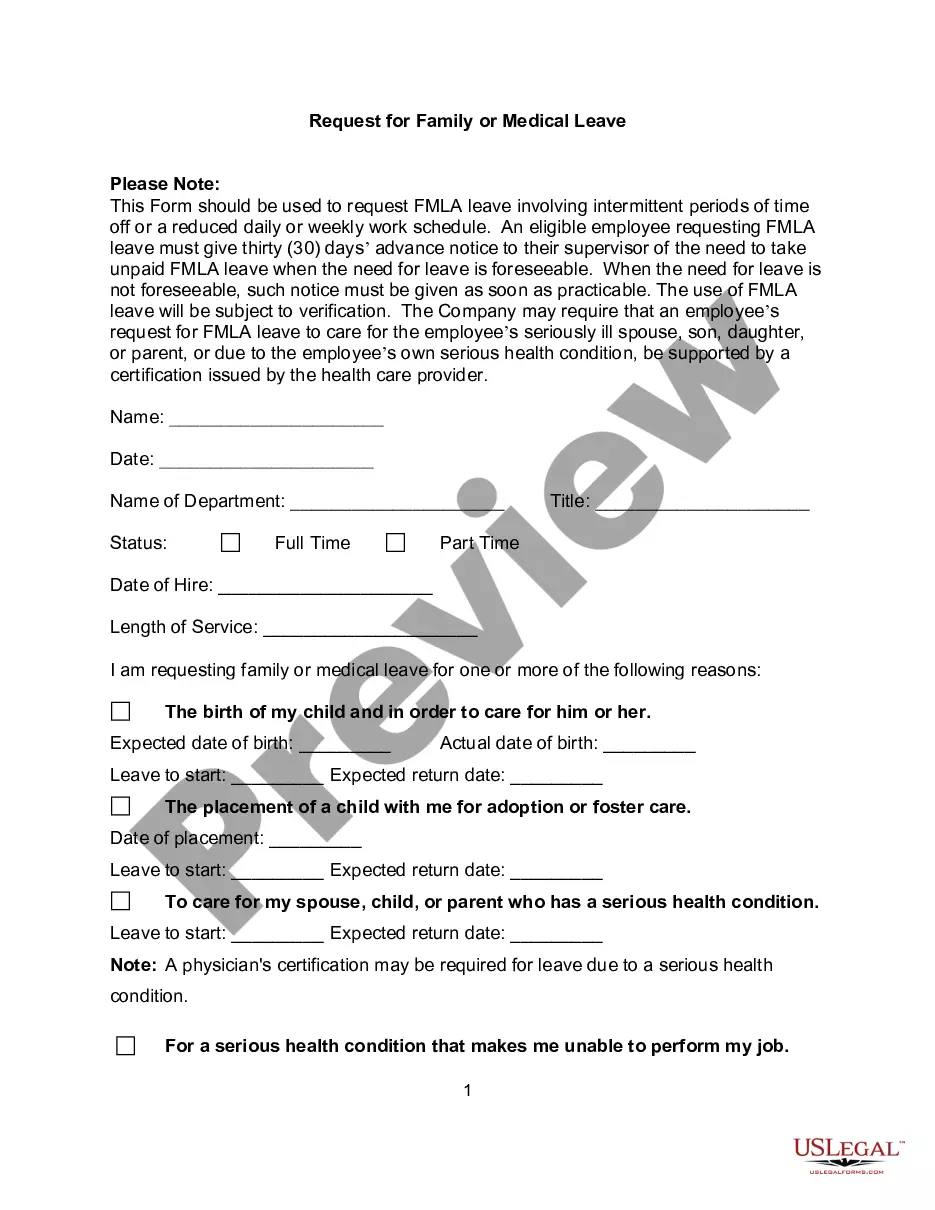
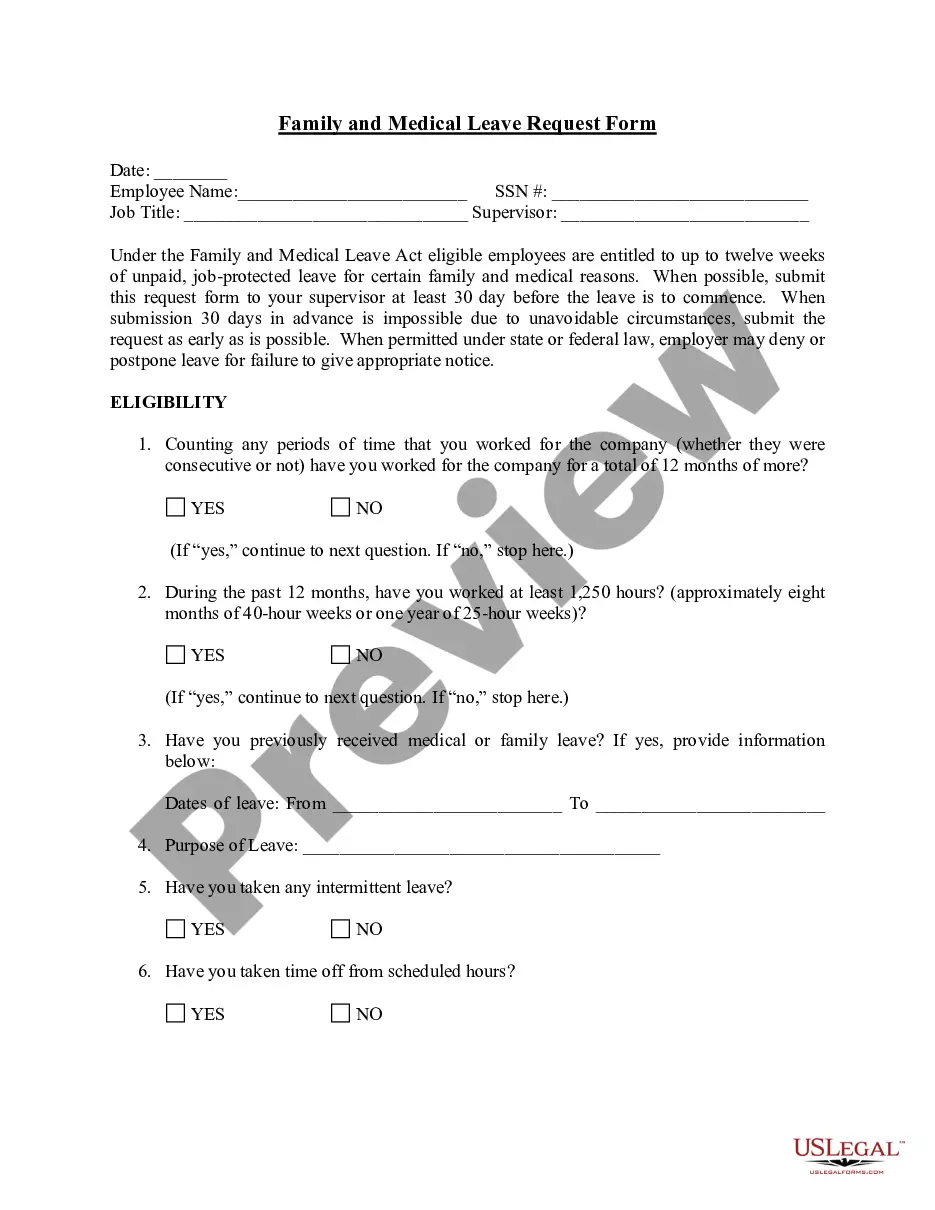
An employee's 12-week FMLA leave can be calculated using the calendar year, any fixed 12-month year, the first day of FMLA leave or a rolling period.
Under the ''rolling'' 12-month period, each time an employee takes FMLA leave, the remaining leave entitlement would be the balance of the 12 weeks which has not been used during the immediately preceding 12 months. 2022 Example 1: Michael requests three weeks of FMLA leave to begin on July 31st.
The 12-month rolling sum is the total amount from the past 12 months. As the 12-month period rolls forward each month, the amount from the latest month is added and the one-year-old amount is subtracted. The result is a 12-month sum that has rolled forward to the new month.
For example, an employer considers Thanksgiving a holiday and is closed on that day, and none of its employees work. One of its employees is taking 12 weeks of unpaid FMLA leave the last 12 weeks of the calendar year. The employer would count Thanksgiving Day as FMLA leave for that employee.
The amount of FMLA leave taken is divided by the number of hours the employee would have worked if the employee had not taken leave of any kind (including FMLA leave) to determine the proportion of the FMLA workweek used.
Under the ''rolling'' 12-month period, each time an employee takes FMLA leave, the remaining leave entitlement would be the balance of the 12 weeks which has not been used during the immediately preceding 12 months. 2022
One of the easiest methods by which an employer can track FMLA leave is to place all employees on a calendar year track. This means that each employee can take 12 weeks of FMLA leave anytime between January and December, and the calculations reset on January 1 of each year.
