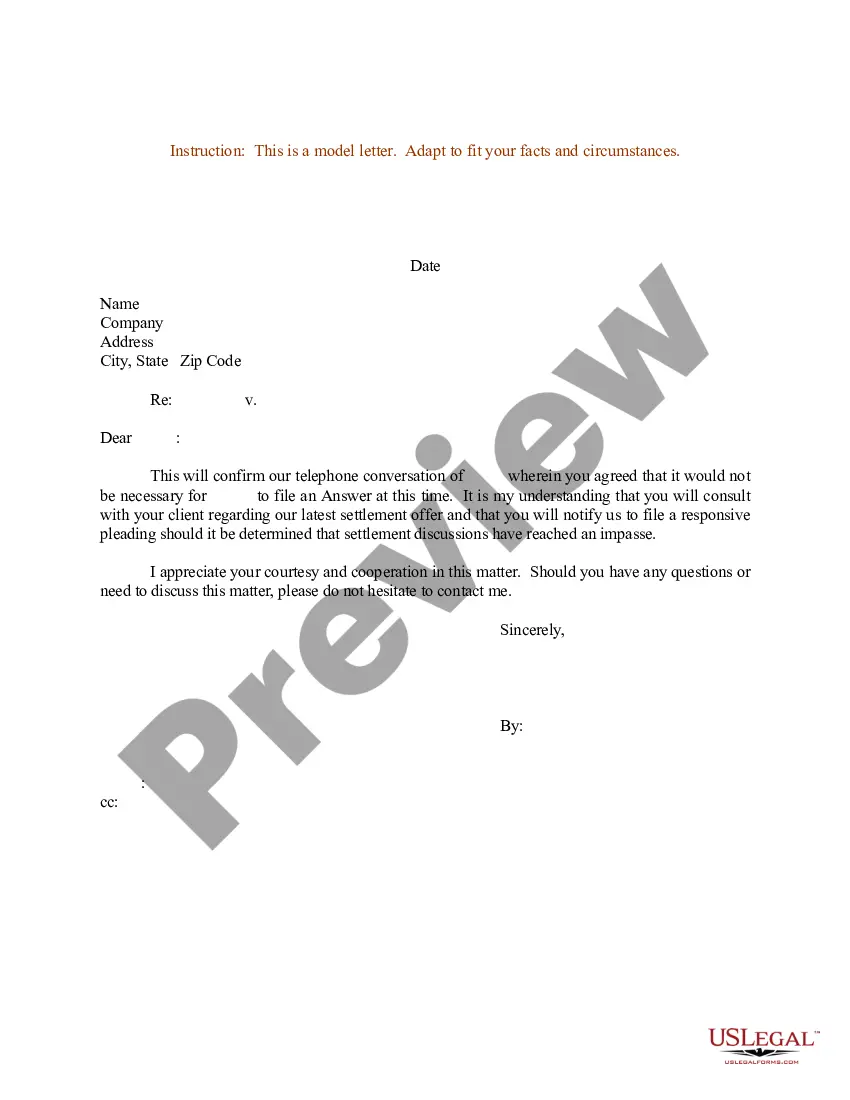
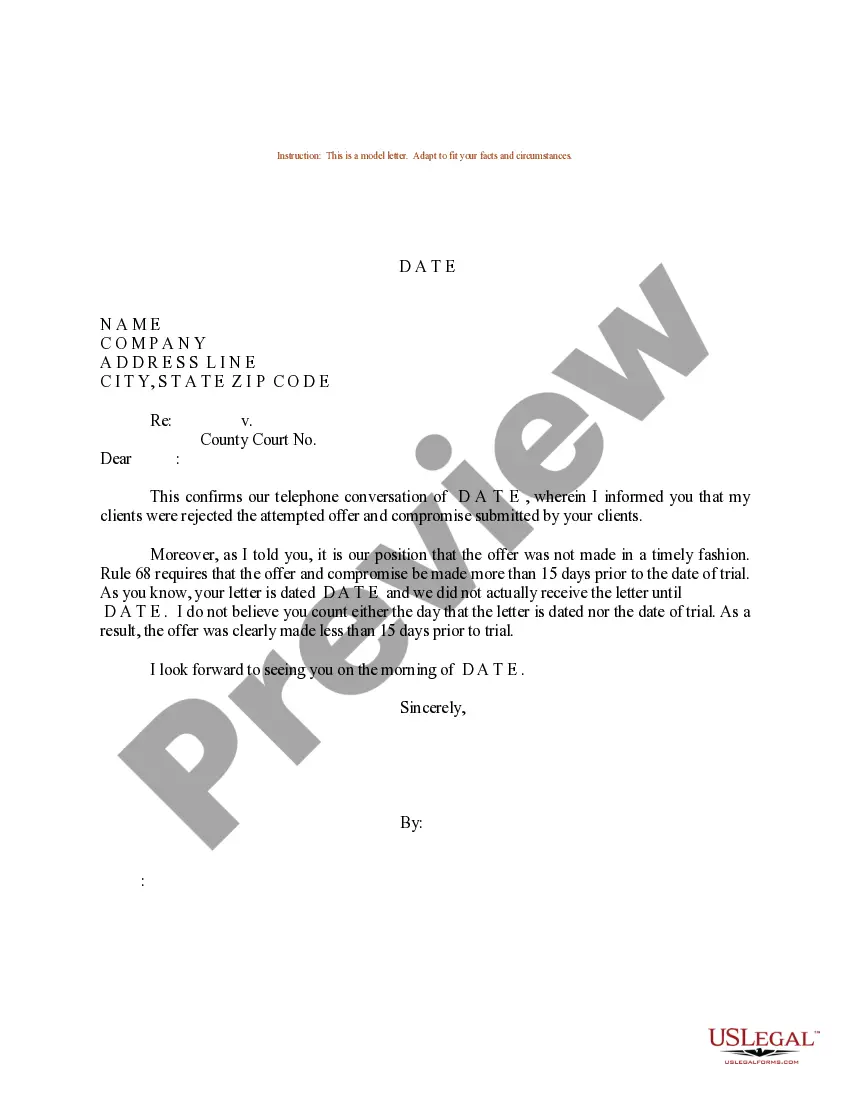
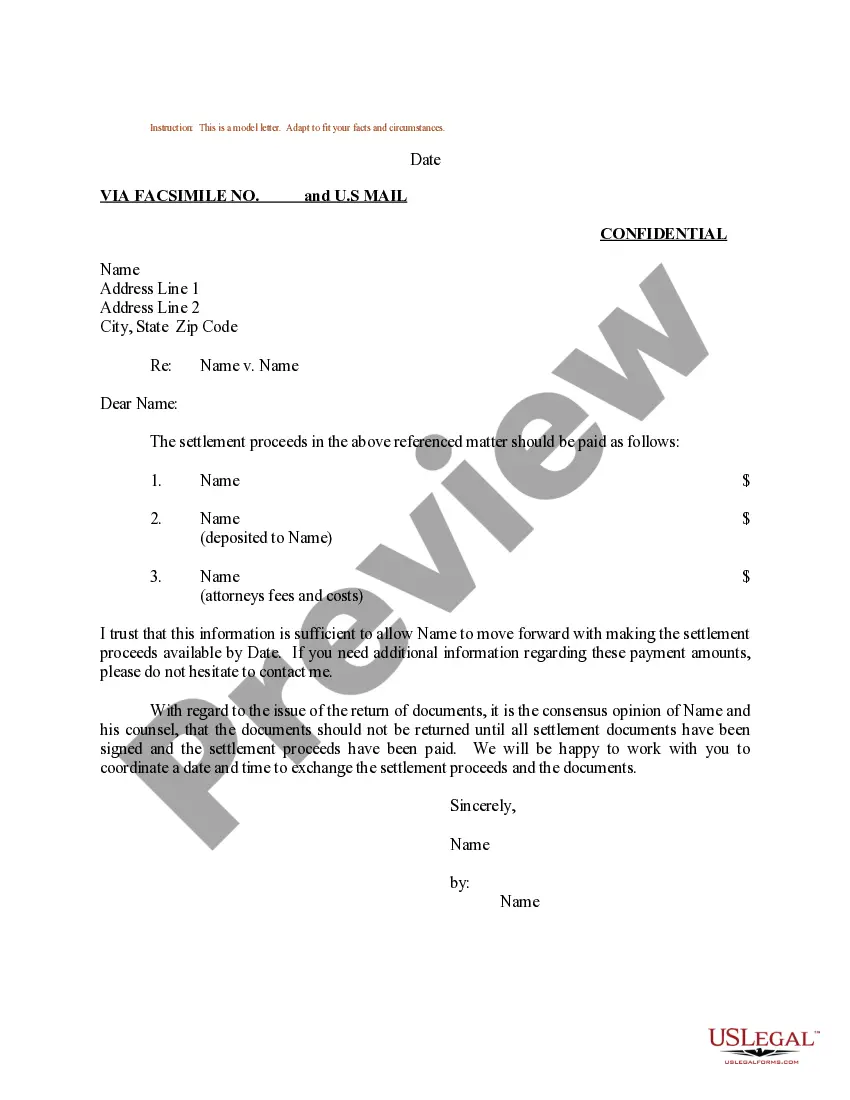
Missouri Sample Letter Confirmation concerning Settlement via Telephone Conversation
Description

Get your form ready online
Our built-in tools help you complete, sign, share, and store your documents in one place.
Make edits, fill in missing information, and update formatting in US Legal Forms—just like you would in MS Word.
Download a copy, print it, send it by email, or mail it via USPS—whatever works best for your next step.
Sign and collect signatures with our SignNow integration. Send to multiple recipients, set reminders, and more. Go Premium to unlock E-Sign.
If this form requires notarization, complete it online through a secure video call—no need to meet a notary in person or wait for an appointment.
We protect your documents and personal data by following strict security and privacy standards.

Make edits, fill in missing information, and update formatting in US Legal Forms—just like you would in MS Word.

Download a copy, print it, send it by email, or mail it via USPS—whatever works best for your next step.

Sign and collect signatures with our SignNow integration. Send to multiple recipients, set reminders, and more. Go Premium to unlock E-Sign.

If this form requires notarization, complete it online through a secure video call—no need to meet a notary in person or wait for an appointment.

We protect your documents and personal data by following strict security and privacy standards.
Looking for another form?




How to fill out Sample Letter Confirmation Concerning Settlement Via Telephone Conversation?
Discovering the right lawful file template can be quite a struggle. Of course, there are a variety of themes accessible on the Internet, but how do you obtain the lawful type you require? Utilize the US Legal Forms website. The services provides a large number of themes, for example the Missouri Sample Letter Confirmation concerning Settlement via Telephone Conversation, which can be used for business and personal requires. All of the varieties are inspected by specialists and satisfy federal and state demands.
In case you are previously listed, log in in your bank account and click on the Acquire switch to get the Missouri Sample Letter Confirmation concerning Settlement via Telephone Conversation. Utilize your bank account to look through the lawful varieties you may have purchased previously. Visit the My Forms tab of the bank account and acquire yet another duplicate of the file you require.
In case you are a new customer of US Legal Forms, allow me to share simple directions that you can adhere to:
- First, make sure you have selected the right type for your personal town/region. You can check out the form while using Preview switch and browse the form outline to make certain it is the right one for you.
- In the event the type is not going to satisfy your requirements, use the Seach discipline to obtain the appropriate type.
- When you are sure that the form is proper, go through the Acquire now switch to get the type.
- Choose the rates program you would like and enter in the needed info. Design your bank account and purchase your order utilizing your PayPal bank account or credit card.
- Opt for the document structure and obtain the lawful file template in your system.
- Full, modify and print and sign the acquired Missouri Sample Letter Confirmation concerning Settlement via Telephone Conversation.
US Legal Forms is definitely the largest collection of lawful varieties in which you can find a variety of file themes. Utilize the service to obtain expertly-created files that adhere to status demands.
Form popularity
FAQ
In an appointment letter, it's important to mention the person's name, address, contact details and dispatch address at the beginning of the letter. You need to state the date of joining, job position, designation, stipends, period of exploration/employment, etc.
Dear [Name], This is an appointment confirmation of our scheduled meeting with [Company Name] on [Date] at [Time] in [Location]. I wanted to ensure that we are still on track for this meeting. Please let me know if you need to make any schedule changes or have any questions or concerns.
Generic template for an appointment confirmation text Thank you for choosing <Business Name>. Your appointment has been booked for <Date, day> at <Time>. To confirm, please respond with 'C'. If you do not wish to receive further text communications, please respond with 'STOP'.
How to write this confirmation letter: Refer to your last contact with your reader, if appropriate. Confirm that the meeting or appointment will take place, and review any pertinent details (time, place, etc.), as necessary. Add any other special information, if necessary, and end with a pleasant comment.
How to write a confirmation letter in 5 steps Include a letter header. At the top of your confirmation letter, you can include a header with contact information for yourself and the recipient. ... Start with an explanation. ... Add detailed information. ... Highlight attachments. ... End with a supportive statement.