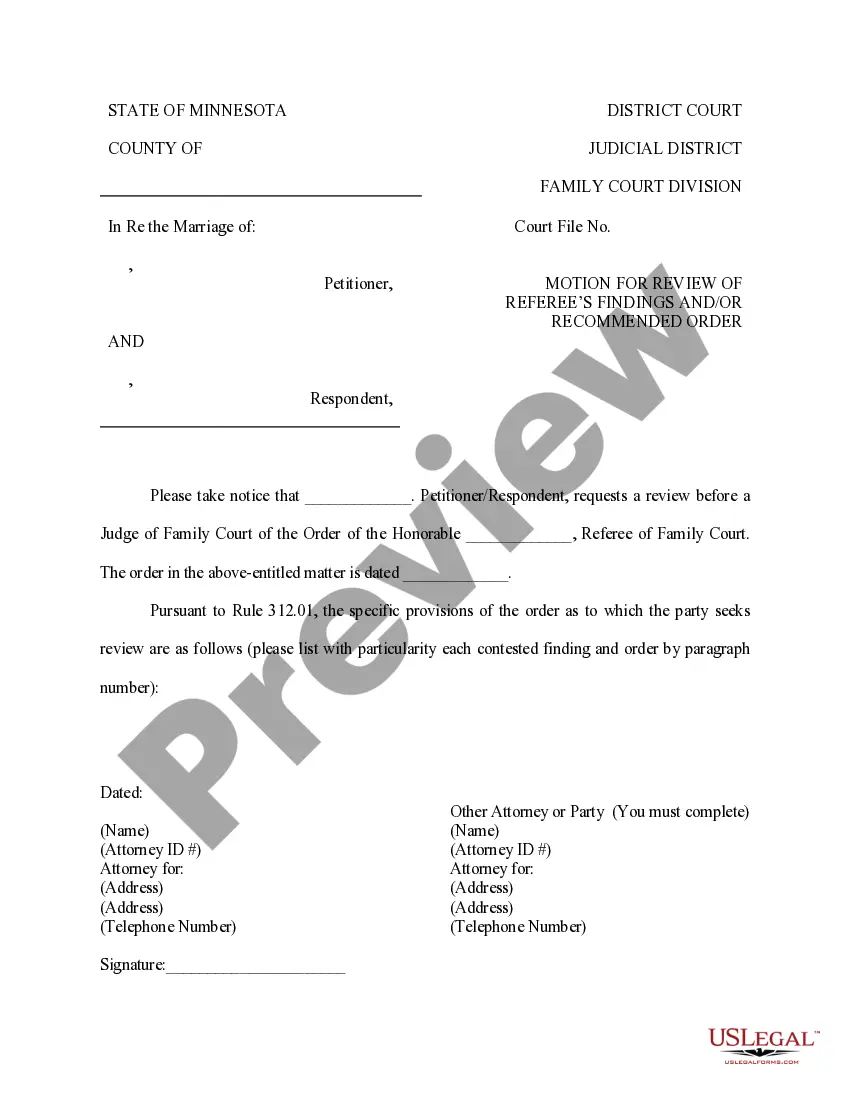
Minnesota Motion for Review of Referee's Finding and or Recommended Order
About this form
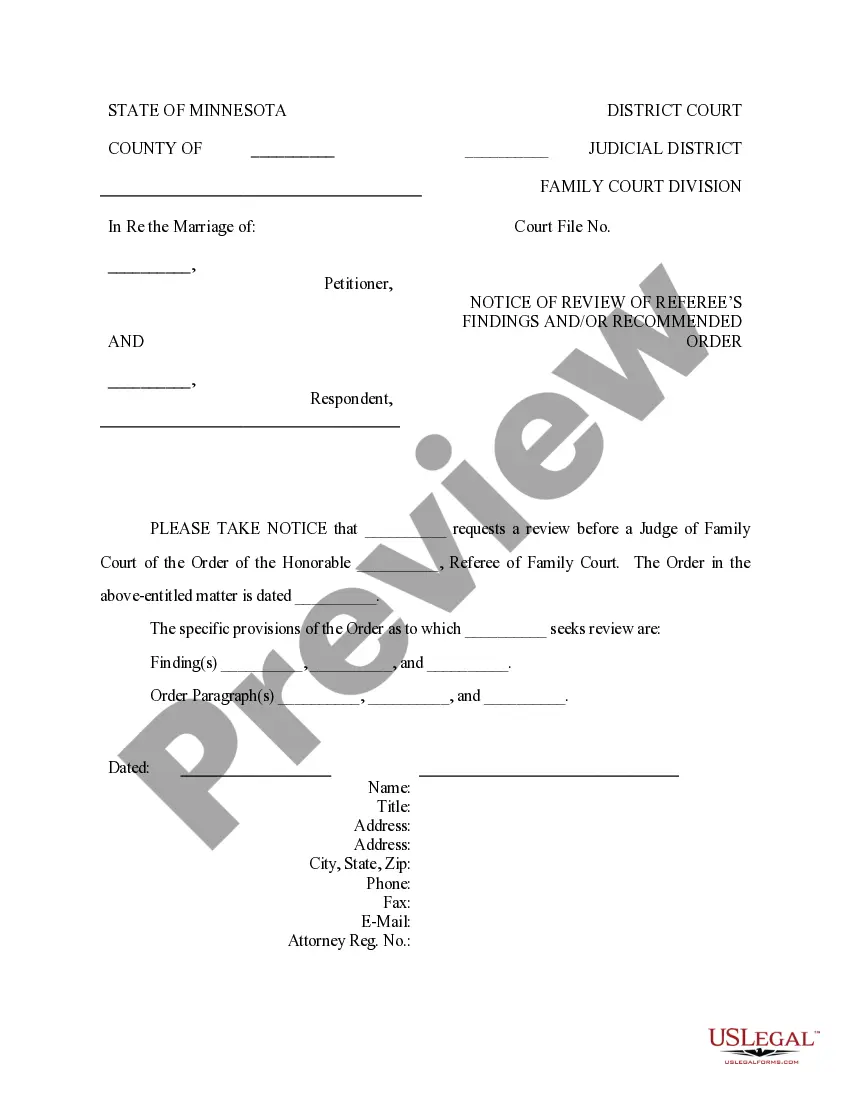
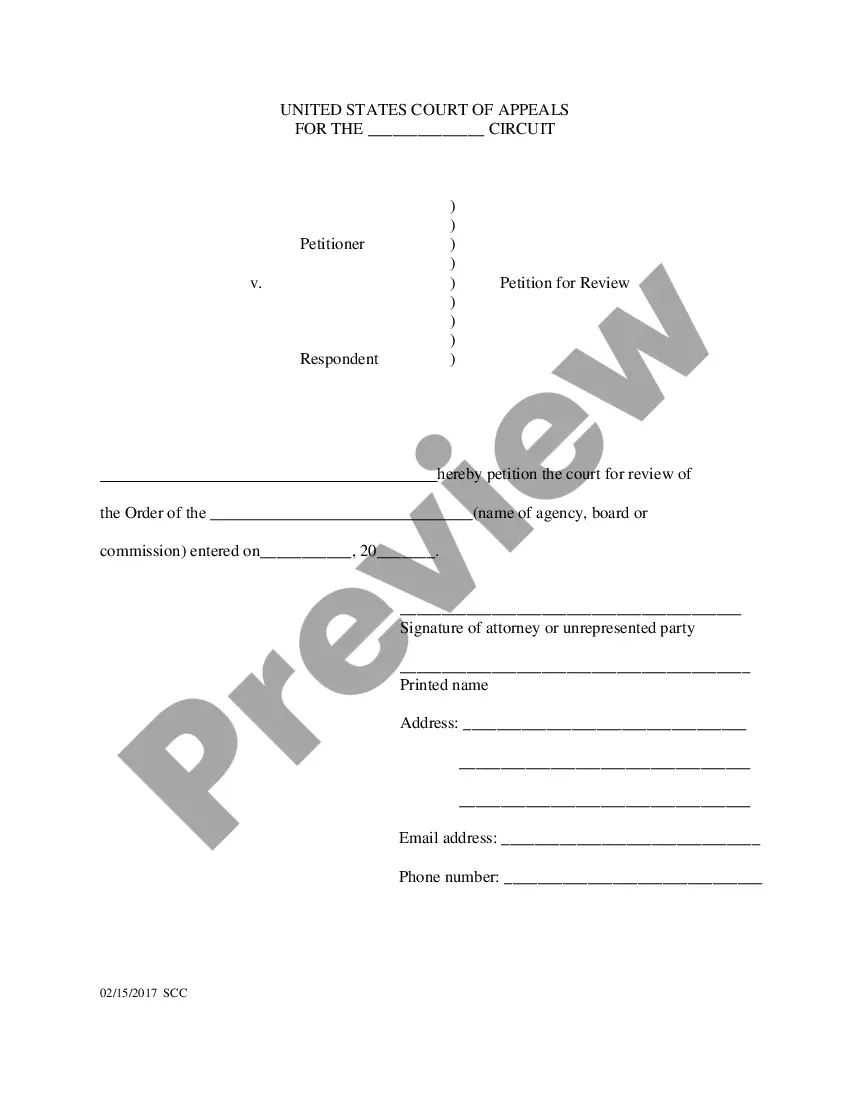
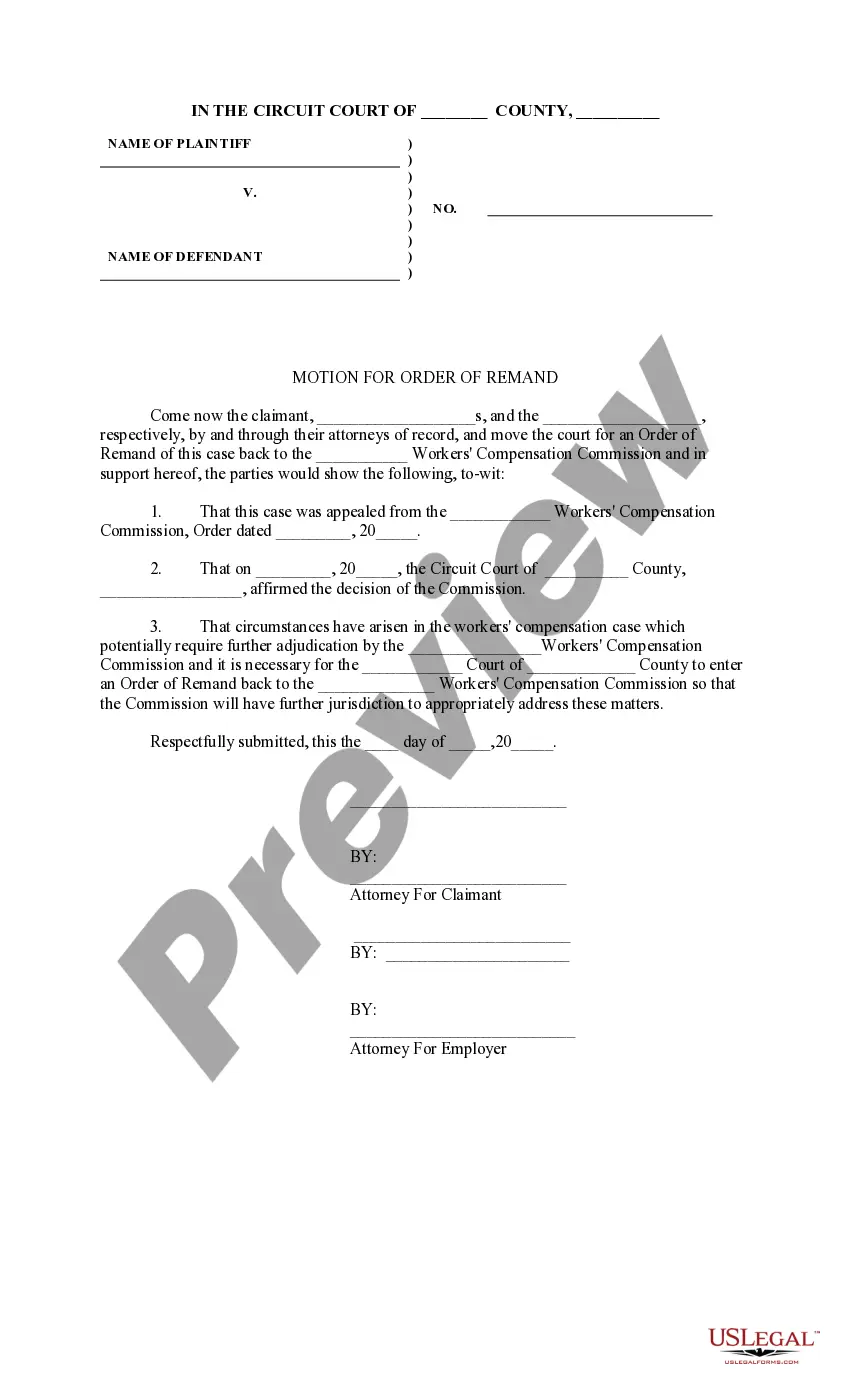
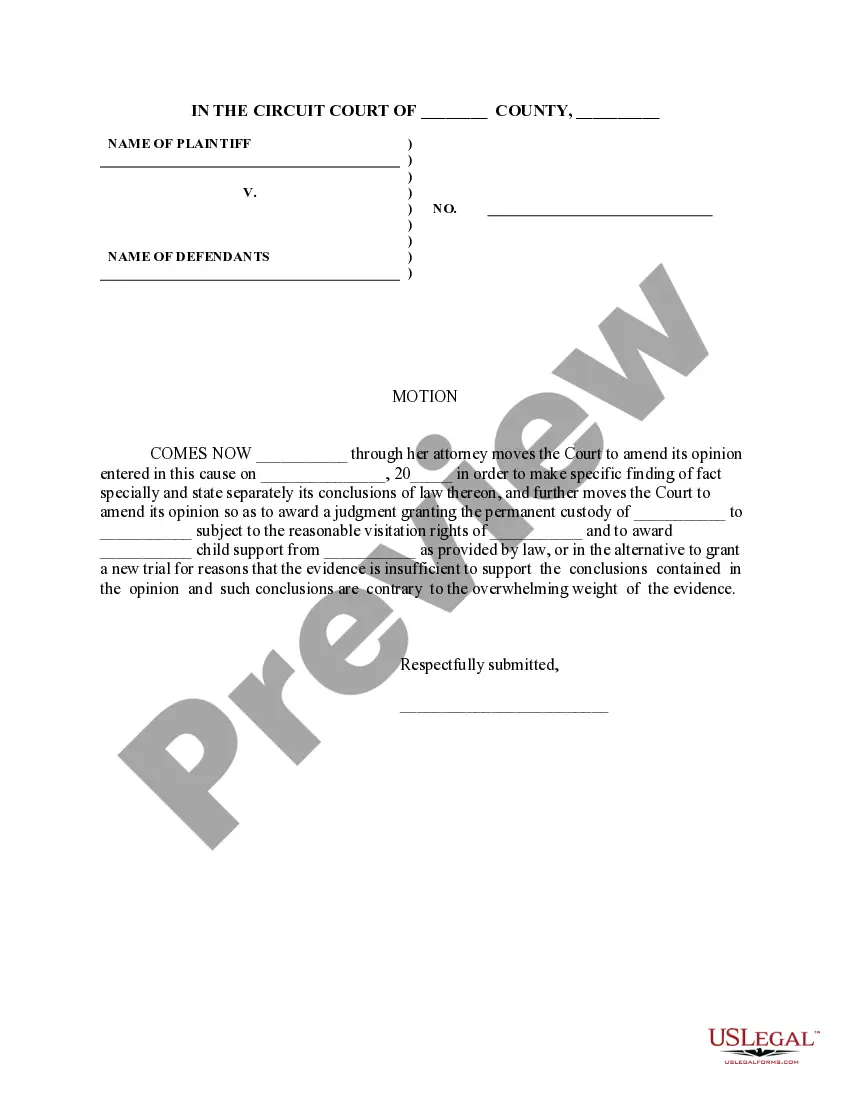
The Motion for Review of Referee's Finding and or Recommended Order is a legal document that allows a party in a dissolution proceeding to request a judge to review the findings or recommendations made by a referee. This form is critical for parties who believe that the refereeâs decisions may not align with the facts of their case or applicable law, thus providing a mechanism for judicial oversight.
Key parts of this document
- Petitioner's or Respondent's name and contact information
- Name of the Family Court referee and the date of their order
- Specification of the contested provisions and findings from the referee's order
- Signature of the requesting party and their attorney details

Common use cases
This form should be used when a party involved in a dissolution proceeding disagrees with a referee's findings or recommendations. Common scenarios include disputes over child custody decisions, division of assets, or support orders made by the referee that a party believes warrant judicial review for fairness or legal validity.
Who needs this form
- Petitioners or respondents in a dissolution proceeding
- Parties wishing to formally contest a referee's findings
- Individuals seeking to ensure their matters are fairly reviewed by a judge
Completing this form step by step
- Fill in the names of all relevant parties.
- Enter the name of the Family Court referee and the date of their order.
- List the specific provisions or findings of the order that you are disputing.
- Include your contact information as well as your attorney's details.
- Sign the form to validate your request.
Is notarization required?
This form does not typically require notarization unless specified by local law. However, it's advisable to check with your local court for any additional requirements related to your specific situation.
Get your form ready online
Our built-in tools help you complete, sign, share, and store your documents in one place.
Make edits, fill in missing information, and update formatting in US Legal Forms—just like you would in MS Word.
Download a copy, print it, send it by email, or mail it via USPS—whatever works best for your next step.
Sign and collect signatures with our SignNow integration. Send to multiple recipients, set reminders, and more. Go Premium to unlock E-Sign.
If this form requires notarization, complete it online through a secure video call—no need to meet a notary in person or wait for an appointment.
We protect your documents and personal data by following strict security and privacy standards.

Make edits, fill in missing information, and update formatting in US Legal Forms—just like you would in MS Word.

Download a copy, print it, send it by email, or mail it via USPS—whatever works best for your next step.

Sign and collect signatures with our SignNow integration. Send to multiple recipients, set reminders, and more. Go Premium to unlock E-Sign.

If this form requires notarization, complete it online through a secure video call—no need to meet a notary in person or wait for an appointment.

We protect your documents and personal data by following strict security and privacy standards.
Avoid these common issues
- Failing to list all contested findings and orders with proper detail.
- Not including required signatures from all parties involved.
- Neglecting to provide accurate information regarding the referee's order date.
Why complete this form online
- Easy access to downloadable templates created by licensed attorneys.
- Edit the form easily to fit your specific situation and needs.
- Save time with instant downloads rather than waiting for physical copies.
Looking for another form?
Form popularity
FAQ
Dispositive motions therefore can accelerate the resolution of a claim or lawsuit, promote efficiency, and conserve judicial resources. For example, motions for default judgment, motions to dismiss, and motions for summary judgment all may result in the disposition of claims without a trial.
Motions to strike under FRCP 12(f).Motions for a preliminary injunction or a temporary restraining order (TRO) under FRCP 65 (which typically do not result in the disposition of a case in its entirety, although in some circumstances, these motions may be considered dispositive).
§ 1081.205 Non-dispositive motions.Written memoranda, briefs, affidavits or other relevant material or documents may be filed in support of or in opposition to a motion. (c) Oral motions. The Director or the hearing officer, as appropriate, may order that an oral motion be submitted in writing.
Prior to submitting motion paperwork, a motion date must be obtained from court administration. Then you must complete a motion form. After completing the motion and your attachments, you must have a copy of the motion and attachments served on the opposing party(ies).