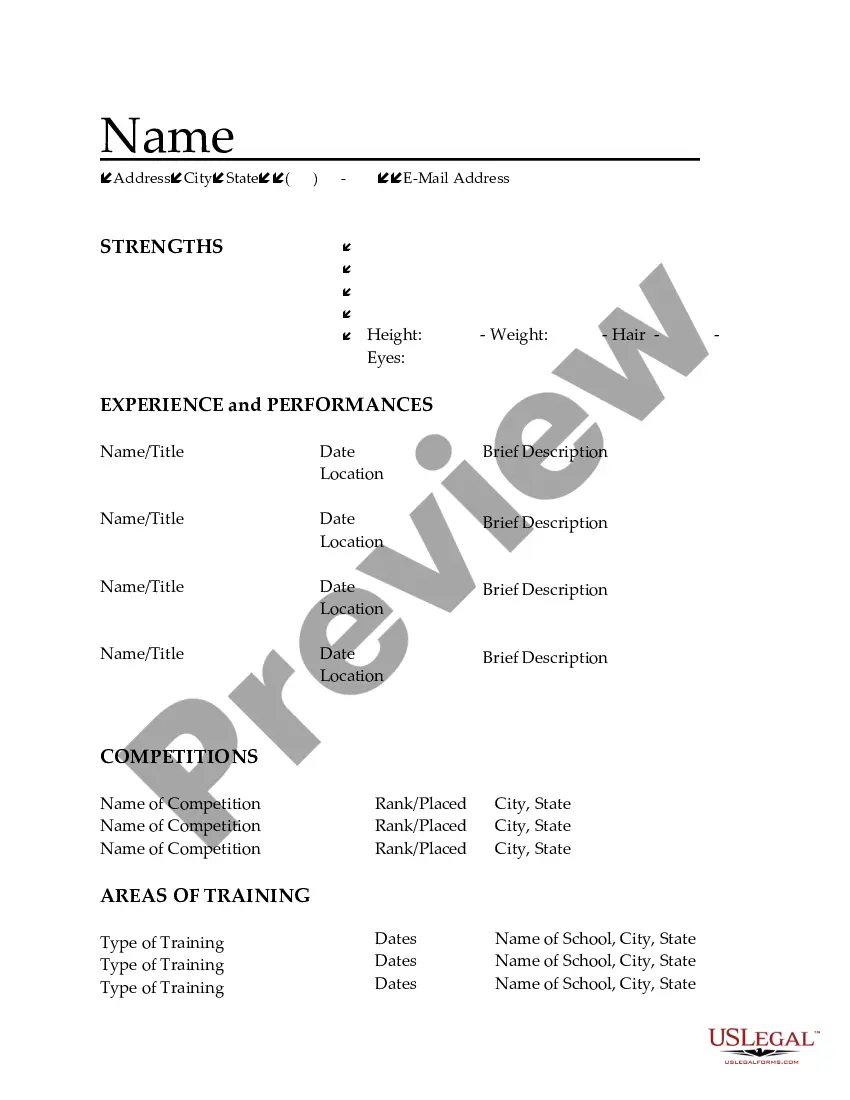
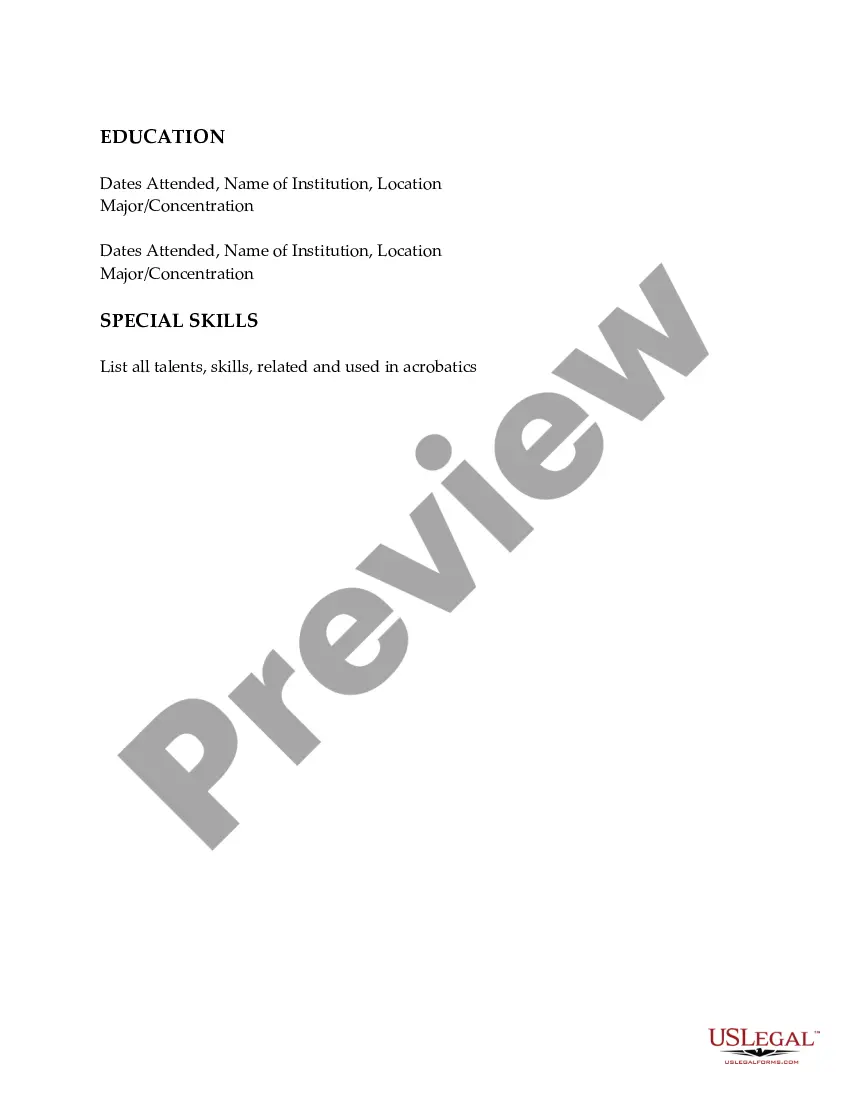
Michigan Resume for Acrobats
Description
Get your form ready online
Our built-in tools help you complete, sign, share, and store your documents in one place.
Make edits, fill in missing information, and update formatting in US Legal Forms—just like you would in MS Word.
Download a copy, print it, send it by email, or mail it via USPS—whatever works best for your next step.
Sign and collect signatures with our SignNow integration. Send to multiple recipients, set reminders, and more. Go Premium to unlock E-Sign.
If this form requires notarization, complete it online through a secure video call—no need to meet a notary in person or wait for an appointment.
We protect your documents and personal data by following strict security and privacy standards.

Make edits, fill in missing information, and update formatting in US Legal Forms—just like you would in MS Word.

Download a copy, print it, send it by email, or mail it via USPS—whatever works best for your next step.

Sign and collect signatures with our SignNow integration. Send to multiple recipients, set reminders, and more. Go Premium to unlock E-Sign.

If this form requires notarization, complete it online through a secure video call—no need to meet a notary in person or wait for an appointment.

We protect your documents and personal data by following strict security and privacy standards.
Looking for another form?




How to fill out Resume For Acrobats?
Selecting the optimal legitimate document format can be challenging. Naturally, there are numerous templates accessible online, but how can you locate the appropriate form you require? Utilize the US Legal Forms website. The platform offers thousands of templates, such as the Michigan Resume for Acrobats, available for business and personal purposes. All the forms are verified by experts and comply with state and federal regulations.
If you are already registered, Log In to your account and click the Download button to obtain the Michigan Resume for Acrobats. Use your account to browse through the legal forms you have previously purchased. Visit the My documents section of your account to retrieve another copy of the document you need.
If you are a new user of US Legal Forms, here are straightforward instructions for you to follow: First, ensure you have chosen the correct form for your city/region. You can preview the form using the Preview option and review the form summary to confirm this is indeed the right one for you. If the form does not meet your needs, use the Search field to find the appropriate form. Once you are confident that the form is suitable, select the Get now option to acquire the form. Choose the pricing plan you prefer and enter the required information. Create your account and pay for your order using your PayPal account or credit card. Select the document format and download the legal document to your device. Finally, complete, edit, print, and sign the acquired Michigan Resume for Acrobats.
- US Legal Forms is the largest collection of legal documents where you can discover various file templates.
- Utilize the service to obtain properly crafted paperwork that adheres to state regulations.
- Access thousands of templates for different needs.
- Ensure compliance with both state and federal standards.
- Take advantage of the user-friendly interface for easy navigation.
- Retrieve past purchases quickly through your account.
Form popularity
FAQ
To write sports as a hobby in your Michigan Resume for Acrobats, create a section titled 'Hobbies' or 'Interests.' Briefly list the sports you enjoy and any achievements related to them. This section can reflect your personality and dedication, making your resume more relatable and engaging.
Yes, ChatGPT can assist you in creating a CV tailored to your needs, including a Michigan Resume for Acrobats. By providing your background and preferences, it can generate a professional document that highlights your skills and experiences. This tool can save you time and ensure your CV stands out.
To effectively mention extracurricular activities in your Michigan Resume for Acrobats, create a section specifically for these experiences. List activities that demonstrate leadership, teamwork, or relevant skills. This inclusion shows employers your well-rounded character and ability to balance various commitments effectively.
If you have no experience, focus on your training and any workshops you attended for your Michigan Resume for Acrobats. List relevant skills such as choreography, teamwork, and adaptability. You can also include volunteer work or participation in group performances to demonstrate your commitment to dance and willingness to learn.
On your Michigan Resume for Acrobats, include your dance training, performances, and any notable instructors. Highlight your experience in various dance styles and any competitions you've entered. Providing specific details about your roles in performances can help potential employers understand your expertise and passion for dance.
Mention sports activities in your Michigan Resume for Acrobats by creating a dedicated section for extracurricular activities. Include notable sports experiences, the duration of participation, and any leadership roles you held. This approach emphasizes your commitment and skills gained through sports, making your resume stand out.
To include sports experience on your Michigan Resume for Acrobats, list your roles and achievements clearly. Focus on skills developed, such as teamwork, discipline, and leadership. Use bullet points to highlight specific accomplishments, such as competitions won or events participated in. This method showcases your athletic background in a professional manner.
Yes, UMICH does allow resumes, especially for students and applicants seeking internships or job placements. Submitting a well-crafted Michigan Resume for Acrobats can enhance your application and showcase your unique talents. It is advisable to follow their specific submission guidelines to ensure proper presentation. If you require help in creating your resume, resources like uslegalforms can offer valuable support.
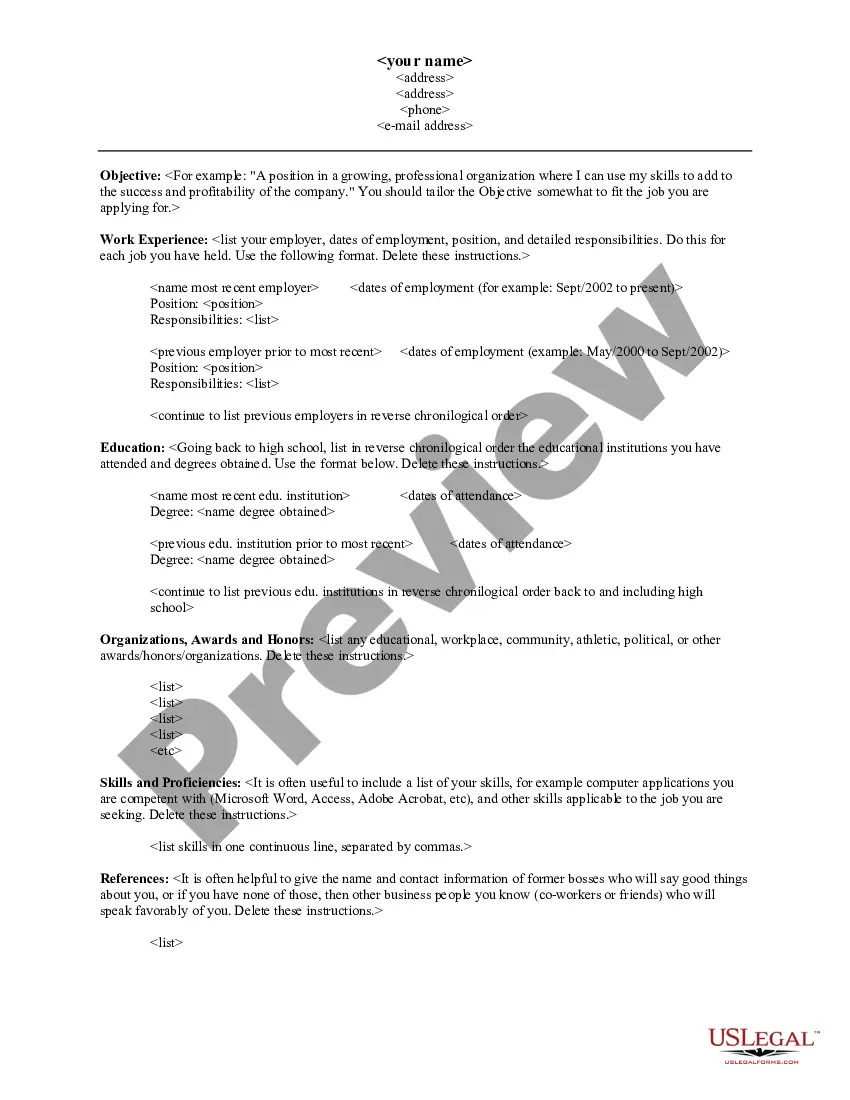
To form a professional resume, start with a clear structure that includes sections like contact information, a summary, skills, experience, and education. Tailor your Michigan Resume for Acrobats to highlight relevant experiences and skills that align with the positions you seek. Use bullet points for clarity, maintain a professional tone, and ensure consistency in formatting. If you need assistance, platforms like uslegalforms can provide templates and guidance.
When you include dance as a hobby in your Michigan Resume for Acrobats, be specific about your experience. Mention the styles of dance you practice, any performances you have participated in, and roles you have taken on. This detail not only showcases your skills but also highlights your dedication and creativity. Remember to position dance in a way that complements your overall professional narrative.